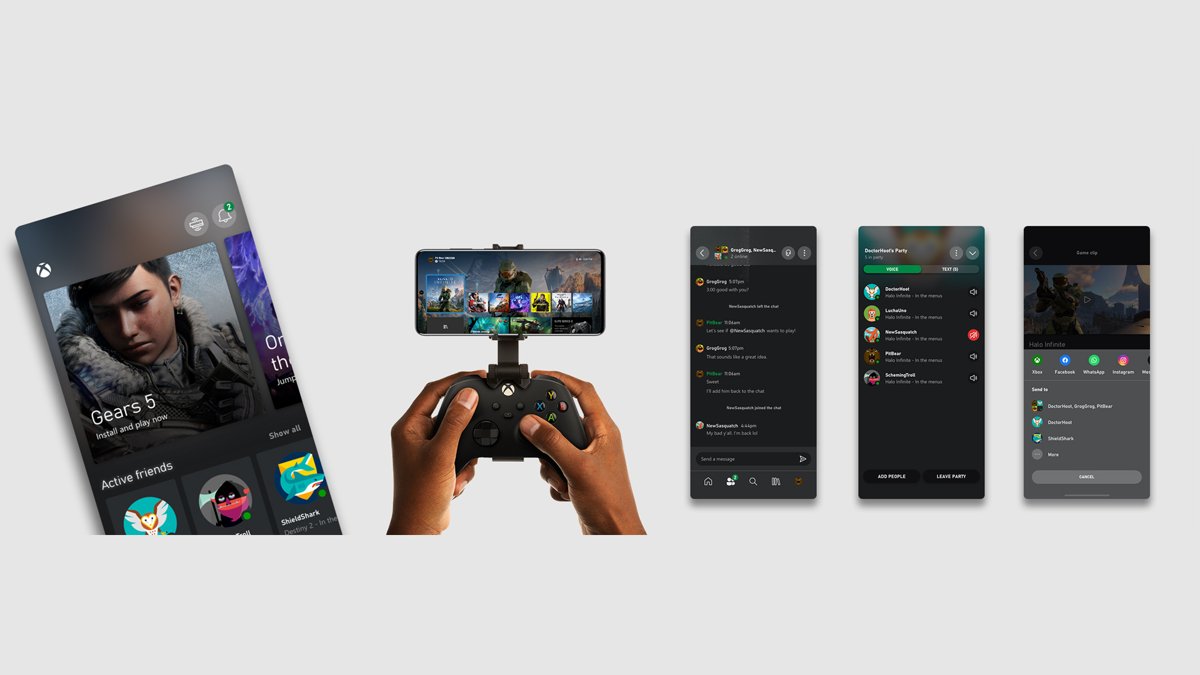
Xbox One no longer has an X or Twitter account to link, so set up sharing by installing the Xbox mobile app on your phone and posting your captures to X from there.
This guide covers capturing on the console, moving clips and screenshots to your phone, sharing a link from a Windows PC, and what to check when a capture will not share.
How to set up X or Twitter sharing on Xbox One
Xbox's current sharing help lists two places to share from an Xbox One or Xbox Series X|S console: your profile's activity feed and messages. Everything outside Xbox, X included, goes through the Xbox mobile app.
The phone app needs iOS 15.1 or later, or Android 8.0 or later.
- Install the Xbox app on your iPhone or Android phone from the App Store or Google Play.
- Sign in to the app with the same Microsoft account you use on the Xbox One.
- Install the X app on the same phone and sign in to your X account.
- On the console, record a game clip or take a screenshot.
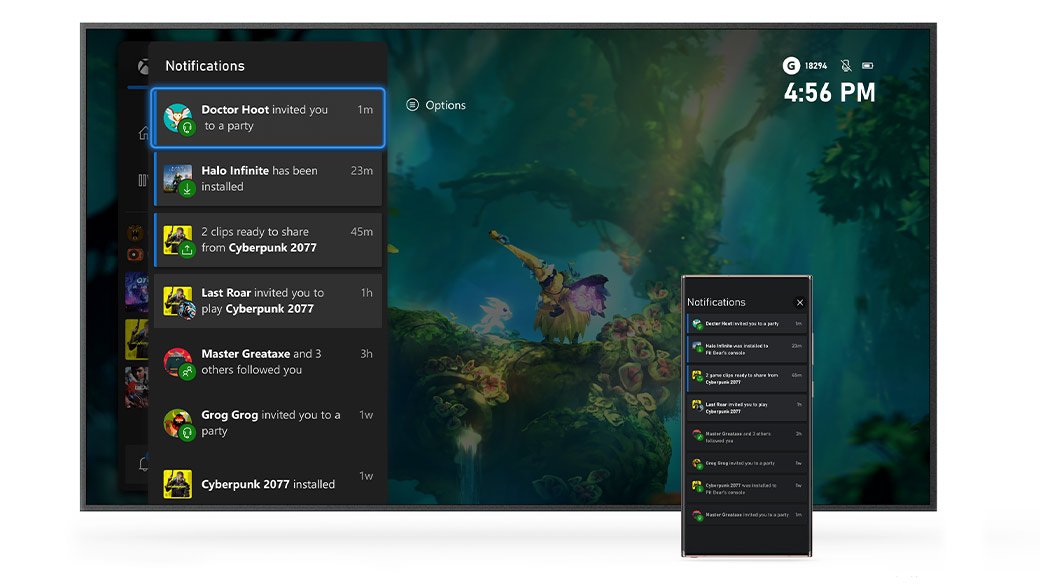
- Wait for the Xbox app to notify you that the capture has finished uploading and is ready to share.
- Open the capture in the Xbox app and choose to share it.
- Pick X in your phone's share options, add your text, and post.
This is a one-time setup. After the two apps are signed in, every new capture can reach X in a few taps.
How to capture a clip or screenshot on Xbox One for X
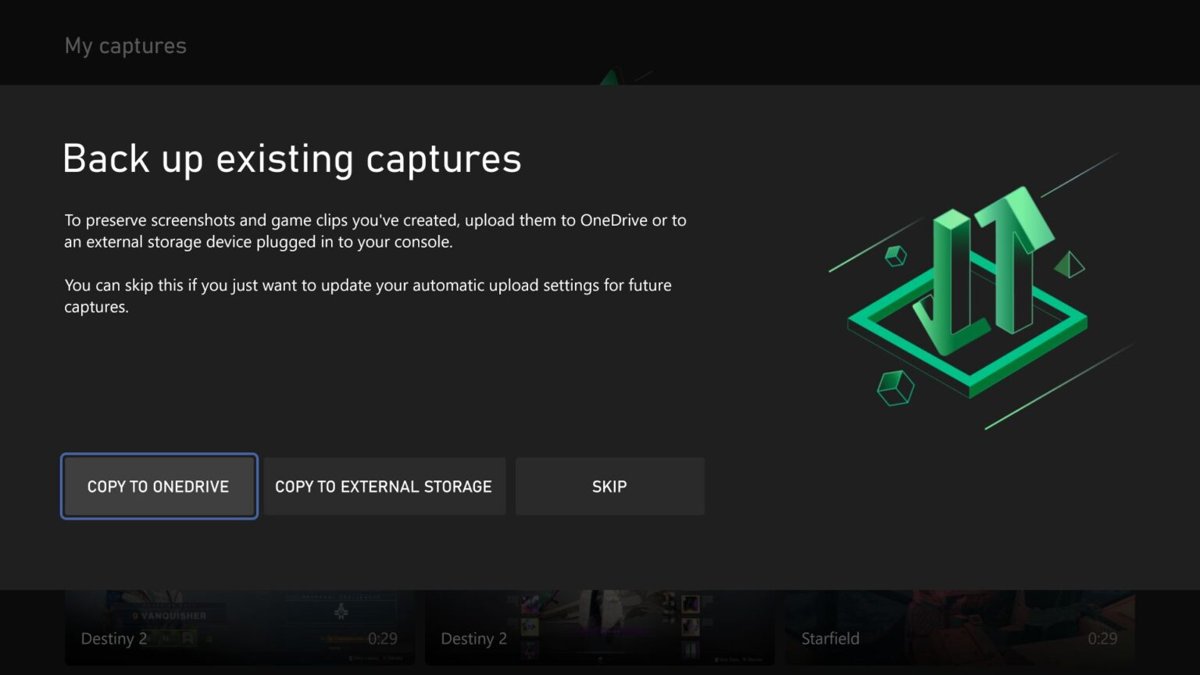
Only captures saved to the console's own storage can be uploaded and shared. Captures saved to an external drive stay off the Xbox network and cannot be shared from it.
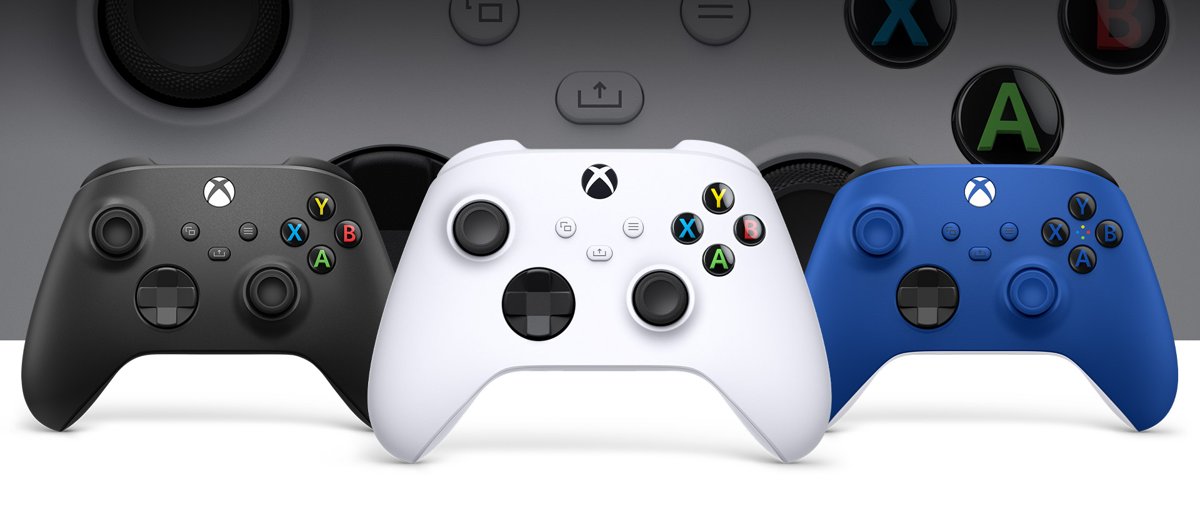
| What you want | Controller with a Share button | Original Xbox One controller |
|---|---|---|
| Screenshot | Press the Share button once | Press the Xbox button, then use Capture & share in the guide |
| Game clip of what just happened | Press and hold the Share button | Press the Xbox button, then use Capture & share in the guide |
| Open your captures | Double-tap the Share button | Press the Xbox button and open Capture & share |
Game clips cannot be captured while you are streaming with Xbox remote play. On-screen notifications can end up in a capture, so check the clip before you post it publicly.
How to share on Twitter from Xbox One
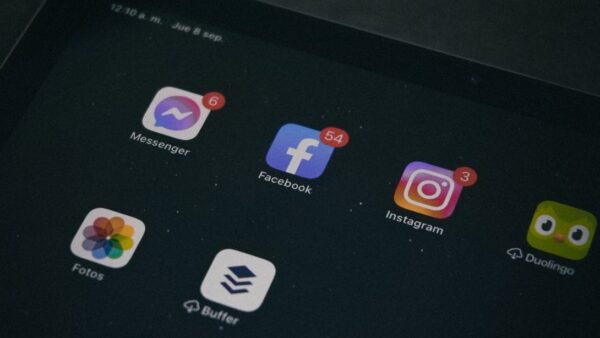
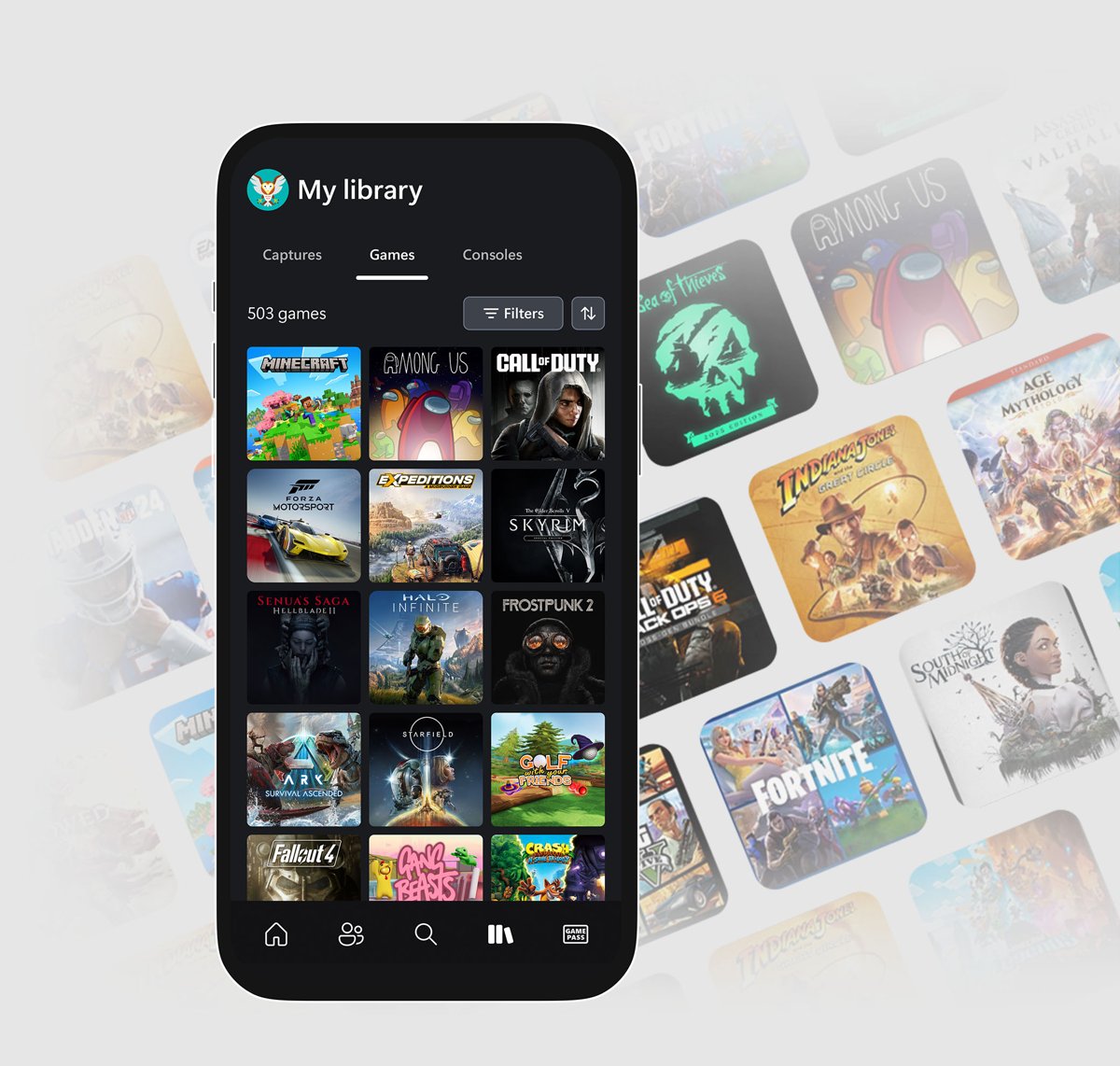
The Xbox mobile app collects your captures in a library automatically, and it uses your phone's normal share options, so X appears next to Instagram, WhatsApp, Messenger and the rest.
- Take the capture on the console as shown in the table above.
- Open the Xbox app on your phone.
- Open your captures library in the app, or tap the notification for the new capture.
- Select the clip or screenshot you want to post.
- Tap the share option for the capture.
- Choose X from the list of apps on your phone.
- Write your text, check the preview, and publish the post.
If you prefer to edit the clip first, save it to your phone from the Xbox app, trim it in your phone's photo or video editor, and post the edited copy from the X app.
How to share Xbox clips to X from a Windows PC with Xbox Game Bar
On a Windows 11 or Windows 10 PC, Xbox Game Bar can turn any capture into a shareable link that you paste into a post on X.
- While playing, press Windows logo key + G to open Xbox Game Bar, or press the Xbox button on a connected Xbox controller.
- Open the gallery of your captures in Game Bar.
- Select the clip or screenshot you want to share.
- Click Copy link at the bottom; the capture uploads first if it is not already uploaded.
- Wait until the shareable link appears.
- Open X in your browser or the X app, paste the link into a new post, and post it.
If Game Bar does not open, turn on Xbox Game Bar in Windows 11 first. If your Xbox privacy settings are set to Public, anyone who gets the link can see the capture.
Where can you share Xbox One captures?
Each route reaches a different audience, and only the phone and PC routes leave the Xbox network.
| Sharing route | Where it starts | Who can see it |
|---|---|---|
| Activity feed | Console, Xbox app or Windows | People who can view your Xbox profile feed |
| Messages | Console, Xbox app or Windows | The friend or small group you send it to |
| Xbox mobile app share | Phone | Anyone on the social network you pick, such as X, Instagram, WhatsApp or Messenger |
| Game Bar link | Windows PC | Anyone with the link when your capture privacy is Public |
| OneDrive upload | Console | Only you, until you share the file from OneDrive |
OneDrive is useful when you want the original file on a PC to edit it before posting. Upload the capture from the console, then post it from your computer.
Can you link an X account to Xbox?
Xbox does let you link social and gaming accounts, which is how you get Discord on Xbox One, but the list Xbox names covers services such as Discord, Reddit, Steam and Twitch, and a linked account appears across Game Bar, the Xbox PC app and the console.
| Question | Answer |
|---|---|
| Is there an X or Twitter option in the console's share menu? | No; console sharing is limited to the activity feed and messages |
| Can you still post Xbox captures on X? | Yes, from the Xbox mobile app or with a Game Bar link |
| Do you need to link X to your Microsoft account? | No; the X app on your phone handles the sign-in |
| Which accounts can you link to Xbox? | The services Xbox lists in its account linking settings, such as Discord, Reddit, Steam and Twitch |
Xbox capture not sharing to X
The capture does not show up in the Xbox mobile app
The capture has not uploaded yet, or the phone is signed in with a different Microsoft account.
- Make sure the console is online.
- Check that the Xbox app on your phone shows the same gamertag as the console.
- Wait for the upload notification in the Xbox app before you look for the capture.
- Open the captures library again after the notification arrives.
Clips saved to an external drive cannot be shared
Captures saved externally cannot be shared on the Xbox network.
- Connect the external drive to a PC and copy the clip off it.
- Post the file to X from the PC, or move it to your phone first.
- Switch the capture location back to internal storage if you want console captures to reach the Xbox app.
No game clip was recorded during remote play
Game clips cannot be captured while streaming with remote play.
- End the remote play session.
- Play the game on the console with a controller connected to it.
- Record the clip there, then share it from the Xbox app.
X is missing from the share options on the phone
The X app is not installed or is not signed in on that phone.
- Install the X app from the App Store or Google Play.
- Sign in to your X account.
- Return to the Xbox app and share the capture again.
Xbox One Twitter sharing FAQ
Can you still share to Twitter from Xbox One?
Not directly from the console. Xbox One shares to your activity feed and messages only. To post on X, send the capture to the Xbox mobile app on your phone and share it to the X app from there.
How do I set up an X account for Xbox sharing?
Create or sign in to your X account in the X app on your phone, then sign in to the Xbox mobile app with your Microsoft account. No link between the two accounts is needed; the phone's share options join them.
How do I get Xbox clips on my phone?
Install the Xbox mobile app and sign in with the account you use on the console. Captures saved to the console and uploaded appear in the app's captures library, where you can share them or save them to the phone.
Can I share Xbox screenshots to X from my PC?
Yes. Open Xbox Game Bar with Windows logo key + G, select a capture in the gallery, and click Copy link. Paste that link into a post on X. The capture must be public for other people to open it.
How do you use X with the Xbox app?
The Xbox app does not post to X by itself. It hands the capture to your phone's share sheet, and you choose the X app there. You then write the post and publish it inside X as normal.
Why can't I share a clip from my external hard drive?
Captures saved to external storage are kept off the Xbox network, so they cannot be shared from the console or the Xbox app. Copy them to a PC from the drive and post them on X from there.
Does the Xbox mobile app work on my phone?
The Xbox mobile app needs iOS 15.1 or later on an iPhone, or Android 8.0 or later. Older phones cannot install it, so they cannot receive captures from the console for posting on X.