A "Your iCloud storage is full" email is fake if Settings > [your name] > iCloud on your iPhone shows free space, and you should never tap its links: check your storage on the device itself, and forward anything suspicious to [email protected].
The sections below show the signs of a scam message, where real storage alerts appear, what to do if you clicked a link, and how to free up or buy iCloud storage the safe way.
How to tell if the iCloud storage full email is a scam
Check the claim on your own device instead of through the message. If the storage bar is not full, the email is a scam.
- Do not tap any link or open any attachment in the email.
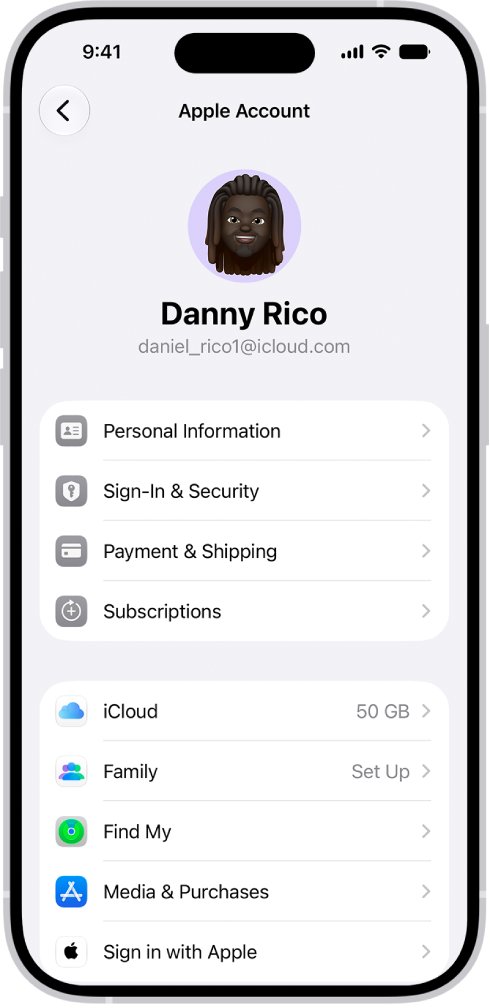
- On your iPhone or iPad, open Settings and tap your name.
- Tap iCloud and read the bar graph at the top, which shows how much of your iCloud storage is used.
- If the bar shows free space, treat the email as phishing and delete it after you report it.
- If the bar is full, the warning is accurate; free up space or upgrade from Settings, never from the email.
- Forward the suspicious email to [email protected].
Apple's guidance is to update account or payment details only in Settings on your iPhone or iPad, or in the App Store on a Mac. A storage plan is no exception.
Your iCloud storage is full email scam: signs of a fake message
These are the warning signs Apple lists for phishing emails and scam texts that pretend to come from Apple.
| Sign | What to look for |
|---|---|
| Sender does not match | The sender's address or number does not belong to the company it claims to be |
| Wrong contact details | It arrived at an email address or number you never gave Apple |
| Link points elsewhere | The link text looks right, but the URL does not match apple.com or icloud.com |
| Looks different | Layout, wording or logos differ from other Apple messages you have received |
| Asks for personal data | It wants a card number, card security code, password or verification code |
| Unexpected attachment | The message is unsolicited and includes a file to open |
| Pressure to act now | It insists you act immediately, leaving no time to check with Apple |
| Free offer | It promises free products or prizes |
Apple never asks for your Apple Account password, device passcode or two-factor authentication code, and never asks you to enter them into a website someone sends you to.
Your iCloud storage is full notification: where real alerts appear
When your iCloud storage is full or almost full, your Apple device can show an alert. Whatever form a warning takes, the real numbers live in Settings.
| Where | What you see |
|---|---|
| Settings on iPhone with iOS 27 or later | An iCloud Storage Almost Full notification you can tap to choose a plan |
| Settings > [your name] > iCloud | A bar graph of used storage, with Storage or Manage Account Storage for detail |
| System Settings on a Mac | Your name > iCloud > Manage lists what uses the space |
| iCloud for Windows | A bar graph of overall usage, with Manage for detail |
| iCloud.com | Your storage use after you sign in at icloud.com |
Every Apple Account gets 5 GB of iCloud storage free, so a full warning is common and can be genuine. The check in Settings tells you which case you have.
How to tell if your iCloud storage is full on iPhone, Mac and Windows
| Device | Steps | What the list shows |
|---|---|---|
| iPhone or iPad | Settings > [your name] > iCloud, then Storage or Manage Account Storage | Apps and features by the space they use, largest first |
| Mac | Apple menu > System Settings > your name > iCloud > Manage | Same list; sign in first if your name is missing |
| Windows PC | Open iCloud for Windows, scroll to the bar graph, then select Manage | Apps and features on the left with their storage use |
| Any browser | Sign in at icloud.com | Your storage use |
The graph groups usage into Backups, Family, Mail, Messages, Photos and Videos and Documents; smaller screens group the rest into Others.
How to report an iCloud storage full scam email to Apple
- Forward the email to [email protected].
- In Mail on a Mac, select the email and choose Message > Forward As Attachment so the message headers go with it.
- If it reached an iCloud.com, me.com or mac.com address, mark it as Junk or move it to the iCloud Junk folder.
- If the same scam came as a text, take a screenshot and email it to [email protected].
- In Messages, tap Report Junk under the text, then delete it.
- Delete the original email once it is reported.
Marking iCloud spam as junk also trains iCloud Mail filtering, and you can sign in to iCloud Mail on the web to do it from a computer. Harassment or impersonation in an iCloud inbox goes to [email protected].
What to do if you clicked a fake iCloud storage full email
Act straight away to secure your Apple Account if you typed anything into a page the email opened.
- Close the page without entering anything more.
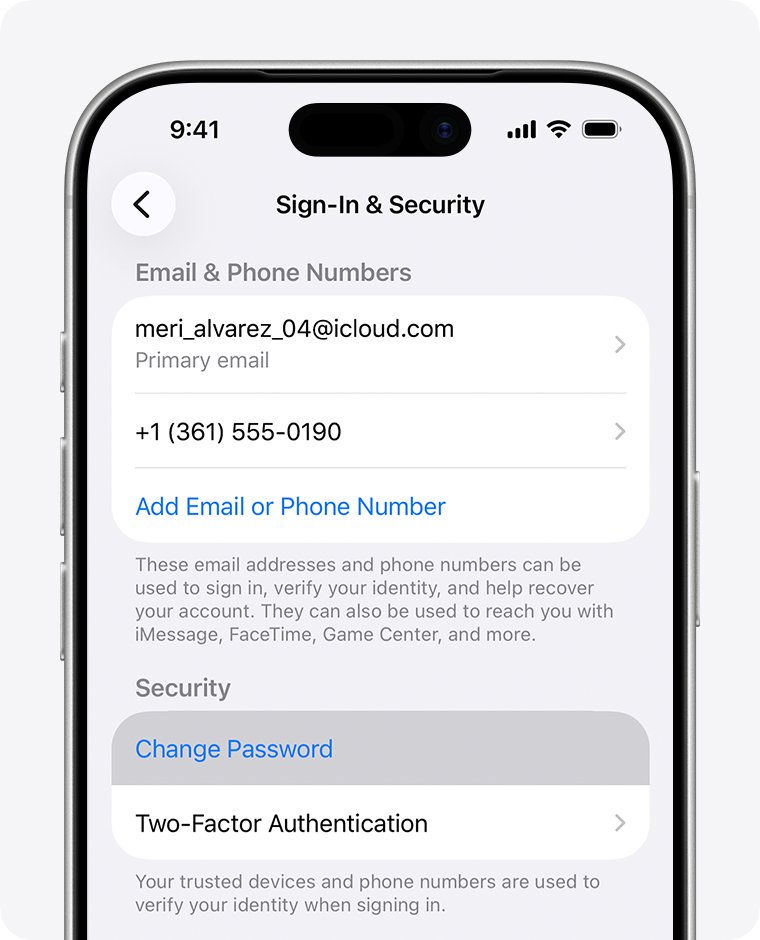
- Change your Apple Account password in Settings on your iPhone or iPad, or at account.apple.com, never through a link.
- Make sure two-factor authentication is turned on for your Apple Account.
- Check your purchase history for charges you did not make.
- Forward the email to [email protected].
- Ignore any follow-up call or message asking you to switch off two-factor authentication or Stolen Device Protection; Apple never asks for that.
Apple's warnings centre on links, attachments and details you enter, so delete the email without tapping anything in it.
What happens when your iCloud storage is full
A genuine full warning matters, because several iCloud features stop until you make space or buy more.
| Feature | What happens when storage is full |
|---|---|
| iCloud Backup | Your device stops backing up to iCloud |
| iCloud Photos | New photos and videos stop uploading |
| iCloud Drive and other iCloud apps | Files and data stop staying up to date across your devices |
| iCloud Mail | You cannot send or receive email with your iCloud address |
| Recently Deleted photos | Photos you delete are removed immediately and cannot be recovered |
Your iCloud storage is full: how to fix it by freeing up space
Delete what you no longer use, starting with the largest category on your storage list. Archive or copy anything you want to keep before you delete it.
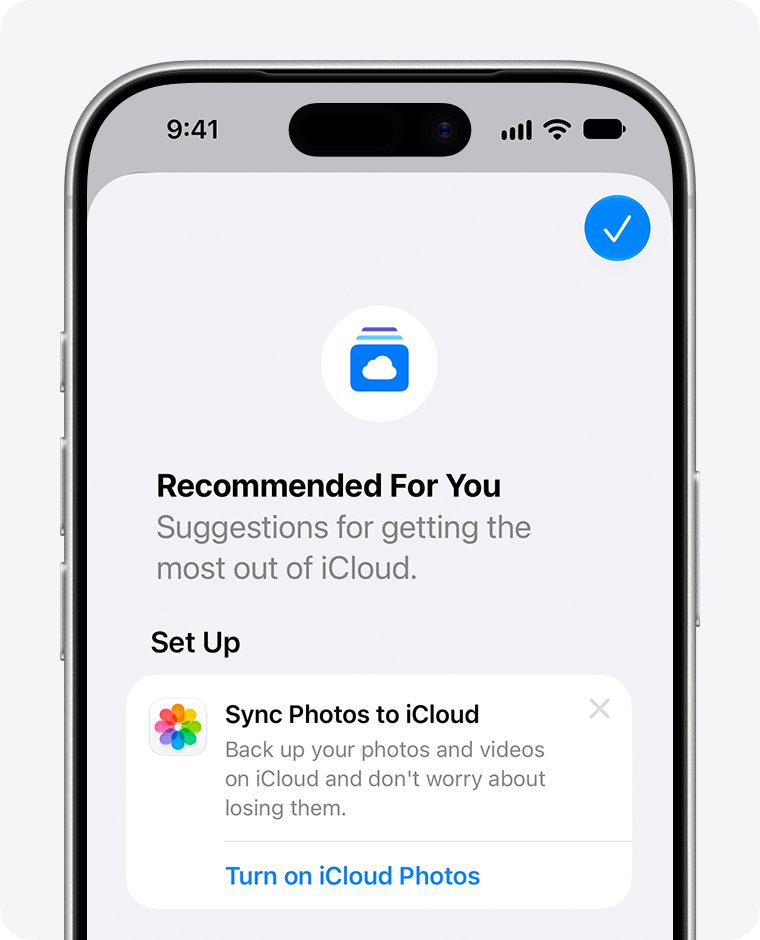
- On iOS 17 or iPadOS 17 or later, open Settings, tap your name, tap iCloud, then tap Recommended for You and follow the suggestions.
- To shrink backups, tap Storage or Manage Account Storage, tap Backups, tap this device and turn off apps you do not need backed up, then tap Turn Off.
- To remove an old device's backup, tap its name under Backups, tap Turn Off and Delete from iCloud, then Turn Off and Delete.
- In Photos, tap Select, pick photos or videos you no longer need, then tap the Delete button.
- In Files, tap Browse, tap iCloud Drive, then select and delete files you do not need.
- In Messages, open a conversation, tap the contact's name, then delete large photos and attachments.
iCloud Mail counts too, and you can mass delete emails in iCloud Mail to clear old messages in one go.
Deleting a photo with iCloud Photos on removes it from every device signed in with the same Apple Account, so back it up first.
How to buy more iCloud storage with iCloud+
Buy storage only in Settings on your device. The menu names depend on your iOS version.
- On iOS 27 or later, open Settings and tap the iCloud Storage Almost Full notification if it shows.
- Or, without the notification, tap your name, tap iCloud, tap Storage (or Almost Full), then tap Get More Storage.
- If you already pay for iCloud+ on iOS 27, tap your name > iCloud, then Manage Plan under iCloud+ Features.
- On iOS 18.4 to iOS 26, tap your name > iCloud and Upgrade to iCloud+, or Subscriptions > iCloud+ > See All Plans to change an existing plan.
- Choose a plan and follow the onscreen instructions.
iCloud+ also includes iCloud Private Relay and Hide My Email. A real upgrade never needs a card number typed into a web page an email sent you to.
iPhone storage full but iCloud has space: why it happens
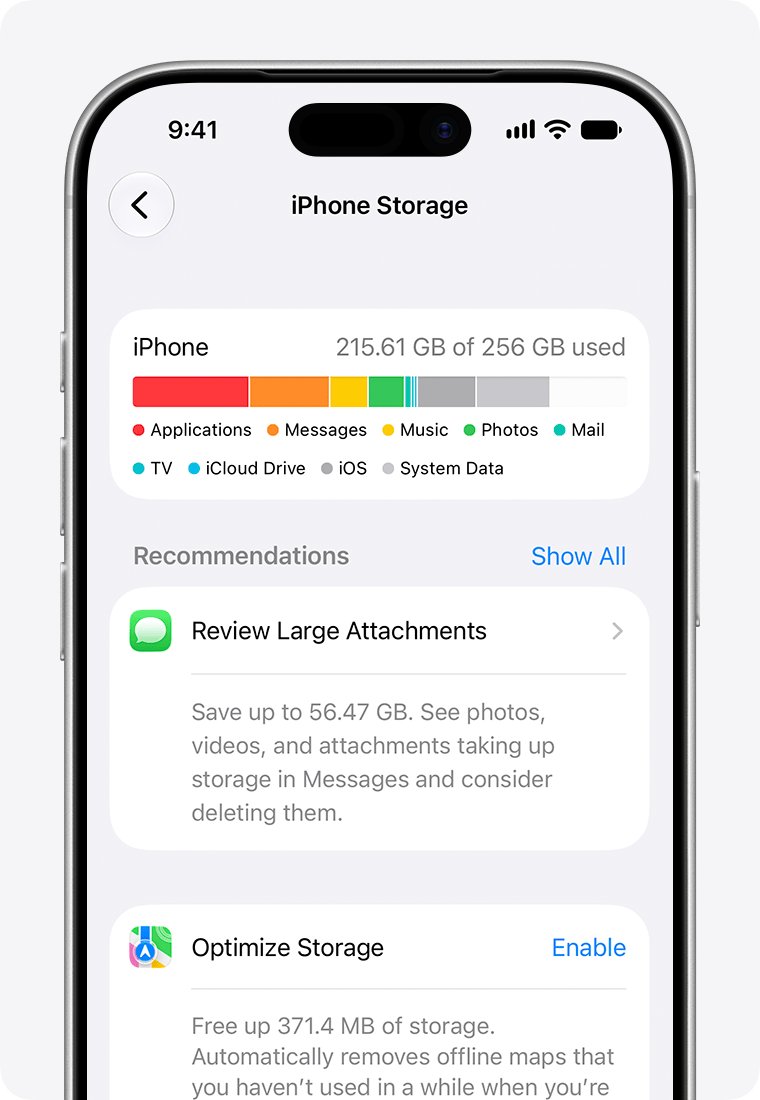
iCloud storage and iPhone storage are two separate allowances, so one can be full while the other has room.
| Storage | What it holds | Where to check it |
|---|---|---|
| iCloud storage | Backups, iCloud Photos, iCloud Drive files and other data kept in the cloud | Settings > [your name] > iCloud |
| iPhone or iPad storage | Apps, music, photos and other content saved on the device itself | Settings > General > iPhone Storage or iPad Storage |
A warning about device storage is fixed by clearing space on the iPhone; buying iCloud+ does not add space to the device.
Why is my iCloud storage full?
iCloud storage is full of backups
Old devices still have backups in iCloud, and many apps back up automatically.
- Open Settings > [your name] > iCloud > Storage or Manage Account Storage > Backups.
- Delete backups of devices you no longer use with Turn Off and Delete from iCloud.
- For this device, turn off backup for apps you do not need.
iCloud storage is always full or fills up again quickly
Photos and videos, Messages attachments or iCloud Drive keep growing.
- Check which category sits at the top of the list under Storage.
- Clear that category first, using Recommended for You on iOS 17 or later.
- Upgrade to iCloud+ if the space you need is more than 5 GB.
iCloud says storage is full but your iPhone shows free space
Device storage and iCloud storage are separate.
- Read Settings > [your name] > iCloud for the cloud figure.
- Read Settings > General > iPhone Storage for the device figure.
- Free up whichever one is actually full.
You never saw a full warning on your device, only in an email
The email may be phishing.
- Check the storage bar in Settings without opening any link.
- If it shows free space, forward the email to [email protected] and delete it.
iCloud storage full email FAQ
Is the "Your iCloud storage is full" email a scam?
It can be either, so check before you act. Open Settings, tap your name, then iCloud. If the bar graph shows free space, the email is a scam; forward it to [email protected] and delete it.
How can you tell if your iCloud storage is full?
On iPhone or iPad, go to Settings > [your name] > iCloud and read the bar graph at the top. Tap Storage or Manage Account Storage to see which apps and features use the most space.
What happens if your iCloud storage is full?
Your device stops backing up to iCloud, new photos stop uploading to iCloud Photos, and iCloud Drive stops syncing. You also cannot send or receive email with your iCloud address until you free up space or upgrade.
What should you do when your iCloud storage is full?
Delete what you do not need, such as old device backups, duplicate photos, large files and Messages attachments, or buy iCloud+ in Settings. Never pay for storage through a link in an email.
Why does it say my iCloud storage is full?
Free accounts get 5 GB, and backups, photos and messages fill it quickly. If the warning came only by email and Settings shows free space, treat the message as phishing.
Why is my iCloud storage full of backups?
iCloud keeps backups of every device that used iCloud Backup, including old ones, for 180 days after you stop using it. Delete backups you no longer need under Storage > Backups in iCloud settings.
Why is my iPhone storage full when I have iCloud?
iPhone storage and iCloud storage are separate. Apps, music and downloaded content use the iPhone itself; check Settings > General > iPhone Storage and remove content there to free device space.
Do I have to have iCloud storage?
No. Every Apple Account gets 5 GB free, and you only pay if you choose an iCloud+ plan. Without enough iCloud space, features such as iCloud Backup and iCloud Photos stop updating.
Does Apple ask for card details by email to upgrade iCloud storage?
No. Apple says to update account or payment information only in Settings on your iPhone or iPad, or in the App Store on a Mac. An email asking for a card number or security code is phishing.