You can get the Macrium Reflect download for Windows 11 and Windows 10 from macrium.com, where the current Reflect X Home edition starts with a free 30-day trial. It images whole disks, clones drives and builds bootable rescue media.
This guide covers the official download route, installation, the silent install command, pricing, updates, installer fixes and removal.
Check the Macrium Reflect system requirements
Press Windows + R, type winver and press Enter to confirm your Windows version before you start.
| Specification | Detail |
|---|---|
| Software | Macrium Reflect X (Home, Workstation and Server editions) |
| Developer | Paramount Software UK Limited |
| Latest version | Macrium Reflect X, 10.0 series |
| License / price | Paid subscription; free 30-day trial, no credit card |
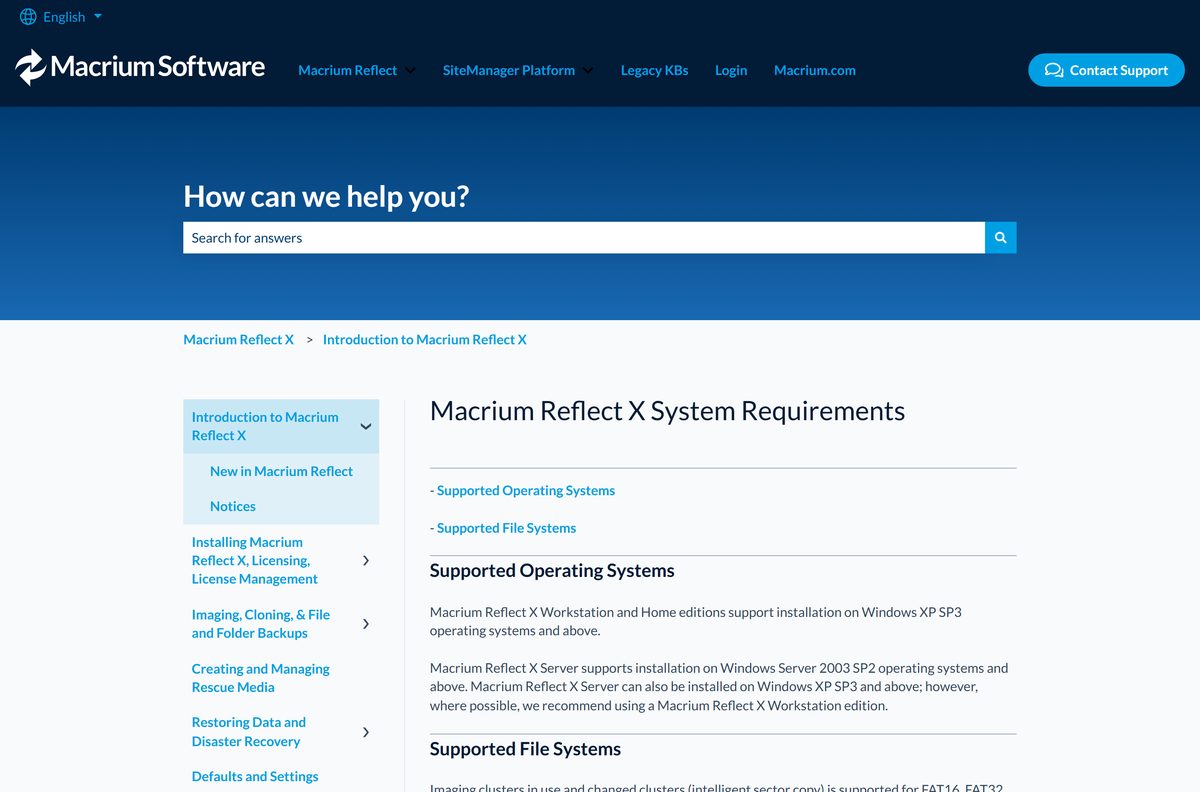
| Home and Workstation | Windows XP SP3 through the latest Windows 11 builds, including Copilot+ PCs |
| Server edition | Windows Server 2003 SP2 and later |
| Architecture | x64 and ARM (Windows on ARM, Snapdragon X Elite) |
| macOS and Linux | No build offered |
| Offline installer | Yes, from the Macrium Account Downloads page |
| Official download source | macrium.com trial page |
| Last verified | 2026-09-25 |
Rapid Delta Restore and Rapid Delta Clone work on NTFS volumes only.
Which Macrium Reflect download do you need?
Every edition comes from the same Macrium Account. Match your situation to a row, then pick the architecture the download page asks for.
| Your situation | What to get | Where to get it |
|---|---|---|
| Home PC, trying before you pay | Reflect X Home 30-day trial | Start the free trial |
| Home PC, ready to buy | Reflect X Home, 1 or 3 years, single or 4-pack | Reflect X Home plans |
| Business workstation or Windows Server | Reflect X Workstation or Server trial | Business trials on macrium.com |
| Existing license holder | Installer for your edition and architecture | Macrium Account Downloads |
| Mac running macOS | No macOS build; use Time Machine | Apple Time Machine guide |
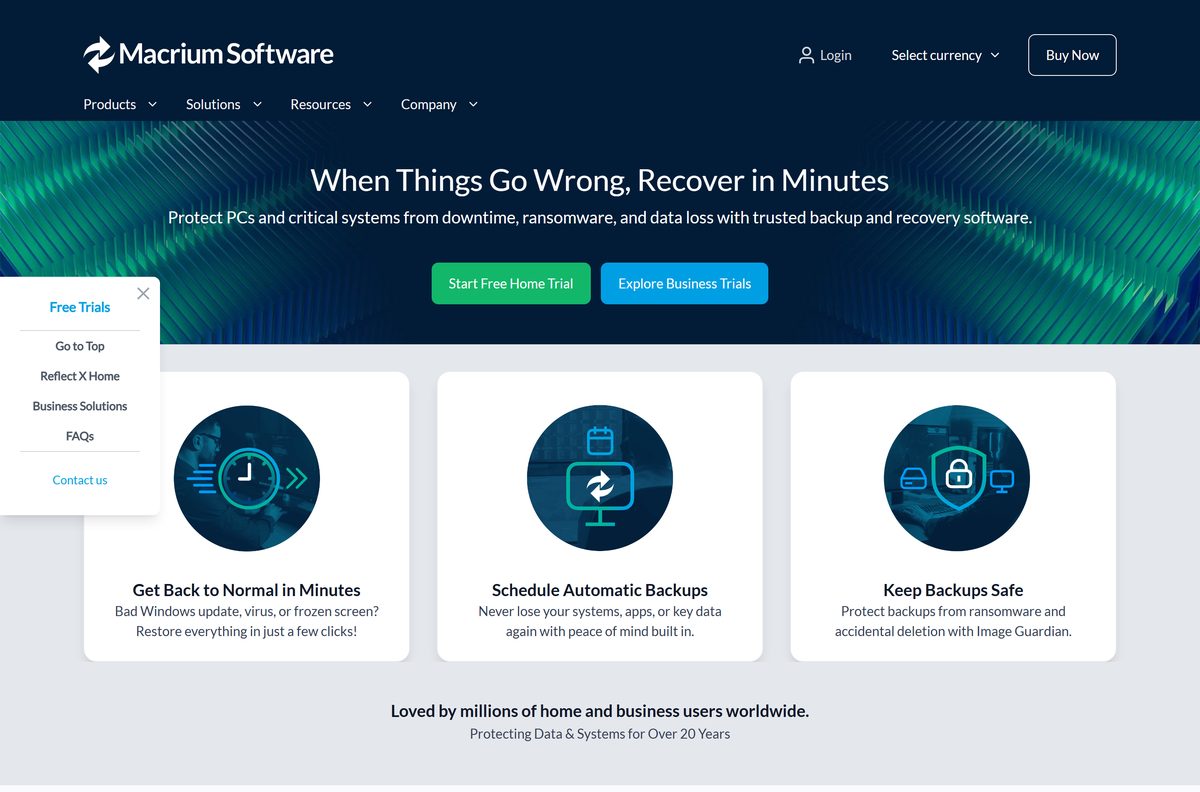
Download Macrium Reflect for Windows 11 and Windows 10
Macrium serves installers only through a free Macrium Account. The trial buttons on macrium.com open its login page, where Register creates the account.
- Macrium Reflect X free 30-day trial — Home and business trials; no payment details needed
- Macrium Account login and Downloads page — Installers for every edition you own or trial
- Reflect X Home plans and prices — 1-year or 3-year terms, 4 licenses for the price of 2
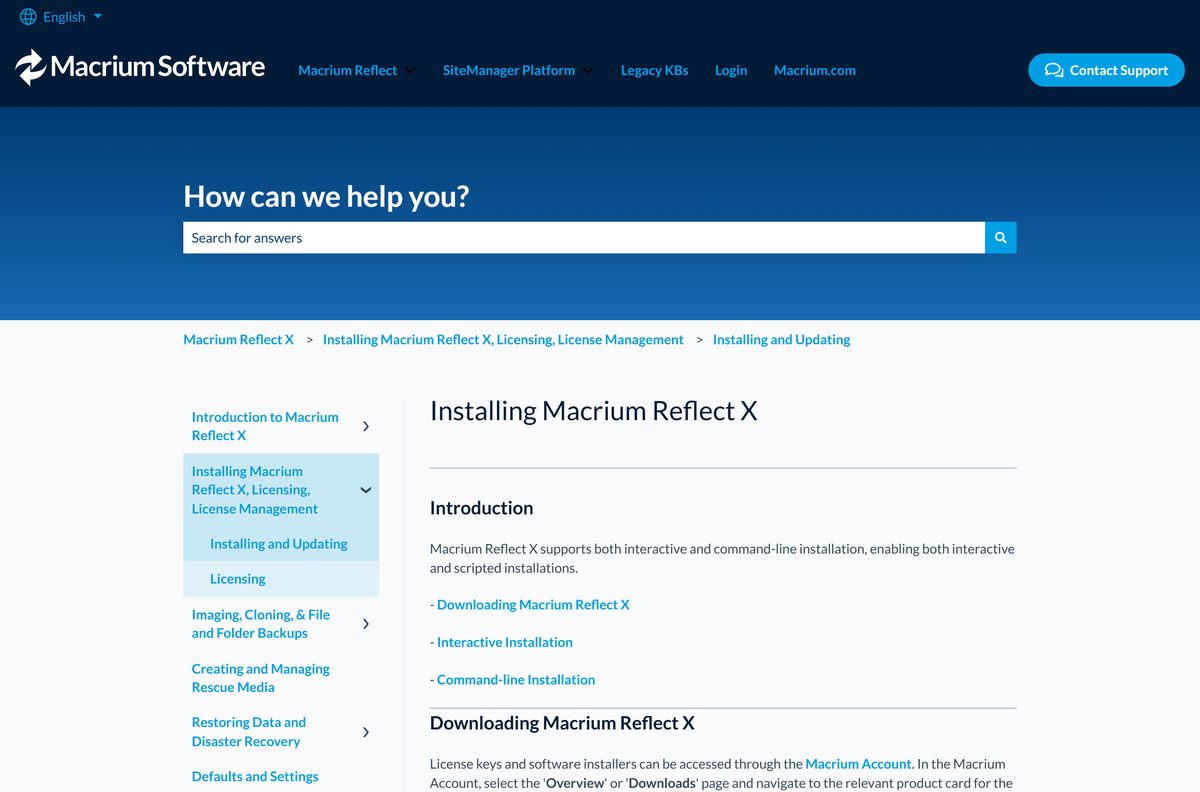
- Installing Macrium Reflect X guide — Installer pages and command-line options
Macrium lists no installer size. Take the file from your Macrium Account only; copies on download portals cannot be traced back to Macrium.
How to install Macrium Reflect on Windows 11 and 10
Setup needs administrator rights. Two optional drivers need a restart, so save your work first.
- Open the Macrium Reflect trial page and click Free 30-Day Trial.
- On the Macrium Account page, click Register to create an account, or Login if you have one.
- Open the Overview or Downloads page and select the Reflect X card for your edition.
- Click Download, select your system architecture, and save the installer.
- Double-click the installer, accept the license agreement, and choose a destination folder.
- On Custom Setup, keep Install CBT and Install Macrium Image Guardian ticked for faster incrementals and ransomware protection.
- Click Install, wait for the progress bar, then close the completion page.
- Restart Windows so CBT and Image Guardian become active.
- Launch Macrium Reflect and click Rescue to build recovery media before your first backup.
Install Macrium Reflect silently across several PCs
The Workstation installer accepts command-line switches for scripted rollouts. A typical run looks like this: reflect_wkstn_setup_x64.exe /passive lickey=YOUR-LICENSE-KEY noviboot=yes nocbt=yes /norestart .
Test the command on one machine before you push it wider.
| Switch | What it does |
|---|---|
| /passive | Installs with no setup pages |
| /l log.txt | Writes an installation log to the file you name |
| LICKEY= | Applies your license key during setup |
| ORDERREF= and ORDEREMAIL= | Supply order details for bulk installs |
| NOVIBOOT=YES, NOCBT=YES, NOMIG=YES, NODESKTOPSHORTCUT=YES | Leave out viBoot, the CBT driver, Image Guardian or the desktop shortcut |
| /norestart | Suppresses the restart prompt |
| Full switch reference | Installing Macrium Reflect X guide |
How to verify the Macrium Reflect installer
A damaged download fails its signature check. Run this before setup, especially on a file copied from another PC.
- Right-click the downloaded installer and select Properties.
- Open the Digital Signatures tab.
- Select the entry in the signature list and click Details.
- Confirm the window reads This digital signature is OK.
- If it shows an error, delete the file and download it again from your Macrium Account.
Which Macrium Reflect download do you need for your Mac?
Macrium Reflect runs on Windows only. Its system requirements list Windows versions and nothing for macOS.
| Your machine | What to do | Where |
|---|---|---|
| Any Mac running macOS | Use Time Machine, the backup tool built into macOS | Apple Time Machine guide |
| Windows PC on the same desk | Install Reflect X on the PC itself | Reflect X trial |
Time Machine backs up apps, photos, email and documents to an external drive.
Is Macrium Reflect free?
No. Macrium Reflect X is a paid subscription, and the free 30-day trial is the only free version Macrium offers. Macrium’s product FAQ states that other free versions of Reflect are no longer available or supported, which covers the old Reflect Free edition. Reflect X Home costs £36.99 per computer for one year on the UK store, and macrium.com shows prices in your local currency. A 3-year term saves 10%, a 4-pack costs the same as two licenses, and a 30-day money-back guarantee applies. An expired plan drops to restore-only mode, so old backups stay readable. Any site offering a free full version or lifetime key is not selling a genuine license.
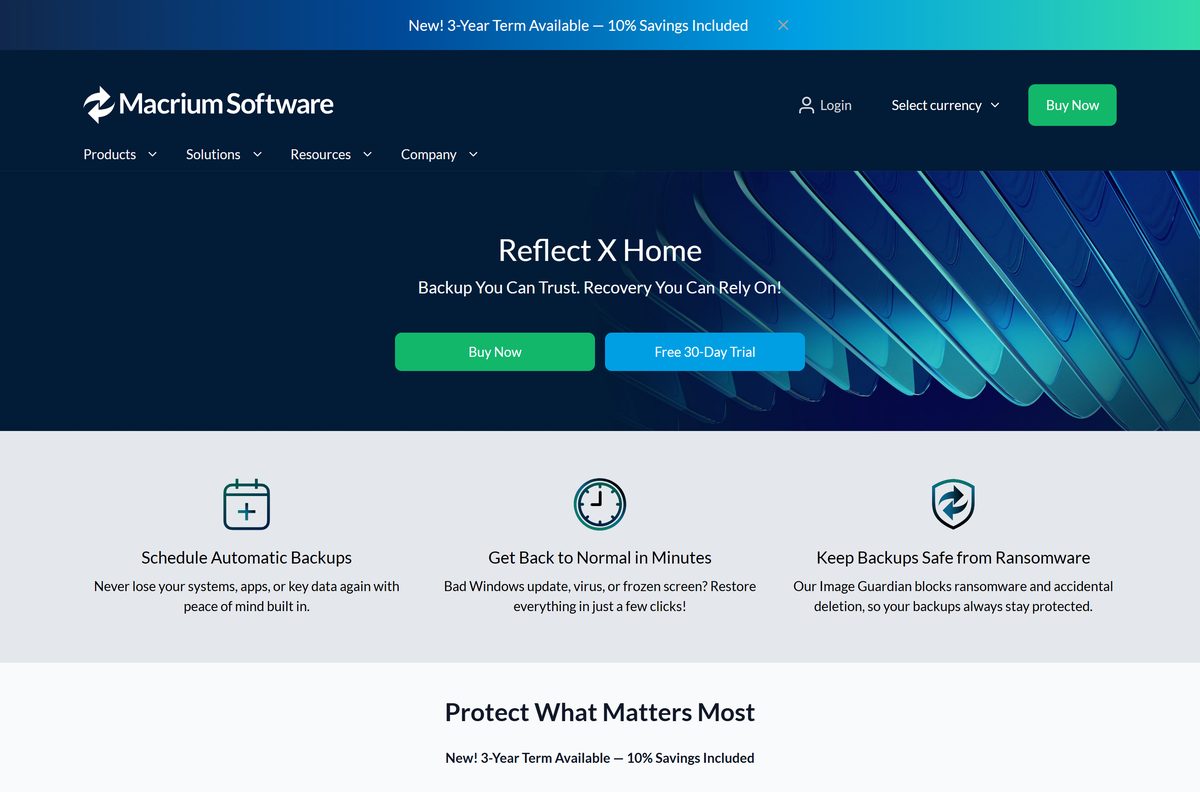
Should you upgrade from Reflect 8 to Macrium Reflect X?
Reflect X replaced Reflect 8 as Macrium’s current product. Reflect 8 annual plan holders get an in-place upgrade prompt when they launch the old version.
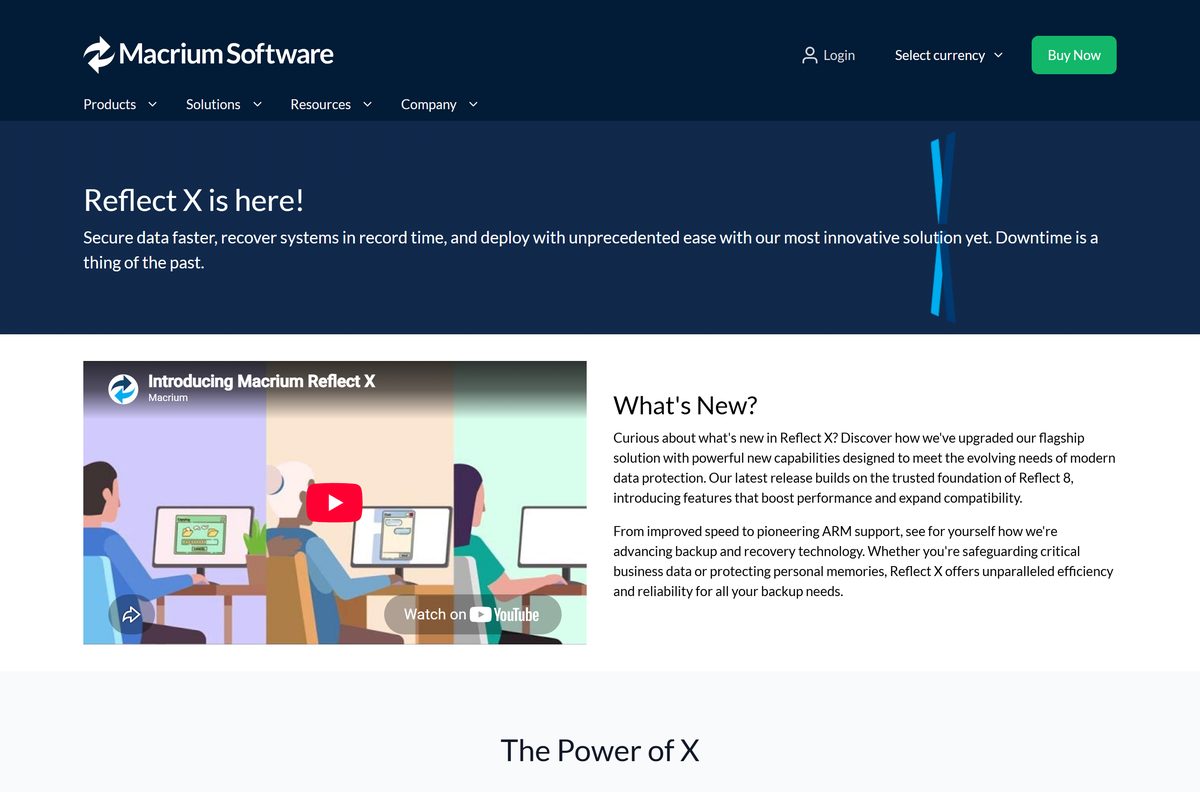
Install Macrium Reflect X. Macrium rates it up to twice as fast as Reflect 8. It adds resumable imaging, file filtering for images and Windows on ARM support, and its .mrimgx and .mrbakx formats are open source. Reflect 8 owners select Now at the upgrade prompt; version 6 and 7 owners use Upgrade to X in their Macrium Account.
How to check your Macrium Reflect version and update it
Reflect checks for updates each time it loads, and the updater opens by itself when a new build is out.
- Open Macrium Reflect.
- Click Update on the quick actions menu, or open Other Tasks and select Check for Updates….
- Read the available build in the Macrium Reflect Updater window and click Download.
- If the latest version is already installed, Reflect says so and no action is needed.
- Check the release notes for a rescue media notice, and rebuild the media with Rescue if one appears.
- On an offline PC, download the installer from your Macrium Account on another machine and run it over the existing copy.
What Macrium Reflect can back up and restore
Check the file system of the drive you want to image. Reflect X reads these formats.
| File system | Imaging support |
|---|---|
| NTFS | Full support, including Rapid Delta Restore and Rapid Delta Clone |
| FAT16, FAT32, exFAT | Supported |
| ReFS | Server and Server Plus LTSC editions only |
| Ext2, Ext3, Ext4 | Supported |
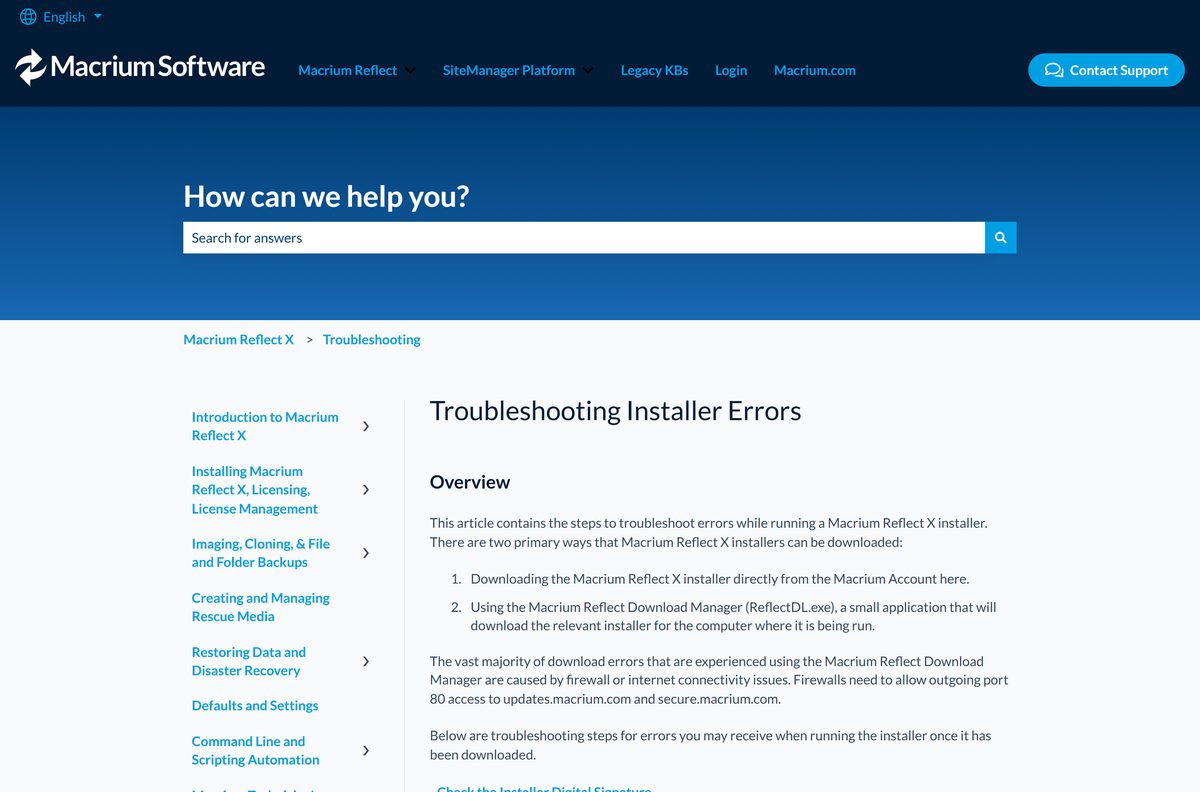
Fix Macrium Reflect not installing on Windows 11 or 10
No signature was present in the subject
The installer download is corrupt or incomplete.
- Right-click the installer, select Properties, and open Digital Signatures.
- If the signature is missing or invalid, delete the file.
- Download a fresh copy from your Macrium Account and run it again.
Cabinet file WinPEFiles or CommonFiles is corrupt
Security software damaged the file during download.
- Check the digital signature as above.
- Pause your antivirus temporarily and download the installer again.
- Run setup, then turn the antivirus back on.
The Windows Installer service could not be accessed
Antivirus is blocking setup, or Windows Installer is damaged.
- Allow the installer in your antivirus, or disable it briefly.
- Run Microsoft’s program install and uninstall troubleshooter.
- Restart and run the Macrium installer again.
An error has occurred, code 0x01
Setup cannot write to the Windows temporary folder.
- Open Command Prompt as administrator.
- Run echo %temp% and echo %tmp% and confirm both folders exist.
- Give your account full read and write access to those folders, then retry.
Macrium Reflect Image Mounting Service could not be installed
A previous uninstall left the service behind, or your account lacks rights.
- Uninstall the current copy of Macrium Reflect.
- Open Command Prompt as administrator and run sc stop macriumservice .
- Run sc delete macriumservice , then reinstall.
For any other failure, tick Log on the installer’s first page and send the Reflect_Install.log file from the root of drive C to Macrium Support.
How to uninstall Macrium Reflect
Release the license first if you plan to move it to another PC. The removal dialog can uninstall the app in the same step.
- Open Macrium Reflect and wait for any running backup to finish.
- Click the Help menu and select Remove License….
- Check the license key shown in the dialog.
- Tick Uninstall Reflect to remove the program as well, then confirm.
- Restart the PC to unload the CBT and Image Guardian drivers.
- To keep the license on this PC, open Settings, then Apps, then Installed apps, and uninstall it there instead.
Which free backup tool can replace Macrium Reflect?
Windows and macOS each include a free backup tool. Neither images a whole disk or clones a drive.
| Tool | Platform | What it covers | Cost |
|---|---|---|---|
| Windows Backup | Windows 11 and 10 | Files, settings and apps to OneDrive | Free |
| Time Machine | macOS | Apps, photos, email and documents to an external drive | Free, built in |
| Macrium Reflect X Home | Windows | Disk images, cloning, rescue media, ransomware protection | Paid subscription, 30-day trial |
Use Windows Backup for files and settings. Pick Reflect X when you need a full system image you can restore after a failed drive.
Frequently asked questions
Is Macrium Reflect free?
No. Macrium Reflect X is a paid subscription, and the only free option Macrium offers is a 30-day trial. The trial needs no credit card, and backups you make during it stay restorable after it ends.
Where is the official Macrium Reflect download?
Start on macrium.com and click Free 30-Day Trial or buy a plan. Both routes lead to your Macrium Account at manage.macrium.com, where the Downloads page holds the installer for your edition and architecture.
Does Macrium Reflect work on Windows 11?
Yes. Macrium states that Reflect X runs on everything from Windows XP SP3 to the latest Windows 11 builds, including Copilot+ PCs. The Server edition covers Windows Server 2003 SP2 and later.
How big is the Macrium Reflect download?
Macrium publishes no installer size, and the file only appears after you sign in to your Macrium Account. Leave free space on drive C before setup, because building rescue media adds Windows PE files later.
Is there a Macrium Reflect offline installer?
Yes, in practice. The installer from the Macrium Account Downloads page can be copied to a computer with no internet connection and run there. Offline license activation works only in the Workstation and Server editions, not in Home.
Can I download Macrium Reflect for Mac?
No. Macrium Reflect is Windows-only software, and Macrium lists no macOS build in its system requirements. On a Mac, use Time Machine, which is built into macOS and backs up to an external drive.
Does Macrium Reflect support ARM64 Windows?
Yes. Reflect X added support for Windows on ARM, including Snapdragon X Elite Copilot+ PCs, with bare-metal recovery. The Macrium Account asks you to select your system architecture before the download starts.
Is Macrium Reflect safe to download?
Yes, when the installer comes from your Macrium Account, run by Paramount Software UK Limited. Check that its digital signature reads This digital signature is OK before you run it, and skip any site offering a free full version or key.
What is the latest version of Macrium Reflect?
The current product is Macrium Reflect X, in the 10.0 series, which replaced Reflect 8. Every paid plan includes future major and minor releases, and the built-in updater shows the exact build available for your copy.
Why won’t Macrium Reflect install?
The most common causes are a corrupt download, antivirus blocking Windows Installer, or leftovers from an old copy. Check the installer signature, download it again, and follow the fixes above before you retry setup.
Is Macrium Reflect Free still available?
No. Macrium says the 30-day trial is the only free version of Reflect it offers, and that other free versions are no longer available or supported. Reflect X Home is the paid replacement for home users.
What happens when my Macrium Reflect subscription expires?
Reflect falls back to restore-only mode. You can still browse and restore every existing backup, but you cannot create new backups until you renew or add a new license key from the Help menu.