The Blink Home Monitor download is free for iPhone, iPad, Android and Fire tablets, and it is the app you use to set up and watch Blink cameras and doorbells. Get it from the App Store, Google Play or the Amazon Appstore, then sign in with your Blink account.
The iPhone and iPad build is 563.3 MB and needs iOS 17 or later. Android devices need Android 10 or higher, and Fire tablets need Fire OS 8.
This guide covers which store to use, install steps for each device, what to do on a Windows PC or Mac, what the Blink plans add, and fixes for install and sign-in problems.
Which Blink Home Monitor download do you need?
Match your device to a row, then use the link in that row. Every row ends at the same Blink Home Monitor app and the same Blink account.
| Your device | What to install | Size |
|---|---|---|
| iPhone or iPad on iOS 17 or later | Blink Home Monitor on the App Store | 563.3 MB |
| Android phone or tablet on Android 10 or later | Blink Home Monitor on Google Play | Play states no size |
| Fire tablet on Fire OS 8 | Amazon Appstore badge on the Blink app page | Varies by tablet |
| Windows 11 or Windows 10 PC, or Mac | Install on a phone or tablet instead | Nothing to install on the computer |
Download Blink Home Monitor from the official page and stores
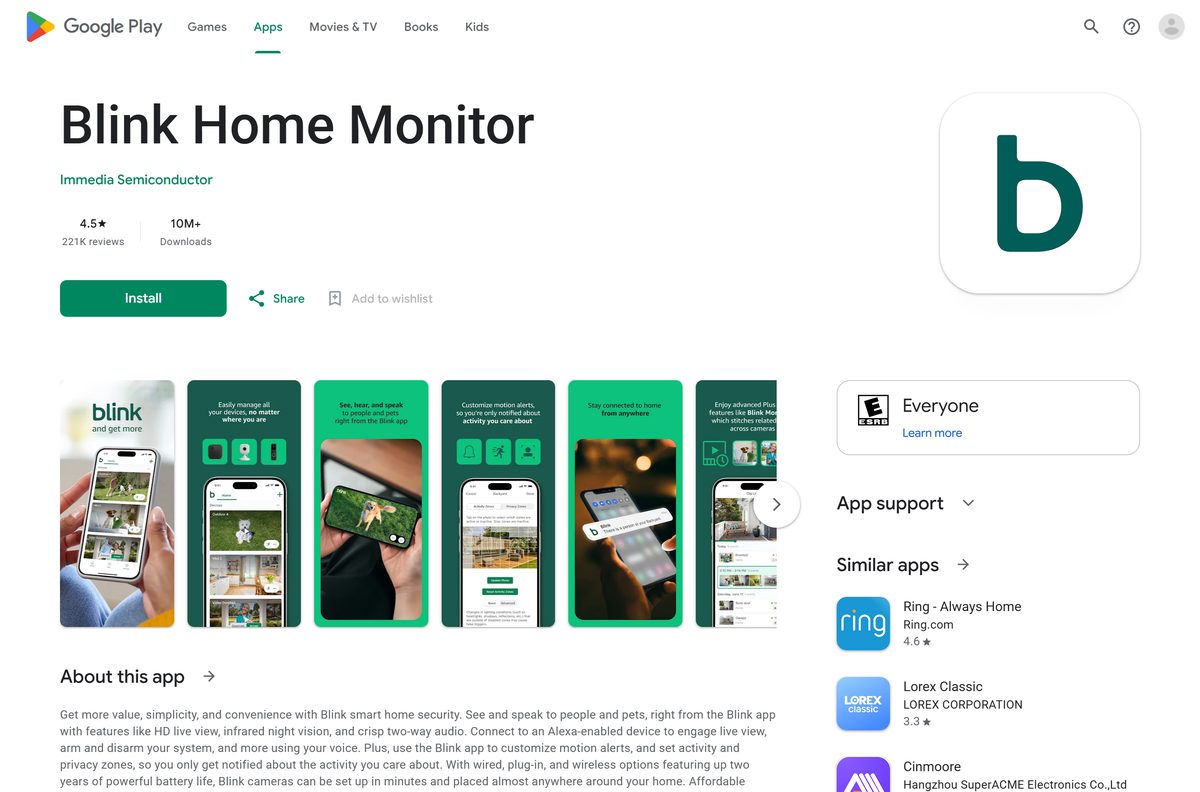
Blink’s own app page carries three store badges. Each one opens the listing published by Immedia Semiconductor, the Amazon company behind Blink.
- Blink Home Monitor app page — Badges for the App Store, Google Play and the Amazon Appstore
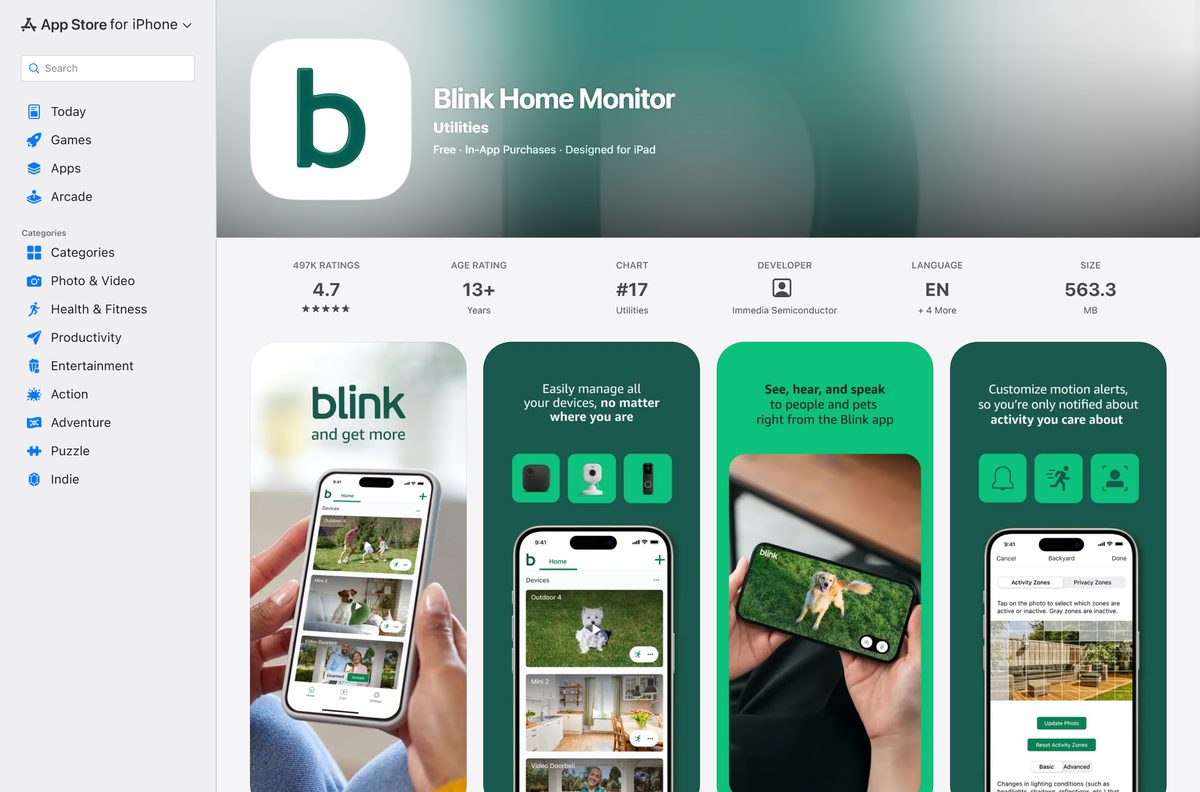
- Blink Home Monitor on the App Store — 563.3 MB · iPhone and iPad, iOS 17 or later, free with in-app purchases
- Blink Home Monitor on Google Play — Immedia Semiconductor, free, 10M+ downloads
On the device itself, search the store for Blink Home Monitor and open the listing whose developer is Immedia Semiconductor.
Check the Blink Home Monitor system requirements
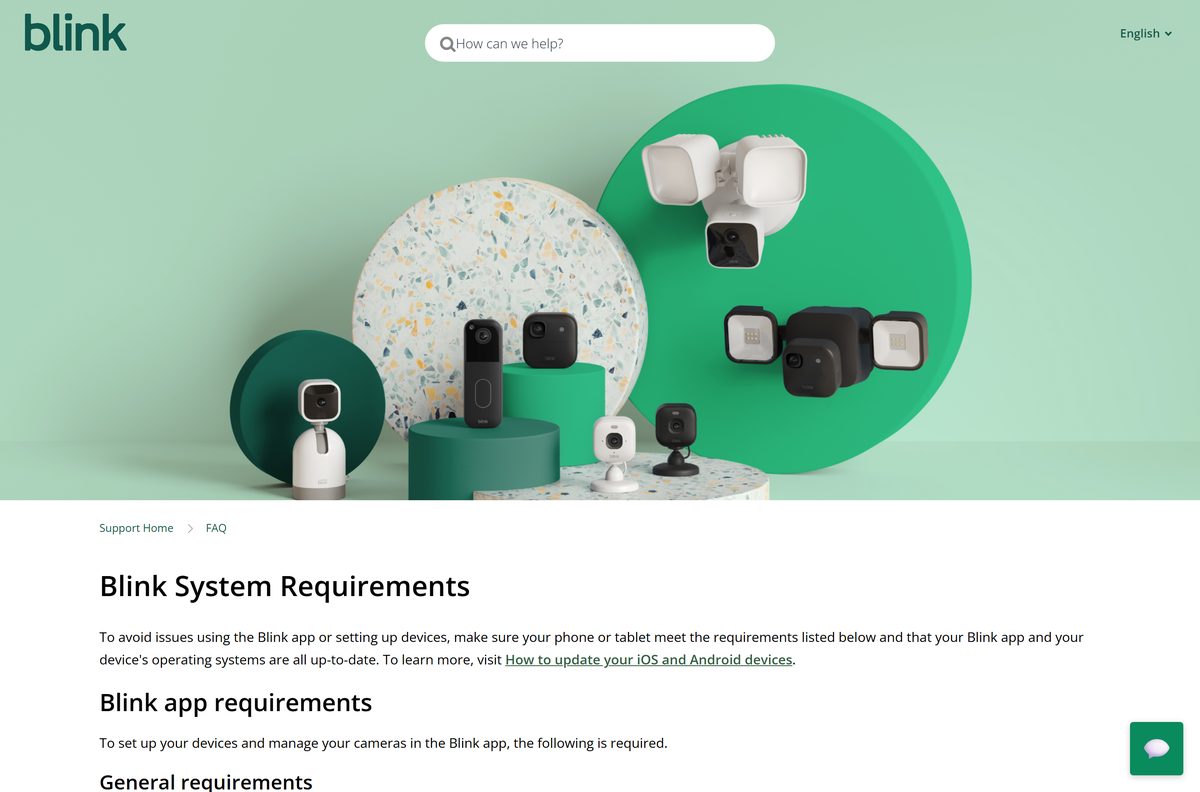
The app and your Blink cameras have separate needs. The phone runs the app, and the cameras need a 2.4GHz Wi-Fi network with enough upload speed.
| Field | Value |
|---|---|
| Software | Blink Home Monitor |
| Developer | Immedia Semiconductor, Inc (Blink, an Amazon company) |
| Latest version | 60.0 on iPhone and iPad (23 September 2026); Android updated 23 September 2026 |
| Price | Free, with optional Blink subscription plans |
| iPhone and iPad | iOS 17 or higher |
| Android | Android 10 or higher, phone or tablet |
| Fire tablet | Fire OS 8 only |
| Windows and Mac | No desktop app |
| Download size | 563.3 MB on the App Store; Google Play states no size |
| Wi-Fi | 2.4GHz 802.11b/g/n, at least 2 Mbps upload per Blink device |
| Offline installer | None |
| Official source | blinkforhome.com, the App Store and Google Play |
| Last verified | 2026-09-25 |
Blink cameras cannot join networks that need a sign-in web page, such as hotel or school Wi-Fi. Blink also advises against mobile hotspots and satellite internet. The full list sits on the Blink System Requirements page.
How to install Blink Home Monitor on an Android phone or tablet
Turn off any VPN on the phone before you start. Blink warns that VPNs can block sign-in and device setup.
- Open the Google Play Store on your Android phone or tablet.
- Search for Blink Home Monitor and open the listing from Immedia Semiconductor.
- Tap Install and wait for the download to finish.
- Tap Open.
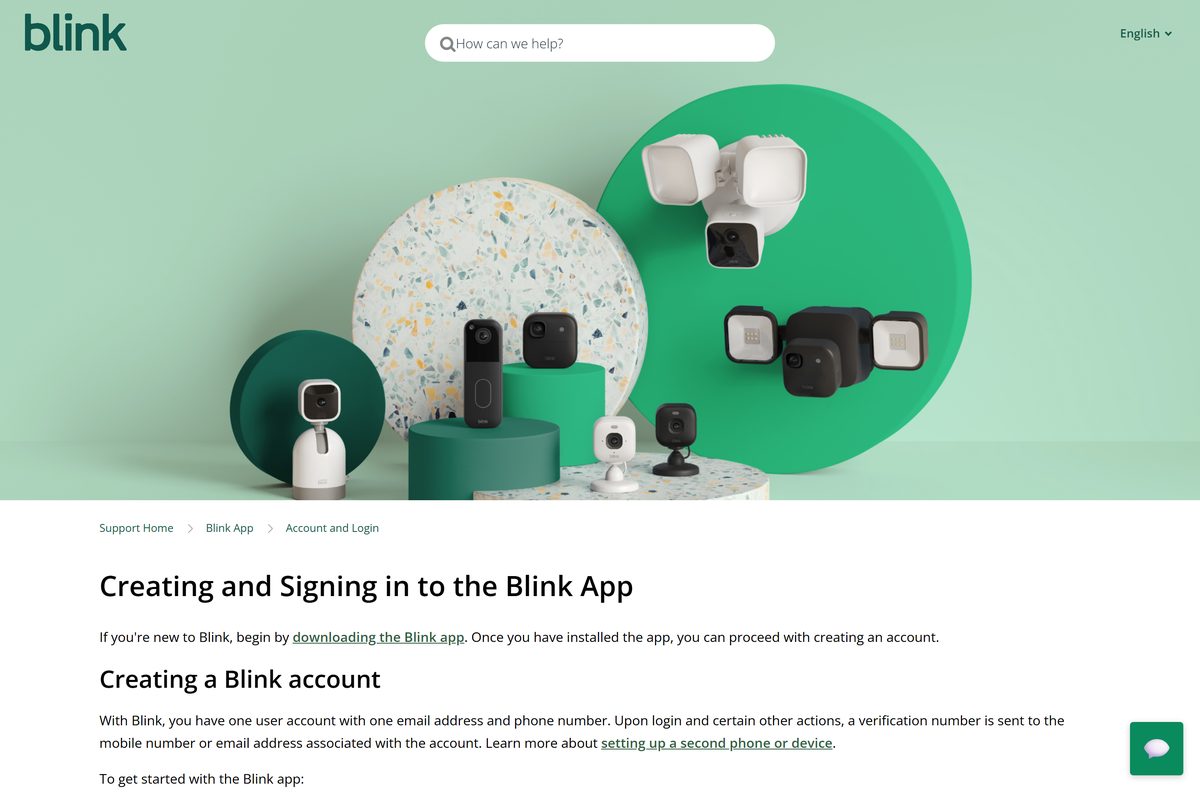
- Tap Create Account, or tap Sign In if you already have a Blink account.
- Enter the 6-digit verification code sent to your email or phone, then tap Verify.
- Allow location access when the app asks, then tap Save Location.
On a Fire tablet running Fire OS 8, install the app from the Amazon Appstore and follow the same sign-in steps.
How to install Blink Home Monitor on an iPhone or iPad
The build is a 563.3 MB download, so start it on Wi-Fi.
- Open the Blink Home Monitor listing on your iPhone or iPad.
- Check that the developer reads Immedia Semiconductor.
- Tap Get, then confirm with Face ID, Touch ID or your Apple Account password.
- Tap Open once the install finishes.
- Tap Create Account, pick your country and enter your email address.
- Create a password, then enter the 6-digit code from your email and tap Verify.
- Add a phone number for multi-factor authentication and verify it.
- Set your location, then tap Agree and Continue to link Amazon, or tap Skip.
Existing users tap Sign In instead. Select Trust this device to skip the code for up to 30 days.
What to do on a Windows PC or Mac
Blink publishes no Windows or Mac version of Blink Home Monitor. Its support site states that you must use the Blink app to manage your system and devices, and the Mac App Store carries no Blink app.
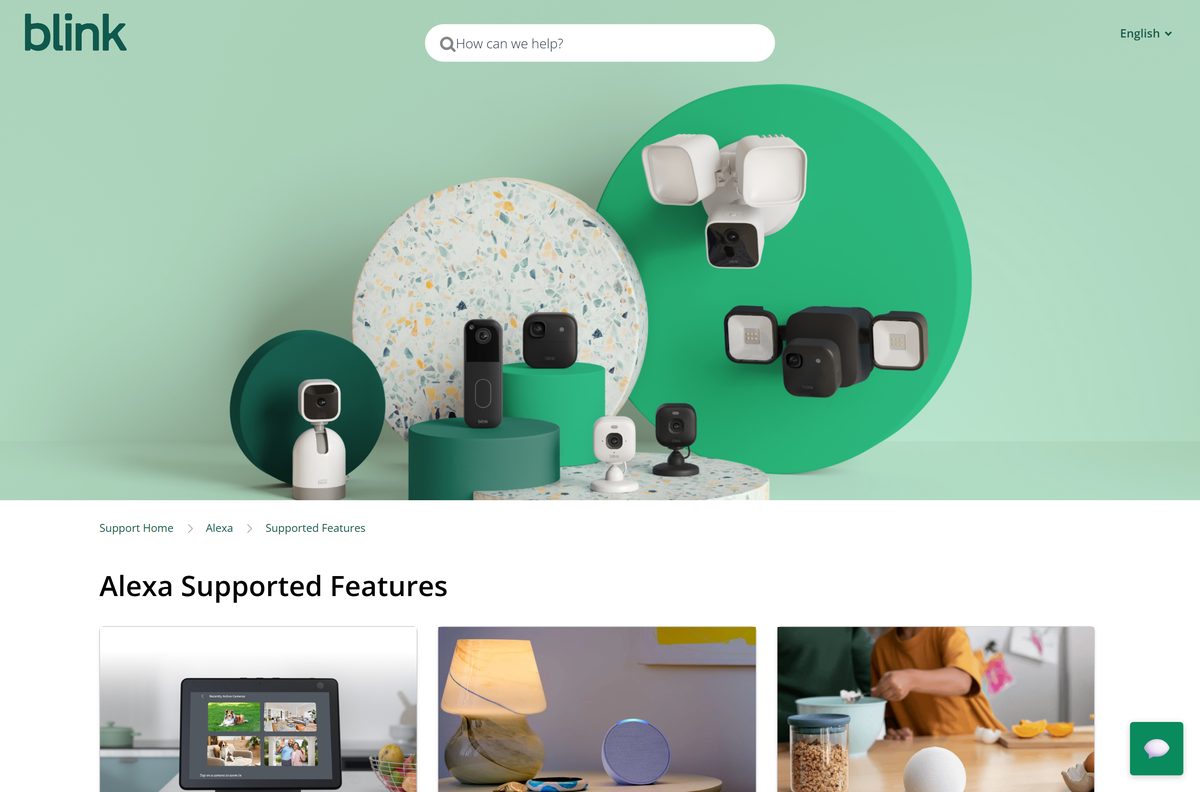
A bigger screen still works for watching. Alexa opens Blink live views on Echo devices, Fire TV and Fire tablets once your accounts are linked.
| What you want | What to do |
|---|---|
| Set up cameras and change settings | Install the app on a phone or tablet |
| Watch a camera on your TV | Ask Alexa on a Fire TV for the SmartHome Dashboard |
| Watch a camera on an Echo Show | Say Alexa, show me and the camera name |
| Buy or manage a Blink plan | Read the Blink Subscriptions FAQ |
Skip any site offering a Blink Home Monitor EXE, DMG or desktop installer. Blink does not publish one.
Is Blink Home Monitor free?
Yes. The app is free, and a Blink plan is optional. Every Blink device gets live view, motion alerts and two-way audio at no cost. A plan adds cloud storage for up to 60 days, person and vehicle detection, and extended live view. The basic and basic ai plans cover one camera, while plus and plus ai cover every eligible camera.
A new eligible camera starts a 30-day no-cost trial. When it ends, cloud recording stops, but you keep your saved clips until the retention period deletes them. Blink lists current plan prices on Blink.com and Amazon, and they vary by region.
How to verify the Blink Home Monitor app is genuine
The app has no installer file to checksum. The store listing and its publisher are the proof.
- Open the listing from blinkforhome.com/blink-app or the links above, not from a search ad.
- On Google Play, check that the developer reads Immedia Semiconductor and the listing shows 10M+ downloads.
- On the App Store, check that the seller reads Immedia Semiconductor, Inc under Utilities.
- Confirm the copyright line names Amazon.com, Inc. or its affiliates.
- Delete any Blink app file you got from a third-party site.
Turn on multi-factor authentication during sign-up. Blink sends a 6-digit code by text or voice call each time a new device signs in.
How to check your Blink Home Monitor version and update it
Blink updates the app every few weeks through the stores. Version 60.0 is the current iPhone and iPad build.
- Open the App Store, Google Play or the Amazon Appstore on your device.
- Search for Blink Home Monitor and open the listing.
- Tap Update if the button shows. Open means you already have the newest build.
- Update your phone’s system software too if it is below iOS 17 or Android 10.
- Reopen the app and sign in again if it asks.
Fix Blink Home Monitor not installing, crashing or not signing in
The store says the app is not compatible with your device
The device runs below iOS 17 or Android 10, or it is a Fire tablet on an older Fire OS.
- On iPhone or iPad, open Settings, then General, then Software Update.
- On Android, open Settings and check the Android version.
- Install any pending update, then retry the store listing.
- Use another phone or tablet if yours cannot reach the minimum version.
The app crashes or stops working soon after install
A weak connection, a stuck app session or an outdated build.
- Check your internet connection.
- Force quit the app and open it again.
- Restart your phone or tablet.
- Uninstall the app, restart the device and reinstall the latest version.
Sign-in fails with an HTTP 403 or 406 error
A VPN is interfering with the Blink servers. Some antivirus apps turn one on silently.
- On iPhone, open Settings, then General, then VPN & Device Management, and turn off the VPN.
- On Android or Fire OS, open Settings, then Network & internet, then Advanced, then VPN, and disconnect it.
- Restart the Blink app and sign in again.
- Turn the VPN back on after setup.
Notifications stop arriving
Ad blockers, antivirus apps, battery savers or system optimizers can block Blink notifications.
- Identify apps you installed recently.
- Disable or uninstall the conflicting app for a test.
- Check whether Blink alerts return.
- Contact Blink Support if they do not.
Blink’s app troubleshooting guide lists the same checks.
How to uninstall and reinstall Blink Home Monitor
Your cameras, settings and plan live on your Blink account, not on the phone. Reinstalling only asks you to sign in again.
- On Android, open the Play Store, tap your Profile icon, then Manage apps & devices and Manage.
- Select Blink Home Monitor and tap Uninstall.
- On iPhone, touch and hold the Blink icon, tap Remove App, then Delete App, and tap Delete to confirm.
- Restart the device.
- Reinstall by searching for Blink Home Monitor in the store.
- Tap Sign In and use the same email address as before.
Apple’s remove apps guide and Google’s delete apps guide cover the same steps.
Frequently asked questions
Is the Blink Home Monitor app free?
Yes. Blink Home Monitor is free on the App Store and Google Play. Live view, motion alerts and two-way audio work without a plan, while cloud recording and person detection need an optional Blink subscription plan.
What is the official Blink Home Monitor download page?
The official page is blinkforhome.com/blink-app. It carries badges for the App Store, Google Play and the Amazon Appstore, and each badge opens the Blink Home Monitor listing from Immedia Semiconductor, Blink’s company.
Can I download Blink Home Monitor on a Windows 11 PC?
No. Blink publishes no Windows version, and its support site states that you must use the Blink app to manage your system and devices. Install the app on a phone or tablet, and use Alexa on a Fire TV for a big-screen live view.
How big is the Blink Home Monitor download?
The iPhone and iPad app is 563.3 MB on the App Store. Google Play does not state a size for the Android app, because it varies by device. Start the download on Wi-Fi to avoid using mobile data.
Is there a Blink Home Monitor APK or offline installer?
No. Blink links only to the App Store, Google Play and the Amazon Appstore, and it publishes no EXE, DMG or standalone APK. Any site offering a Blink installer file is not an official source.
Is there a Blink Home Monitor app for Mac?
No. The Mac App Store carries no Blink Home Monitor app, and the App Store listing covers iPhone and iPad only. Use an iPhone or iPad on iOS 17 or later to view your cameras.
Does Blink Home Monitor have a 64-bit or ARM64 build for PC?
The question does not apply, because there is no desktop build. The app runs on iOS 17 or higher, Android 10 or higher and Fire OS 8, and each store delivers the right build for your device.
Is the Blink Home Monitor app safe to install?
Yes, from the official stores. Both the App Store and Google Play listings come from Immedia Semiconductor, the Amazon company behind Blink. Install from those listings and avoid third-party download sites.
What is the latest Blink Home Monitor version?
Version 60.0 on iPhone and iPad, released on 23 September 2026. Google Play shows the Android app updated on the same day. Blink ships app updates every few weeks through the stores.
Why won’t Blink Home Monitor install on my phone?
The device is usually below the minimum system version. Blink needs iOS 17 or higher, Android 10 or higher, or Fire OS 8 on a Fire tablet. Update the system software, then retry the store listing.
Do I need a subscription to use Blink cameras?
No. Every Blink device gets live view, motion alerts and two-way audio at no cost. A Blink plan adds cloud storage for up to 60 days, person detection and extended live view.
Can I watch Blink cameras on a TV or Echo Show?
Yes, through Alexa. Link your Blink and Alexa accounts, then say Alexa, show me and the camera name on an Echo device, Fire TV or Fire tablet to open a live view.