You can get the WinSCP download for Windows 11 and Windows 10 free from winscp.net. The 12 MB installer sets up a file transfer client for SFTP, SCP, FTP, WebDAV and Amazon S3 in about two minutes.
Below you will find which file to pick, how to install it, how to check the file, and how to fix common setup problems.
Which WinSCP download do you need?
The WinSCP download page offers four packages for the same release. Match your situation to a row below.
| Your situation | File to get | Size | Link |
|---|---|---|---|
| Home or work PC on Windows 11 or 10 | Installation package (.exe) | 12 MB | WinSCP-6.5.7-Setup.exe |
| USB stick, locked-down PC or no admin rights | Portable executables (.zip) | 8 MB | WinSCP-6.5.7-Portable.zip |
| Deploying to many PCs with Group Policy or Intune | MSI installation package | 29 MB | WinSCP-6.5.7.msi |
| Scripting transfers from .NET, PowerShell or COM | .NET assembly / COM library (.zip) | 8 MB | WinSCP-6.5.7-Automation.zip |
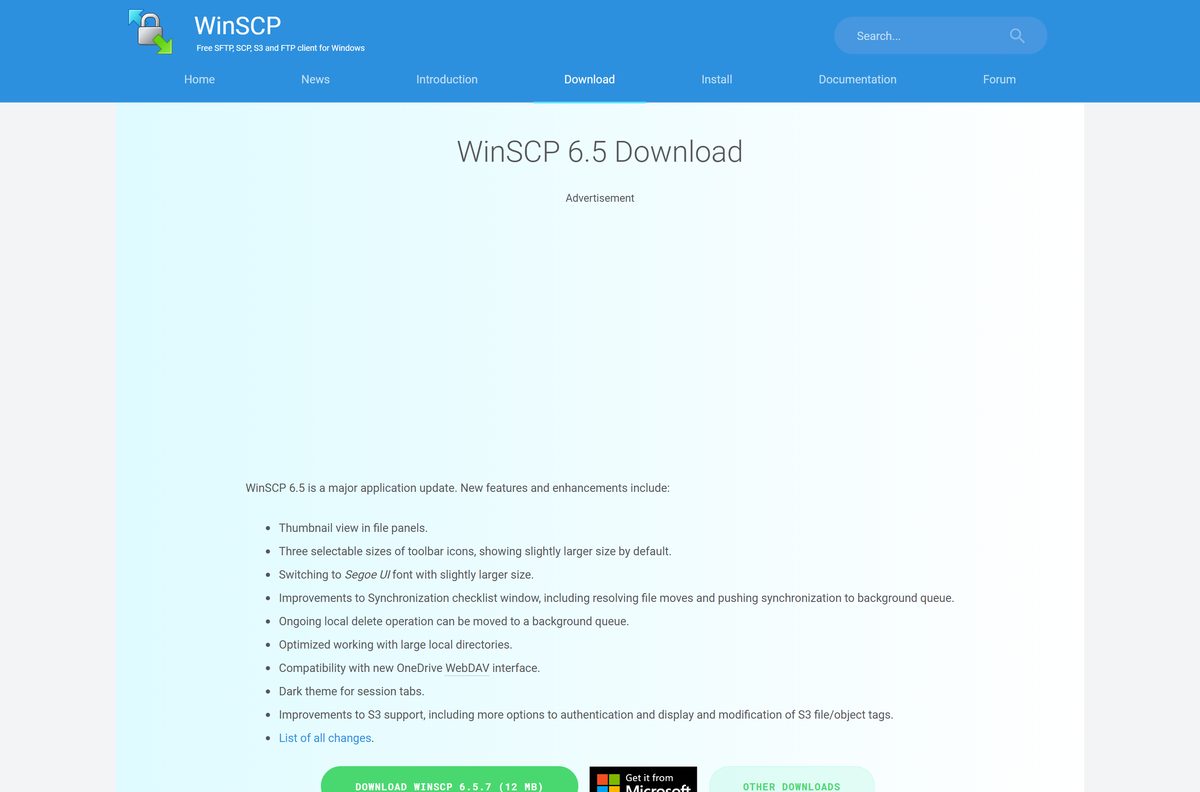
Each link opens a WinSCP page that starts the download and shows the file’s checksums.
Download WinSCP from the official site
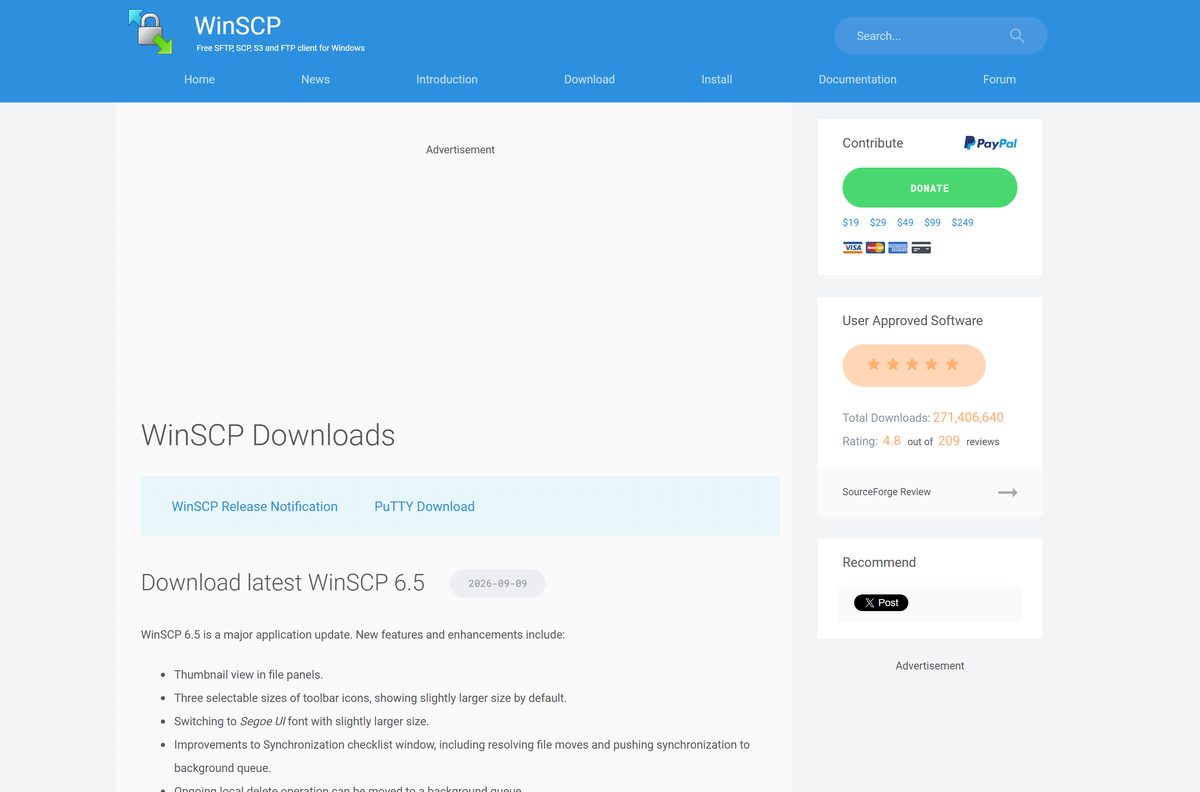
All official WinSCP packages start at winscp.net. The site shows advertisements, so use only the button labelled DOWNLOAD WINSCP.
- WinSCP download page — select DOWNLOAD WINSCP for the current installer
- All WinSCP downloads — portable, MSI, .NET assembly, source code and release candidate
- Release notes and checksums — SHA-256 hashes for every 6.5.7 package
- WinSCP in the Microsoft Store — paid edition with automatic updates
Older releases sit on the project’s SourceForge archive, linked from the All downloads page.
How to install WinSCP on Windows 11 and 10
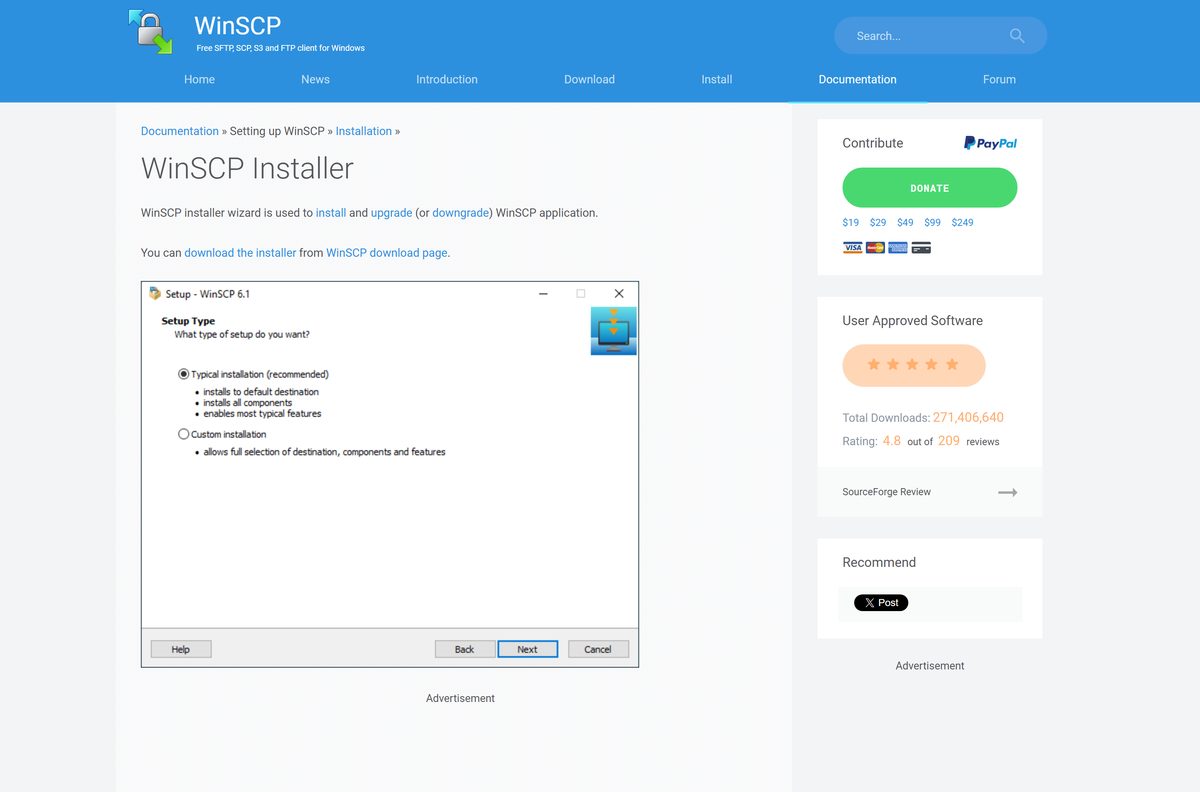
The installer asks one question first: install for everyone on the PC, or just for you. You can only change that later by uninstalling.
- Double-click WinSCP-6.5.7-Setup.exe in your Downloads folder.
- Choose to install for all users (needs admin rights) or for you only.
- If User Account Control appears, check that the Verified publisher is Martin Prikryl, then select Yes.
- Select Accept on the License Agreement page.
- Pick Typical installation on the Setup Type page and select Next.
- On Initial User Settings, choose Commander for two panes or Explorer for a single File Explorer-style pane.
- Select Install, then Finish, and open WinSCP from the Start menu or desktop icon.
For all users, WinSCP goes to C:\Program Files (x86)\WinSCP. For you only, it goes to C:\Users\username\AppData\Local\Programs\WinSCP.
Install WinSCP from the Microsoft Store
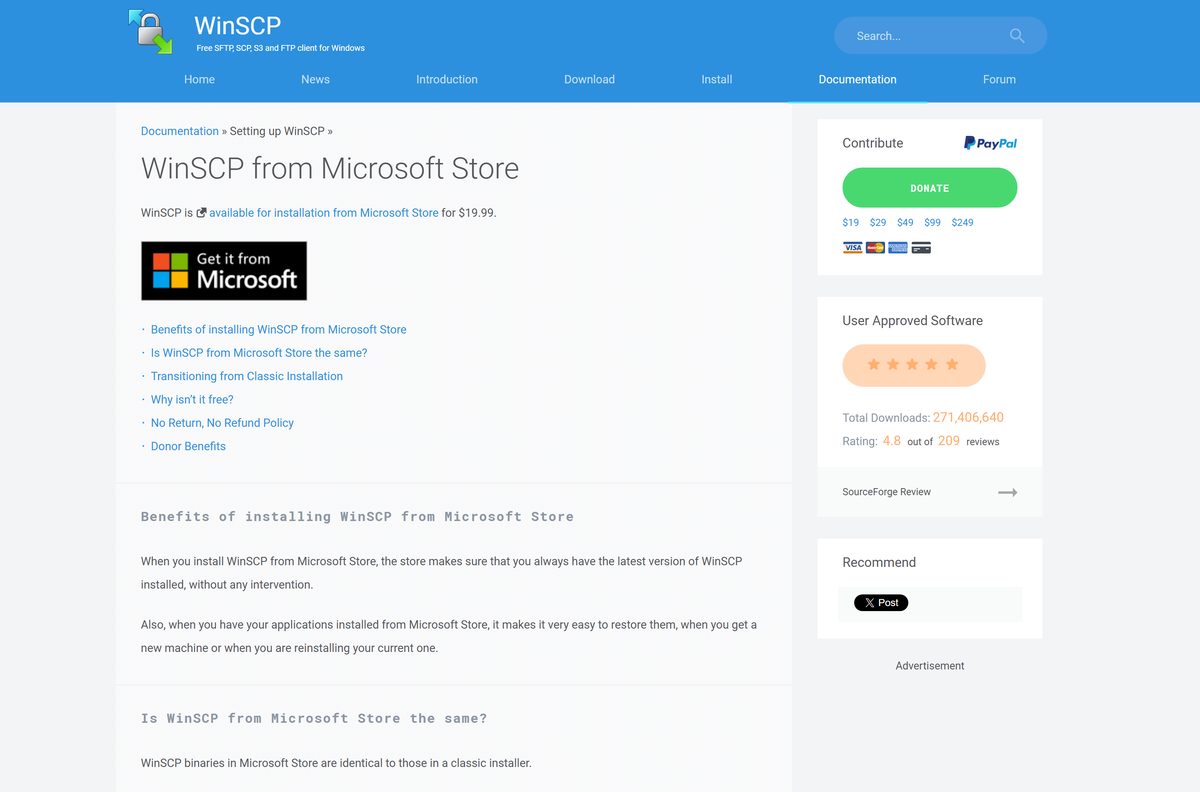
The Store edition costs $19.99 and uses the same binaries as the free installer. The price works as a donation, and in return the Store updates WinSCP for you.
- Open the WinSCP Microsoft Store listing.
- Select the price button and sign in with your Microsoft account.
- Confirm the purchase and select Install.
- Open WinSCP from the Start menu once the Store finishes.
Skip the Store if you only want the free program. The winscp.net installer is identical apart from ads on the site and donation prompts.
How to deploy WinSCP silently with the MSI or setup switches
Admins have two routes. The MSI installs the complete program, all translations and extensions, with no options to set. The .exe accepts Inno Setup switches for an unattended install.
| Goal | File | Command |
|---|---|---|
| Silent install for all users | WinSCP-6.5.7-Setup.exe (12 MB) | WinSCP-6.5.7-Setup.exe /VERYSILENT /ALLUSERS |
| Silent install for the current user | WinSCP-6.5.7-Setup.exe (12 MB) | WinSCP-6.5.7-Setup.exe /VERYSILENT /CURRENTUSER |
| Install without reboot, with a log | WinSCP-6.5.7-Setup.exe (12 MB) | WinSCP-6.5.7-Setup.exe /VERYSILENT /NORESTART /LOG=”winscp.log” |
| Push through Group Policy or Intune | WinSCP-6.5.7.msi (29 MB) | msiexec /i WinSCP-6.5.7.msi /qn |
/SILENT shows a progress window; /VERYSILENT hides it too.
How to verify the WinSCP installer
WinSCP publishes a SHA-256 hash for every package. A matching hash proves the file is complete and unchanged.
- Open PowerShell in your Downloads folder.
- Run Get-FileHash .\WinSCP-6.5.7-Setup.exe -Algorithm SHA256 .
- Compare the result with 65103dad94a907bf8b7b9b8db8174dfb60010237d9125db066f34d89817bcd99 .
- When you run it, confirm that User Account Control names Martin Prikryl as the Verified publisher.
A different hash means a damaged or altered file. Delete it and download it again from winscp.net.
Run WinSCP without installing it
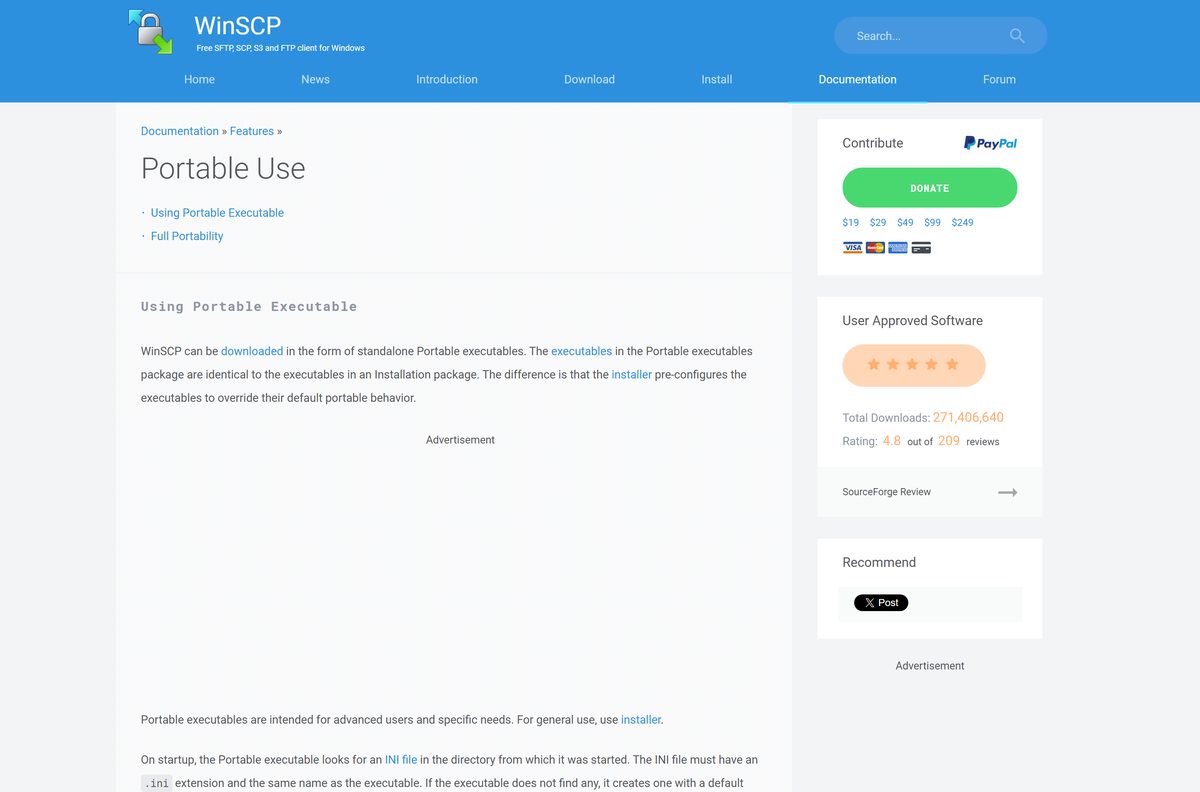
The portable .zip holds the same executables as the installer. It also runs on Windows 7 without Service Pack 1, where the installer refuses to start.
- Download WinSCP-6.5.7-Portable.zip (8 MB).
- Right-click the .zip, select Extract All, and extract it to a folder or USB drive.
- Double-click WinSCP.exe in that folder.
- Save a site once; WinSCP writes its settings to WinSCP.ini next to the .exe.
- For full portability, add RandomSeedFile=.\winscp.rnd and DDTemporaryDirectory=.\temp\ under [Configuration\Interface] in that .ini file.
To keep settings somewhere else, start WinSCP with the /ini= switch and a path.
Which WinSCP download do you need for your Mac?
WinSCP is built for Windows only, and winscp.net offers no macOS package. Pick the route that fits your Mac.
| Your Mac | What to do | Link |
|---|---|---|
| You need WinSCP itself | Run the Windows installer in a Windows PC or Windows virtual machine | WinSCP download page |
| You want to open a Windows or SMB share | In Finder, select Go > Connect to Server and enter the server address | Apple: connect to servers in Finder |
| You run Linux, not macOS | Run WinSCP through Wine, which the vendor lists as supported | WinSCP requirements |
Any Mac download sold or offered as “WinSCP for Mac” does not come from the WinSCP project.
Is WinSCP free?
Yes. WinSCP is free and open source under the GNU General Public License, for home, school and business use. The license lets individuals and corporations run it for any purpose at no cost, on any number of PCs. The only paid version is the $19.99 Microsoft Store edition, which is a donation that adds automatic updates. Optional donations on winscp.net start at $19.
Which WinSCP version should you install: 6.5 or 6.6 RC?
The downloads page lists the stable 6.5 release and a 6.6 release candidate. The RC is the only one with an experimental 64-bit portable build.
Install WinSCP 6.5.7 for daily work. It is the stable release, and the 32-bit program runs on 64-bit Windows 11 and 10. Try the 6.6.3 RC only to test new features or the experimental 64-bit build on a spare PC.
How to check your WinSCP version and update it
- Open WinSCP.
- Select Help > Check for Updates, or Tools > Check for Updates on the Login dialog.
- If a newer release exists, download it from winscp.net and run it.
- Choose Full upgrade on the Setup Type page to keep your saved sites and settings.
A Typical install turns on automatic update checks. The Store edition updates itself.
Check the WinSCP system requirements
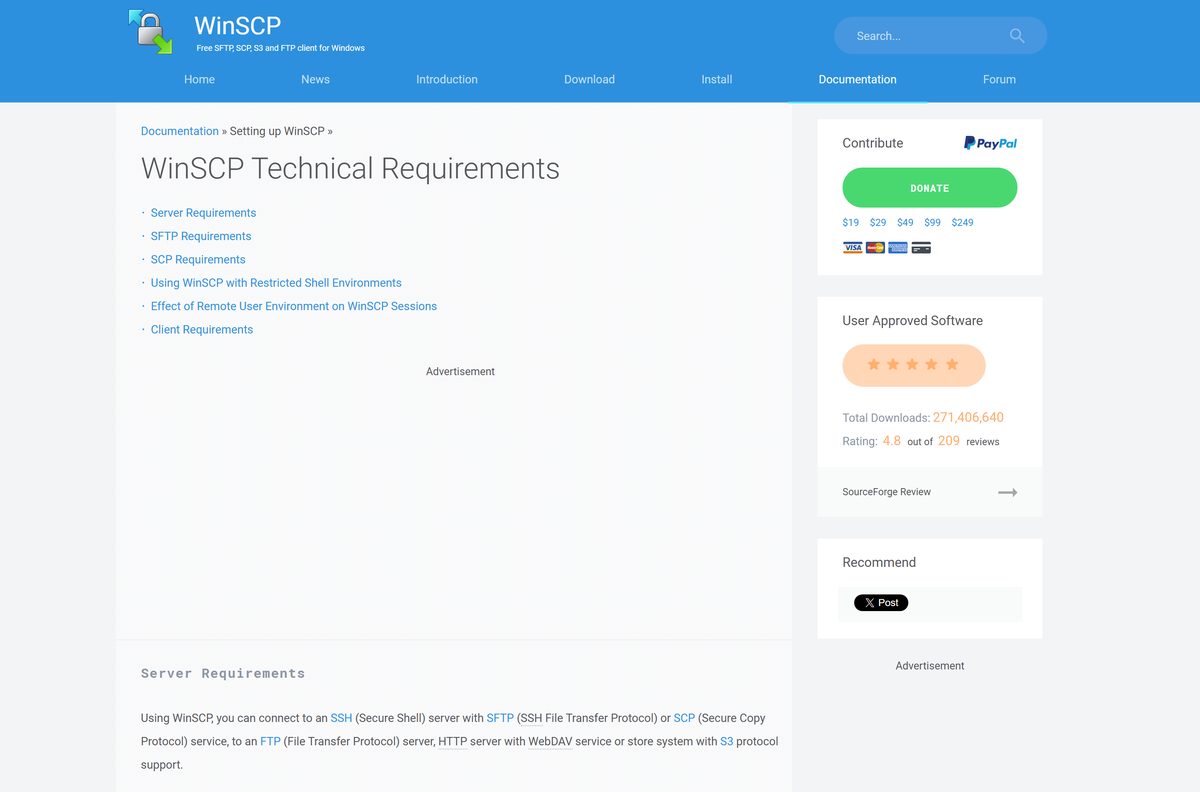
WinSCP needs very little. The main limit is the Windows version.
| Field | Value |
|---|---|
| Software | WinSCP |
| Developer | Martin Prikryl |
| Latest version | 6.5.7, released September 9, 2026 |
| License | Free, open source (GNU GPL v3 or later) |
| File size | 11.8 MB installer, 8 MB portable, 29 MB MSI |
| Windows | Windows 7/2008 and newer, up to Windows 11 and Windows Server 2025 |
| Architecture | 32-bit, runs on 64-bit Windows |
| Disk space | 40-100 MB |
| macOS | No macOS version |
| Linux | Runs through Wine |
| Protocols | SFTP, SCP, FTP and FTPS, WebDAV, Amazon S3 |
| Offline installer | Yes, the .exe and .msi need no internet during setup |
| Official download | winscp.net |
| Last verified | 2026-09-25 |
Fix WinSCP not installing on Windows 11 or 10
Setup asks for an administrator password you do not have
Install for all users writes to Program Files.
- Run the installer again.
- Choose to install for you only.
- Or use the portable .zip, which needs no install.
You cannot switch between all users and current user
The install mode is fixed at the first install.
- Open Settings > Apps > Installed apps.
- Uninstall WinSCP.
- Run the installer and pick the other mode.
The installer will not start on an old Windows 7 PC
The installer needs Windows 7 or Server 2008 R2 with Service Pack 1.
- Install Service Pack 1 through Windows Update.
- Or download the portable .zip, which runs without it.
Windows blocks or deletes the downloaded file
A damaged download, or a copy from an unofficial site.
- Compare the SHA-256 hash with the one in the release notes.
- Delete the file if they differ.
- Download it again from winscp.net only.
How to uninstall WinSCP
- Open Settings > Apps > Installed apps on Windows 11, or Apps & features on Windows 10.
- Find WinSCP, select the three dots or the entry, then select Uninstall.
- Confirm the removal and wait for the uninstaller to finish.
- For a silent removal, run unins000.exe /VERYSILENT from the WinSCP install folder.
A silent uninstall keeps your stored configuration. Delete the portable folder to remove a portable copy.
Choose a WinSCP alternative
| Option | Cost | Pick it when |
|---|---|---|
| OpenSSH Client in Windows | Free, built into Windows 10 1809 and later | You are happy with the sftp and scp commands in PowerShell |
| PuTTY | Free, on the WinSCP downloads page | You need an SSH terminal alongside WinSCP |
| WinSCP from Microsoft Store | $19.99 | You want the same app with automatic updates |
| Finder Connect to Server (Mac) | Free, built into macOS | You only need to reach SMB file shares from a Mac |
Frequently asked questions
Is WinSCP free?
Yes. WinSCP is free and open source under the GNU General Public License. You can use it at home, at school or in a company, on as many PCs as you like. The $19.99 Microsoft Store edition is optional and works as a donation.
Is WinSCP free for commercial use?
Yes. The GPL license grants individuals, schools, small firms and corporations the right to run WinSCP for any purpose for free. No business license exists, and no paid tier unlocks extra features.
Where is the official WinSCP download?
The official page is winscp.net/eng/download.php. Select DOWNLOAD WINSCP for the installer, or open All downloads for the portable, MSI and .NET packages. The site carries ads, so ignore any other download buttons.
Is there a 64-bit version of WinSCP?
The main release is 32-bit, and it runs normally on 64-bit Windows 11 and 10. An experimental 64-bit portable build exists only for the 6.6 release candidate, so most people should install the regular 32-bit version.
Is there WinSCP for Mac?
No. WinSCP is a Windows program, and winscp.net offers no macOS download. On a Mac you can run it inside a Windows virtual machine, or use Finder’s Connect to Server for SMB shares.
Does WinSCP work on Windows 11?
Yes. WinSCP runs on Windows 7 and every later version up to Windows 11 and Windows Server 2025. The same installer covers Windows 11 and Windows 10, and it needs only 40 to 100 MB of disk space.
Is there a WinSCP offline installer?
Yes. The standard 12 MB setup file contains the whole program, so it installs without an internet connection. The 29 MB MSI package and the 8 MB portable .zip also work fully offline.
Is there a portable version of WinSCP?
Yes. The portable .zip contains the same executables as the installer. Extract it anywhere and run WinSCP.exe; it saves settings to WinSCP.ini in the same folder, so it suits USB drives and PCs without admin rights.
How do I install WinSCP silently?
Run the setup file with /VERYSILENT /ALLUSERS for a machine-wide install, or /VERYSILENT /CURRENTUSER for one account. Add /NORESTART to block reboots. For Group Policy or Intune, deploy the MSI package instead.
How do I uninstall WinSCP from the command line?
Run unins000.exe /VERYSILENT from the WinSCP installation folder. A silent uninstall leaves your saved sites and settings in place, so remove them separately if you want a clean machine.