The Farming Simulator 22 download for PC comes from Steam on Windows 11 and Windows 10, and the same Steam purchase also installs on a Mac. Mac owners can buy a native build from the Mac App Store instead.
GIANTS Software develops and publishes the game. Boxed copies and download keys from retailers install through the GIANTS download portal, which gives you a full offline image.
This guide covers which store to pick, the official links, install steps for Steam and a GIANTS key, Mac options, the PC specs, updates and fixes for failed installs.
Which Farming Simulator 22 download do you need?
Match your machine and how you bought the game to a row. Every row installs the same farming game with its three maps.
| Your situation | Where to get it | Price and size |
|---|---|---|
| Windows 11 or Windows 10 PC, buying now | Steam store page | $19.99, needs 35 GB free |
| Mac, and you also play on a Windows PC | Steam store page | $19.99, one purchase covers Windows and Mac |
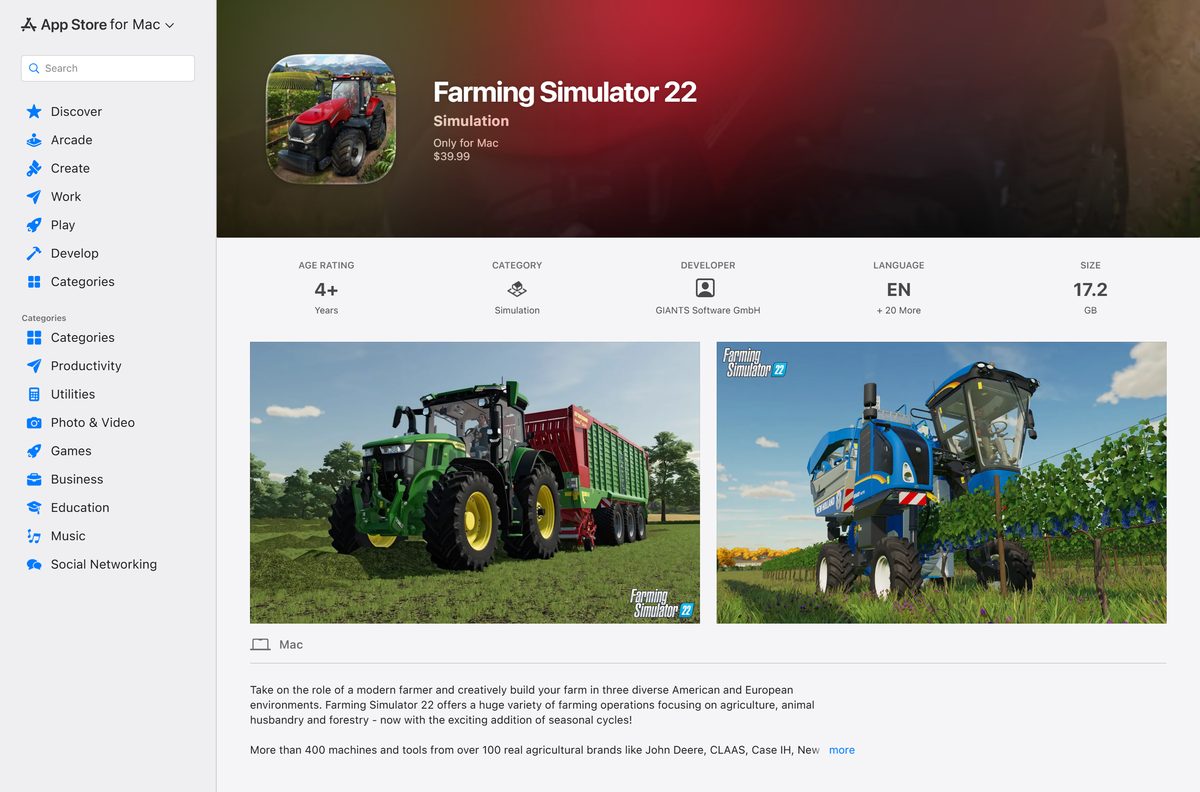
| Mac only, and you prefer Apple’s store | Mac App Store listing | $39.99, 17.2 GB download |
| You bought a boxed copy or a retail key | GIANTS retailer list | Enter the key on the GIANTS download portal |
Steam, Mac App Store and GIANTS copies are separate licences. Buy DLC from the same store as the base game.
Download Farming Simulator 22 from the official stores
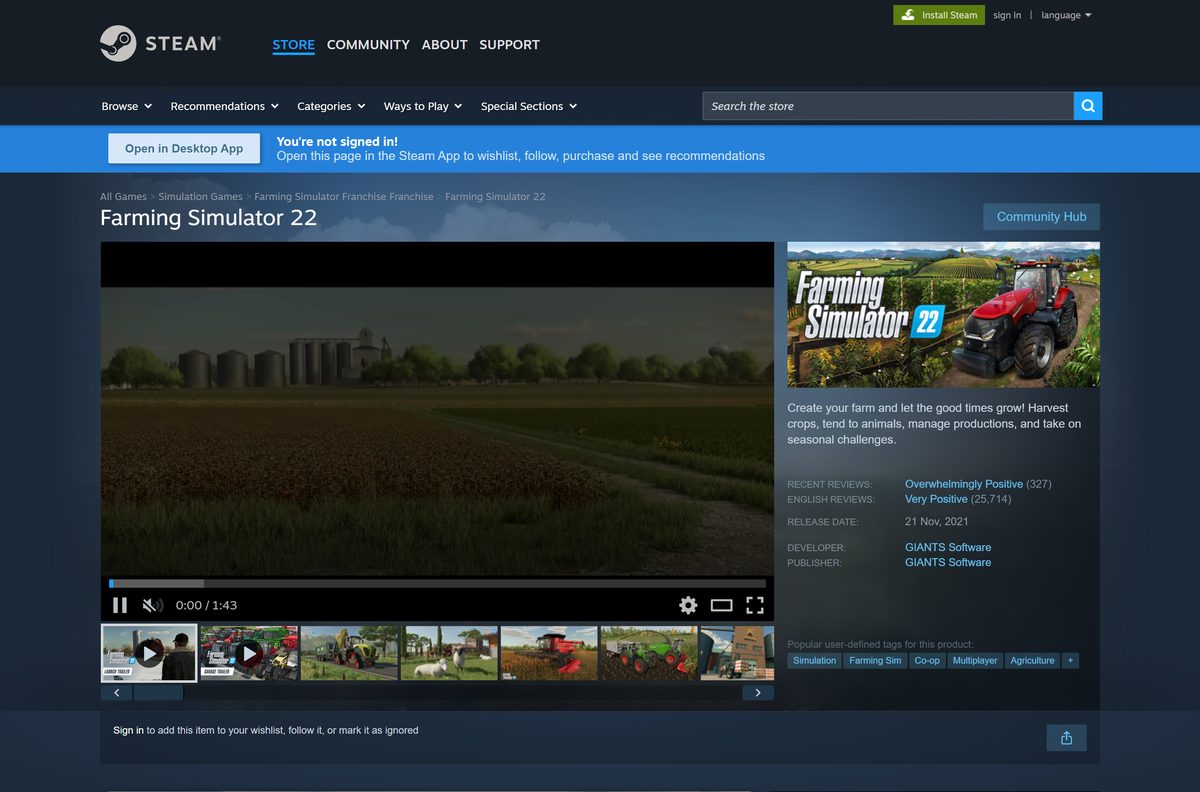
GIANTS Software sells the game through Steam, the Mac App Store and retail partners. Each link below goes to an official listing or GIANTS page.
- Farming Simulator 22 on Steam — Windows and Mac, $19.99
- Farming Simulator 22 on the Mac App Store — Native Mac build, $39.99, 17.2 GB
- Buy Farming Simulator 22 editions — Standard, Premium, Platinum and Collector’s Edition retailers
- Farming Simulator 22 updates — Patch notes and the GIANTS download portal
- Farming Simulator 22 game page — Features and minimum specs
Farming Simulator 22 on Windows needs 35 GB of free space. On macOS, GIANTS asks for 70 GB.
How to install Farming Simulator 22 on Windows 11 and 10 with Steam
Steam is the simplest route on Windows. You need the Steam client and a Steam account.
- Open the Farming Simulator 22 Steam page and sign in to Steam.
- Select Add to Cart next to Farming Simulator 22.
- Open your cart and complete the purchase.
- Open the Steam app and go to your Library.
- Select Farming Simulator 22 and click Install.
- Choose a drive with at least 35 GB free and confirm.
- Wait for the download to finish on the Steam Downloads page.
- Click Play to launch the game and start a new career.
Steam keeps the game on the latest patch automatically while the client is running.
Install Farming Simulator 22 with a GIANTS product key
A boxed copy or a download key from a retailer installs through the GIANTS download portal. The portal hands you the full game as a single image file, so you can keep it for offline reinstalls.
- Open farming-simulator.com and click Downloads in the top menu.
- Type your product key into the box on the GIANTS download portal.
- Download the Farming Simulator 22 file for your system: the .img file on Windows 10 and 11, or the .dmg file on macOS.
- On Windows, double-click the .img file to mount it.
- Run Setup.exe from the mounted drive and follow the installer.
- On a Mac, double-click the .dmg file and follow the prompts.
- Launch Farming Simulator 22 and enter the same product key when asked.
- Keep the PC online so the game updates itself to the latest version.
Lost your key? The GIANTS support page has a Problem with key / activation category for that.
Which Farming Simulator 22 download do you need for your Mac?
Both Mac routes install a native build. The difference is price and whether you also want the Windows version.
| Your Mac setup | Pick | Why |
|---|---|---|
| You also own or plan to use a Windows PC | Steam | $19.99 covers both platforms |
| You manage every app through Apple | Mac App Store | $39.99, Family Sharing for up to six people |
| Your Mac runs macOS 10.13 or older | Neither | Both builds need macOS 10.14 or later |
| Your Mac has less than 70 GB free | Free up space first | GIANTS lists 70 GB for the macOS version |
The Mac App Store build is version 1.14.3.0, a compatibility fix released in April 2025.
Is Farming Simulator 22 free?
The Mac App Store charges $39.99 for the same game. Retailers carry the Standard, Premium, Platinum and Collector’s editions.
No. Farming Simulator 22 is a paid game with no free version, and Steam sells the base game for $19.99. Community-created mods cost nothing, but the base game always needs a purchase. Sites that offer a free full download, a crack or a repack are not GIANTS Software and are a common malware source.
The Platinum Expansion is a separate $19.99 DLC on Steam, so check what an edition includes before you pay twice.
Should you install Farming Simulator 22 or 25?
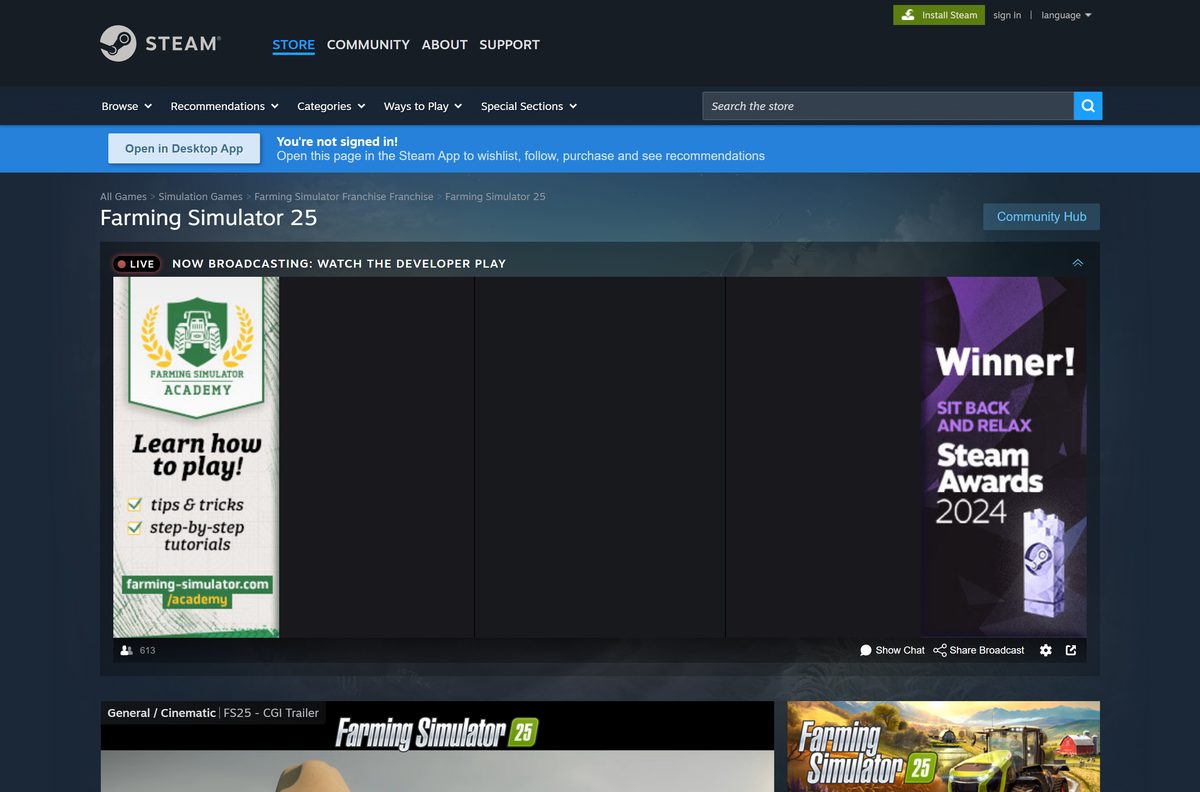
Farming Simulator 25 is the newer game, released on November 12, 2024. It costs $29.99 on Steam and needs a DirectX 12 graphics card with 3 GB of VRAM plus 50 GB of storage.
Install Farming Simulator 22 on an older PC or when your mods and saves live there; pick Farming Simulator 25 on a newer PC. Farming Simulator 22 runs on a DirectX 11 card with 2 GB of VRAM, and its last PC patch was 1.14.0.0 in April 2024. Farming Simulator 25 on Steam still receives regular updates.
How to update Farming Simulator 22 to the latest version
The final PC patch is 1.14.0.0, released on April 25, 2024. GIANTS says the game updates itself whenever it is online.
- On Steam, open your Library and select Farming Simulator 22.
- Right-click the game, choose Properties, then Updates, and set it to keep the game updated.
- On the Mac App Store, open the Updates page and click Update next to Farming Simulator 22.
- For a GIANTS key copy, launch the game while connected to the internet and let it install the patch.
- Compare your version with the Farming Simulator 22 updates page, which also links the full changelog.
Check the Farming Simulator 22 system requirements
GIANTS and Steam list the same minimum specs. Steam adds a recommended tier for smoother play.
| Field | Value |
|---|---|
| Game | Farming Simulator 22 |
| Developer | GIANTS Software |
| Publisher | GIANTS Software |
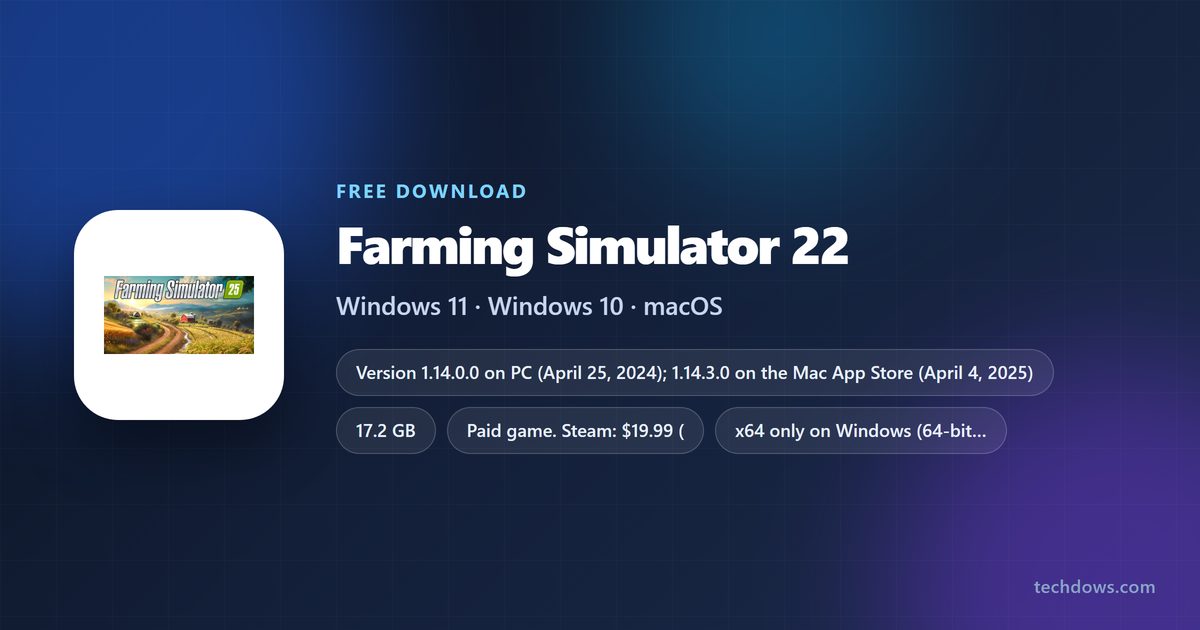
| Latest version | 1.14.0.0 on PC; 1.14.3.0 on the Mac App Store |
| Price | Paid: $19.99 on Steam, $39.99 on the Mac App Store |
| Supported OS | 64-bit Windows 10 or later, macOS 10.14 or later |
| Architecture | x64 only on Windows |
| Processor | Intel Core i5-3330 or AMD FX-8320 minimum; Core i5-5675C or Ryzen 5 1600 recommended |
| Memory | 8 GB RAM |
| Graphics | GeForce GTX 660 or Radeon R7 265 (2 GB VRAM) minimum; GeForce GTX 1060 or Radeon RX 570 recommended |
| DirectX | 11 |
| Storage | 35 GB on Windows, 70 GB on macOS; the Mac App Store download is 17.2 GB |
| Internet | Broadband connection |
| Offline installer | Yes, the GIANTS download version with a product key |
| Official sources | Steam, Mac App Store, farming-simulator.com |
| Last verified | 2026-09-25 |
To check your PC, open Settings, select System, then About. System type shows whether Windows is 64-bit, and Installed RAM shows your memory.
Fix Farming Simulator 22 not installing or starting
Find the symptom that matches your screen and follow the fixes under it.
The Steam download stops or the install fails
A full drive or damaged game files break the install.
- Free up at least 35 GB on the install drive.
- Right-click Farming Simulator 22 in your Steam Library and choose Properties.
- Open Installed Files and click Verify integrity of game files.
- Restart Steam and resume the download.
The game crashes on launch or shows a graphics error
An old graphics driver or a card below the minimum spec stops the DirectX 11 renderer.
- Install every pending update in Settings > Windows Update.
- Update your graphics driver from NVIDIA, AMD or Intel.
- Confirm the card has at least 2 GB of VRAM and matches the table above.
- Start a new savegame without mods to rule them out.
The product key is refused or lost
A typo, a key for another store, or a lost key blocks activation.
- Retype the key exactly as printed, including every dash.
- Check that it is a GIANTS key, not a Steam key, which you redeem in Steam instead.
- Open the GIANTS support page and choose Problem with key / activation.
- Send a support request with your proof of purchase.
GIANTS support usually answers the next working day, and its form accepts log files.
How to uninstall Farming Simulator 22
Remove the game from the store that installed it. The purchase stays on your account for a later reinstall.
- On Steam, right-click Farming Simulator 22 in your Library.
- Select Manage, then Uninstall, and confirm.
- For a GIANTS key copy on Windows, open Settings > Apps > Installed apps.
- Click the … menu next to Farming Simulator 22 and choose Uninstall.
- On a Mac, open Finder > Applications and drag Farming Simulator 22 to the Trash.
- On the Mac App Store copy, you can also open Launchpad, hold the icon and click the delete button.
Which Farming Simulator 22 alternative should you download?
The direct successor is Farming Simulator 25 from the same developer. It sells on the same two stores.
| Game | Where to get it | Price | Platforms |
|---|---|---|---|
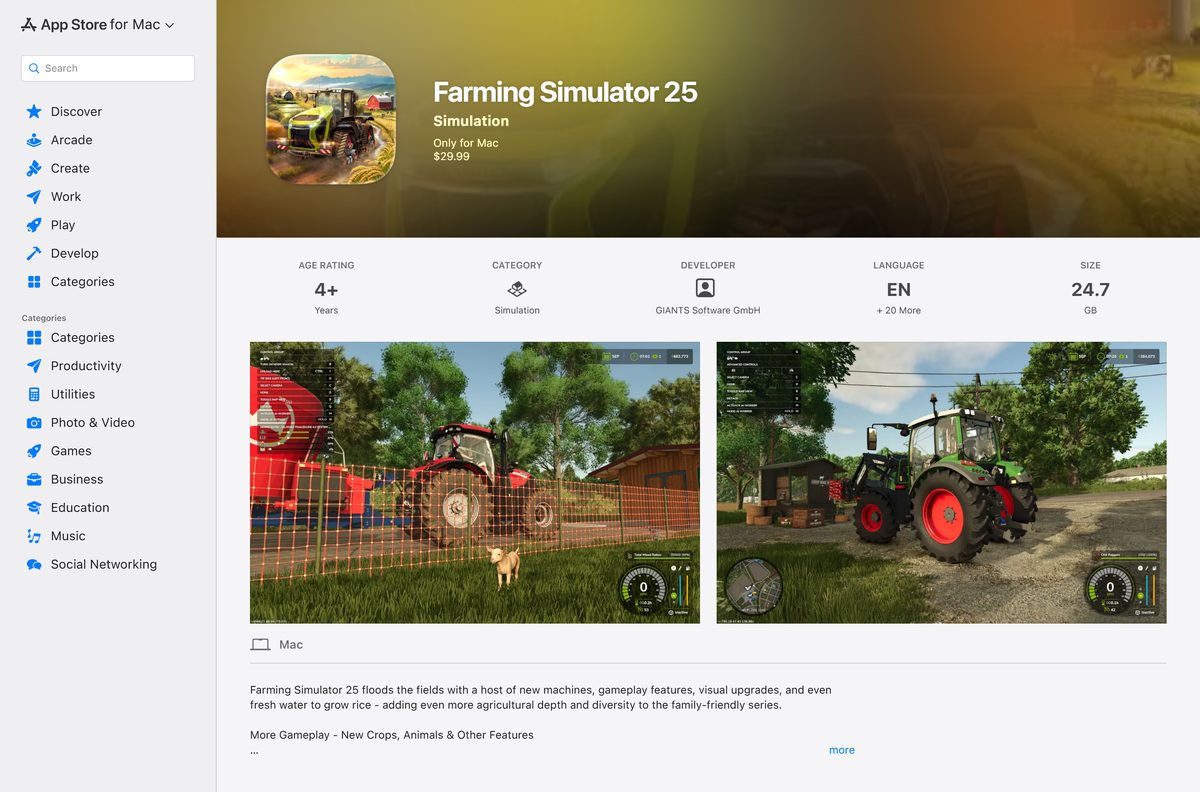
| Farming Simulator 25 | Steam | $29.99 | Windows, Mac |
| Farming Simulator 25 | Mac App Store | $29.99 | Mac, macOS 10.15 or later |
| Farming Simulator 22 | Steam | $19.99 | Windows, Mac |
Choose Farming Simulator 25 for continued updates. Stay with Farming Simulator 22 for the lower price and lighter hardware demands.
Frequently asked questions
Is Farming Simulator 22 free to download?
No. Farming Simulator 22 is a paid game from GIANTS Software. It costs $19.99 on Steam for Windows and Mac, and $39.99 on the Mac App Store. Community-created mods are free, but the base game always needs a purchase.
Where is the official Farming Simulator 22 download?
The official sources are the Steam store page, the Mac App Store listing and farming-simulator.com, which lists retailers and links the GIANTS download portal for product keys. Any other site offering a free setup file is not an official source.
Does Farming Simulator 22 work on Windows 11?
Yes. GIANTS lists 64-bit Windows 10 as the minimum operating system, so a 64-bit Windows 11 PC meets it. The PC needs a 64-bit processor, 8 GB of RAM and a DirectX 11 card with 2 GB of VRAM.
How big is the Farming Simulator 22 download?
The Mac App Store download is 17.2 GB. On Windows, Steam and GIANTS ask for 35 GB of free space, and GIANTS asks for 70 GB on macOS. Leave extra room for DLC and mods, which add to that total.
Is there a Farming Simulator 22 offline installer?
Yes, for product key owners. The GIANTS download portal provides the full game as an .img file for Windows 10 and 11 and a .dmg file for macOS. Steam and Mac App Store copies install only through their store apps.
Can I play Farming Simulator 22 on a Mac?
Yes. Farming Simulator 22 has a native Mac version on Steam and on the Mac App Store. Both need macOS 10.14 or later, and GIANTS lists 70 GB of free space for the macOS version.
Does Farming Simulator 22 run on 32-bit or ARM PCs?
No 32-bit build exists. Steam states that Farming Simulator 22 requires a 64-bit processor and a 64-bit edition of Windows 10 or later. GIANTS offers no separate ARM64 Windows version.
Is Farming Simulator 22 safe to download?
Yes, from Steam, the Mac App Store or a GIANTS product key. GIANTS Software develops and publishes the game on each of them. Sites offering a free full version, a crack or a repack are piracy fronts and a common source of malware.
What is the latest version of Farming Simulator 22?
The latest PC patch is 1.14.0.0, released on April 25, 2024. The Mac App Store build is 1.14.3.0, a compatibility fix from April 4, 2025. The game updates itself automatically when connected to the internet.
Should I buy Farming Simulator 22 or Farming Simulator 25?
Buy Farming Simulator 25 on a newer PC, because it is the current game and still gets updates. Farming Simulator 22 costs less at $19.99 on Steam and runs on older DirectX 11 graphics cards with 2 GB of VRAM.
Why won’t Farming Simulator 22 install or launch?
The usual causes are a full drive, damaged game files, an old graphics driver or a mistyped product key. Free up 35 GB, verify the game files in Steam, update Windows and the driver, and contact GIANTS support about key problems.
How do I uninstall Farming Simulator 22?
On Steam, right-click the game in your Library and select Manage, then Uninstall. For a GIANTS copy, open Settings, Apps, Installed apps and choose Uninstall. On a Mac, drag the app from Applications to the Trash.