The WinDbg download for PC is free, and Microsoft Corporation ships it two ways on Windows 11 and Windows 10. The Microsoft Store app is the current debugger, version 1.2606.22001.0. The Windows SDK carries WinDbg (classic) and the command-line debuggers beside it.
On a Mac you reach the same debugger through a Windows machine, and a Windows 365 Cloud PC in Safari handles one-off dump analysis in minutes.
This guide covers which route fits your machine, the official links and sizes, install steps for the Store and the SDK, and fixes when the package refuses to install.
Which WinDbg download do you need?
Match your case to a row. The Store app and the App Installer file deliver the same package; the SDK route delivers a different, older set of binaries.
| Your case | What to get | Size |
|---|---|---|
| Windows 11 or Windows 10 PC, fastest route | WinDbg on the Microsoft Store | 1.11 GB bundle |
| You want a file to open rather than a Store page | WinDbg App Installer file | 688 bytes |
| You script your machine setups | Windows Package Manager | No separate file |
| You need WinDbg (classic), KD, CDB and NTSD | Windows SDK installer | 1.38 MB web setup |
| The target machine has no internet access | Windows SDK ISO | 1.10 GB |
The 1.11 GB figure covers one bundle holding x86, x64 and ARM64 packages, so a single PC pulls less than that.
Download WinDbg from the official Microsoft sources
Microsoft distributes the debugger from four addresses. Nothing outside this list carries a genuine copy.
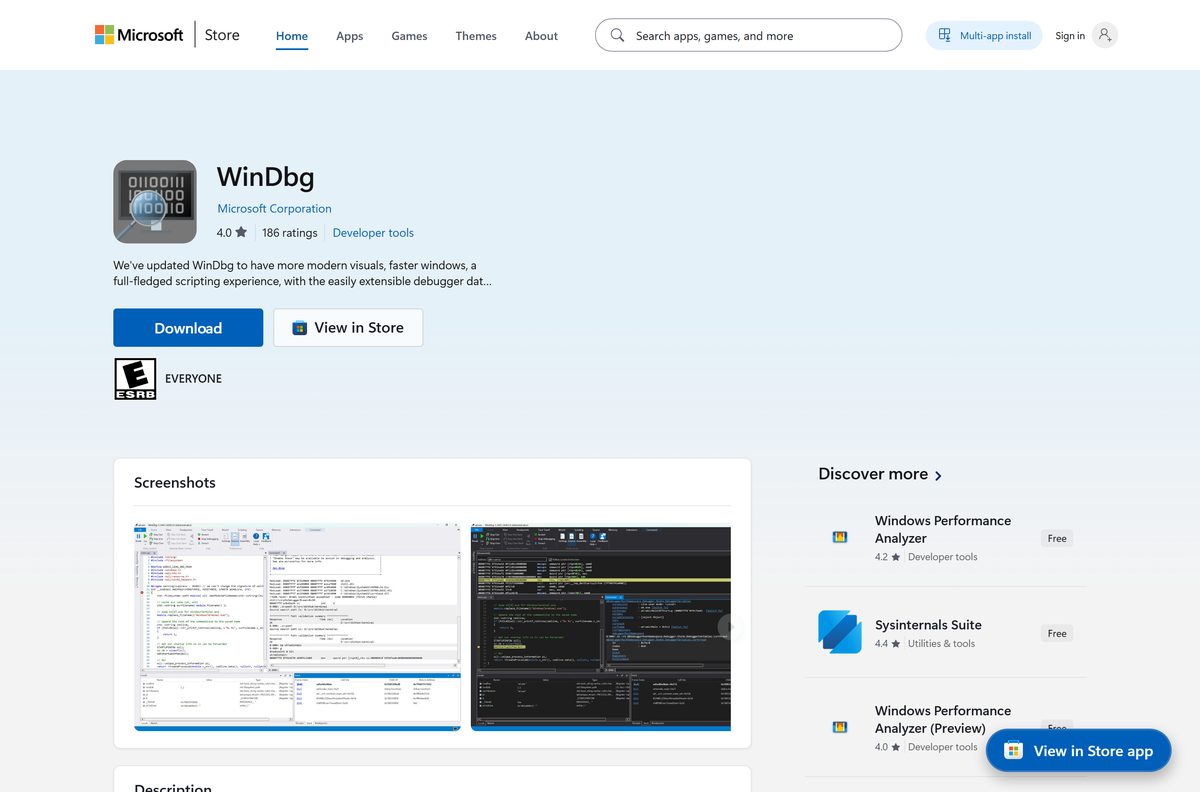
- WinDbg on the Microsoft Store — 1.11 GB · Microsoft Corporation, free, product ID 9PGJGD53TN86, rated 4.0 stars from 186 ratings
- WinDbg App Installer file — 688 bytes · windbg.appinstaller, the link on Microsoft’s own install page
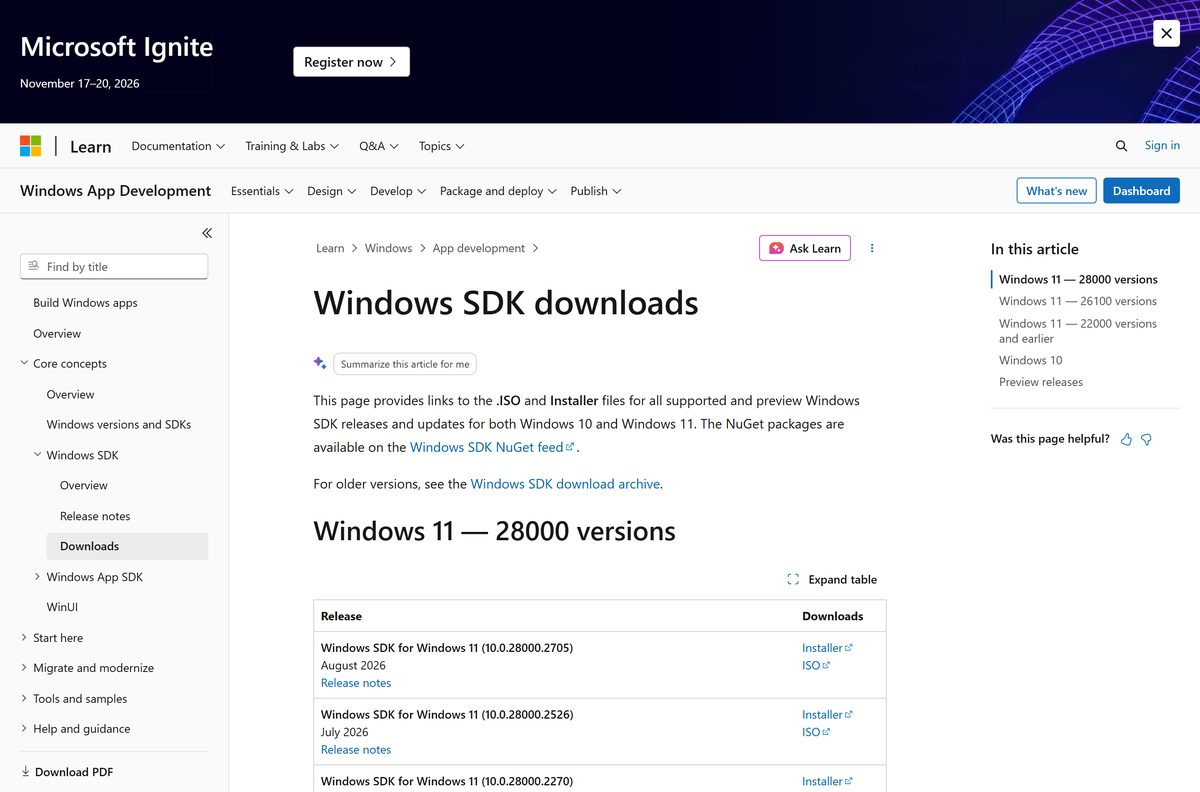
- Windows SDK 10.0.28000.2705 installer — 1.38 MB · winsdksetup.exe, August 2026 release, carries Debugging Tools for Windows
- Windows SDK 10.0.28000.2705 ISO — 1.10 GB · the offline image, listed on the Windows SDK downloads page
How to install WinDbg on Windows 11 and Windows 10
This is the App Installer route, which needs no Store sign-in. The package registers as a normal app and updates itself.
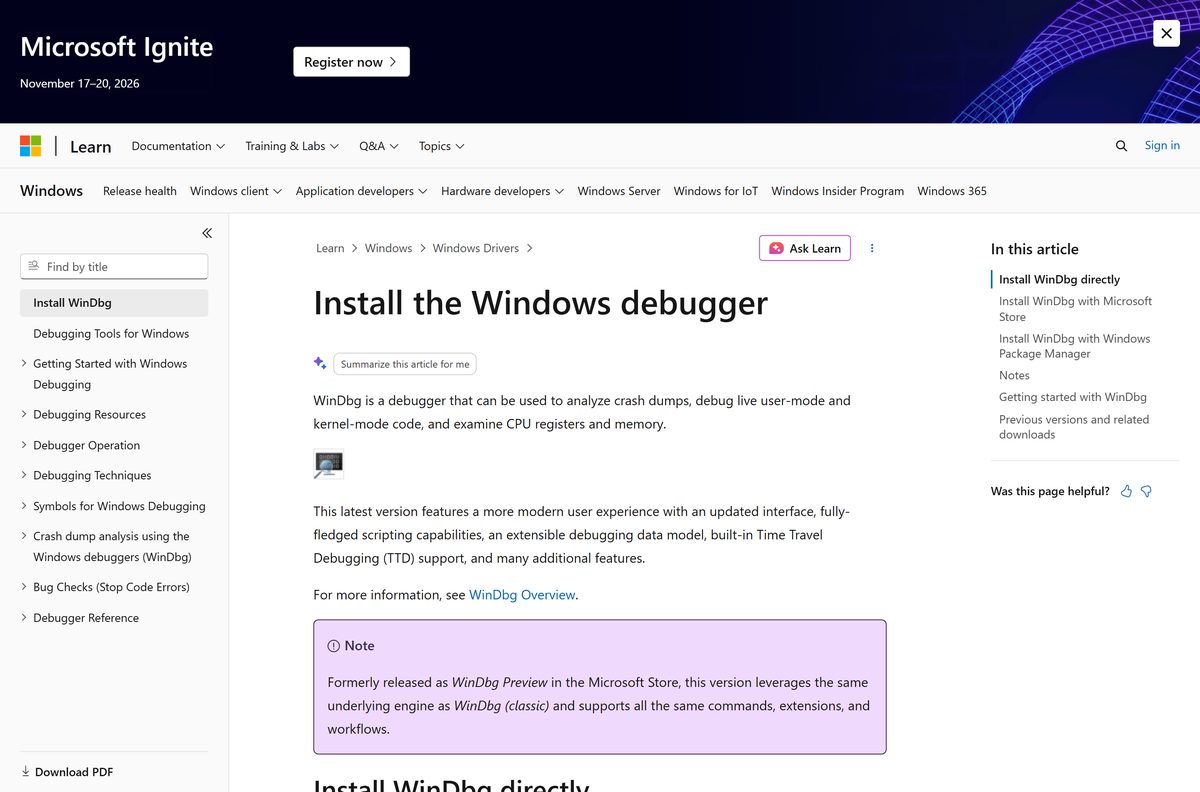
- Open Microsoft’s install page and select the WinDbg installer link under Install WinDbg directly.
- Open the downloaded windbg.appinstaller file. App Installer starts and reads the package location.
- Select Install and leave the dialog open while Windows pulls the package.
- Wait for the dialog to report the app is installed, then select Launch.
- In WinDbg, select File, then Settings, and set the symbol path so stacks resolve.
- Paste .symfix c:\MyCache in the command window, then run .reload to apply it.
- Select File, then Open dump file, and point it at a .dmp file to confirm the install works.
- Run !analyze -v in the command window to produce the first analysis.
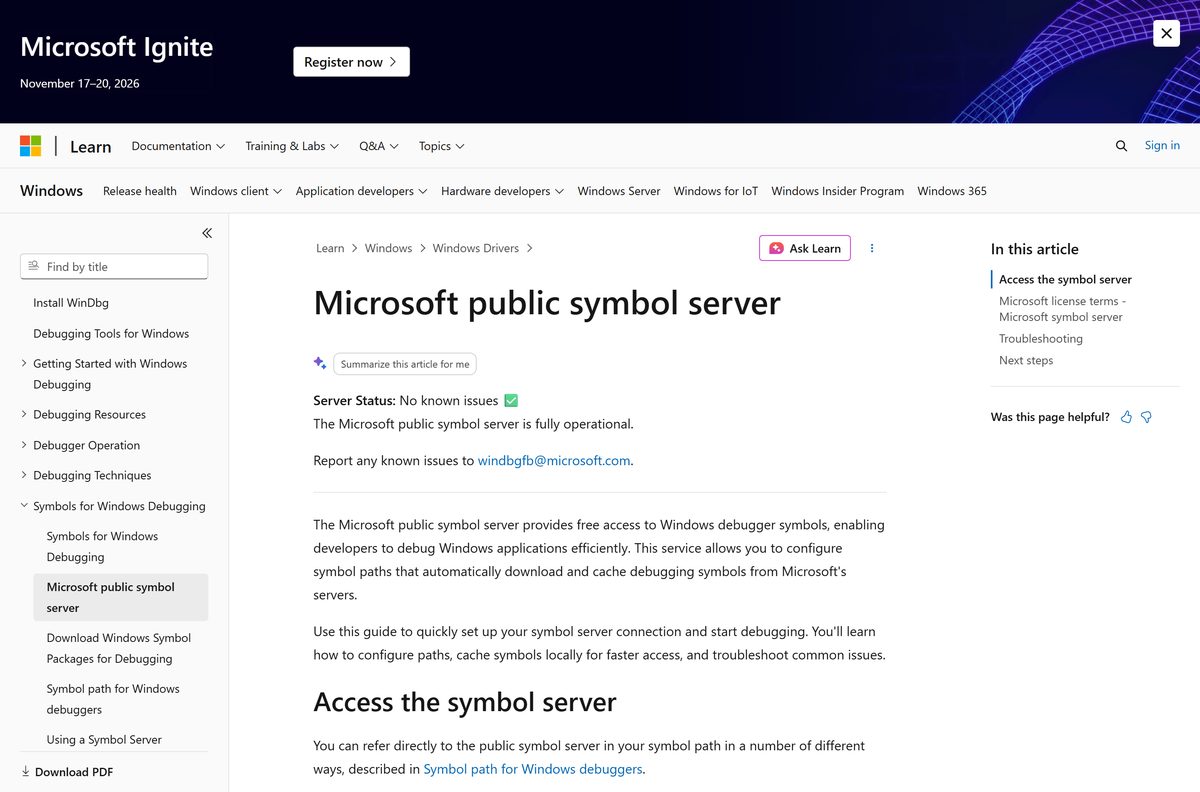
Symbols come from Microsoft’s public symbol server over HTTPS, and the server requires TLS 1.2 or later.
Install WinDbg from the Microsoft Store or with winget
The Store route suits a single workstation. The winget route suits a scripted build, and both land the same package.
- Open the Store listing in a browser and select Get in Store app.
- Allow the browser to hand over to the Microsoft Store app.
- Select Get and wait for the download to finish.
- Select Open to start the debugger for the first time.
- For the scripted route instead, open Windows Terminal as an administrator.
- Run winget install Microsoft.WinDbg and accept the source agreement if prompted.
- Run winget list Microsoft.WinDbg to confirm the package and its version.
- Launch the app from the Start menu and pin it to the taskbar.
Download the Windows SDK for offline and admin installs
The Store package cannot be staged offline. The Windows SDK can, and it installs Debugging Tools for Windows on its own when every other feature is cleared.
| File | Size | Use it for |
|---|---|---|
| winsdksetup.exe 10.0.28000.2705 | 1.38 MB | A connected machine; it downloads the features you tick |
| Windows SDK ISO 10.0.28000.2705 | 1.10 GB | An isolated machine, a lab image or a deployment share |
| Windows Driver Kit | Kit download | Driver work, where the debuggers arrive with the kit |
In the setup wizard, clear every feature except Debugging Tools for Windows. The tools land in C:\Program Files (x86)\Windows Kits\10\Debuggers .
How to verify the WinDbg package on your PC
The Store package carries a publisher identity Windows can read back. Check it before trusting a machine you did not set up.
- Open Windows PowerShell from the Start menu.
- Run Get-AppxPackage Microsoft.WinDbg to list the installed package.
- Confirm PackageFamilyName reads Microsoft.WinDbg_8wekyb3d8bbwe .
- Confirm Publisher names Microsoft Corporation and that Version matches the build you expect.
- Run Get-AppxPackage Microsoft.WinDbg | Select-Object -ExpandProperty Status and confirm it reports Ok.
A copy that fails any of these checks did not come from Microsoft. Remove it and install from the Store listing.
Which WinDbg route works on a Mac?
Microsoft publishes no macOS build of the debugger or of Debugging Tools for Windows. Every Mac route runs the debugger on Windows and shows you the screen.
| Your Mac situation | What to use | What it needs |
|---|---|---|
| One dump file to read, nothing ongoing | Windows 365 Cloud PC in Safari | A licensed Cloud PC and a modern browser |
| Daily debugging from the Mac | Windows App for macOS | A Cloud PC, Azure Virtual Desktop or a remote PC |
| A Windows machine you control end to end | Windows virtual machine on Azure | An Azure subscription, billed by the hour |
Microsoft lists macOS among the operating systems supported by the Windows 365 web client at windows.cloud.microsoft.
Is WinDbg free?
Debugging Tools for Windows has never been a paid product, and the Store listing carries no in-app purchases.
Yes. The Microsoft Store lists WinDbg at $0.00, with no trial period and no licence to buy. The Windows SDK and the Windows Driver Kit are free downloads as well, so the SDK route costs nothing either. Any site charging for a debugger download, or wrapping it in its own installer, is not Microsoft.
Which should you install, WinDbg or WinDbg (classic)?
Both front ends drive the same engine. The split is about the interface and about which Windows releases you debug.
Install the Store version unless you are debugging a Windows release older than the tools support. It was previously released as WinDbg Preview, uses the same engine as WinDbg (classic), and supports the same commands, extensions and workflows. It adds Time Travel Debugging, JavaScript scripting, a data model window and a dark theme. WinDbg (classic) ships inside the Windows SDK, which Microsoft points to for debugging older versions of Windows.
How to check your WinDbg version and update it
The Store and App Installer copies check for new versions in the background. A winget install updates on command instead.
- Open Windows PowerShell and run Get-AppxPackage Microsoft.WinDbg .
- Read the Version field and compare it with the build on the Store listing.
- For a winget install, run winget upgrade Microsoft.WinDbg to pull the newest package.
- For a Store install, open the Microsoft Store, select Downloads, then Get updates.
- For the SDK copy, open Settings, then Apps, and select Modify on the Windows SDK entry.
- Download the newest SDK build from the Windows SDK downloads page when the kit itself is out of date.
Check the WinDbg system requirements and download size
Windows installs the architecture that matches your PC, so there is no 32-bit or ARM64 file to pick by hand.
| Field | Detail |
|---|---|
| Software | WinDbg |
| Developer | Microsoft Corporation |
| Latest version | 1.2606.22001.0 |
| License / price | Free, $0.00 on the Microsoft Store |
| Download size | 1.11 GB (1,188,743,959 bytes) for the multi-architecture bundle |
| Installed size | 801.6 MB (840,556,544 bytes) |
| Supported OS | Windows 11, all versions; Windows 10 version 1607 or newer |
| Architecture | x64 and ARM64; the Store bundle also holds an x86 package |
| Store product ID | 9PGJGD53TN86 |
| Offline installer | No for the Store app; yes through the 1.10 GB Windows SDK ISO |
| Windows SDK build | 10.0.28000.2705, August 2026 |
| Official download source | Microsoft Store and Microsoft Learn |
| Last verified | 2026-09-22 |
Fix WinDbg not installing on Windows 11 or Windows 10
Almost every failure here is an App Installer or Store problem rather than a problem with the debugger.
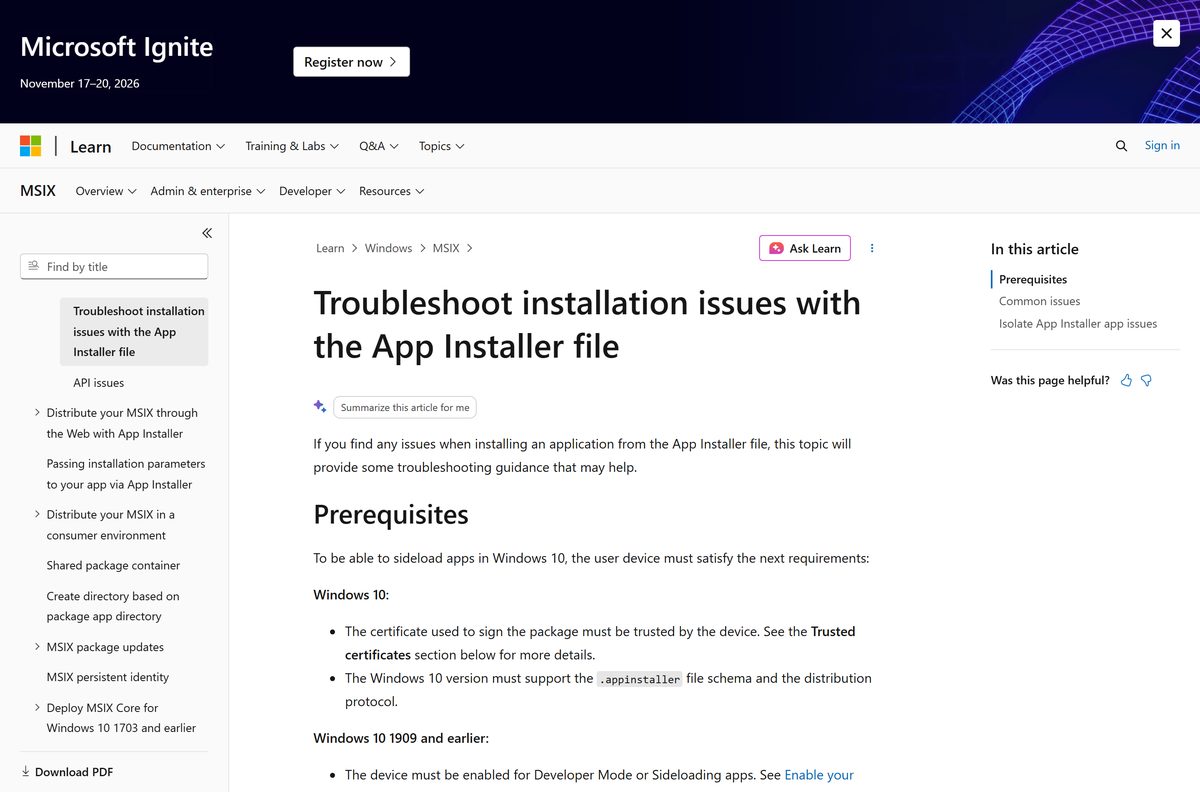
App Installer reports that the package is untrusted
Windows does not trust the certificate that signed the package.
- Search the Start menu for Manage computer certificates and open it.
- Import the signing certificate into Local Computer: Trusted People.
- Never import a package signing certificate into the user certificate store, because App Installer does not read it.
- Run the installer file again and confirm the dialog now shows the package as trusted.
The install fails with error code 0x80072F76
A server in the chain answered without a correct Content-Length header.
- Retry on a different network, since a proxy often rewrites those headers.
- Install from the Microsoft Store listing instead of the installer file.
- Run winget install Microsoft.WinDbg as a third route.
The Store download stalls at 0% or never starts
The Store cache or the delivery service is stuck.
- Open Settings, then Apps, then Installed apps, and run Repair on Microsoft Store.
- Select Reset if Repair changes nothing.
- Follow Microsoft’s own Store repair guide for the remaining checks.
- Sign out of the Store and sign back in, then start the download again.
Stacks show only module names and hex offsets
The symbol path is unset, so nothing resolves.
- Run .symfix c:\MyCache in the command window.
- Run .reload to load symbols for the modules already listed.
- Run .sympath and confirm the expanded path names the Microsoft symbol server.
- Check that the machine allows outbound HTTPS with TLS 1.2 or later.
How to uninstall WinDbg
The Store package and the SDK copy are separate installs. Removing one leaves the other in place.
- Open Settings, then Apps, then Installed apps.
- Search for WinDbg, select the three-dot menu and choose Uninstall.
- Confirm the prompt and wait for the entry to disappear.
- For the SDK copy, find Windows Software Development Kit in the same list.
- Select Modify, choose Change, and clear Debugging Tools for Windows.
- Delete your symbol cache folder, such as c:\MyCache , to reclaim the downloaded symbols.
- Run Get-AppxPackage Microsoft.WinDbg in PowerShell and confirm it returns nothing.
Which WinDbg alternatives are worth installing?
Each of these comes from Microsoft, so none of them costs anything or needs a third-party download.
| Tool | Best for | Where it comes from |
|---|---|---|
| Visual Studio debugger | Managed code such as C#, and debugging while you write it | Visual Studio, its own engine |
| CDB and NTSD | Console sessions and scripted user-mode analysis | Debugging Tools for Windows |
| KD and NTKD | Kernel debugging from a command line | Debugging Tools for Windows |
Stay with the Store app for crash dumps and kernel work. Reach for Visual Studio when the bug is in code you are editing.
Frequently asked questions
Is the WinDbg download free?
Yes. The Microsoft Store lists the app at $0.00 with no trial period and no in-app purchase. Debugging Tools for Windows is also free inside the Windows SDK and the Windows Driver Kit.
What is the official WinDbg download page?
Microsoft’s install page on Microsoft Learn links the App Installer file, the Store listing under product ID 9PGJGD53TN86, and the winget command. The Windows SDK downloads page covers the classic tools.
Does WinDbg work on Windows 11?
Yes. Microsoft states support for Windows 11 in all versions and Windows 10 version 1607 or newer. The Store package itself records a minimum build of 10.0.17763.
How big is the WinDbg download?
The Microsoft Store bundle is 1.11 GB, or 1,188,743,959 bytes, covering three architectures in one package. Installed, it occupies 801.6 MB. The App Installer file is only 688 bytes.
Is there an offline installer for WinDbg?
Not for the Store app, which downloads its package over the internet. The Windows SDK ISO is 1.10 GB and installs Debugging Tools for Windows on a machine with no network connection.
Is there a WinDbg version for Mac?
No. Microsoft ships no macOS build of the debugger. A Mac connects to a Windows 365 Cloud PC in Safari, uses the Windows App client, or runs a Windows virtual machine in Azure.
Does WinDbg have a 64-bit and ARM64 build?
Yes. Microsoft lists x64 and ARM64 as the supported processor architectures, and the Store bundle also holds an x86 package. Windows installs the one that matches your PC automatically.
Is the WinDbg installer safe?
The package is published by Microsoft Corporation through the Microsoft Store, and the App Installer file is served from a Microsoft domain. Run Get-AppxPackage Microsoft.WinDbg to confirm the publisher on a machine you did not set up.
What is the latest WinDbg version?
Version 1.2606.22001.0 is the newest package in the Microsoft Store catalog, under the package family name Microsoft.WinDbg_8wekyb3d8bbwe. The Store listing records a last update of 2 July 2026.
Why will WinDbg not install on my PC?
Three causes cover most failures: an untrusted signing certificate, a proxy that strips the Content-Length header and triggers error 0x80072F76, or a stuck Microsoft Store cache. Repairing the Store fixes the third.
Where do WinDbg symbols come from?
Microsoft’s public symbol server at msdl.microsoft.com serves them over HTTPS, and it requires TLS 1.2 or later. The .symfix command points the debugger there and caches each file locally after the first download.
Can WinDbg open a Windows blue screen dump?
Yes. It reads complete, active, kernel and small memory dumps, the four settings Windows offers for kernel crash dumps. Run !analyze -v after the dump loads to get the bug check breakdown.