Bitdefender VPN is a free download for Windows 11, Windows 10 and Mac. The Windows file is 18.3 MB, the Mac disk image is 29.6 MB, and the same apps are on the App Store and Google Play.
The free version moves 200 MB of traffic a day on each device; Premium VPN lifts that cap for $6.99 a month. This guide covers the official links, Windows and Mac setup, the traffic limit, requirements and the common connection errors.
Which Bitdefender VPN download do you need?
Find your device in the first column. Every link goes to Bitdefender, Apple or Google.
| Your device | Where to get it | Size |
|---|---|---|
| Windows 11 or Windows 10 PC | Bitdefender download page | 18.3 MB |
| Windows 11 or 10 on an Arm processor | Bitdefender download page | 18.3 MB |
| Mac on macOS Sierra 10.12 or later | bitdefender_vpn.dmg | 29.6 MB |
| iPhone or iPad on iOS 13 or later | App Store listing | 260.8 MB |
| Android 5.1 or later, including Chromebooks | Google Play listing | Varies by device |
| A PC that already runs Bitdefender security | Bitdefender Central | Already installed |
One Windows file serves every PC. There is no separate 32-bit, 64-bit or ARM64 build to pick, and Arm PCs run the same app.
Download Bitdefender VPN from the official sources
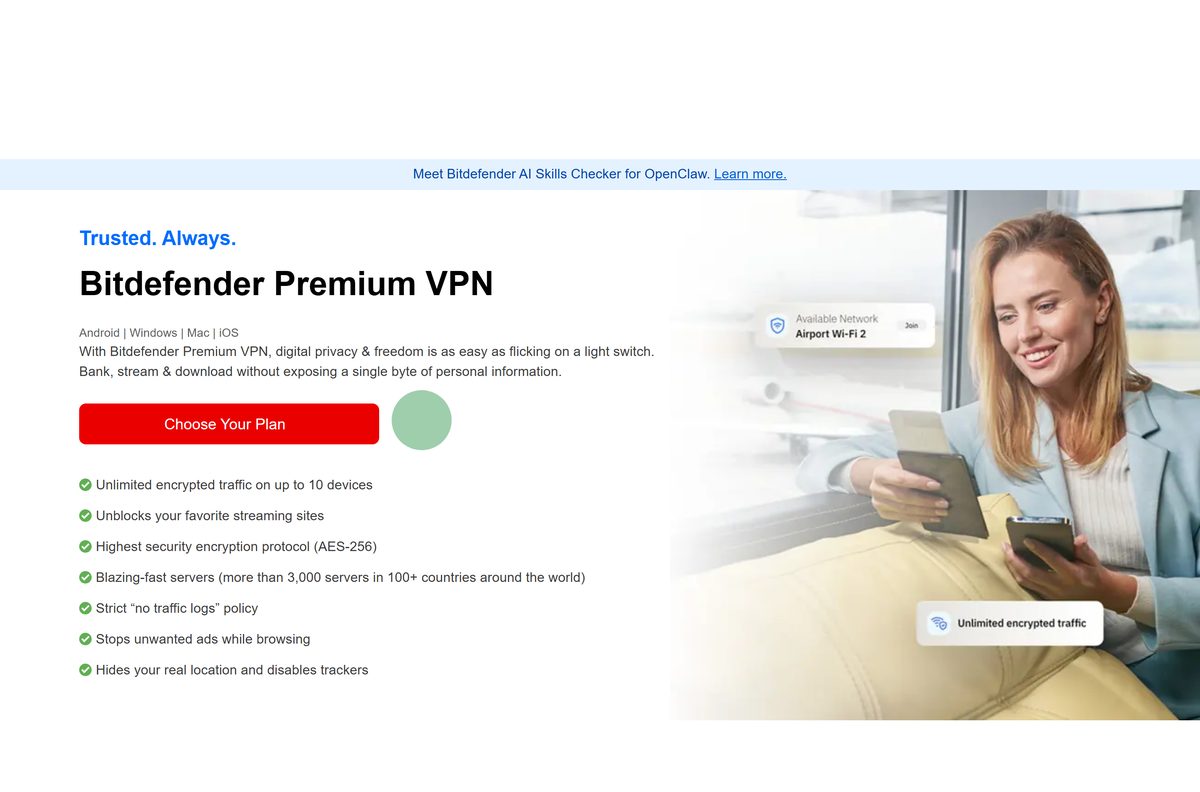
Bitdefender hosts the desktop files on download.bitdefender.com and ships the phone and tablet apps through Apple and Google.
- Bitdefender VPN download page — 18.3 MB on Windows · starts bitdefender_vpn.exe
- bitdefender_vpn.dmg for Mac — 29.6 MB · macOS Sierra 10.12 or later
- Microsoft Store listing — publisher Bitdefender, delivers the same Windows file
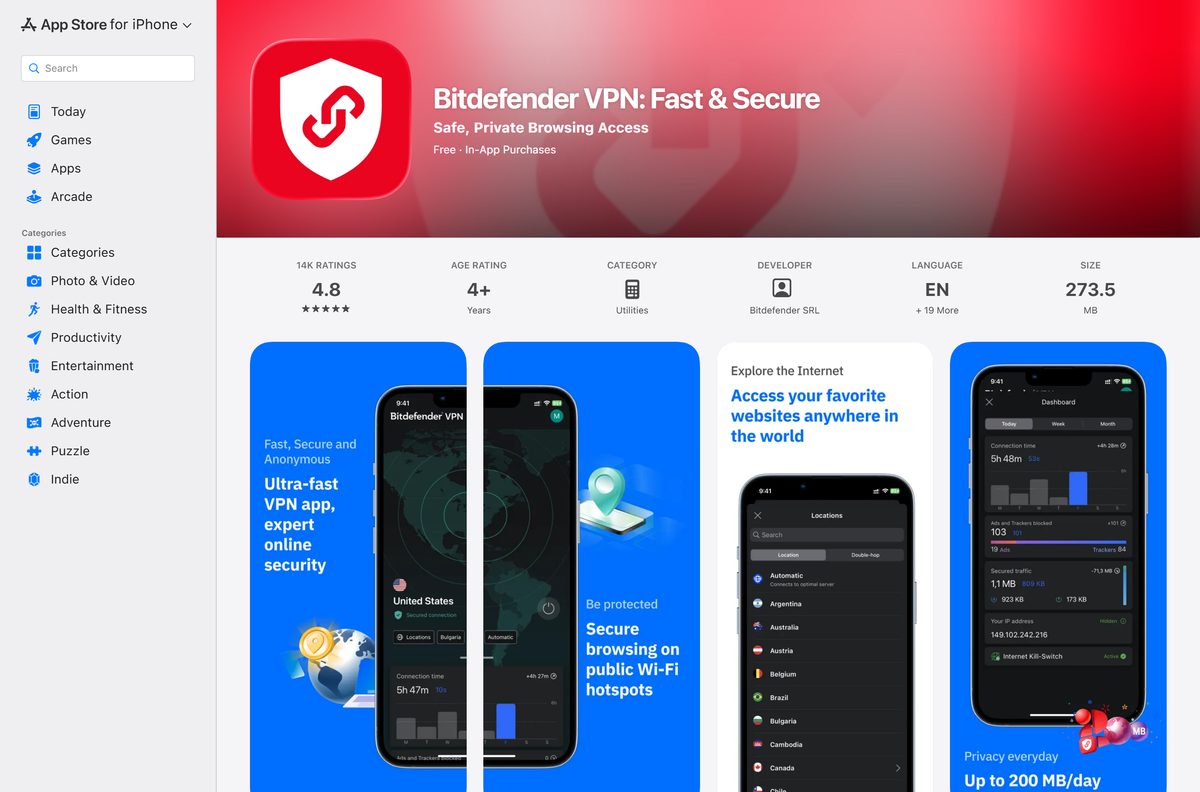
- App Store listing — 260.8 MB · iPhone, iPad and Apple Vision Pro, rated 4.8
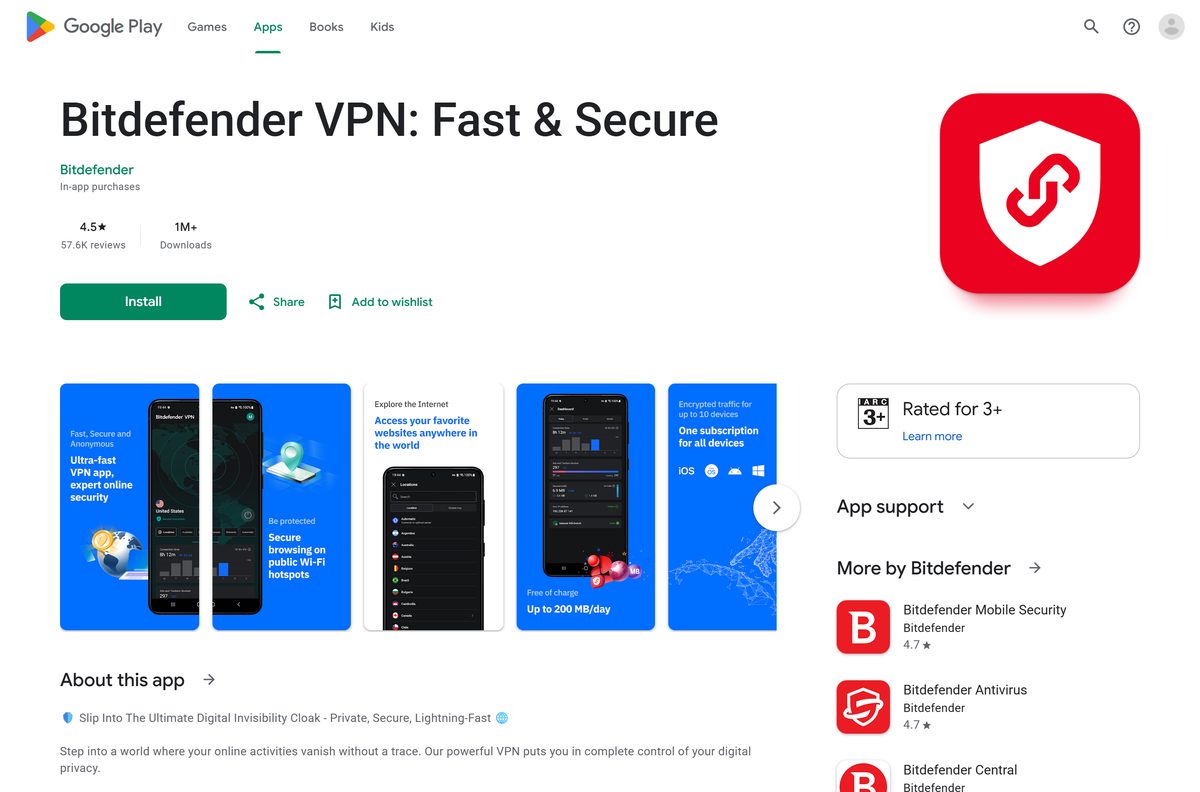
- Google Play listing — phones, tablets and Chromebooks
- Bitdefender Central — installs it on any device on your account
Download portals repackage this setup with their own wrappers. The file on download.bitdefender.com carries the publisher signature Windows checks at launch.
How to install Bitdefender VPN on Windows 11 and 10
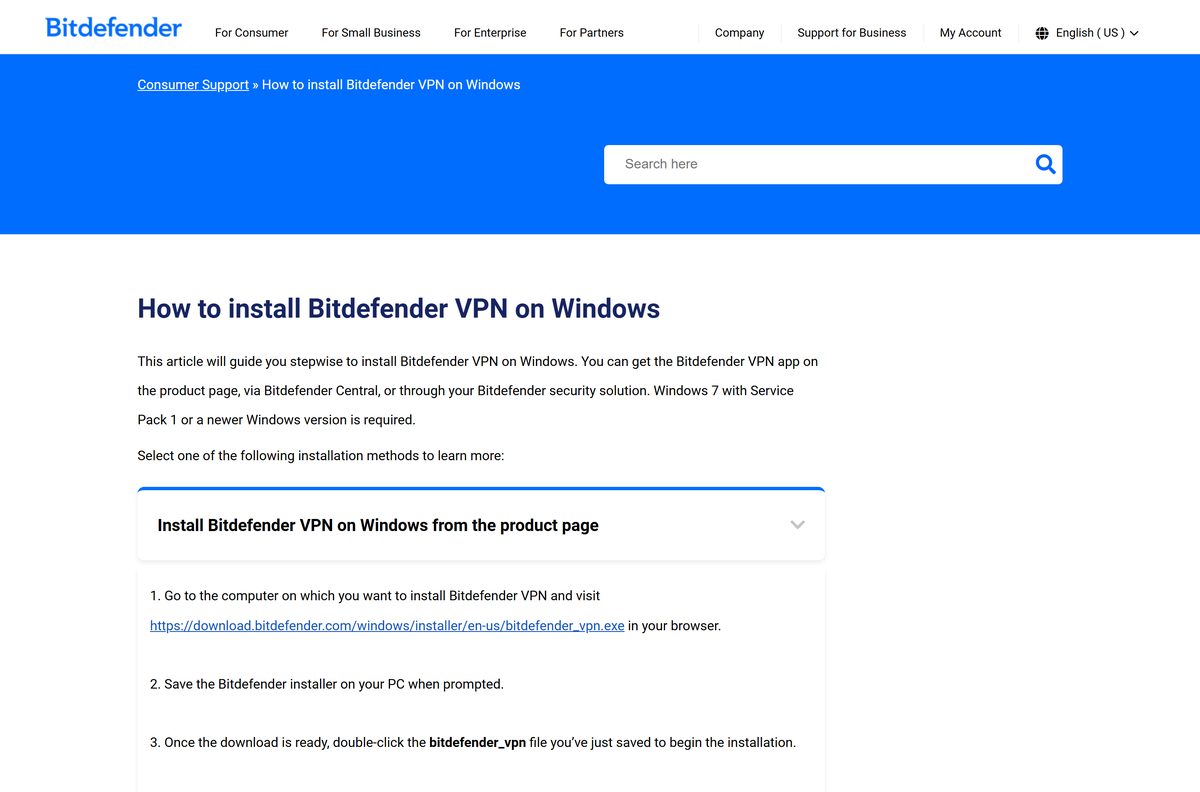
Setup needs Windows 7 Service Pack 1 or later, so every Windows 11 and Windows 10 PC qualifies. Keep the machine online: the 18.3 MB file pulls the rest of the app during setup.
- Open the Bitdefender download page and save bitdefender_vpn.exe when the browser asks.
- Double-click the saved file to start setup.
- Select Yes at the User Account Control prompt.
- Wait while the installer downloads the files it needs.
- Pick your language in the drop-down menu.
- Tick the Subscription Agreement box, then select START INSTALLATION.
- Wait for the app to finish writing to the drive.
- Select SIGN IN and enter your Bitdefender Central account, or create one.
- Choose Start now for the 7-day Premium trial, Upgrade now to buy, or Use it here to enter an activation code.
- Select the power button on the app window to connect.
Declining all three subscription options still leaves the free version running with its daily allowance. The app adds a white shield icon to the notification area.
Install Bitdefender VPN from the Microsoft Store or with winget
The Microsoft Store entry is published by Bitdefender and hands over the same bitdefender_vpn.exe . It is the route to use when Windows is set to accept Store apps only.
- Open the Microsoft Store listing and confirm the publisher reads Bitdefender.
- Select Get, then Install.
- Select Yes at the User Account Control prompt and let the installer finish.
- To script it instead, right-click Start and open Terminal (Admin).
- Run winget install –id XPFFWRHJ0H0P0X –source msstore .
- Accept the source agreement if winget asks for it.
- Sign in to your Bitdefender Central account when the app opens.
No community winget manifest exists, so winget install Bitdefender.Bitdefender fetches the antivirus instead.
How to check the installer before you run it
Microsoft’s Store catalog records a SHA-256 hash for the same Windows file Bitdefender serves. Compare it before running a copy from anywhere else.
- Open Terminal or PowerShell in the folder holding the file.
- Run Get-FileHash .\bitdefender_vpn.exe -Algorithm SHA256 .
- Compare the result with c244aec3cd72a972a16219a1bf1a5cc60d54d0c5f796034178bec5e01dbc4a35 .
- Right-click the file, open Properties > Digital Signatures and check the signer reads Bitdefender.
- Delete the file and download it again from bitdefender.com if either check disagrees.
Bitdefender refreshed this downloader on 24 August 2026, and each refresh changes the hash. A Bitdefender signature on a fresh download always holds.
Which Bitdefender VPN download do you need for your Mac?
One disk image covers every Mac from macOS Sierra 10.12 upwards. What changes is where you approve the network extension afterwards.
| Your Mac runs | Download | What to approve after setup |
|---|---|---|
| macOS Ventura 13 or later | bitdefender_vpn.dmg | Select Open System Settings on the blocked-extension prompt, then Allow |
| macOS High Sierra 10.13 to Monterey 12 | bitdefender_vpn.dmg | Open the padlock in Security & Privacy, then select Allow |
| macOS Sierra 10.12 | bitdefender_vpn.dmg | No extension prompt on this version |
| Anything older than macOS Sierra 10.12 | Not supported | Update macOS first |
Double-click the image, then work through Continue, Agree and Install, entering an administrator name and password at Install Software.
The app lives in the menu bar. Select the small shield icon at the top right to open it and sign in.
Is Bitdefender VPN free?
The download costs nothing on all four platforms, and the standard version keeps working with no subscription.
Install the free version for public Wi-Fi and light browsing, and pay for Premium only if you need a country of your choice or heavy use. The standard version carries 200 MB a day on each device and picks the nearest server for you, with the quota resetting at midnight UTC. Premium removes the cap, opens all 110 country locations and covers 10 devices, at $6.99 a month or $69.99 a year in the US App Store.
Premium VPN is billed separately from the antivirus subscription, and it keeps running after that antivirus subscription lapses.
Should you install the standalone app or the one in your security product?
Bitdefender Total Security, Internet Security, Antivirus Plus and the rest install the VPN alongside themselves.
Install the standalone download only on machines with no Bitdefender security product; everywhere else, open the copy you already have. Both routes deliver the same app and the same 200 MB daily allowance. On a protected PC it is already there: select Privacy in the left sidebar of the Bitdefender window, then Open VPN.
Premium Security and Ultimate Security include the Premium subscription, so those PCs get unlimited traffic without a second purchase.
How to check your version and update it
Bitdefender states no version number on the download page. The number lives inside the app, and the installer always fetches the current build.
- Open the app from the white shield icon in the notification area.
- Select Settings at the top of the window.
- Open the About page and read the version listed there.
- To force a rebuild of an old install, open Settings > General and select Reset all settings first.
- Download bitdefender_vpn.exe again from the official page and run it over the existing copy.
- On iPhone and iPad, open the App Store listing and select Update.
The App Store build carries a public version, 2.3.24. The Windows and Mac downloaders are not versioned.
Check the Bitdefender VPN system requirements
The published floor is low: any PC that runs Windows 10 clears it with room to spare.
| Field | Value |
|---|---|
| Software | Bitdefender VPN |
| Developer | Bitdefender SRL |
| Latest version | 2.3.24 on iPhone and iPad; the Windows and Mac downloads carry no public version |
| Licence | Free standard version, 200 MB a day per device; paid Premium subscription |
| Windows | Windows 7 SP1 or later, including Windows 11 and Windows 10; 1 GB RAM; 500 MB free space |
| Windows architecture | One file for all PCs, Arm processors included |
| Download size, Windows | 18.3 MB |
| macOS | macOS Sierra 10.12 or later; 100 MB free space |
| Download size, Mac | 29.6 MB |
| iPhone and iPad | iOS 13 or later; 260.8 MB |
| Android | Android 5.1 or later; 100 MB storage |
| Encryption | 256-bit AES with Perfect Forward Secrecy |
| Offline installer | No; setup downloads its files as it runs |
| Official download source | bitdefender.com |
| Last verified | 2026-09-22 |
Press Windows + I and open System > About to read your edition and installed RAM before you start.
Which devices can run Bitdefender VPN?
The tunnel is available only through Bitdefender’s own apps, which rules out several devices people expect to cover.
| Device | Supported | How |
|---|---|---|
| Windows PC | Yes | Desktop app, Windows 7 SP1 or later |
| Mac | Yes | Desktop app, macOS Sierra 10.12 or later |
| iPhone, iPad, Apple Vision Pro | Yes | App Store, iOS 13 or later |
| Android phone or tablet | Yes | Google Play, Android 5.1 or later |
| Chromebook | Yes | The Android app on ChromeOS |
| Amazon Fire TV Stick | No | Not published in the Amazon Appstore |
| Router | No | No firmware and no config files are supplied |
Premium covers 10 devices connected at once, in any mix of platforms.
Fix Bitdefender VPN not installing or connecting on Windows 11 or 10
Bitdefender groups its connection failures under codes 2, 4, 9, 10, 12, 99, 182 and 4101, plus a Failed to get server list message. Work through the symptom that matches.
Setup stops part-way through
The file is a downloader, so a dropped connection or a strict firewall stalls it.
- Check the PC still has working internet access.
- Turn off any third-party firewall for the length of the install.
- Delete the partly downloaded copy and fetch bitdefender_vpn.exe again.
- Select Yes at the User Account Control prompt rather than closing it.
The app shows Connecting, then drops back
A stale network stack or a blocked protocol stops the tunnel from coming up.
- Restart the PC from Start > Power > Restart.
- Open Settings > Advanced > Protocol in the app and choose a different protocol.
- Open Terminal (Admin) and run ipconfig /release , ipconfig /flushdns and ipconfig /renew .
- Run netsh winsock reset and netsh int ip reset , then restart the PC.
- Switch your DNS to a third-party resolver and try again.
Nothing reaches the internet at all
The kill switch cut traffic when the tunnel dropped and has not released it.
- Open Settings > Privacy in the app.
- Turn Internet Kill-Switch off.
- Reconnect, and turn it back on once the tunnel holds.
Bitdefender’s own error page covers the same codes across Windows, Mac, Android and iOS: Fix Bitdefender VPN errors.
How to uninstall Bitdefender VPN
Removing the VPN leaves any Bitdefender security product in place.
- Disconnect the tunnel and quit the app from the shield icon in the notification area.
- Press Windows + I to open Settings.
- Open Apps > Installed apps.
- Select the three dots beside Bitdefender VPN and choose Uninstall.
- Select Yes at the User Account Control prompt and follow the remover.
- Restart the PC so the network driver is released.
- On a Mac, open Applications, drag the app to the Bin, then empty it.
Removing the app does not cancel a Premium subscription. Cancel that in Bitdefender Central or in the store that billed you.
Frequently asked questions
Is Bitdefender VPN free to download?
Yes. The app is free on Windows, Mac, iPhone, iPad and Android, and the standard version needs no subscription. It carries 200 MB of traffic a day on each device, and Premium VPN removes that cap for a fee.
Where is the official Bitdefender VPN download for PC?
bitdefender.com/solutions/vpn/download serves the Windows file, bitdefender_vpn.exe. The Microsoft Store listing from publisher Bitdefender delivers the same file, and Bitdefender Central installs it on any device on your account.
How big is the Bitdefender VPN download?
The Windows file is 18.3 MB and the Mac disk image is 29.6 MB. The iPhone and iPad app is 260.8 MB on the App Store. Windows setup needs 500 MB of free space and macOS needs 100 MB.
How much data does the free version give you?
200 MB of traffic a day on each device, reset at midnight UTC. Bitdefender Small Office Security subscriptions get 500 MB a day. The free version also picks the server for you instead of letting you choose a country.
How much does Bitdefender Premium VPN cost?
In the US App Store it is $6.99 a month or $69.99 a year, bought as an in-app purchase. Premium covers 10 devices at once, and Bitdefender offers a 7-day trial and a 30-day money-back guarantee.
Does Bitdefender VPN work on Windows 11 and Windows 10?
Yes. The stated floor is Windows 7 with Service Pack 1, so Windows 11 and Windows 10 both qualify. One file serves every PC, and Arm-based Windows machines run the same app with no separate build.
Is there an offline installer?
No. The 18.3 MB Windows file is a downloader that pulls the rest of the app while it runs, so the PC has to stay online during setup. There is no full standalone package to copy between machines.
What macOS version does Bitdefender VPN need?
macOS Sierra 10.12 or later, with 100 MB free. On macOS Ventura 13 and later you approve the blocked network extension in System Settings; older versions need the padlock in Security & Privacy unlocked first.
Which version am I running?
Open the app, select Settings, then About, which lists the installed version. Bitdefender publishes no version number on the Windows or Mac download page, because the installer always fetches the current build.
Is Bitdefender VPN safe to download?
It is safe from bitdefender.com, the Microsoft Store, the App Store or Google Play. Check that Properties, Digital Signatures names Bitdefender as the signer before running a copy from anywhere else.
Why does the app say Connecting and then stop?
Restart the PC first. If it persists, switch protocol under Settings, Advanced, Protocol, turn off the Internet Kill-Switch, then flush the network stack with ipconfig /flushdns and netsh winsock reset before reconnecting.