The Logitech Options download you want today is Logi Options+, the free app that replaced Logitech Options on Windows and Mac. Version 2.8.978214 landed on 21 September 2026.
The Windows installer is a 47.6 MB downloader; the Mac archive is 19.3 MB. A separate offline build exists for machines with no internet, and it is far bigger at 1.22 GB.
This guide covers which file to take, the winget and silent-install routes, the Mac builds, the devices Options+ drives, and install fixes.
Which Logitech Options+ download do you need?
Take the online installer unless the target PC has no internet connection.
| Your situation | File to download | Size |
|---|---|---|
| Windows 11 or 10 with an internet connection | logioptionsplus_installer.exe | 47.6 MB |
| Mac on macOS 14 or later | logioptionsplus_installer.zip | 19.3 MB |
| A Windows PC with no internet, or an air-gapped network | logioptionsplus_installer_offline.exe | 1.22 GB |
| A Mac with no internet access | logioptionsplus_installer_offline.zip | 1.26 GB |
| A device Options+ does not drive, on Windows 10 or later | options_installer.exe, the old app | 245.8 MB |
| A gaming mouse, keyboard or wheel | Logitech G HUB instead | — |
Logitech ships one Windows file and one Mac file. There is no separate 32-bit, ARM64 or Apple silicon build to choose between.
Download Logitech Options+ for Windows 11 and 10
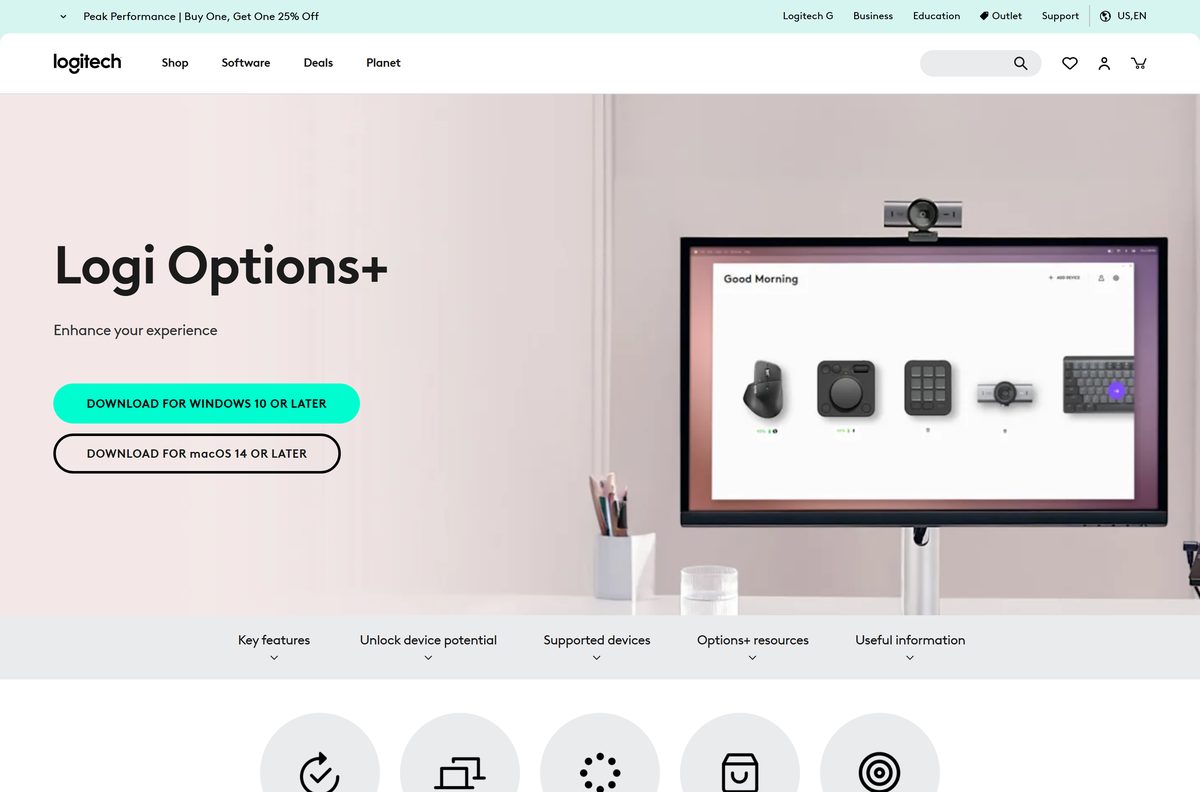
The software page detects your platform and shows one button. These links name the file instead.
- logioptionsplus_installer.exe (Windows) — 47.6 MB
- logioptionsplus_installer.zip (Mac) — 19.3 MB
- Logi Options+ software page — where both buttons live
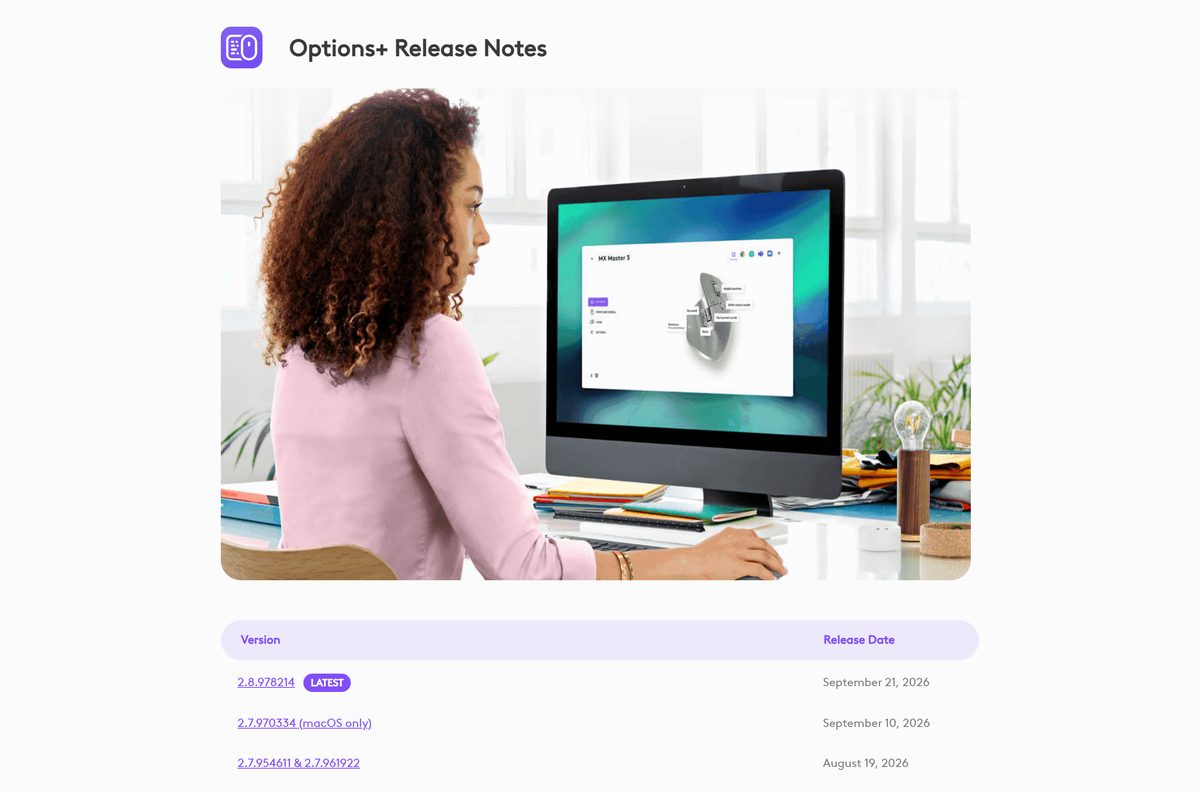
- Release notes on Logi Marketplace — what changed in each build
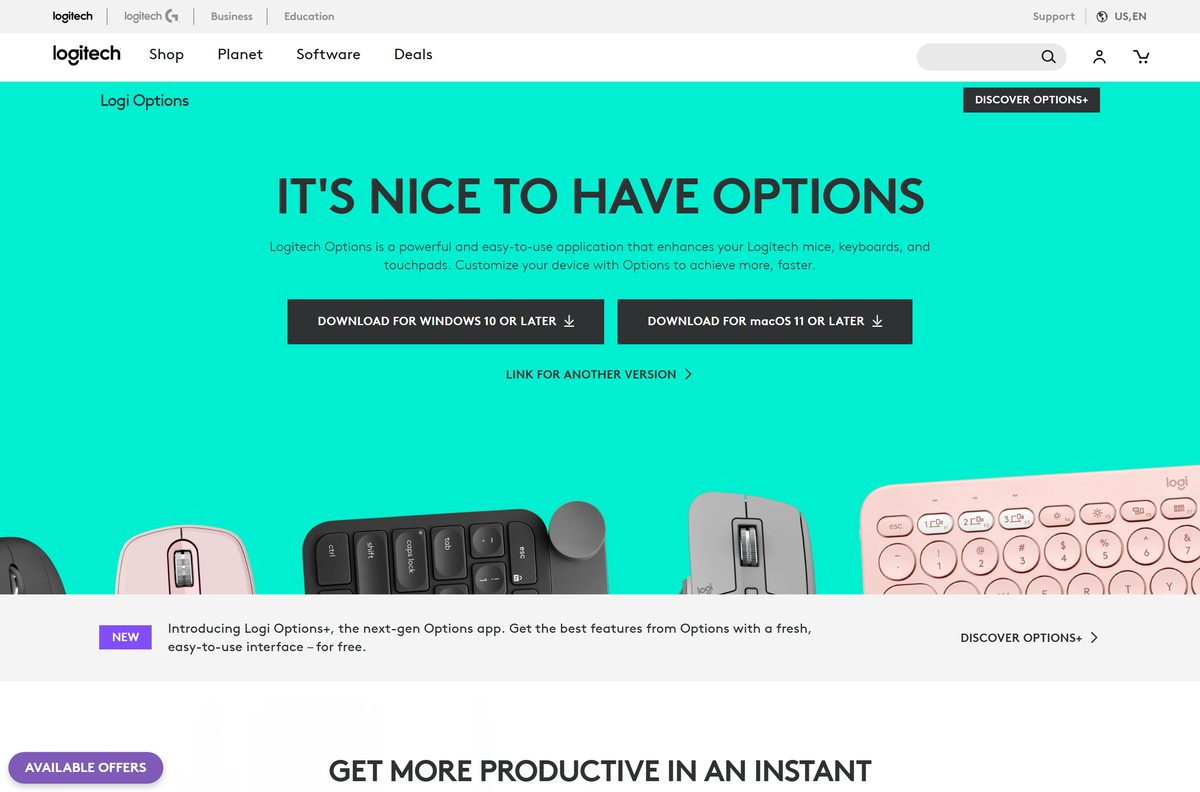
The buttons read DOWNLOAD FOR WINDOWS 10 OR LATER and DOWNLOAD FOR macOS 14 OR LATER.
Both files come from download01.logi.com, Logitech’s own download host. Nothing on a portal or mirror is the same file.
How to install Logitech Options+ on Windows 11 and 10
The installer needs administrator rights, because it registers a driver and a virtual device.
- Open the Logi Options+ software page in your browser.
- Select DOWNLOAD FOR WINDOWS 10 OR LATER.
- Double-click logioptionsplus_installer.exe in your Downloads folder.
- Select Yes at the Do you want to allow this app to make changes to your device? prompt.
- Wait while the installer pulls the rest of the app down.
- Follow the on-screen prompts until the app opens.
- Connect or switch on your mouse, keyboard or webcam so Options+ detects it.
- Select the device tile to start assigning buttons and keys.
The app lands in C:\Program Files\LogiOptionsPlus and runs a background agent from there.
Install Logitech Options+ with winget
Options+ has no Microsoft Store listing. Windows Package Manager carries it as Logitech.OptionsPlus .
- Right-click Start and select Terminal (Admin).
- Run winget install Logitech.OptionsPlus and accept the source agreement if asked.
- Let winget download the same installer from Logitech’s host.
- Run winget upgrade Logitech.OptionsPlus later to move to a newer build.
- Run winget uninstall Logitech.OptionsPlus to remove it.
The winget manifest currently publishes 2.7.961922, one release behind the software page.
Install Logitech Options+ silently across managed PCs
The EXE accepts switches, so no MSI repackaging is needed. On Mac the same switches take a double dash.
| Command | What it does |
|---|---|
| logioptionsplus_installer.exe /quiet | Installs with no interface and no user prompts |
| logioptionsplus_installer.exe /quiet /flow yes /sso yes | Turns on Flow and single sign-on, both off by default |
| logioptionsplus_installer.exe /quiet /analytics no /sso no /update no | Blocks usage data, sign-in and automatic updates |
| logioptionsplus_installer.exe /quiet /uninstall | Removes the app silently |
| logioptionsplus_installer –quiet –analytics no | The macOS form of the same switches |
The switches /analytics , /flow , /sso , /update , /aipromptbuilder , /smartactions , /dfu , /backlight and /actions-ring each take yes or no. Only /dfu and /actions-ring default to yes.
Test one machine before a wide push. A deployment that enables sign-in on every desk is hard to walk back.
Which Logitech Options+ download do you need for your Mac?
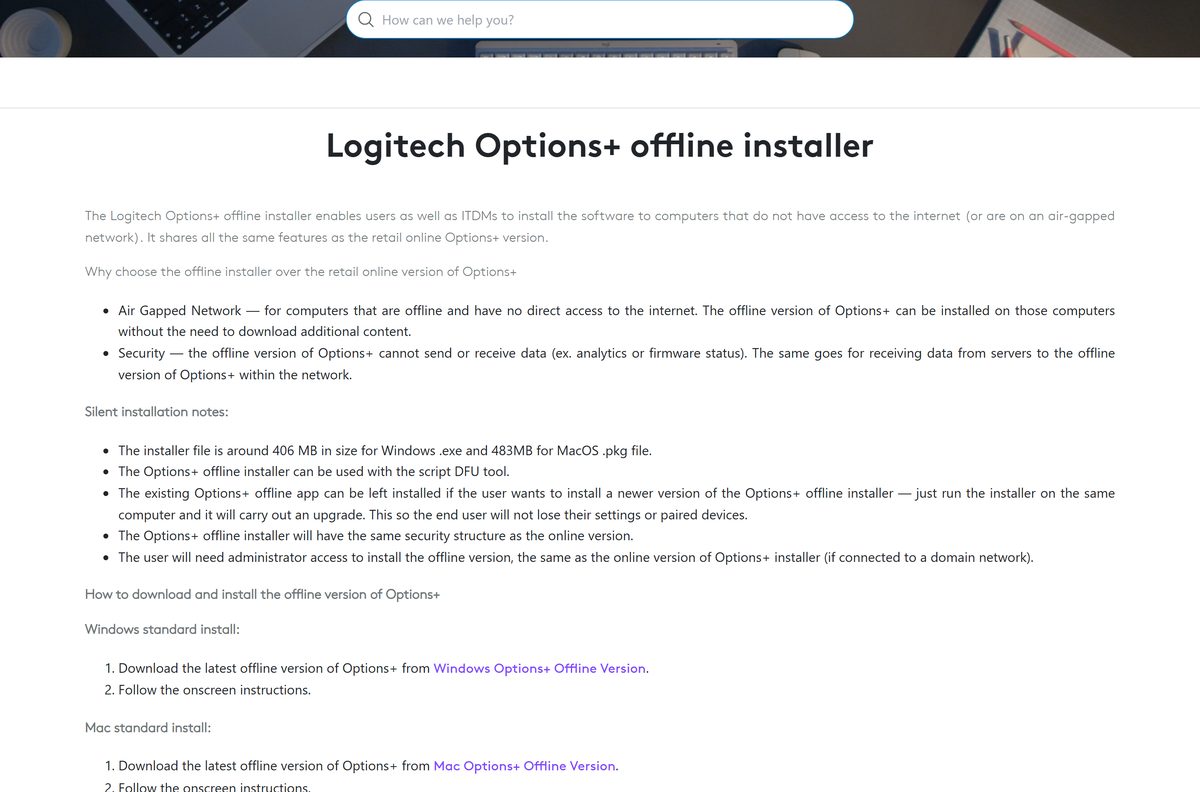
One archive covers Apple silicon and Intel. Open the Apple menu and select About This Mac to read your macOS version.
| Your Mac | Download | Size |
|---|---|---|
| macOS 14 Sonoma or later, Apple silicon or Intel | logioptionsplus_installer.zip | 19.3 MB |
| A Mac that stays offline | logioptionsplus_installer_offline.zip | 1.26 GB |
| macOS 11, 12 or 13 with an older Logitech mouse | options_installer.zip, the old app | 238.5 MB |
Unzip the archive, run the installer, and enter your password at the logioptionsplus_installer wants to make changes prompt.
macOS then asks for Accessibility, Input Monitoring and Bluetooth permissions. Gesture and key remapping stays dead until you grant them.
Is Logitech Options+ free?
Yes. Logitech gives the app away on Windows and Mac, with no licence, trial or subscription. You pay for the hardware, and the software that configures it costs nothing. There is no paid tier and no feature locked behind a purchase, so any page selling you a Logitech Options installer is charging for a free file. A Logi account is optional and only unlocks Flow, Smart Actions and settings backup.
Should you install Options+ or the old Logitech Options?
Install Options+ unless your device is too old for it. Logitech states that Logitech Options has reached end of support and is no longer maintained, along with Presentation software, the Firmware Update Tool, Preference Manager, Control Center, Connection Utility, Unifying Software and SetPoint. The old 245.8 MB installer still downloads from Logitech’s site, so keep it only for a mouse that Options+ does not list.
How to check your Logitech Options+ version and update it
The app updates itself, and the version string sits in its settings.
- Open Logi Options+ from the Start menu or the Applications folder.
- Select the gear icon to open Settings.
- Open the About page and read the version number.
- Compare it with the top entry in the release notes.
- Select Update if the app offers one, and let it restart.
- Run the installer from the software page again if no update appears.
Reinstalling over the top keeps your device profiles and pairings. Nothing needs uninstalling first.
Check the Logitech Options+ system requirements
The operating system rules out more machines than the hardware does.
| Field | Value |
|---|---|
| Software | Logi Options+ |
| Developer | Logitech International S.A. |
| Latest version | 2.8.978214, released 21 September 2026 |
| Price | Free |
| Supported OS | Windows 10 or later; macOS 14 or later |
| Architecture | One Windows file for x64 and ARM64; one Mac archive for Apple silicon and Intel |
| Download size | 47.6 MB on Windows, 19.3 MB on Mac |
| Offline installer | Yes, 1.22 GB on Windows and 1.26 GB on Mac |
| Install location | C:\Program Files\LogiOptionsPlus |
| Package manager ID | Logitech.OptionsPlus |
| Official download source | logitech.com software page |
| Last verified | 2026-09-22 |
Which Logitech devices Options+ drives
Options+ covers the productivity range. Gaming hardware belongs to a different app.
| Category | What you get |
|---|---|
| Mice | Button remapping, pointer and scroll speed, gestures, app-specific profiles |
| Keyboards | Key remapping, backlighting control, Easy-Switch between three computers |
| Webcams | Framing, field of view, RightSight and a snapshot button |
| Presentation remotes | Spotlight, magnifier and on-screen highlight effects |
| Lights and MX Creative Console | Brightness presets, dial actions and the Actions Ring overlay |
| Gaming mice, keyboards and wheels | Not supported. Use G HUB |
Flow moves your cursor, clipboard and files between two computers on the same network. The offline build drops it, along with sign-in, Smart Actions and settings backup.
Fix Logitech Options+ not installing or not launching
The installer stalls or fails partway through
The 47.6 MB file is a downloader, so it needs a working connection to fetch the rest of the app.
- Check that the PC can reach the internet, then run the file again.
- Right-click the installer and select Run as administrator.
- Allow the installer through your firewall or security software.
- Use the offline installer if the network blocks the download.
The app sticks on the launch screen with a red X
The background agent is not running, so Getting Resources or Initializing never completes.
- Open Task Manager and look for LogiOptionsPlus_agent under Processes.
- Open C:\Program Files\LogiOptionsPlus in File Explorer if it is missing.
- Run logioptionsplus_agent.exe and wait for the app to continue.
- On a Mac, open Finder, search for Logi Options+ Agent and double-click it.
- Remove the app completely and reinstall it if the agent keeps dying.
The app will not open on a Mac at all
A signing certificate expired, which stopped the app running and disabled its own updater.
- Leave the app installed. Your profiles and pairings survive the fix.
- Download Logitech’s certificate patch installer for macOS 13 or later.
- Use the separate Logi Certificate Patch tool on macOS 12 Monterey.
- Double-click the file and grant administrator access.
- Open the app again. The version number stays the same.
Your mouse or keyboard never appears in the app
Options+ drives the productivity range only, and permissions are missing on macOS.
- Confirm the device is a productivity model rather than a G-series one.
- Switch the Easy-Switch channel on the device to the computer you are using.
- On macOS, open System Settings > Privacy & Security and grant Accessibility, Input Monitoring and Bluetooth.
- Restart the computer and open the app again.
How to uninstall Logitech Options+ completely
The standard removal leaves a plugin service and driver files behind.
- Open Settings > Apps > Installed apps, find the entry, select the three dots and choose Uninstall.
- Press Windows + R, type %appdata% , and delete the Logi and Logishrd folders you find.
- Repeat that with %programdata% .
- Delete C:\Users\
\AppData\Local\Logi\LogiPluginService . - Open regedit.exe and remove LogiOptions or LogiOptionsPlus under HKEY_LOCAL_MACHINE\SOFTWARE\Microsoft\Windows\CurrentVersion\Uninstall .
- On a Mac, drag the app from /Applications to the Trash.
- Use Go > Go to Folder in Finder to search /Library and ~/Library for Logitech items and trash them.
- Restart the computer.
Logitech’s full removal article lists the driver files and every Library folder worth checking.
What to use instead of Logitech Options+
| Tool | Best for |
|---|---|
| Logitech G HUB | G-series mice, keyboards, headsets and wheels |
| Logitech Unifying Software | Pairing an older receiver when Options+ cannot see it |
| Logitech Options | A productivity device Options+ does not list |
| Windows Settings > Bluetooth & devices | Basic pointer speed and scrolling with no app installed |
Unifying Software is on Logitech’s end-of-support list too, so treat it as a pairing tool and nothing more.
Frequently asked questions
Is Logitech Options+ free to download?
Yes. Logitech charges nothing for the app on Windows or Mac, and there is no paid tier, trial limit or subscription. A Logi account is optional and only adds Flow, Smart Actions and settings backup.
What is the official Logitech Options download page?
The Logi Options+ software page on logitech.com. Both buttons there point at download01.logi.com, Logitech’s own download host, which is also where the offline installers live.
Does Logi Options+ work on Windows 11?
Yes. The download button reads Windows 10 or later, which covers Windows 11. The setup needs administrator rights because it registers a driver and a virtual device.
How big is the Logi Options+ download?
The Windows installer is 47.6 MB and the Mac archive is 19.3 MB. Both are downloaders that fetch the rest of the app, so the finished install is considerably larger.
Is there a Logi Options+ offline installer?
Yes. Logitech publishes one for air-gapped machines, at 1.22 GB on Windows and 1.26 GB on Mac. It drops account sign-in, Flow, settings backup and Smart Actions.
Which macOS versions does Logi Options+ support?
The Mac button reads macOS 14 or later. Older Macs can still run the retired Logitech Options app, and Logitech ships a certificate patch covering macOS 12 and newer.
Is there a 32-bit or ARM64 build?
No separate file. One Windows installer covers 64-bit and ARM64 machines, and one Mac archive covers Apple silicon and Intel, so there is nothing to choose between.
Is the Logitech Options download safe?
It is safe when it comes from logitech.com or download01.logi.com. Portals wrap the same file in their own downloader, and that wrapper is what adds unwanted software.
What is the latest Logi Options+ version?
2.8.978214, released on 21 September 2026. Logitech lists every build with its changes on the release notes page, and the app can update itself from within Settings.
Why will Logi Options+ not install?
Usually the connection or permissions. The small installer needs internet to fetch the app, and it needs administrator rights on Windows. The offline build solves the first problem.
Does Logi Options+ support gaming mice and keyboards?
No. G-series hardware runs on G HUB instead. Options+ covers mice, keyboards, touchpads, webcams, lights, presentation remotes and the MX Creative Console.
Can you still download the old Logitech Options?
Yes. The 245.8 MB Windows installer and the 238.5 MB Mac archive remain on logitech.com, but Logitech has ended support for that app and no longer maintains it.
How do you remove Logi Options+ completely?
Uninstall it from Settings, then delete the Logi and Logishrd folders under %appdata% and %programdata%, clear the LogiPluginService folder, and remove its registry key before restarting.