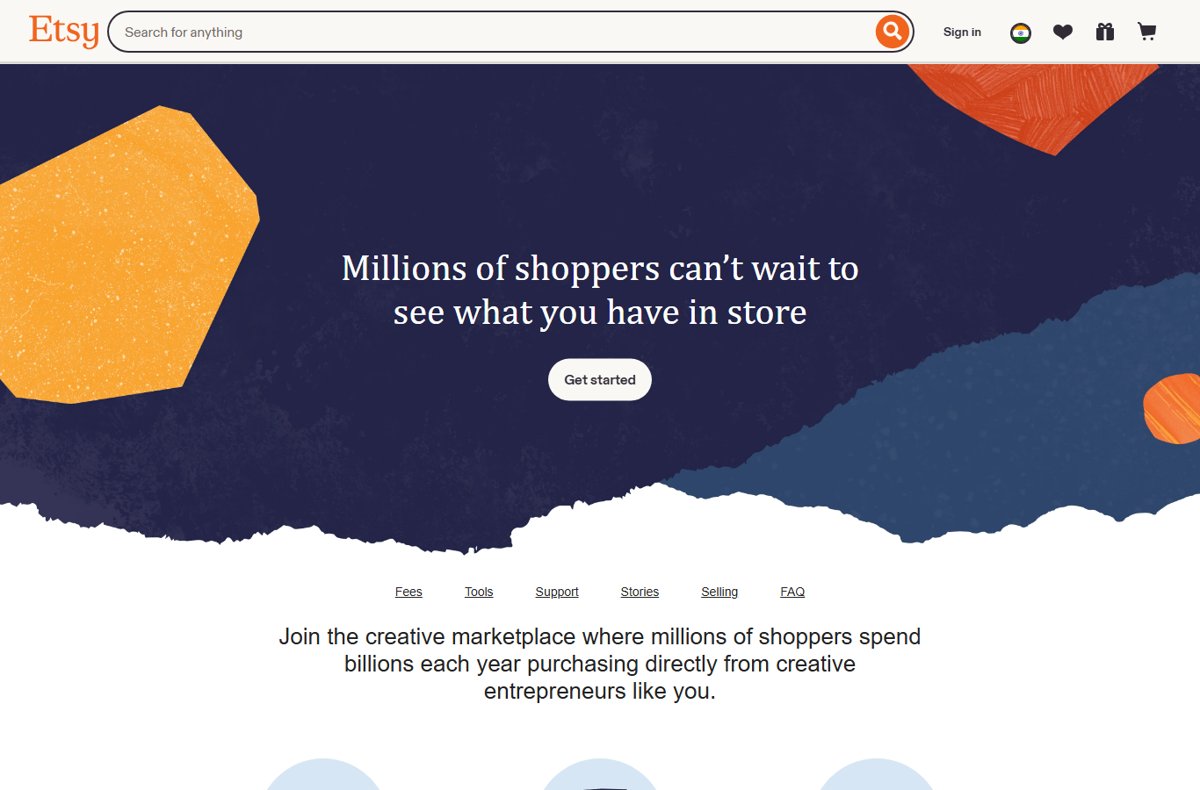
To set up an Etsy seller account, go to etsy.com/sell, select Get started, and open a shop from your Etsy account: set your shop location and currency, pick a shop name, create a listing, then add a payment method and a billing method.
This guide covers what to prepare, every setup step, what Etsy charges sellers, and how to confirm your shop is open.
The fastest way to set up an Etsy seller account
Etsy does not have a separate seller account type. A seller account is a normal Etsy account with a shop attached, so the whole job is opening that shop.
- Go to etsy.com/sell and select Get started or Open your Etsy shop.
- Sign in to your Etsy account, or create one if you do not have one yet.
- Set your shop location and currency.
- Choose a shop name.
- Create your first listing.
- Set a payment method, which is how Etsy pays you for sales.
- Set a billing method, which is how you pay your Etsy fees, then open the shop.
Etsy notes that you may be charged a one-time shop setup fee when you open your shop. The amount varies and is shown before you complete setup.
Understanding Etsy as a Platform for Sellers
Etsy is a marketplace for creative goods, and it restricts what a shop may list. Check the rule below before you spend time on setup.
| Topic | What Etsy says |
|---|---|
| What you can sell | Everything listed must be made, designed, handpicked, or sourced by the seller, as described in Etsy's Creativity Standards. |
| How buyers pay | Through Etsy Payments: credit and debit cards, PayPal, Google Wallet, Apple Pay, and Etsy Gift Cards. |
| How you get paid | Sales funds are deposited directly into your bank account. |
| Seller protection | Eligible Etsy Payments orders get Etsy Purchase Protection: Etsy refunds the buyer and you keep your earnings if a qualifying order is damaged or does not arrive. |
| Monthly cost | None for a standard shop. You pay per listing and per sale. |
| Seller tools | The Etsy Seller App for orders, listings, and buyer messages; discounted postage labels; Etsy Ads and Offsite Ads for promotion. |
Step 1: Preparing Yourself for Selling on Etsy
Gather these before you start. The setup flow asks for each of them in turn, and having them ready turns it into a single sitting.
| What you need | Why Etsy asks for it | Tip |
|---|---|---|
| An Etsy account and a working email address | The shop is attached to your account | A buyer account you already use works fine |
| Your shop location and currency | Sets the currency your listings are priced in | Match the currency of your bank account to avoid the 2.5% conversion fee |
| A shop name | It becomes the public name of your shop | Have two or three backups in case your first choice is taken |
| One finished product listing | Creating a listing is one of the setup steps | Prepare photos, a title, a description, a price, and shipping details |
| A bank account | Your payment method: Etsy deposits your sales here | Have the account number and bank details to hand |
| A debit or credit card | Your billing method: Etsy charges fees and the setup fee to it | Use a card that stays valid, since fees are billed to it |
How much it costs to sell on Etsy
Opening a shop costs nothing up front apart from the possible one-time setup fee. After that, Etsy charges per listing and per sale. These are the US amounts published on etsy.com/sell.
| Fee | US amount | When it is charged |
|---|---|---|
| Shop setup fee | Varies, shown during setup | Once, when you open your shop, if it applies to you |
| Listing fee | $0.20 per listing | When you publish a listing; the listing stays active for four months or until it sells |
| Transaction fee | 6.5% | On each sale, calculated on the sale price including shipping |
| Payment processing fee | 3% + $0.25 | On each sale paid through Etsy Payments |
| Offsite Ads fee | 15% | Only on sales that come from Etsy's ads on other websites |
| Currency conversion fee | 2.5% | When your listing currency differs from the currency of your payment account |
Outside the US, the listing fee is still billed at $0.20 USD, so the amount in your currency varies. Payment processing rates depend on your bank's country, and some countries add a Regulatory Operating fee. Etsy's local sell pages list each country's rates.
Step 2: Creating Your Etsy Account
Skip this step if you already buy on Etsy. Your existing account becomes your seller account when you open a shop. If you need an email address to register with, create a Google account first and use its Gmail address.
- Open etsy.com in your browser.
- Select Sign in at the top of the page.
- Choose the option to register a new account.
- Enter your email address and the details the form asks for.
- Finish registration and sign in with the new account.
Step 3: Transitioning from Personal to Seller Account
There is no conversion setting to flip. Starting shop setup while signed in turns your personal account into a seller account.
- Sign in to the Etsy account you want to sell from.
- Go to etsy.com/sell.
- Select Get started or Open your Etsy shop.
- Follow the setup screens in order, starting with your shop preferences.
Etsy's own checklist starts with creating an Etsy account only if you do not already have one, so there is no need for a second account just for selling.
Step 4: Setting Up Your Etsy Shop
The first setup screens fix your shop's location, currency, and name. Choose the currency carefully, because it decides whether the 2.5% conversion fee applies to every sale.
- Select the country your shop is based in.
- Select your shop currency, ideally the same currency as your bank account.
- Type a shop name and check whether Etsy says it is available.
- Try a backup name if the first one is taken.
- Save your choices and continue to the listing step.
Step 5: Listing Your Products
You must create at least one listing before the shop can open. Each published listing costs $0.20 and stays active for four months or until it sells.
- Upload clear photos of the item.
- Write a title that uses the words a buyer would search for.
- Describe the item, including size, materials, and anything a buyer should know.
- Set the price and the quantity you have available.
- Add shipping details, remembering that the 6.5% transaction fee also applies to shipping.
- Save the listing and continue to payment setup.
Step 6: Setting Up Payment Methods
Etsy asks for two different things here. The payment method is where your money goes; the billing method is how Etsy collects its fees.
- Enter the bank account where Etsy should deposit your sales.
- Check that the account holder name and country match the details you gave earlier.
- Add a debit or credit card as your billing method for Etsy fees.
- Review the one-time shop setup fee if Etsy shows one, and pay it with your billing method.
- Confirm the final screen to open your shop.
Step 7: Managing Shop Policies and Taxes
Some charges depend on where you are and how you sell. Match your situation to a row so none of them come as a surprise on your first bill.
| Your situation | What applies | What to do |
|---|---|---|
| Your listing currency differs from your bank account currency | 2.5% currency conversion fee on sales funds | Change the shop currency to match your bank before you list much |
| Your shop is in a country with a Regulatory Operating fee | An extra percentage on each order | Check your country's rate on Etsy's local sell page |
| Your sales over a 12-month period pass Etsy's threshold | Offsite Ads may become required | Factor the 15% ad fee into prices for items that sell through ads |
| You sell to buyers in your own country and abroad | Tax rules depend on your country | Read the tax pages in the Etsy Help Center for your country and keep sales records |
Step 8: Enhancing Your Shop's Visibility and Marketing
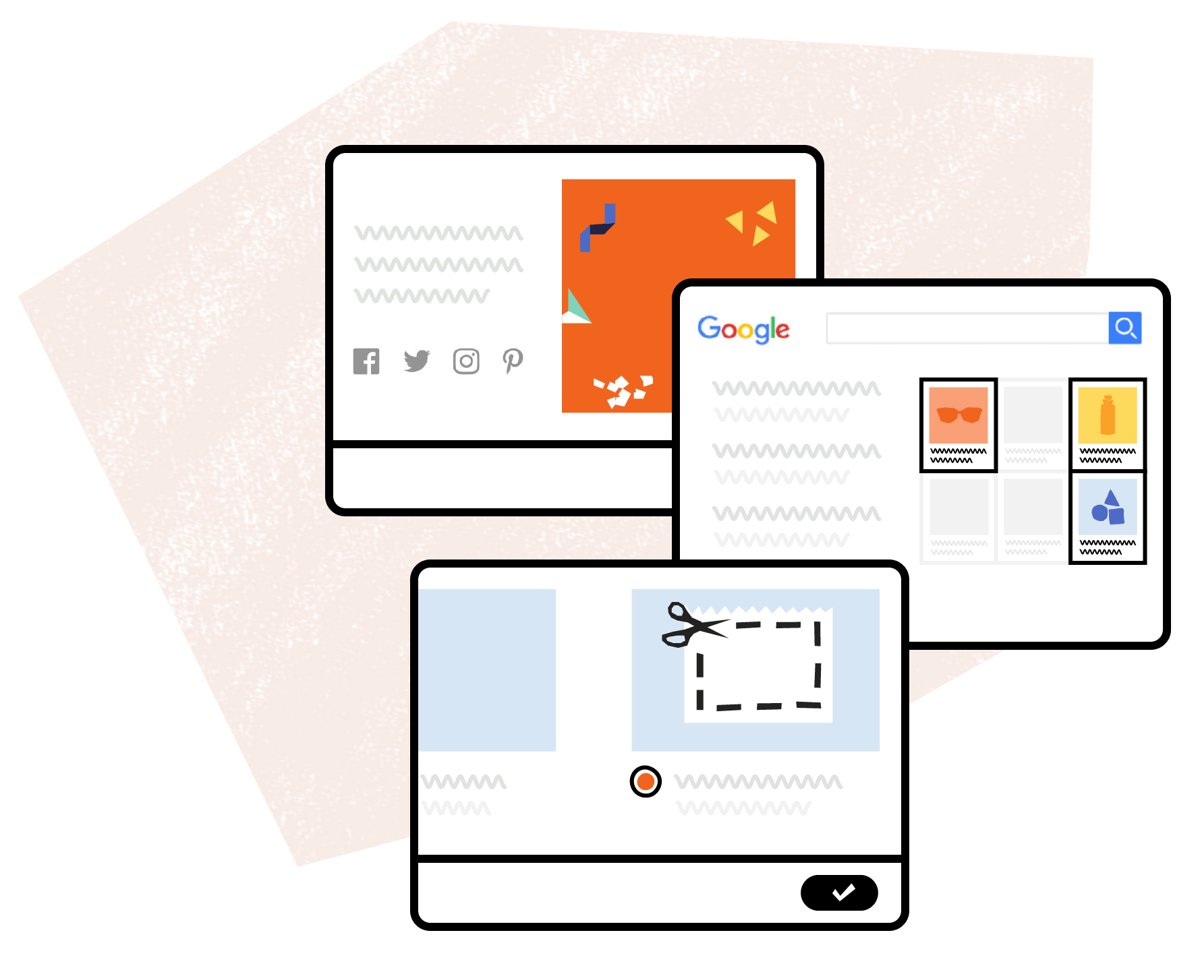
Etsy gives new sellers promotion tools on and off the marketplace. Pick the one that matches your budget and how much control you want.
| Tool | What it does | Cost |
|---|---|---|
| Etsy Ads | Promotes your listings to shoppers on Etsy | Paid advertising |
| Offsite Ads | Etsy advertises your items across the web | 15% fee only on sales from those ads; optional for most sellers |
| Social media following | Share listings with your own audience | Free |
| Custom website powered by your shop | A standalone site that uses your Etsy listings | Listed as a separate seller tool on etsy.com/sell |
| Seller Handbook and Teams | Best-practice articles and seller communities | Free |
Step 9: Launching and Managing Your Etsy Shop
Confirm the shop is really live before you share the link.
- Sign out of Etsy, or open a private browser window.
- Search etsy.com for your shop name and confirm the shop appears.
- Open your listing and check the price, photos, and shipping cost look correct.
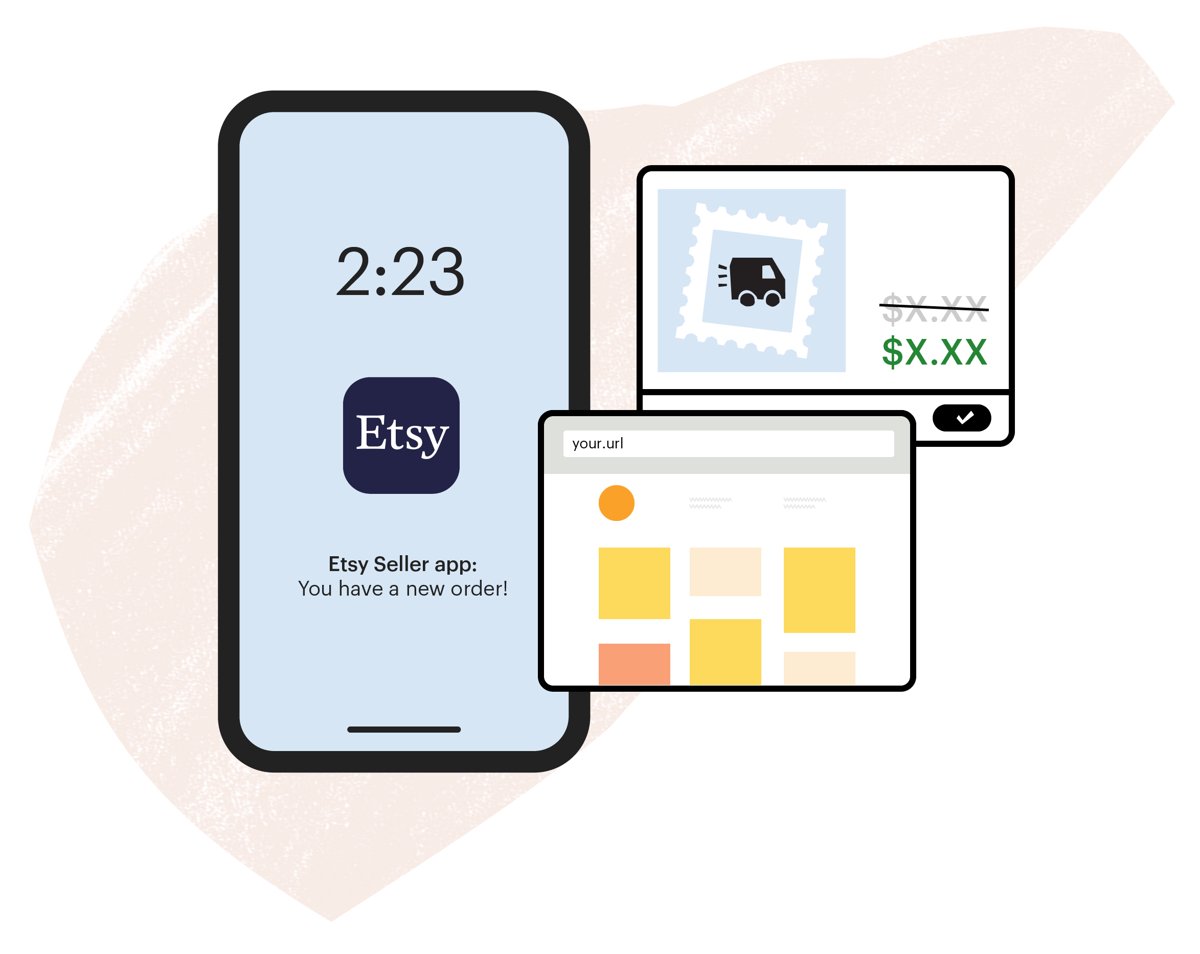
- Install the Etsy Seller App so you can manage orders, edit listings, and reply to buyers from your phone.
- Check your billing method after the first month to confirm fees are being charged as expected.
Conclusion
Open your shop from the Etsy account you already use, set the shop currency to match your bank, and publish one strong listing before adding more. The currency choice decides whether a 2.5% fee applies to every sale, and each listing costs $0.20 whether or not it sells, so a matched currency and a few well-made listings keep early costs lowest.
Frequently Asked Questions
How do I set up an Etsy account to sell?
Sign in to Etsy, go to etsy.com/sell, and select Get started. Set your shop location and currency, choose a shop name, create a listing, add a payment method to receive money, and add a billing method to pay fees.
Is there a fee to set up an Etsy shop?
Possibly. Etsy says you may be charged a one-time shop setup fee when you open your shop, and the amount varies. Etsy shows it during setup. Beyond that, there is no monthly fee for a standard shop.
How do I set up an Etsy business account?
Etsy uses the same account for buying and selling, so there is no separate business account to create. Open a shop from your Etsy account at etsy.com/sell, and the account becomes your seller account.
How do I set up an Etsy shop in the UK?
Follow the same steps from etsy.com/uk/sell and choose the United Kingdom as your shop location. Etsy's UK page lists a £0.15 listing fee, a 6.5% transaction fee, and a 4% + £0.20 payment processing fee.
How do I set up an Etsy shop in Canada or Australia?
Use the same steps and pick Canada or Australia as your shop location. The listing fee is billed at $0.20 USD, and payment processing rates depend on your bank's country. Etsy's local sell pages list the current rates.
How hard is it to set up an Etsy shop?
Not hard. Etsy's flow has six parts: account, location and currency, shop name, first listing, payment method, and billing method. Having your bank details, a card, and one finished listing ready makes it a single sitting.
What can I sell on Etsy?
Everything listed on Etsy must be made, designed, handpicked, or sourced by the seller, as set out in Etsy's Creativity Standards. Items that do not fit those categories do not belong in an Etsy shop.
How do I get paid on Etsy?
Buyers pay through Etsy Payments with cards, PayPal, Google Wallet, Apple Pay, or Etsy Gift Cards. Etsy deposits your sales funds directly into the bank account you set as your payment method.
How do I create a successful Etsy store?
Start with clear photos and search-friendly titles, price in the same currency as your bank, and include fees in your prices. Then use Etsy Ads, your own social following, and the Seller Handbook to build traffic.

![How to Switch Out of S Mode [Works for Windows 10/11]](https://techdows.com/wp-content/uploads/2026/09/Windows-11-SE-Start-menu-with-its-default-curated-app-tiles-600x338.jpg)