You can install Google Calendar as a desktop app on Windows 11, Windows 10 and Mac in about a minute, straight from Chrome or Edge. It opens in its own window, pins to the taskbar or Dock, and shows your events offline once you switch that on.
Prefer a calendar program you already use? Google Calendar also syncs into new Outlook on Windows and into Apple Calendar on a Mac. Google Play and the App Store carry the official apps for Android, iPhone and iPad.
This guide covers which route fits each device, the official Google links, installing on Windows and Mac, syncing with Outlook, offline access, and fixes for Calendar not loading.
Which Google Calendar download do you need?
Match your device to a row. On a computer, the app installs from the browser you already have.
| Your device | What to install | Size |
|---|---|---|
| Windows 11 or Windows 10 PC | Google Calendar, installed as an app in Chrome or Edge | No separate download |
| Windows PC that runs new Outlook | Subscribe to your Google calendar in Outlook | No separate download |
| Mac | Google Calendar, installed as an app in Chrome | No separate download |
| Mac that uses Apple Calendar | Add your Google account to Apple Calendar | Built into macOS |
| Android phone, tablet, watch or Chromebook | Google Calendar on Google Play | Play states no size |
| iPhone or iPad | Google Calendar on the App Store | 283.5 MB |
Download Google Calendar from Google’s official sources
Google publishes Calendar at these addresses. Google ships no Calendar setup file for download portals to host.
- Google Calendar on the web — sign in with a Google Account, then install it as an app
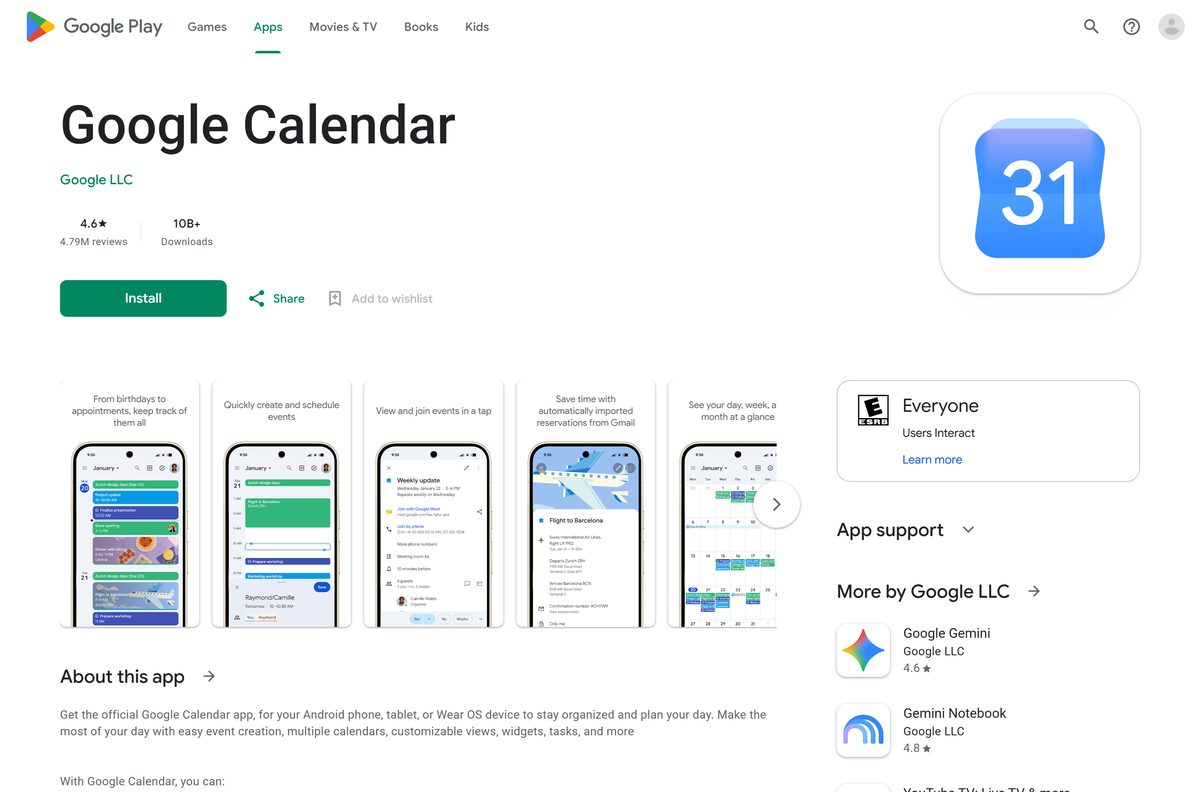
- Google Calendar on Google Play — Google LLC, 10B+ downloads, updated 10 September 2026
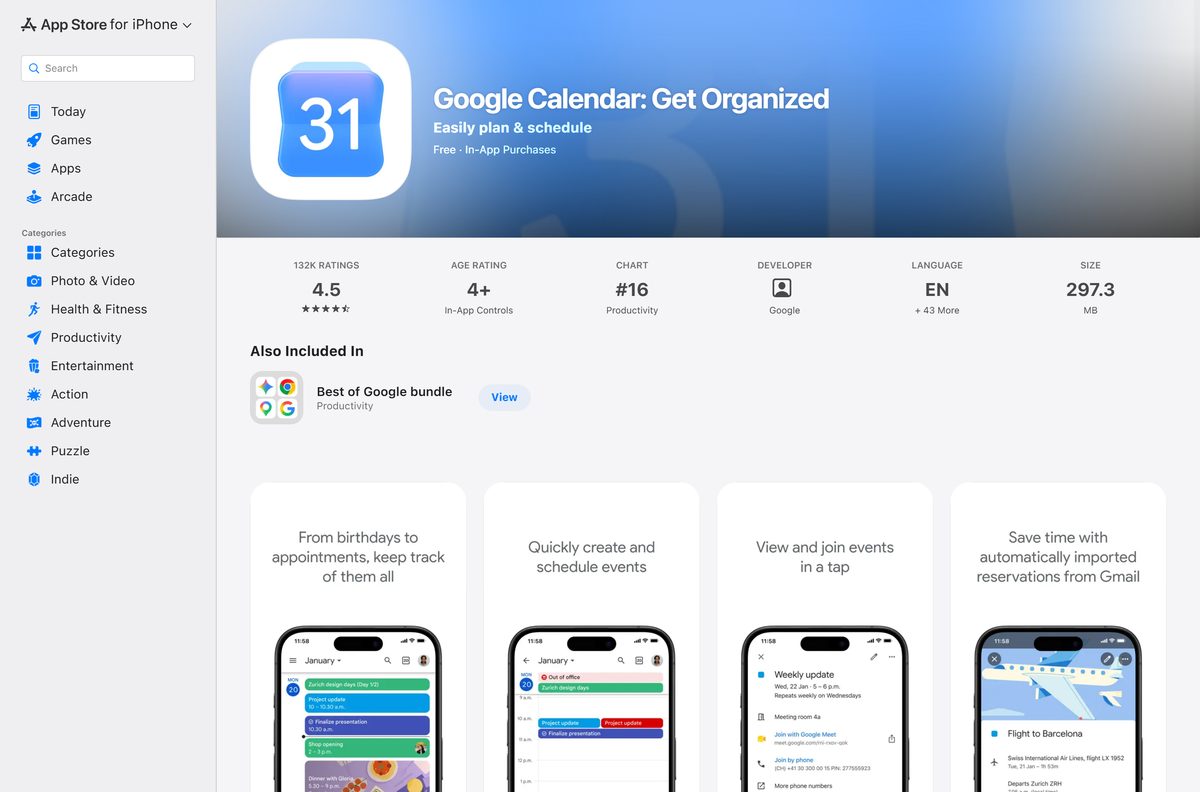
- Google Calendar on the App Store — 283.5 MB · iPhone and iPad, iOS 17.0 or later
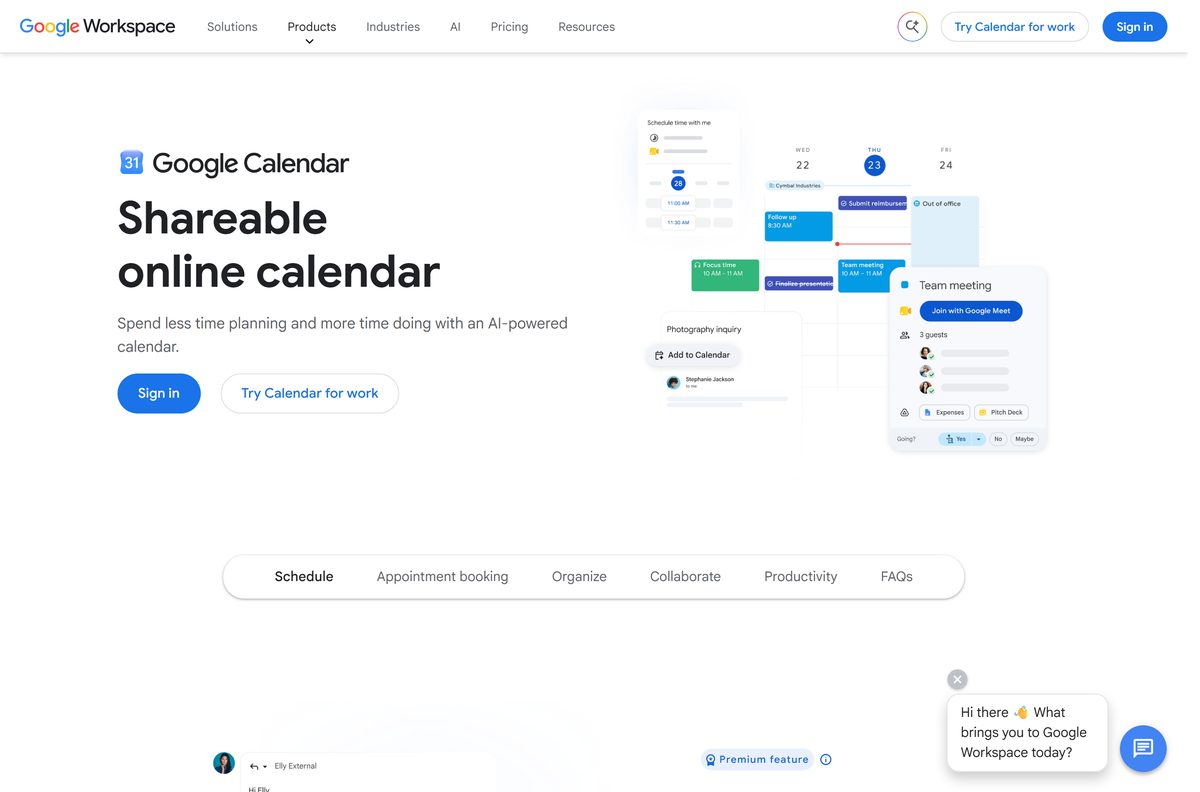
- Google Calendar product page — features and Google Workspace plans
Check the Google Calendar system requirements
Calendar sets no hardware floor of its own. The browser sets it.
| Field | Value |
|---|---|
| Developer | Google LLC |
| Latest version | Web-based, auto-updating |
| Price | Free with a Google Account |
| Supported OS | Windows 11, Windows 10 and macOS in a browser; Android and Wear OS; iOS and iPadOS 17.0 or later |
| Supported browsers | Google Chrome, Firefox, Safari and Microsoft Edge, kept up to date |
| Browser settings | JavaScript and cookies turned on |
| Offline access | Chrome only |
| Architecture | None of its own, Calendar uses the browser’s build |
| Offline installer | None |
| iPhone and iPad app size | 283.5 MB |
| Official source | calendar.google.com |
| Last verified | 2026-09-13 |
Chrome itself needs Windows 10 or later on Intel, Windows 11 and up on ARM, and macOS 13 Ventura and up.
How to install Google Calendar on Windows 11 and 10 as a desktop app
Chrome turns Calendar into a windowed app with its own taskbar icon and Alt + Tab entry. It opens without tabs or an address bar.
- Open Chrome and go to calendar.google.com.
- Sign in with the Google Account that holds your calendars.
- Select More, the three-dot button at the top right.
- Select Cast, save, and share, then Install page as app.
- Follow the on-screen prompt and select Install.
- Right-click the new window’s taskbar icon and select Pin to taskbar.
- Open it again from the Start menu and confirm your week loads in its own window.
Install Google Calendar with Microsoft Edge instead of the Store
Edge is already on every Windows 11 PC, and it creates the same kind of app window Chrome does.
- Open Microsoft Edge and go to calendar.google.com.
- Sign in to your Google Account.
- Select Settings and more, the three-dot button at the top right.
- Select More tools, then Apps, then Install this site as an app.
- Name the app and select Install.
- Open edge://apps to find and manage the installed app.
The Microsoft Store has no Calendar package from Google. Its closest match, Calendar App for Google Calendar, lists Talsaniya Neha as the publisher, not Google.
How to see Google Calendar inside Outlook on Windows 11
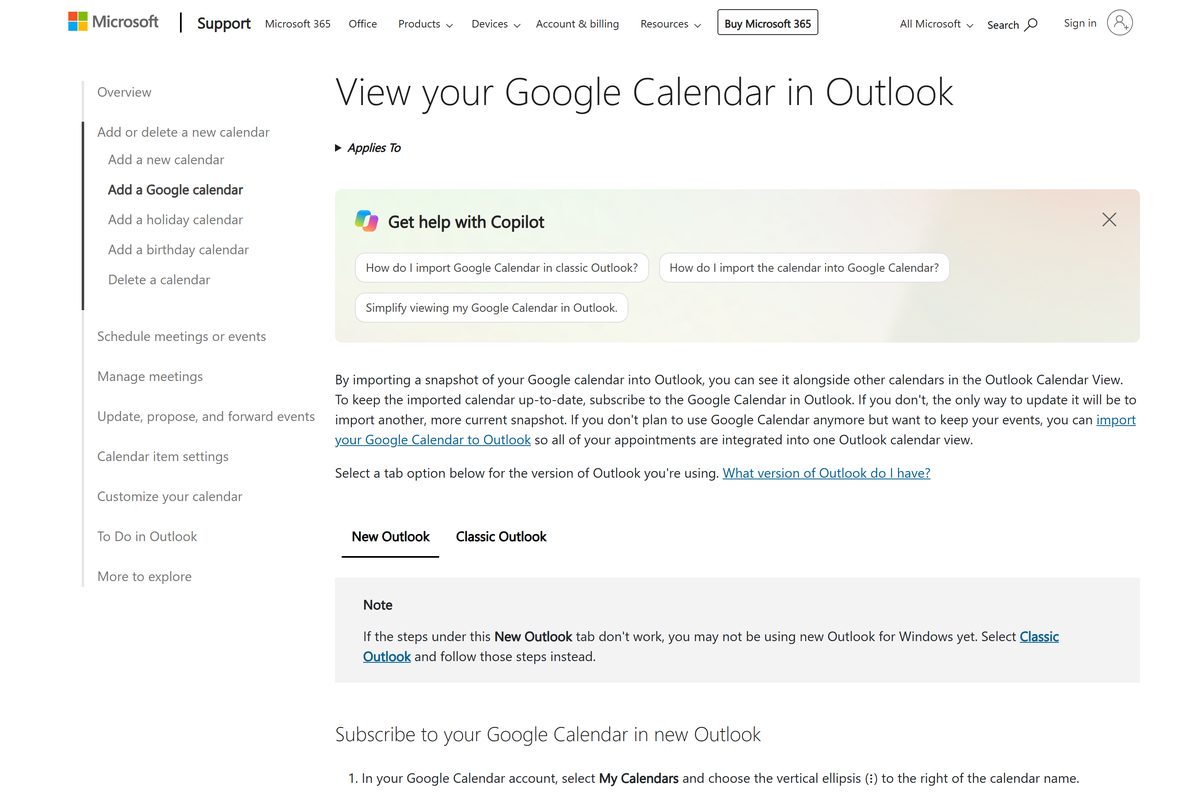
Windows 11’s old Calendar app no longer syncs. Microsoft ended support for Windows Mail, Calendar and People on 31 December 2024 and points users to new Outlook, which can show your Google calendar next to your other calendars.
- Open Google Calendar in a browser.
- Under My calendars, select the three dots next to your calendar, then Settings and sharing.
- Scroll to Integrate calendar and copy the Secret address in iCal format.
- Open new Outlook and switch to the calendar.
- Below the calendar grid on the left, select Add calendar, then Subscribe from web.
- Paste the address and select Import.
Keep that address private. Google says only you should know it.
Classic Outlook can import an exported .ics file through File > Open & Export > Import/Export. That copy is a static snapshot and does not update, so subscribe instead when you can.
Which Google Calendar download do you need for your Mac?
On a Mac, pick between a Chrome app window and the Apple Calendar app already on the machine.
| What you want | What to use | Where it comes from |
|---|---|---|
| Google Calendar in its own window | Install page as app in Chrome for Mac | |
| Google events inside Apple Calendar | Add a Google account to Apple Calendar | Apple Calendar, built into macOS |
| Events visible with no internet | Turn on offline calendar in Chrome | |
| Calendar on an iPhone or iPad | Google Calendar on the App Store, 283.5 MB | Apple App Store |
For Apple Calendar, open it and select Calendar > Preferences > Accounts. Select Add, choose Google, select Continue, and follow the sign-in steps. Use Refresh Calendars to set how often the two sync.
Apple Calendar cannot send Google’s email notifications, create new Google calendars or use Room Scheduler. Do those in the Chrome app.
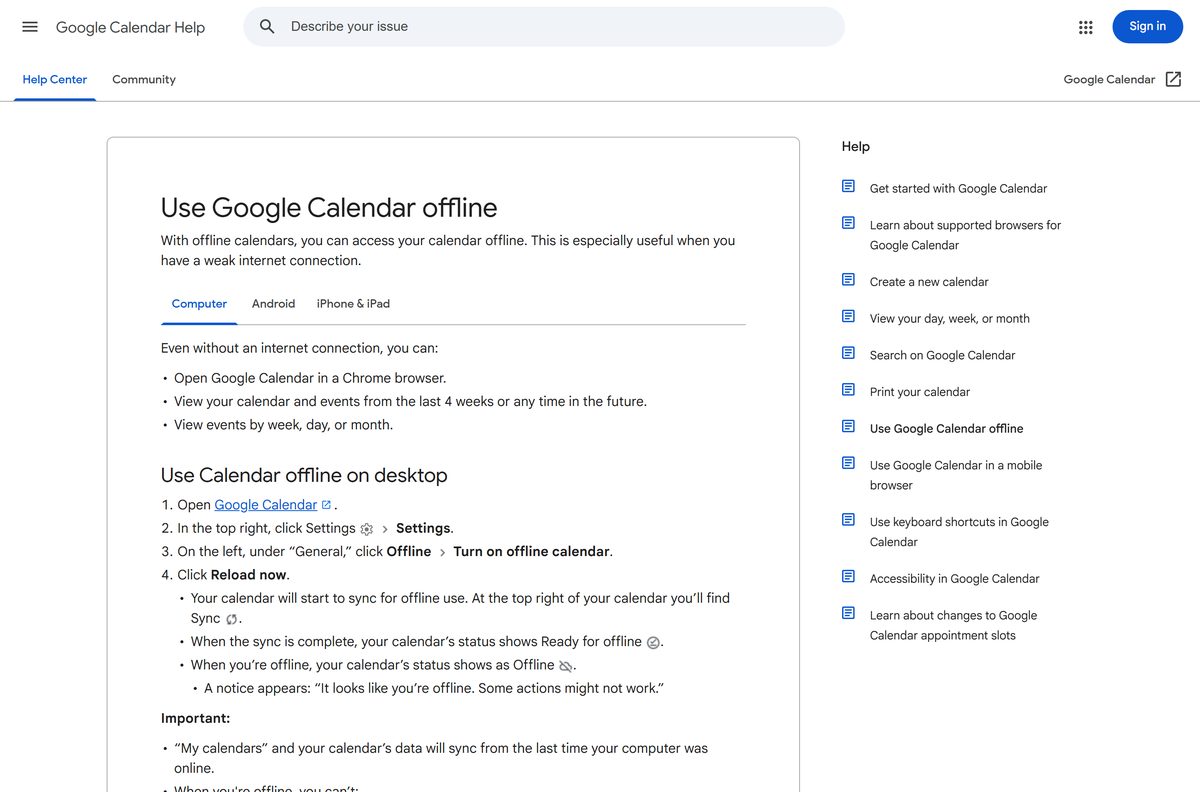
How to use Google Calendar offline on a PC or Mac
Offline mode stores your schedule in Chrome so it still opens with the network down.
- Open Google Calendar in Chrome while online.
- Select Settings at the top right, then Settings again.
- Under General on the left, select Offline.
- Tick Turn on offline calendar.
- Select Reload now to start syncing.
- Disconnect the network and open Calendar in Chrome to confirm it loads.
Offline, you can view events from the last 4 weeks and any future date, in day, week or month view. You cannot create or edit events, email guests or open tasks until you reconnect.
Should you install the Calendar app or sync it into Outlook?
Install Google Calendar as an app from Chrome or Edge. Sync it into Outlook or Apple Calendar only if you already live in one of those programs. Google ships no standalone .exe or .dmg for Calendar. The browser app is the desktop version, with every Google feature and offline viewing in Chrome. Outlook’s web subscription shows your Google events, but it is a subscribed calendar rather than Google Calendar itself. Apple Calendar gives full two-way sync through your Google account, minus email notifications, new calendar creation and Room Scheduler.
Is Google Calendar free?
Yes. Google Calendar costs nothing with a personal Google Account, on the web, on Google Play and on the App Store. The App Store lists the app as Free, and Google Play offers it at no charge. A personal account can also create one booking page. Google Workspace plans add premium features for businesses, such as unlimited booking pages and payment collection through Stripe. A site charging for a Calendar installer is selling a file Google does not make.
How to update Google Calendar on each device
Calendar on the web has no version number to check. Google updates it on the server, so the browser always loads the current build.
- On a PC or Mac, keep Chrome or Edge up to date, because Google supports only current browser versions.
- On Android, open Google Play, select your profile picture, then Manage apps & device, and update Google Calendar.
- On iPhone or iPad, open the App Store, select your profile picture and update Google Calendar from the list.
The App Store listed version 26.34.0 on 7 September 2026.
How to check a Google Calendar download really came from Google
An .exe or .dmg named Google Calendar did not come from Google. Check any download against these points.
- Read the address bar before signing in. Calendar runs at calendar.google.com, and sign-in happens at accounts.google.com.
- On Google Play and the App Store, confirm the publisher reads Google LLC.
- Right-click any file claiming to be Google Calendar, open Properties, then Digital Signatures, and reject a signer that is not Google.
Fix Google Calendar not loading, not syncing or not working offline
Google Calendar will not load or opens read-only
Calendar needs a supported, current browser with cookies and JavaScript on.
- Update the browser to its latest version.
- Turn cookies and JavaScript back on in the browser’s site settings.
- Clear cached files and cookies, then reload calendar.google.com.
- Turn extensions off one at a time to find one that blocks Calendar.
Google events do not appear in Outlook
Outlook needs the secret iCal address, and third-party calendars take a few minutes to sync.
- Copy the Secret address in iCal format again from Integrate calendar.
- In new Outlook, remove the old subscription and use Add calendar > Subscribe from web again.
- Wait a few minutes before checking for new events.
- In classic Outlook, re-import the .ics file, because an imported copy never updates.
Calendar will not open offline
Offline mode works only in Chrome and is wiped when the cache is cleared.
- Open Calendar in Chrome, not Firefox, Safari or Edge.
- Reconnect and confirm Turn on offline calendar is ticked under Settings > Offline.
- Select Reload now and let it sync before going offline again.
How to uninstall Google Calendar from a PC or Mac
Removing the app removes the window and shortcut. Your events stay in your Google Account.
- Open the Google Calendar app window in Chrome.
- Select More at the top right, then Uninstall followed by the app’s name.
- Tick Also delete data from Chrome if you want the local data gone, then select Remove.
- In Edge, open edge://apps, select Details on the Calendar card, then Uninstall, and confirm with Uninstall again.
- To stop offline storage, untick Turn on offline calendar in Calendar settings.
Which calendar app to use instead of Google Calendar
| App | Publisher | Works with Google Calendar | Best for |
|---|---|---|---|
| Google Calendar | Yes, it is the source | Every Google feature in a browser app | |
| New Outlook for Windows | Microsoft | Subscribes to a Google calendar | Windows users who replaced the old Calendar app |
| Apple Calendar | Apple | Two-way sync through a Google account | Mac users who want one calendar app for every account |
Frequently asked questions
Is Google Calendar free?
Yes. Google Calendar costs nothing with a personal Google Account, on the web and in the Google Play and App Store apps. Google Workspace plans add paid business features such as unlimited booking pages.
What is the official Google Calendar download page?
On a computer, the official address is calendar.google.com, which installs as an app from Chrome or Edge. Phones, tablets and watches get the Google LLC apps on Google Play and the App Store.
Can you install Google Calendar on Windows 11?
Yes. Open calendar.google.com in Chrome or Edge and install it as an app. It gets its own window and taskbar icon. You can also subscribe to your Google calendar in new Outlook.
What is the Google Calendar download size?
On a PC or Mac, nothing sizeable downloads, because the app installs from the browser. The iPhone and iPad app is 283.5 MB, and Google Play lists no size for the Android app.
Is there a Google Calendar offline installer?
No. Offline access is a setting, not a setup file. In Chrome, open Calendar settings, select Offline, tick Turn on offline calendar and let it sync while you are still online.
Is there a Google Calendar app for Mac?
Install Google Calendar as an app from Chrome on a Mac and it opens from the Dock. You can also add your Google account to Apple Calendar. The App Store listing covers iPhone and iPad.
Is Google Calendar 64-bit or ARM64?
Google Calendar has no build of its own, so the browser’s architecture applies. Chrome runs on Windows 10 or later on Intel, on Windows 11 on ARM, and on macOS 13 Ventura and up.
Is it safe to download Google Calendar from other sites?
Those files are not Google’s. They wrap a window around the same website under another publisher’s name. Use calendar.google.com, Google Play or the App Store, and check the publisher reads Google LLC.
What is the latest version of Google Calendar?
Calendar on the web has no version number and updates on Google’s servers. The App Store listed version 26.34.0 on 7 September 2026, and Google Play updated its listing on 10 September 2026.
Why won’t Google Calendar load on my PC?
Usually the browser is out of date or cookies and JavaScript are off. Update Chrome, Edge, Firefox or Safari, turn both settings on, clear the cache, and reload calendar.google.com.
Can I use Google Calendar in the Windows Calendar app?
Not any more. Microsoft ended support for Windows Mail and Calendar on 31 December 2024. Use new Outlook instead, where Add calendar and Subscribe from web shows your Google calendar.
How do I use Google Calendar offline?
Open Calendar in Chrome, go to Settings, select Offline and tick Turn on offline calendar. Offline, you can view the last 4 weeks and all future events, but you cannot create or edit them.