You can install Microsoft Solitaire Collection free on a Windows 11 or Windows 10 PC straight from the Microsoft Store. The same game is free on iPhone, iPad and Android, and it also plays in a web browser.
Klondike, Spider, FreeCell, TriPeaks and Pyramid all come in one app, and signing in with a Microsoft account carries your progress between devices.
This guide covers the official links, Store and winget installs, Mac options, requirements, Premium, updates and fixes for installs that fail.
Which Microsoft Solitaire Collection download do you need?
Every official copy comes from a Microsoft, Apple or Google store, or from Microsoft’s own games site. Match your device to a row.
| Your device | Where to get it | What it needs |
|---|---|---|
| Windows 11 or Windows 10 PC | Microsoft Store | Windows 10 version 19041.0 or higher, up to 145.1 MB download |
| iPhone or iPad | App Store | iOS or iPadOS 15.0 or later, 163.2 MB |
| Android phone or tablet | Google Play | A Google account |
| Mac, or any computer with a web browser | Games from MSN | A current browser and an internet connection |
Pick the Microsoft Store on a PC. The browser version suits a Mac or a computer where you cannot install apps.
Download Microsoft Solitaire Collection from the official store listings
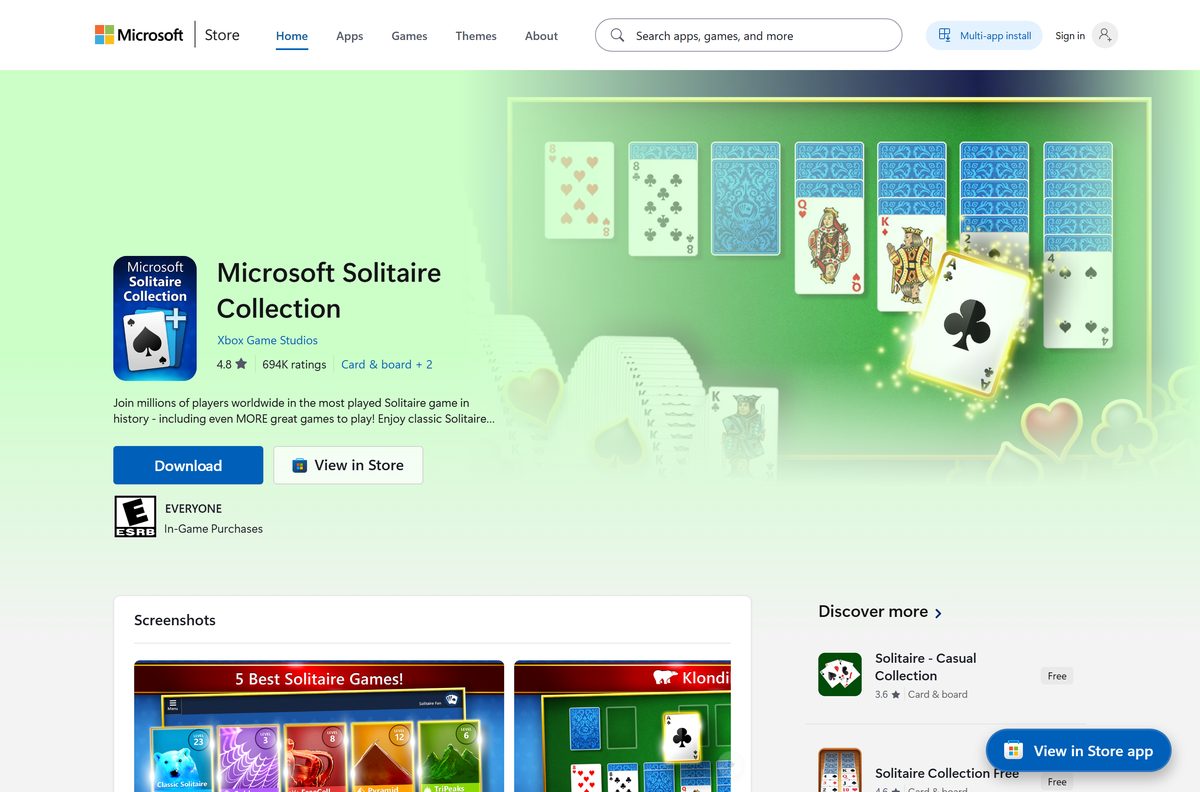
Xbox Game Studios is the publisher on the Microsoft Store, and Microsoft Corporation is the seller on the App Store and Google Play. A listing under any other name is a different game.
- Microsoft Solitaire Collection on the Microsoft Store — 145.1 MB bundle · Windows 11 and 10, free
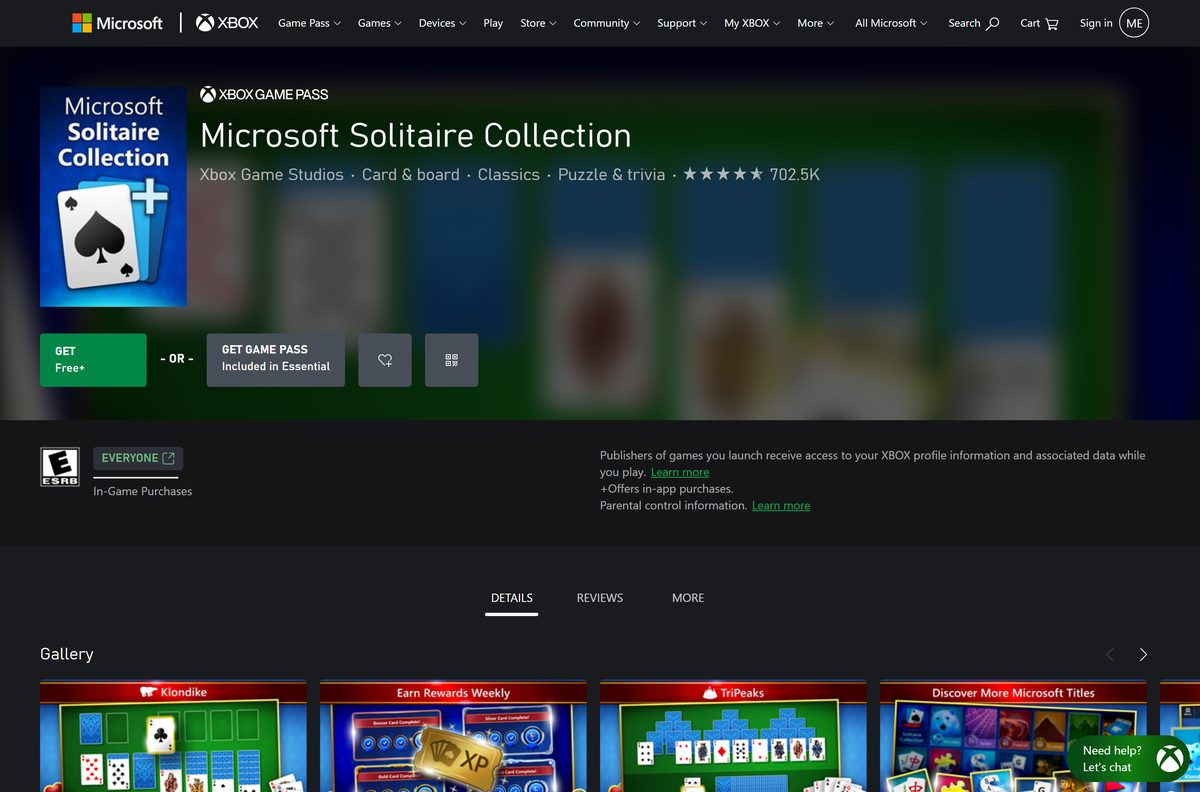
- Microsoft Solitaire Collection on Xbox.com — Same PC game, with Game Pass details
- Microsoft Solitaire Collection on the App Store — 163.2 MB · iPhone and iPad, free
- Microsoft Solitaire Collection on Google Play — Android, free, 10M+ downloads
- Microsoft Solitaire Collection on The Zone — Microsoft Casual Games site, plays in the browser
The Store product ID is 9WZDNCRFHWD2. Use it to confirm a Store link or to install with winget.
How to install Microsoft Solitaire Collection on Windows 11 and 10
The Microsoft Store downloads the right build for your processor and installs it automatically.
- Open the Microsoft Solitaire Collection Store listing in your browser.
- Select Get and allow the page to open Microsoft Store if your browser asks.
- Check that the publisher reads Xbox Game Studios.
- Select Get, or Install if your account already has the game.
- Wait for the download and install to finish.
- Find the game under Start > All apps and open it.
- Sign in with your Microsoft or Xbox account to save progress and play across devices.
- Pick Klondike, Spider, FreeCell, TriPeaks or Pyramid from the home screen.
The Store listing counts a Microsoft account and internet access among the requirements, so sign in when the game offers it.
Install Microsoft Solitaire Collection with winget
Windows Package Manager can install the Store version from a terminal. The msstore source uses the Store product ID as the package ID, so no exact-match flag is needed.
- Right-click Start and select Terminal.
- Run winget install 9WZDNCRFHWD2 -s msstore .
- Accept the source and package agreements when winget shows them.
- Wait for winget to finish the install.
- Open the game from Start > All apps.
Add –accept-package-agreements –accept-source-agreements to skip the agreement prompts in a script.
How to play Microsoft Solitaire Collection on a Mac
Microsoft publishes no macOS app, and the iPhone and iPad version lists no Mac support. The browser version on Microsoft’s own games sites is the way to play on a Mac.
| Your situation | Use this | Notes |
|---|---|---|
| Mac with a web browser | Play on Games from MSN | No install needed |
| Mac, prefer the Microsoft Casual Games site | Play on The Zone | Klondike, Spider, FreeCell, Pyramid and TriPeaks |
| Mac owner who also has an iPhone or iPad | Install from the App Store | Sign in to play across devices |
Mac App Store search results for solitaire list only games from other developers. None of them come from Microsoft.
Is Microsoft Solitaire Collection free?
The Microsoft Store, App Store and Google Play all list the game at no cost. The free version shows ads, and every store notes optional in-app purchases.
Play the free version, and pay for Premium only if the ads bother you. Premium removes ads, gives XP whether you win or lose, doubles Daily Challenge points, opens past challenges and adds unlimited Solitaire Solver use. The Store listing states Premium is included with Game Pass, so check your Game Pass membership before you buy it separately.
Any site that charges for the base game or sells an “unlocked” installer is not Microsoft. The official game never needs a paid download.
How to confirm your copy is the genuine Microsoft game
Microsoft ships the PC game only as a Store package, so the package name is the reliable check.
- Right-click Start and select Terminal.
- Run Get-AppxPackage Microsoft.MicrosoftSolitaireCollection .
- Confirm PackageFamilyName reads Microsoft.MicrosoftSolitaireCollection_8wekyb3d8bbwe .
- Read the installed build next to Version.
- If the command returns nothing, uninstall any other solitaire copy you downloaded and install from the Microsoft Store.
The same package family name appears on the Microsoft Store listing, so a match means the game came from Microsoft.
Check the Microsoft Solitaire Collection system requirements
| Field | Value |
|---|---|
| Game | Microsoft Solitaire Collection |
| Developer | Xbox Game Studios (Microsoft Corporation) |
| Latest version | 4.26.7290.0 on the Microsoft Store; 4.26 on the App Store |
| Price | Free with ads; optional Premium and in-app purchases |
| Windows | Windows 10 version 19041.0 or higher, Windows 11 |
| Architecture | x64, x86 and ARM64 in one Store bundle |
| Processor and memory | 1 GHz processor; 1 GB RAM (32-bit) or 2 GB (64-bit) |
| Graphics | DirectX 9 graphics device with WDDM driver |
| Download size | Up to 145.1 MB (all-architecture bundle); 77.9 MB maximum install |
| iPhone and iPad | iOS or iPadOS 15.0 or later, 163.2 MB |
| Android | Google Play |
| macOS | No app; browser version on Games from MSN |
| Account and connection | A Microsoft account and internet access |
| Offline installer | No |
| Official source | Microsoft Store |
| Last verified | 2026-09-13 |
The Store listing notes also name 16 GB of free disk space, a general Windows figure rather than the footprint of the game itself.
To see your Windows build, press Windows + R, type winver and select OK.
How to update Microsoft Solitaire Collection
Microsoft Store keeps apps updated automatically, and you can pause updates if needed. Run a manual check when the game asks for a newer version.
- Open Microsoft Store from the Start menu.
- Select Check for Updates.
- Wait for Microsoft Solitaire Collection to finish updating.
- Close the game fully and open it again.
- Confirm the new build with Get-AppxPackage Microsoft.MicrosoftSolitaireCollection in Terminal.
- On iPhone, iPad or Android, update the game from its App Store or Google Play listing.
Fix Microsoft Solitaire Collection not installing or not starting
Find the symptom that matches your screen and follow the fix under it.
The Get or Install button does nothing, or the download stalls
A stale Microsoft Store cache blocks new downloads.
- Press Windows + R.
- Type wsreset.exe and select OK.
- Wait about ten seconds for the blank window to close and Microsoft Store to open.
- Search for Microsoft Solitaire Collection and select Install again.
The Store says the game does not work on this device
The game needs Windows 10 version 19041.0 or higher.
- Open Settings > Windows Update, or Update & Security > Windows Update on Windows 10.
- Select Check for updates and install everything offered.
- Restart the PC.
- Open the Store listing and try the install again.
The game opens and closes, or will not start
Corrupted app data stops the game from loading.
- On Windows 11, open Start > Settings > Apps > Installed apps.
- Select More next to Microsoft Solitaire Collection, then Advanced options.
- Select Repair and try the game.
- If it still fails, return to the same page and select Reset.
- On Windows 10, the same buttons sit under Settings > Apps > Apps & features > Advanced options.
Progress or awards are missing on a new PC
Progress follows the account you sign in with, not the device.
- Open the game and choose to sign in.
- Use the same Microsoft or Xbox account you used before.
- Close and reopen the game.
How to uninstall Microsoft Solitaire Collection
Uninstalling removes the app from the PC. Reinstall any time from the same Store listing.
- Select Start > All apps and find Microsoft Solitaire Collection.
- Press and hold, or right-click, the game and select Uninstall.
- Confirm the prompt.
- Or open Start > Settings > Apps > Installed apps, select More next to the game, then Uninstall.
- To reinstall later, open the Microsoft Store listing and select Install.
Which other free Microsoft game should you install?
Xbox Game Studios publishes several other free casual games on the Microsoft Store. Each installs the same way.
| Game | What you play | Get it |
|---|---|---|
| Microsoft Mahjong | Tile-matching puzzles | Microsoft Store |
| Microsoft Minesweeper | The classic mine-clearing grid | Microsoft Store |
| Microsoft Sudoku | Number puzzles | Microsoft Store |
| Microsoft Jigsaw | Jigsaw puzzles | Microsoft Store |
Stay with Microsoft Solitaire Collection for card games. It already bundles Microsoft Bubble, Microsoft Jewel 2, Gravity Blocks, Gem Drop and Mahjong 3D.
Frequently asked questions
Is Microsoft Solitaire Collection free?
Yes. Microsoft Solitaire Collection is free on the Microsoft Store, App Store and Google Play. The free version shows ads, and a paid Premium membership removes them. The Store listing states Premium is included with Game Pass.
Where is the official Microsoft Solitaire Collection download?
The official PC download is the Microsoft Store listing with product ID 9WZDNCRFHWD2, published by Xbox Game Studios. iPhone and iPad users get it from the App Store, and Android users from Google Play.
Does Microsoft Solitaire Collection work on Windows 11?
Yes. The Microsoft Store version runs on Windows 11 and on Windows 10 version 19041.0 or higher. It installs on x64, x86 and ARM64 PCs from the same Store listing.
How big is the Microsoft Solitaire Collection download?
The Microsoft Store bundle for all processor types is up to 145.1 MB, with a maximum install size of 77.9 MB. The App Store build for iPhone and iPad is 163.2 MB.
Is there a Microsoft Solitaire Collection offline installer or exe?
No. Microsoft distributes the PC game only through the Microsoft Store, including winget’s msstore source. There is no standalone exe or offline setup file, so any site offering one is not an official source.
Can you get Microsoft Solitaire Collection on a Mac?
Not as a Mac app. Microsoft publishes no macOS version, and the iPhone app is not offered for Mac. On a Mac, play the browser version on Games from MSN or The Zone, which needs no install.
Does Microsoft Solitaire Collection support 64-bit and ARM64?
Yes. The single Microsoft Store package includes x64, x86 and ARM64 builds. The Store picks the right one for your processor, so there is no separate 32-bit, 64-bit or ARM download to choose.
Is it safe to download Microsoft Solitaire Collection?
Yes, from the Microsoft Store, App Store or Google Play. Check that the publisher is Xbox Game Studios or Microsoft Corporation, and skip download sites that offer classic installers or unlocked Premium versions.
What is the latest version of Microsoft Solitaire Collection?
The Microsoft Store package is version 4.26.7290.0, and the App Store build is 4.26, released August 25, 2026. Microsoft Store keeps the PC game updated automatically unless you pause updates.
Why won’t Microsoft Solitaire Collection install?
The usual causes are a stale Microsoft Store cache or a Windows 10 build older than 19041. Run wsreset.exe from the Run box, install pending Windows updates, restart, then select Install on the Store listing again.
How do I reinstall Microsoft Solitaire Collection?
Open the Microsoft Store listing for Microsoft Solitaire Collection and select Get or Install. The game is free, so reinstalling costs nothing. Sign in with the same Microsoft account afterwards to play with your saved progress.
Can you play Microsoft Solitaire Collection without downloading it?
Yes. Microsoft runs a browser version on Games from MSN and on The Zone, the Microsoft Casual Games site. It includes Klondike, Spider, FreeCell, Pyramid and TriPeaks, and suits a Mac or a PC where you cannot install apps.