Microsoft Edge insider canary and dev builds on Chromium already have Reading View, page translation, dark mode and new clear browsing data dialog available by default without needing to enable any flag, now latest Edge Canary on version 76.0.176.0 allows to enable Grammar Tools in Reader mode.
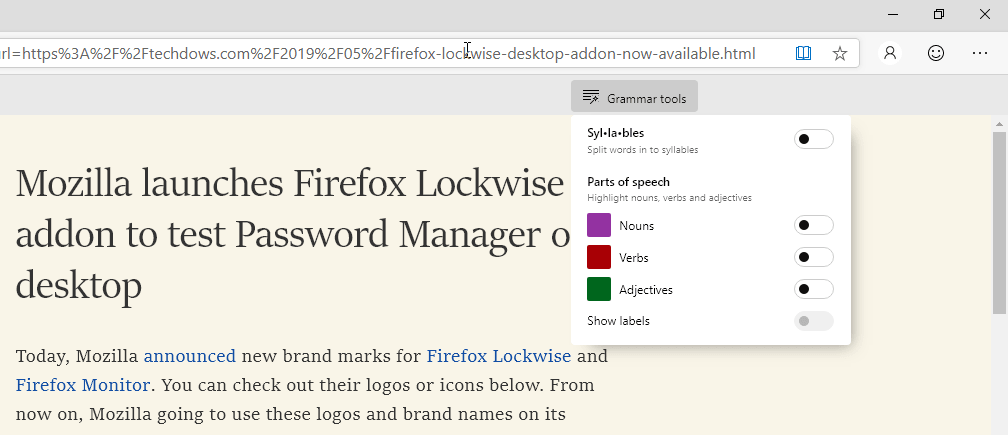
Microsoft brought Grammar Tools to Chromium Edge Reader Mode from Classic Edge that spilt words into syllables and you can able to highlight nouns, verbs, and adjectives in Reader View.
Enable Grammar Tools in Reading view in new Microsoft Edge
1. Visit edge://flags
2. Find “Grammar Tools in Reading View”

3. Select “Enabled’ and relaunch the browser.
Using Grammar tools:
Visit any reader-friendly page, click on the icon in the address bar to enter reader mode, you’ll notice Grammar tools at the top on right side of the page, click on it to see the new tools available.
The latest Edge Canary also offers the “Language Selection” flag, that enables the language selection fo some languages in the settings page.





