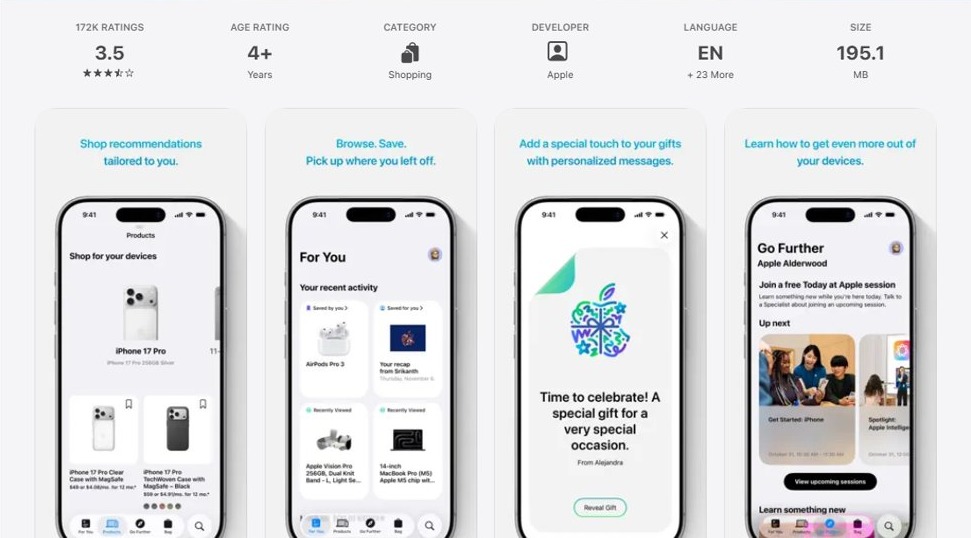
You have two different apps, not a duplicate: the blue App Store icon with the white "A" is where you download iPhone apps, and the white icon with a blue shopping bag is the Apple Store app, Apple's shopping app for buying iPhones, Macs and accessories.
This guide shows how to tell them apart, why the Apple Store app turns up after moving to a new iPhone, which one you can delete, and how to handle other store-like apps such as iTunes Store and alternative app marketplaces.
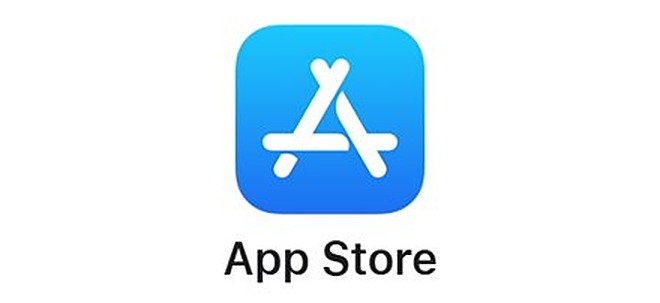
Tell the App Store and the Apple Store app apart on iPhone
Both apps are published by Apple, so the names and colors look similar on the Home Screen. Their jobs do not overlap.
- Look at the icon: the App Store is blue with a white "A" made of lines, and the Apple Store app is white with a blue shopping bag.
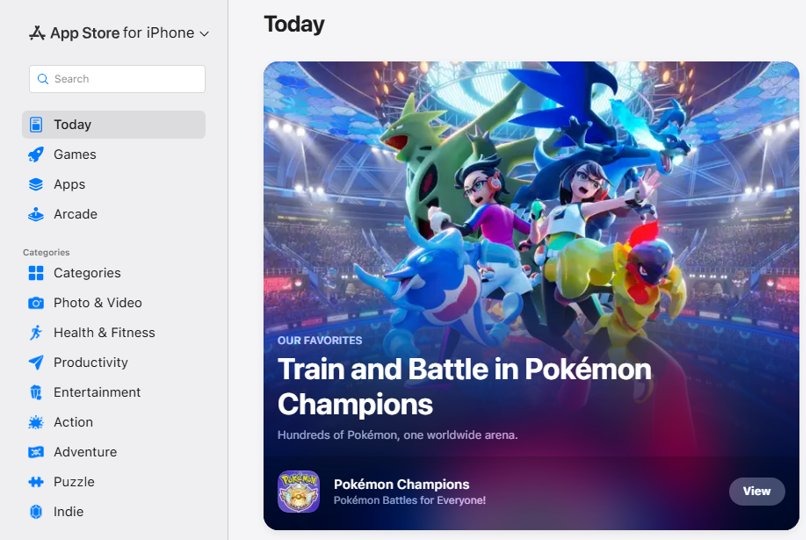
- Open the blue icon: it shows tabs such as Today, Games and Apps, and this is where you install and update apps.
- Open the white icon: it shows Apple products, your orders and Apple Store locations, and this is where you shop for hardware.
- Keep the blue App Store, because it is required to install and update apps.
- Delete the white Apple Store app if you never buy from Apple; it is an optional app you can download again later.
App Store vs Apple Store app: what is the difference?
| App Store | Apple Store app | |
|---|---|---|
| Icon | Blue, with a white "A" symbol | White, with a blue shopping bag |
| What it does | Install, update and redownload apps and games | Browse and buy Apple products and accessories |
| Category | Built into iOS | A free app in the Shopping category, developer Apple |
| Can you delete it? | No, it is not on Apple's list of deletable built-in apps | Yes, like any downloaded app |
| Extra features | Apps & Purchase History, subscriptions, app updates | Order tracking, Specialist chat, Today at Apple sign-up, engraving, store Self-Checkout |
| Availability | Every iPhone | Only in select countries |
Why the Apple Store app appeared on your new iPhone
When you set up a new iPhone from an iCloud backup, the backup carries your App Store purchase history, and the apps download again from Apple. Any app you had on the old phone, including the Apple Store app, comes back this way.
| How the second store icon got there | What it means | What to do |
|---|---|---|
| Restored or transferred from an older iPhone | The Apple Store app was on the old phone and redownloaded | Keep it or delete it; nothing else depends on it |
| Downloaded from the App Store | Someone installed the Apple Store app from its App Store listing | Delete it if you do not use it |
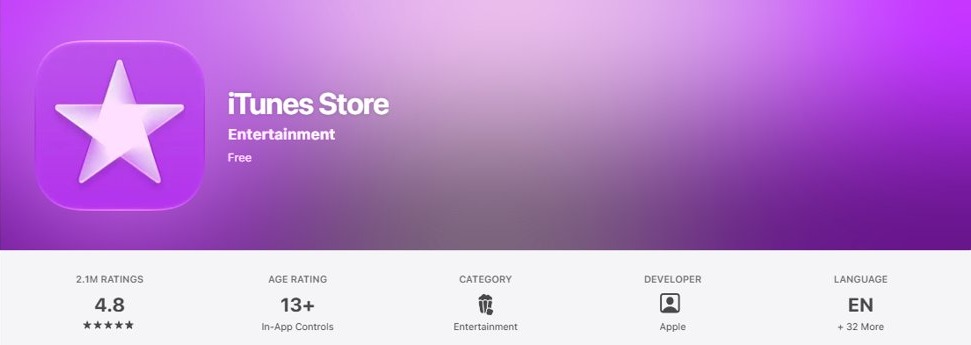
| iTunes Store icon (purple star) | A built-in Apple app for buying music, movies and ringtones | It is on the deletable list, so you can remove it |
| Alternative app marketplace (EU, Japan, Brazil only) | A third-party store installed from its developer's website | Delete it like any app if you did not mean to install it |
How to delete the Apple Store app from iPhone
Deleting the Apple Store app removes it and its data from the iPhone. Your Apple orders and account stay on Apple's servers.
- Touch and hold the white Apple Store icon on the Home Screen or in App Library.
- Tap Remove App.
- Tap Delete App.
- Tap Delete to confirm.
To hide it without deleting it, tap Remove App and then Remove from Home Screen. The app moves to App Library and still works from there.
Can you delete the App Store on iPhone?
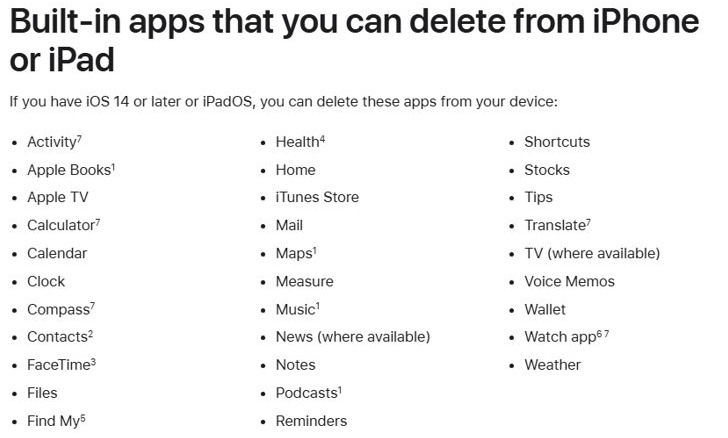
No. Apple's list of built-in apps you can delete in iOS 14 and later includes Calendar, Mail, Weather, iTunes Store and others, but not the App Store. Without it you could not install or update apps.
- Leave the blue App Store on the iPhone.
- If you only want fewer store icons, delete the Apple Store app or the iTunes Store app instead.
- To restore a deleted built-in app such as iTunes Store, open the App Store and search for its exact name.
- Tap the redownload button and wait for the app to return to the Home Screen.
Reinstall the Apple Store app on iPhone
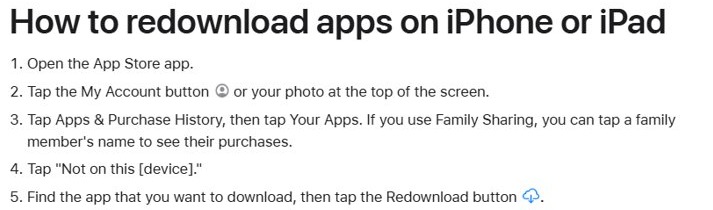
- Open the blue App Store app.
- Tap your picture or account button at the top of the screen.
- Tap Apps & Purchase History, then tap Your Apps.
- Find Apple Store in the list.
- Tap the download button next to it.
If you are not signed in, sign in to the App Store with your Apple Account first so your purchase history appears.
Check which store apps are installed on your iPhone
- On the Home Screen, swipe left past the last page to open App Library.
- Tap the search field at the top of the screen.
- Type store to list every installed app with "Store" in its name.
- Confirm that the blue App Store is present, and note any Apple Store or iTunes Store entries you want to remove.
Two App Store icons on iPhone problems
The second store icon keeps coming back after a restore
The app is in your purchase history, and the backup restore downloads it again.
- Delete the Apple Store app after the restore finishes.
- Leave it deleted; it does not reinstall unless you restore from that backup again or download it yourself.
An unfamiliar app store appeared that is not from Apple
In Brazil, Japan and the European Union, iOS allows alternative app marketplaces installed from a developer's website.
- Touch and hold the app and tap Remove App > Delete App if you did not install it on purpose.
- Remember that Apple support is limited for apps and purchases from an alternative marketplace; contact that marketplace's developer for help.
Apps from the App Store go to App Library instead of the Home Screen
App Library Only is selected, or some Home Screen pages are hidden.
- Open Settings and tap Home Screen & App Library.
- Choose Add to Home Screen.
App Store and Apple Store app FAQ
Is the Apple Store app the same as the App Store?
No. The App Store installs and updates apps on your iPhone. The Apple Store app is a separate shopping app from Apple for buying Apple devices and accessories, tracking orders and booking Today at Apple sessions.
Is it safe to delete the Apple Store app?
Yes. It is an optional app, and deleting it does not affect the App Store, app updates or your Apple Account. You can download it again later from Apps & Purchase History in the App Store.
Why did the Apple Store app show up after I upgraded my iPhone?
Setting up a new iPhone from a backup redownloads the apps in your purchase history. If the Apple Store app was on the old phone, it comes back on the new one.
Can I remove the App Store from my iPhone?
No. The App Store is not on Apple's list of built-in apps that can be deleted, because iOS uses it to install and update apps.
What is the iTunes Store app with the purple star?
It is a built-in Apple app for buying music, movies and ringtones. It is on Apple's list of deletable built-in apps, so you can delete it and get it back later from the App Store.
Can I get apps from a store other than the App Store on iPhone?
Only in Brazil, Japan and the European Union, where Apple allows alternative app marketplaces. Your Apple Account region must match and you must be physically located there.
Is the Apple Store app free?
Yes. The Apple Store app is a free download from the App Store, published by Apple in the Shopping category, and it is available in select countries only.