To revert the YouTube right side comment layout on desktop, add a community uBlock Origin filter that switches off the test's layout flags, and the comments return under the video with recommendations back in the right column.
This guide gives the filter, the browser each step works in, the cookie reset, the official feedback route, and fixes for theater mode and live chat.
Move YouTube comments back under the video
These steps use full uBlock Origin in Firefox, the browser where the extension is still listed in its official store in October 2026.
The filter is unofficial and community-made, so it can stop working whenever YouTube changes its page code.
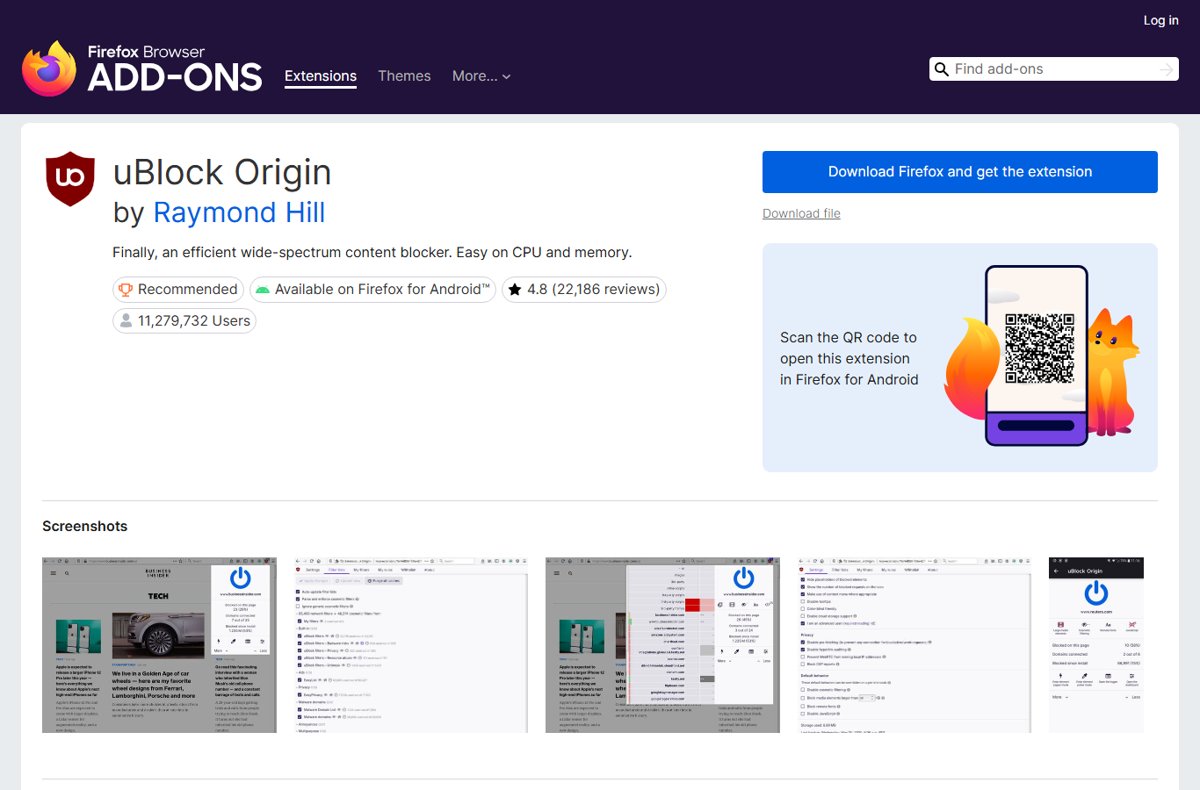
- Install uBlock Origin by Raymond Hill from the Firefox Add-ons store (addons.mozilla.org).
- Click the uBlock Origin icon in the toolbar, then open its Dashboard (the dashboard option in that panel).
- Open the tab for your own custom filters.
- Paste the filter block from the section below on new lines at the end of the list.
- Click the button that applies your changes.
- Reload any open YouTube tab and open a video.
If comments now sit under the player and the recommendation list fills the right column, you are done.
YouTube comments sidebar fixes compared
| Your situation | Use this | Why |
|---|---|---|
| You use Firefox, or can switch to it for YouTube | uBlock Origin filter | Full uBlock Origin runs there and the filter turns the layout flags off on every video |
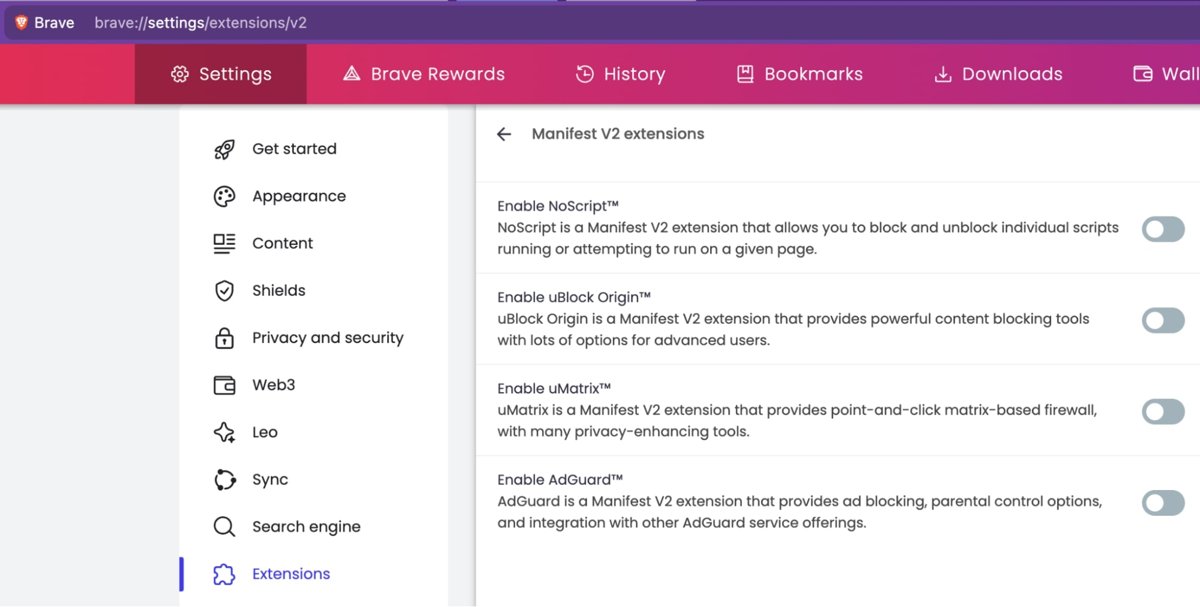
| You use Chrome 139 or later | Firefox for YouTube, or try uBO Lite's custom filters | Chrome removed Manifest V2 support in version 139, so full uBlock Origin no longer runs |
| You use Brave | uBlock Origin, if your Brave build still allows it | Brave has said it supports uBlock Origin as a Manifest V2 extension on a best-effort basis |
| You have YouTube Premium | Check youtube.com/new first | Premium members can opt in and out of listed test features there |
| You want no extension at all | Delete youtube.com cookies, then send feedback | Free and official, but the test can come back on the next visit |
| Theater mode button vanished | Add the theater mode line | One extra filter line switches the flag that hides it back off |
What you need to move YouTube comments: Firefox or Brave
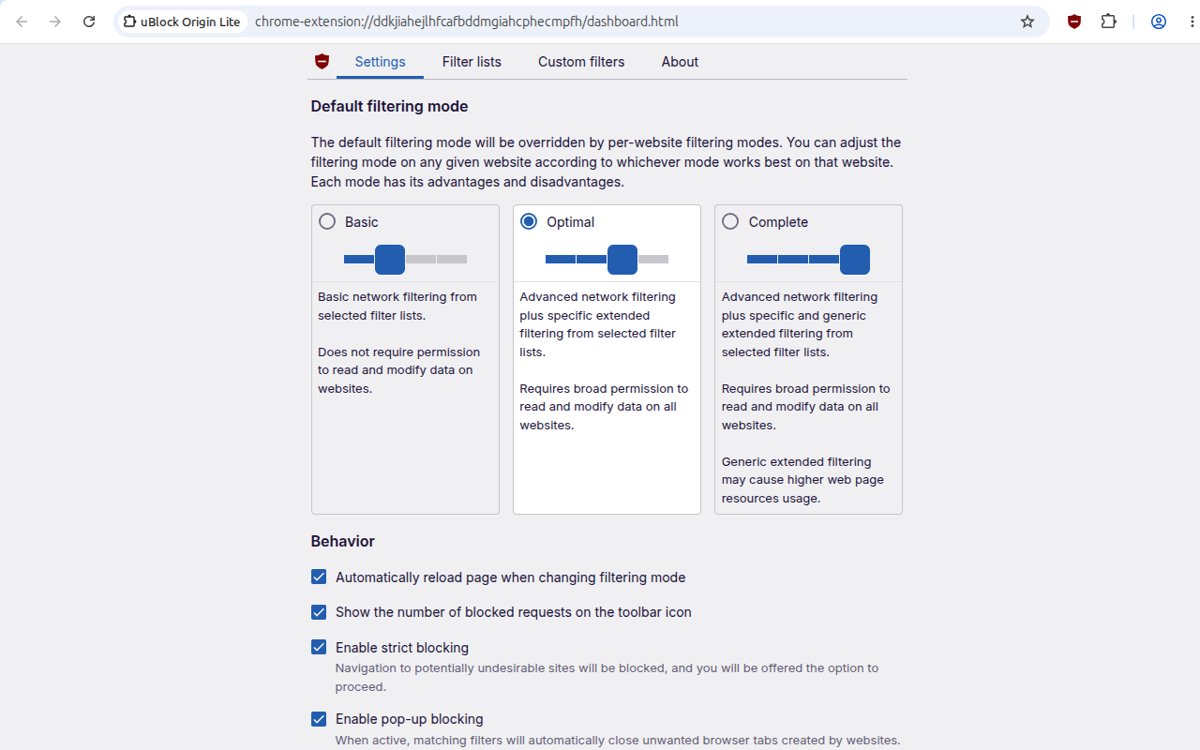
The filter uses uBlock Origin's scriptlet syntax, ##+js(set, ...), which needs the full extension rather than a declarative blocker.
| Browser | Full uBlock Origin | What to do |
|---|---|---|
| On Firefox | Listed on addons.mozilla.org (version 1.75.0, updated 16 September 2026, Firefox-recommended) | Install it and paste the filter into its custom filters tab |
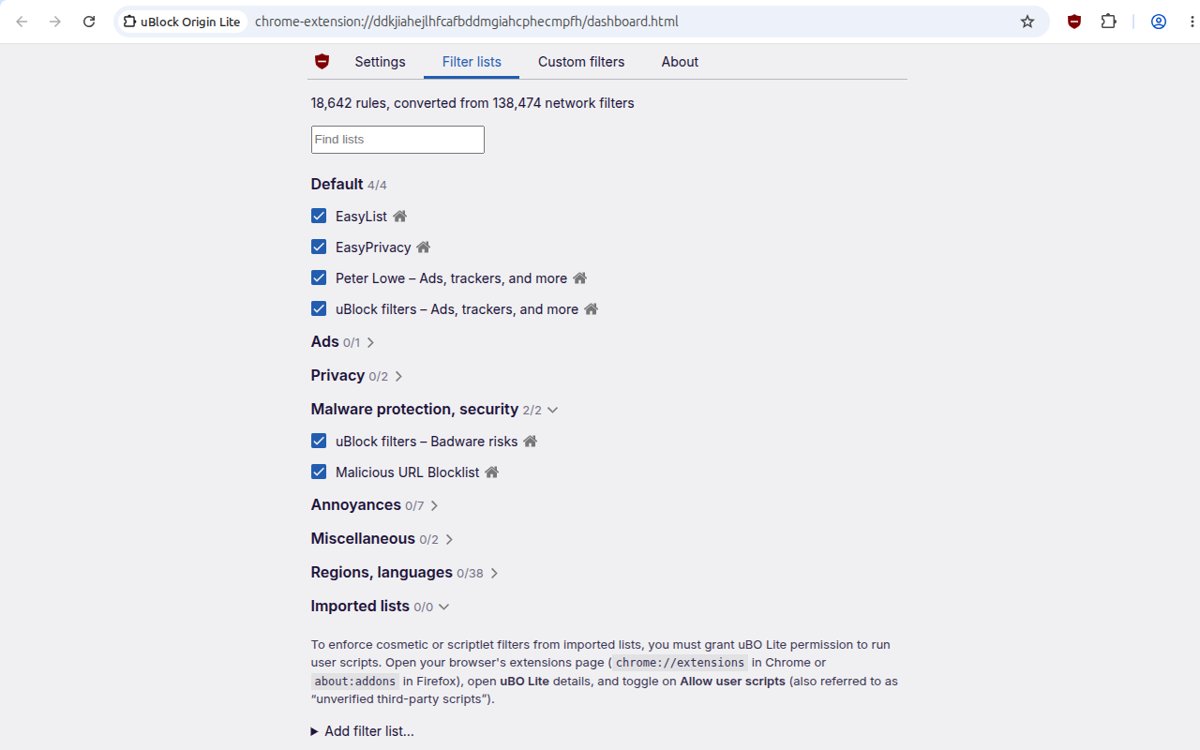
| On Chrome | Not available: Chrome 138 was the last version to run Manifest V2 extensions | uBlock Origin Lite (Manifest V3) has a custom filters pane, but support for these scriptlet lines is not confirmed; use Firefox for a reliable fix |
| On Edge | Availability of full uBlock Origin in the Edge Add-ons store could not be confirmed | Use Firefox for YouTube, or the cookie reset and feedback route below |
| Brave | Brave has said it will keep supporting uBlock Origin as a Manifest V2 extension on a best-effort basis | Check whether your Brave version still lets you install it before you rely on it |
Where did the comments go on YouTube?
News outlets including Android Authority and Ubergizmo reported the desktop watch-page test on 7 October 2026. YouTube ran a similar test in 2024 and later rolled it back.
| Part of the watch page | Classic layout | Test layout | After the filter |
|---|---|---|---|
| Comments | Under the video and description | Right-hand side panel | Under the video again |
| Video description | Under the title | Inside the right-hand panel | Under the title |
| Recommendations | Narrow list in the right column | Large thumbnail grid below the player | Right column list |
| Theater mode | Button in the player controls | May be missing for some accounts | Restored with the extra line |
Turn off YouTube experimental features for the comments panel
YouTube's page at youtube.com/new is the official place to try test features. It currently says that eligible Premium members get early access, and when nothing is offered it reads "No features are available right now".
No official setting has been announced that switches the right side comment layout off, so check whether the test appears there before relying on this route.
- Open youtube.com/new in the browser where you watch YouTube.
- Click Sign in and use the account that shows the new layout.
- Look through the listed features for a watch page, comments or layout test.
- If the test is listed and turned on for you, turn it off.
- Reload a video page to confirm the comments are back under the player.
If the page shows no matching feature, the layout is a server-side test on your account, and only the filter or a cookie reset changes it.
Use the uBlock extension to change the YouTube comments UI
The filter below was posted on 7 October 2026 by a YouTube user as a temporary fix, described by its author as "wonky but it will have to do for now". It sets YouTube's layout experiment flags to false and hides the empty side rail the test leaves behind.
Its author says it also covers live chat on streams and fills the empty space better after a later update.
- Click the uBlock Origin toolbar icon and open its Dashboard from that panel.
- Select the tab for your own custom filters.
- Click at the end of any existing lines and press Enter to start a new line.
- Paste all fifteen lines of the filter block below.
- Click the button that applies your changes.
- Close and reopen your YouTube tabs so the page loads with the new flags.
YouTube comments below video filter to copy and paste
youtube.com##+js(set, yt.config_.EXPERIMENT_FLAGS.web_watch_eligible_to_switch_to_grid, false)
youtube.com##+js(set, yt.config_.EXPERIMENT_FLAGS.web_watch_enable_single_column_grid_view, false)
youtube.com##+js(set, yt.config_.EXPERIMENT_FLAGS.web_fixed_panel_watch_next_grid_swap, false)
youtube.com##+js(set, yt.config_.EXPERIMENT_FLAGS.web_live_chat_panel_watch_next_grid_swap, false)
youtube.com##+js(set, yt.config_.EXPERIMENT_FLAGS.web_watch_fixed_default_panels, false)
youtube.com##+js(set, yt.config_.EXPERIMENT_FLAGS.web_engagement_panel_show_description, false)
youtube.com##+js(set, yt.config_.EXPERIMENT_FLAGS.web_watch_move_summary_to_sd, false)
youtube.com##+js(set, yt.config_.EXPERIMENT_FLAGS.web_watch_hero_list, false)
youtube.com##+js(set, yt.config_.EXPERIMENT_FLAGS.web_watch_split_scroll, false)
youtube.com##+js(set, yt.config_.EXPERIMENT_FLAGS.web_side_rail_dismissible_panels, false)
youtube.com##+js(set, yt.config_.EXPERIMENT_FLAGS.kevlar_watch_hide_comments_while_panel_open, false)
youtube.com##+js(set, yt.config_.EXPERIMENT_FLAGS.kevlar_watch_cinematics, false)
youtube.com##.ytSideRailViewModelHost
youtube.com##ytd-watch-flexy:style(--ytd-watch-flexy-fixed-side-menu-width: 0px !important)
youtube.com##ytd-watch-flexy #columns::after:style(width: 0 !important; display: none !important)
The first twelve lines set the watch-page experiment flags (grid recommendations, fixed side panels, description in the panel, split scrolling, live chat panel swap, ambient cinematics) to false. The last three hide the side rail element and collapse the empty space it reserves.
You should see: Comments load under the video and the right column shows the familiar list of recommended videos.
Copy the block exactly. A missing bracket or comma makes uBlock Origin ignore that line.
Theater mode line for the YouTube comments filter
Some accounts in the test lose the theater mode button. A reply under the same community post adds one more line that sets the flag hiding it to false.
youtube.com##+js(set, yt.config_.EXPERIMENT_FLAGS.disable_theater_mode, false)Add it on its own line in your custom filters under the main block, then apply the change.
You should see: The theater mode button returns to the player controls after you reload the video.
Delete YouTube website cookies to reset the comments layout
Deleting youtube.com cookies gives the site a fresh start and can drop you out of a test that was tied to the old browser data. It also signs you out of YouTube.
YouTube has not said that this removes anyone from the test, and a signed-in account can be placed back in it.
| Browser | Where to delete youtube.com cookies | Last step |
|---|---|---|
| Chrome | More (three dots) > Settings > Privacy and security > Third-party cookies > See all site data and permissions | Search for youtube, select Delete next to it, then confirm with Delete |
| Edge | Settings and more > Settings > Privacy, search, and services > Cookies > See all cookies and site data | Search for youtube, select the down arrow next to it, then select Delete |
| Firefox | Firefox's clear cookies and site data option for a single site | Remove the entries for youtube.com, then reload the page |
Open a video before signing back in. If the comments sit under the player while signed out but move right after you sign in, the test follows your account and the filter is the reliable fix.
Send feedback to YouTube about comments on the side
Feedback goes straight to YouTube, which says it uses reports to fix problems and make product improvements. Describe the layout change plainly and attach a screenshot of the watch page.
- Sign in to YouTube on your computer.
- Select your profile picture in the top-right corner.
- Select Send feedback.
- Describe the issue, for example that comments moved to a right-side panel and recommendations moved below the video.
- Choose whether to include a screenshot, and highlight the comment panel if you do.
- Click Send.
Check the YouTube comment section is below the video
- Open any regular video, not a Short.
- Scroll below the player: the title, channel row and description should come first, with comments under them.
- Look at the right column: it should show the vertical list of recommended videos, not an empty strip or a panel.
- Open a live stream and confirm the chat sits in the right column beside the player.
- Click the uBlock Origin icon on the YouTube tab and confirm the large power button is on, so the extension is active on the site.
Undo the YouTube comments filter
Remove the filter when YouTube drops the test, or when a page update makes the watch page look broken with the lines in place.
- Open the uBlock Origin Dashboard and select the custom filters tab.
- Select the fifteen YouTube lines, plus the theater mode line if you added it.
- Press Delete.
- Click the button that applies your changes.
- Reload YouTube to see the page as YouTube currently serves it.
YouTube comments stuck on the right side: fixes
Comments are still on the right side after adding the filter
The filter was not applied, a line was pasted incompletely, or the extension cannot run scriptlets in this browser.
- Open your custom filters and check that all fifteen lines are present and unbroken.
- Apply the change again if the save button is still active.
- Close every YouTube tab, then open a new one and load a video.
- If you use uBO Lite in Chrome, repeat the test in Firefox with full uBlock Origin.
Where did the comments go on YouTube?
In the test layout comments open in the right-hand panel, and on some videos the creator has turned comments off.
- Look for the comment panel on the right side of the player and open it from its tab or button.
- Scroll the page: with the filter applied, comments load under the description.
- If the page says comments are turned off, the creator disabled them, the video is made for kids, or Restricted Mode is on.
Live videos show a gap or a panel on the right side
Live chat uses its own panel flag, and older copies of the filter missed it.
- Confirm the line containing
web_live_chat_panel_watch_next_grid_swapis in your custom filters. - Apply the change and reload the stream.
- If the gap remains, YouTube has changed the page code and the community filter needs an update.
The page looks broken or half-loaded
YouTube renamed a flag or element, so the CSS lines now hide the wrong space.
- Remove the last three lines of the filter and apply the change.
- Reload the video.
- If the page is still broken, remove the whole block and wait for an updated filter.
Is the YouTube comments filter safe to use?
Treat the filter as a temporary community fix, not a setting YouTube supports. It changes YouTube's internal experiment flags, which YouTube can rename or remove at any time without notice. Avoid patched YouTube apps and unknown extensions that promise the same result: they ask for full access to your browsing data, and the filter does the job inside a well-known open-source blocker.
YouTube comments sidebar FAQ
How do I get YouTube comments on the right side?
You cannot switch the right side comment layout on yourself. YouTube places accounts in the test on its side, and youtube.com/new only lists features offered to eligible Premium members. If you are in the test and want to keep it, leave the filter out.
How do I move YouTube comments to the side?
Only YouTube's test layout moves comments into a right-hand panel on desktop. There is no setting for it. If the test is on your account, the comment panel opens beside the player, and removing the uBlock Origin filter brings that layout back.
Is there a YouTube right side comments extension?
No official YouTube extension changes the comment position. The working fix is a community filter pasted into uBlock Origin's custom filters tab. Avoid unknown layout extensions, because they need broad access to everything you browse.
Where are the comments on YouTube videos?
In the classic desktop layout, comments sit under the video, below the title and description. In the October 2026 desktop test they move into a right-hand side panel beside the player, next to the video description.
Where did the comments go on YouTube?
On desktop they moved to the right-hand panel if your account is in the layout test. If no comments appear anywhere, the creator turned them off, the video is made for kids, or Restricted Mode is on.
How do I turn on comments on YouTube?
Creators turn comments on per video in YouTube Studio, choosing On, Pause or Off and a moderation level. Viewers cannot turn on comments that a creator disabled. Turning off Restricted Mode shows comments it was hiding.
Does clearing cookies get rid of the new YouTube layout?
Sometimes, and often only until you sign in again. Deleting youtube.com cookies resets the site's data in your browser, but YouTube can assign the test to your account. Use the uBlock Origin filter for a fix that survives sign-in.
Will the uBlock Origin filter work in Chrome?
Not with full uBlock Origin, because Chrome removed Manifest V2 extensions in version 139. uBlock Origin Lite has a custom filters pane, but support for these scriptlet lines is not confirmed. Firefox runs full uBlock Origin.
Which YouTube comments fix to keep
Paste the community filter into full uBlock Origin in Firefox, add the theater mode line if you need it, and send YouTube feedback so the complaint is counted. It is the only method that moves comments back under the video and survives signing in. If you want the whole classic watch page rather than just the comment position, you can restore the old YouTube design on desktop, and the wider October 2026 YouTube layout fixes rank every workaround.

How to revert YouTube new layout (October 2026) - Techdows
[…] a narrower walkthrough per browser, you can move YouTube comments back under the video step by […]
How to restore old YouTube.com design on desktop - Techdows
[…] in 2024 and rolled it back, according to the same news reports. If you missed that round, you can move the comments back under the video with the narrower fix for this […]