To revert YouTube's new desktop layout from October 2026, add a community-made uBlock Origin filter that switches the test's flags off, because no official setting to restore the old watch page has been announced.
This guide shows how to confirm you are in the test, which workarounds bring the old watch page back and how well each one works, and why clearing cookies or switching browsers rarely helps.
Quickest way to revert the new YouTube layout
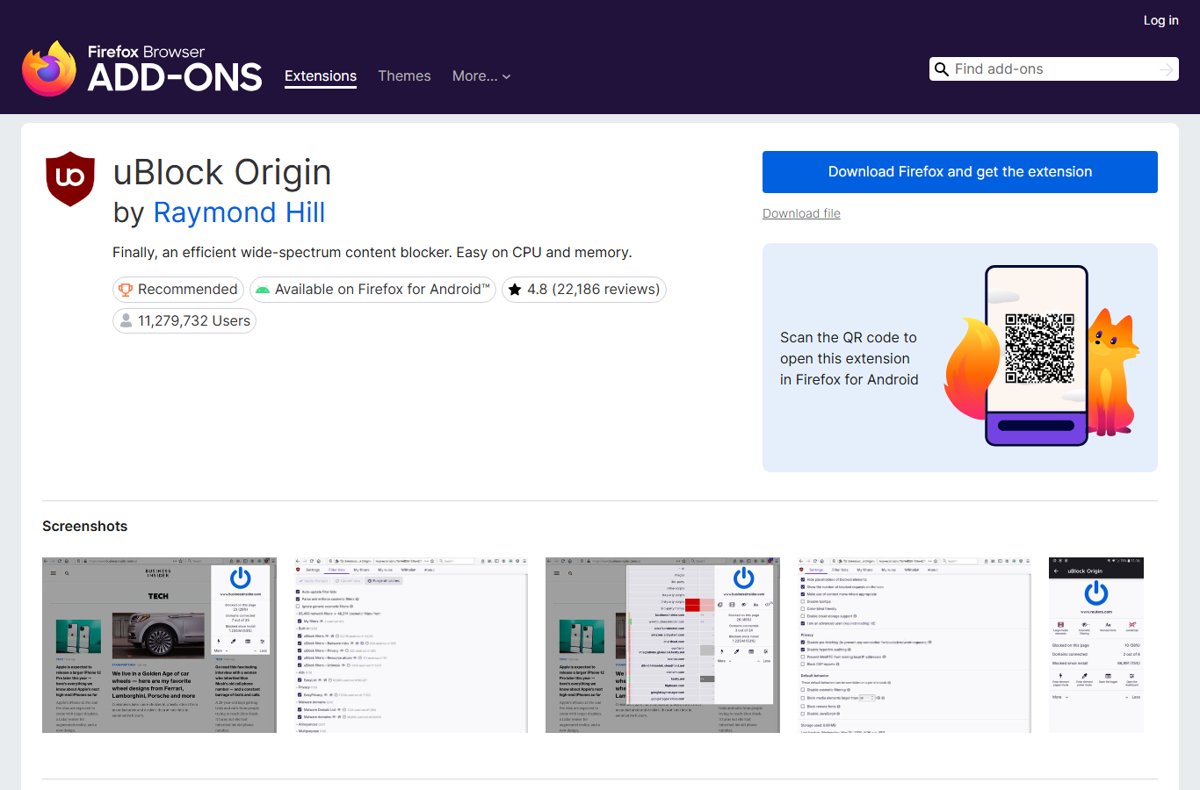
The quickest working fix is a filter list pasted into full uBlock Origin. Firefox is the browser where full uBlock Origin is still offered and updated in its official add-on store.
- Open Firefox and install uBlock Origin by Raymond Hill from addons.mozilla.org.
- Open the uBlock Origin dashboard from the extension's popup.
- Open the custom filters pane in the dashboard and paste the filter lines from the community filter section below.
- Apply the change so uBlock Origin saves the new filters.
- Reload any open YouTube watch page so the page loads with the flags switched off.
If comments and the description return under the video and recommendations move back to the right column, you are done. The rest of this guide covers browsers where this does not work and what to try instead.
Did YouTube change its layout today? How to tell
YouTube runs several tests at once, and each one changes a different part of the site. Match what you see to a row before you change anything, because the filter in this guide only targets the desktop watch page.
| What looks different | Which change it is | What can revert it |
|---|---|---|
| Comments and the description sit in a panel on the right, with large recommendation thumbnails below the player | The October 2026 desktop watch-page test | The community uBlock Origin filter in this guide |
| Player buttons, the progress bar or the player's shape look different | A player redesign, separate from the watch-page test | The watch-page filter does not target the player controls |
| The Home feed shows different thumbnail sizes or rows | A Home page test, not the watch page | No filter in this guide; send feedback to YouTube |
| The YouTube app on a phone or tablet changed | An app update or app experiment | No browser filter applies; see the mobile section |
| YouTube Studio pages look different | Studio, a separate site at studio.youtube.com | Nothing in this guide; see the Studio note |
What changed in the YouTube new layout 2026
On October 7, 2026, tech news outlets reported a desktop watch-page test that moves comments and the video description into a right-hand side panel. Large recommendation thumbnails move below the player in a grid.
YouTube tested a similar watch-page arrangement in 2024 and later rolled it back. YouTube's help pages describe an experiment as a test used to measure how viewers react to a feature, which is why only some accounts see it.
| Part of the watch page | Classic layout | October 2026 test layout |
|---|---|---|
| Comments | Below the video and its description | In a side panel on the right |
| Video description | Directly under the video title | In the right-hand panel |
| Recommended videos | A column down the right side | A grid of large thumbnails below the player |
| Scrolling | One page scroll for video, comments and description | The player area and side panel can scroll separately |
| Live chat | Beside the live stream | Shares the right-hand panel space |
YouTube new layout workarounds ranked
These workarounds are ranked by how much of the old watch page they bring back. Only the first one changes the layout itself; the rest only tell you whether you are in the test or ask YouTube to change course.
| Workaround | How well it works | When to use it |
|---|---|---|
| Community uBlock Origin filter | Restores comments under the video and the right-hand recommendation column on most watch pages | You use Firefox with full uBlock Origin |
| Theater mode filter line | Brings theater mode back if the test removed it | Add it with the main filter if the theater button is missing |
| Signed-out or private window check | Shows the classic page only if the test is tied to your account | Use it to diagnose, not as a daily fix |
| Deleting youtube.com cookies | Rarely changes the layout once you sign back in | Only when the test also appears while signed out |
| Layout userscripts and restyling extensions | Partial; they restyle parts of the page and break when YouTube changes its code | Only from an official browser add-on store, after checking what they change |
| Send feedback to YouTube | Changes nothing immediately; it is the only route that reaches YouTube | Always, whichever fix you use |
For a narrower walkthrough per browser, you can move YouTube comments back under the video step by step.
Can you change the YouTube layout in settings?
No official setting to restore the old watch page has been announced, and YouTube's help page on experiments and rollouts lists no opt-out. It says experimental features can differ between accounts and that feedback shapes whether a feature rolls out more broadly.
The youtube.com/new page is YouTube's page for trying new features, not for leaving a test. Signed out on October 8, 2026, it reads "Sign in to try new features" and says eligible Premium members get early access for a limited time.
Open youtube.com/new while signed in and check whether the watch-page test appears there; if it does not, use the community filter and send feedback. The page lists opt-in features for eligible Premium members, so a test YouTube runs on its own will not appear there unless YouTube adds it.
Why did my YouTube layout change? Test your account
Experiments are assigned per account or per browser, so a two-minute comparison tells you which fix can work.
- Open any video in your normal window and note where the comments sit.
- In Chrome, press Ctrl + Shift + N to open an Incognito window; in Edge, open an InPrivate window.
- Open the same video signed out and compare the layout.
- If the private window shows comments under the video, the test follows your account or your browser's stored site data.
- Sign in with a second Google account in the private window and open the video again.
- If the second account shows the classic page, the test is tied to your main account, and only a filter changes it.
Does clearing YouTube cookies revert the layout?
Deleting youtube.com cookies resets the browser's copy of your YouTube session. Signing back in usually returns the same test, because the assignment follows the account. Deleting cookies also signs you out of YouTube.
- In Chrome, select More > Settings, then Privacy and security > Third-party cookies.
- Select See all site data and permissions, search for youtube.com and select Delete next to it, then confirm with Delete.
- In Edge, select Settings and more > Settings > Privacy, search, and services.
- Select Cookies > See all cookies and site data, search for youtube.com, select the down arrow beside it and select Delete.
- Open YouTube again and check the watch page before you sign in, then after you sign in.
Rule out extensions that change the YouTube layout
An existing YouTube extension can produce a broken mix of old and new layouts. Rule that out before you add another tool.
- In Chrome, type
chrome://extensionsin the address bar and press Enter. - Turn off every extension that changes YouTube, such as layout, theme or player extensions.
- Reload a YouTube watch page and note the layout.
- Turn the extensions back on one at a time, reloading YouTube after each one.
- Remove any extension that leaves empty space or overlapping panels on the watch page.
- Install a replacement only from the browser's official add-on store, and only if it still lists recent updates.
uBlock Origin filter for the YouTube new layout
The filter below was posted on October 7, 2026 by Reddit user u/s4muka11 as a temporary fix, described by the author as "wonky". It is unofficial and community-made, so it stops working whenever YouTube renames the flags.
Lines starting with ##+js(set, ...) set YouTube's experiment flags to false before the page reads them. The last three lines hide the side rail and remove the empty space it leaves behind.
youtube.com##+js(set, yt.config_.EXPERIMENT_FLAGS.web_watch_eligible_to_switch_to_grid, false)
youtube.com##+js(set, yt.config_.EXPERIMENT_FLAGS.web_watch_enable_single_column_grid_view, false)
youtube.com##+js(set, yt.config_.EXPERIMENT_FLAGS.web_fixed_panel_watch_next_grid_swap, false)
youtube.com##+js(set, yt.config_.EXPERIMENT_FLAGS.web_live_chat_panel_watch_next_grid_swap, false)
youtube.com##+js(set, yt.config_.EXPERIMENT_FLAGS.web_watch_fixed_default_panels, false)
youtube.com##+js(set, yt.config_.EXPERIMENT_FLAGS.web_engagement_panel_show_description, false)
youtube.com##+js(set, yt.config_.EXPERIMENT_FLAGS.web_watch_move_summary_to_sd, false)
youtube.com##+js(set, yt.config_.EXPERIMENT_FLAGS.web_watch_hero_list, false)
youtube.com##+js(set, yt.config_.EXPERIMENT_FLAGS.web_watch_split_scroll, false)
youtube.com##+js(set, yt.config_.EXPERIMENT_FLAGS.web_side_rail_dismissible_panels, false)
youtube.com##+js(set, yt.config_.EXPERIMENT_FLAGS.kevlar_watch_hide_comments_while_panel_open, false)
youtube.com##+js(set, yt.config_.EXPERIMENT_FLAGS.kevlar_watch_cinematics, false)
youtube.com##.ytSideRailViewModelHost
youtube.com##ytd-watch-flexy:style(--ytd-watch-flexy-fixed-side-menu-width: 0px !important)
youtube.com##ytd-watch-flexy #columns::after:style(width: 0 !important; display: none !important)
Paste all fifteen lines into uBlock Origin's custom filters pane in its dashboard and apply the change. Each flag line turns one part of the test off: the recommendation grid, the fixed side panels, the description in the panel and split scrolling. The author notes it also covers live chat.
You should see: After a reload, comments and the description sit under the video and recommendations fill the right-hand column again.
Firefox, Brave, Chrome and Edge support for the layout filter
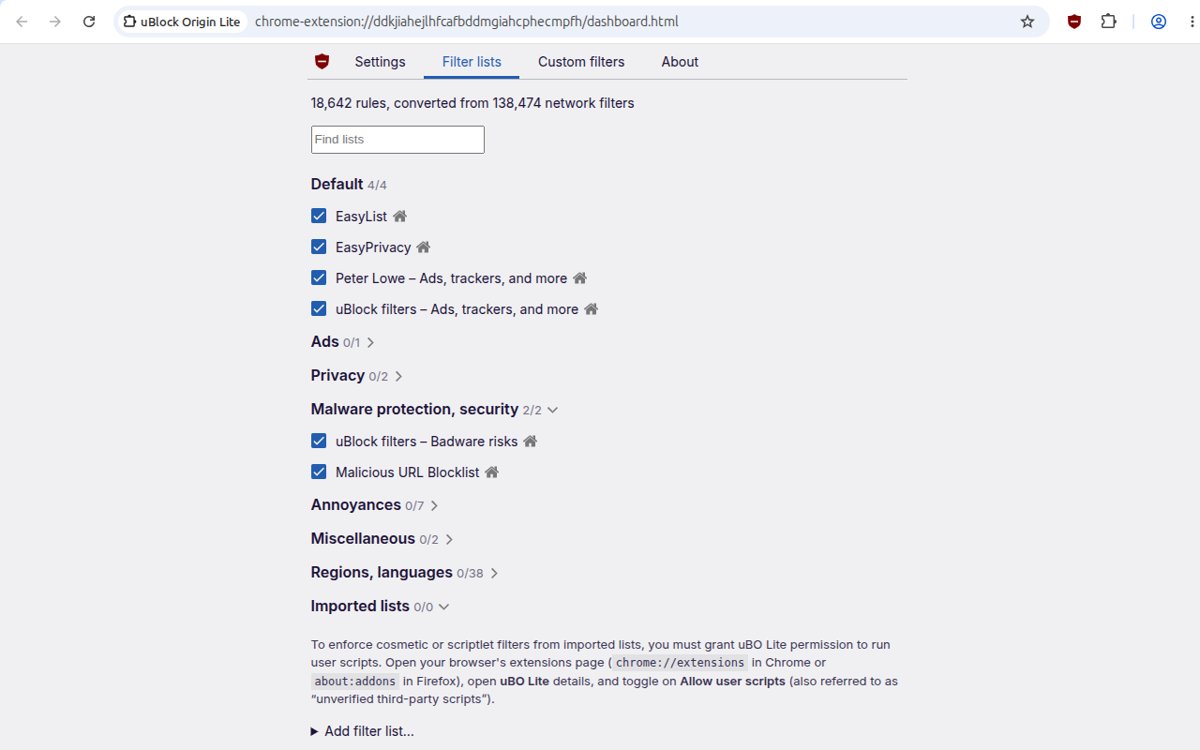
The filter uses scriptlet lines, so it needs full uBlock Origin. Google's Manifest V2 phase-out removed full uBlock Origin from current Chrome, so Chrome users cannot use this route.
| Browser | Full uBlock Origin status | Can you use the filter? |
|---|---|---|
| Firefox | Listed on addons.mozilla.org, version 1.75.0 updated September 16, 2026 | Yes |
| Chrome | Manifest V2 extensions are disabled from Chrome 138 and stop working from Chrome 139; all remaining ones left the Chrome Web Store on August 31, 2026 | No |
| Edge | The Edge Add-ons listing warns that the extension no longer meets Microsoft Edge standards and may be removed | Not dependable; use Firefox |
| Chrome with uBlock Origin Lite | A Manifest V3 version; support for these scriptlet lines in custom filters is not confirmed on its store listing | Not confirmed |
Brave and Opera are not covered here because their current uBlock Origin support could not be confirmed on their own sites.
Restore YouTube theater mode in the new layout
Some users in the test lose the theater mode button. A reply in the same community thread added one more line for that.
- Open the uBlock Origin dashboard and return to the custom filters pane.
- Add this line on its own row below the others:
youtube.com##+js(set, yt.config_.EXPERIMENT_FLAGS.disable_theater_mode, false) - Apply the change.
- Reload a YouTube watch page and check that the theater mode button is back in the player.
Confirm the YouTube layout revert worked
- Open a regular video and scroll down: the description and comments should continue under the player in one scroll.
- Look to the right of the player: recommended videos should run in a single column.
- Open a live stream and check that live chat sits beside the video without covering recommendations.
- Open the uBlock Origin popup on the watch page and confirm the extension is turned on for youtube.com.
- Reopen the page in a fresh tab the next day; if the test layout is back, YouTube changed its code and the filter needs an update.
Can you change the YouTube app layout on Android and iPhone?
The filter in this guide works only in a desktop browser. The YouTube apps take their layout from YouTube, and neither app has a layout setting for the watch page.
| Device | What you can do | What you cannot do |
|---|---|---|
| Android | Keep the app updated from Google Play and send feedback from the app's Settings > Send feedback | Choose an older watch-page layout inside the app |
| iPhone and iPad | Keep the app updated from the App Store and send feedback from the app | Run uBlock Origin filters inside the YouTube app |
| Mobile browser | Use the mobile website, which has its own mobile layout | Get the desktop watch page back with this filter |
| Firefox for Android | Install full uBlock Origin, which addons.mozilla.org lists as available on Firefox for Android | Expect desktop-layout filter lines to change the mobile site |
Old YouTube APK and patched Android app risks
No. An older APK or a patched YouTube client comes from outside Google Play, so it gets no security updates from Google Play and no official source vouches for the file.
YouTube's Terms of Service also bar altering or modifying any part of the service except as YouTube authorizes, and bar circumventing or interfering with any part of it.
Keep the official YouTube app from Google Play or the App Store and send feedback about the layout instead of sideloading an old or modified client. A modified app breaks YouTube's terms, can carry malware and stops receiving fixes, while an old version can lose access when YouTube changes its servers.
Common YouTube layout fixes that fail and what works
Clearing cookies changes nothing
The test is tied to your Google account, so it returns the moment you sign back in.
- Run the signed-out comparison from the cause test above.
- If signed-out pages look classic, stop clearing cookies; use the uBlock Origin filter instead.
Incognito shows the old interface, but normal YouTube does not
Private windows open YouTube signed out, outside the account in the test.
- Accept that the private window is a diagnosis, not a fix; you lose subscriptions and history while signed out.
- Add the filter in your normal Firefox profile to change the signed-in page.
Another account has the old layout
YouTube assigns experiments to some accounts and not others.
- Keep using your main account and add the filter.
- Send feedback from the account in the test, so the report is tied to the test.
A player extension fixed only part of the problem
Player-control extensions restyle the player, not the watch-page panels.
- Turn the player extension off and test the page with only the uBlock Origin filter.
- Keep the player extension only if it changes something the filter does not.
The layout returns after an extension fixed it
YouTube changed the flag names or page code the filter depends on.
- Open the uBlock Origin dashboard and check the filter lines are still saved.
- Replace them with an updated version of the community filter when one is posted.
- Reload the watch page.
Zoom makes the page denser but unreadable
Zooming out shrinks text along with the panels; it does not move comments back.
- Reset the page zoom to 100 percent.
- Use the filter for the layout and keep zoom for text size only.
Unsafe ways to revert the YouTube layout
| Avoid | Why |
|---|---|
| Installing uBlock Origin from a site other than the official add-on store | Copies outside the store can be modified, and the real developer is Raymond Hill |
| Downloading a "classic YouTube" APK or patched app | It breaks YouTube's terms and gets no updates from Google Play |
| Pasting filters from unknown sources without reading them | A scriptlet line runs code on the site; read every line before you apply it |
| Stacking several layout extensions at once | They fight over the same panels and leave blank space |
| Deleting all browsing data to escape the test | It signs you out of every site and the test returns when you sign back in |
| Turning off the browser's security features to install an extension | No legitimate layout fix requires it |
Tell YouTube you want the old layout back
YouTube's help page on experiments says feedback decides whether a tested feature rolls out more widely. A specific report from the account in the test counts more than a general complaint.
- Sign in to YouTube on your computer and open a watch page that shows the new layout.
- Select your profile picture, then select Send feedback.
- Describe the problem plainly, for example: comments and description moved to a side panel, recommendations moved under the video.
- Choose to include a screenshot so the layout is visible in the report.
- Click Send.
If you want the whole classic design rather than one panel, you can restore the old youtube.com design on desktop with the tools and limits covered there.
YouTube Studio and the new layout
YouTube Studio runs at studio.youtube.com, a separate site from the youtube.com watch page. The filter lines in this guide start with youtube.com and target watch-page flags, so they leave Studio's own layout as it is.
Leave Studio out of this fix and report Studio layout problems to YouTube separately. The October 2026 test covers the viewer watch page, and Studio changes are separate from it.
YouTube new layout FAQ
How do I revert the YouTube layout?
Add the community uBlock Origin filter in Firefox with full uBlock Origin, then reload the watch page. No official setting to restore the old layout has been announced, and youtube.com/new lists opt-in features for eligible Premium members rather than a way to leave a test.
How do I get the old YouTube layout?
Paste the community filter into full uBlock Origin's custom filters on Firefox. It sets the test's experiment flags to false, which puts comments back under the video and recommendations in the right column. It is unofficial and stops working when YouTube changes its code.
Does YouTube have a new layout?
Yes, for some accounts. Tech news outlets reported on October 7, 2026 a desktop test that moves comments and the description into a right-hand panel and puts large recommendation thumbnails below the player. It is a test, so not every account sees it.
Why did my YouTube layout change?
Your account or browser was placed in a YouTube experiment. YouTube's help page says features can look different across accounts because of experiments or gradual rollouts, which measure how viewers react before YouTube decides whether to launch the change widely.
Why does YouTube keep changing the layout?
YouTube tests features on small groups of viewers and rolls changes out gradually. Its help page says it considers rolling features out more broadly based on feedback from those experiments, so layouts change often and some tests are rolled back.
How do I get the new YouTube layout?
You cannot join this watch-page test on request. Sign in at youtube.com/new to see which new features you can try; the page offers early access to eligible Premium members and shows when no features are available.
How do I change the YouTube layout on a laptop?
Use Firefox with full uBlock Origin and add the community filter to its custom filters. On a laptop you can also use theater mode or zoom, but neither moves comments back under the video.
How do I change the YouTube video layout?
Inside YouTube you can switch between default view, theater mode and full screen from the player. The arrangement of comments, description and recommendations has no setting; only a filter or a restyling extension changes it.
Does youtube.com/new turn off YouTube's current redesign?
No. youtube.com/new lists new features that eligible Premium members can try for a limited time. It does not list an opt-out for tests YouTube assigns on its own, so check it while signed in, but do not expect a rollback switch there.
Will clearing cookies delete my YouTube subscriptions?
No. Subscriptions belong to your YouTube account, not your browser. Deleting youtube.com cookies signs you out and can remove saved site preferences, and your subscriptions return when you sign back in.
Why does another Google account have the old layout?
YouTube assigns experiments to some accounts and not others. A second account outside the test keeps the classic watch page, which confirms the change is an experiment on your main account.
Does incognito always show the old YouTube?
No. An Incognito or InPrivate window opens YouTube signed out, so it shows the classic page only when the test is tied to your account. A test assigned to signed-out visitors appears there too.
Bottom line: should you revert the YouTube new layout?
Use Firefox with full uBlock Origin and the community filter to get the old watch page back, and send feedback to YouTube from the account in the test. No official setting exists for this test, Chrome no longer runs full uBlock Origin, and feedback is the only route that reaches YouTube. YouTube rolled back a similar test in 2024.