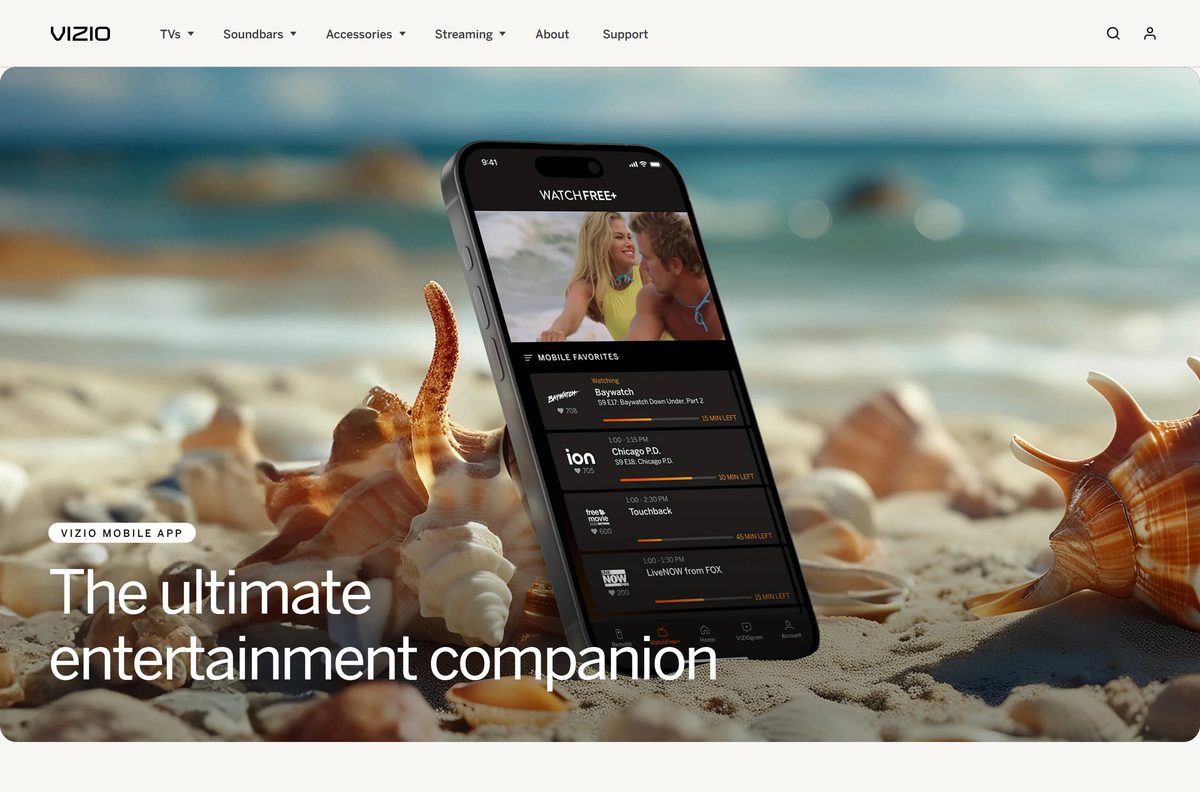
You can download VIZIO Mobile free on iPhone and Android and turn your phone into a remote for any VIZIO Smart TV or soundbar. The app also streams 300+ free live channels through WatchFree+, with or without a VIZIO TV.
This guide covers the official download links, installing and pairing the app, what works from a Mac or Windows PC, updates, removal, and fixes for connection problems.
Which VIZIO Mobile download do you need?
Match your device to a row. VIZIO ships the app for phones only, and a computer has no install of its own.
| Your device | What to install | Size |
|---|---|---|
| iPhone | VIZIO Mobile on the App Store | 628.2 MB |
| Android phone | VIZIO Mobile on Google Play | Play states no size |
| Windows 11 or Windows 10 PC | Install the phone app instead | No PC download |
| Mac | AirPlay to a VIZIO TV, phone app for control | No Mac download |
Download VIZIO Mobile from the official VIZIO links
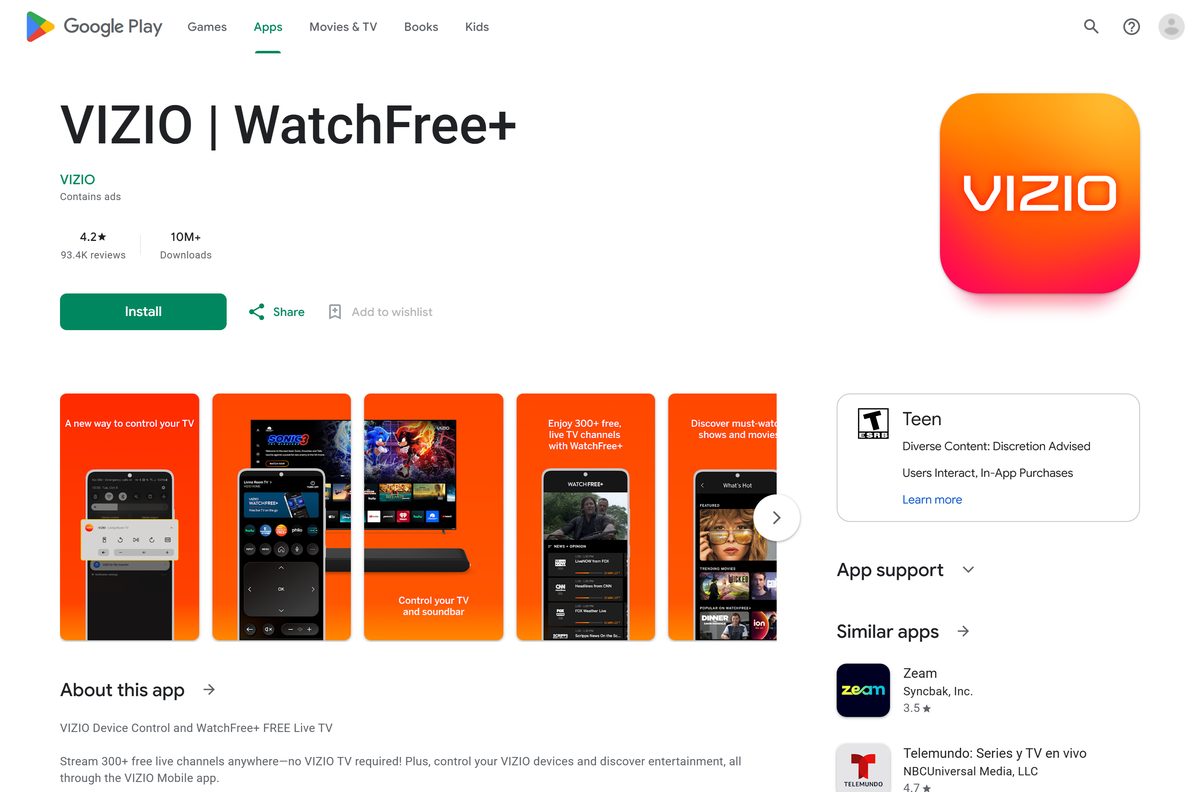
Both stores list the app as VIZIO | WatchFree+. It is the same VIZIO Mobile app that VIZIO links from its own site.
- VIZIO Mobile app page — the VIZIO page with both store buttons
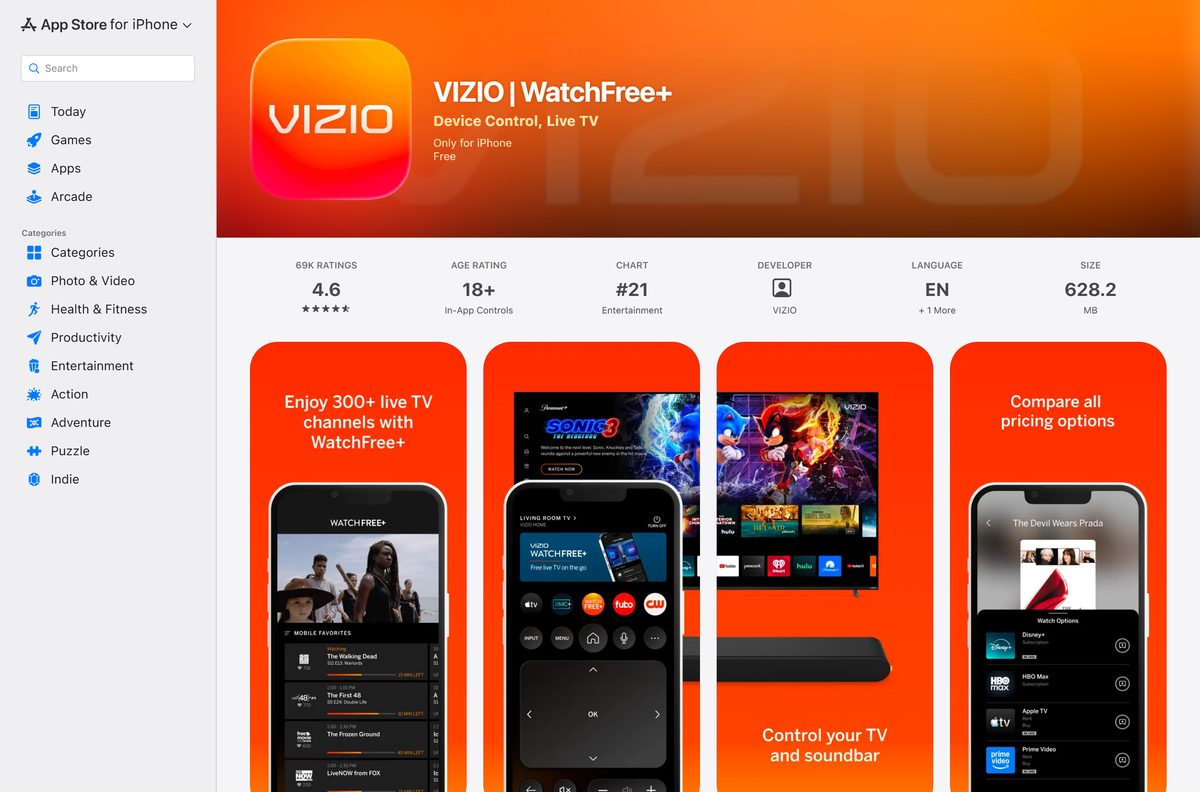
- VIZIO Mobile on the App Store — 628.2 MB · iPhone, version 5.3.0, iOS 16.0 or later
- VIZIO Mobile on Google Play — Android, 10M+ downloads, updated 5 September 2026
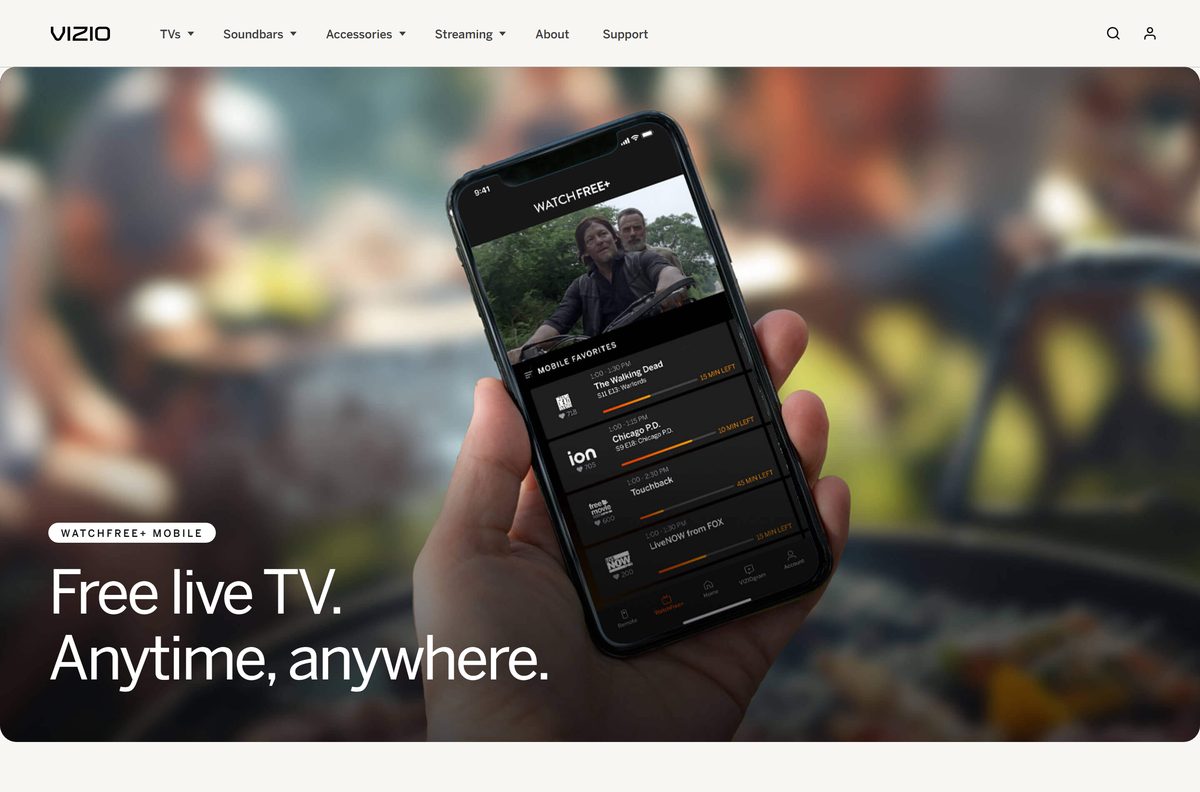
- WatchFree+ Mobile — free live TV in the app
How to install VIZIO Mobile on iPhone and Android
Install the app on the phone that sits on the same Wi-Fi network as your TV.
- On iPhone, open VIZIO Mobile on the App Store and tap Get.
- On Android, open VIZIO Mobile on Google Play and tap Install.
- Check the developer line reads VIZIO before the download starts.
- Open the app once the install finishes.
- Create a free VIZIO account, or sign in to the one you already have.
- Allow the permissions the app requests for local network and Bluetooth access.
The account unlocks WatchFree+, VIZIOgram and voice assistant linking. The remote controls need only pairing.
How to pair VIZIO Mobile with your VIZIO TV or soundbar
TV pairing runs over Wi-Fi, and soundbar pairing runs over Bluetooth.
- Connect the TV and the phone to the same Wi-Fi network.
- Open VIZIO Mobile and open the device selector.
- Select your TV from the list.
- Enter the 4-digit code that appears on the TV screen.
- For a soundbar, turn on Bluetooth on the phone and stand next to the soundbar.
- Open VIZIO Mobile, which spots the soundbar by itself in the first hour after installation.
- After that hour, press and hold the soundbar Bluetooth button for 5 seconds to open a 3-minute pairing window.
- Adjust bass, treble, height and dialogue once the soundbar shows as connected.
How to use VIZIO Mobile features from a Mac or Windows PC
VIZIO publishes no Windows or macOS app, and the Mac App Store has no VIZIO listing. Each task below still has an official route.
| What you want | Do this | Where |
|---|---|---|
| Send Mac video or photos to the TV | Use AirPlay on the latest macOS | Supported VIZIO Smart TVs |
| Change volume, inputs or playback | Use VIZIO Mobile on your phone | iPhone or Android |
| Watch free live channels | Open WatchFree+ | On the TV or in the phone app |
| Replace a lost physical remote | VIZIO remotes | vizio.com store |
Is the VIZIO Mobile app free?
Yes. VIZIO Mobile costs nothing on iPhone or Android, and WatchFree+ live TV inside it is free. The App Store lists the app as Free, and Google Play offers it at no charge with ads. VIZIO states WatchFree+ needs no subscription and no fees, though the app asks for a free customer account before you stream. Paid streaming services you launch from the app bill separately. A site charging for a VIZIO Mobile download is selling something VIZIO gives away.
How to check your VIZIO Mobile version and update it
A slow or failed TV connection is often an out-of-date app, so update it first.
- On iPhone, open the App Store and tap your profile picture.
- Scroll to the pending updates and tap Update next to VIZIO | WatchFree+.
- On Android, open the Google Play Store app and tap your profile icon.
- Tap Manage apps & device, then Updates available.
- Tap Update next to VIZIO | WatchFree+.
- Reopen VIZIO Mobile and reconnect to your TV.
Check the VIZIO Mobile app requirements
The phone needs the app, the network and, for WatchFree+, an account.
| Field | Value | |
|---|---|---|
| Developer | VIZIO, Inc. | |
| Store name | VIZIO | WatchFree+ |
| Latest version | 5.3.0 on iPhone (6 August 2026) | |
| Price | Free, with ads on Android | |
| iPhone | iOS 16.0 or later | |
| Android | Available on Google Play | |
| Windows and Mac | No app | |
| iPhone app size | 628.2 MB | |
| Offline installer | None | |
| Also needed | Same Wi-Fi network as the TV; Bluetooth for soundbars | |
| Official source | vizio.com/en/mobile | |
| Last verified | 2026-09-25 |
What you can control with VIZIO Mobile
The app covers the TV, the soundbar and free streaming from one screen.
| Task | Where in the app |
|---|---|
| Change volume, inputs and playback | Remote controls after pairing |
| Stream 300+ free live channels | WatchFree+, with or without a VIZIO TV |
| Search across streaming services | Browse tab and voice search |
| Launch a show on the TV | Browse tab, then Watch Options and the TV play button |
| Share photos and videos to a VIZIO TV | VIZIOgram tab |
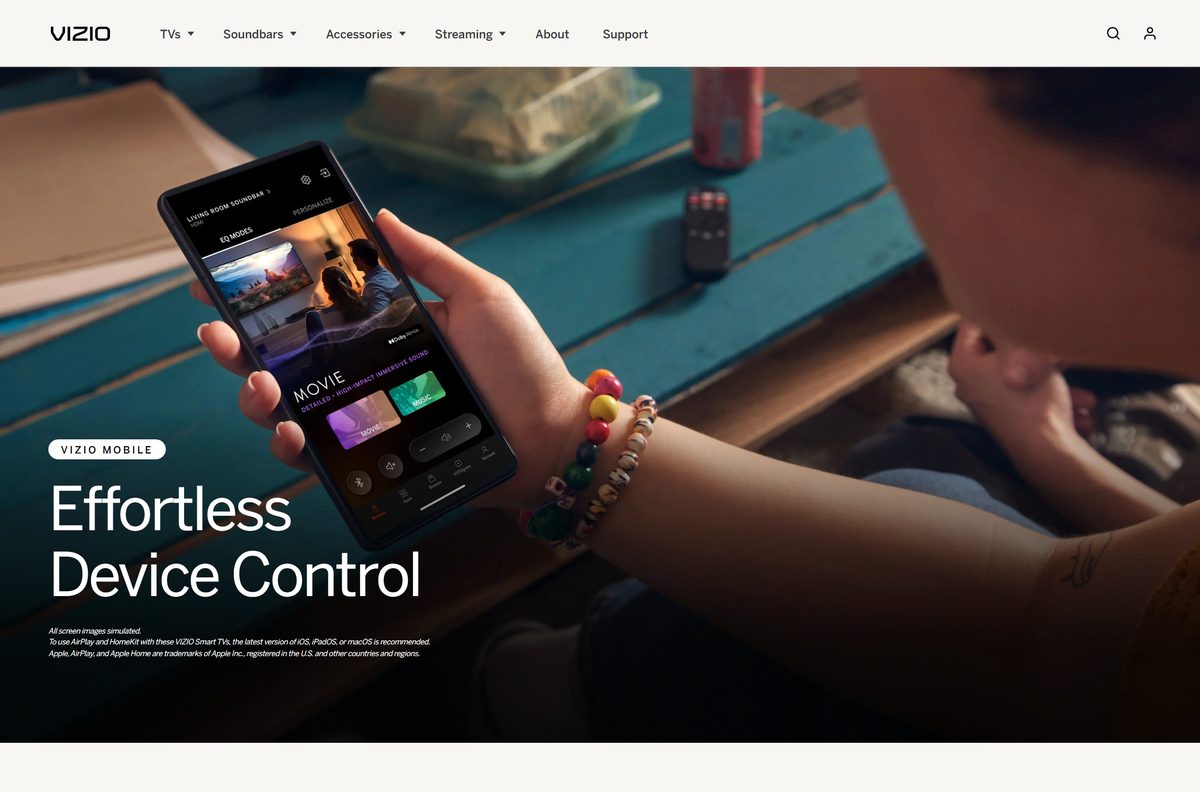
| Pick a soundbar EQ mode | Movie, Music or Direct |
| Set age limits on WatchFree+ | Account tab, then WatchFree+ |
| Link Alexa, Google Home or Apple Home | Account tab |
VIZIOgram reaches all V-Series and select M-Series VIZIO OS TVs from 2020 (-H models) and later.
How to check a VIZIO Mobile download is genuine
Many third-party remote apps use the VIZIO name. The official one lists VIZIO as its developer.
- Start from vizio.com/en/mobile and use its store buttons.
- On the App Store, check the developer reads VIZIO and the name reads VIZIO | WatchFree+.
- On Google Play, check the developer line under the name reads VIZIO.
- Skip apps named Smart TV Remote for Vizio or similar, which come from other publishers.
- Close any site offering a VIZIO Mobile .exe, .dmg or APK.
Fix VIZIO Mobile not connecting to your TV
The TV does not appear in the device selector
The phone and TV sit on different networks.
- Open Wi-Fi settings on the phone and note the network name.
- Check the TV network settings show the same network.
- Turn off the phone VPN, then open the device selector again.
The connection is slow or keeps dropping
An old app version or unstable Wi-Fi.
- Update VIZIO Mobile from the App Store or Google Play.
- Move the phone closer to the router.
- Restart the router, then reopen the app.
The soundbar will not pair
The one-hour automatic pairing window has passed.
- Turn on Bluetooth on the phone.
- Press and hold the soundbar Bluetooth button for 5 seconds.
- Pair from VIZIO Mobile within 3 minutes.
WatchFree+ will not play
No VIZIO account is signed in.
- Open the Account tab.
- Create a free VIZIO account or sign in.
- Reopen WatchFree+.
If none of these work, reach VIZIO support by chat, text or phone.
How to uninstall VIZIO Mobile
Removing the app leaves your TV settings untouched, and your VIZIO account stays active.
- On iPhone, press and hold the VIZIO Mobile icon.
- Tap Remove App, then Delete App.
- On Android, open the Google Play Store and search for VIZIO | WatchFree+.
- Tap Uninstall, then confirm.
- Reinstall later from the same store, then pair the TV again with its 4-digit code.
Which way to control a VIZIO TV without the app
| Option | Publisher | Best for |
|---|---|---|
| VIZIO Mobile | VIZIO | Remote control, casting, WatchFree+ on the phone |
| VIZIO physical remote | VIZIO | Everyday use without a phone |
| AirPlay from iPhone, iPad or Mac | Apple | Sending video and photos from Apple devices |
| VIZIOgram | VIZIO | Sharing photos to family VIZIO TVs |
Install VIZIO Mobile for full control, and keep the physical remote for guests.
Frequently asked questions
Is the VIZIO Mobile download free?
Yes. The App Store lists the app as Free, and Google Play offers it at no charge with ads. WatchFree+ live channels need no subscription, although VIZIO requires a free customer account to stream them in the app.
What is the official VIZIO Mobile download page?
VIZIO’s own page is vizio.com/en/mobile, which links to the App Store for iPhone and Google Play for Android. Both store listings carry the name VIZIO | WatchFree+ and the developer name VIZIO.
Is there a VIZIO Mobile app for Windows 11 or Windows 10?
No. VIZIO publishes the app only for iPhone and Android. Install it on your phone and control the TV from there, or use the physical VIZIO remote. WatchFree+ also runs on the TV itself.
How big is the VIZIO Mobile app?
The iPhone app is 628.2 MB on the App Store. Google Play does not list a size for Android, so check the free storage on your phone before you install it from Google Play.
Is there an offline installer, EXE or APK for VIZIO Mobile?
No. VIZIO offers no .exe, .msi, .dmg or APK file. The only official routes are the App Store and Google Play, and both download the app over the internet straight to the phone.
Is there a VIZIO Mobile app for Mac?
No. The Mac App Store carries no app from VIZIO, and the iPhone listing says Only for iPhone. On a Mac, use AirPlay to send video to a compatible VIZIO Smart TV instead.
Does VIZIO Mobile have a 64-bit or ARM64 build for PC?
No. There is no computer build of any kind, so the x64 or ARM64 question does not apply. The app runs on iPhone with iOS 16.0 or later and on Android phones through Google Play.
Is the VIZIO Mobile app safe to install?
Yes, from the App Store or Google Play, where the developer shows as VIZIO. Any website offering a VIZIO Mobile .exe, .dmg or APK is distributing a file VIZIO does not publish.
What is the latest VIZIO Mobile version?
Version 5.3.0 on iPhone, released on 6 August 2026. Google Play does not show a version number, and its listing was last updated on 5 September 2026.
Why won’t VIZIO Mobile connect to my TV?
The app talks to the TV over Wi-Fi. Put the phone and TV on the same Wi-Fi network, update the app, and check that the connection is stable. Then pick the TV in the device selector and enter the 4-digit code.
How do I pair VIZIO Mobile with my TV?
Put the TV and phone on the same Wi-Fi network and open the app. Search for your TV in the device selector, then enter the 4-digit code that appears on the TV screen to finish pairing.
Can VIZIO Mobile control a VIZIO soundbar?
Yes. The app pairs over Bluetooth and adjusts volume, bass, treble, dialogue and EQ modes such as Movie, Music and Direct. It spots the soundbar automatically for the first hour after installation.