The Vivaldi download is a free, full desktop browser for Windows 11, Windows 10, macOS and Linux, with companion apps for Android, iPhone and iPad. The official installer comes straight from vivaldi.com.
Windows gets separate builds for 64-bit Intel and AMD PCs, ARM64 laptops and older 32-bit machines. Mac users get one universal disk image that runs natively on Apple silicon and Intel.
This guide covers which file to take, installing on Windows and Mac, the standalone portable option, updates, and fixes for a setup that fails.
Which Vivaldi download do you need?
Open Settings > System > About on Windows and read the System type line. It tells you whether the PC runs an x64 or an ARM-based processor.
| Your machine | Take this | Size |
|---|---|---|
| Windows 11 or 10 on an Intel or AMD 64-bit PC | Vivaldi.8.2.4133.76.x64.exe | 148.9 MB |
| Windows 11 on ARM, such as a Snapdragon laptop | Vivaldi.8.2.4133.76.arm64.exe | 153.6 MB |
| 32-bit Windows 10 | Vivaldi.8.2.4133.76.exe | 134.6 MB |
| Mac on macOS 13 Ventura or later, Apple silicon or Intel | Vivaldi.8.2.4133.76.universal.dmg | 229.8 MB |
| Ubuntu or Debian, 64-bit | vivaldi-stable_8.2.4133.76-1_amd64.deb | 131.9 MB |
| Fedora or openSUSE, 64-bit | vivaldi-stable-8.2.4133.76-1.x86_64.rpm | 136.4 MB |
Every Windows file above is a full installer. You can copy it to a USB stick and install Vivaldi on a PC that has no internet connection.
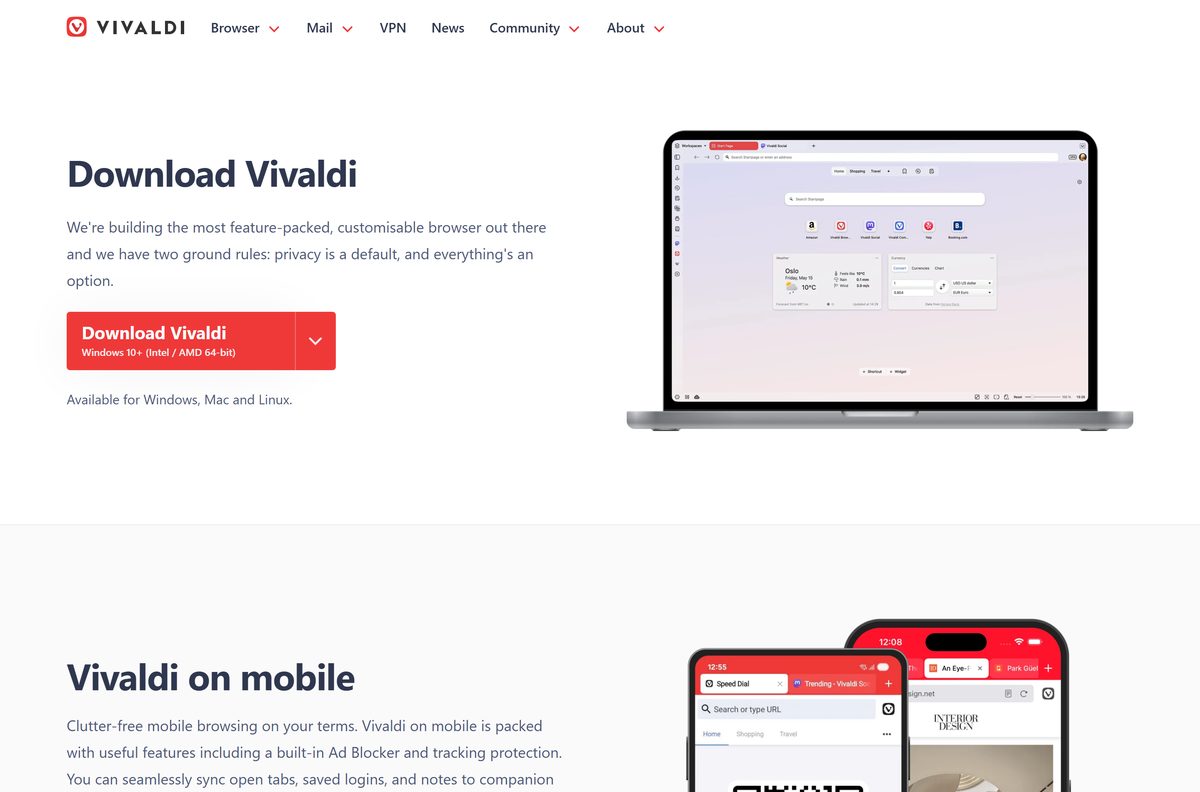
Download Vivaldi for Windows 11 and 10 from the official page
The download page shows one large Download Vivaldi button labelled Windows 10+ (Intel / AMD 64-bit). The other builds sit in the menu next to it.
- Vivaldi download page — all desktop and mobile builds
- Vivaldi.8.2.4133.76.x64.exe — 148.9 MB · Windows 10 and 11, Intel or AMD 64-bit
- Vivaldi.8.2.4133.76.arm64.exe — 153.6 MB · Windows on ARM
- Vivaldi on the Microsoft Store — x64 only, published by Vivaldi
- Vivaldi 8.2 release notes — released 2026-09-03
Version 8.2 adds a calculator in the Address Field and an Install icon for web apps. A new major version ships roughly every eight weeks.
How to install Vivaldi on Windows 11 and 10
A per-user install puts Vivaldi in your own profile, in the AppData > Local > Vivaldi folder. Use Advanced only when you want a different install type or interface language.
- Open vivaldi.com/download and select Download Vivaldi.
- Open the saved .exe file from your Downloads folder.
- Select Advanced in the top-right corner if you want to change the language or install type.
- Under Installation Type, choose Install per user for your account only, or Install for all users for a shared PC.
- Read the licence agreement and select Accept and install.
- Wait for the browser to open by itself when setup finishes.
- Go through the welcome flow to pick a layout, tab position and theme.
- Import bookmarks and passwords from your old browser when Vivaldi offers it, or skip that step.
An Install for all users setup asks for administrator approval. Its updates also show a User Account Control prompt instead of installing silently.
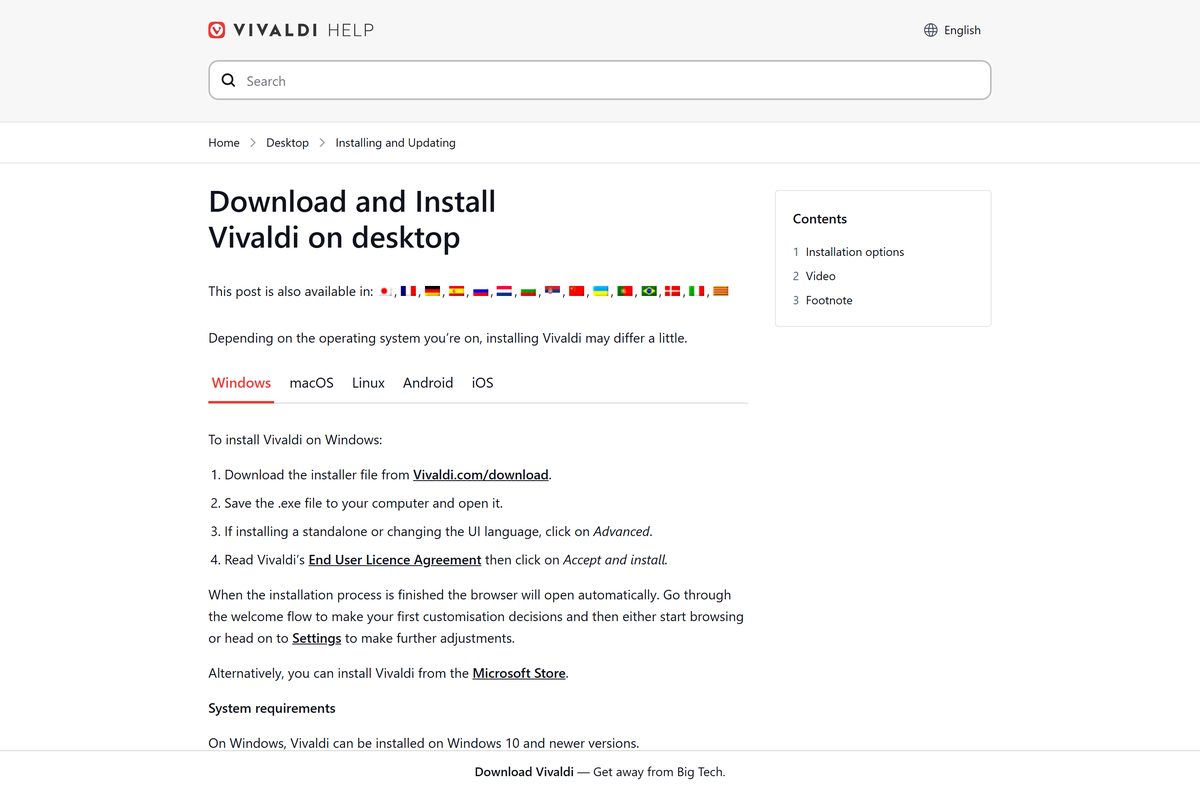
Install Vivaldi from the Microsoft Store
Vivaldi’s own help pages point to the Microsoft Store as an alternative. The Store listing carries the 64-bit build only, so ARM64 and 32-bit PCs still need the direct download.
- Open the Vivaldi Store listing.
- Select Get, then Install when the Microsoft Store app opens.
- Wait for the Store to download and run the installer.
- Select Open to launch Vivaldi.
The Store copy installs for your user account and can trail the website by a minor build, so check Help > About after the first launch.
Run Vivaldi as a standalone portable browser
A standalone install keeps the program and your profile in one folder and stays out of the Windows registry. It is useful for testing a second copy or carrying Vivaldi on an external drive.
Passwords and extensions are encrypted with a key tied to each computer’s user profile. They do not travel with the folder to another PC.
- Download the Windows installer from vivaldi.com/download.
- Open the installer and select Advanced.
- Under Installation Type, select Install standalone.
- Set a Destination folder anywhere except Program Files, such as a folder on a USB drive.
- Tick Make standalone Vivaldi available as a default app if you want it in Windows’ default apps list.
- Select Accept and install.
- Open the destination folder, then Application > vivaldi to start the browser.
To remove a standalone copy, close every Vivaldi window and delete its folder. Registry entries from the default-app option have to be removed by hand.
How to verify the Vivaldi installer
Every official Windows and Mac package is signed by Vivaldi Technologies AS. A file from anywhere else that lacks this signature is not a genuine build.
- Right-click the downloaded .exe file and select Properties.
- Open the Digital Signatures tab and confirm Vivaldi Technologies AS is listed.
- Select the signature and then Details.
- Check that the window reads This digital signature is OK.
- On a Mac, drag Vivaldi to Applications, then run codesign -dv –verbose=2 /Applications/Vivaldi.app in Terminal.
- Confirm the output shows Developer ID Application: Vivaldi Technologies AS (4XF3XNRN6Y).
Which Vivaldi download do you need for your Mac?
Vivaldi ships one universal disk image for every supported Mac. It needs macOS 13 Ventura or later on either an Apple silicon or an Intel processor.
| Your Mac | Download | Size |
|---|---|---|
| Apple M-series chip, macOS 13 or later | Vivaldi universal .dmg | 229.8 MB |
| Intel processor, macOS 13 or later | Vivaldi universal .dmg | 229.8 MB |
| iPhone or iPad on iOS 18 or later | Vivaldi on the App Store | 253 MB |
Open the .dmg file and select Agree on the licence agreement. Drag the Vivaldi icon to the Applications folder, and the browser opens to its welcome flow.
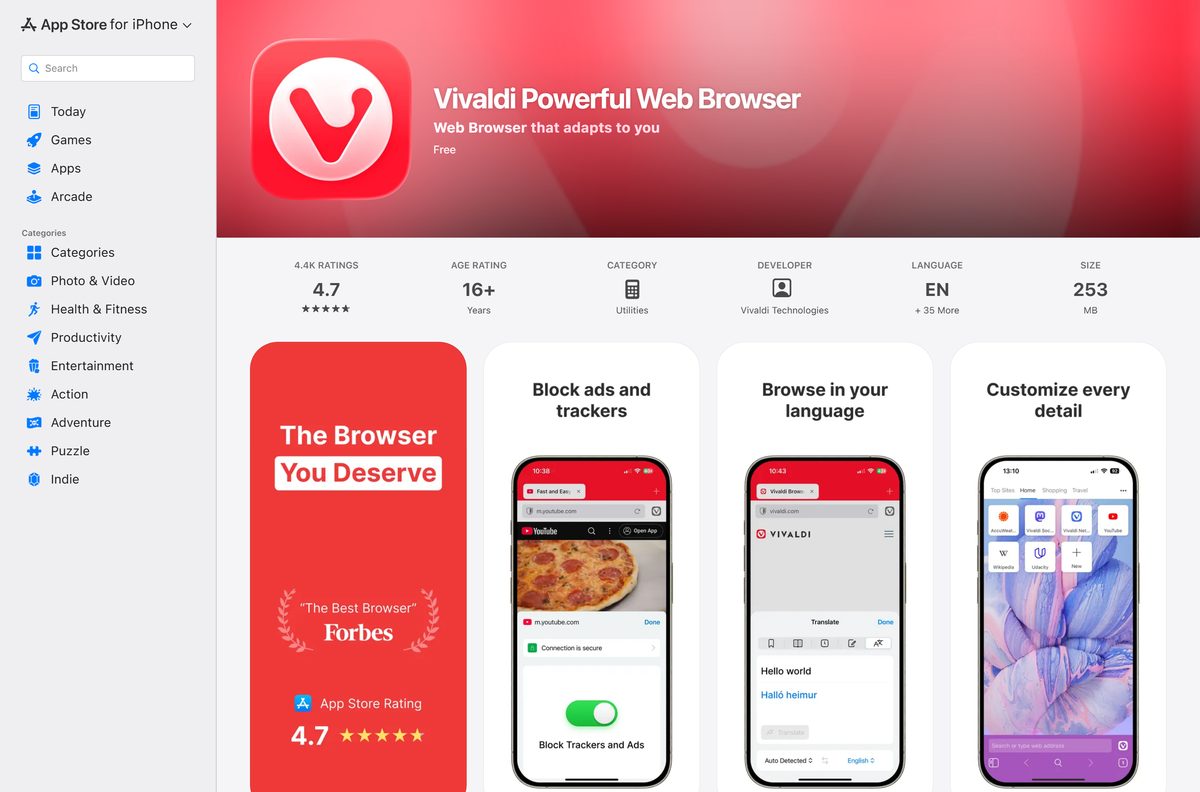
Install Vivaldi on Linux, Android and iPhone
One Vivaldi account syncs bookmarks, open tabs, notes and saved logins across all of these, with end-to-end encryption.
| Platform | Get it from | Needs |
|---|---|---|
| Linux | vivaldi.com/download | 64-bit Ubuntu 24.04+, Debian 13+, openSUSE 16+ or Fedora 43+; x86_64 or ARM64 |
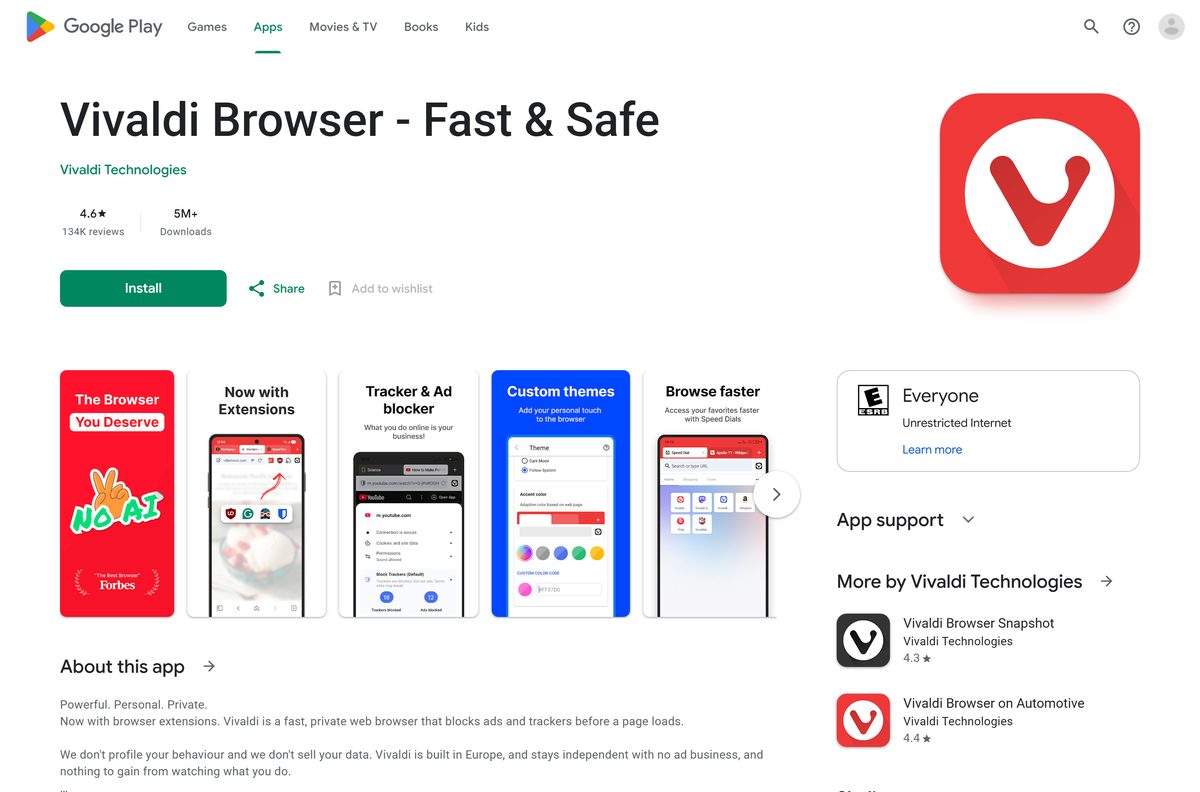
| Android | Google Play | Free install from Vivaldi Technologies |
| iPhone and iPad | App Store | iOS 18 or iPadOS 18 or later |
The Linux packages add Vivaldi’s own repository during install, so later versions arrive through your normal system updates.
Is Vivaldi free?
Yes. Vivaldi costs nothing on every platform, and the built-in ad blocker, tracker blocker, mail client and sync come with it. The App Store and Google Play both list it as a free install.
Treat any “Vivaldi Pro”, licence key or paid download as a scam. The only builds are the ones on vivaldi.com and the official app stores.
Download Vivaldi from vivaldi.com and use every feature without paying. There is no paid tier to unlock. If you want a different Chromium browser with ad blocking switched on by default, see the Brave download guide.
How to check your Vivaldi version and update it
Vivaldi downloads updates in the background and installs them on the next restart. A Restart Required message appears on the right side of the Address Bar when one is ready.
- Open the Vivaldi menu in the top-left corner.
- Select Help > About to see your version and the executable path.
- Select Help > Check for Updates from the same menu.
- Read the changelog in the dialog that opens.
- Select Install Update in the bottom-right corner.
- Select Restart when prompted to finish the update.
Automatic updates are controlled in Settings > General > Updates. Avoid installing an older version over a newer one, because a downgrade can corrupt the browser profile.
Check the Vivaldi system requirements and specifications
| Specification | Detail |
|---|---|
| Software | Vivaldi |
| Developer | Vivaldi Technologies AS |
| Latest version | 8.2.4133.76 (desktop) |
| Licence / price | Free |
| Windows | Windows 10 or Windows 11 |
| Windows architecture | x64, ARM64 and 32-bit x86 |
| macOS | macOS 13 Ventura or later, universal build |
| Linux | 64-bit Ubuntu 24.04+, Debian 13+, openSUSE 16+, Fedora 43+ |
| Windows download size | 148.9 MB (x64), 153.6 MB (ARM64), 134.6 MB (32-bit) |
| Mac download size | 229.8 MB |
| Offline installer | Yes, every Windows .exe is a full installer |
| Official download source | vivaldi.com/download |
| Last verified | 2026-09-25 |
Check your own Windows edition and processor type under Settings > System > About. On a Mac, open the Apple menu > About This Mac.
Fix Vivaldi not installing on Windows 11 or 10
The installer will not run on Windows 7, 8 or 8.1
Current Vivaldi needs Windows 10 or later. Vivaldi 5.6 is the last version for Windows 7, 8 and 8.1.
- Upgrade the PC to Windows 10 or 11 if the hardware allows it.
- If it must stay on an older release, download the Vivaldi 5.6 64-bit installer from the official server.
- Keep in mind that this build no longer receives security fixes.
Vivaldi runs slowly on a Snapdragon laptop
The x64 build runs under emulation on Windows on ARM.
- Open Settings > System > About and confirm the processor is ARM-based.
- Uninstall the current copy from Settings > Apps > Installed apps.
- Download the ARM64 installer and run it.
The standalone install fails or asks for administrator rights
A standalone copy cannot go into the Program Files folder.
- Run the installer again and select Advanced.
- Change the Destination folder to a folder in your user profile or on a USB drive.
- Select Accept and install.
Settings will not let you uninstall or reinstall Vivaldi
The modern apps page can block a non-admin user from removing a per-user install.
- Press Windows + R to open the Run dialog.
- Type control appwiz.cpl and select OK.
- Double-click the Vivaldi entry to uninstall it.
- Run the installer from vivaldi.com again.
How to uninstall Vivaldi
Close every Vivaldi tab and window first, or the uninstaller cannot remove the program files.
- Open Settings > Apps > Installed apps on Windows 11, or Settings > Apps > Apps & features on Windows 10.
- Find Vivaldi in the list.
- Select the three-dot menu or the entry itself, then Uninstall.
- Select Uninstall again in the pop-up to confirm.
- On a Mac, drag Vivaldi from Applications to the Trash.
For a silent removal, run setup.exe –uninstall –vivaldi –force-uninstall from the Installer folder inside Vivaldi’s Application folder. Admins can script this across several PCs.
Choose a Vivaldi alternative
All three browsers below are free and built on Chromium, so your Chrome extensions work in each of them.
| Browser | Pick it when | Guide |
|---|---|---|
| Brave | You want ads and trackers blocked with less setup | Download Brave |
| Google Chrome | You want the default Google experience and account sync | Download Google Chrome |
| Vivaldi | You want tab stacks, a built-in mail client and deep layout control | vivaldi.com/download |
Frequently asked questions
Is Vivaldi free?
Yes. Vivaldi is free on Windows, Mac, Linux, Android and iPhone, with no paid tier. The ad blocker, tracker blocker, mail client and encrypted sync are all included at no cost.
What is the official Vivaldi download page?
vivaldi.com/download is the official page for every desktop and mobile build. The Windows files come from downloads.vivaldi.com, and the Microsoft Store listing is published by Vivaldi.
Does Vivaldi work on Windows 11?
Yes. Vivaldi supports Windows 10 and Windows 11, with native builds for x64 and ARM64 processors plus a 32-bit build. Windows 7, 8 and 8.1 stop at Vivaldi 5.6.
How big is the Vivaldi download?
The Windows 64-bit installer is 148.9 MB, the ARM64 installer is 153.6 MB and the 32-bit installer is 134.6 MB. The universal Mac disk image is 229.8 MB.
Is there a Vivaldi offline installer?
Yes. Each Windows .exe on vivaldi.com is a full installer rather than a small web stub. Copy it to a USB stick and it installs Vivaldi on a PC with no internet connection.
Is there a Vivaldi 64-bit or ARM64 download?
Yes to both. vivaldi.com offers a 64-bit build for Intel and AMD PCs and a native ARM64 build for Snapdragon laptops. A 32-bit build remains available for older Windows 10 PCs.
Is there a Vivaldi browser for Mac?
Yes. Vivaldi ships one universal disk image that runs natively on Apple silicon and Intel Macs. It needs macOS 13 Ventura or later and is 229.8 MB.
Is Vivaldi safe to download?
Vivaldi is safe when it comes from vivaldi.com, the Microsoft Store, the App Store or Google Play. Official Windows installers carry a digital signature from Vivaldi Technologies AS that you can check in the file’s Properties.
Which Vivaldi version is current?
Vivaldi 8.2, build 8.2.4133.76, is the current desktop release, first published on 3 September 2026. Open the Vivaldi menu and select Help > About to see the version you have installed.
Why is Vivaldi not installing?
The most common causes are an unsupported Windows 7 or 8.1 PC, a standalone install aimed at Program Files, or the wrong processor build. Match the installer to your system type and try again.






