The RealVNC Viewer download is free, runs on Windows 11, Windows 10 and macOS, and installs the client half of RealVNC Connect. The Windows installer is 20.4 MB and the Mac package is 34.9 MB.
The Viewer is what you sit in front of. The computer you want to reach needs RealVNC Server, which arrives in the separate RealVNC Connect download, and from version 8.4.0 the Viewer asks you to sign in to a RealVNC account first.
Below: which file matches your machine, the Windows and Mac install routes, what the free Lite plan covers, the MSI for Group Policy, and a fix for each connection error RealVNC documents.
Which RealVNC Viewer download do you need?
There is one build per platform, so the only decision is which file your machine takes. Match a row and select the link in it.
| Your machine | File to take | Size |
|---|---|---|
| Windows 11 or Windows 10 PC | RealVNC-Connect-Viewer-8.5.0-Windows-en.msi | 20.4 MB |
| A browser or proxy that blocks an MSI | RealVNC-Connect-Viewer-8.5.0-Windows.msi.zip | 20.1 MB |
| Mac on Apple silicon or Intel | MacOSX-universal.pkg | 34.9 MB |
| Ubuntu or another Debian-based desktop | Linux-x64.deb | 17.3 MB |
| RHEL, Rocky Linux or CentOS | Linux-x64.rpm | 22.4 MB |
| iPhone, iPad or Apple Vision Pro | App Store listing | 9.7 MB |
| Android phone or tablet | Google Play listing | Not stated |
Windows gets one 64-bit file, with no 32-bit or ARM64 build on RealVNC’s published list. The Mac package is universal, covering M1 to M4 and Intel.
Download RealVNC Viewer from the official RealVNC links
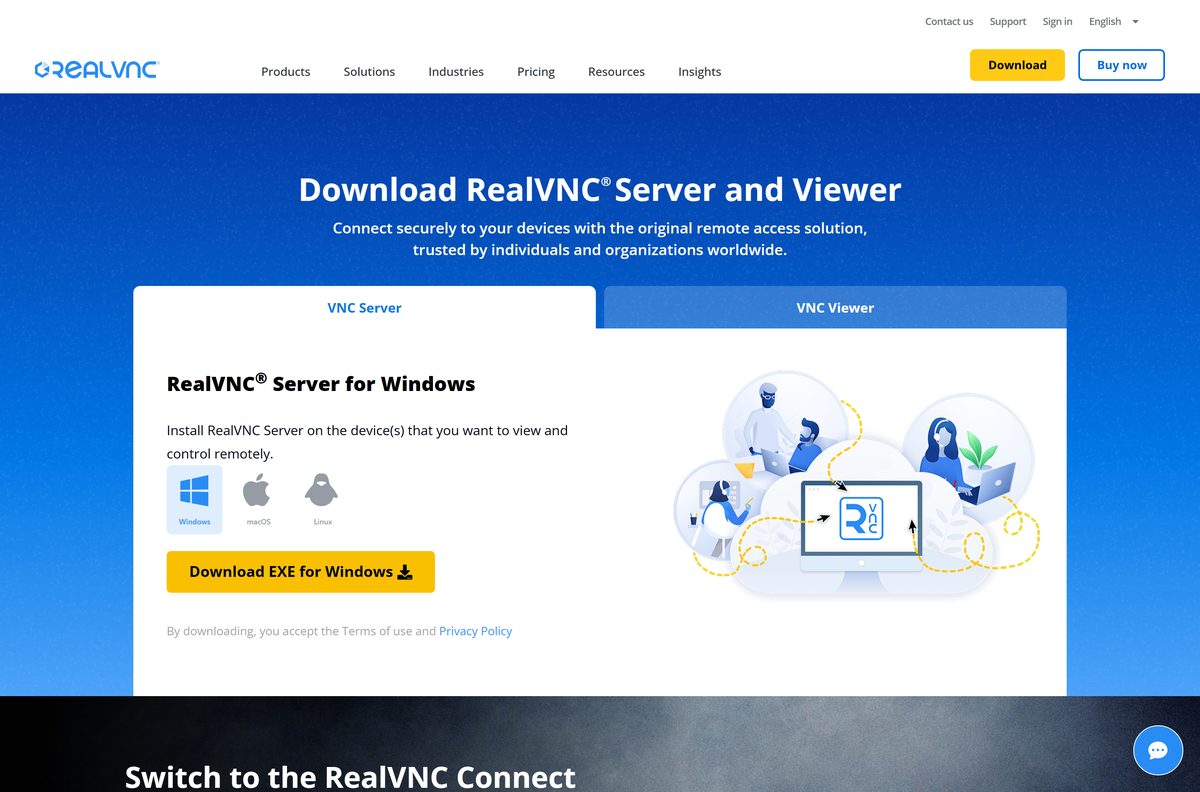
Every link below resolves to realvnc.com or to RealVNC’s own download host. The Viewer page keeps Windows, macOS and Linux on separate tabs, and the server is a different download.
- RealVNC Viewer download page — Windows, macOS and Linux tabs
- Windows MSI installer — 20.4 MB · 64-bit, standalone
- Windows MSI inside a ZIP — 20.1 MB · For a file share
- macOS universal package — 34.9 MB · Apple silicon and Intel
- RealVNC Server download page — 28.5 MB · Goes on the computer you want to control
- RealVNC Connect Setup app — 3.1 MB · Installs client and server together
- Published SHA256 list — One value per current file
Downloading costs nothing and needs no account. The account only comes up when the app first starts.
How to install RealVNC Viewer on Windows 11 and Windows 10
The MSI is a complete installer, so nothing is fetched during setup. Keep the last two steps in order: a signed-in client with no server to reach shows an empty device list.
- Open the Viewer download page and leave the Windows tab selected.
- Select Download MSI for Windows and save the file.
- Double-click the saved MSI to start the installer.
- Select Yes at the User Account Control prompt.
- Follow the wizard to the end, then close it.
- Start RealVNC Viewer from the Start menu.
- Sign in with a RealVNC account, or create one, because version 8 requires it.
- Install RealVNC Connect on the computer you want to control and license it with the same account.
- Return to the client and select that computer from the device list.
The device list syncs to the account, so the same machines appear on every computer you sign in to. Nothing on the public page installs without that sign-in.
Check RealVNC Viewer system requirements before you download it
RealVNC lists the platforms the version 8 line supports. Windows 10 and Windows 11 need nothing extra; the Server editions need the Desktop Experience feature.
| Field | Value |
|---|---|
| Software | RealVNC Viewer, published as RealVNC Connect Viewer |
| Developer | RealVNC Limited |
| Latest version | 8.5.0 |
| Released | August 2026 |
| License / Price | Free on the Lite plan, non-commercial use; paid plans from $8.75 a month billed annually |
| File size | 20.4 MB on Windows, 34.9 MB on macOS |
| Supported Windows | Windows 10, Windows 11, Server 2019 and 2022 with Desktop Experience |
| Supported macOS | Monterey 12, Ventura 13, Sonoma 14, Sequoia 15, Tahoe 26 |
| Supported Linux | Ubuntu 20.04, 22.04, 24.04 LTS, RHEL 9.x, Rocky Linux 9.x, CentOS 9.x |
| Architecture | x64 on Windows and Linux, universal on macOS, no ARM64 file |
| Account | A RealVNC account sign-in is required from version 8.4.0 |
| Offline installer | Yes, the MSI and the PKG are standalone |
| Official download source | realvnc.com/en/connect/download/viewer/ |
| Last verified | 2026-10-25 |
macOS 27 is not on the supported list, and the Linux packages are x64 only.
Is RealVNC Viewer free?
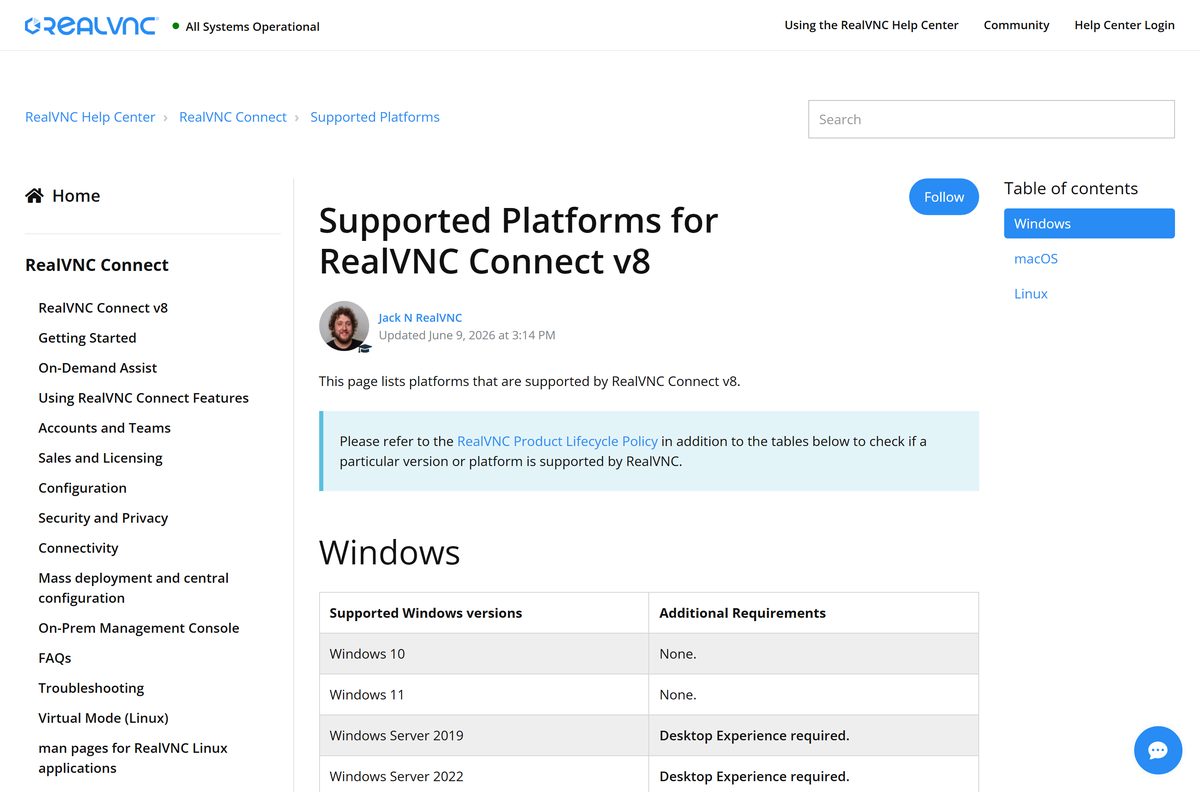
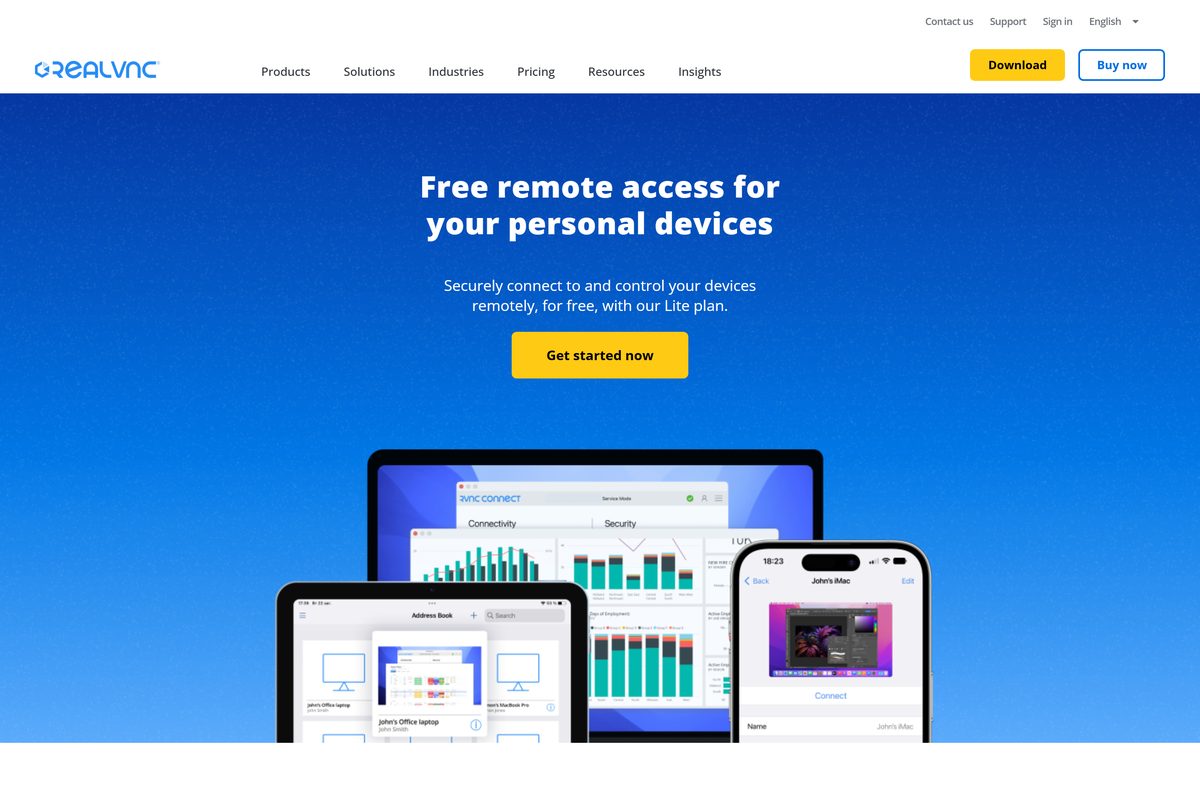
Yes. The download costs nothing, and the Lite plan keeps the whole setup free for personal use. Lite covers one user account and three devices, connected one at a time, with two-factor authentication and the same end-to-end encryption as the paid tiers. RealVNC limits it to non-commercial use, and states that reaching a computer at your workplace counts as commercial while helping friends or family does not.
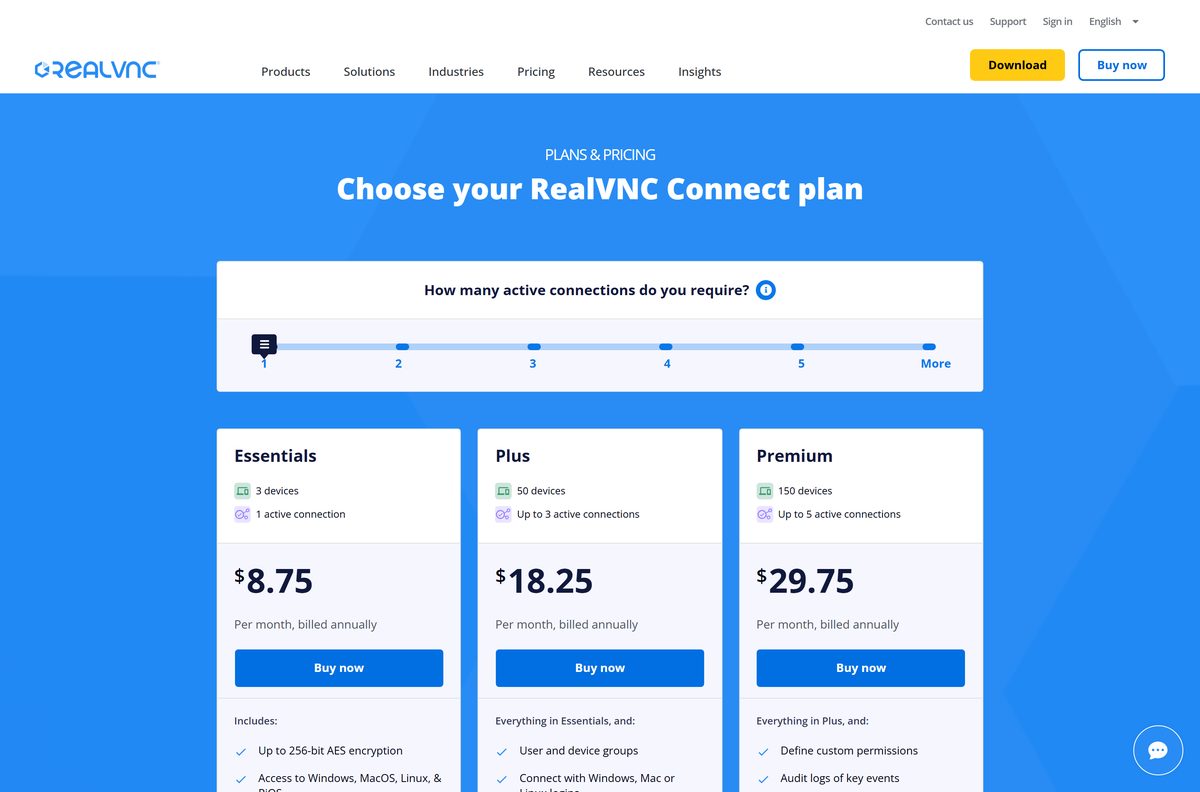
A new account can instead take a 7-day trial with no card. Essentials then costs $8.75 a month billed annually, Plus $18.25 and Premium $29.75, with Enterprise priced on request.
Paid tiers raise how many sessions run at once. Direct LAN connections and offline licensing start at Premium.
Should you install RealVNC Connect Viewer or Classic Viewer?
Install RealVNC Connect Viewer, the version 8 client on the public download page. RealVNC renamed the standalone client at version 8.4.0 and now ships only that build publicly. The version 7 client became RealVNC Classic Viewer, currently 7.18.1, and downloads from the RealVNC Portal for Premium and Enterprise subscribers alone.
Classic Viewer is not retired: RealVNC keeps it for direct connectivity and offline or on-premises licensing. Without a Premium or Enterprise plan, though, the version 8 client is the only one you can download.
What RealVNC Viewer can connect to
The client speaks to anything running a VNC-compatible server. How many of those sessions you get at once is set by the plan on your account.
| Remote end | Supported | What it needs |
|---|---|---|
| RealVNC Server on Windows, Mac or Linux | Yes | RealVNC Connect installed and licensed there |
| Raspberry Pi | Yes | The Raspberry Pi build of RealVNC Connect on the Pi |
| A third-party VNC server | Yes | One session on Essentials, 5 on Plus, 15 on Premium, 150 on Enterprise |
| An Apple Remote Desktop device | Yes | Version 8.5.0 tightened authentication for these |
| A direct LAN address and port | Premium and Enterprise | Port 5900 unless the server was moved |
Cloud sessions try a direct peer-to-peer route first and fall back to RealVNC’s own relay, which is why they work without port forwarding.
Which RealVNC Viewer download do you need for your Mac?
One universal package covers every supported Mac. The real decision is which end of the session the Mac sits on.
| Your Mac | What to take | Detail |
|---|---|---|
| Apple silicon, M1 through M4 | Universal PKG | 34.9 MB, one file for both chips |
| Intel Mac on macOS 12 or later | Universal PKG | Same download, no Intel-only build |
| You want to control this Mac from elsewhere | RealVNC Connect for macOS | 50.7 MB package, needs a licence |
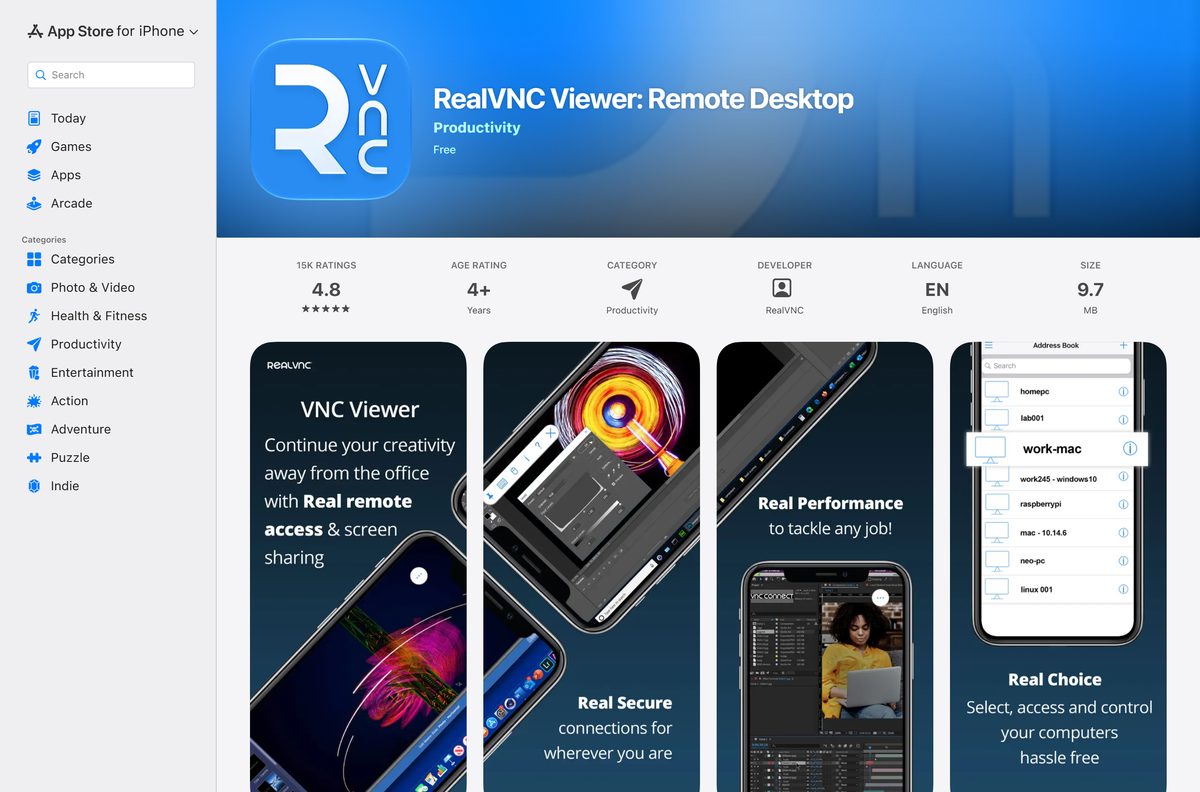
| iPhone, iPad or Apple Vision Pro | App Store | Version 4.9.4, free, needs iOS 14 |
A Mac at the far end takes more setup: RealVNC Connect has to be licensed there, and macOS asks for system permissions before it shares the screen.
How to verify the RealVNC Viewer installer before you run it
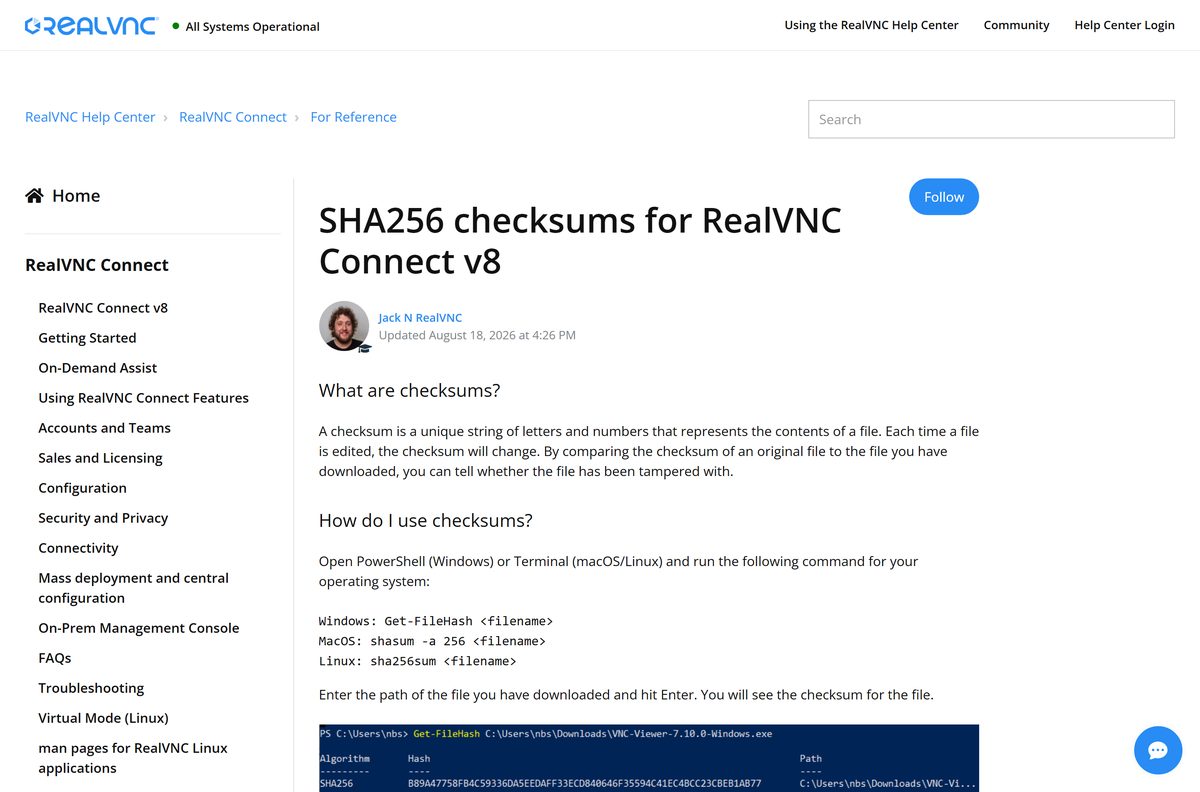
RealVNC publishes a SHA256 value for every current file. Comparing it confirms the download arrived whole and unaltered.
- Open PowerShell in the folder holding the download.
- Run Get-FileHash RealVNC-Connect-Viewer-8.5.0-Windows-en.msi .
- Compare the output with 235749759cea860f4442b088378dcadd32093d7ae0c88f30abe71ae159e268aa .
- On a Mac, run shasum -a 256 RealVNC-Connect-Viewer-8.5.0-MacOSX-universal.pkg in Terminal.
- Compare that with fbb9708f3193224031a7e0856f67219404384d3afa1013ea5b242c0b52525659 .
- Check the published list if a newer release has landed.
- Delete the file and take it again from realvnc.com if the strings differ.
A mismatch usually means a truncated download. The Windows MSI should read exactly 21,340,160 bytes.
Download the RealVNC Viewer MSI for Group Policy deployment
RealVNC ships the client as an MSI so it can be pushed with Group Policy, SCCM or a similar tool. The Viewer package needs no transform.
| Package | Size | Where it goes |
|---|---|---|
| Viewer MSI | 20.4 MB | The desks your staff work at |
| Viewer MSI in a ZIP | 20.1 MB | A file share; extract before you assign it |
| RealVNC Connect MSI | 28.5 MB | Machines to be controlled, licensed separately |
Create the GPO package as usual and assign it to computers or users. For a command-line install, run msiexec /i “RealVNC-Connect-Viewer-8.5.0-Windows-en.msi” /qn from an elevated prompt.
Test on one machine first. A PC that already carries the all-in-one app rejects the Viewer package, so audit for it before a rollout.
How to check your RealVNC Viewer version and update it
Updating means running the current installer over the old one. RealVNC states that no restart is needed, because the update restarts the services it uses.
- Open Settings on Windows and go to Apps > Installed apps.
- Find the entry for the client and read the version beside it.
- Compare it with the release on RealVNC’s current file list.
- Download the MSI again from the Viewer page if yours is older.
- Run it over the existing install and accept the elevation prompt.
- Select the prompt to re-launch the app when the installer finishes.
Machines at the far end can be updated inside a live session. It drops for a moment while services restart, then reconnects on its own.
Fix RealVNC Viewer not installing or not connecting on Windows 11 and 10
The installer fails on a PC that already runs RealVNC Connect
RealVNC states that the all-in-one app and the standalone client cannot share a machine, so the second install stops.
- Open Settings > Apps > Installed apps and find the all-in-one entry.
- Select Uninstall and confirm, knowing its configuration goes with it.
- Run the Viewer MSI again and accept the elevation prompt.
- Sign in and let the device list sync back from the account.
The connection was refused by the host computer
RealVNC Server is not running on that machine, or not listening on the port you typed.
- Check that RealVNC Connect is installed and started on the remote computer.
- Confirm its licence, because an unlicensed server refuses remote access.
- Use port 5900 for a direct connection, or add your own port after a colon.
- Sign in on both machines to use the cloud route if the direct one stays closed.
The user name or password is rejected, then the address is blocked
The credentials are the ones used to log in to the remote computer itself, and five wrong tries trigger a block.
- Enter an account on the remote computer, not the RealVNC account.
- Prefix a domain account with its domain, as in DEV.ACMECORP.COM\johndoe .
- Wait out the block, set by the server’s BlacklistTimeout parameter and 10 seconds by default.
- Match the wording you saw against the documented error list.
Too many existing concurrent sessions, or access denied with a request to sign in
The first means the plan’s session limit is in use. The second means the client has been signed out.
- End one running session, then start the new one.
- Check the allowance for your plan, which is one session on Essentials.
- Sign out of the client and back in to clear the access-denied message.
- Open RealVNC’s service status page if the device list loads but no session starts.
How to uninstall RealVNC Viewer
The uninstaller clears the program files and every security-related setting. What stays behind is configuration, and you can delete it by hand.
- Open Settings > Apps > Installed apps on Windows 11 or Windows 10.
- Select the three dots beside the entry, then Uninstall, which needs administrative rights.
- Use Control Panel > Programs and Features instead for the older dialog.
- Restart the PC if the uninstaller asks for one.
- Delete the leftover HKEY_LOCAL_MACHINE\Software\RealVNC and HKEY_CURRENT_USER\Software\RealVNC keys.
- Delete C:\ProgramData\RealVNC-Service and the RealVNC folders under AppData\Local and AppData\Roaming .
- On a Mac, drag the app to the Trash, then remove /etc/vnc/ , ~/.vnc/ and the vnc logs in /Library/Logs .
RealVNC Server uninstalls separately. On a Mac it has its own Uninstall RealVNC Server app in Applications > RealVNC, and on Ubuntu it comes off with sudo apt purge realvnc-vnc-server .
Choose between RealVNC Viewer, Windows App and Screen Sharing
A VNC client is the right tool when the far end runs a VNC server. For a Windows PC or a Mac on your own network, the built-in options need no account at all.
| Tool | What it reaches | Price | Where |
|---|---|---|---|
| RealVNC Viewer | RealVNC Server, third-party VNC servers and Apple Remote Desktop devices | Free on Lite, paid plans above it | realvnc.com |
| RealVNC Connect all-in-one | The same, and it installs the server side on the machine too | Same plans | realvnc.com |
| Windows App | A remote PC, Azure Virtual Desktop, Windows 365 and Remote Desktop Services | Free from Microsoft | Microsoft Learn |
| Screen Sharing | Another Mac on the same network | Built into macOS | Apple Support |
| Chrome Remote Desktop | A desktop through a browser tab | Free from Google | remotedesktop.google.com |
Take the all-in-one download when the same PC has to be reached as well as do the reaching, because the two cannot sit side by side.
Frequently asked questions
Is RealVNC Viewer free?
Yes. The client costs nothing to download, and the Lite plan keeps it free for non-commercial use with one account and three devices, one session at a time. Reaching a work computer counts as commercial and needs a paid plan.
Where is the official RealVNC Viewer download page?
The official page is realvnc.com/en/connect/download/viewer/, with tabs for Windows, macOS and Linux. RealVNC serves the files from its own download host and publishes a SHA256 value for each one.
Does RealVNC Viewer work on Windows 11?
Yes. RealVNC lists Windows 10 and Windows 11 as supported with no extra requirement. Windows Server 2019 and 2022 also work, provided the Desktop Experience feature is installed.
How big is the RealVNC Viewer download?
The Windows MSI is 20.4 MB, or exactly 21,340,160 bytes. The macOS package is 34.9 MB, the Debian package 17.3 MB and the RPM 22.4 MB. The iPhone and iPad app is 9.7 MB.
Is there a RealVNC Viewer offline installer?
Yes. The Windows MSI and the macOS package are complete standalone installers that need no connection while they run, and the MSI also ships inside a ZIP. Signing in afterwards does need a connection.
Is RealVNC Viewer available for Mac?
Yes. One universal 34.9 MB package covers Apple silicon and Intel Macs, and macOS Monterey 12 through Tahoe 26 are supported. Controlling a Mac from elsewhere needs RealVNC Connect licensed on that Mac.
Does RealVNC Viewer have a 64-bit or ARM64 download?
Windows gets one 64-bit MSI. RealVNC’s published file list names no 32-bit Windows build and no ARM64 build, so a Windows on Arm PC runs the x64 package. The Mac package is universal.
Is RealVNC Viewer safe to download?
It is safe taken from realvnc.com. RealVNC publishes a SHA256 value for every current file, so you can run Get-FileHash on Windows or shasum on a Mac and compare before installing.
What is the latest version of RealVNC Viewer?
Version 8.5.0, released in August 2026 and published as RealVNC Connect Viewer. The all-in-one RealVNC Connect download sits at 8.5.1 and the separate setup app at 3.4.0, so the numbers differ by design.
Why won’t RealVNC Viewer install on my PC?
The usual cause is the all-in-one RealVNC Connect app already being installed, which RealVNC says blocks the standalone client. Remove it from Installed apps, then run the MSI again. Its configuration is cleared when it goes.
Is RealVNC Connect free?
RealVNC Connect is the paid product, with a free 7-day trial and no card required. Essentials costs $8.75 a month billed annually. The free Lite plan is the one permanent no-cost tier, limited to non-commercial use.
Can you download an older version of RealVNC Viewer?
Not from the public page, which carries the current release only. RealVNC supplies an older supported version on request through a support ticket, and the version 7 Classic Viewer downloads from the Portal for Premium and Enterprise subscribers.
How do you uninstall RealVNC Server?
On Windows, remove it from Settings > Apps > Installed apps with administrative rights. On a Mac, run the Uninstall RealVNC Server app in Applications > RealVNC. On Ubuntu, run sudo apt purge realvnc-vnc-server.