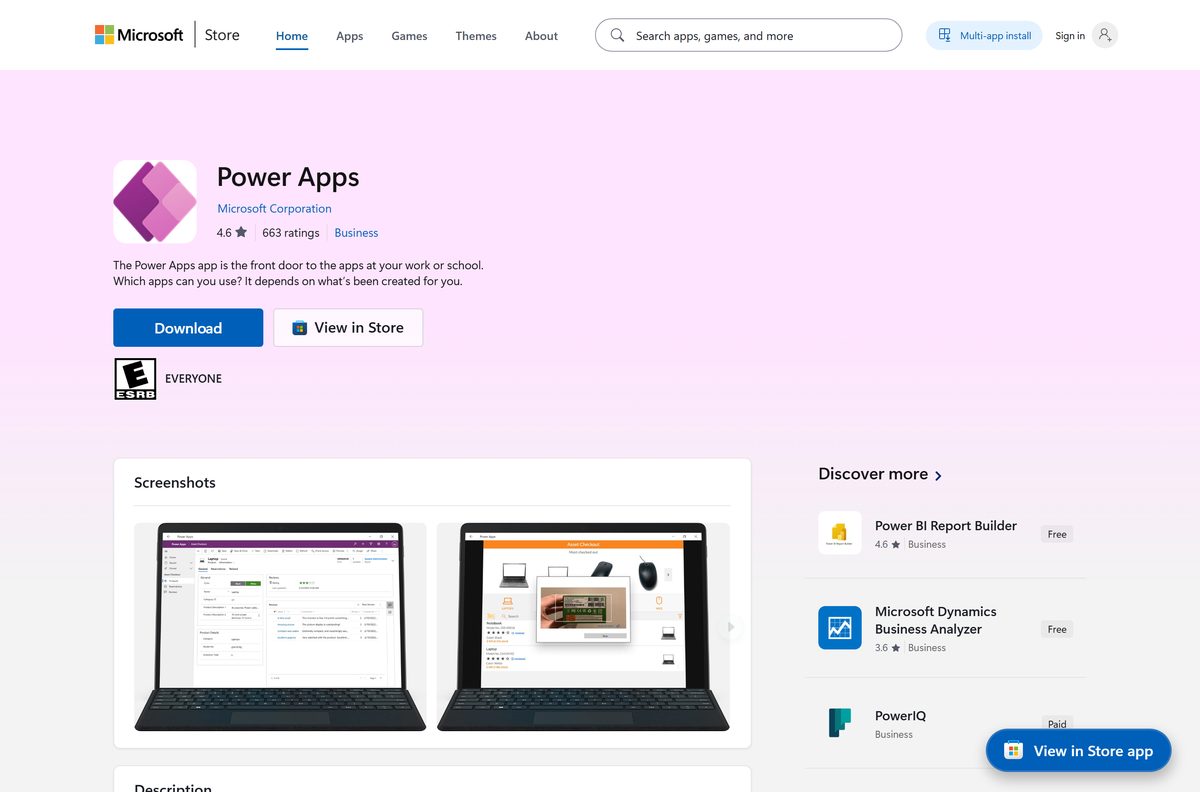
The Power Apps download for a Windows 11 or Windows 10 PC is free and comes from the Microsoft Store. Microsoft Corporation publishes the listing, the package is 109.8 MB, and it runs canvas apps and model-driven apps online or offline.
On a Mac you open Power Apps in Chrome, Edge, Firefox or Safari and add it to the Dock, because Microsoft ships no Mac build. iPhone, iPad and Android each have a free app of their own.
This guide covers the official links, install steps for Windows and Mac, what a sign-in costs, and fixes for the app refusing to start.
Which Power Apps download do you need?
Match your device to a row and use the link in that row. Only the Windows, iPhone and Android rows install a package.
| Your device | What to install | Download size |
|---|---|---|
| Windows 11 or Windows 10 PC | Power Apps on the Microsoft Store | 109.8 MB |
| Mac on macOS Sonoma 14 or later | Safari, then File and Add to Dock | Nothing to download |
| Mac on macOS 10.13 through Ventura 13 | Chrome or Edge, installed as a site app | Nothing to download |
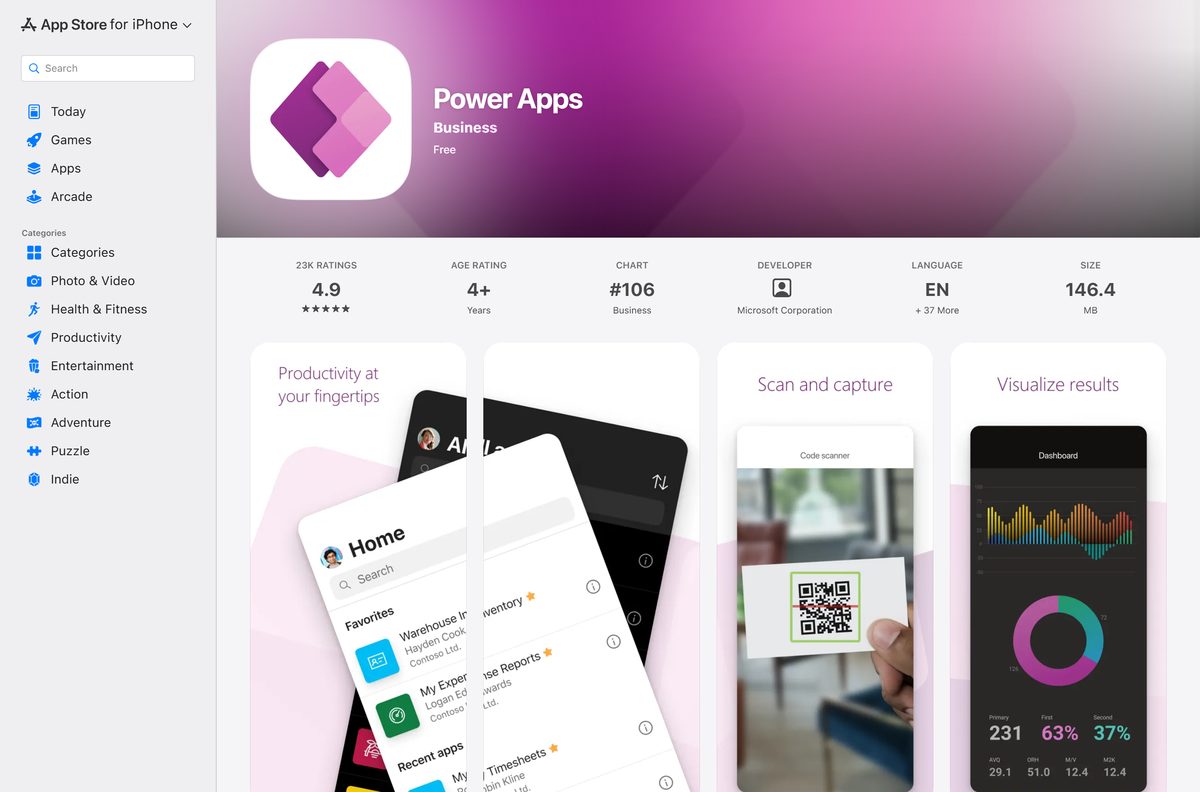
| iPhone or iPad on iOS 17.0 or later | Power Apps on the App Store | 139.6 MB |
| Android phone or tablet | Power Apps on Google Play | Play states no size |
An ARM64 PC has no native package here, so use Edge.
Download Power Apps from the official Microsoft sources
Microsoft distributes the client through three store listings. Use these addresses and nothing else.
- Power Apps on the Microsoft Store — 109.8 MB · Microsoft Corporation, free, product ID 9MVC8P1Q3B29
- Power Apps on the App Store — 139.6 MB · version 3.26092.8, iOS 17.0 or later
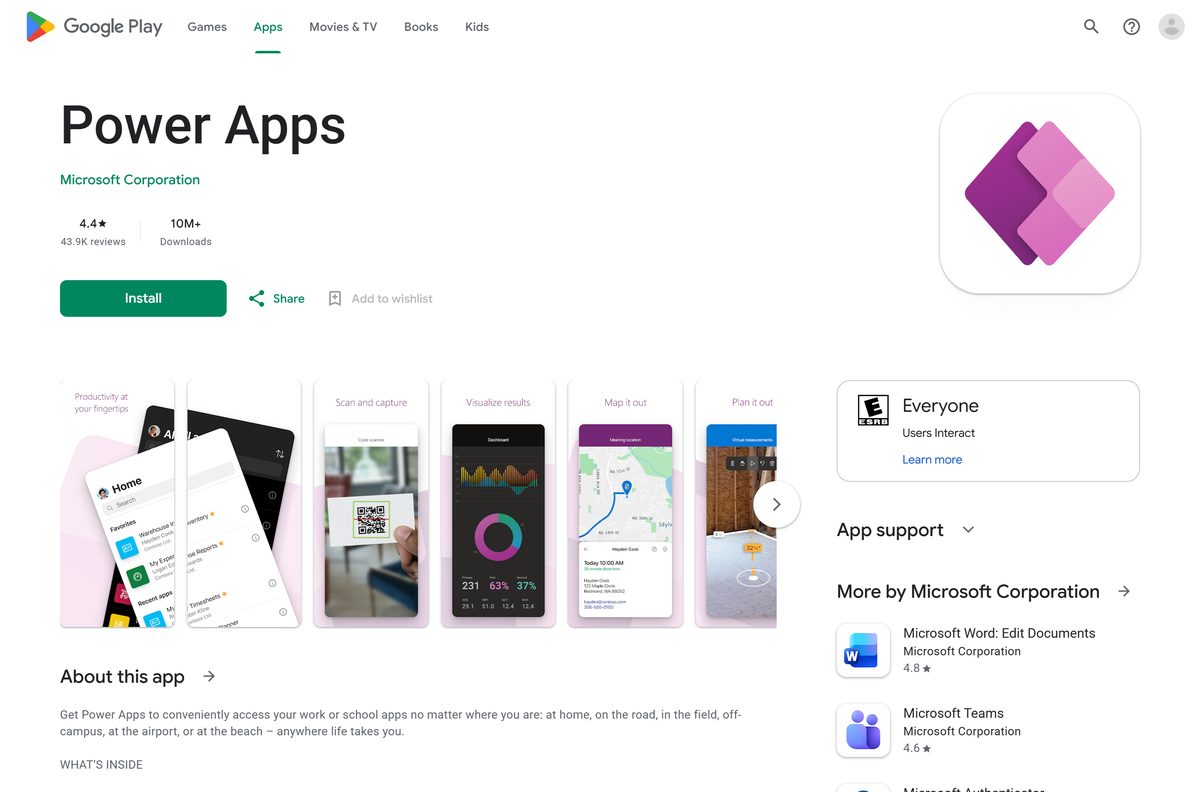
- Power Apps on Google Play — 4.4 stars from 43.9K reviews, past 10 million downloads
- The product page on microsoft.com — the browser route for Mac and PC, plus Try for free
The Store listing went up on 11 November 2021 and last changed on 21 September 2026.
Check the Power Apps system requirements before you install
The Store package sets a floor of Windows 10 version 1809. Every Windows 11 build clears it comfortably.
| Field | Value |
|---|---|
| Software | Power Apps |
| Developer | Microsoft Corporation |
| Latest version | 3.26091.4.0 on Windows; 3.26092.8 on iPhone and iPad |
| Price | Free to download; a licence is needed to sign in |
| Windows | Windows 10 build 17763 (version 1809) or later, and Windows 11 |
| Mac | No native build; macOS 10.13 or later in a supported browser |
| iPhone and iPad | iOS 17.0 or later, 139.6 MB |
| Android | Phones and tablets through Google Play |
| Architecture | x86 and x64; no ARM64 package |
| Download size | 109.8 MB (115,116,015 bytes) for the Store bundle |
| Installed size | 155.3 MB |
| Extra runtime | WebView2 Runtime 99.0 or later |
| Offline installer | None |
| Store rating | 4.6 stars from 663 ratings |
| Official source | Microsoft Store, App Store, Google Play |
| Last verified | 2026-09-22 |
How to install Power Apps on Windows 11 and 10
The Store handles the whole install. The app lands in the Start menu under Power Apps.
- Open the Power Apps listing on the Microsoft Store in your browser.
- Select Get in Store app and let the browser open the Microsoft Store.
- Select Get, then sign in with your Microsoft account if the Store asks.
- Wait for the 109.8 MB download to finish, then select Open.
- Sign in with the work or school account that holds your licence.
- Pick your region on the sign-in screen if your tenant sits in a government or China cloud.
- Select an app from Home or All apps and approve the consent prompt the first time it runs.
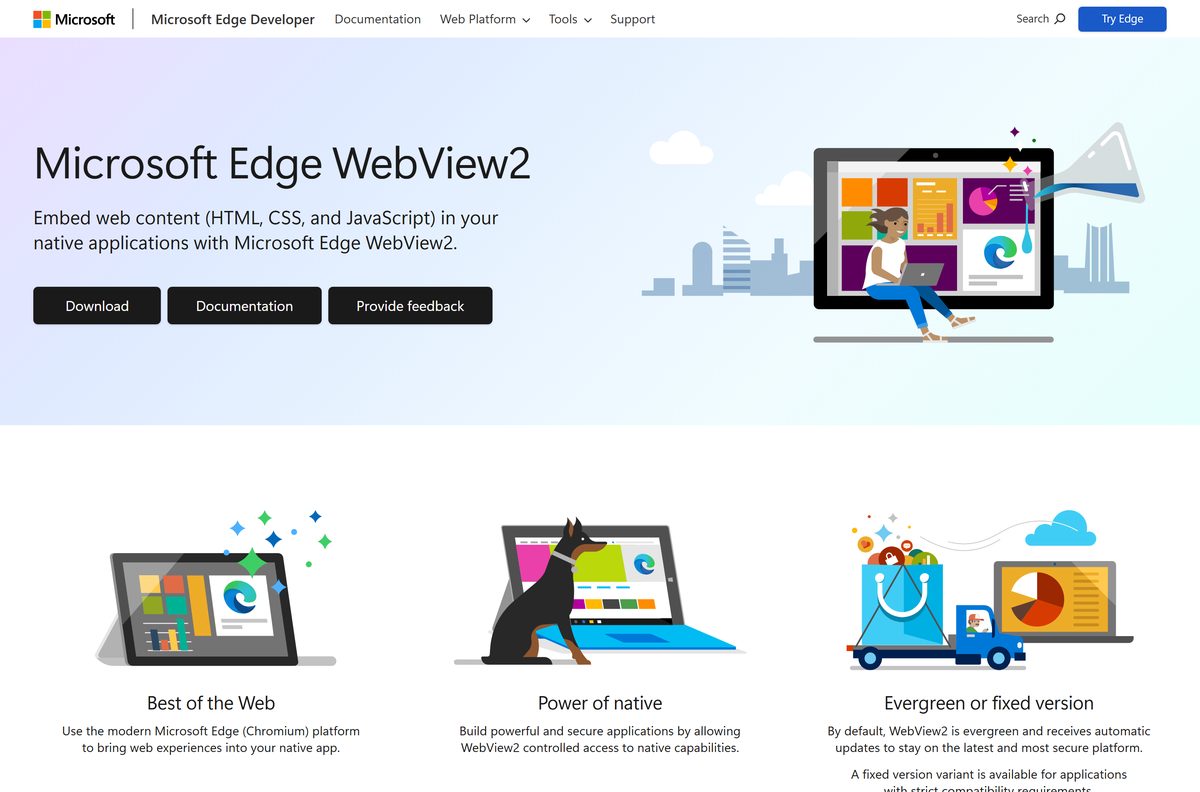
An Update Microsoft Edge error at this point means the machine needs a newer WebView2 Runtime.
Install Power Apps with winget instead of the Store app
Windows Package Manager reaches the same Store package from a terminal, which suits a scripted rollout across several PCs.
- Right-click Start and select Terminal.
- Run winget source list and confirm that msstore appears.
- Run winget install –id 9MVC8P1Q3B29 –source msstore .
- Accept the Store terms prompt the first time winget uses that source.
- Wait for Successfully installed to appear in the terminal.
- Launch the app from the Start menu and sign in.
The product ID is the same string that ends the Store listing address.
Which Power Apps route do you need on a Mac?
An App Store search for Mac software returns no Power Apps title from Microsoft. Every Mac route runs the service in a browser window.
| Your Mac | What to do | Result |
|---|---|---|
| macOS Sonoma 14 or later | Open the site in Safari, then File and Add to Dock | A Dock icon with no browser tabs around it |
| macOS 10.13 through Ventura 13 | Open Edge, then More tools, Apps, Install this site as an app | A Launchpad icon in its own window |
| Any Mac, nothing installed | Use Chrome, Edge, Firefox or Safari 13 and later | Full app access in a tab |
| A Mac beside an iPhone or iPad | Power Apps on the App Store | The native client, with camera and barcode scanning |
Firefox and Safari run finished apps only. Building one needs Chrome or Edge.
Is Power Apps free?
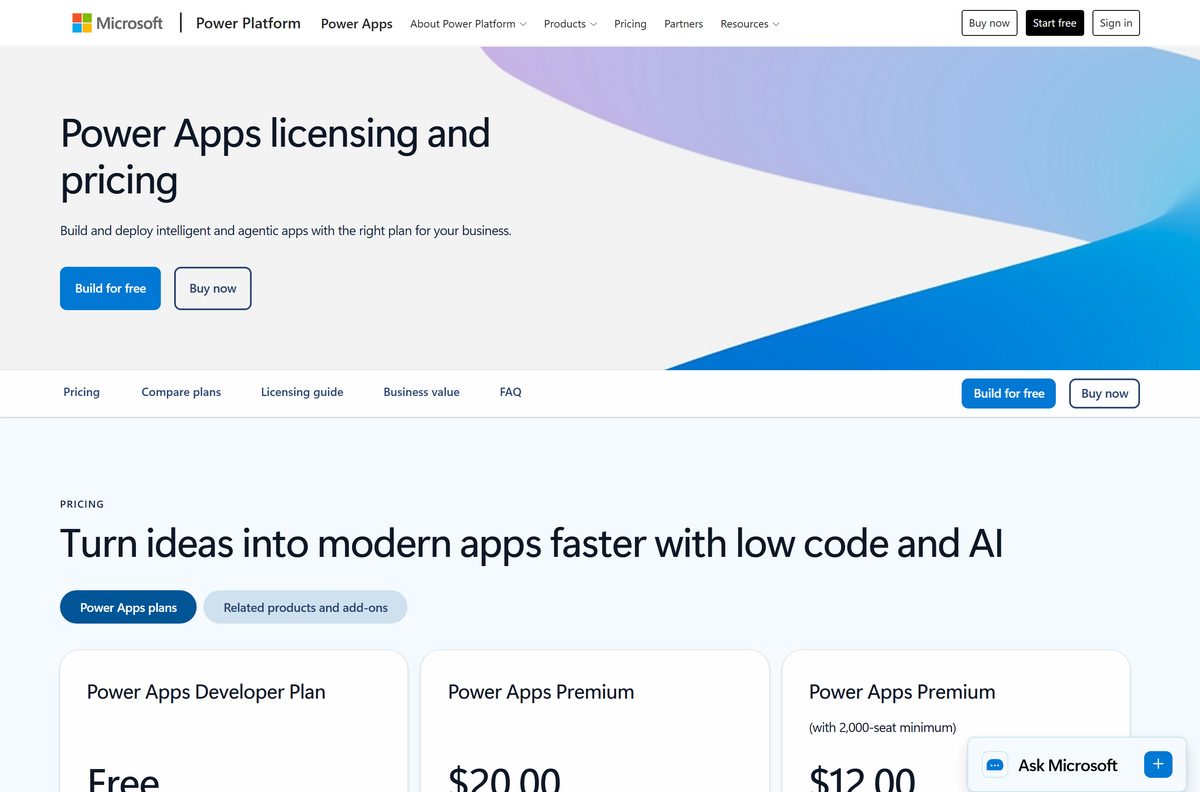
The download is free on every platform, but signing in needs a licence. Microsoft lists the Windows, iPhone and Android apps at no cost. The Developer Plan is free and gives an individual environment for building and testing. Premium costs $20.00 per user per month paid yearly, or $12.00 with a 2,000-seat minimum. Some Microsoft 365 licences carry limited use rights for Microsoft 365 data and standard connectors, which is why an app reading a SharePoint list often works on a plain Microsoft 365 account.
Should you install the Windows app or stay in the browser?
Install the Windows app when the work happens away from a desk, and stay in the browser when you are building apps. The Windows client reaches the camera, microphone, file picker, barcode scanner and geolocation, and it keeps model-driven apps working offline. The browser is the only place Power Apps Studio and the model-driven app designer run. One caveat sits on the Windows side: canvas apps running there must use the legacy Microsoft Dataverse connector.
How to check your Power Apps version and update it
Windows keeps Store apps current on its own. A stalled update is the usual reason a PC lags the phone.
- Press Windows + I to open Settings.
- Select Apps, then Installed apps.
- Search for Power Apps and read the version beside it.
- Compare it with 3.26091.4.0, the build the Store currently serves.
- Open the Microsoft Store, select Library, then Get updates.
- Wait for the download to finish, then reopen the app so it picks up new customisations.
On iPhone and Android the store app handles this.
What Power Apps can run on each client
Two app types matter: canvas apps, drawn on a blank screen, and model-driven apps built on Dataverse.
| App type | Windows app | Browser | iPhone and Android |
|---|---|---|---|
| Canvas apps | Yes, with the legacy Dataverse connector | Yes | Yes |
| Model-driven apps | Yes, offline profiles included | Yes on a computer | Yes |
| Dynamics 365 apps | Yes | Yes | Yes |
| Power Apps Studio | No | Chrome and Edge only | No |
| Model-driven app designer | No | Chrome and Edge only | No |
| A canvas app embedded in SharePoint | No | Yes | No |
A model-driven app in a phone browser is unsupported, so reach for the store app on a handset.
Fix Power Apps not installing or not opening on Windows 11 and 10
Each symptom below has one cause and one fix. Work through the group that matches the message on screen.
An Update Microsoft Edge error appears during install
The PC has no WebView2 Runtime, or a build older than version 99.0.
- Open Settings, select Apps, then Installed apps.
- Search for WebView and read the version number.
- Open the WebView2 Runtime page on a version below 99.0.
- Under Evergreen Bootstrapper, select Download, then Accept and Download.
- Run the WebView2 setup file with administrator rights.
- Install the Store package again.
The app closes without warning right after it opens
An outdated WebView2 build closes the window before the sign-in screen draws.
- Update WebView2 Runtime to 99.0 or later.
- Open Settings, select Windows Update, then Check for updates.
- Restart the PC once the updates install.
- Open the app again from the Start menu.
There was a problem signing you in
The Microsoft Authenticator app on the phone is missing or broken.
- Back up the accounts in Microsoft Authenticator on your phone.
- Uninstall Microsoft Authenticator, then uninstall the Power Apps app.
- Reinstall Microsoft Authenticator and restore the backed-up accounts.
- Reinstall the app from its store listing.
- Open it and sign in again.
The app list is empty after sign-in
The connection dropped before the list finished downloading, or no security role is assigned.
- Check the network, then pull down to refresh the list.
- Stay online until every tile has drawn.
- Ask your administrator to confirm a default security role such as Basic on your account.
- Turn on Show non-production apps under Settings if the app lives in a development environment.
A new app never shows up in the offline list
Recently published apps reach the offline list only after one online run.
- Connect the device to the internet.
- Open the app and leave it running for one to two minutes.
- Close the app, then go offline and check the list again.
How to uninstall Power Apps from Windows 11 and 10
Removing the Store package leaves nothing behind in Program Files, because Windows keeps it in its own folder.
- Press Windows + I to open Settings.
- Select Apps, then Installed apps.
- Search for Power Apps and select the three dots beside it.
- Select Uninstall, then confirm with Uninstall.
- Sign out of the phone app as well if cached records need clearing.
- Reinstall from the Microsoft Store listing whenever you need it back.
Microsoft documents the same route for any app or program on Windows.
Which Microsoft tool should you use instead?
Three neighbouring products answer jobs people bring to a low-code builder. Pick the one matching your output.
| Product | Use it when | Where it runs |
|---|---|---|
| Power Automate | The job is a workflow between services, not a screen | Browser, Windows app, phone app |
| Power BI Desktop | The job is reporting on data rather than editing it | Windows only |
| The Developer Plan | You want to learn or prototype without paying | Browser, three developer environments |
Stay with Power Apps when the deliverable is a screen staff tap.
Frequently asked questions
Is the Power Apps download free?
Yes. The Microsoft Store, App Store and Google Play listings all cost nothing. Signing in needs a licence, and the Power Apps Developer Plan provides one free of charge for building and testing.
What is the official Power Apps download page for PC?
The Microsoft Store listing at apps.microsoft.com under product ID 9MVC8P1Q3B29, published by Microsoft Corporation. The browser route starts from the product page on microsoft.com. No other site distributes the client.
Does Power Apps work on Windows 11?
Yes. The Store package needs Windows 10 build 17763 or later, so every Windows 11 release clears the floor. It also needs WebView2 Runtime 99.0 or later, which ships with Windows 11.
How big is the Power Apps download?
The Store bundle is 109.8 MB, or 115,116,015 bytes, covering both x86 and x64. Installed it occupies 155.3 MB. The iPhone and iPad build is a separate 139.6 MB.
Is there an offline installer or an EXE for Power Apps?
No. Microsoft publishes no standalone setup file. The Store package is the only Windows build, and it installs over the internet through the Store or winget.
Is there a Power Apps app for Mac?
No native Mac build exists. Open the service in Safari on macOS Sonoma and use File, then Add to Dock, or install it as a site app in Chrome or Edge on older releases.
Does Power Apps have a 64-bit or ARM64 build?
The Store listing carries x86 and x64 packages and no ARM64 one. On an ARM PC such as a Snapdragon laptop, run the service in Edge or Chrome instead.
Is the Power Apps app safe to install?
The Microsoft Store copy is signed and distributed by Microsoft under the publisher Microsoft Corporation, so it carries the same vetting as any Store app. Avoid third-party sites offering an installer.
What is the latest Power Apps version for Windows?
Version 3.26091.4.0, from a listing last changed on 21 September 2026. The iPhone and iPad app runs ahead on 3.26092.8, released on 22 September 2026.
Why can I not sign in to Power Apps?
A sign-in needs a valid licence and a security role in the environment. Sign-in also fails when a broken Microsoft Authenticator install blocks the authentication handoff on your phone.
Can you build apps in the Windows client?
No. The Windows client runs finished canvas and model-driven apps. Power Apps Studio and the model-driven app designer run in Chrome or Edge on a computer.
Does Power Apps work offline?
Yes on the Windows, iPhone and Android clients. Model-driven apps use offline profiles, and canvas apps store records locally through LoadData and SaveData. A browser tab has no offline mode.