The Mullvad VPN download for Windows 11 and Windows 10 is a 2.8 MB loader from mullvad.net that installs version 2026.5 in a few clicks. A 262 MB standalone installer is also offered.
The same app runs on Mac, Linux, iPhone and Android. You create an account number without an email address and pay a flat €5 per month.
Below: which file to pick, installs on every platform, pricing, first-run settings, fixes and a clean uninstall.
Which Mullvad VPN download do you need?
Mullvad VPN AB offers two Windows files and two Mac files. Match your situation to a row and click the file.
| Your situation | File to download | Size |
|---|---|---|
| Windows 11 or 10 PC with a working internet connection | Install Mullvad VPN.exe (loader) | 2.8 MB |
| Windows PC where the loader fails or you install offline | MullvadVPN-2026.5.exe (standalone) | 262 MB |
| Mac on macOS 14 Sonoma or later | Install Mullvad VPN.dmg (loader) | 3.4 MB |
| Mac where the loader fails or you deploy offline | MullvadVPN-2026.5.pkg (standalone) | 254 MB |
| Ubuntu, Debian or Fedora | Linux download page | Repository or DEB/RPM |
The loader downloads and verifies the current app during setup. Beta versions are also offered inside the loader.
Download Mullvad VPN from the official site
Get Mullvad VPN only from mullvad.net or the official app stores. The site publishes a GPG signature next to every desktop installer.
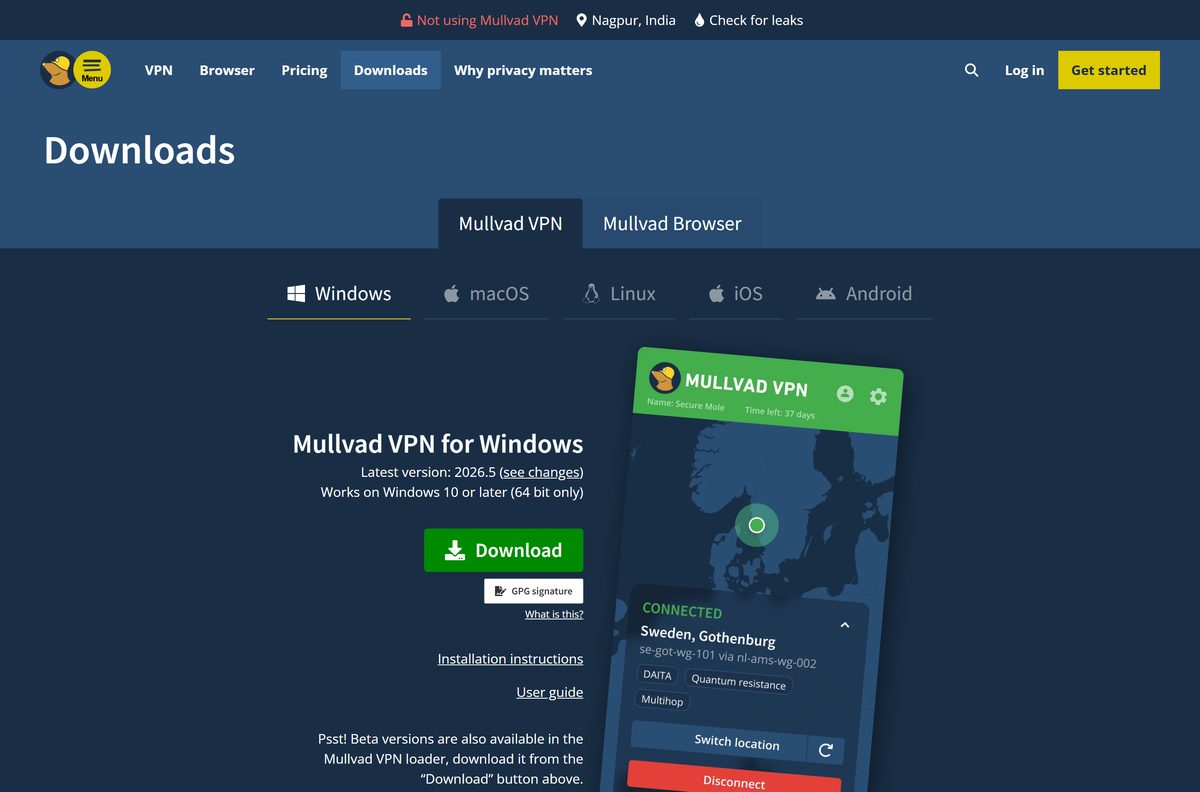
- Mullvad VPN for Windows — version 2026.5, Windows 10 or later, 64-bit
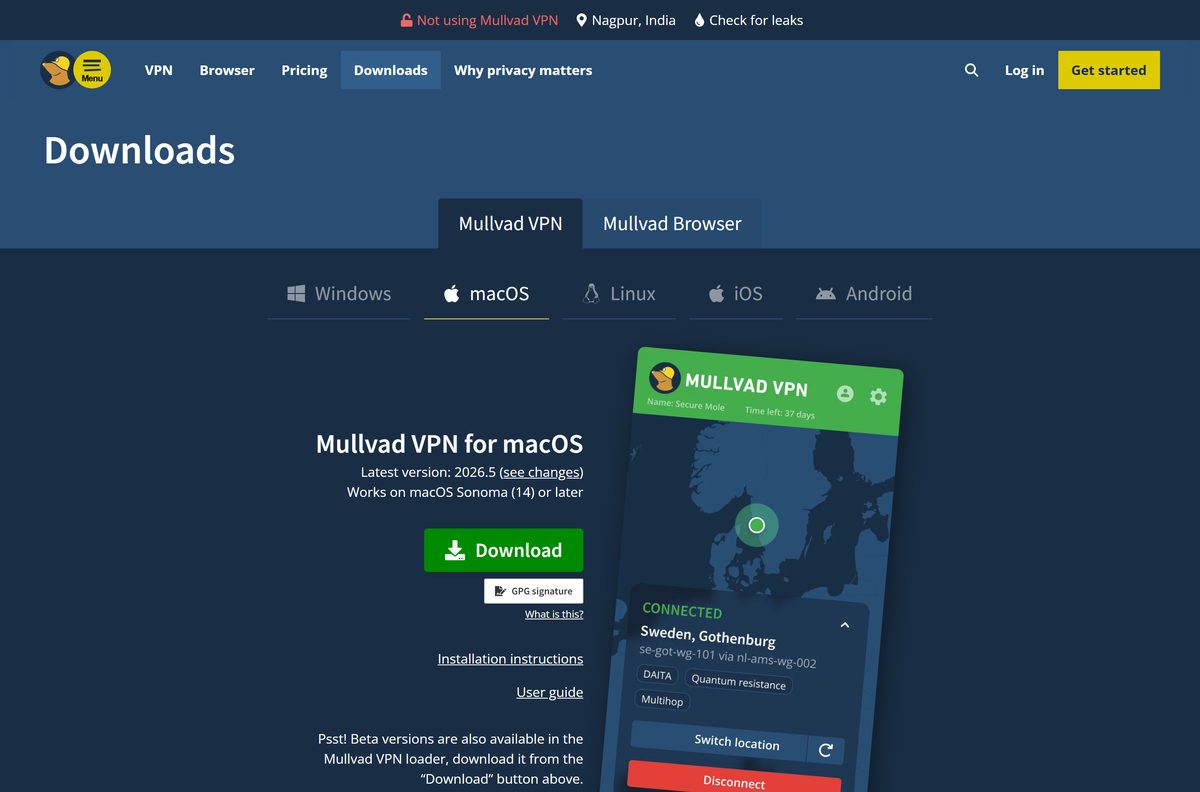
- Mullvad VPN for macOS — macOS 14 Sonoma or later
- Mullvad VPN for Linux — Ubuntu 24.04+, Debian 12+, Fedora 43+
- Mullvad VPN for Android — Google Play, F-Droid or APK, Android 9.0+
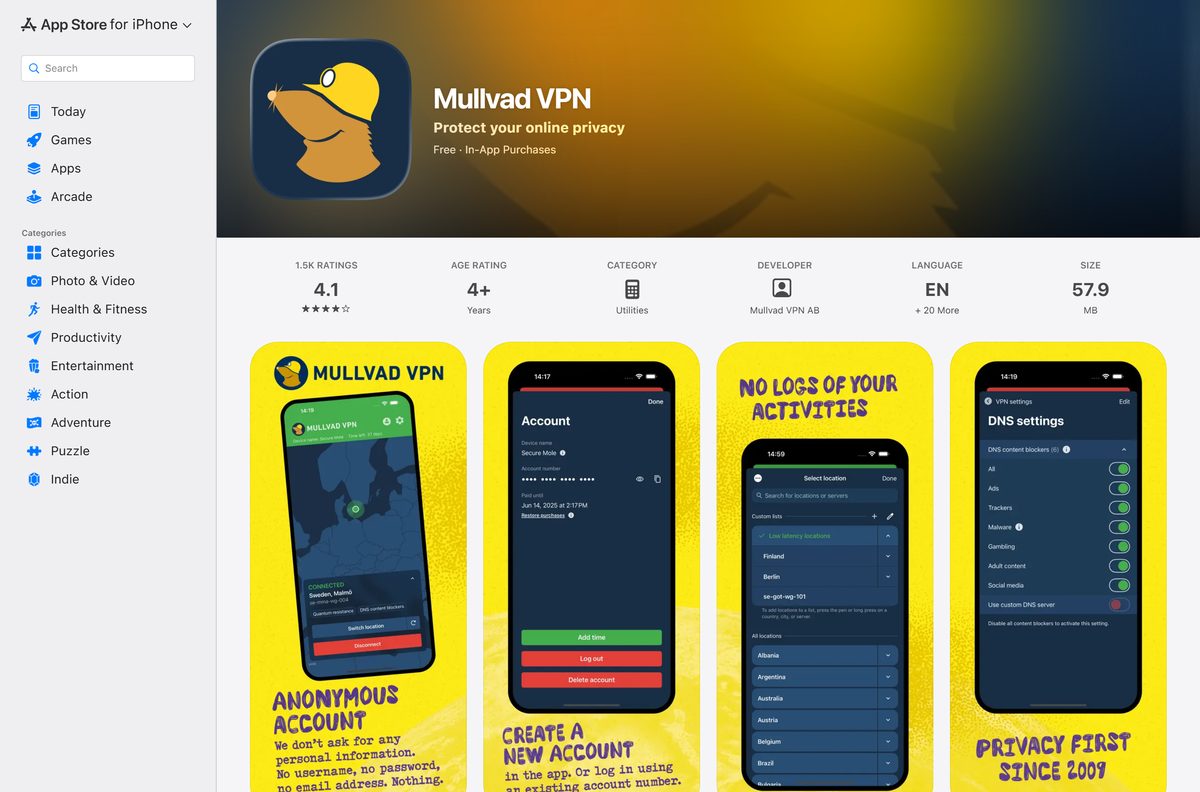
- Mullvad VPN on the App Store — 57.9 MB · iPhone and iPad, iOS 17.0 or later
How to install Mullvad VPN on Windows 11 and 10
- Open mullvad.net/en/download/vpn/windows and click Download.
- Open your Downloads folder and double-click Install Mullvad VPN.exe.
- Click Yes at the User Account Control prompt.
- Click Download & install in the loader window. It downloads and verifies the app.
- Click Finish to launch Mullvad VPN.
- Click Create a new account, or type your account number and click Login.
- Click Connect. The header turns green and shows Connected.
A new account has no time on it. Add time on mullvad.net before the Connect button will work.
How to install Mullvad VPN on a Mac
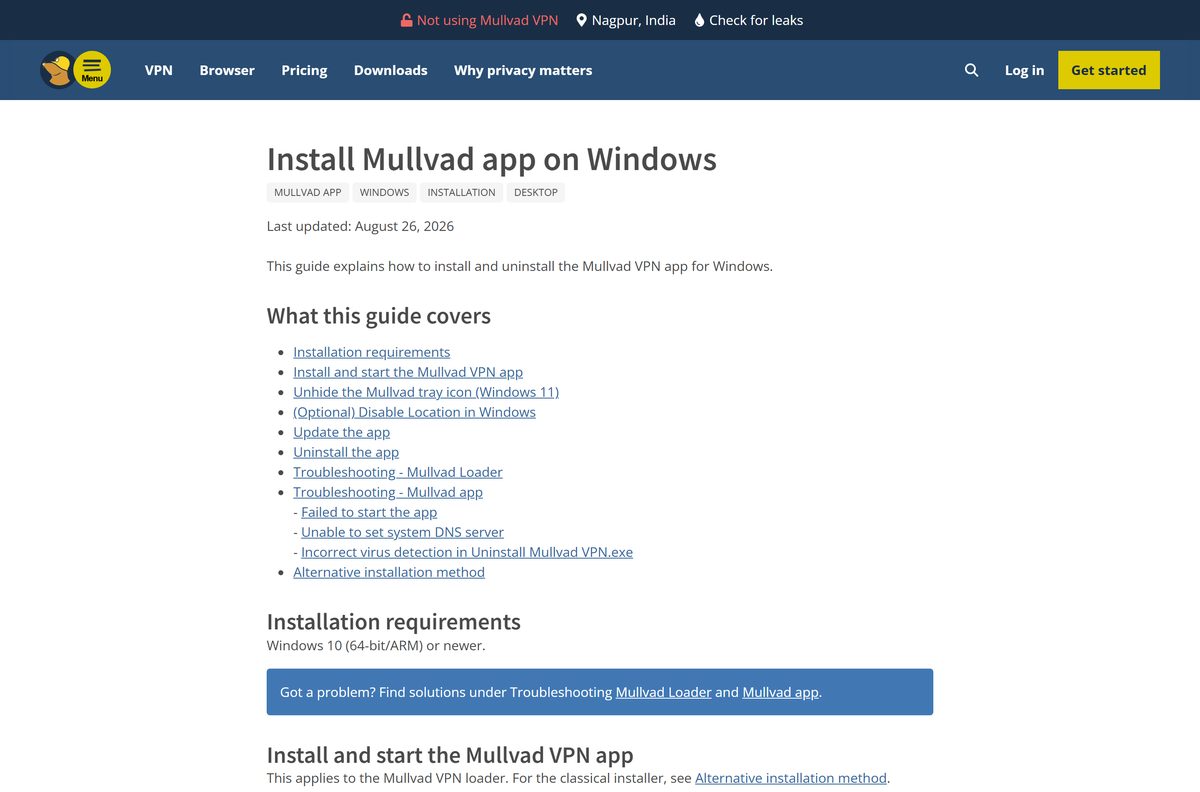
Mullvad VPN needs macOS 14 Sonoma or later. Open the Apple menu and choose About This Mac to check your version.
| Step | What to do |
|---|---|
| 1 | Download Install Mullvad VPN.dmg |
| 2 | Double-click the DMG, then double-click Install Mullvad VPN. |
| 3 | Click Open at the macOS prompt, then click Download & install. |
| 4 | Follow the setup wizard and open Mullvad VPN from Applications. |
| 5 | Click the padlock icon in the menu bar, enter your account number and press Return. |
macOS shows a notice that Mullvad VPN was added as a background item. Leave it on, or the app cannot keep the tunnel up.
Install Mullvad VPN on Linux, iPhone and Android
On Ubuntu and Debian, add Mullvad’s repository so updates arrive through apt.
- Run sudo apt install curl in a terminal.
- Run sudo curl -fsSLo /usr/share/keyrings/mullvad-keyring.asc https://repository.mullvad.net/deb/mullvad-keyring.asc .
- Add the repository: echo “deb [signed-by=/usr/share/keyrings/mullvad-keyring.asc arch=$(dpkg –print-architecture)] https://repository.mullvad.net/deb/stable stable main” | sudo tee /etc/apt/sources.list.d/mullvad.list .
- Run sudo apt update , then sudo apt install mullvad-vpn .
- On Fedora, run sudo dnf config-manager addrepo –from-repofile=https://repository.mullvad.net/rpm/stable/mullvad.repo , then sudo dnf install mullvad-vpn .
- On an iPhone or iPad, install Mullvad VPN from the App Store.
- On Android, install Mullvad VPN from Google Play, or get it from F-Droid or the APK on mullvad.net.
The mobile apps are free to install. You add time with an in-app purchase or with account time bought on mullvad.net.
Is Mullvad VPN free?
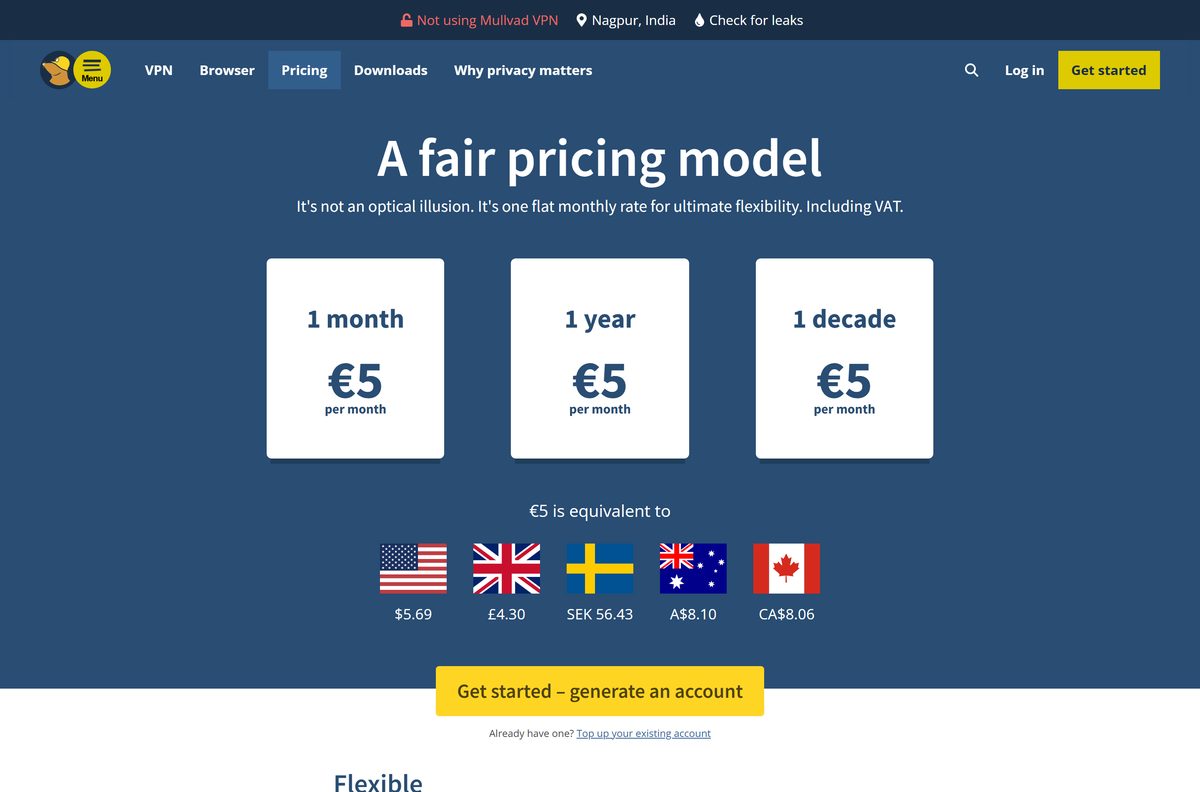
The €5 price, about $5.69, covers up to five devices with unlimited data. Mullvad takes cash, Bitcoin, Bitcoin Cash, Monero, bank wire, credit card, PayPal and several European bank methods.
Buy one month for €5 first, and extend only if the speed and locations suit you. Mullvad VPN has no free plan and no discount for longer terms. One month, one year and one decade all cost the same €5 per month.
Crypto payments get a 10% discount. Card and PayPal payments carry a 14-day money-back guarantee; cash payments are excluded.
Any site offering a “free Mullvad account” is not Mullvad. Mullvad sells time only through its own site, the app stores and its vouchers.
How to set up Mullvad VPN after you install it
- Click Switch location and pick a country, city or single server. Use the search field to find one fast.
- Click Connect. The built-in kill switch is always on and blocks traffic if the tunnel drops.
- Open Settings and turn on Lockdown mode if you want the internet blocked after Disconnect too.
- Use Split tunneling to exclude apps, such as a banking client, from the VPN.
- Turn on DAITA to hide traffic patterns. It raises data and battery use.
- Turn on Multihop to route through two WireGuard servers, at some cost to speed.
Mullvad VPN on Linux updates through apt or dnf.
Check the Mullvad VPN system requirements before you install
| Field | Value |
|---|---|
| Software | Mullvad VPN |
| Developer | Mullvad VPN AB |
| Latest version | 2026.5 (Windows, macOS, Linux); 2026.8 (Android) |
| License | Paid, €5 per month, no free plan |
| File size | 2.8 MB loader, 262 MB standalone (Windows); 254 MB PKG (Mac) |
| Windows | Windows 10 or later, 64-bit only |
| Mac | macOS 14 Sonoma or later |
| Linux | Ubuntu 24.04+, Debian 12+, Fedora 43+ |
| Mobile | Android 9.0 or later; iOS 17.0 or later |
| Architecture | Windows 64-bit and ARM; Linux x86_64 and ARM64; no 32-bit build |
| Devices per account | Up to 5 |
| Offline installer | Yes, the standalone EXE and PKG |
| Official download source | mullvad.net |
| Last verified | 2026-09-25 |
There is no 32-bit Windows build. A PC on 32-bit Windows 10 cannot run the app.
Fix Mullvad VPN not installing or connecting
The loader fails to download the app
A firewall, proxy or network filter blocks the loader’s download.
- Download the standalone installer under Alternative installation on the download page.
- Run MullvadVPN-2026.5.exe and follow the setup wizard.
The installer refuses to run on an older PC
Mullvad VPN needs 64-bit Windows 10 or later.
- Press Windows + R, type winver and press Enter to check your version.
- Open Settings > System > About and check System type for 64-bit.
The app asks you to remove a device when you log in
Five devices already use the account.
- Click Remove next to a device you no longer use.
- Log in again with your account number.
No internet after you quit Mullvad VPN
Lockdown mode blocks all traffic unless the VPN is connected.
- Open Mullvad VPN and go to Settings.
- Turn off Lockdown mode, or connect to a server.
The app cannot connect at all
The account has no time left, or the network blocks VPN traffic.
- Check the time left in the app and add time on mullvad.net.
- Use the WireGuard configuration files from your account with the official WireGuard client as a fallback.
How to uninstall Mullvad VPN
Write down your account number first if it still has time on it. Without the number, the remaining time cannot be recovered.
- On Windows 11, open Start > Settings > Apps > Installed apps.
- Find Mullvad VPN, click the … menu and select Uninstall.
- Confirm, choose whether to remove your settings, and click OK.
- On a Mac, drag Mullvad VPN from Applications to the Bin, or run /Applications/Mullvad\ VPN.app/Contents/Resources/uninstall.sh in Terminal and restart.
- On Linux, run sudo apt purge mullvad-vpn or sudo dnf remove mullvad-vpn .
Choose another VPN if Mullvad VPN is not the right fit
| Option | Best for | Link |
|---|---|---|
| Mullvad VPN | Account without email, flat €5 price, cash and crypto payments | mullvad.net |
| Proton VPN | A free plan before you pay, plus TV and browser apps | protonvpn.com |
| ExpressVPN | A paid VPN with apps for routers and many devices | Download ExpressVPN |
| WireGuard config files | Devices that cannot run the Mullvad app | Mullvad WireGuard guide |
Pick Proton VPN if you need a free plan. Keep Mullvad VPN if an account with no email or personal details matters to you.
Frequently asked questions
Is Mullvad VPN free?
No. Mullvad VPN costs a flat €5 per month, about $5.69, with no free plan. The price is the same for one month, one year or longer, and card and PayPal payments carry a 14-day money-back guarantee.
Where do I download Mullvad VPN for Windows?
Download it from mullvad.net/en/download/vpn/windows. The page offers a small loader, a standalone installer and GPG signatures for both files.
Does Mullvad VPN work on Windows 11?
Yes. Mullvad VPN runs on Windows 10 and Windows 11, 64-bit only. Mullvad’s install guide lists 64-bit and ARM Windows 10 or newer as supported.
How big is the Mullvad VPN download?
The default Windows download is a 2.8 MB loader that fetches the app. The standalone Windows installer for version 2026.5 is 262 MB, and the Mac PKG is 254 MB.
Is there a Mullvad VPN offline installer?
Yes. Under Alternative installation, the Windows and macOS download pages link a standalone installer that contains the full app and needs no second download.
Is there a Mullvad VPN app for Mac?
Yes. Mullvad VPN runs on macOS 14 Sonoma or later. Download the DMG loader or the standalone PKG from mullvad.net/en/download/vpn/macos.
Do I need an email address to use Mullvad VPN?
No. Click Create a new account in the app to get an account number, then add time to it. Mullvad asks for no email address or other personal details.
How many devices can I use with one Mullvad account?
Up to five devices can use one account at the same time. If you log in on a sixth, the app asks you to remove one of the existing devices first.
Is Mullvad VPN safe to download?
Yes, from mullvad.net, the App Store or Google Play. The installers are cryptographically signed, GPG signatures are published, and the apps have independent security audits. Avoid sites offering free Mullvad accounts.
What is the latest version of Mullvad VPN?
The current desktop release is Mullvad VPN 2026.5 for Windows, macOS and Linux. The Android app is at version 2026.8.






