Insight Timer installs on Windows 11, Windows 10 and Mac as a desktop app straight from insighttimer.com in Edge or Chrome. It opens in its own window and signs in with the same free account as the iPhone and Android apps.
The free account covers the meditation timer and a library of more than 300,000 guided meditations, talks and music tracks. MemberPlus adds courses, offline listening and premium tracks.
Below are the official links, the Windows and Mac setup, what MemberPlus costs, and fixes for a web app that will not load or play.
Which Insight Timer download do you need?
Match your device to a row. One free account signs in on every one of them, and your meditation stats follow you.
| Your device | What to get | Size or requirement |
|---|---|---|
| Windows 11 or Windows 10 PC | insighttimer.com, installed as an app from Edge or Chrome | No download; runs in the browser |
| Mac with Apple silicon | Insight Timer on the App Store | macOS 11.0 or later, M1 chip or later |
| Intel Mac | insighttimer.com in Safari, Chrome or Edge | Any current browser |
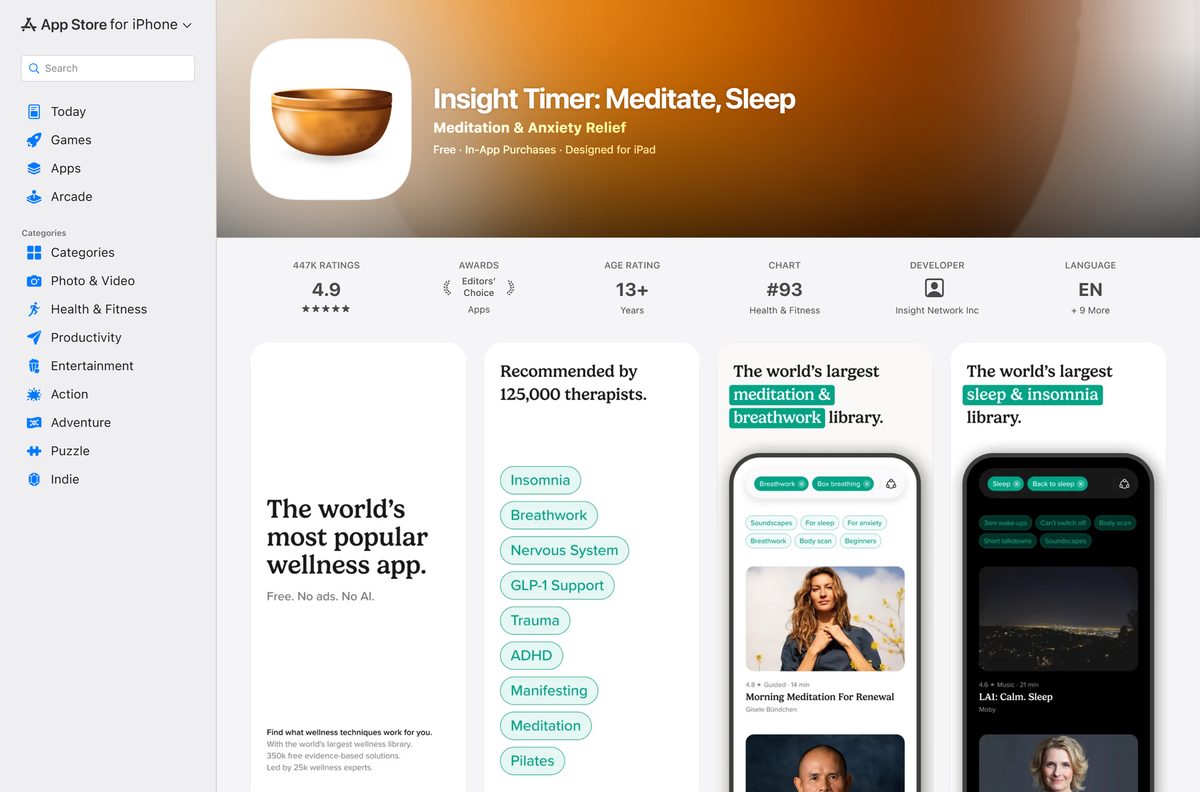
| iPhone, iPad or Apple Watch | Insight Timer: Meditate, Sleep on the App Store | 254.6 MB, iOS 15.0 or later |
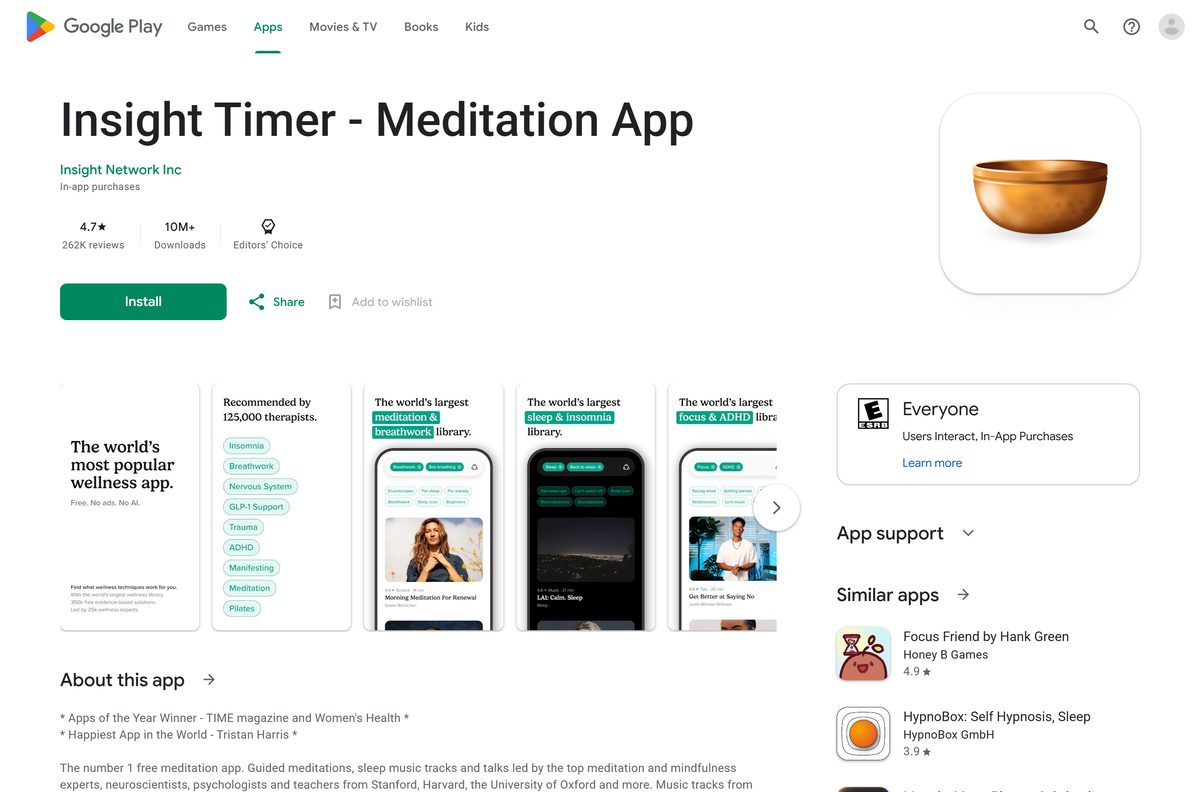
| Android phone or tablet | Insight Timer – Meditation App on Google Play | Android 5.0 and up |
Sessions you finish on the website count toward the same stats and streak as the phone app.
Download Insight Timer from its official links
Every link below is published by Insight Network Inc or by the store that distributes its apps.
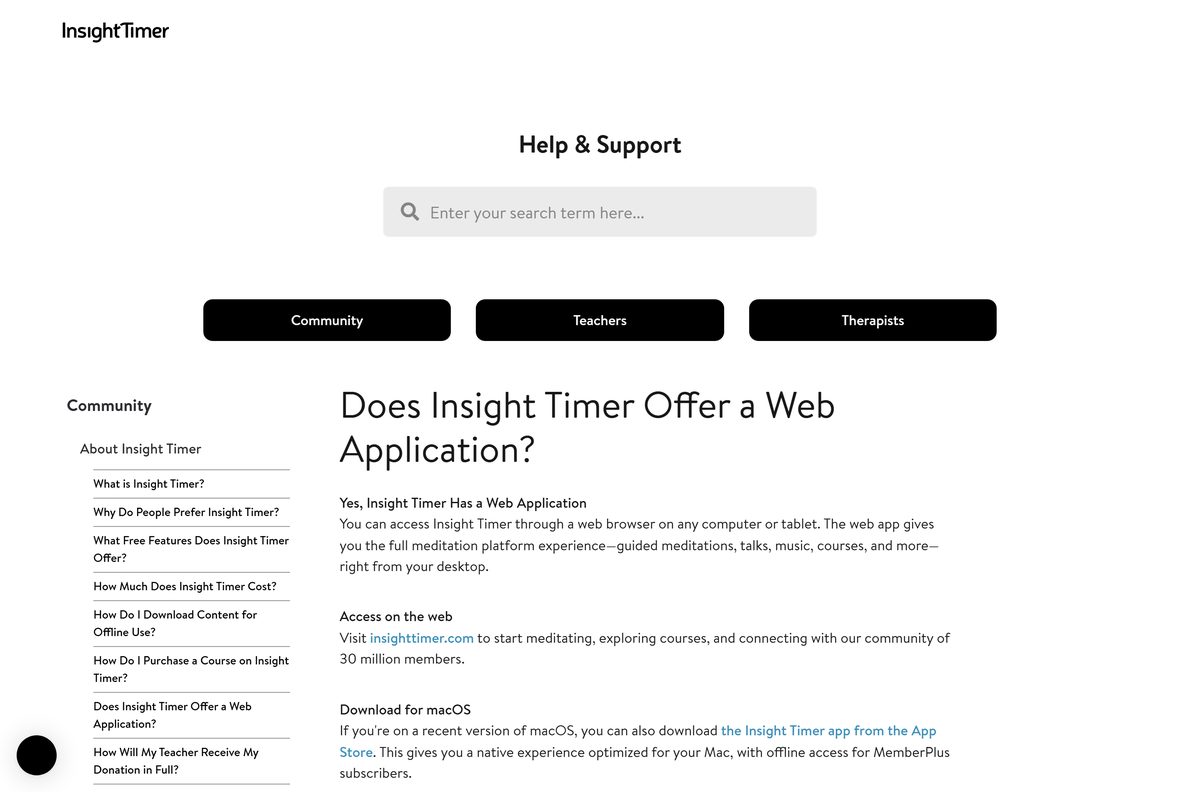
- Insight Timer web app for Windows and Mac — install as an app from Edge or Chrome
- Insight Timer on the App Store — 254.6 MB · version 20.35.0; iPhone, iPad and Apple Watch
- Insight Timer on Google Play — package com.spotlightsix.zentimerlite2; 10M+ downloads
- Insight Timer pricing and MemberPlus — free account plus optional subscription
- Insight Timer device requirements — iPhone, iPad, Mac, Apple Watch and Android
Insight Timer has no .exe, no .msi and no Microsoft Store app. A site offering an Insight Timer setup file for Windows is not Insight Network.
How to install Insight Timer on Windows 11 and 10
Microsoft Edge and Google Chrome both turn insighttimer.com into a desktop app with its own window, Start menu entry and taskbar icon.
- Open insighttimer.com in Microsoft Edge or Google Chrome.
- Select Login, or Get started to create a free account.
- In Edge, open the … menu, choose Apps, then Install this site as an app.
- In Chrome, open the ⋮ menu, choose Cast, save, and share, then Install page as app.
- Type Insight Timer as the app name and select Install.
- Right-click Insight Timer in the Start menu and choose Pin to taskbar.
The app opens without browser tabs and keeps you signed in, so a session is two clicks away.
Which Insight Timer download do you need for your Mac?
The App Store app is the iPad build, which runs on Macs with Apple silicon. Intel Macs use the website.
| Your Mac | What to do | Note |
|---|---|---|
| Apple M1 or later, macOS 11.0 or later | Search Insight Timer in the Mac App Store and select Get | Offline listening for MemberPlus |
| Intel Mac with Safari on macOS Sonoma or later | Open insighttimer.com, then File > Add to Dock | Runs as its own Dock app |
| Any Mac with Google Chrome | Open insighttimer.com, then ⋮ > Cast, save, and share > Install page as app | Lands in the Chrome Apps folder |
| Any Mac with Microsoft Edge | Open insighttimer.com, then … > Apps > Install this site as an app | Opens from Launchpad |
Open the Apple menu and choose About This Mac to see whether the chip line says Apple M1 or later.
Is Insight Timer free?
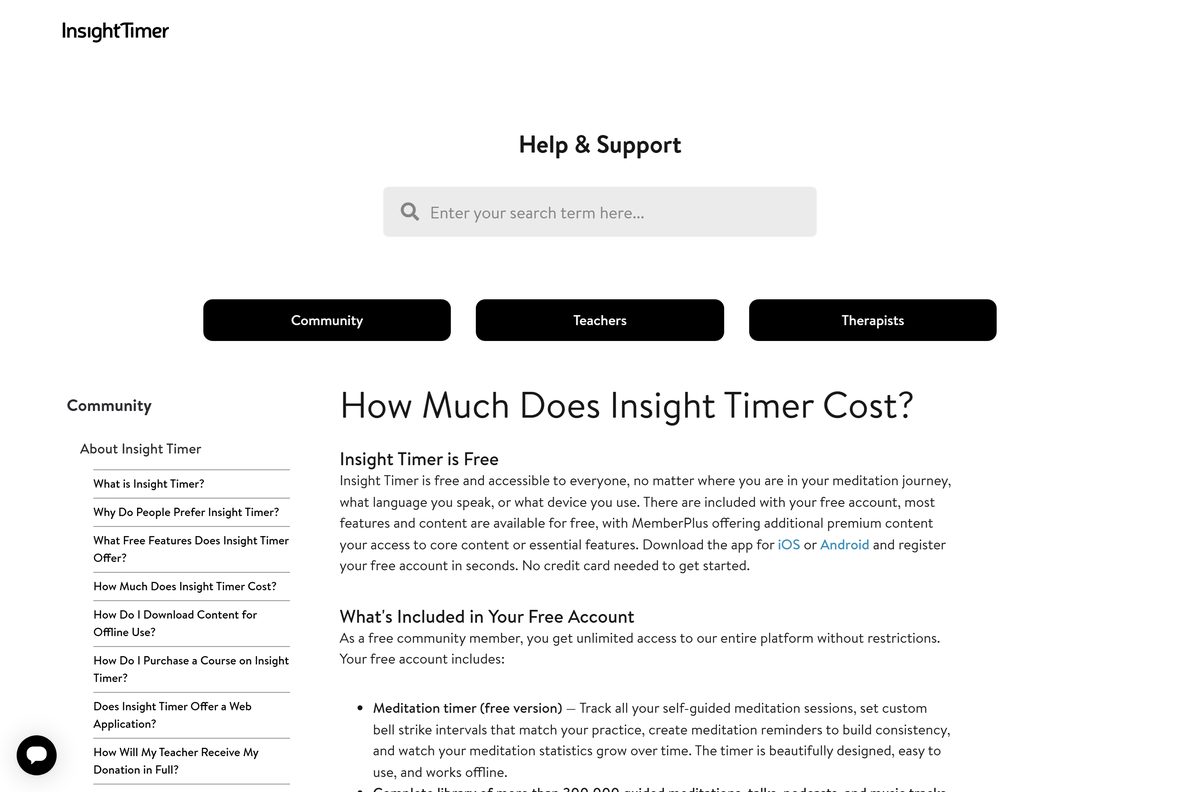
Every Insight Timer app is free to install, and no credit card is needed to register. MemberPlus is the one optional subscription.
Yes. Insight Timer is free, and MemberPlus costs $59.99 a year or $9.99 a month in the US. The free account includes the meditation timer with custom bells and reminders, the full library of guided meditations, talks, podcasts and music, playlists, groups and live events. MemberPlus adds all courses, offline listening, repeat and skip controls, high-quality audio, premium tracks and a premium timer, custom folders and the advanced journal. Prices vary by region and app store currency.
How to choose between the free plan and MemberPlus
Both tiers use the same apps and the same account. Only the content and player features change.
Stay on the free plan for daily guided meditations and the timer. Take MemberPlus if you want structured courses or offline listening on a phone. Multi-session courses, downloads for offline play and the advanced player need MemberPlus. Start the 7-Day Trial from the MemberPlus page on insighttimer.com, then cancel before it renews if the free plan covers you.
How to check your Insight Timer version and update it
The PC app loads insighttimer.com, so it is always current. The phone, tablet and Mac App Store apps update through their stores.
- On a PC, close the Insight Timer window and open it again to load the latest web app.
- On an iPhone or iPad, open the App Store, tap your profile picture and pull down to refresh.
- Tap Update next to Insight Timer if it appears.
- On a Mac, open the App Store and select Updates in the sidebar.
- On Android, open Google Play, tap your profile picture and choose Manage apps & device.
- Tap Updates available, then Update next to Insight Timer.
The current App Store build is 20.35.0, released on 21 September 2026.
Check the Insight Timer system requirements
Compare your device with the table, then update the browser or operating system if it falls short.
| Field | Value |
|---|---|
| Software | Insight Timer |
| Developer | Insight Network Inc |
| Latest version | 20.35.0 (App Store); web app updates itself |
| License | Free; optional MemberPlus subscription |
| Windows | Windows 11 and Windows 10 through Edge or Chrome |
| macOS | App Store app: macOS 11.0 or later with Apple M1 or later; any Mac through the browser |
| Architecture | Browser route on x64, ARM64 and Intel; App Store route on Apple silicon |
| iPhone and iPad | iOS 15.0 or later, 254.6 MB |
| Android | Android 5.0 and up through Google Play |
| Offline installer | No |
| Official source | insighttimer.com, App Store and Google Play |
| Last verified | 2026-09-25 |
A web app that stalls or will not load usually needs a browser update.
What Insight Timer can do on each device
The core library plays everywhere. Offline listening is the main feature tied to an installed app.
| Feature | PC web app | iPhone, iPad and Mac App Store | Android |
|---|---|---|---|
| Guided meditations, talks and music | Yes | Yes | Yes |
| Courses (MemberPlus) | Yes | Yes | Yes |
| Sessions counted in your stats | Yes | Yes | Yes |
| Offline listening (MemberPlus) | No | Yes | Yes |
| Apple Watch timer | No | Yes | No |
Insight Timer also publishes an LG TV app for meditating on the big screen.
Fix Insight Timer not loading or playing on Windows 11 or 10
Find the symptom that matches, then work through its fix in order.
There is no install option in the browser menu
The browser is Firefox, or an old Chrome or Edge.
- Open insighttimer.com in Microsoft Edge or Google Chrome.
- Update the browser from its About page and restart it.
- Open the menu again and look for Install this site as an app or Install page as app.
You searched the Microsoft Store and found no Insight Timer
Insight Network publishes no Microsoft Store app.
- Skip third-party Store apps with similar meditation names.
- Install insighttimer.com from Edge or Chrome instead.
Pages will not load or tracks will not start
Cached data, cookies or a browser extension.
- Reload the page.
- Open insighttimer.com in an InPrivate or Incognito window to test.
- Clear the browser cache and cookies, then reopen the site.
- Turn off ad blockers and privacy extensions for insighttimer.com.
- Try another browser such as Chrome, Safari, Firefox or Edge.
MemberPlus content is locked after you subscribed
The web app is signed in to a different account than the one that paid.
- Select your profile and sign out.
- Sign in with the same email address used in the phone app.
- Play a course and continue past the first session to confirm access.
Downloads for offline play belong to the phone, tablet and Mac App Store apps, not the PC web app.
How to uninstall Insight Timer
Removing the app does not touch your account, stats or bookmarks.
- On Windows, open Settings, then Apps, then Installed apps.
- Find Insight Timer, select the three dots and choose Uninstall.
- Confirm with Uninstall again.
- On a Mac, drag Insight Timer from the Applications folder or the Dock to the Trash.
- On a phone, press and hold the Insight Timer icon and choose Remove App or Uninstall.
Cancel MemberPlus separately in the App Store, Google Play or website account that billed you. Uninstalling does not stop the charge. To erase your data, delete the account in the app, then email [email protected].
How to choose an Insight Timer alternative
If you want a different library or a native Windows app, these are the closest options.
| App | Where to get it | Best for |
|---|---|---|
| Headspace | App Store | Structured beginner programs |
| Calm | App Store | Sleep stories and soundscapes |
| Medito | App Store | Nonprofit sessions with no paywall |
| Endel | Microsoft Store | Focus and sleep soundscapes on Windows |
Stay with Insight Timer for the largest free library and live group sessions.
Frequently asked questions
Is Insight Timer free to download?
Yes. The iPhone, iPad, Mac and Android apps are free, and the PC app installs free from insighttimer.com in Edge or Chrome. MemberPlus is optional and costs $59.99 a year or $9.99 a month in the US.
Is there an Insight Timer app for Windows 11?
Yes, as a web app. Open insighttimer.com in Edge or Chrome and choose the install option in the browser menu. Insight Timer then gets its own window, Start menu entry and taskbar icon on Windows 11 and Windows 10.
Is Insight Timer in the Microsoft Store?
No. Insight Network publishes no Microsoft Store app, so meditation apps with similar names there come from other developers. Install insighttimer.com from Edge or Chrome to get the official app on a PC.
Is there an Insight Timer app for Mac?
Yes, on Apple silicon. Macs with an M1 chip or later on macOS 11.0 or later get Insight Timer from the App Store. Intel Macs use insighttimer.com in Safari, Chrome or Edge.
Can I use Insight Timer offline on a PC?
No. Offline listening is a MemberPlus feature of the phone, tablet and Mac App Store apps. The PC web app streams, although the timer and library otherwise work the same with one account.
How much is Insight Timer MemberPlus?
MemberPlus costs $59.99 a year or $9.99 a month in the US, and the website offers a 7-day free trial. Prices vary by region, and app subscriptions renew automatically unless you turn off auto-renew 24 hours before renewal.
How big is the Insight Timer download?
The App Store app is 254.6 MB and needs iOS 15.0 or later. The PC app has no installer file, because it installs straight from insighttimer.com through the browser.
Is Insight Timer safe to download?
Yes, from the official sources: insighttimer.com, the App Store listing from Insight Network Inc, and Google Play. An Insight Timer .exe or setup file from any other site is not from Insight Network.
What is the latest Insight Timer version?
The App Store app is version 20.35.0, released on 21 September 2026, and the Android app was updated on 24 September 2026. The PC web app loads insighttimer.com, so it is always current.
Do website sessions count in my Insight Timer stats?
Yes. Sessions completed on insighttimer.com count toward your total time, session count and streak, as long as you sign in with the same account you use in the app.