You can get Google Voice on Windows 11, Windows 10 and Mac in a few minutes, straight from voice.google.com. Pick a number, make calls and send texts from the browser, then install the page as an app in Chrome so it opens in its own window.
Google Play and the App Store carry the official Voice apps for Android, iPhone and iPad. All of them share the same number, messages and voicemail.
This guide covers which route fits each device, the official Google links, setting up a number on a PC or Mac, plans and countries, and fixes for calls that fail.
Which Google Voice download do you need?
Match your device to a row. On a computer, Voice runs at voice.google.com, so nothing large downloads.
| Your device | What to use | Size |
|---|---|---|
| Windows 11 or Windows 10 PC | voice.google.com, optionally installed as a Chrome app | No separate download |
| Mac | voice.google.com in Safari, Chrome, Edge or Firefox | No separate download |
| Chromebook | voice.google.com in Chrome | No separate download |
| Android phone or tablet | Google Voice on Google Play | Play states no size |
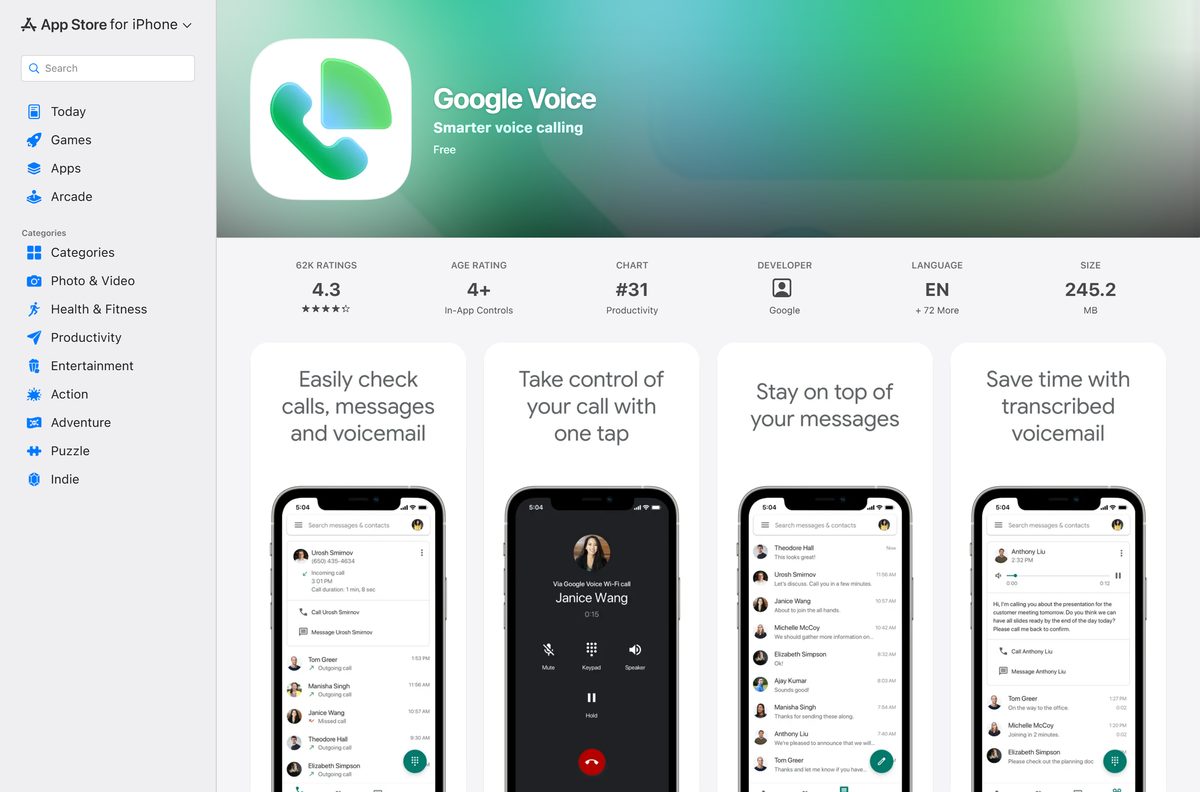
| iPhone or iPad | Google Voice on the App Store | 233.9 MB |
Download Google Voice from Google’s official sources
Google publishes Voice at these addresses. The basic personal plan costs nothing with a US Google Account.
- Google Voice on the web — sign in, pick a number, then call and text from the browser
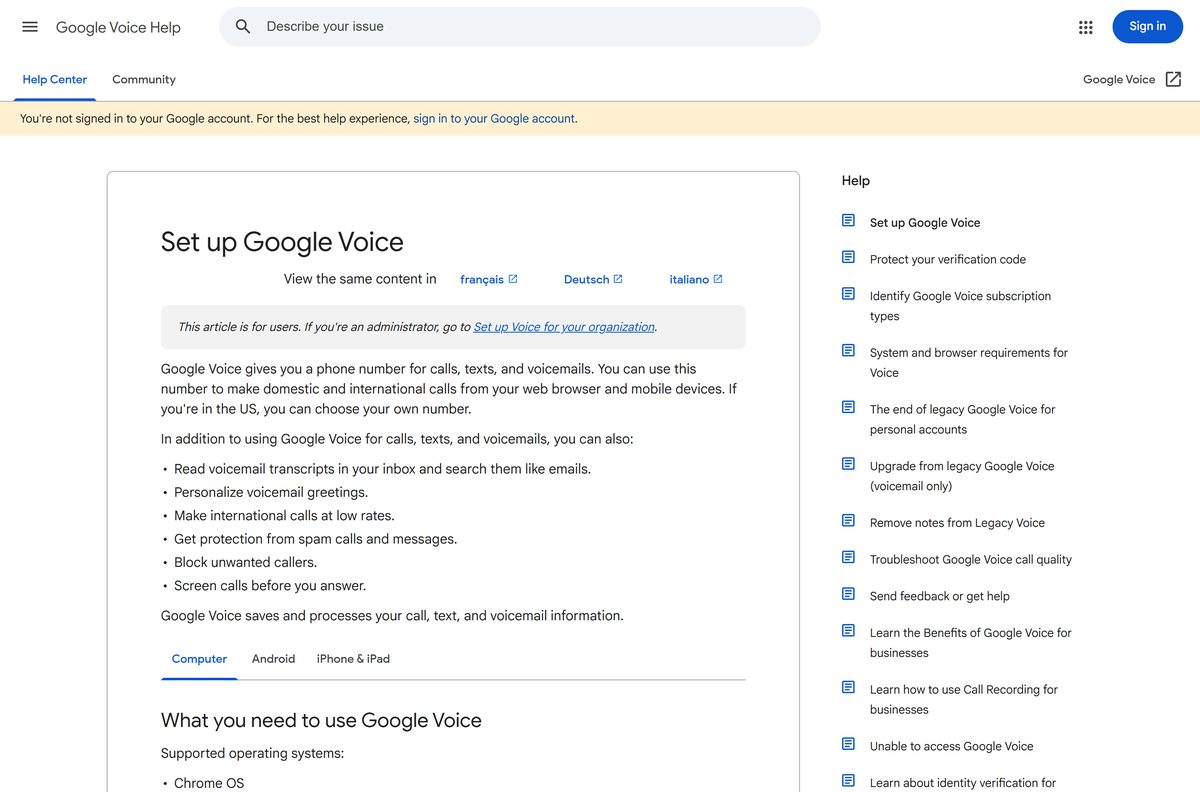
- Set up Google Voice on a computer — Google’s own sign-up instructions
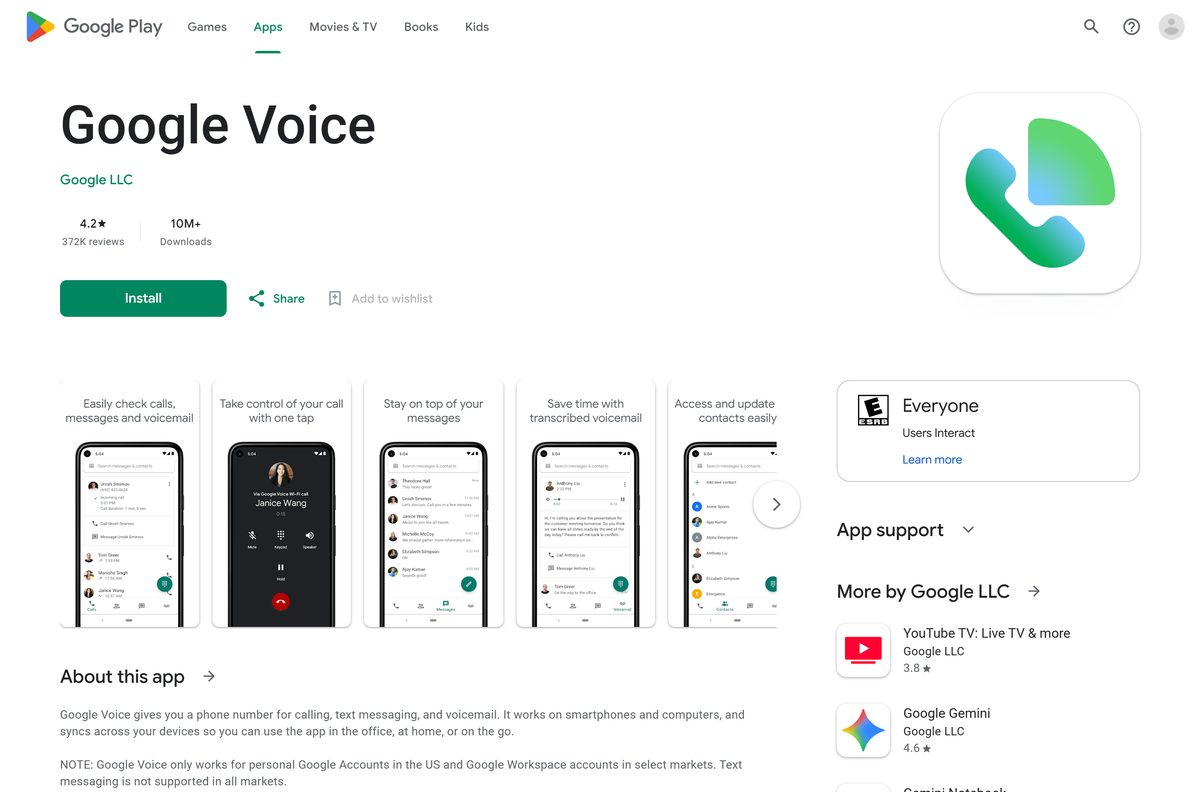
- Google Voice on Google Play — Google LLC, 10M+ downloads, updated 18 September 2026
- Google Voice on the App Store — 233.9 MB · iPhone and iPad, iOS 18.0 or later
- Google Voice for business plans — Starter, Standard and Premier pricing
How to set up Google Voice on Windows 11 and 10
Sign-up happens once, in any supported browser. The last two steps turn the page into a desktop app in Chrome.
- Open Chrome, Microsoft Edge or Firefox and go to voice.google.com.
- Sign in to your Google Account.
- Review the Terms of Service and Privacy Policy, then click Continue.
- Search for available numbers by city or area code.
- Next to the number you want, click Select.
- Follow the on-screen instructions to link and verify an existing phone number.
- In Chrome, select More, then Cast, save, and share, then Install page as app.
- Open the new Google Voice shortcut from the Start menu or desktop, and pin it to the taskbar.
Keep the Voice window open to hear incoming calls. Google notes that an inactive Voice tab can go to sleep and stop ringing.
How to install Google Voice on Android, iPhone and iPad
The phone apps use the same number you picked on the computer.
- Install Google Voice from Google Play or the App Store.
- Check that the publisher reads Google LLC.
- Open the Voice app and sign in to your Google Account.
- Review the terms and tap Continue.
- If you have no number yet, tap Search and look up a city or area code.
- Tap Select next to the number you want and follow the instructions.
Which Google Voice option do you need for your Mac?
The Mac uses the same browser route as Windows. Pick the row that matches how you work.
| What you want | What to use | Where it comes from |
|---|---|---|
| Calls and texts in Safari with nothing installed | voice.google.com | |
| Voice in its own window from the Dock | Install page as app in Chrome | Google Chrome |
| Voice on an iPhone or iPad | Google Voice on the App Store, 233.9 MB | Apple App Store |
The App Store listing covers iPhone and iPad, so use voice.google.com on a Mac.
Check the Google Voice system requirements
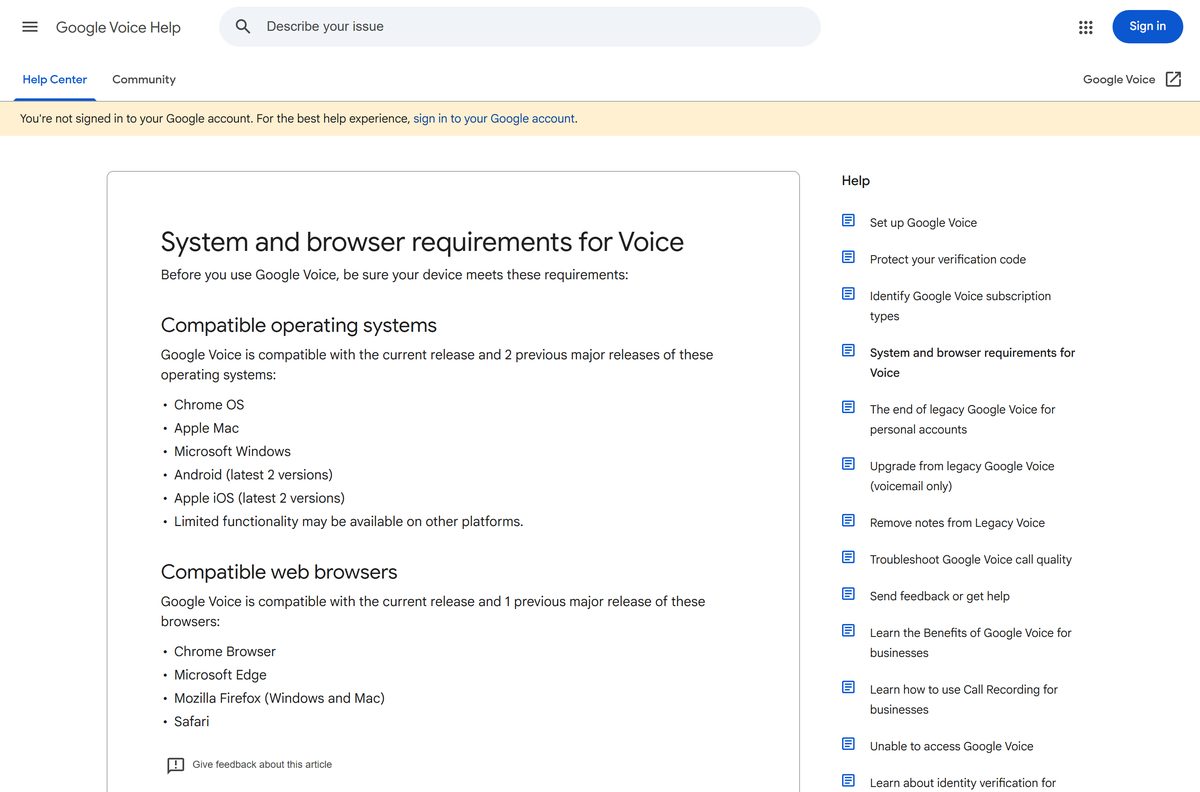
Voice supports the current release and two previous major releases of each desktop system.
| Field | Value |
|---|---|
| Developer | Google LLC |
| Latest version | Web-based, auto-updating |
| Price | Free for personal US accounts; paid plans from $10 a month |
| Supported OS | Microsoft Windows, Apple Mac, Chrome OS; Android and iOS (latest 2 versions) |
| Supported browsers | Chrome, Microsoft Edge, Firefox (Windows and Mac), Safari: current and 1 previous release |
| Architecture | None of its own, Voice uses the browser’s build |
| Offline installer | None |
| iPhone and iPad app | 233.9 MB, iOS 18.0 or later |
| Official source | voice.google.com |
| Last verified | 2026-09-24 |
Google lists limited functionality on other platforms, such as Linux.
Check whether Google Voice works in your country
Availability depends on the account type, not the device.
| Account | Plan | Local numbers available in |
|---|---|---|
| Personal @gmail.com | Google Voice (free) | US only |
| Personal @gmail.com | Voice Starter or Standard (standalone) | US only |
| Paid Google Workspace | Voice Starter, Standard or Premier add-on | 14 countries and regions |
Unlimited SMS is US only on every plan. Only Premier adds numbers outside your home country.
Is Google Voice free?
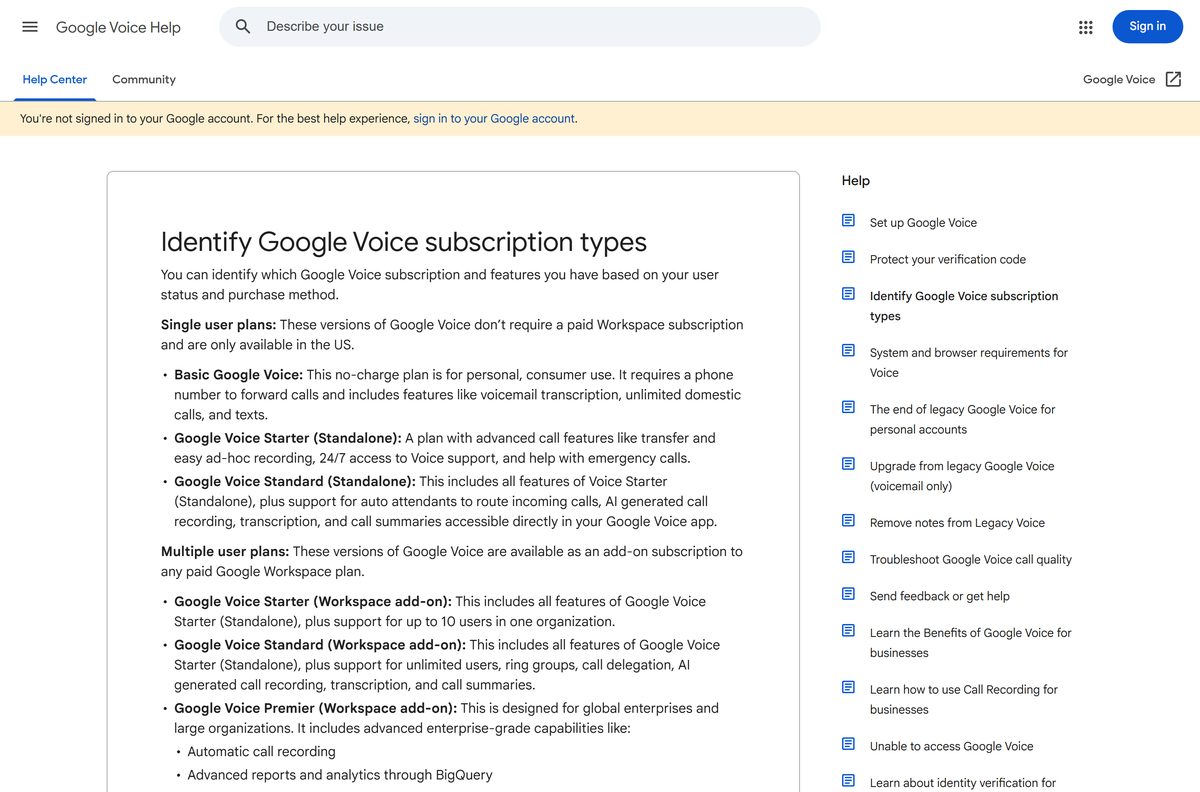
Yes, for personal Google Accounts in the US. The basic Google Voice plan costs $0 and includes a number, texts, voicemail transcripts and domestic calls. From the US, almost all calls to the US and Canada are free, and some cost 1 cent per minute. International calls use listed rates paid with calling credit. Voice for Google Workspace is paid: Starter is $10, Standard $20 and Premier $30 per user per month, on top of a paid Workspace plan. Standalone Starter ($10 a month) and Standard ($20 a month) exist for single US users.
Should you use free Google Voice or a paid plan?
Use free Google Voice for a personal second number in the US. Pay for Voice Starter only if you need call recording, desk phones or 911 support. The free plan covers calls, texts, voicemail transcripts and forwarding, but it has no 3-way calling, call recording or 911 emergency support. It also requires verifying your account with another phone number. Starter standalone adds those features for $10 a month. Teams outside the US need a Workspace add-on, because only those plans offer local numbers in 14 countries and regions.
How to keep Google Voice up to date on each device
Voice on a computer has no version number to check. Google updates the web app on its servers.
- On a PC or Mac, keep your browser current, because Voice supports only its current and previous major release.
- On Android, open Google Play, select your profile picture, then Manage apps & device, and update Google Voice.
- On iPhone or iPad, open the App Store, select your profile picture and update Google Voice from the list.
The App Store listed version 26.37 on 18 September 2026.
How to check a Google Voice download really came from Google
An .exe or .dmg named Google Voice did not come from Google. On a computer, Voice runs only at voice.google.com.
- Read the address bar before signing in. Voice runs at voice.google.com, and sign-in happens at accounts.google.com.
- Install the desktop app only through Chrome’s Install page as app menu item.
- On Google Play and the App Store, confirm the publisher reads Google LLC.
- Reject any site that charges for a Voice installer, because the personal plan costs $0.
Fix Google Voice not loading, calling or ringing
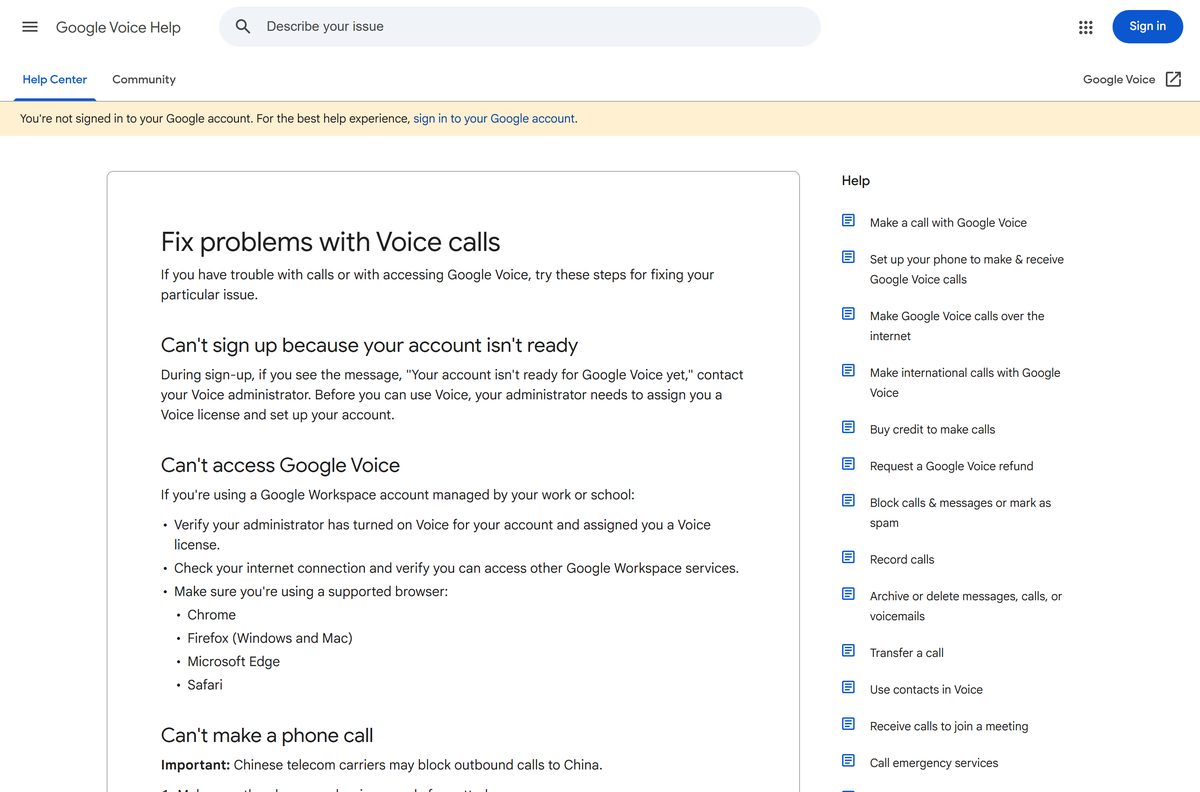
Your account isn’t ready for Google Voice yet
A work or school account has no Voice license.
- Contact your Voice administrator.
- Ask them to assign you a Voice license and set up your account.
- Sign in again at voice.google.com.
Voice does not open or keeps loading
An unsupported browser, a network problem or a missing license.
- Use Chrome, Microsoft Edge, Safari, or Firefox on Windows or Mac.
- Check your internet connection and confirm other Google services load.
- On a Workspace account, confirm the administrator turned on Voice for you.
Calls fail to connect
A badly formatted number, no calling credit, or an unsupported country.
- Type the number instead of pasting it.
- For international calls, enter the country code once.
- On a personal account, check your calling credit.
- Check whether Voice calling is available in the country you are visiting.
Incoming calls do not ring on the computer
The Voice tab is closed or asleep after inactivity.
- Keep voice.google.com open in your browser.
- Click through the Voice window for about 10 seconds so the browser allows sound.
- Reload the page.
How to uninstall the Google Voice app from a PC or Mac
Removing the app removes the window and shortcut. Your number, texts and voicemail stay in your Google Account.
- Open the Google Voice app window.
- Select More at the top right.
- Select Uninstall followed by the app name.
- Tick Also delete data from Chrome if you want local data gone.
- Confirm with Remove.
Which way to use Google Voice besides the desktop app
| Option | Publisher | Install needed | Best for |
|---|---|---|---|
| voice.google.com in a browser | No | Occasional calls and texts from any computer | |
| Google Voice for Android | Yes, from Google Play | Calling on the go with Android | |
| Google Voice for iPhone and iPad | Yes, from the App Store | Calling on the go with iOS | |
| Voice for Google Workspace | No | Teams and businesses outside the US |
Frequently asked questions
Is Google Voice free?
Yes, for personal Google Accounts in the US. The basic plan costs $0 and most calls to the US and Canada are free. Voice for Google Workspace is paid, from $10 per user per month.
What is the official Google Voice download page?
On a computer, the official address is voice.google.com, which runs in the browser. Phones and tablets get the Google LLC apps on Google Play and the App Store.
Can you use Google Voice on Windows 11?
Yes. Open voice.google.com in Chrome, Edge or Firefox on Windows 11 and sign in. In Chrome, select More, Cast, save, and share, then Install page as app to give it its own window.
What is the Google Voice download size?
On a PC or Mac, nothing sizeable downloads, because Voice runs at voice.google.com. The iPhone and iPad app is 233.9 MB, and Google Play lists no size for the Android app.
Is there a Google Voice offline installer?
No. Google makes no .exe, .msi or .dmg for Voice. On a computer it runs at voice.google.com and needs an internet connection for calls and texts.
Is there a Google Voice app for Mac?
Voice runs on a Mac at voice.google.com in Safari, Chrome, Edge or Firefox. The App Store listing covers iPhone and iPad only, so the browser is the Mac route.
Is Google Voice 64-bit or ARM64?
Google Voice has no desktop build of its own, so the browser’s architecture applies. Any supported browser on Windows, Mac or Chrome OS runs it.
Is it safe to download Google Voice from other sites?
Those files are not Google’s. Use voice.google.com, Google Play or the App Store, and check the publisher reads Google LLC. Google publishes no Voice .exe or .dmg.
What is the latest version of Google Voice?
Voice on a computer has no version number and updates on Google’s servers. The App Store listed version 26.37 on 18 September 2026, and Google Play updated its listing the same day.
Why won’t Google Voice work on my PC?
Usually the browser is unsupported, the network is down, or a work account has no Voice license. Use a current Chrome, Edge or Firefox, and ask your administrator to assign a license.
Can I use Google Voice outside the US?
Personal Google Voice numbers are available in the US only. Voice for Google Workspace offers local numbers in 14 countries and regions through a paid add-on.
Does Google Voice offer toll-free numbers?
No. Google Voice doesn’t offer 1-800 numbers. You pick a local number by searching a city or area code during setup.