The FSLogix download is one 113.7 MB archive published by Microsoft, and it installs on Windows 11, Windows 10 and Windows Server. There is no charge for the file, and the right to run it comes with a license most organizations already hold.
FSLogix moves a Windows user profile into a VHDX container on a file share. A user signs in to any session host and gets their own desktop, Outlook cache and OneDrive files in seconds.
This is an enterprise tool for virtual desktops, not a utility for a home PC. This guide covers the download, the silent install, the registry settings that switch it on, license eligibility, Mac access, sign-in fixes and clean removal.
Which FSLogix download do you need?
One archive covers every case. It holds the core product for session hosts and the Rule Editor for the admin workstation that writes application rule sets.
| Your situation | What to install | Download | Size |
|---|---|---|---|
| A session host or gold image with no profile solution | FSLogix Apps (Core Product) | FSLogix_26.08.zip | 113.7 MB |
| An admin workstation that edits application rule sets | Rule Editor, from the same archive | FSLogix_26.08.zip | 113.7 MB |
| A Windows 10 or 11 multi-session image from the Azure Marketplace | Nothing new. The image ships it, usually at an older build | Check the installed build | Already on disk |
| A host that already runs an older build | The same archive, installed over the top, then a reboot | Install and upgrade guide | 113.7 MB |
| A lab that tests pre-release builds | Early access, through the Microsoft Management Customer Connection Program | Release notes and program details | Varies |
Microsoft Download Center keeps only the last two feature releases and their hotfixes, so an older build is not always available.
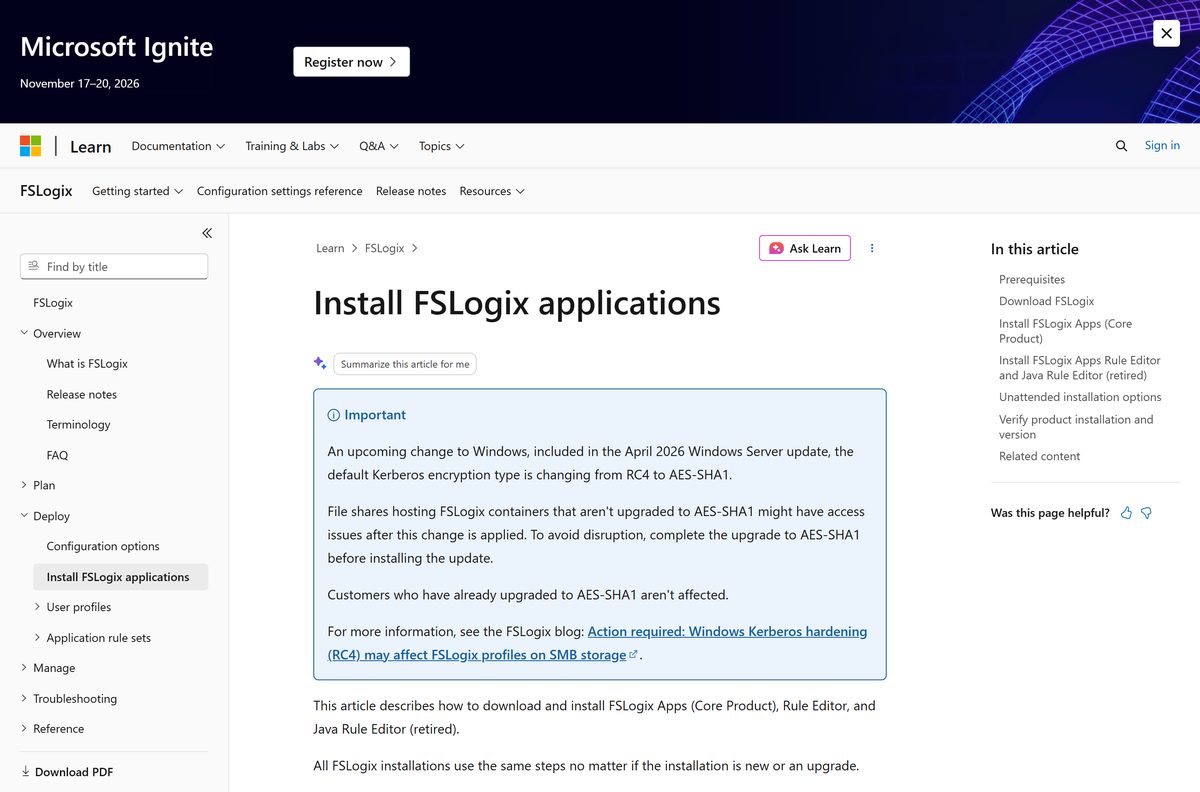
Download FSLogix for Windows 11, Windows 10 and Windows Server
Microsoft serves the archive from download.microsoft.com behind two short links. Both point at the current release, so an automated build routine never needs editing after a new version ships.
- Direct download (aka.ms/fslogix_download) — 113.7 MB · always resolves to the current release archive
- Latest version link (aka.ms/fslogix-latest) — the link Microsoft cites when it asks you to upgrade
- Install FSLogix Applications — setup steps, unattended switches and version checks
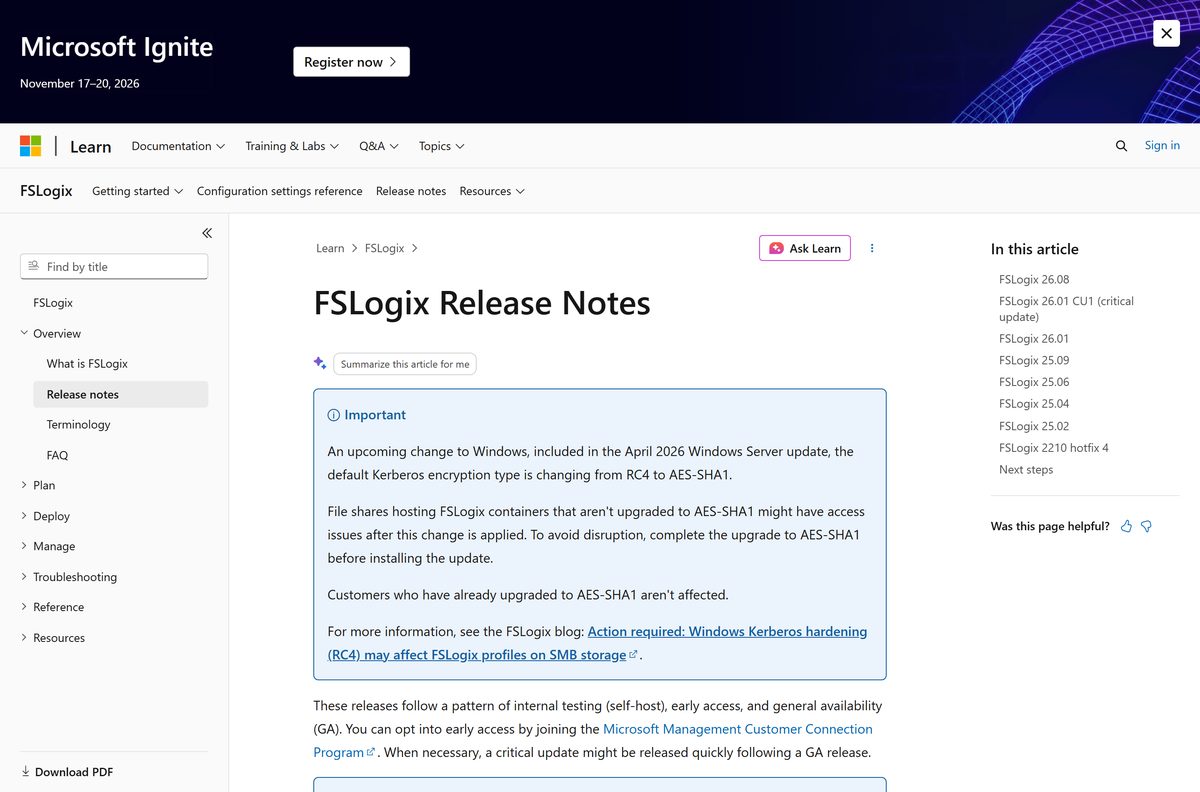
- Release notes — build numbers, publish dates and per-release fixes
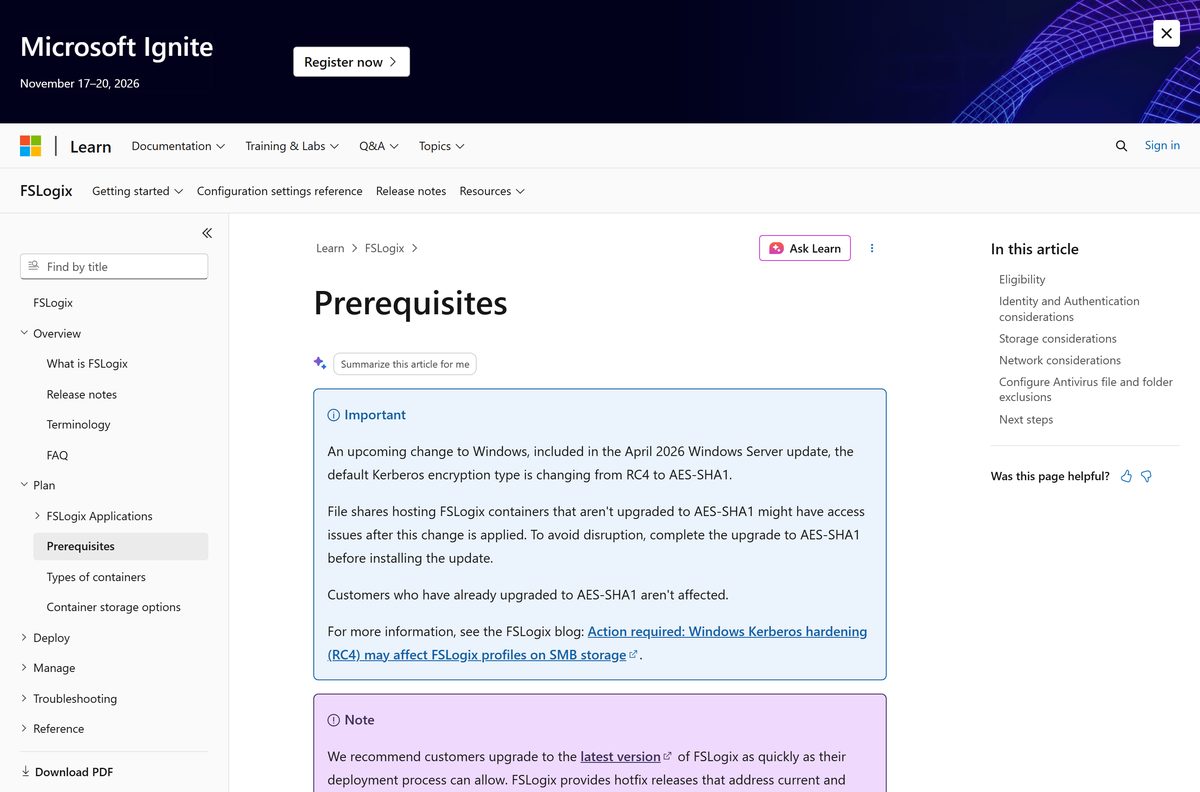
- Prerequisites and eligibility — license list, supported systems, antivirus exclusions
- Configuration settings reference — every registry value the product reads
The archive carries both setup programs, so one copy on a distribution point serves session hosts and admin workstations.
How to install FSLogix on Windows 11, Windows 10 and Windows Server
Setup writes the service, the filter drivers and the frx command-line tool. Nothing changes for users until you enable a container afterwards.
- Sign in to the session host as a local administrator.
- Download the archive from aka.ms/fslogix_download and extract it to a local folder.
- Open the x64 folder, then open Release.
- Double-click FSLogixAppsSetup.exe.
- Agree to the licensing terms and select Install, leaving the default path in place.
- Wait for the progress screen to finish, then reboot the machine.
- Right-click Start, select Installed apps and confirm Microsoft FSLogix Apps is listed.
- Open Command Prompt, change to C:\Program Files\FSLogix\Apps and run frx version to read the build number.
Install the Rule Editor only on the workstation that authors rule sets, using FSLogixAppsRuleEditorSetup.exe from the same Release folder.
Add the antivirus exclusions from Microsoft’s prerequisites page before users sign in. Scanning frxdrv.sys or the VHDX files on the share causes sign-in delays and locked containers.
How to point FSLogix at your file share and switch it on
A fresh install does nothing on its own. Two registry values under HKEY_LOCAL_MACHINE\SOFTWARE\FSLogix\Profiles turn on profile containers: Enabled and VHDLocations .
Configure the SMB share permissions first. Access denied on the share is the most common reason a container fails to attach.
- Create an SMB file share and set its NTFS and share-level permissions.
- Sign in to the session host with an administrator account and open Registry Editor.
- Go to HKEY_LOCAL_MACHINE\SOFTWARE\FSLogix\Profiles .
- Create a DWORD named Enabled and set it to 1 .
- Create a REG_SZ named VHDLocations and enter the share path, such as \\fileserver.contoso.com\profiles .
- Create a REG_SZ named VolumeType and enter VHDX , which Microsoft prefers over VHD.
- Create a DWORD named DeleteLocalProfileWhenVHDShouldApply and set it to 1 so an existing local profile no longer wins.
- Create a DWORD named SizeInMBs and set it to 30000 , the default container size.
- Sign in as a standard test user, then run .\frx.exe list-redirects from C:\Program Files\FSLogix\Apps .
- Open the VHDLocations path in File Explorer and confirm the new VHDX sits in the user’s folder.
Group Policy carries the same settings through the FSLogix ADMX templates, which is the practical route past a handful of hosts.
Decide folder-naming settings such as FlipFlopProfileDirectoryName at deployment. Changing one later points FSLogix at a folder format that does not exist, and users get a new empty container.
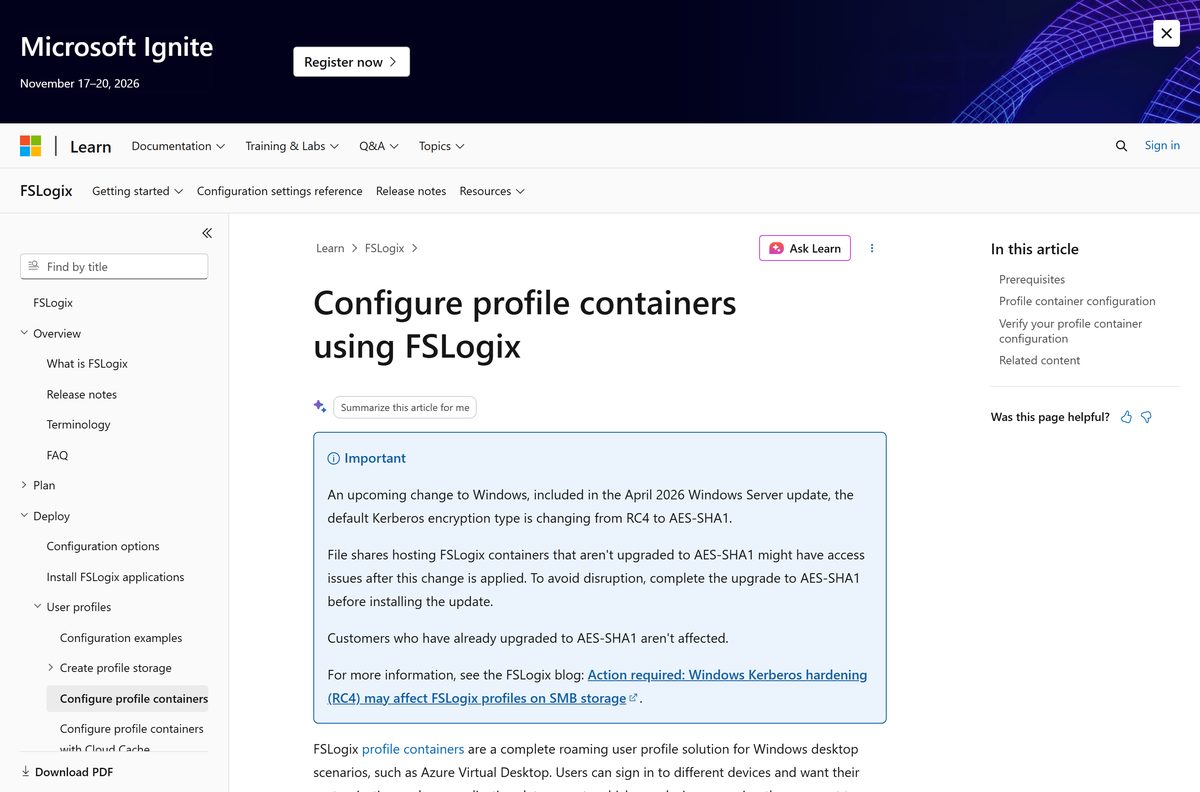
Install FSLogix silently across your session hosts
The setup program is a bundle, not an MSI, and it takes its own switches. These commands run from the extracted Release folder under an administrator account.
| What you want | Command | Result |
|---|---|---|
| The file on a distribution point | FSLogix_26.08.zip | 113.7 MB, extracted to a staging folder on each host |
| A silent install that leaves the reboot to you | FSLogixAppsSetup.exe /install /quiet /norestart | No UI, no prompts, no restart |
| A silent install with its own log | FSLogixAppsSetup.exe /install /quiet /log C:\Temp\fslogix.txt | Setup output goes to that file instead of %TEMP% |
| Minimal UI for an attended build | FSLogixAppsSetup.exe /install /passive | A progress bar and no prompts |
| A repair on a host with a broken service | FSLogixAppsSetup.exe /repair /quiet | Reinstalls the service and drivers over the current build |
| A local copy of the install bundle | FSLogixAppsSetup.exe /layout | Writes the bundle out for offline distribution |
| A silent removal | FSLogixAppsSetup.exe /uninstall /quiet /norestart | Removes the product, pending a reboot |
Run the upgrade on one pilot host first. Every release is a full build with new drivers, and a driver fault takes the whole host down rather than one session.
How to check your FSLogix version and update it
Microsoft supports the latest release only, and an upgrade is the first thing a support engineer asks for. There are no incremental patches and no Windows Update delivery.
- Right-click Start, select Installed apps and find Microsoft FSLogix Apps.
- Open Command Prompt, change to C:\Program Files\FSLogix\Apps and run frx version for the exact build.
- Compare that build with the top entry on the release notes page.
- Download the current archive from aka.ms/fslogix-latest if the numbers differ.
- Run FSLogixAppsSetup.exe on a pilot host; an upgrade installs straight over the older build.
- Reboot the host and run frx version again to confirm the new number.
- Roll the same package through your image build or deployment tool once the pilot host is clean.
Going backwards is different. Uninstall the current build, reboot, then install the older one.
Check the FSLogix system requirements before you deploy it
Two retirements landed on 11 February 2025: 32-bit operating systems and Windows Server 2012 R2 both dropped out of support.
| Field | Detail |
|---|---|
| Software | FSLogix |
| Developer | Microsoft Corporation |
| Latest version | 3.26.826.17182 (release 26.08, published 31 August 2026) |
| License | No charge, subject to an eligible Microsoft 365, Windows Enterprise, RDS or Azure Virtual Desktop license |
| Download size | 113.7 MB (FSLogix_26.08.zip) |
| Supported OS | Windows 10, Windows 11, including Azure Marketplace multi-session SKUs, plus Windows Server 2016, 2019, 2022 and 2025 |
| Architecture | 64-bit only |
| Storage | An SMB file share, Azure Files or another supported storage provider |
| Official download source | learn.microsoft.com |
| Offline installer | Yes, a self-contained .zip archive |
| Last verified | 2026-09-22 |
Plan the share, not just the hosts. Network latency between the session host and the storage provider sets the sign-in time users actually feel.
Which Microsoft licenses cover FSLogix?
Eligibility is per user, and it follows the license rather than the machine. The product runs in any public or private data center once the user is licensed.
| License you hold | Covers FSLogix |
|---|---|
| Microsoft 365 E3 or E5 | Yes |
| Microsoft 365 A3, A5 or Student Use Benefits | Yes |
| Microsoft 365 F1 or F3 | Yes |
| Microsoft 365 Business | Yes |
| Windows 10 Enterprise E3 or E5 | Yes |
| Windows 10 Education A3 or A5 | Yes |
| Remote Desktop Services CAL or SAL | Yes |
| Azure Virtual Desktop per-user access license | Yes |
| Windows 11 Home or Pro on a personal PC, with none of the above | No |
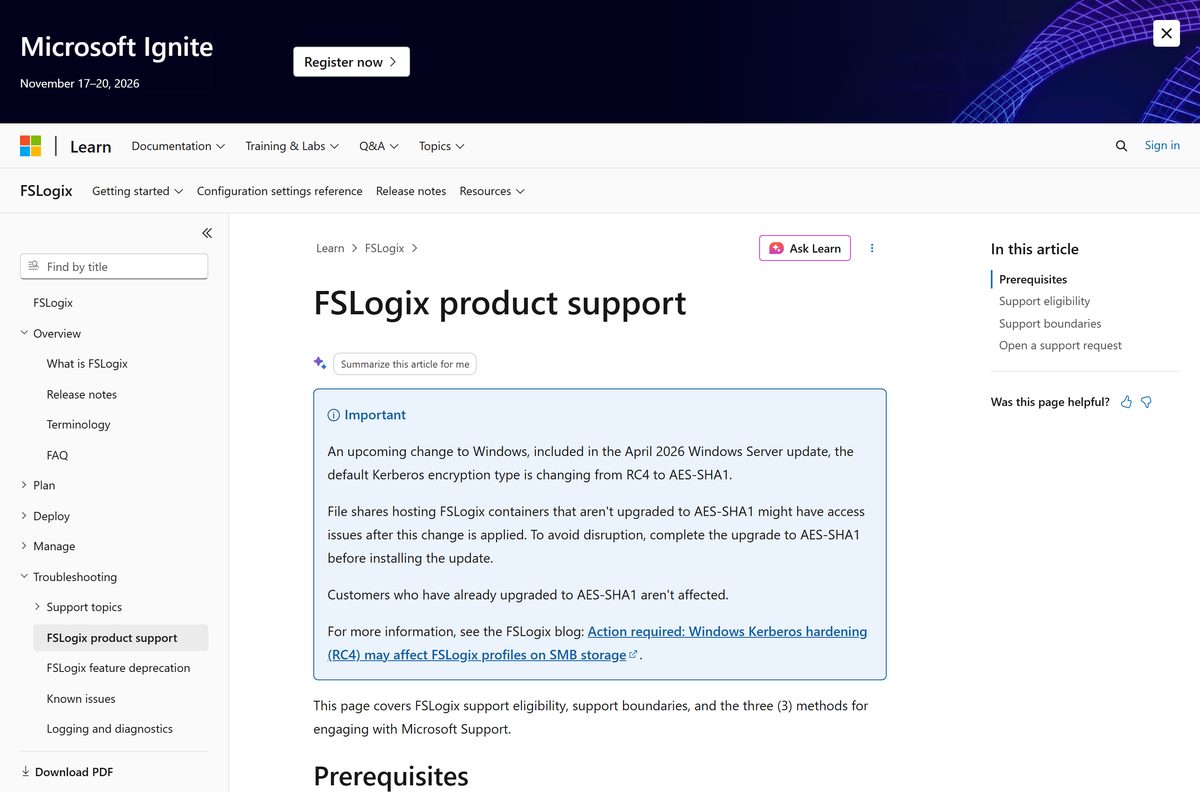
Support follows the same list. A support case needs both an eligible license and the current build installed.
Is FSLogix free?
Nothing on the download page asks for payment, and there is no trial, no product key and no per-seat purchase for the software itself.
Download and install it at no cost if your users hold one of the eligible licenses; otherwise buy the license first, because there is no standalone purchase. Microsoft bundles the usage right into Microsoft 365, Windows Enterprise, Windows Education, RDS CAL or SAL and Azure Virtual Desktop per-user licensing, so the archive is open to anyone while the right to run it in production is not. Any site charging for an installer, a key or a ‘pro’ edition is selling a file Microsoft gives away.
Storage is the real cost. Containers of 30 GB per user land on Azure Files or an SMB server, and that capacity is billed to you.
Should you configure a profile container or an ODFC container?
Both container types ship in the same install, and the choice is a registry decision rather than a download decision.
Configure a single profile container unless another roaming profile product already owns the user profile. The profile container redirects the whole Windows profile and already includes everything the Office Container holds, so running both duplicates data and adds sign-out work. The ODFC container exists for sites that keep an existing profile solution and want only the Microsoft 365, OneDrive, Teams and SharePoint data in a container. Microsoft names the single container as the recommended configuration.
Converting later works in one direction cleanly: the ODFC container copies data out of the profile container, and the original copy stays behind until you delete it.
Which FSLogix route do you need on a Mac?
There is no macOS build and no macOS installer, because the product is a Windows file system filter driver. A Mac still reaches a container-backed profile by connecting to a Windows session.
| What you want on the Mac | Route | Get it here |
|---|---|---|
| A full Windows desktop with your roaming profile | Connect to an Azure Virtual Desktop session host that runs FSLogix | Windows App for macOS 12.0 or later |
| A Cloud PC instead of a session host | Windows 365, which needs macOS 14.0 or later | Windows App setup guide |
| A published app from an RDS farm | Remote Desktop Services, supported on macOS 12.0 or later | Windows App setup guide |
| A .pkg installer instead of the Mac App Store | The standalone macOS package Microsoft publishes | What’s new in Windows App |
| The profile software itself on macOS | Not available. Install it on the Windows hosts instead | Install guide |
The container stays on the Windows side. Your Mac is the client, and the profile lives on the session host’s file share.
Fix FSLogix not loading a user profile on Windows 11 or 10
Nearly every report of a temporary profile traces back to one of four causes. Start with the profile log under C:\ProgramData\FSLogix\Logs .
Users get a temporary profile right after the install
Installing the product enables nothing. The container feature stays off until you set the registry values.
- Open HKEY_LOCAL_MACHINE\SOFTWARE\FSLogix\Profiles on the session host.
- Confirm Enabled exists as a DWORD set to 1 .
- Confirm VHDLocations holds the share path as REG_SZ, with semicolons between multiple paths.
- Sign the test user out and back in, then check the share for a new VHDX.
The log says access is denied when the container attaches
Share, NTFS or Azure RBAC permissions do not let the user create and open their own container.
- Open the profile log and look for Failed to attach VHD. (Access is denied.) .
- Apply the share and NTFS permissions from Microsoft’s storage permissions guide.
- Sign in as the test user and open the share path directly in File Explorer.
- Create a file in the user’s own folder to prove write access before retrying the sign-in.
A second session hands the user a temporary profile
The container is already attached to another host, and the default configuration allows one session at a time.
- Look for Operation ‘AcquireExclusiveLock’ failed in the profile log.
- Sign the user out of the original session and reconnect.
- Set PreventLoginWithTempProfile to 1 to block the sign-in instead of handing out a temporary profile.
- Read multiple concurrent connections before allowing two live sessions on one container.
An existing local profile loads instead of the container
The default behavior honors a local profile that already exists on the host.
- Check C:\Users for a local folder matching the user.
- Review which local profiles hold data that nobody has copied off yet.
- Set DeleteLocalProfileWhenVHDShouldApply to 1 so the local copy is removed at sign-in.
- Sign the user in again and confirm the container attaches.
Users sign in to an empty profile after a settings change
A folder-naming value such as FlipFlopProfileDirectoryName changed after containers already existed, so the old folder no longer matches.
- Compare the folder names on the share with the format the registry now implies.
- Revert the naming setting to match the folders on disk, which is the fastest fix.
- Restart the frxsvc service, then have affected users sign out and back in.
- Rename the container folders instead if you need to keep the new setting, with every affected user signed out first.
Profiles break after the April 2026 Windows Server update
That update changes the default Kerberos encryption type from RC4 to AES-SHA1, and shares still on RC4 lose access.
- Check whether the file share hosting your containers has moved to AES-SHA1.
- Complete that upgrade before you apply the Windows Server update.
- Test a sign-in against the upgraded share with a pilot user.
- Roll the update out to the remaining hosts once the pilot sign-in works.
Long sign-ins with no error are a storage problem more often than a product problem. Check the latency and free capacity on the share first.
How to uninstall FSLogix from a session host
Removal leaves the containers on the share untouched. Users fall back to local profiles at the next sign-in, so plan where their data goes first.
- Sign every user out of the host and confirm no container is still attached.
- Right-click Start and select Installed apps.
- Find Microsoft FSLogix Apps, open its menu and select Uninstall.
- Run FSLogixAppsSetup.exe /uninstall /quiet /norestart instead when you are scripting a fleet.
- Reboot the machine so the filter drivers unload.
- Delete the HKEY_LOCAL_MACHINE\SOFTWARE\FSLogix key if you are rebuilding the configuration from scratch.
- Remove the antivirus exclusions you added for the drivers, the program folder and the VHDX files.
- Keep the container share until the profile data is migrated, then retire it.
Uninstall, reboot and then install is also the supported path when you need to move back to an earlier build.
Which FSLogix alternative fits a machine that is not licensed?
A single physical PC gains little from a container, and a home edition of Windows is outside the eligibility list anyway.
| Option | What it does | When it fits |
|---|---|---|
| Profile container | Redirects the whole user profile into one VHDX on a share | Virtual desktops and multi-session hosts, the default choice |
| ODFC container | Redirects only Microsoft 365, OneDrive, Teams and SharePoint data | Sites keeping another roaming profile product |
| Cloud Cache | Writes a container to several storage providers at once | High availability and disaster recovery designs |
| OneDrive Known Folder Move | Syncs Desktop, Documents and Pictures to OneDrive | A single PC, or user data that has to roam without a container |
| Windows App | Connects a Mac, iPad or browser to a managed Windows session | Any device that cannot run the profile software itself |
Known Folder Move and a profile container also work together, and the container tracks the OneDrive folder size rather than the system disk.
Frequently asked questions
Is FSLogix free to download?
Yes. Microsoft charges nothing for the archive and there is no trial or product key. Running it in production requires an eligible license such as Microsoft 365 E3, Windows 10 Enterprise E3, an RDS CAL or SAL, or an Azure Virtual Desktop per-user license.
Where is the official FSLogix download page?
The install article on learn.microsoft.com links both short links, and aka.ms/fslogix_download resolves to the current archive on download.microsoft.com. Microsoft publishes nothing through download portals or mirrors, so any other host is a copy.
Does FSLogix work on Windows 11?
Yes. Microsoft supports Windows 11 and Windows 10, including the multi-session SKUs in the Azure Marketplace, plus Windows Server 2016, 2019, 2022 and 2025. Only 64-bit systems qualify since the February 2025 retirement of 32-bit support.
How big is the FSLogix download?
The current archive is 113.7 MB. It contains the core product setup and the Rule Editor setup for 64-bit Windows, so one file covers both the session hosts and the administrator workstation.
Is there an offline installer for FSLogix?
Yes. The .zip is fully self-contained, so you can copy it to an air-gapped session host and install with no network access. The /layout switch also writes a local copy of the install bundle for a distribution point.
Is there an FSLogix download for Mac?
No. The product is a Windows file system filter driver with no macOS build. A Mac reaches a container-backed profile through Windows App on macOS 12.0 or later, connecting to Azure Virtual Desktop, Windows 365 or Remote Desktop Services.
Is there a 64-bit or ARM64 build of FSLogix?
The archive ships an x64 build only, in its x64 and Release folders. Support for 32-bit operating systems ended on 11 February 2025, at the same time as support for Windows Server 2012 R2.
Is FSLogix safe to download?
Yes, from Microsoft’s own pages. The short links resolve to download.microsoft.com over HTTPS, and setup is signed by Microsoft. Add the documented antivirus exclusions afterwards, because scanning the drivers and containers causes sign-in failures.
What is the latest FSLogix version?
Build 3.26.826.17182, release 26.08, published on 31 August 2026. It adds background Cloud Kerberos ticket refresh for Microsoft Entra-joined devices and fixes several driver security and OneDrive data-loss issues.
Why won’t FSLogix load a profile after I install it?
Installing it enables nothing. Set Enabled to 1 and VHDLocations to your share path under HKEY_LOCAL_MACHINE\SOFTWARE\FSLogix\Profiles, then check share and NTFS permissions, which cause most access denied attach failures.
Does FSLogix update through Windows Update?
No. Updates are manual or part of your image build process, and each release is a full build rather than a patch. A newer build installs over the older one and needs a reboot to finish.
Can you download an older version of FSLogix?
Microsoft Download Center carries only the last two feature releases and their hotfixes. Moving back also means uninstalling the current build and rebooting first, and support requires the latest version before a case can be opened.
Do you need Azure to run FSLogix?
No. It runs in any public or private data center, on physical desktops as well as virtual ones, provided the user is licensed. Azure Virtual Desktop simply gets extra integration, and Azure Files is a common storage provider.
How do you check which FSLogix version is installed?
Open Command Prompt as an administrator, change to C:\Program Files\FSLogix\Apps and run frx version. The build also appears under Installed apps as Microsoft FSLogix Apps.






