The ChromeDriver download is free from Google’s Chrome for Developers site, with builds for Windows 11, Windows 10, macOS and Linux.
The one rule that matters: ChromeDriver must match the major version of the Chrome it controls. Chrome 152 needs ChromeDriver 152.
This guide covers which build to pick, how to match it to Chrome, setup on Windows and Mac, Selenium code, fixes for common errors and removal.
Which ChromeDriver download do you need?
Check your Chrome version first. Open Chrome, select More, then Help, then About Google Chrome, and read the version number.
| Your Chrome version | Where to get ChromeDriver | Link |
|---|---|---|
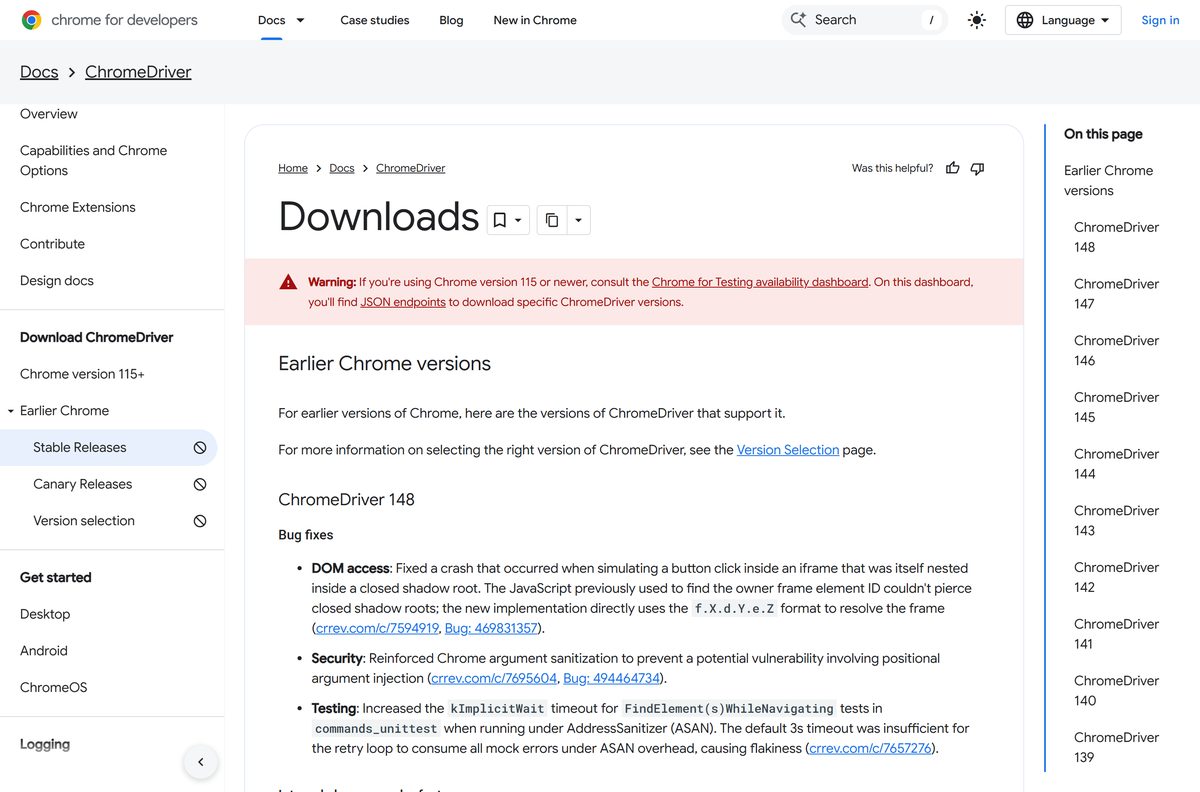
| Chrome 115 or newer, including Chrome 152 | Chrome for Testing availability dashboard, linked at the top of the downloads page | ChromeDriver downloads page |
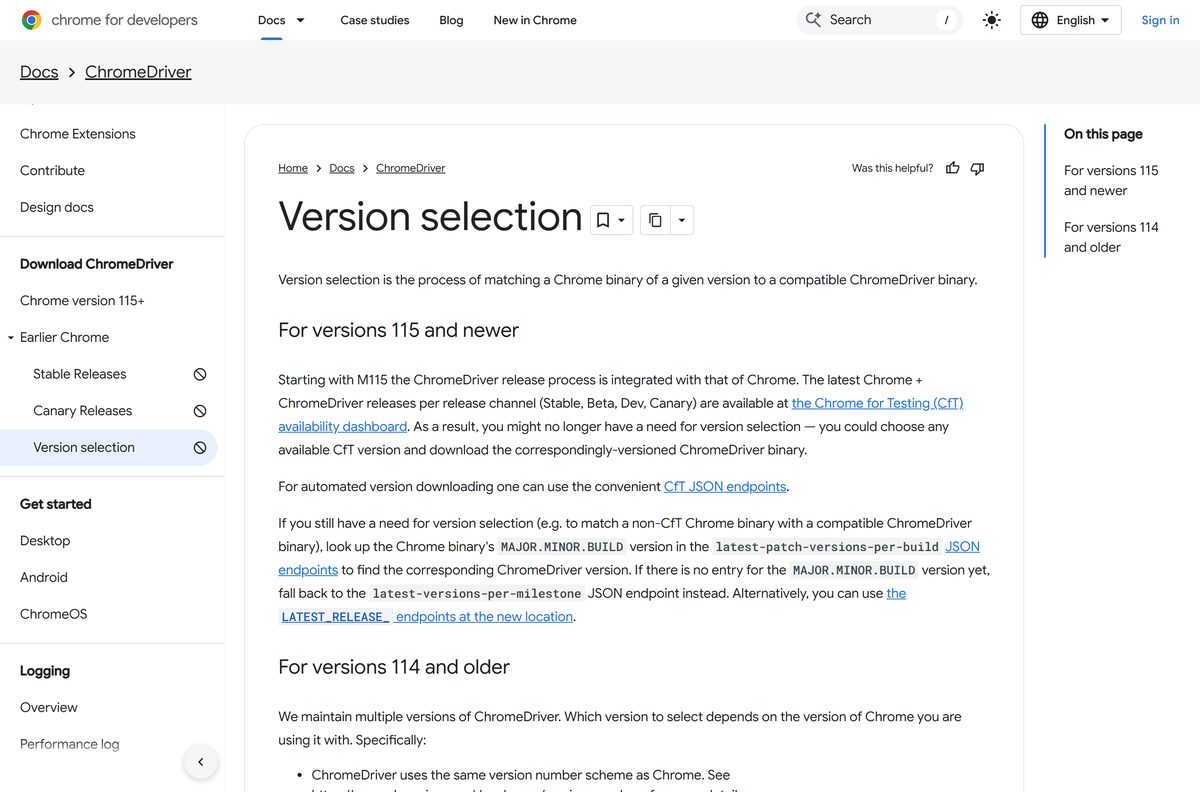
| A specific Chrome build, such as a pinned test machine | The per-build JSON endpoints described on the version selection page | Version selection guide |
| Chrome 114 or older | The legacy ChromeDriver storage bucket, found with the LATEST_RELEASE_ lookup | Version selection guide |
| Chrome Canary | ChromeDriver Canary builds | Canary releases |
On the dashboard, pick the Stable channel row, then the chromedriver entry for your platform: Windows, Mac with Apple silicon, Intel Mac or Linux.
Check the ChromeDriver requirements and specifications
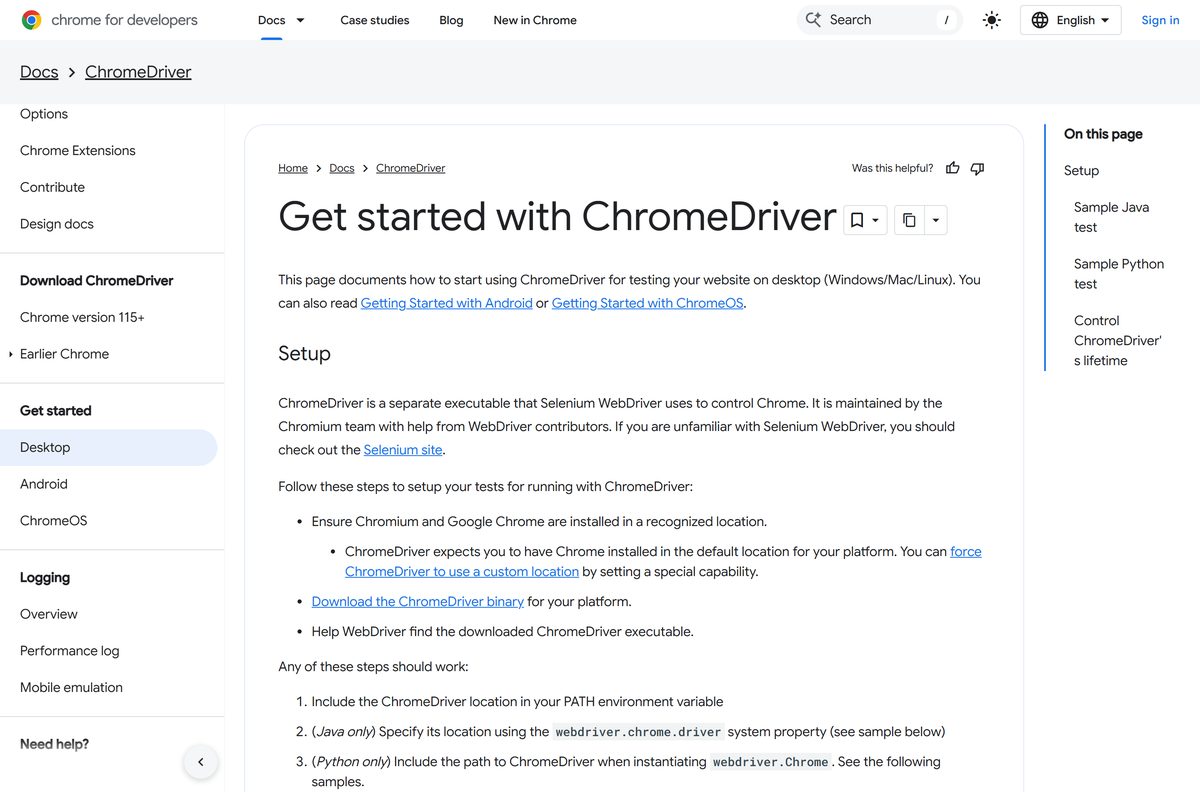
ChromeDriver runs on any desktop where the matching Chrome runs. It also needs that Chrome installed in its default location.
| Item | Detail |
|---|---|
| Software | ChromeDriver |
| Developer | Google, maintained by the Chromium team |
| Latest version | 152 on the Stable channel, matching Chrome 152 |
| License | Free |
| File size | Not published by Google |
| Supported OS | Windows 10 or later; macOS 13 Ventura or later; 64-bit Ubuntu 18.04+, Debian 10+, openSUSE 15.5+, Fedora Linux 39+ |
| Architecture | Windows, Linux, Intel Mac and Apple silicon Mac builds |
| Requires | Google Chrome or Chrome for Testing with the same major version |
| Offline installer | Not needed; ChromeDriver is a standalone executable |
| Default port | 9515 |
| Official download source | developer.chrome.com |
| Last verified | September 25, 2026 |
Download ChromeDriver for Windows 11, 10, Mac and Linux
Every official ChromeDriver build starts from Google’s Chrome for Developers site. Use these pages, not a mirror.
- ChromeDriver downloads — entry point to the Chrome for Testing dashboard and its JSON endpoints
- Version selection — how to find the exact build for any Chrome version
- Canary releases — for testing against Chrome Canary
- Get started with ChromeDriver — setup for Windows, Mac and Linux
The old address chromedriver.chromium.org now redirects to the ChromeDriver documentation on developer.chrome.com.
How to match ChromeDriver to your Chrome version
Chrome updates itself every few weeks, and ChromeDriver does not. A driver that worked last month fails once Chrome moves to a new major version.
- Open Chrome and select More at the top right.
- Select Help, then About Google Chrome.
- Select Relaunch if an update is waiting, then note the full version number.
- Keep the first three parts of the number, the MAJOR.MINOR.BUILD part.
- Look that build up in the latest-patch-versions-per-build endpoint on the Chrome for Testing dashboard.
- Fall back to the latest-versions-per-milestone endpoint if your build is not listed.
- Download the ChromeDriver for that version and your platform.
- Replace the old executable with the new one in the same folder.
For Chrome 114 and older, drop the last part of the version and append it to the LATEST_RELEASE_ address shown on the version selection page. The file returned names the matching ChromeDriver.
How to install ChromeDriver on Windows 11 and 10
ChromeDriver has no setup wizard. You place the executable in a folder and tell Windows where it is.
- Create a folder for it, such as C:\WebDriver .
- Extract the downloaded archive and copy chromedriver.exe into that folder.
- Press Windows + S, type environment variables , and open Edit the system environment variables.
- Select Environment Variables.
- Under User variables, select Path, then Edit.
- Select New, type C:\WebDriver , and select OK on each open window.
- Open a new Command Prompt and type chromedriver .
- Confirm the output reads Starting ChromeDriver followed by the version and port 9515.
- Press Ctrl + C to stop it.
Which ChromeDriver download do you need for your Mac?
Open the Apple menu, select About This Mac, and read the Chip or Processor line.
| Your Mac says | Pick this build | Link |
|---|---|---|
| Apple M1, M2, M3, M4 or later | Mac Apple silicon (arm64) | ChromeDriver downloads |
| Intel Core processor | Mac Intel (x64) | ChromeDriver downloads |
Extract the archive, then move chromedriver into a folder on your PATH, such as /usr/local/bin . Open Terminal and run chromedriver to confirm it starts on port 9515.
Chrome must be in the Applications folder. ChromeDriver looks for it in the default location.
Run ChromeDriver without adding it to PATH
Selenium can take the driver’s location directly, which keeps several ChromeDriver versions side by side.
- Download the matching build from the ChromeDriver downloads page and keep chromedriver in your project folder.
- In Python, create a Service object with the full path: Service(‘/path/to/chromedriver’) .
- Start it with service.start() , then connect with webdriver.Remote(service.service_url) .
- In Java, set the path first: System.setProperty(“webdriver.chrome.driver”, “/path/to/chromedriver”) .
- Create the driver with new ChromeDriver() and open a page with driver.get() .
- Call driver.quit() at the end of every test so the driver process exits.
Large test suites save time with ChromeDriverService , which starts one server for many tests instead of one per test.
Should ChromeDriver drive Chrome for Testing or your regular Chrome?
Use Chrome for Testing with its matching ChromeDriver for automated test suites. Use your regular Chrome only for quick local scripts. Regular Chrome updates itself and breaks the version match between runs. Chrome for Testing has no auto-update, ships for every Chrome release, and gets a ChromeDriver built in lockstep with it.
Chrome for Testing is meant only for automation and testing. Google advises using it only with trustworthy content.
Is ChromeDriver free?
Yes. ChromeDriver is free, maintained by the Chromium team, and published for every Chrome release in a public download bucket. There is no paid edition, licence key or sign-in. Any site selling ChromeDriver, or bundling it inside an installer, is not Google.
Run ChromeDriver safely on a CI server or shared machine
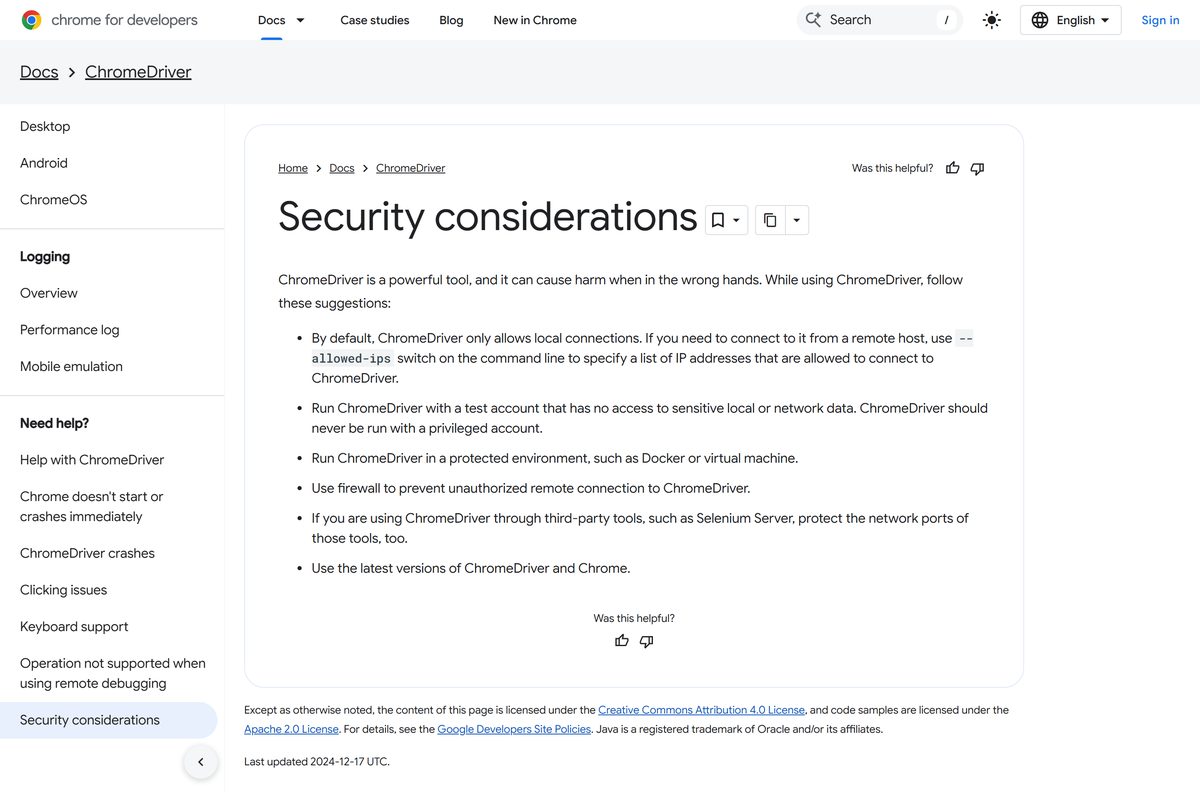
ChromeDriver controls a full browser, so treat it like any remote-control service.
| Setting | What to do |
|---|---|
| Remote connections | Off by default. Allow specific hosts only with --allowed-ips |
| User account | Run under a test account with no access to sensitive data, never a privileged one |
| Isolation | Run inside Docker or a virtual machine |
| Network | Block unauthorised remote connections with a firewall |
| Selenium Server | Protect its network ports too |
| Versions | Keep both Chrome and ChromeDriver on the latest release |
| Full guidance | ChromeDriver security considerations |
Start chromedriver once in its own terminal. It listens on port 9515, so point tests at http://127.0.0.1:9515 through Remote WebDriver.
Fix ChromeDriver not starting or not finding Chrome
The session fails with a version error
Chrome updated to a new major version and the old driver no longer matches.
- Open About Google Chrome and read the new version.
- Download the ChromeDriver with the same major version.
- Overwrite the old executable and rerun the test.
‘chromedriver’ is not recognized as a command
The folder holding the executable is not on PATH.
- Add the folder to Path under Environment Variables.
- Close and reopen Command Prompt or Terminal.
- Or pass the full path to Selenium in code instead.
Chrome does not start, or crashes right away
A broken Chrome install, or a test harness such as Jenkins running as a background service.
- Launch the same Chrome binary from a normal command prompt.
- Check chromedriver.log to confirm which Chrome binary the test used.
- Reinstall Chrome if it fails to start on its own.
- Use Chrome’s alternate installer, which installs Chrome for all users, when Selenium runs as a service.
Chrome crashes on startup on Linux
Chrome is running as the root user.
- Run the tests as a regular user account.
- Avoid –no-sandbox . Google calls that setup unsupported and highly discouraged.
ChromeDriver cannot find Chrome at all
Chrome sits outside its default install location.
- Reinstall Chrome in the default location for your platform.
- Or set the Chrome binary path through the binary capability in ChromeOptions.
How to uninstall ChromeDriver
ChromeDriver never registers with Windows or macOS, so there is no entry in Installed apps.
- Stop any running tests and end chromedriver.exe in Task Manager.
- Delete chromedriver.exe from the folder you placed it in.
- Open Environment Variables, select Path, and remove that folder’s entry.
- On a Mac, run sudo rm /usr/local/bin/chromedriver in Terminal.
- Delete any chromedriver.log files your tests created.
Which WebDriver do you need for other browsers?
| Browser | Driver | Official source |
|---|---|---|
| Google Chrome, Chromium | ChromeDriver | developer.chrome.com |
| Microsoft Edge | Microsoft Edge WebDriver, matched to your Edge build | developer.microsoft.com |
| Mozilla Firefox | geckodriver | github.com/mozilla |
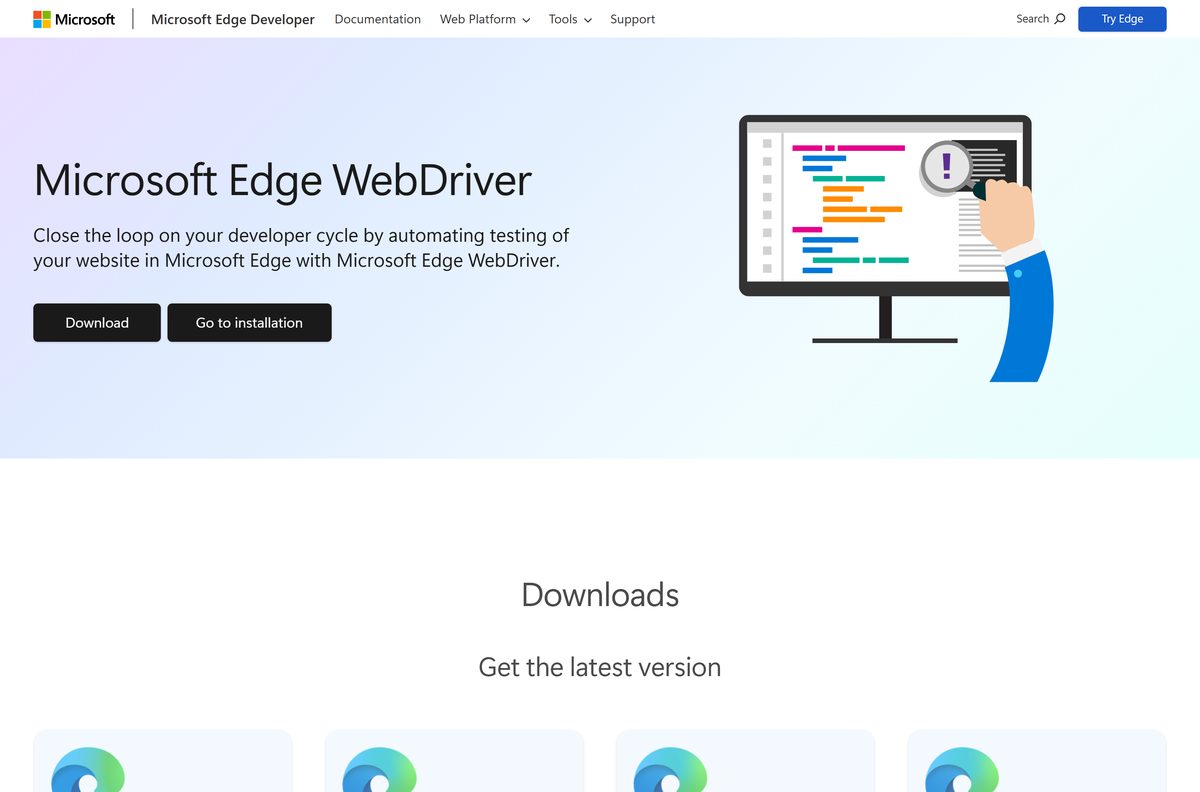
ChromeDriver does not drive Microsoft Edge. Edge needs its own driver, offered for Windows x86 and x64, Mac, Linux and ARM64.
Find your Edge build under Settings, Help and feedback, About Microsoft Edge, then download the matching driver.
Frequently asked questions
Is ChromeDriver free?
Yes. ChromeDriver is free from Google and maintained by the Chromium team. There is no paid version, licence key or account, and every build comes from the Chrome for Testing public bucket linked on developer.chrome.com.
Where is the official ChromeDriver download page?
The official page is developer.chrome.com/docs/chromedriver/downloads. For Chrome 115 and newer it points to the Chrome for Testing availability dashboard, which lists ChromeDriver for every platform and channel.
Does ChromeDriver work on Windows 11?
Yes. ChromeDriver runs on Windows 11 and Windows 10, the same systems Chrome supports. Place chromedriver.exe in a folder on your Path or give Selenium its full path.
How big is the ChromeDriver download?
Google does not publish a file size for ChromeDriver. Each platform download is one archive holding the chromedriver executable, and it needs no installer or extra runtime files.
Is there an offline installer for ChromeDriver?
ChromeDriver has no installer at all. It is a standalone executable, so you can copy it to an offline machine and run it there, as long as the matching Chrome is installed.
Is there a ChromeDriver for Mac?
Yes. Google publishes separate ChromeDriver builds for Apple silicon Macs and Intel Macs. Check the Chip line under About This Mac to pick the right one.
Which ChromeDriver version do I need?
You need the ChromeDriver whose major version matches your Chrome. Check the version under Help, About Google Chrome, then download that version from the Chrome for Testing dashboard.
What is the latest ChromeDriver version?
The Stable ChromeDriver tracks Chrome Stable, which is Chrome 152, released on September 1, 2026. ChromeDriver and Chrome now ship through the same Chrome for Testing release process.
Is ChromeDriver safe to download?
ChromeDriver is safe from Google’s own dashboard. By default it accepts only local connections. Run it under a non-privileged test account, and open remote access only with the –allowed-ips switch.
Why won’t ChromeDriver start?
The usual cause is a version mismatch after Chrome updated itself. Download the ChromeDriver matching your new Chrome version. A missing Path entry or Chrome outside its default location causes the rest.
Does ChromeDriver work with Microsoft Edge?
No. Microsoft Edge uses its own Microsoft Edge WebDriver from developer.microsoft.com. Match it to your Edge build number, found under Settings, Help and feedback, About Microsoft Edge.