The Amazon Flex download is free for iPhone and Android phones, and it is the app you use to sign up, reserve delivery blocks and run your routes. Scan the QR code on Amazon’s download page, or open Google Play or the App Store and install the listing from Amazon.
The iPhone build is 494.3 MB and needs iOS 17 or later. Android phones need Android 14 or higher, plus a working GPS, a SIM card and Google Play services.
This guide covers which store to use, install steps for both phones, the phone requirements Amazon enforces, what to do on a Windows PC or Mac, and fixes for install and sign-in problems.
Which Amazon Flex download do you need?
Match your device to a row, then use the link in that row. Both phone rows end at the same Amazon Flex app.
| Your device | What to install | Size |
|---|---|---|
| Android phone on Android 14 or later | Amazon Flex on Google Play | Play states no size |
| iPhone on iOS 17 or later | Amazon Flex on the App Store | 494.3 MB |
| Windows 11 or Windows 10 PC | Scan the QR code on the download page with your phone | Nothing to install on the PC |
| Mac | Scan the QR code on the download page with your phone | Nothing to install on the Mac |
Download Amazon Flex from the official page and stores
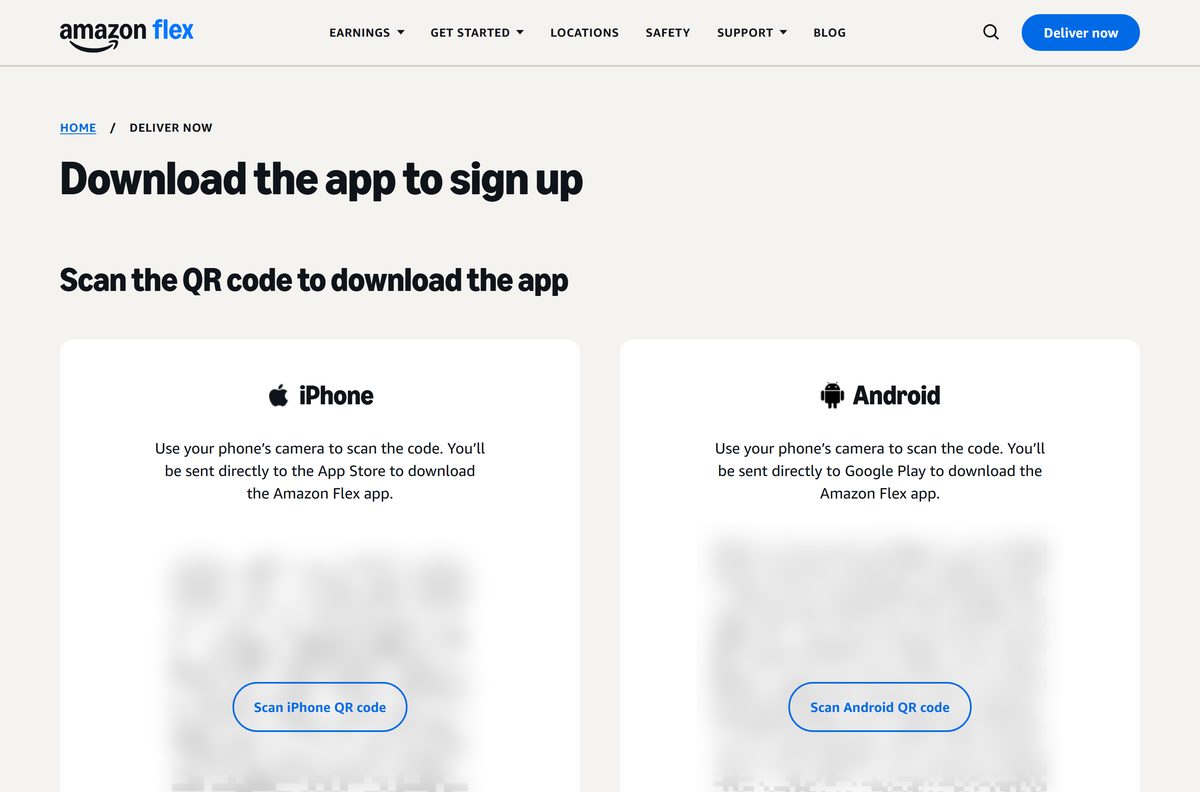
Amazon’s own download page carries two QR codes, one for iPhone and one for Android. Each code opens the right store listing on your phone.
- Amazon Flex download page — QR codes for the App Store and Google Play
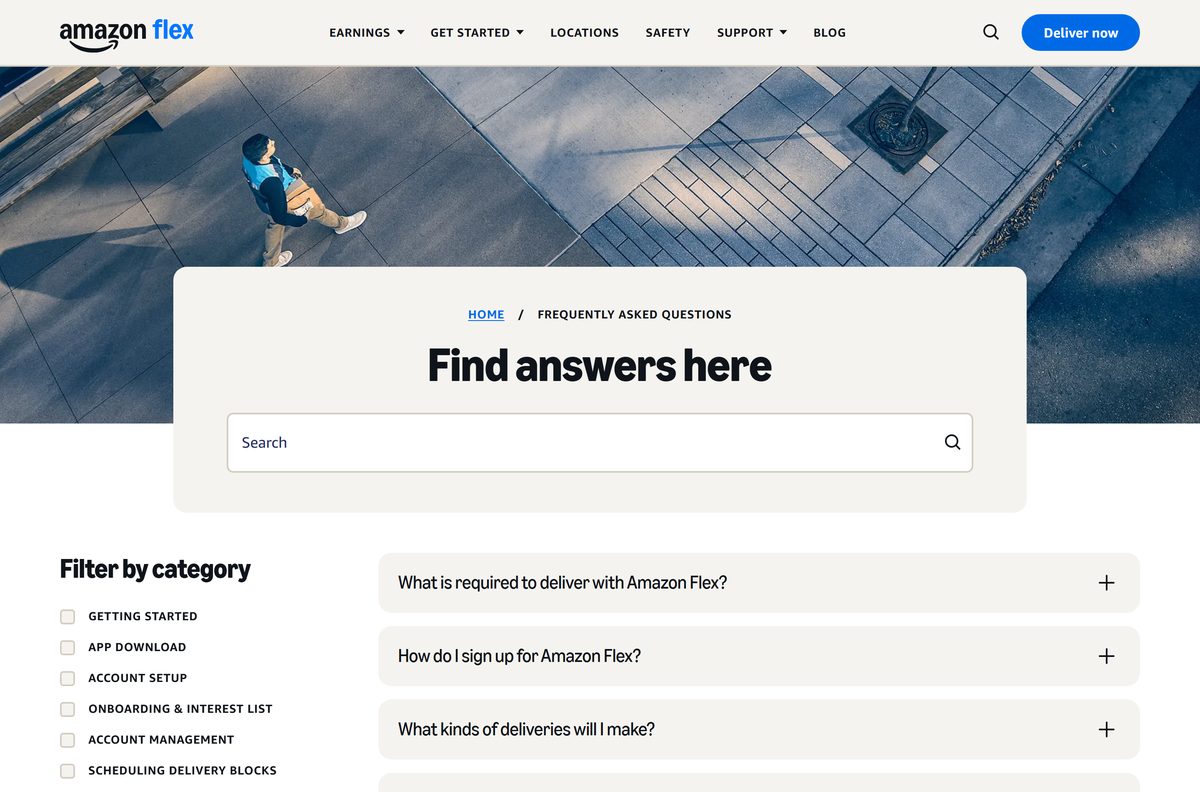
- Amazon Flex on Google Play — Amazon Mobile LLC, free, 5M+ downloads
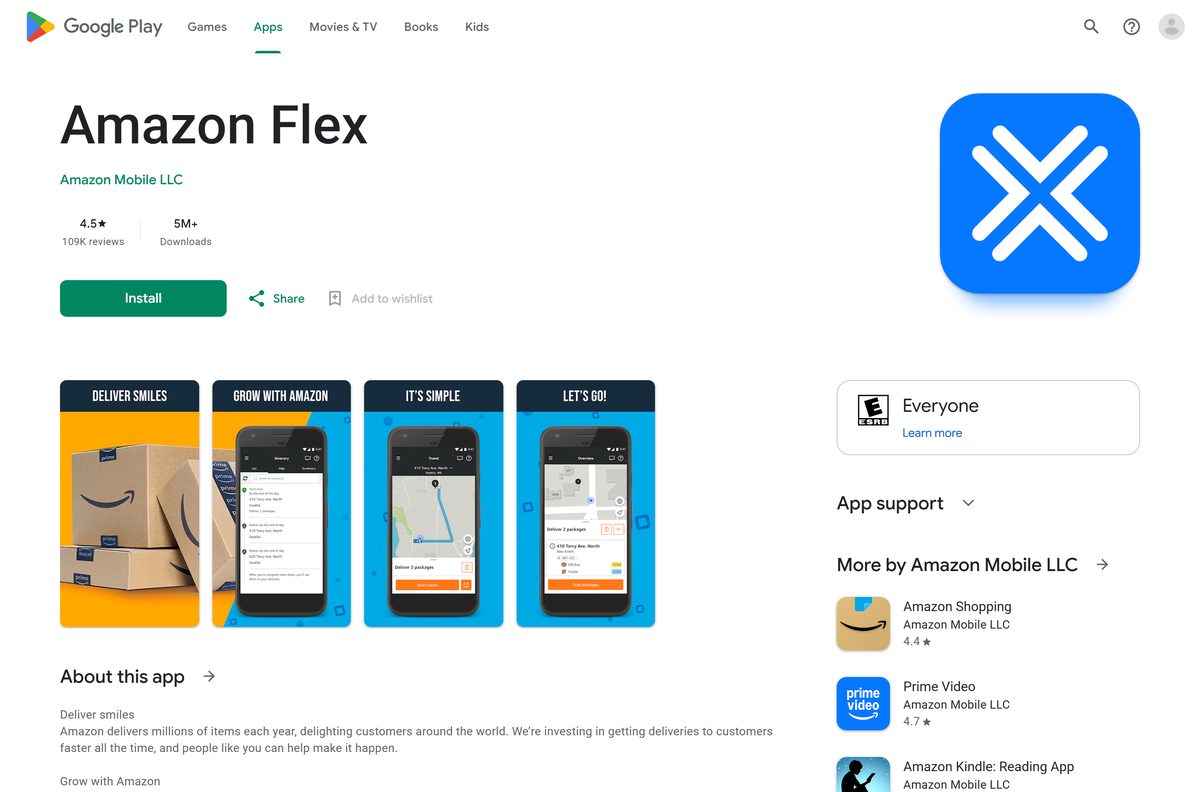
- Amazon Flex on the App Store — 494.3 MB · AMZN Mobile LLC, iPhone only, iOS 17 or later
On the phone itself, search either store for Amazon Flex and open the listing whose developer is Amazon.
Check the Amazon Flex app system requirements
Amazon sets a stricter bar for Android than the store does. A phone that installs the app can still fail these checks.
| Field | Value |
|---|---|
| Software | Amazon Flex |
| Developer | AMZN Mobile LLC (Amazon) |
| Latest version | 2.615.206 on iPhone (24 September 2026); Android updated 21 September 2026 |
| Price | Free |
| Android | Android 14 or higher, 3 GB RAM or more, Google Play services |
| Android hardware | 5 MP camera, 4500 mAh battery, GPS and a SIM card |
| iPhone | An iPhone updated to iOS 17 or higher |
| iPad, Windows and Mac | Not supported; the app is phone-only |
| Download size | 494.3 MB on the App Store; Google Play states no size |
| Offline installer | None |
| Official source | flex.amazon.com, Google Play and the App Store |
| Last verified | 2026-09-25 |
Amazon also lists more than 40 Android models it does not support, including the Moto G Pure, Galaxy A20s, Samsung Galaxy A03s and Redmi Note 8. Check the full list in the Amazon Flex FAQ before you buy a phone for deliveries.
How to install Amazon Flex on an Android phone
Have your driver’s license, Social Security number, bank details and auto insurance policy nearby. Onboarding asks for all four inside the app.
- Open the Google Play Store on your phone, or scan the Android QR code on the Amazon Flex download page.
- Search for Amazon Flex and open the listing from Amazon Mobile LLC.
- Tap Install and wait for the download to finish.
- Tap Open.
- Allow Location and Notifications when the app asks.
- Sign in with your Amazon account, or create a new one for Amazon Flex.
- Complete the onboarding screens and submit your details.
Amazon emails you once it has processed the details. Most people finish onboarding in under an hour.
How to install Amazon Flex on an iPhone
The iPhone build is a 494.3 MB download, so start it on Wi-Fi.
- Scan the iPhone QR code on the download page, or open the Amazon Flex listing on your iPhone.
- Check that the developer reads AMZN Mobile LLC.
- Tap Get, then confirm with Face ID, Touch ID or your Apple Account password.
- Tap Open once the install finishes.
- Allow Location and Notifications when iOS asks.
- Sign in with your Amazon account and follow the onboarding screens.
Turn on notifications. New block offers appear as alerts, and popular blocks go quickly.
What to do on a Windows PC or Mac
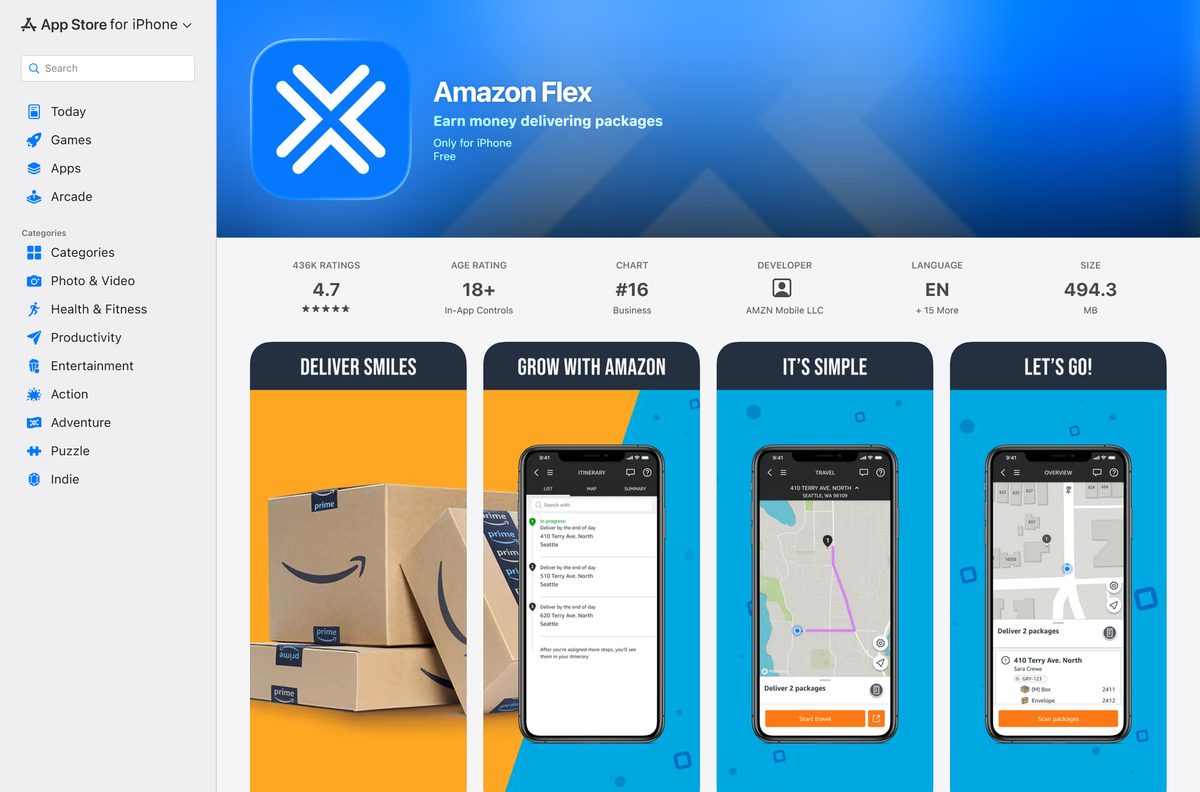
There is no PC or Mac version of Amazon Flex. Amazon’s FAQ states that the app can only be downloaded from a mobile phone, and the App Store listing reads Only for iPhone.
A computer is still useful for the parts that happen outside the app: reading the requirements, finding your area and managing the Amazon account you sign in with.
| What you want on the computer | What to do |
|---|---|
| Get the app onto your phone | Open the download page and scan a QR code |
| Check whether you qualify | Read the Amazon Flex requirements |
| Find a delivery area near you | Browse Amazon Flex locations |
| Change the password or email on your Flex account | Edit Login & security on Amazon.com |
Skip any site offering an Amazon Flex EXE, DMG or desktop installer. Amazon does not publish one.
Is Amazon Flex free?
Yes. The app is free on both stores, and it has no paid tier. Amazon Flex is the work app for independent delivery partners, so the money flows the other way. You see the earnings for each delivery block before you accept it, and Amazon pays by direct deposit to a checking or savings account.
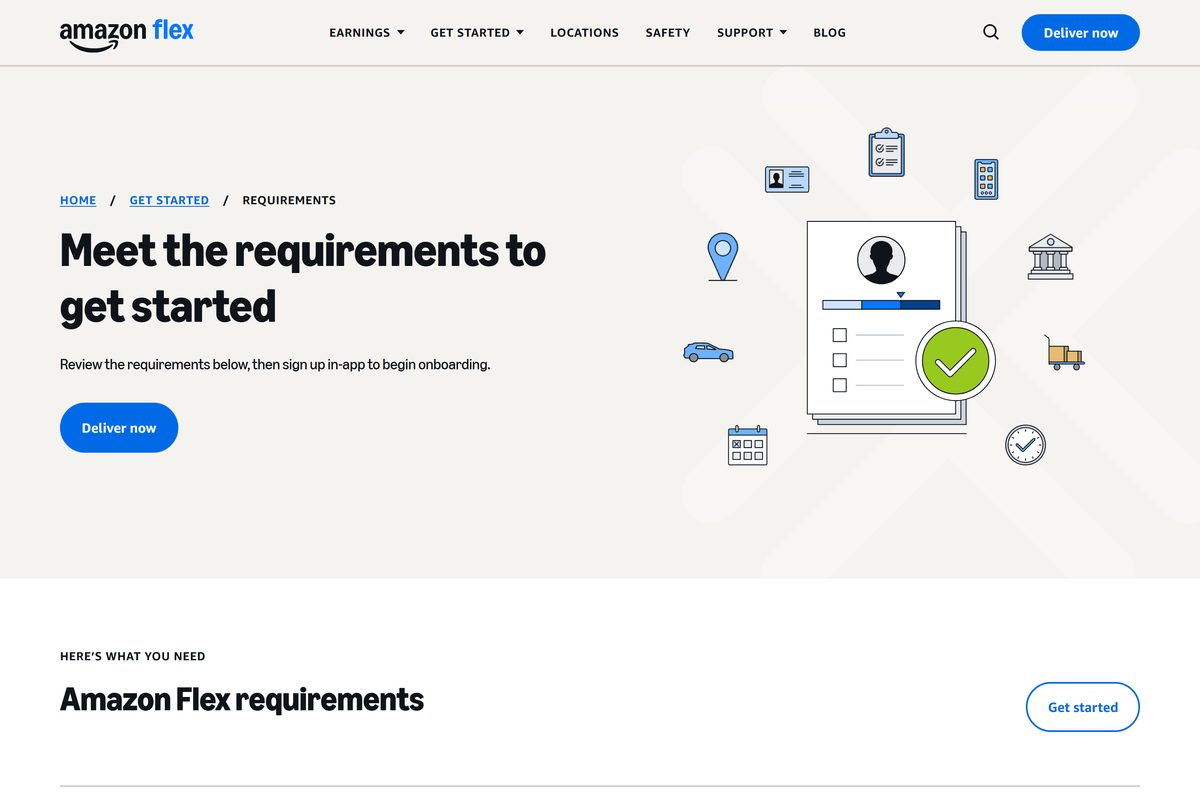
To use it for deliveries you must be 21 or older, hold a valid U.S. driver’s license and Social Security number, and drive a 4-door sedan, SUV, van or truck with a covered bed.
How to verify the Amazon Flex app is genuine
Amazon Flex has no installer file to checksum. The store listing and the phone’s own security checks are the proof.
- Open the listing from flex.amazon.com or the links above, not from a search ad.
- On Google Play, check that the developer reads Amazon Mobile LLC and the listing shows 5M+ downloads.
- On the App Store, check that the developer reads AMZN Mobile LLC under Business.
- On Android, open Play Protect in the Play Store and confirm it is turned on.
- Delete any Amazon Flex file you got from a third-party site.
Amazon requires Android phones to be non-rooted with Google Play Protect enabled, so a sideloaded copy on a rooted phone fails anyway.
How to check your Amazon Flex version and update it
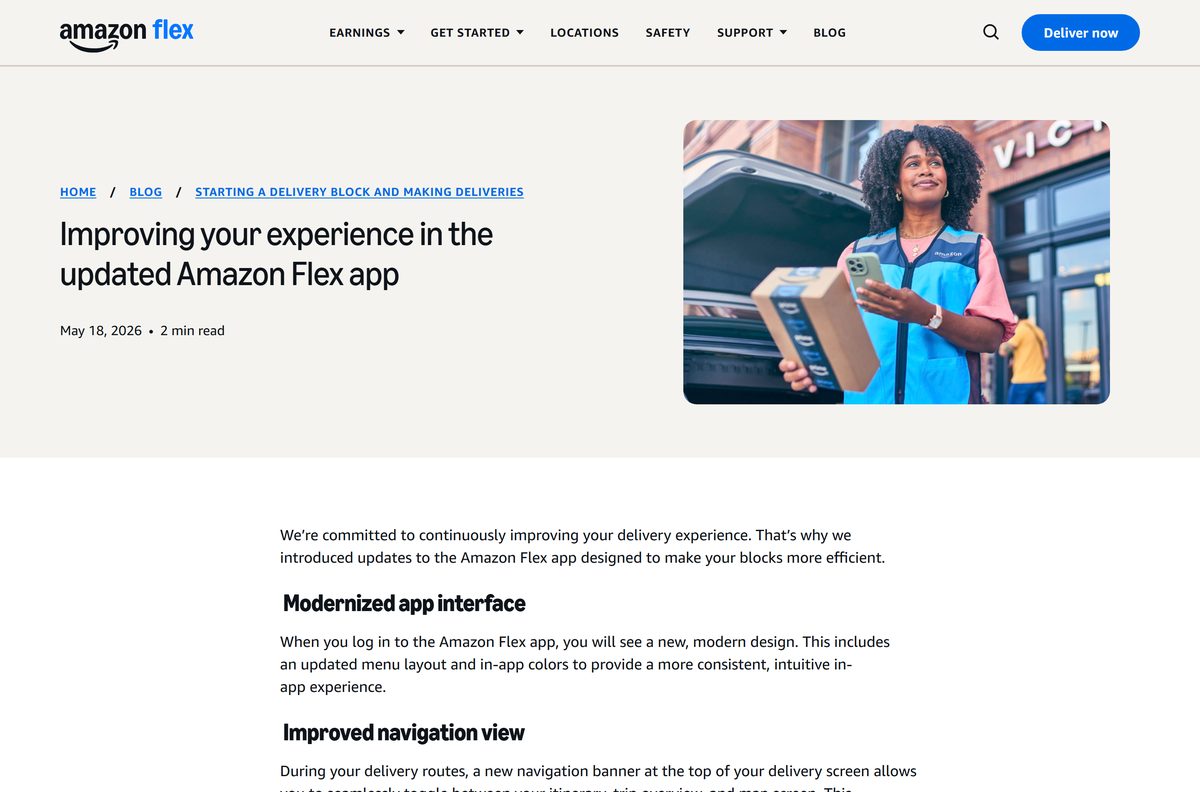
Amazon ships updates only through the two stores. Its May 2026 update brought a new interface and a Current Stop button during routes.
- On Android, open the Play Store, tap your profile icon, then Manage apps & devices.
- Tap Updates available and update Amazon Flex if it is listed.
- On iPhone, open the App Store and tap your profile picture.
- Scroll to the pending updates and tap Update beside Amazon Flex.
- Reopen the app and sign in again if it asks.
Fix Amazon Flex not installing or not signing in
The store says Amazon Flex is not compatible with your phone
The phone runs below Android 14 or iOS 17, or it is an iPad.
- On iPhone, open Settings, then General, then Software Update.
- On Android, open Settings, then About phone, and check the Android version.
- Install any pending update, then retry the store listing.
- Use an iPhone or Android phone if you tried from an iPad.
The app installs on Android but will not let you work
The phone is on Amazon’s unsupported list, is rooted, or has Play Protect turned off.
- Compare your model with the unsupported list in the Amazon Flex FAQ.
- Turn on Play Protect in the Play Store settings.
- Check the phone has a SIM card, GPS turned on and at least 3 GB of RAM.
- Move to a supported phone if the model is on the list.
You forgot your Amazon Flex password
Amazon Flex signs in with your Amazon account password.
- Sign out of the Amazon Flex app.
- Select Sign in with Amazon.
- Tap Forgot password and follow the prompts.
- Call Driver Support at 888-281-6906, 8 AM to 9 PM PT, if you still cannot sign in.
The Microsoft Store or Mac App Store shows no Amazon Flex app
Amazon publishes the app for phones only.
- Open flex.amazon.com/download-app on the computer.
- Scan the QR code for your phone.
- Install and sign in on the phone.
How to uninstall and reinstall Amazon Flex
Do it between blocks, never during a route. Your Flex account lives on your Amazon account, not on the phone.
- On Android, open the Play Store, tap your profile icon, then Manage apps & devices and Manage.
- Select Amazon Flex and tap Uninstall.
- On iPhone, touch and hold the Amazon Flex icon, tap Remove App, then Delete App.
- Reinstall by searching for Amazon Flex in Google Play or the App Store.
- Sign in with the same email address as your Amazon account.
Apple’s remove apps guide and Google’s delete apps guide cover the same steps.
Frequently asked questions
Is the Amazon Flex app free?
Yes. Amazon Flex is free on Google Play and the App Store, with no paid tier. It is the work app for Amazon’s independent delivery partners, who are paid by direct deposit for the delivery blocks they complete.
What is the official Amazon Flex download page?
The official page is flex.amazon.com/download-app. It shows one QR code for iPhone and one for Android, and each code opens the Amazon Flex listing in the App Store or Google Play on your phone.
Can I download Amazon Flex on a Windows 11 PC?
No. Amazon’s FAQ states the Amazon Flex app can only be downloaded from a mobile phone, and there is no Windows version. Open the download page on the PC and scan its QR code with your phone instead.
How big is the Amazon Flex download?
The iPhone app is 494.3 MB on the App Store. Google Play does not state a size for the Android app, which varies by phone. Start the download on Wi-Fi to avoid using mobile data.
Is there an Amazon Flex APK or offline installer?
Amazon directs Android users to Google Play, and iPhone users to the App Store. It publishes no EXE, DMG or offline installer, and a sideloaded copy is a risk because Amazon requires Google Play Protect to be on.
Is there an Amazon Flex app for Mac or iPad?
No. The App Store listing reads Only for iPhone, and the Mac App Store carries no Amazon Flex app. Use an iPhone on iOS 17 or later, or an Android phone on Android 14 or later.
Does Amazon Flex have a 64-bit or ARM64 build for PC?
The question does not apply, because there is no desktop build. Amazon Flex runs on Android 14 or higher and iOS 17 or higher, and each store delivers the right build for your phone automatically.
Is the Amazon Flex app safe to install?
Yes, from the official stores. The App Store listing comes from AMZN Mobile LLC and the Google Play listing from Amazon Mobile LLC. Avoid any third-party site offering an Amazon Flex file.
What is the latest Amazon Flex app version?
Version 2.615.206 on iPhone, released on 24 September 2026. Google Play shows the Android app updated on 21 September 2026. Update from the App Store or Google Play to get the newest build.
Why won’t Amazon Flex install on my phone?
The phone is usually below Android 14 or iOS 17. Update the system software, then retry. Amazon also blocks more than 40 Android models, including the Moto G Pure and Galaxy A20s, and rooted phones.
Do I need an Amazon account to use Amazon Flex?
Yes. Amazon Flex signs in with an Amazon account. Use your existing account or create a new one when you first sign up, and use that same email address whenever you sign in again.
What do I need to sign up for Amazon Flex?
You need to be 21 or older, with a valid U.S. driver’s license, a Social Security number, an eligible 4-door vehicle, insurance that meets local rules, a compatible phone and a bank account for direct deposit.