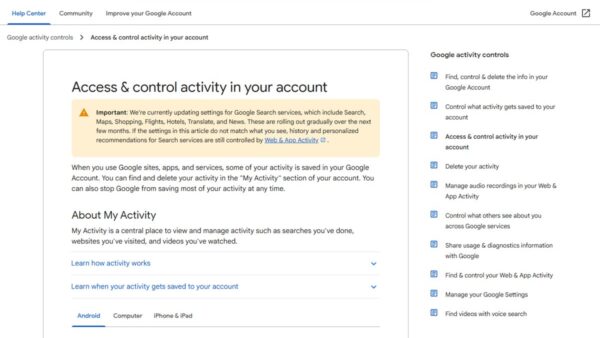
How to access Google “My Activity” on Android
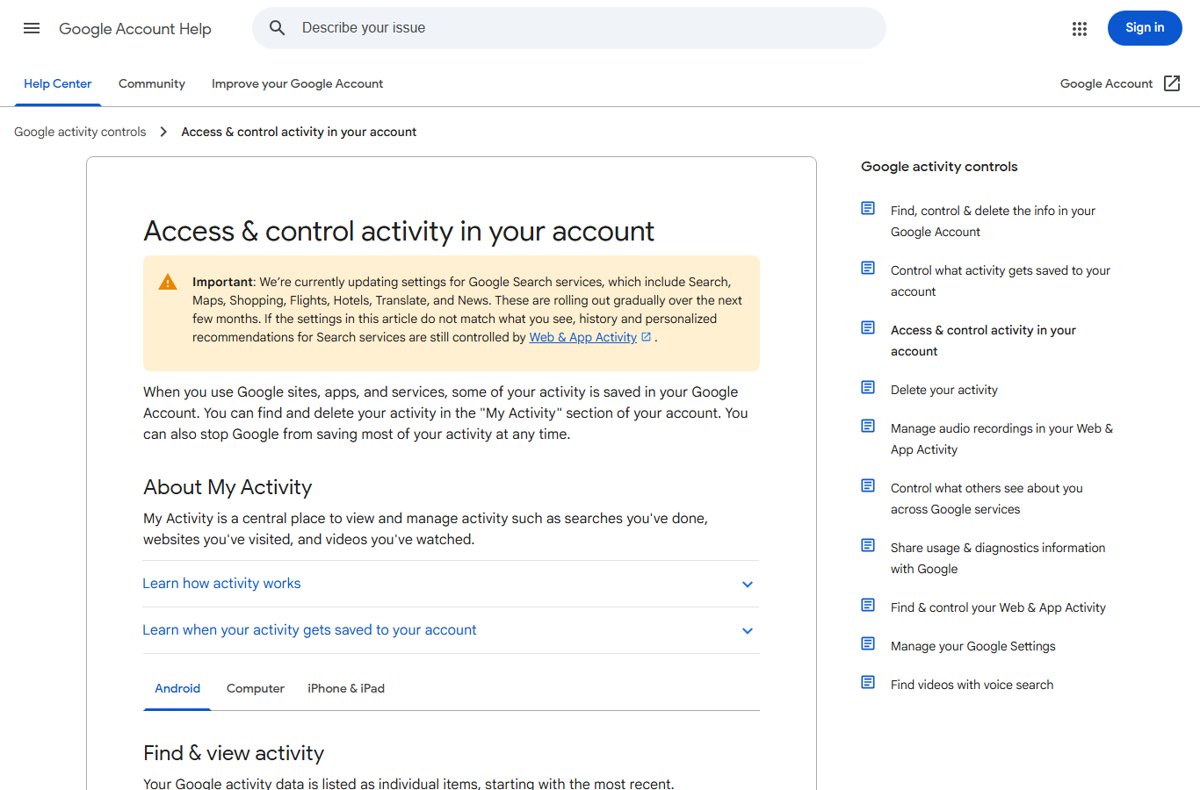
Access Google My Activity on Android from Settings, Google, Manage your Google Account, Data & privacy, or at myactivity.google.com. Delete, pause and export it.
2,151 articles

Access Google My Activity on Android from Settings, Google, Manage your Google Account, Data & privacy, or at myactivity.google.com. Delete, pause and export it.
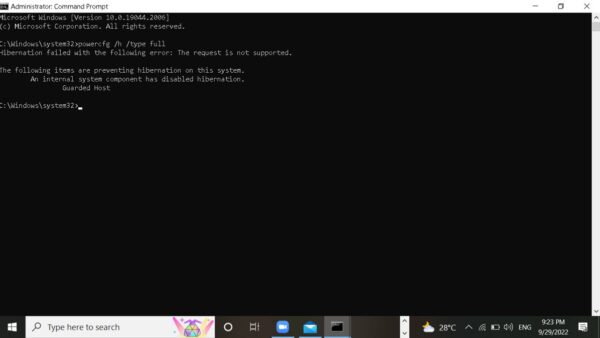
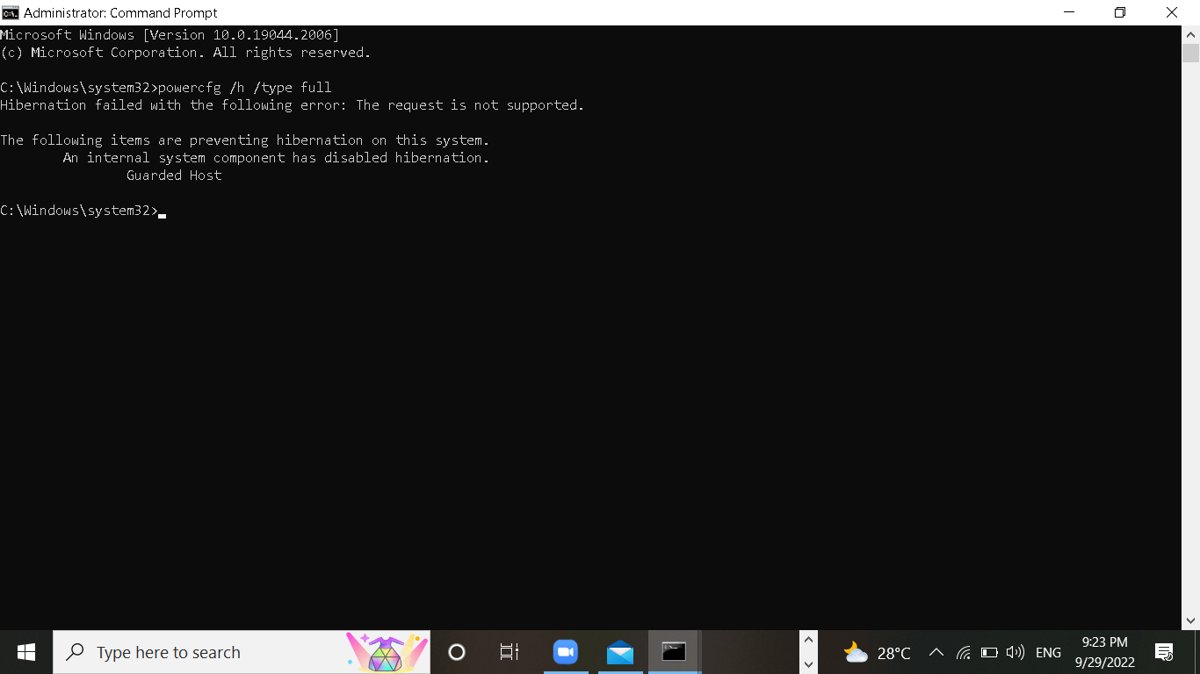
hiberfil.sys is the Windows hibernation file. Remove it safely with powercfg, shrink it and keep Fast Startup, or learn when it is worth keeping.
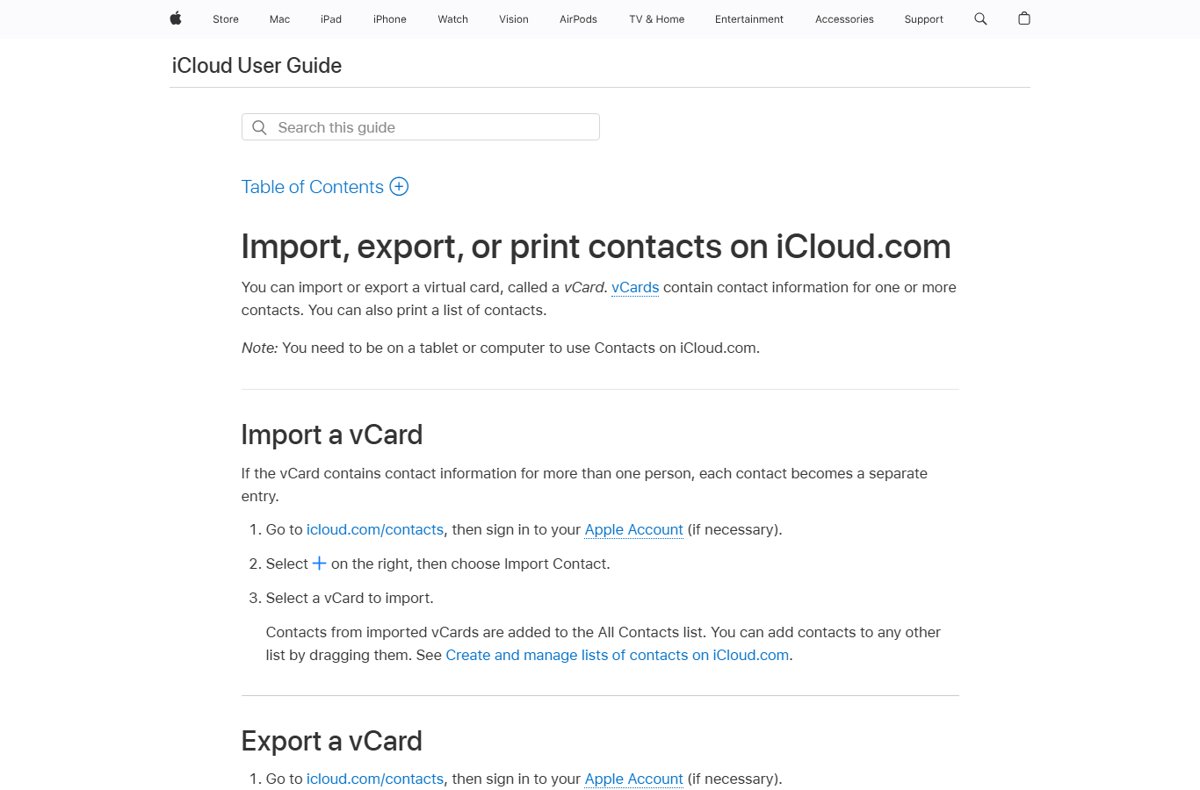
Export iCloud contacts from icloud.com/contacts: select all, choose Export vCard, and a .vcf file downloads. Steps for Mac, Windows, Gmail import and backups.
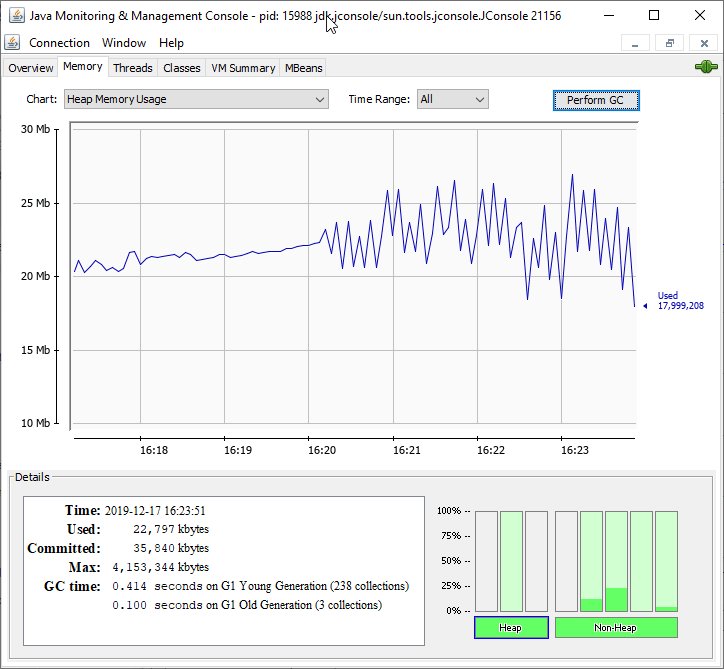
Fix OpenJDK Platform binary high memory and CPU usage: find the Java app behind it, cap the heap with -Xmx, tune garbage collection, find leaks and update Java.
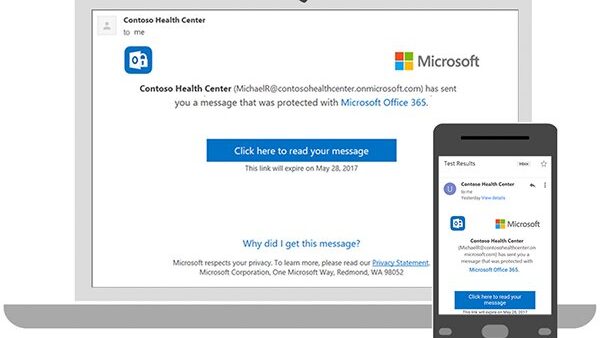
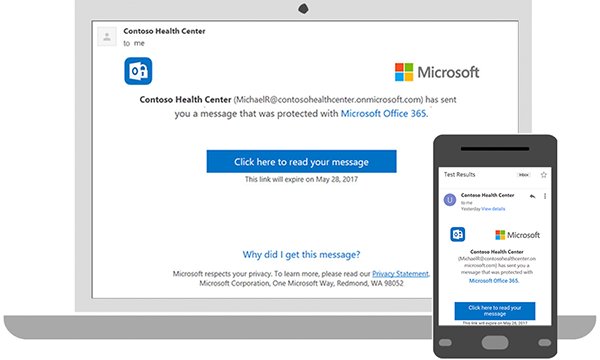
Open an RPMSG file by double-clicking the protected message in Outlook while signed in to the recipient account, or use Outlook on the web or the Purview viewer.
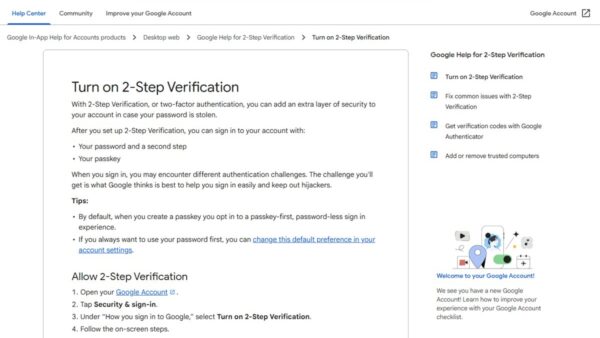
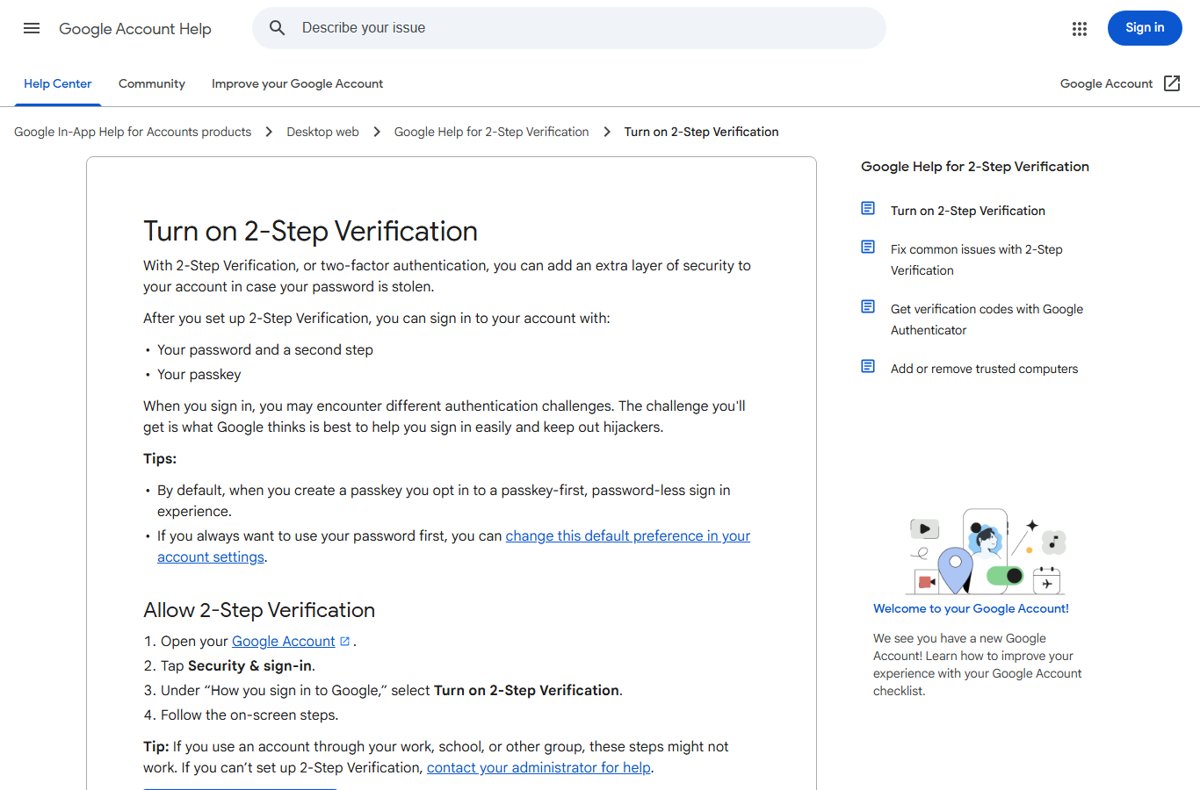
2-Step Verification adds a second sign-in check after your password. Turn it on for Google, Microsoft and Apple accounts, use it, and fix missing codes.
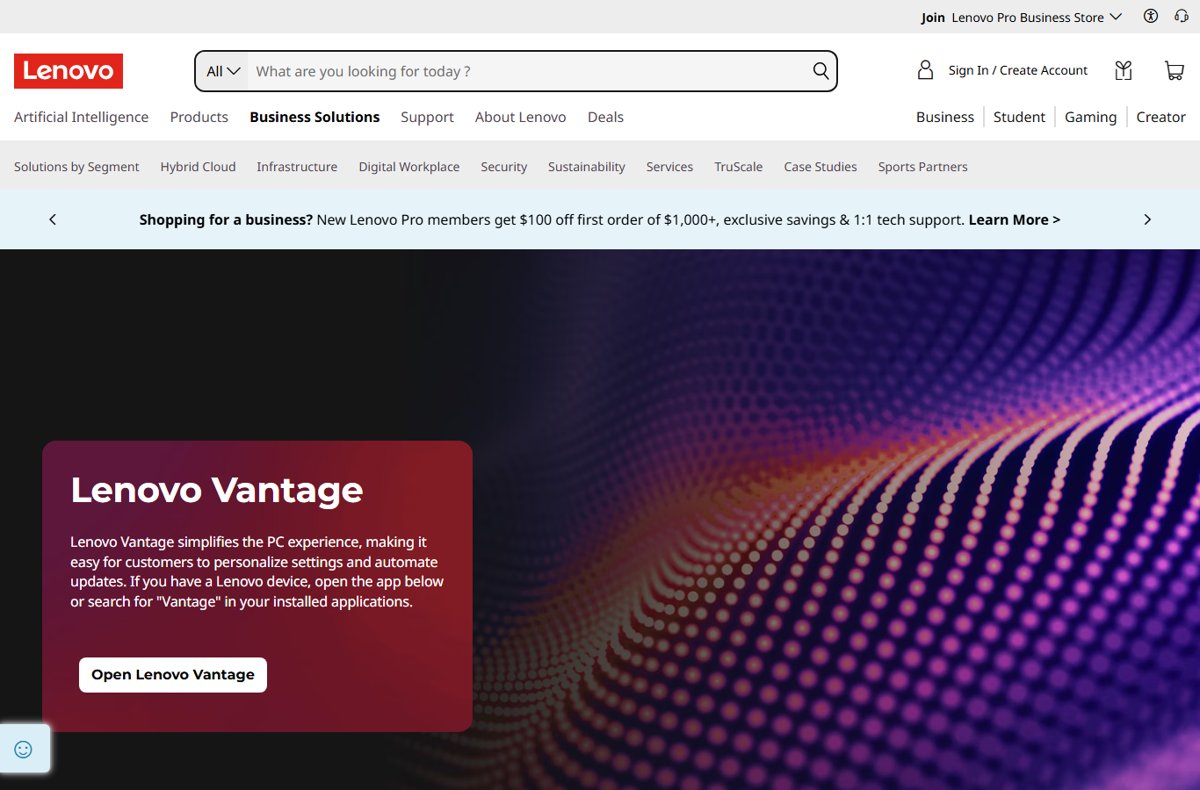
Check your Lenovo warranty status with the serial number on Lenovo’s Warranty Lookup. Find the serial, read the results, fix wrong dates and extend coverage.
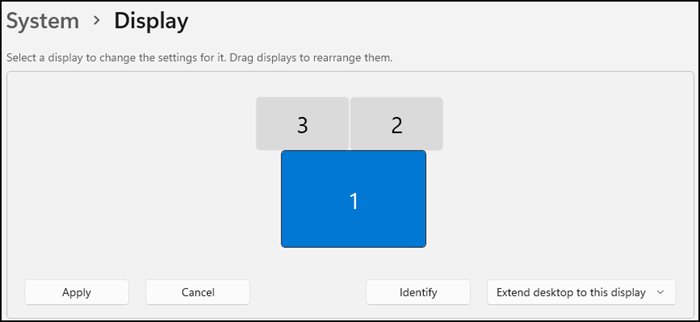
Adjust display scale on Windows 11 in Settings > System > Display > Scale. Custom scaling, text size only, per-monitor scale, and fixes for blurry apps.
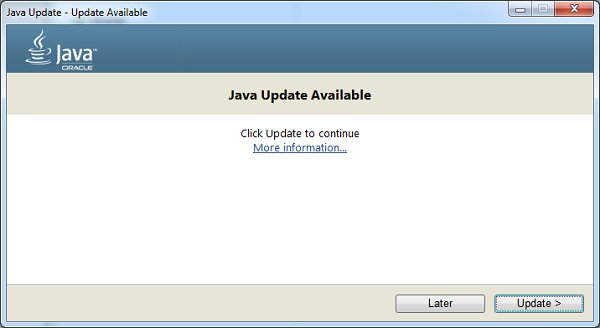
Update Java on Windows 11 from the Java Control Panel with Update Now, or install the latest JDK. Check your version, set JAVA_HOME and fix common errors.
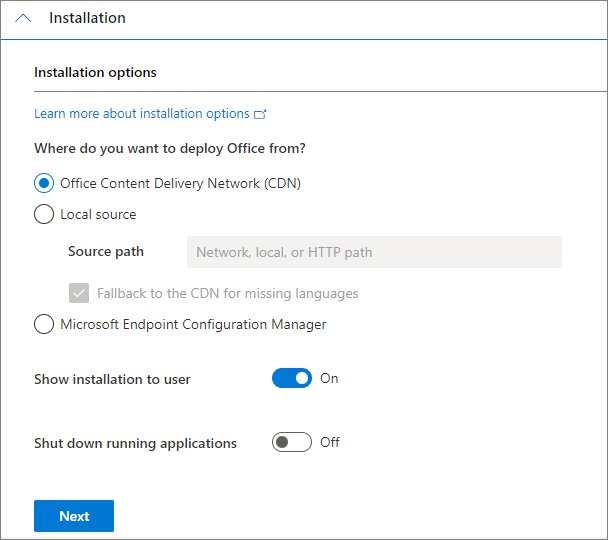
Install Office Professional Plus 2019 offline or online with the Office Deployment Tool, then activate, verify and fix the errors that stop setup.
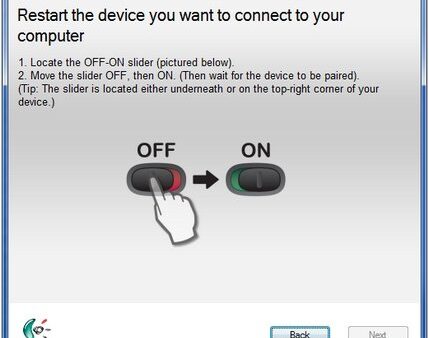
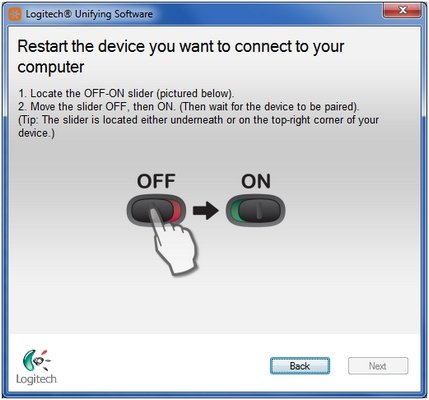
Wireless keyboard not working? Check batteries, reseat the USB receiver, re-pair Bluetooth, cut interference, fix Filter keys and reinstall the driver.
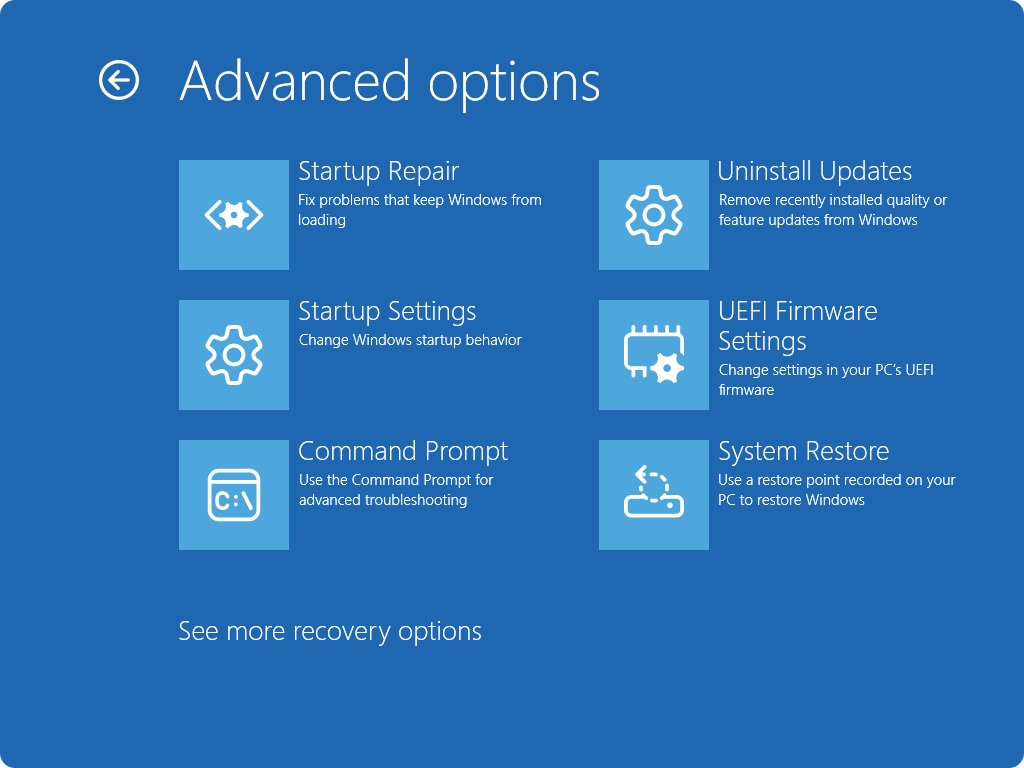
Boot into BIOS on a Dell by tapping F2 at the Dell logo, or use Windows Advanced startup or F12. Fixes for when F2 does nothing and key settings to check.