Download Roblox Studio for PC, Windows 11/10 & Mac (Free)
Roblox Studio download for Windows 11, Windows 10 and Mac: the free official installer from roblox.com, with system requirements, setup steps and fixes.
3,911 articles

Roblox Studio download for Windows 11, Windows 10 and Mac: the free official installer from roblox.com, with system requirements, setup steps and fixes.
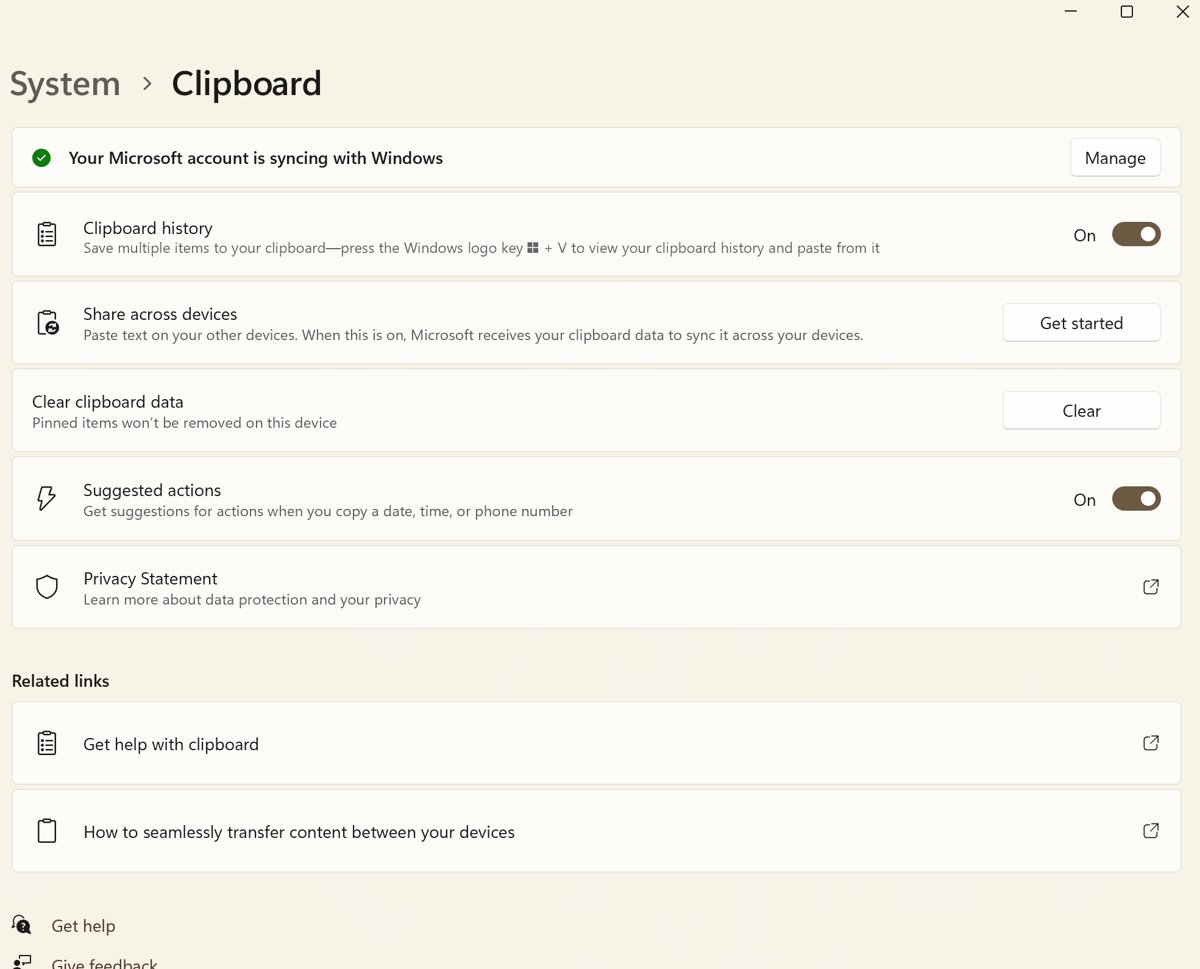
Copy and paste in Windows with Ctrl + C and Ctrl + V. Turn on Win + V clipboard history, paste without formatting, use Command Prompt, and fix shortcuts on laptops.
Check your internet speed from Google’s homepage: search internet speed test and start the M-Lab test. What download, upload and latency mean, plus fixes.
TikTok download for PC: install the official Microsoft Store app on Windows 11 and 10, or set TikTok up as a desktop app on a Mac and upload from either.
Snipping tool old version downloads do not exist officially. See the Microsoft Store version history, how to freeze updates, and how to roll back safely.
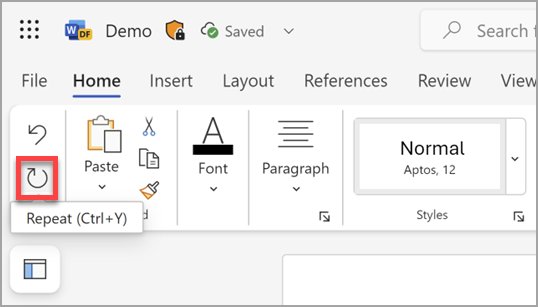
Undo on a keyboard with Ctrl + Z on Windows and Chromebook, or Command + Z on a Mac. Redo keys, File Explorer undo, Excel’s 100-step limit and fixes.
Xbox Game Bar download for PC: it ships with Windows 11 and 10, and here is how to open it, reinstall it from the Store, and record your screen with it.
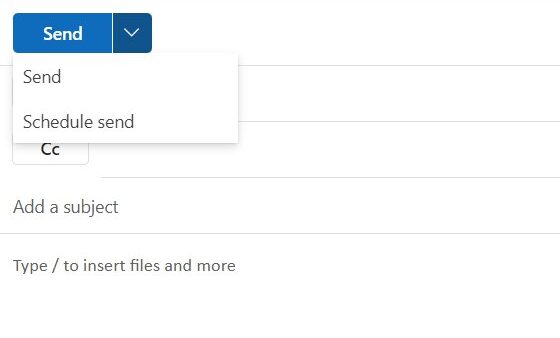
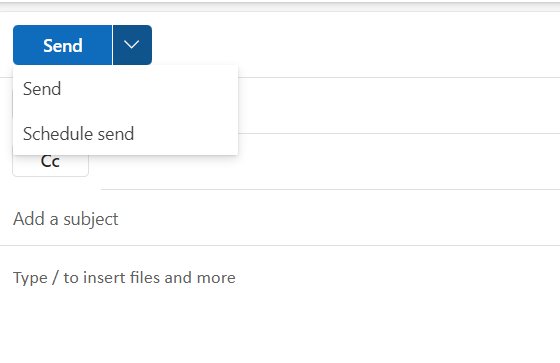
Schedule an email in Outlook with Send > Schedule send in new Outlook, the web and Mac, or Do not deliver before in classic Outlook. Edit, cancel and fixes.
Origin download for PC: Origin is now the EA app, and here is where to get it for Windows 11, Windows 10 and Mac, plus what happens to your Origin library.
Snipping tool 64 bit download: Windows 11 is 64-bit only, so the x64 setup is the one. Here are Microsoft’s x64, 32-bit and ARM64 files with real sizes.
Instagram download for PC: install the official Microsoft Store app on Windows 11 and 10, or run Instagram as a desktop app on a Mac with full posting support.
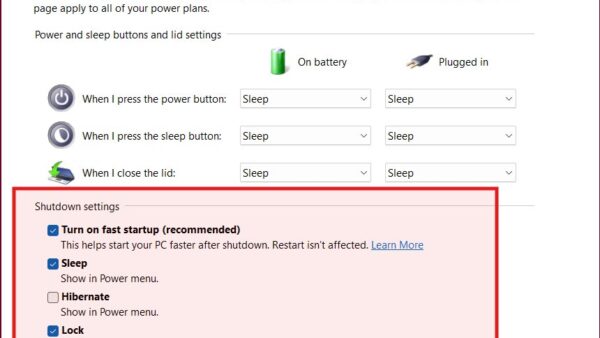
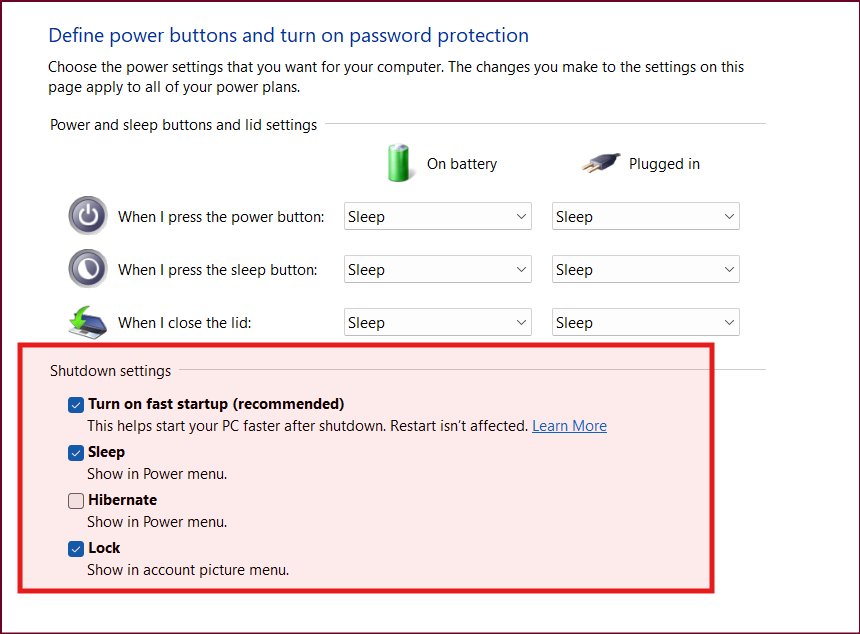
Customize Windows 11 power button settings in Control Panel: set the power button, sleep button and lid to Sleep, Hibernate or Shut down, and add Hibernate to Start.