Download Adobe Acrobat Pro for PC, Windows 11/10 & Mac (Free Trial)
Adobe Acrobat Pro download for Windows 11, 10 and Mac: the official 7-day free trial, 1.6 GB offline installers, install steps, pricing and fixes.
3,911 articles

Adobe Acrobat Pro download for Windows 11, 10 and Mac: the official 7-day free trial, 1.6 GB offline installers, install steps, pricing and fixes.
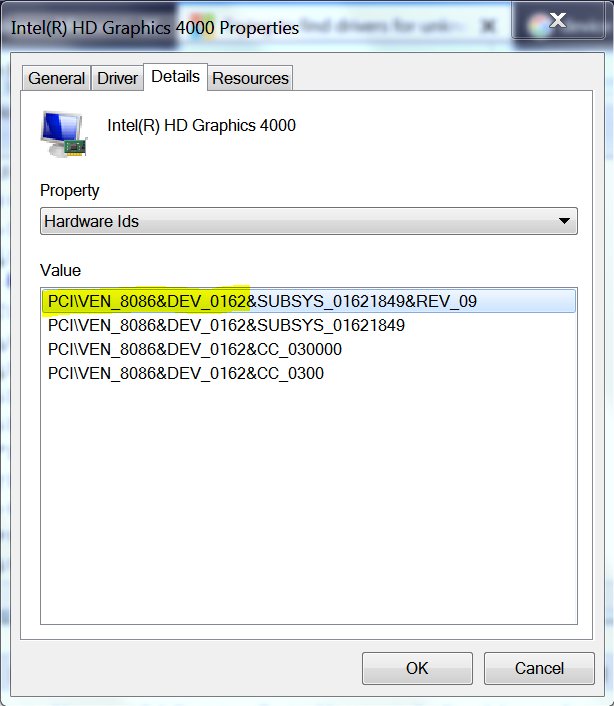
Find the HWID in Windows 11 in Device Manager: open the device’s Properties, then Details, then Hardware Ids. Plus pnputil, PowerShell, serial number and UUID.
OBS Studio download for Windows 11/10 and Mac: the official 152 MB offline installer, version 32.2.2, Apple Silicon and Intel builds, and setup steps.
TeamViewer download for PC: get the free 80.3 MB offline installer for Windows 11/10 and the Mac disk image, direct from teamviewer.com. Setup and fixes.
YouTube app download for PC: install YouTube as a desktop app on Windows 11, Windows 10 and Mac, get background play, and use the official TV and mobile apps.
Citrix Workspace download for Windows 11/10 and Mac, free from citrix.com. Current release 2603.11, file sizes, offline installer, ARM64 and install steps.
Update Roblox on Windows and Mac by launching a game from roblox.com, updating in Microsoft Store, or reinstalling. Plus Roblox Studio and fixes when it fails.
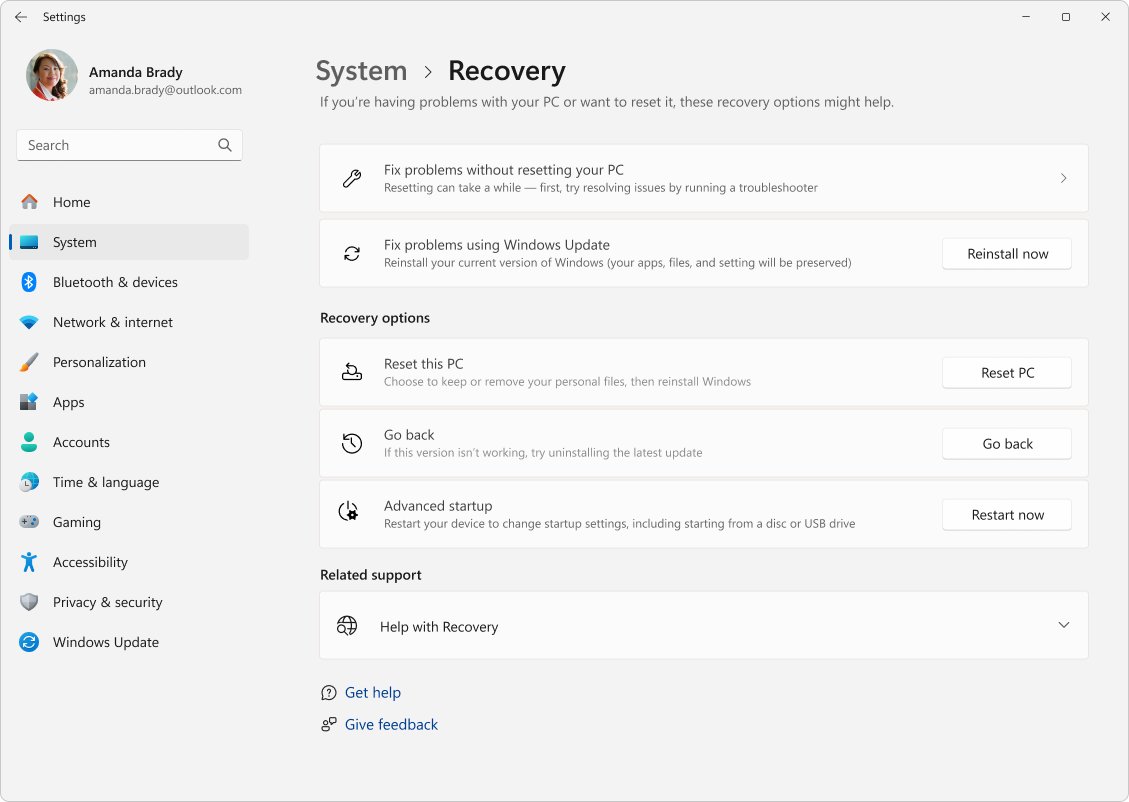
Reset all settings in Windows 11 from Settings > System > Recovery > Reset PC, or reset one app or your network. See what each reset keeps, removes and can undo.
Twitter download for PC: install X as a desktop app on Windows 11, Windows 10 and Mac, and get the official mobile builds straight from the app stores.
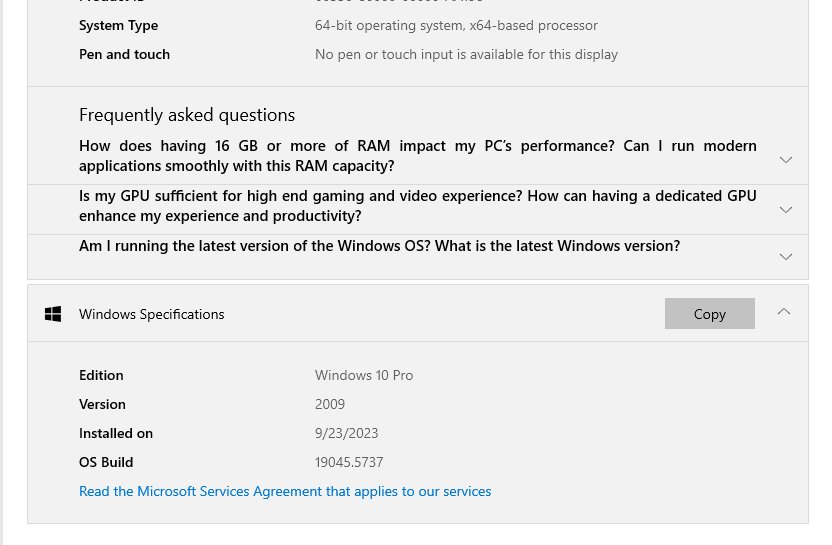
Check what version of Windows you have in Settings, winver, System Information or a command, and tell edition, version, build and 32/64-bit apart.
Blender download for Windows 11, 10 and Mac: the free 348 MB installer from blender.org, with file sizes, system requirements and setup steps.
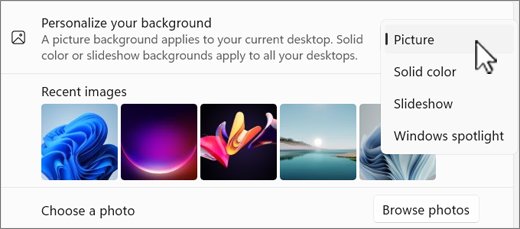
Change your home screen on Windows 11: pick a new desktop background, lock screen, theme, Start menu layout or File Explorer start page, with exact Settings paths.