To add an SMS contact that is a 5-digit short code, open the text in Messages, tap the number at the top of the conversation, tap Create New Contact, and save a name.
Saving from the conversation avoids retyping the digits, so the contact starts from the sender in that thread. The steps below cover iPhone and Android, the dash problem, hidden texts, and how to stop a short code from texting you.
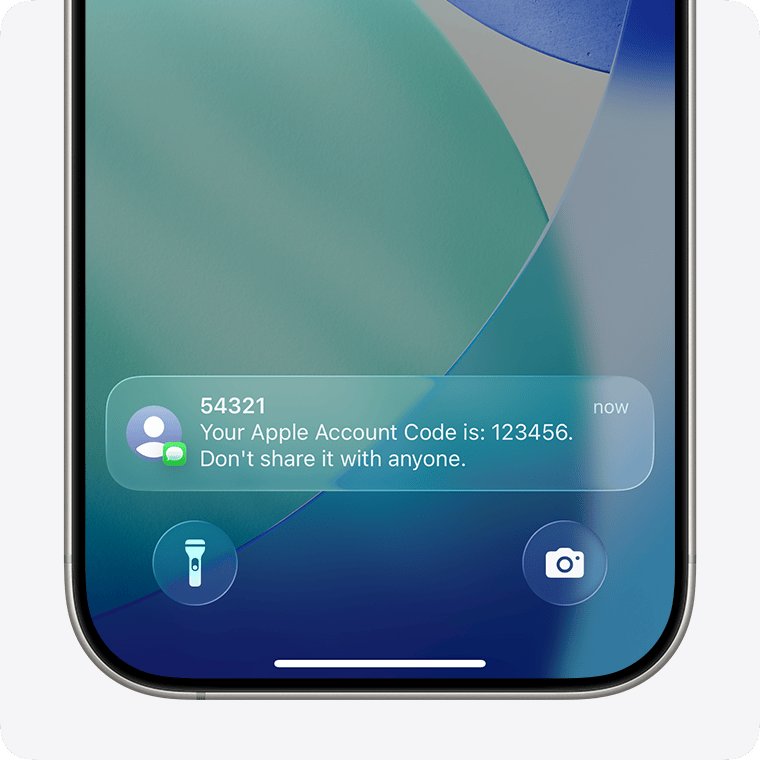
How to save a 5-digit short code as a contact on iPhone
Use this route when you already have at least one text from the short code. If a menu opens after you tap the number, tap Info first.
- Open the Messages app and open the conversation with the short code.
- Tap the number at the top of the conversation.
- Tap Create New Contact.
- Enter a name you will recognize, such as the agency or company that sends the texts.
- Tap Done (the check mark) to save the contact.
If the conversation was in the Unknown Senders folder, adding the contact moves it to your main conversation list. Links in those texts also become tappable, and blurred images become visible.
What is a 5-digit SMS short code?
A short code is a sending number with far fewer digits than a normal phone number. Google describes them as phone numbers with 5-6 digits, and they address SMS and MMS messages through your wireless carrier.
| Detail | What it means for you |
|---|---|
| Length | 5 or 6 digits in the United States, such as 45179 |
| Who sends them | Businesses and organizations, for one-time passwords, boarding passes, alerts, promotions, donations and voting |
| Message type | SMS or MMS, which appear in green bubbles on iPhone; your plan must include text messaging |
| Replying with HELP | Returns the sender's terms and support contact details |
| Replying with STOP | Opts you out of further messages, and one final message confirms it; END, QUIT, CANCEL and UNSUBSCRIBE work the same way |
| Cost | Texts sent to a short code can bill above a standard SMS, and some codes start a recurring subscription, so check the terms before you text one |
How to add a 5-digit number to contacts on iPhone
Use this route when the code came from a letter, a website or a sign and no text has arrived yet.
- Open the Contacts app.
- Tap the Add button (the plus sign).
- Enter a name for the sender.
- Tap the phone number field and type the five digits with no spaces or punctuation.
- Check that the saved digits match the code exactly, then tap Done.
If the number shows a dash after you save it, and the first text still appears as digits, use the dash fix further down this page.
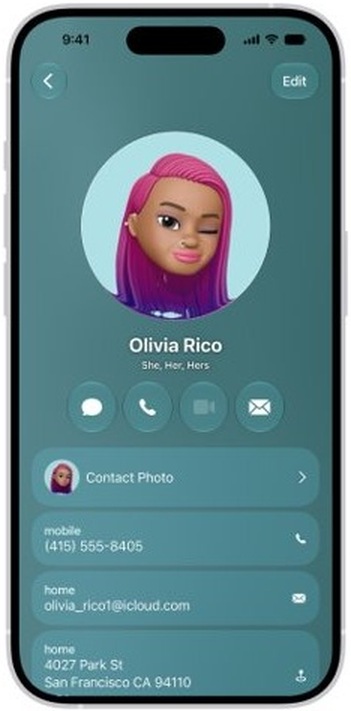
How to add contact to existing text message on iPhone
A short code can go on a contact card you already have, which keeps a company's phone line and its text alerts together.
- Open the Contacts app and tap the existing contact.
- Tap Edit.
- Add a phone number to the card and type the short code.
- Tap Done to save the card.
- Open Messages and check that the conversation now shows the contact's name.
How to add a short code contact on Android
These steps are for the Google Contacts app, and contacts saved to your Google Account sync to your other Android devices.
- Open the Contacts app on your Android phone.
- At the bottom right, tap Add.
- Enter the sender's name.
- Enter the 5-digit short code as the phone number.
- Tap Save.
Samsung Galaxy phones also ship with Samsung's own contacts app, whose labels can differ. The job is the same: start a new contact, enter the digits in the phone field, and save.
5-digit short code contact name not showing in Messages
The saved number has a dash, such as 451-79, and Messages still shows 45179
The contact card holds the code in a different format from the sender shown in the conversation.
- Open Contacts, tap the contact, and tap Edit.
- Scroll down, tap Delete Contact, then tap Delete Contact again to confirm.
- Open Messages and open the conversation with the short code.
- Tap the number at the top, then tap Create New Contact.
- Enter the name and tap Done.
Texts from the short code keep going to Unknown Senders
Screen Unknown Senders is on, and the code is not yet a contact or a known sender. Future texts stay filtered until you change that.
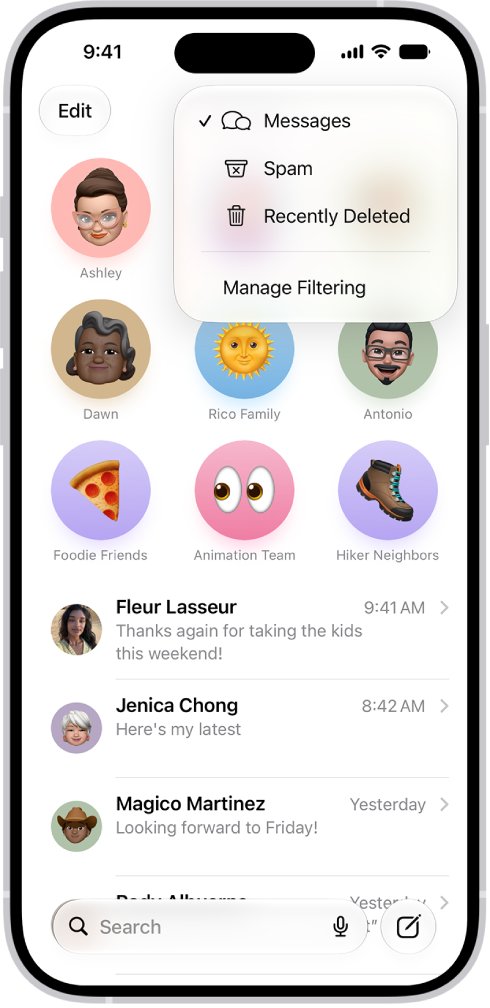
- In Messages, tap the filter button in the conversation list, then tap Unknown Senders.
- Tap a text from the short code.
- Tap Mark as Known, or tap the number at the top and tap Create New Contact.
Verification codes from a short code stay hidden
Unknown Senders screening also applies to texts that carry sign-in codes.
- Open Settings and tap Apps.
- Tap Messages, then scroll to the Unknown Senders section.
- Tap Allow Notifications.
- Turn on notifications for Time Sensitive messages.
Texts from a saved short code stopped arriving
You may need to unblock the contact on iPhone, or iPhone may have moved its texts to the Spam folder.
- Open Settings, tap Privacy & Security, then tap Blocked Contacts.
- If the code is listed, swipe left on it and tap Unblock.
- In Messages, tap the filter button, then tap Spam.
- Tap any text wrongly filtered there, tap Not Spam, then tap Move to Messages.
How to stop texts from a 5-digit short code on iPhone
Reply STOP only to a sender you recognize. For a code you never signed up for, first check whether the text is a scam, because iPhone removes the report option once you reply.
- For a sender you know, open the conversation and reply STOP.
- Wait for the one final message that confirms the opt-out.
- If texts continue, tap the sender icon at the top, tap Info, then tap Block Contact.
- For a sender you do not know, tap Report Spam at the bottom of the text, then tap Delete and Report Spam.
Blocking on iPhone also applies in Mail, Phone, FaceTime and Calendar, and the sender is not told. Reporting spam alone does not stop the sender, so block the code as well if the texts continue.
How to unsubscribe from a short code in Google Messages
Google Messages on Android offers a built-in unsubscribe for SMS and MMS from United States short codes. It sends STOP from your number for you.
- Open Google Messages and open the conversation with the short code.
- In the conversation menu, tap Unsubscribe.
- Select the reason you want to unsubscribe.
- Tap Unsubscribe or Unsubscribe & report.
- To block the code completely, touch and hold the conversation on the Home screen, then tap Block and OK.
You can still receive essential messages you requested after unsubscribing, such as one-time passwords. Tap Subscribe in the same conversation menu to reverse it.
Why are my messages sending as SMS to a short code?
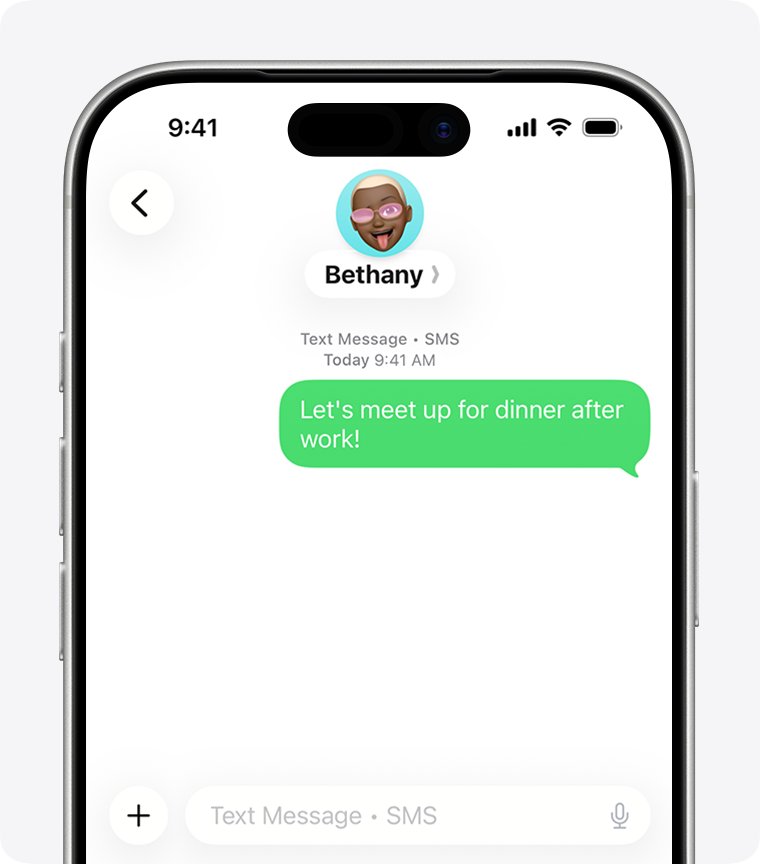
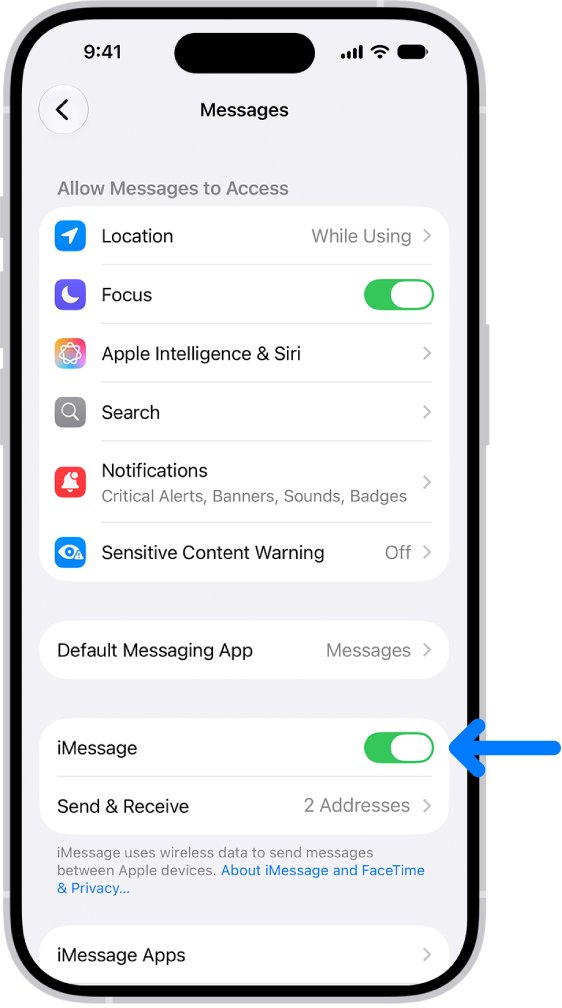
Messages picks the type by what the other side supports. A short code sends and receives through your carrier's text service, so the conversation stays green.
| Message type | Bubble on iPhone | What it needs |
|---|---|---|
| iMessage | Blue | Another Apple device user, over Wi-Fi or cellular data |
| RCS | Green | iOS 18 or later and a carrier that supports RCS on iPhone |
| SMS/MMS | Green | A text-messaging plan from your carrier |
SMS and MMS messages are not end-to-end encrypted, so treat sensitive details in a short code text with care.
How to get short code texts on Mac and iPad
Short code texts arrive on your iPhone's line. Text Message Forwarding on iPhone shows them on your other Apple devices, and you can then send texts from a PC if you work on Windows.
- On your iPhone, open Settings and tap Apps.
- Tap Messages.
- Tap Text Message Forwarding.
- Turn on each Mac or iPad that should receive the texts.
Availability varies by region and carrier. On Dual SIM models, turn on each line you use.
5-digit short code contact FAQ
How to add a contact to messages?
Open the conversation in Messages, tap the number or address at the top, and tap Create New Contact. Enter the details and tap Done. The conversation then moves out of Unknown Senders if it was filtered there.
How to add contact to existing text?
Open the Contacts app, tap the contact you want to keep, tap Edit, and add the number from the text as another phone number. Tap Done, then return to Messages and check the name on the conversation.
How to add a contact to iMessage?
iMessage uses your normal contacts, so add the person in Contacts or from the conversation. A short code is different because it uses SMS or MMS rather than iMessage, but you save it in exactly the same way.
How to add contact on Samsung phone?
In the Google Contacts app, tap Add at the bottom right, enter the name and number, and tap Save. Samsung's own contacts app can use different labels, but it also asks for a name and a phone number.
How to add a contact to phone?
On iPhone, open Contacts, tap the plus sign, enter the name and number, and tap Done. You can also save a recent caller in the Phone app by tapping the number, then Create New Contact.
Why am I getting SMS messages?
Businesses and organizations use SMS for alerts, one-time passwords, boarding passes and promotions, often from a 5-digit or 6-digit short code. If you never signed up for those texts, report them as spam rather than replying to them.
Why use SMS messaging?
SMS works between Apple and non-Apple phones and needs only a text-messaging plan from your carrier, with no separate app. Alert and verification services use it for that reach, although SMS messages are not end-to-end encrypted.
Why is my phone sending SMS messages?
An iPhone sends SMS or MMS when iMessage and RCS are not in use for that conversation. Texts to a short code use your carrier's text service, so they appear in green bubbles and need a messaging plan.