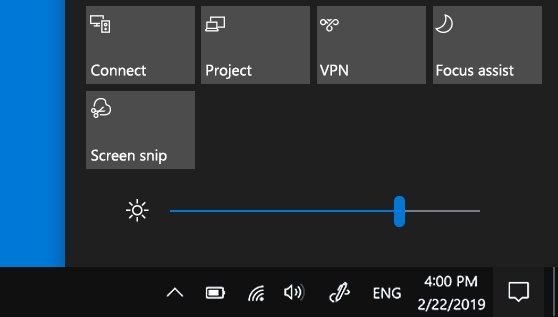
Genuine Windows 7 and Windows 8.1 systems with all required updates installed will automatically see ‘Get Windows 10 App’ in the task bar to reserve for an upgrade, if you don’t see it, we’ve covered how to show it in the system tray. As Microsoft has already pushed Windows 10 download to reserved systems, still some users don’t got the Windows icon in their systems.
Get Windows 10 App Troubleshooter
If you’re one of those, Microsoft has released a troubleshooter which will find and fix problems that prevent Get Windows 10 App from appearing in the system tray. Download it and run on your PC. If you see the icon, click on it and reserve your spot to get in the queue with reserved users to upgrade to Windows 10. You’ll be notified when the upgrade is available for your computer.

Download Troubleshooting tool for Get Windows 10 app
Check this page for more information.