That message means your AirPods Max do not detect your head, so wear the L cup on your left ear and the R cup on your right, reseat the ear cushions, and restart the headphones.
This guide covers why head detection fails, how to clean and reset AirPods Max, how to update their firmware, and what to do when they still will not switch modes.
How to fix AirPods Max not going into noise cancellation
Apple's steps for changing listening modes on every device start with wearing AirPods Max. When the ear-cup sensors miss your head, the headphones behave as if they are off.
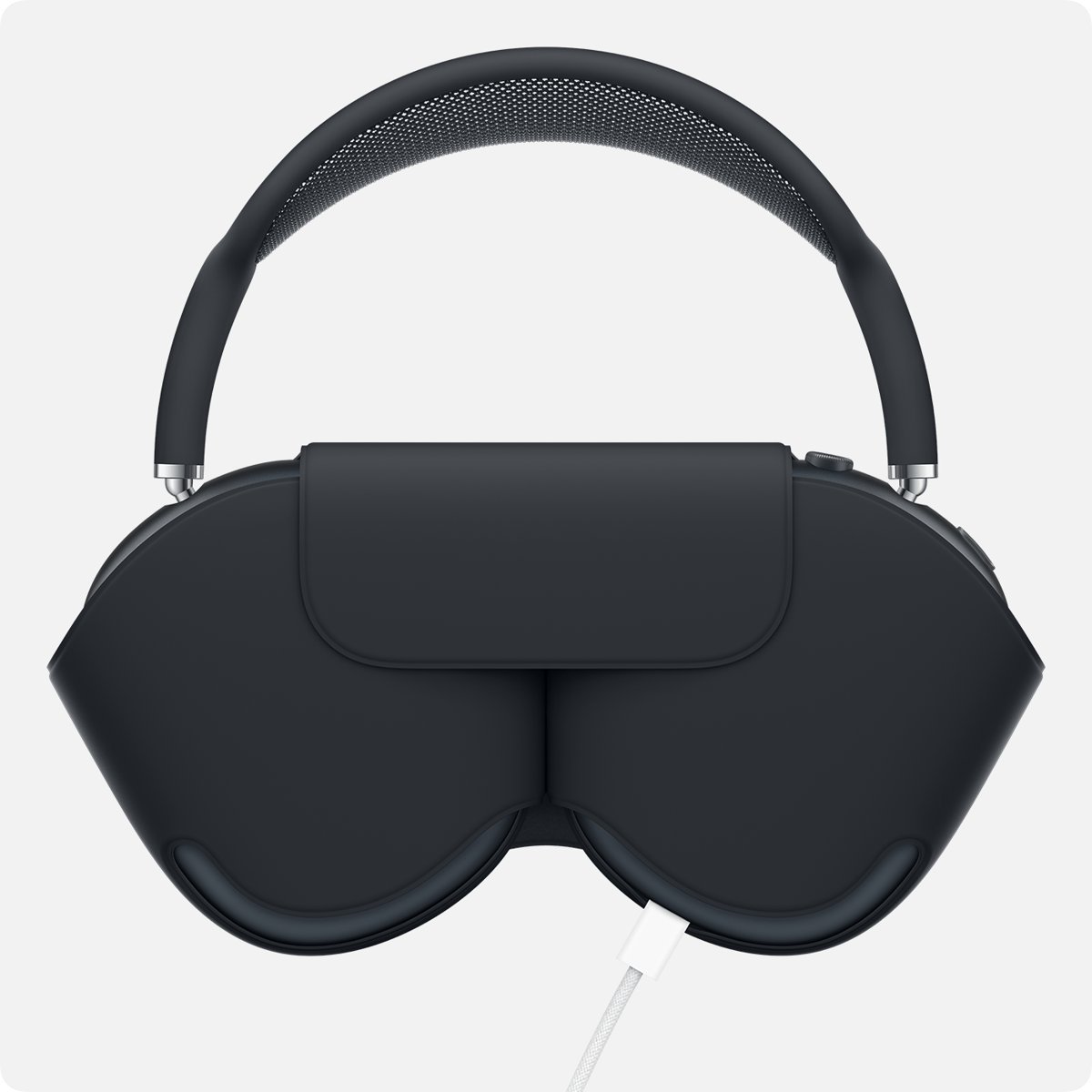
- Take the AirPods Max fully out of the Smart Case.
- Put them on with the cushion marked L on your left ear and R on your right ear.
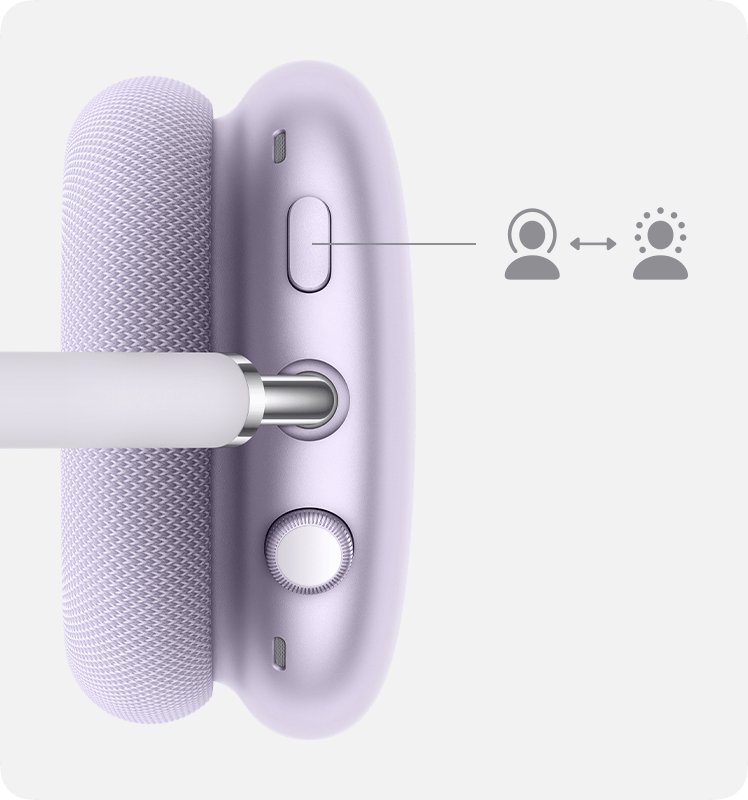
- Press the listening mode button on the right ear cup and listen for the chime.
- If the message returns, take them off, remove both ear cushions and fit them back firmly.
- Charge them to at least 50 percent, then press and hold the listening mode button and the Digital Crown until the light flashes amber.
- Put them back on and switch to Noise Cancellation again.
Once head detection works, you can turn on noise cancellation on AirPods Max from the button, Control Center, a Mac, an Apple Watch or an Apple TV.
Why AirPods Max say to put them on for noise cancellation
Each AirPods Max ear cup carries an optical sensor, a position sensor and a case-detect sensor. These tell the headphones whether they are on your head or in the Smart Case.
| Cause | What happens | Fix |
|---|---|---|
| Cups worn on the wrong ears | Apple says correct L and R placement gives the best sound and performance | Swap them so L is on your left ear |
| Ear cushion not seated | The cup does not sit flush against your head | Remove and refit the cushion |
| Dirt or residue inside the cup | Lotion, sunscreen or hair products coat the inside | Clean with a dry, lint-free cloth |
| Low battery | Restart and reset need at least 50 percent charge | Charge, then restart |
| Firmware glitch | Sensors stop reporting correctly | Restart, reset, then update firmware |
| Faulty sensor | Message stays after every fix | Send them to Apple for service |
Which side is left on AirPods Max?
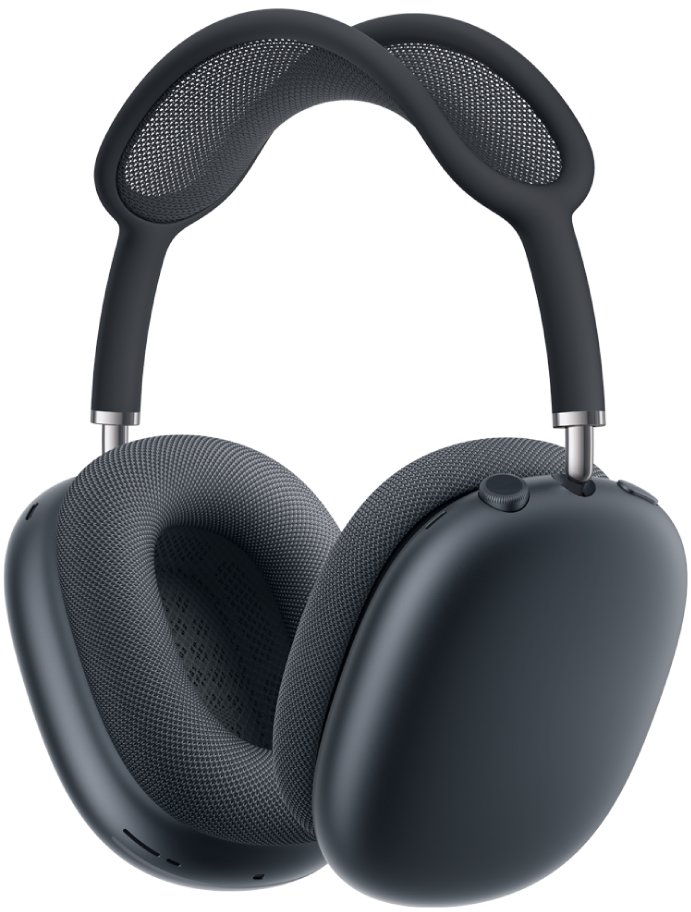
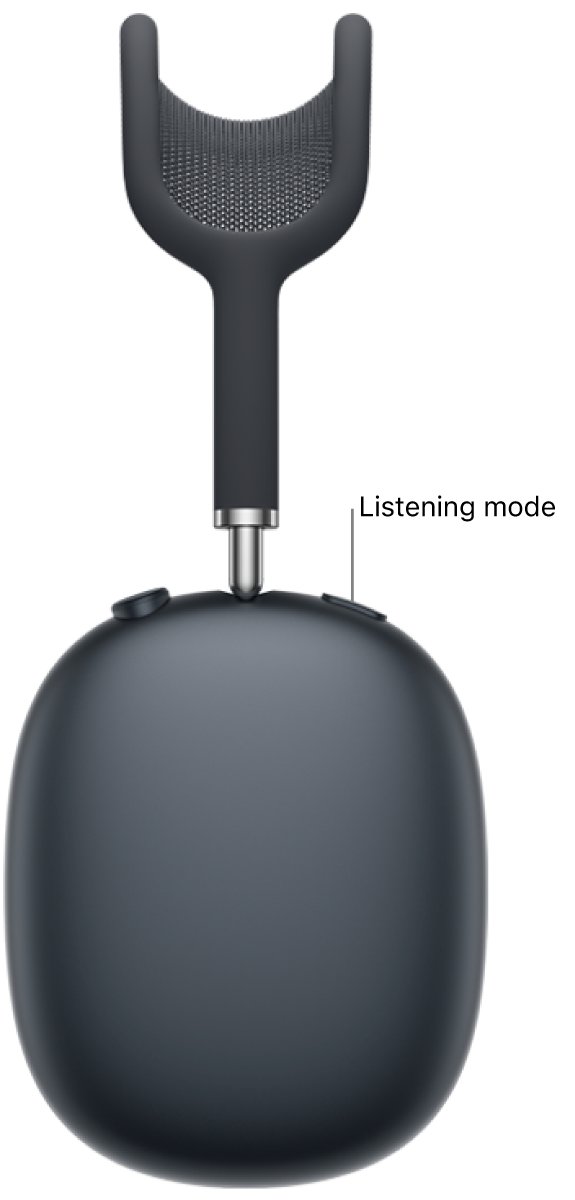
The ear cushions are marked L and R. The listening mode button sits on the right ear cup, which gives you a quick way to orient them.
- Find the L or R mark on each ear cushion.
- Hold the headphones so the listening mode button is on your right.
- Place the L cup over your left ear and the R cup over your right ear.
- Adjust the headband so both cushions sit flat around your ears.
- Start some audio; it should play by itself once the headphones detect your head.
How to clean AirPods Max ear cushions and ear cups
AirPods Max are not water resistant. Keep liquid out of every opening, and never use sharp or abrasive tools.
- Remove the ear cushions from the ear cups.
- Wipe the inside and outside of each ear cup with a soft, dry, lint-free cloth.
- If lotion, sunscreen or hair dye got on them, wipe with a cloth slightly dampened with fresh water, then dry.
- For the cushions, mix 1 tsp (5 mL) of liquid laundry detergent into 1 cup (250 mL) of water.
- Rub each cushion gently for 1 minute with a wrung-out cloth dipped in the mix, then wipe with a cloth dampened in fresh water.
- Dry the cushions, then lay them flat for at least a day before you reattach them.
Disinfectant wipes are fine on the outer surfaces only, not on the knit mesh canopy or the ear cushions.
How to restart or reset AirPods Max
Restart first; it keeps your pairing. A reset returns AirPods Max to factory settings, so you pair them again afterwards.
- Charge the AirPods Max to at least 50 percent.
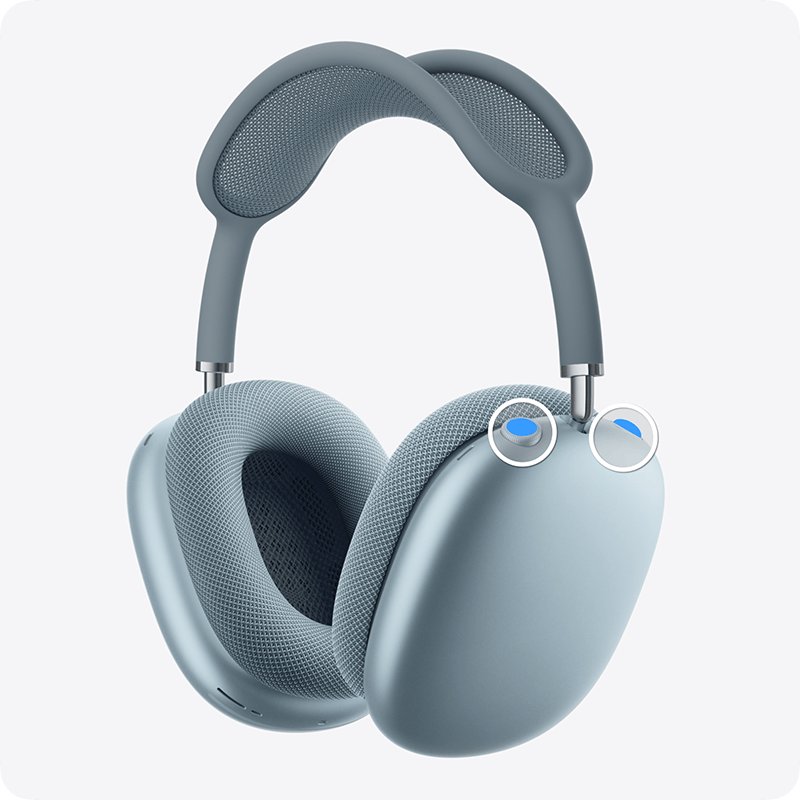
- To restart, press and hold the listening mode button and the Digital Crown until the light flashes amber, then release.
- Put them on and try Noise Cancellation again.
- To reset, press and hold both buttons for about 15 seconds, until the light flashes amber, then white.
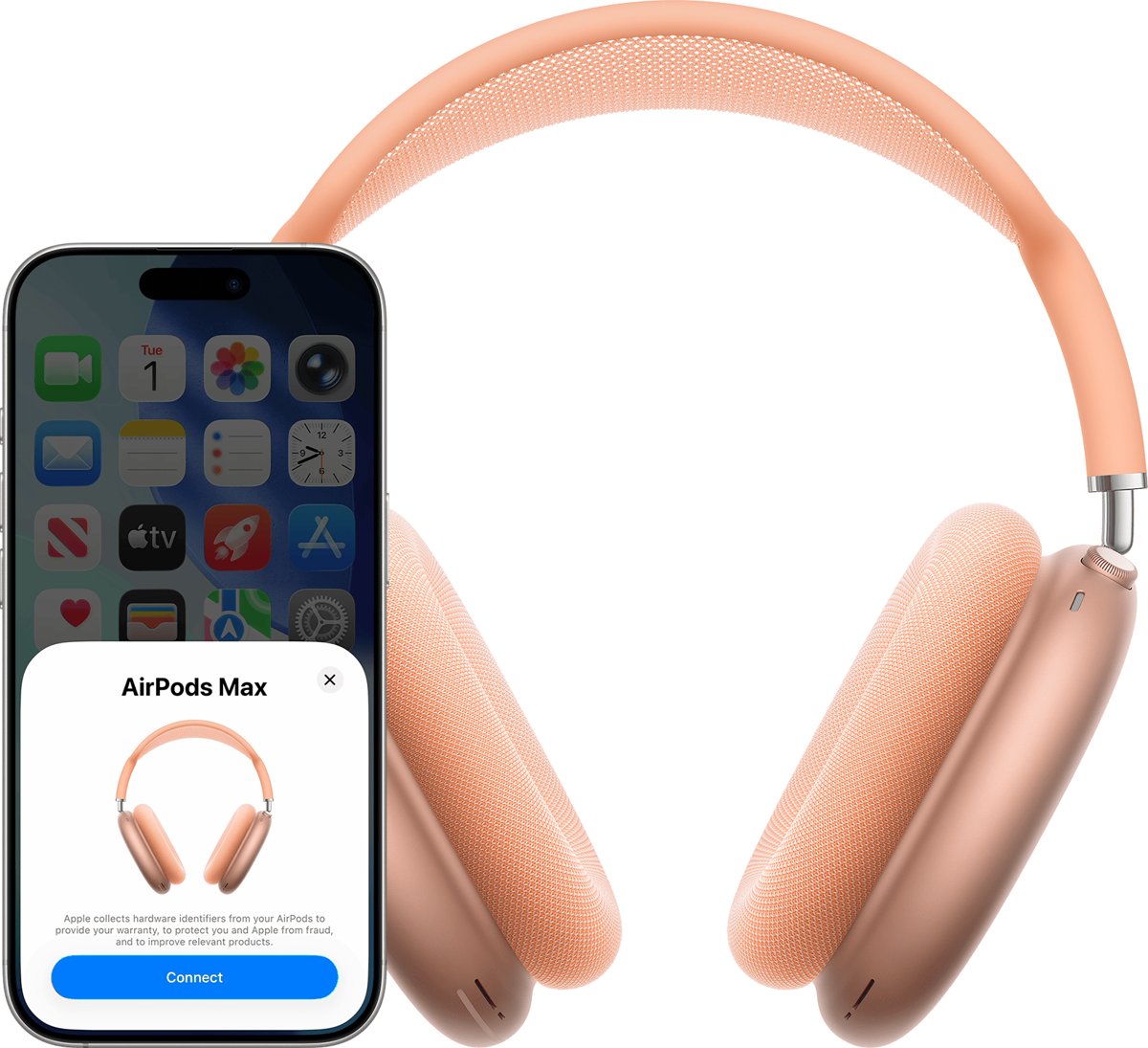
- Hold the AirPods Max next to your iPhone and tap Connect to pair them again.
How to update AirPods Max firmware
Updates install automatically while the headphones charge near a connected device. The current versions are 9A348 for AirPods Max 2, 7E108 for AirPods Max 1 (USB-C) and 6F25 for AirPods Max 1 (Lightning).
- Update your iPhone, iPad or Mac to the latest software and turn on Bluetooth.
- Open Settings > Bluetooth, tap the Info button next to your AirPods Max and read the version under About.
- If it is behind, connect your iPhone to Wi-Fi.
- Plug the charging cable into the bottom-right earphone.
- Keep the headphones in Bluetooth range for at least 30 minutes.
- Reconnect them and check the version again. If it still has not changed, reset them and retry.
Turn Automatic Head Detection on or off on AirPods Max
Automatic Head Detection pauses audio when you take AirPods Max off and resumes it when you put them back on. Check it is on while you troubleshoot.
- Wear your AirPods Max and make sure they are connected.
- On iPhone or iPad, open Settings and tap your AirPods name near the top.
- Tap Audio & Routing if you do not see the option straight away.
- Turn Automatic Head Detection on or off.
- On a Mac, open System Settings, click your AirPods name in the sidebar and use the same switch.
How to tell if AirPods Max detect your head
- Start a song on your iPhone and put the AirPods Max on. Audio should start by itself.
- Lift one ear cup off your ear. Audio should pause.
- Put the cup back within 15 seconds. Playback should resume.
- Press the listening mode button. A chime should confirm each mode change.
- Open Control Center, touch and hold the volume control and check Noise Cancellation is selected.
If audio never pauses and resumes with Automatic Head Detection on, the sensors are not reporting, and service is the next step.
Which iOS version do AirPods Max need?
Apple says full functionality needs the latest iOS or iPadOS on the paired device. These are the minimums to pair at all.
| Model | Minimum iOS or iPadOS | Current firmware |
|---|---|---|
| AirPods Max 1 (Lightning) | iOS or iPadOS 14.3 | 6F25 |
| AirPods Max 1 (USB-C) | iOS or iPadOS 18 | 7E108 |
| AirPods Max 2 | iOS or iPadOS 26.4 | 9A348 |
AirPods Max not working or not connecting
AirPods Max not turning on
The battery is flat, or the headphones are sitting in ultralow power mode in the Smart Case.
- Plug the charging cable into the bottom-right earphone and a USB charger.
- Press the listening mode button to see the status light.
- If they will not charge at all, reset them by holding both buttons for 15 seconds.
AirPods Max not connecting to iPhone
Outdated iOS, or the headphones are still tied to someone else's Apple Account.
- Update the iPhone to the latest iOS.
- Take the AirPods Max out of the Smart Case and, within 60 seconds, hold them next to the iPhone until the setup animation appears.
- Tap Connect, then Done.
- For second-hand AirPods Max, ask the previous owner to remove them from their Apple Account first.
AirPods Max buttons not working or not responding
A firmware glitch or a low battery.
- Charge to at least 50 percent.
- Restart by holding the listening mode button and Digital Crown until the light flashes amber.
- Update the firmware as shown above.
Mac owners can connect AirPods Max to a MacBook from Bluetooth settings once the headphones are reset, and on a PC you can pair AirPods with Windows the same way.
How to get AirPods Max repaired by Apple
If the message survives a cushion refit, cleaning, a reset and a firmware update, the sensors likely need service.
- Note your AirPods Max model and firmware version from Settings > Bluetooth > Info.
- Open Apple's Send your AirPods, AirPods Pro, or AirPod Max to Apple for service page.
- Start a repair request and describe the head detection fault.
- Follow the shipping or drop-off steps Apple gives for your request.
Liquid damage is handled differently: Apple offers a replacement, with an out-of-warranty fee if the Apple Limited Warranty, AppleCare+ or consumer law does not cover it.
AirPods Max head detection FAQ
Do AirPods Max need to be on your head for noise cancellation?
Apple's instructions for switching listening modes start with wearing AirPods Max on every device. If the headphones think they are off, reseat the L and R cushions, clean the cups and restart them so the sensors detect your head again.
Why aren't my AirPod Maxes working?
The usual causes are a flat battery, outdated firmware or a sensor glitch. Charge them to at least 50 percent, restart them by holding the listening mode button and Digital Crown until the light flashes amber, then update the firmware.
Why won't my AirPods Max turn on?
They are most likely out of charge. Plug the cable into the bottom-right earphone, then press the listening mode button to see the status light. If they will not charge, hold both buttons for 15 seconds to reset them.
Why are my AirPods Max not connecting?
Check that your iPhone runs a supported iOS version and that the headphones are not still on someone else's Apple Account. Then take them out of the Smart Case, hold them next to the iPhone and tap Connect.
How do I turn on AirPod Maxs?
Take them out of the Smart Case and put them on; the case keeps them in an ultralow power mode. Press the listening mode button to check the status light, and charge them if it shows amber.
How do I use AirPods Max?
Press the Digital Crown once to play or pause, twice to skip forward and three times to skip back. Turn it to change volume, and press the listening mode button to switch between noise cancellation and Transparency.
How do I repair AirPods Max?
Try a restart, a factory reset and a firmware update first. If head detection or noise cancellation still fails, request service through Apple Support, which can repair or replace the headphones.