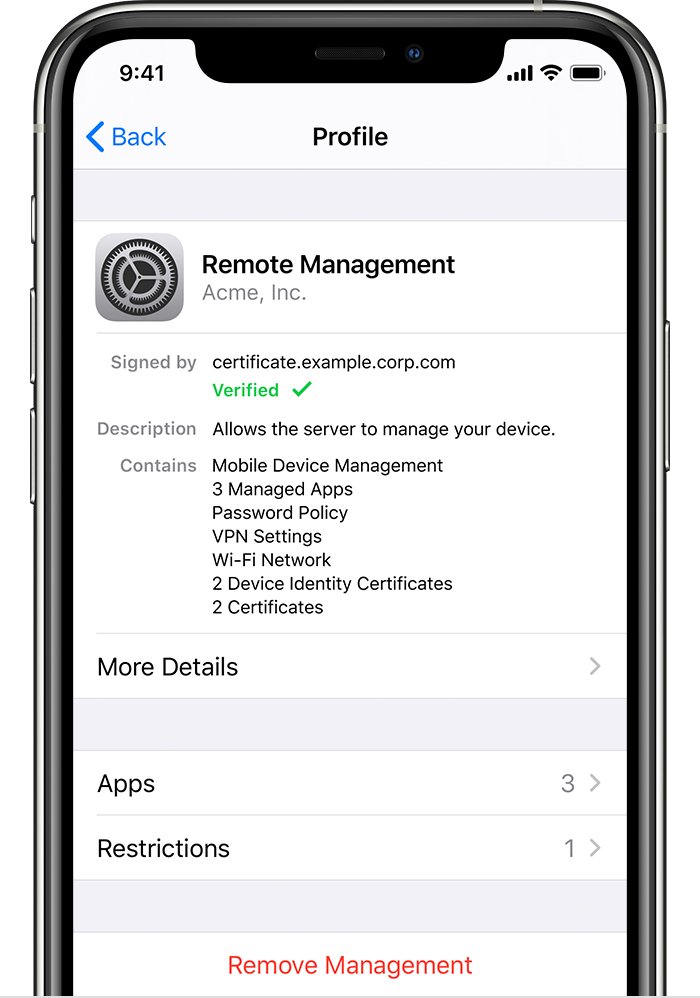
An iPad that asks for Remote Management by United Airlines, Inc. during setup is still registered to United Airlines in Apple Business, and the screen only goes away after United Airlines releases that iPad and you erase it.
This guide covers who to contact, the serial number they need, how an administrator releases the iPad, how to reset it afterwards, and what to do if the seller cannot help.
How to remove Remote Management from iPad
The Remote Management screen is controlled by the organization that owns the iPad's record, not by the iPad itself. These steps get the record removed and the iPad back to a normal setup.
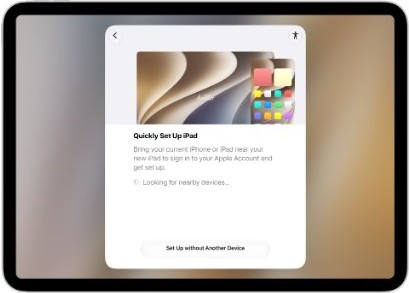
- Turn on the iPad and wait for the Hello screen, then tap the Info button in the bottom-right corner to see the serial number.
- Write down the serial number exactly as shown.
- Contact whoever sold or gave you the iPad, and ask them to have United Airlines release that serial number from its Apple Business account.
- If United Airlines gave you the iPad directly, send the serial number to its IT department with the same request.
- Wait for written confirmation that the iPad's status shows Released.
- Erase the iPad, or restore it with a computer if setup will not go further.
- Set the iPad up again. The Remote Management screen no longer appears once the release is complete.
A release cannot be undone, so the organization has to choose to do it. If neither the seller nor United Airlines will release the iPad, return it.
Why does my iPad say Remote Management?
Companies buy iPads through Apple, an Apple Authorized Reseller or a carrier, and those orders land in the company's Apple Business account automatically. The iPad then enrolls in the company's mobile device management service the moment anyone sets it up.
| What you see | What it means |
|---|---|
| Remote Management screen during setup | The serial number is in an organization's Apple Business or Apple School Manager account and is assigned to a device management service |
| "United Airlines, Inc." on that screen | United Airlines is the organization that holds the iPad's record |
| No way to skip the screen | The pane cannot be skipped while the iPad sits in Apple Business |
| Screen returns after a factory reset | Setup runs again after every erase, and the record is still there |
| The iPad was sold as new or refurbished | The order was linked to the company's account, or the company never released it before resale |
| Who can remove it | A United Airlines administrator with permission to release devices, or its linked device management service |
Apple Business Manager is now called Apple Business. Many IT teams and sellers still use the old name, and both mean the same service.
Can you remove Remote Management from iPad yourself?
You cannot remove an organization's enrollment from the iPad alone. What you can do depends on how the iPad reached you.
| How you got the iPad | What to do | Why |
|---|---|---|
| Bought used or refurbished from a store or marketplace | Ask the seller to get a release from United Airlines, or return the iPad | Only the organization that holds the record can release it |
| Given to you by United Airlines when you left or upgraded | Email United Airlines IT the serial number and ask for a release | Its administrator releases the iPad in Apple Business |
| Bought sealed and new | Contact the retailer with the serial number and receipt | Reseller orders linked to a company account appear in that company's Apple Business |
| Setup finished, but a profile shows in VPN & Device Management | Delete the profile if you installed it yourself | A profile from an email or webpage is not Automated Device Enrollment |
| Seller and United Airlines both refuse | Return the iPad for a refund | A supervised iPad cannot be unenrolled by the user |
How to find the iPad serial number on the setup screen
The organization needs the serial number to find the iPad in its account. You can read it without finishing setup.
- Press and hold the top button until the Apple logo appears.
- Wait for Hello to appear in several languages.
- Tap the Info button in the bottom-right corner of the screen.
- Note the serial number shown, and the IMEI on a Wi-Fi + Cellular model.
- If the iPad is already set up, open Settings > General > About instead, then touch and hold the serial number to copy it.
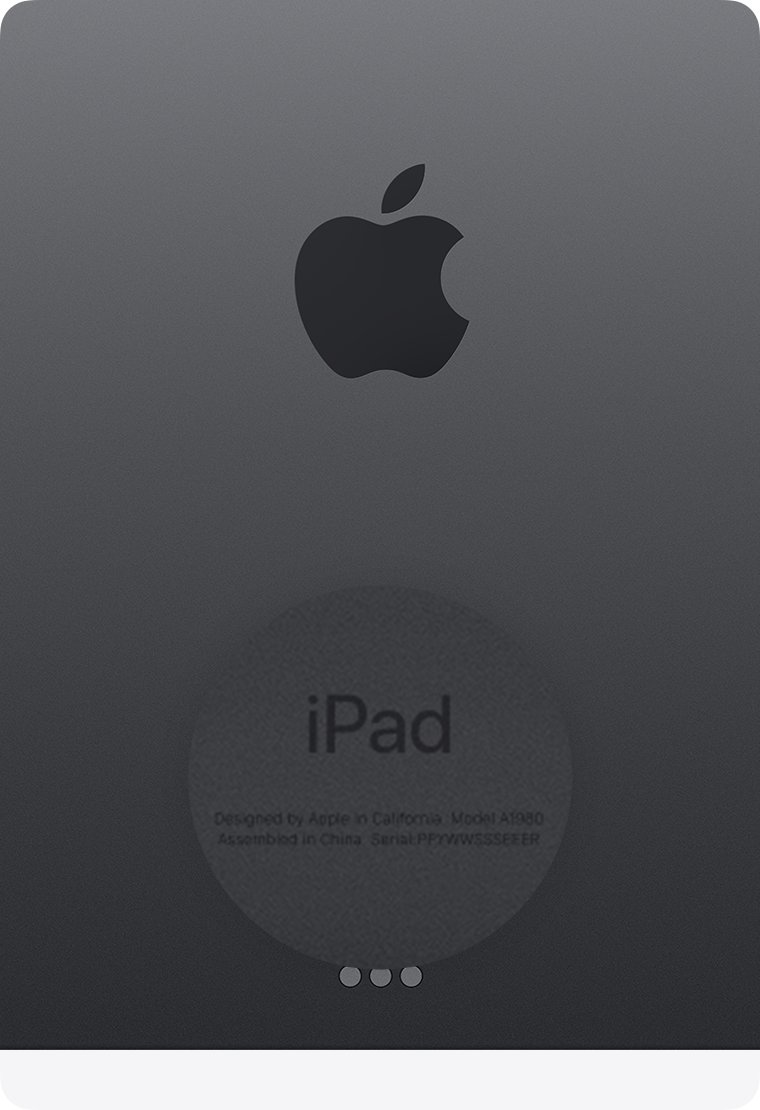
The serial number is also printed on the back of the iPad and on the barcode label of the original box.
How to release an iPad from Apple Business Manager
These are the steps a United Airlines administrator follows. Passing them along with the serial number saves a round of email.
The administrator needs a role that includes permission to release devices.
- Sign in to Apple Business with an account that can release devices.
- Go to Devices > Inventory.
- Search for the iPad's serial number.
- Select the iPad, then choose Release from Organization.
- Read the dialog, select I understand that this cannot be undone, then select Release.
- Wait for the activity to finish, then search for the serial number again and check that its status shows Released.
If Activation Lock is on, the administrator should select More > Turn Off Activation Lock before releasing, because Activation Lock cannot be managed in Apple Business after a release.
Choosing Unassign Device Management only detaches the iPad from the current management service. The record stays in the company's account, so ask for a full release.
How to reset iPad after Remote Management is released
Apple requires a released iPad to be erased and restored before it sets up as a personal device.
- If you reached the Home Screen, open Settings and tap your name, then tap Sign Out.
- Go to Settings > General > Transfer or Reset iPad.
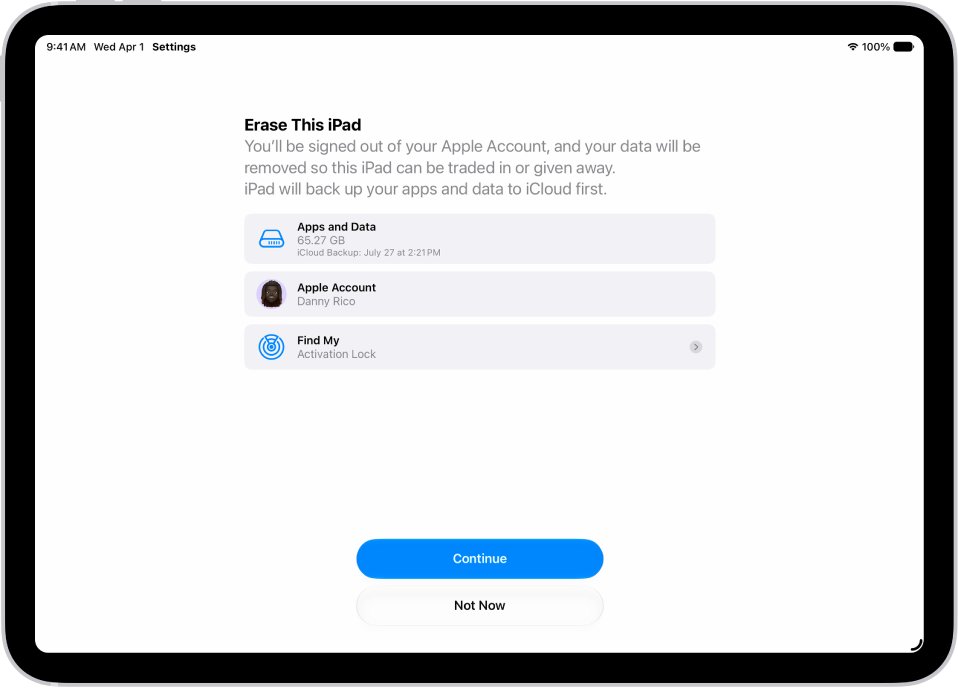
- Tap Erase All Content and Settings.
- Enter the passcode if asked, then tap Erase iPad.
- When the iPad restarts on Hello, set it up with your own Apple Account.
If the iPad is stuck in setup and you cannot reach Settings, factory reset the iPad with a computer using Finder on a Mac or the Apple Devices app on Windows.
Where is Remote Management on iPad?
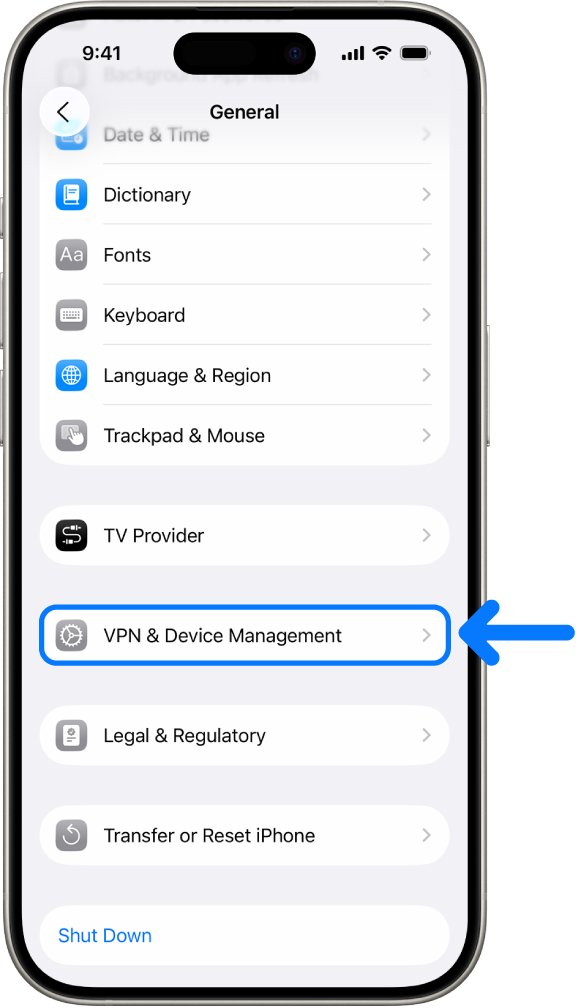
Once the iPad is set up, its management status sits in one place in Settings.
- Open Settings and tap General.
- Scroll down and tap VPN & Device Management.
- Look for a device management or configuration profile in the list.
- If the page shows no profiles, no device management profiles are installed and the iPad is free of Remote Management.
A United Airlines profile in this list means the iPad is still enrolled. Contact the administrator before deleting anything there.
What can Remote Management do on an iPad?
Automated Device Enrollment gives the organization the deepest control Apple offers over an iPad. That is why buying one that is still enrolled is a privacy problem as well as a setup problem.
| What the organization can do | What it means on your iPad |
|---|---|
| Supervise the iPad | Supervision is applied at enrollment and generally means the organization owns the device |
| Enforce restrictions | Every restriction Apple offers to management services can be applied |
| Block removal of enrollment | The organization can stop the user removing its enrollment profile |
| Lock the iPad in Managed Lost Mode | The iPad locks and shows a message and phone number on the Lock Screen |
| See the last known location | Managed Lost Mode can show location even with Location Services off |
| Erase the iPad | A supervised iPad can be wiped remotely, and the command retries until the iPad is online |
| Access data | Management tools may allow access to data or location information |
iPad Remote Management screen still showing
iPad remote management screen comes back after a reset
The serial number is still in United Airlines' Apple Business account or still assigned to its service.
- Ask the seller or United Airlines IT to search for the serial number in Devices > Inventory.
- Ask them to confirm the status reads Released, not only unassigned.
- Erase the iPad again once they confirm.
- Run setup again and check that the Remote Management screen is gone.
This iPad is managed remotely after setup
A management profile is installed, either from the organization or one you added from an email or webpage.
- Open Settings > General > VPN & Device Management.
- Tap the profile to see which organization installed it.
- If you installed it yourself, tap Delete Profile and follow the onscreen steps.
- Restart the iPad.
- If the profile belongs to United Airlines, ask its administrator to unenroll and release the iPad instead.
How to leave remote management on iPad when there is no option
A supervised iPad cannot be unenrolled by the user, and the organization can hide the removal option.
- Back up anything you need, because a release is followed by an erase.
- Send the serial number to United Airlines IT and ask for the iPad to be unenrolled and released.
- Erase the iPad after they confirm the release.
- Set it up again with your own Apple Account.
Should you buy a used iPad with Remote Management?
Do not keep a used iPad that shows Remote Management unless the seller produces a release from the organization within the return window. Only the organization can release it, a release cannot be forced from the iPad, and an enrolled iPad stays open to the organization's locking, location and erase commands.
Before buying a used iPad, ask the seller to erase it in front of you and check that setup reaches the Home Screen without a Remote Management screen.
iPad Remote Management FAQ
How do I remove Remote Management from an iPad?
Ask the organization named on the screen to release the iPad's serial number from its Apple Business account. Once the status shows Released, erase the iPad and set it up again. There is no setting on the iPad that removes an organization's enrollment.
Can you remove Remote Management from an iPad yourself?
No. The Remote Management screen cannot be skipped while the iPad is in an organization's Apple Business account, and a supervised iPad cannot be unenrolled by the user. Only the organization's administrator or its management service can release it.
How do I reset Remote Management on an iPad?
A factory reset alone brings the screen straight back. After the organization releases the iPad, go to Settings > General > Transfer or Reset iPad > Erase All Content and Settings, or restore the iPad with a computer, then set it up again.
How do I leave Remote Management on an iPad?
On an iPad enrolled by an organization, leaving requires the administrator to unenroll and release it. If a profile you installed yourself appears in Settings > General > VPN & Device Management, tap it and choose Delete Profile, then restart.
Where is Remote Management on an iPad?
On a set-up iPad, open Settings > General > VPN & Device Management. Any device management profile appears there. If the page shows no profiles, the iPad has no device management installed. During setup, Remote Management appears as its own screen.
Can I remote into an iPad?
An organization that manages an iPad can lock it, play a sound, show its last known location and erase it. For your own devices, Switch Control Platform Switching lets one Apple device control another on the same Wi-Fi network signed in with the same Apple Account.
Can I remote access an iPad?
An organization reaches its iPads through a device management service, which can apply settings, lock, locate and erase them. For your own iPad, Find Devices on iCloud.com can erase it remotely if it is lost or stolen, which also turns off Activation Lock.