You can get the Alteryx Designer download for Windows 11 and Windows 10 from Alteryx One, and a 30-day free trial lets you install it without buying first. Designer is the drag-and-drop desktop app for preparing, blending and analyzing data, with more than 300 analytics automation tools.
Below: which download to pick, install and activation steps, silent deployment, Mac options, pricing, requirements, updates and fixes.
Which Alteryx Designer download do you need?
Every Designer download sits behind an Alteryx sign-in. Match your situation to a row, then sign in to that portal.
| Your situation | Download this | Where |
|---|---|---|
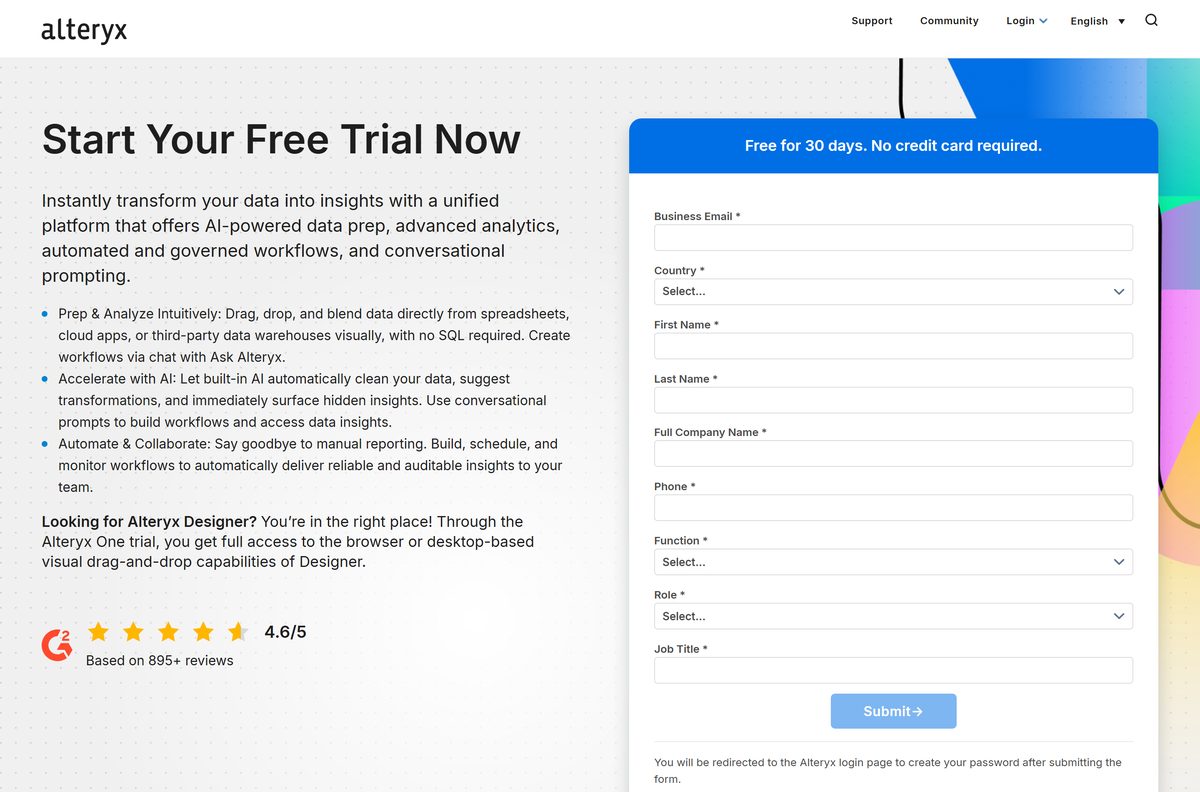
| New user trying Designer for the first time | Alteryx One 30-day free trial | Fill in the form, then create your password |
| Professional or Enterprise account, Designer 2026.1 or later | Alteryx One desktop app | Download & Activate > Alteryx One tab |
| You need Designer 2025.2 or older | Older Designer Versions | Download & Activate > Older Designer Versions tab |
| Older contract licensed with license keys | Alteryx Licensing & Downloads portal | licenses.alteryx.com |
| Rolling it out to many PCs | Alteryx One app command-line guide | Silent install switches |
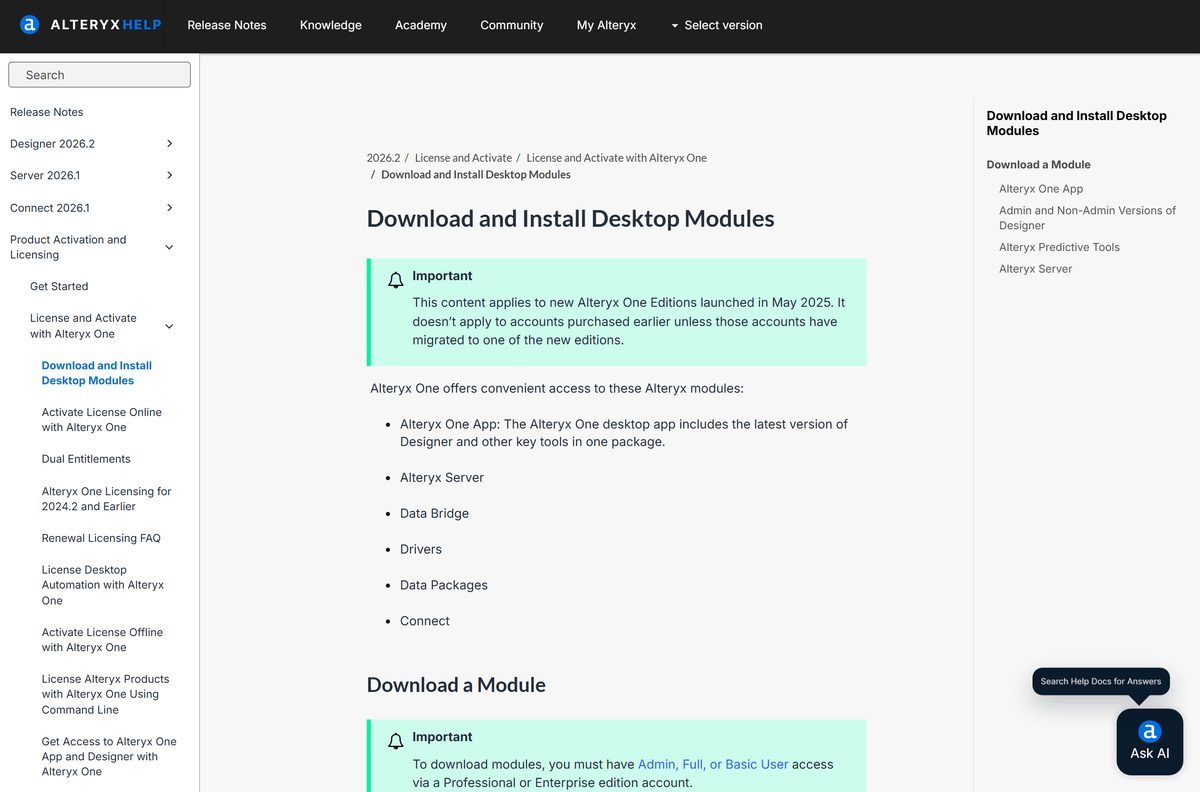
The Alteryx One desktop app includes the latest Designer. From Designer 2026.1 on, you must install that app to upgrade.
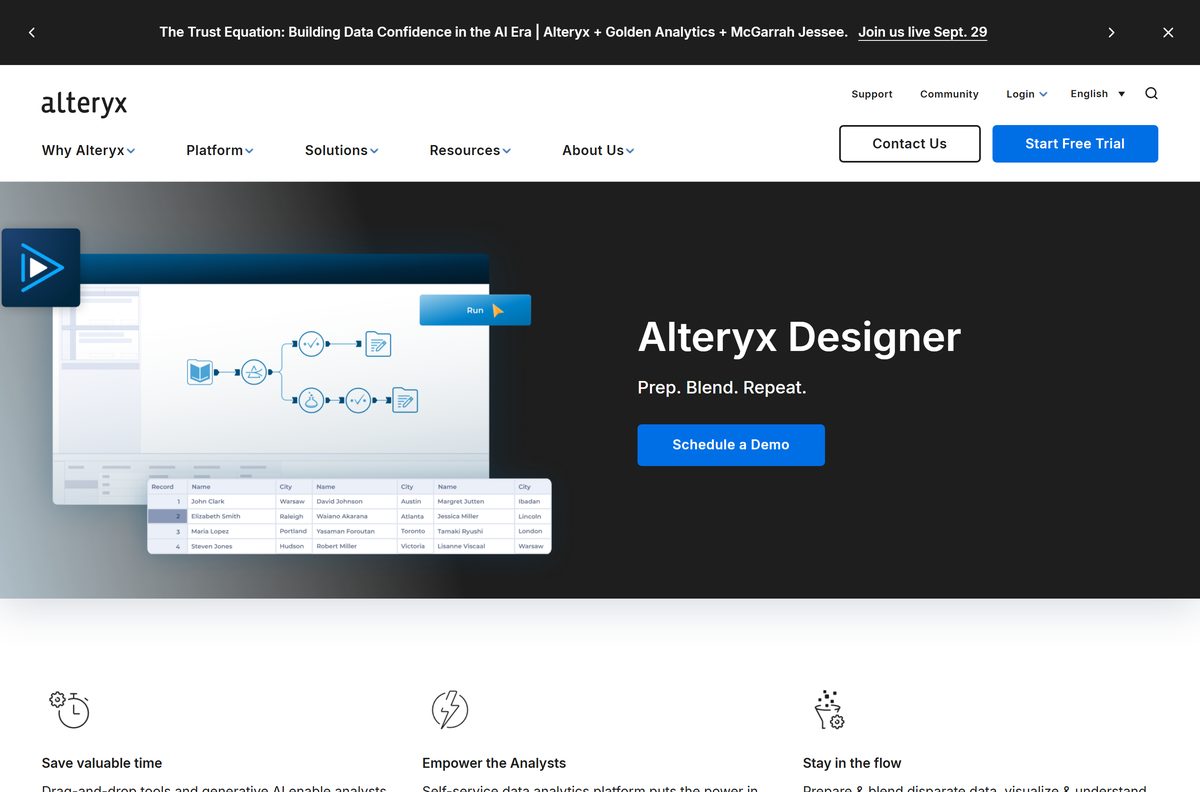
Download Alteryx Designer from the official Alteryx links
Start the trial on alteryx.com, or sign in to your workspace if your company already pays for Alteryx One. Designer 2026.2.0.8 is the current release.
- Start the Alteryx One free trial — 30 days, browser and desktop
- Sign in to Alteryx One (Download & Activate) — Professional or Enterprise edition, Admin, Full or Basic access
- Alteryx Designer product page — Features and system requirements
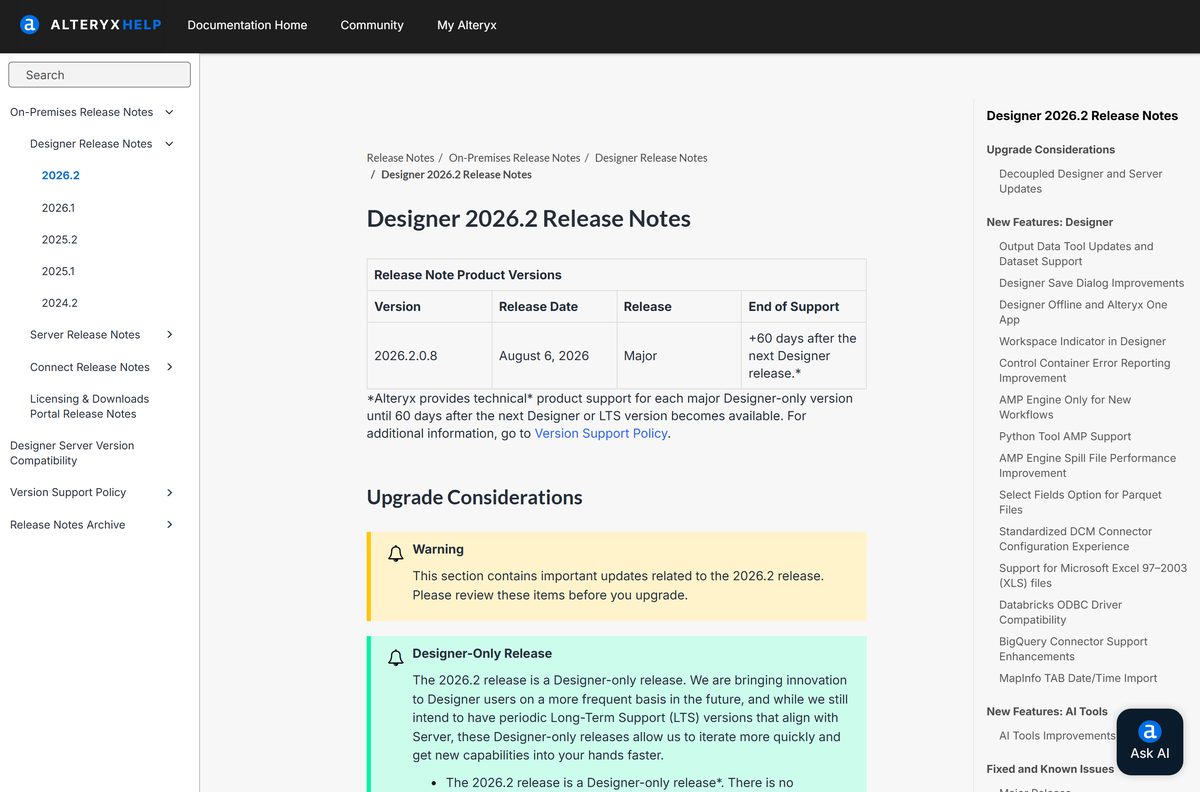
- Designer 2026.2 release notes — Version 2026.2.0.8, August 6, 2026
How to install Alteryx Designer on Windows 11 and 10
You need Admin, Full or Basic user access on a Professional or Enterprise edition account. A trial account gets you signed in the same way.
- Sign in to your Alteryx One workspace at my.alteryx.com.
- Select Download & Activate in the left navigation pane.
- Select the Alteryx One tab to get the desktop app with the latest Designer.
- Pick a Version and Install Type from the dropdowns, if they appear.
- Select Download.
- Double-click the downloaded installation file and follow the setup screens.
- Sign in to the Alteryx One app and choose your workspace.
- Launch Designer from the Alteryx One app and activate it in the next section.
If a module or version is missing, your account admin has restricted that download.
How to activate Alteryx Designer with your Alteryx One account
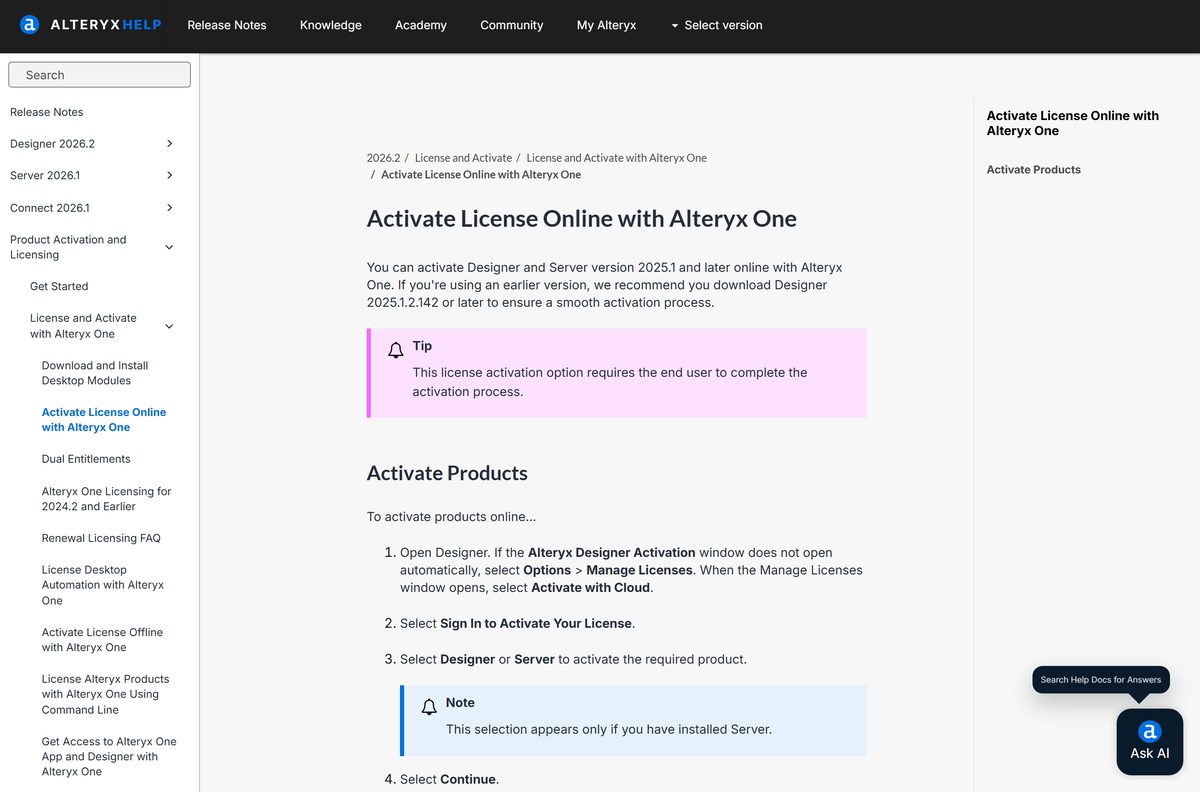
Designer needs an activated license before it opens workflows. Online activation takes a browser sign-in.
- Launch Designer. If no activation window opens, select Options > Manage Licenses > Activate with Cloud.
- Select Sign In to Activate Your License.
- Select Designer, then Continue.
- Pick your Alteryx One instance from the list.
- Select Launch Browser.
- Enter your Alteryx One email, select your workspace and sign in with your password.
- Wait for the Access Granted message in the browser, then return to Designer.
No internet on that PC? Alteryx One also supports offline activation, and Designer keeps working offline after activation.
Install the Alteryx One app silently on many PCs
The Alteryx One app installer takes command-line switches for silent and enterprise installs. The file name carries the app version and region, for example AlteryxOne-1.0.352-US-setup.exe.
| Switch | What it does |
|---|---|
| (none) | Per-user install in %LOCALAPPDATA%\Alteryx\AlteryxOne, no admin rights needed |
/ALLUSERS |
Per-machine install in C:\Program Files\Alteryx\AlteryxOne, needs admin rights |
/S |
Runs the installer silently |
/NOAUTOLAUNCH |
Stops the app from opening after install |
/D= |
Custom folder, per-machine only; must be the last switch, no quotation marks |
| Full switch reference | Alteryx One app command-line installation guide |
A typical silent command is AlteryxOne-1.0.352-US-setup.exe /S /ALLUSERS /NOAUTOLAUNCH . The switches are case-sensitive, so test the command on one PC first.
Only one method, per-machine or per-user, can be installed on a PC at a time.
Which Alteryx Designer setup do you need on a Mac?
Designer and the Alteryx One desktop app are Windows applications. Alteryx lists macOS with a virtual machine installation required.
| Your Mac | What to use | What you get |
|---|---|---|
| Any Mac, you want the full desktop Designer | Windows virtual machine, then the Windows install | The same Designer as on a PC |
| Any Mac, browser is enough | Alteryx One web companion | Cloud tools without Designer integration |
Give the virtual machine enough memory and disk to meet the Windows requirements below.
Is Alteryx Designer free?
No. Designer is paid software, but the 30-day Alteryx One free trial includes the desktop installed experience, so you can install and test it before you buy. Desktop Designer comes with the Professional and Enterprise editions of Alteryx One, which are priced through Alteryx sales. The Starter edition costs $250 per user per month, billed annually, and is cloud-only. Students and educators can request an academic license through the SparkED program.
Compare editions on the Alteryx pricing page. Any site selling a cheap Designer license key or a cracked build is not Alteryx.
Should you install the Admin or Non-Admin version of Alteryx Designer?
Install the Non-Admin version on a work PC where you lack admin rights. Install the Admin version when several people share the PC or you need Alteryx Scheduler. The Admin version needs administrator permissions, installs in Program Files, runs for every user on the machine and includes Alteryx Scheduler, which needs its own license. The Non-Admin version installs in your App Data folder and only you can run it. Both can sit on the same machine.
Keep the install path free of non-ASCII characters such as Cyrillic, Chinese or Japanese. Predictive tools fail on such paths.
How to update Alteryx Designer to the latest version
Designer 2026.1 and later update through the Alteryx One app. You do not download new minor versions by hand.
- Open the Alteryx One app and stay signed in.
- Wait for the app to announce that a new Designer version is available.
- Confirm the installation when prompted.
- Let the update download and install in the background; Designer is unavailable until it finishes.
- If you skipped an update, open Download & Activate in the Alteryx One app and run the per-machine or per-user installer manually.
The Alteryx One app updates itself too. It needs network access to flexnetoperations.com to do so.
Check the Alteryx Designer system requirements before you download
Designer runs on 64-bit Windows only. The disk figure is the free space Alteryx asks for, not the installer size.
| Field | Value |
|---|---|
| Software | Alteryx Designer |
| Developer | Alteryx, Inc. |
| Latest version | 2026.2.0.8 (August 6, 2026) |
| License | Paid, with a 30-day Alteryx One free trial |
| Supported OS | Windows 10 (64-bit) and higher; Windows 11 from Designer 23.2 |
| Mac | Virtual machine installation required |
| Architecture | 64-bit Windows (x64) |
| Processor | Quad core (single chip), 2.5 GHz or faster |
| Memory | 8 GB RAM; 16 GB for High Performance |
| Disk space | 500 GB to 1 TB free |
| Languages | English, French, German, Japanese, LATAM Spanish, Brazilian Portuguese, Italian, Simplified Chinese |
| Installer size | Not published by Alteryx; download needs sign-in |
| Official source | alteryx.com |
| Last verified | 2026-09-25 |
Check your own PC in Settings > System > About: System type must say 64-bit, and Installed RAM should be 8 GB or more.
Fix Alteryx Designer not downloading, installing or activating
Download & Activate shows no Designer download
Your role, edition or admin restrictions block it.
- Ask your Alteryx One admin to give you Admin, Full or Basic access.
- Confirm the account is a Professional or Enterprise edition; Starter is cloud-only.
- Ask the admin whether downloads are restricted for your account.
The installer asks for administrator rights you do not have
You picked the Admin version or a per-machine install.
- Pick the Non-Admin install type on the Download & Activate page.
- For the Alteryx One app, run the per-user installer without the /ALLUSERS switch.
Activation fails with a license error
The PC cannot reach the Alteryx licensing servers.
- For license-key activation, make sure the PC can reach whitelist.alteryx.com.
- Ask IT to allow the domain through the proxy or firewall.
- If the PC must stay offline, use offline activation instead.
Predictive tools do not work after install
The Designer install path contains non-ASCII characters.
- Uninstall Designer.
- Reinstall it to a folder whose path uses only ASCII characters.
- Install Predictive Tools that match your Designer version.
An old Designer version misbehaves on Windows 11
Windows 11 support starts at Designer 23.2.
- Open Download & Activate and pick a newer version.
- Install the Alteryx One app to move to Designer 2026.1 or later.
How to uninstall Alteryx Designer
Remove Designer from Windows Settings like any desktop app. The Admin and Non-Admin versions appear as separate entries if both are installed.
- Close Designer and the Alteryx One app.
- Open Settings > Apps > Installed apps.
- Type Alteryx in the search box.
- Select the three-dot menu next to the Designer entry, then Uninstall.
- Confirm, and repeat for the Alteryx One app if you no longer need it.
- Restart the PC before you install a different Designer version.
Choose an Alteryx Designer alternative for data prep
If the license cost or the Windows-only install does not fit, these official options cover part of the same work.
| Option | Runs on | Cost | Best for |
|---|---|---|---|
| Alteryx One web companion | Browser | Included with Alteryx One | Mac users and cloud data prep |
| Microsoft Power BI Desktop | Windows | Free | Reports and dashboards more than workflow automation |
| Alteryx SparkED academic license | Windows | Free for eligible students and educators | Learning Designer past the trial |
Frequently asked questions
Is Alteryx Designer free?
No. Designer is paid software that comes with the Professional and Enterprise editions of Alteryx One. A 30-day free trial includes the desktop installed experience, and students and educators can apply for an academic license through SparkED.
Where is the official Alteryx Designer download?
Sign in at my.alteryx.com and open Download & Activate, then use the Alteryx One tab. New users start at alteryx.com/trial. Customers with license keys download from the Alteryx Licensing & Downloads portal at licenses.alteryx.com.
Does Alteryx Designer work on Windows 11?
Yes. Alteryx supports Windows 11 for Designer version 23.2 and later, along with 64-bit Windows 10. New installs come through the Alteryx One desktop app.
How big is the Alteryx Designer download?
Alteryx does not publish the installer size, and the file is only available after you sign in. Plan for disk space instead: Alteryx asks for 500 GB to 1 TB free on the PC that runs Designer.
Is there an offline installer for Alteryx Designer?
You download the installer from Alteryx One, so the download needs an internet connection. After that, Alteryx supports offline activation, and Designer keeps working offline once activated, limited to features that run in offline mode.
Is Alteryx Designer available for Mac?
Not natively. Designer is a Windows application, and Alteryx says a virtual machine installation is required on macOS. Mac users can also work in the Alteryx One web companion in a browser, without the desktop Designer.
Does Alteryx Designer run on 32-bit Windows or ARM?
Alteryx lists 64-bit Windows 10 and higher, and the Alteryx One app installer is 64-bit Windows only. There is no 32-bit build, and the requirements page lists no ARM64 version.
What is the latest version of Alteryx Designer?
Designer 2026.2.0.8, released on August 6, 2026, is the current version. It is a Designer-only release, so there is no matching 2026.2 Server version.
Is the Alteryx Designer download safe?
Yes, when it comes from your Alteryx One workspace or licenses.alteryx.com. Alteryx does not sell Designer through download sites, so skip any page offering a free full version, a license key generator or a repacked installer.
Why won’t Alteryx Designer install or activate?
The usual causes are missing Admin, Full or Basic access, an Admin install without administrator rights, or a firewall blocking the licensing servers. Try the Non-Admin install type, and ask IT to allow whitelist.alteryx.com for license-key activation.
How long is the Alteryx Designer free trial?
The Alteryx One free trial lasts 30 days. It covers both the cloud browser experience and the desktop installed Designer, and you create your password on the Alteryx login page after you submit the trial form.
How much RAM does Alteryx Designer need?
Alteryx asks for 8 GB of RAM, or 16 GB for High Performance, along with a quad-core 2.5 GHz or faster processor. Check your PC under Settings, System, About before you install.