You can get the Zwift download for Windows 11, Windows 10 and Mac from zwift.com/download, and the same account also runs on iPhone, iPad, Android and Apple TV. The Windows setup file is 32.4 MB and the Mac disk image is 14.9 MB.
Zwift is an indoor cycling and running app that connects to a smart trainer, smart bike or treadmill. The app is free to install, and riding needs a membership with a 14-day free trial on the monthly plan.
This guide covers which download fits your device, how to install it on Windows and Mac, the system requirements, membership prices, fixes for setup problems and how to uninstall it.
Which Zwift download does your device need?
Zwift offers one app per platform. Find your device in the left column and use the link beside it.
| Your device | Install this | Size | Get it |
|---|---|---|---|
| Windows 10 or Windows 11 PC | ZwiftSetup.exe | 32.4 MB setup | Zwift for Windows |
| Mac on macOS 10.14.4 or later | ZwiftOSX.dmg | 14.9 MB setup | Zwift for macOS |
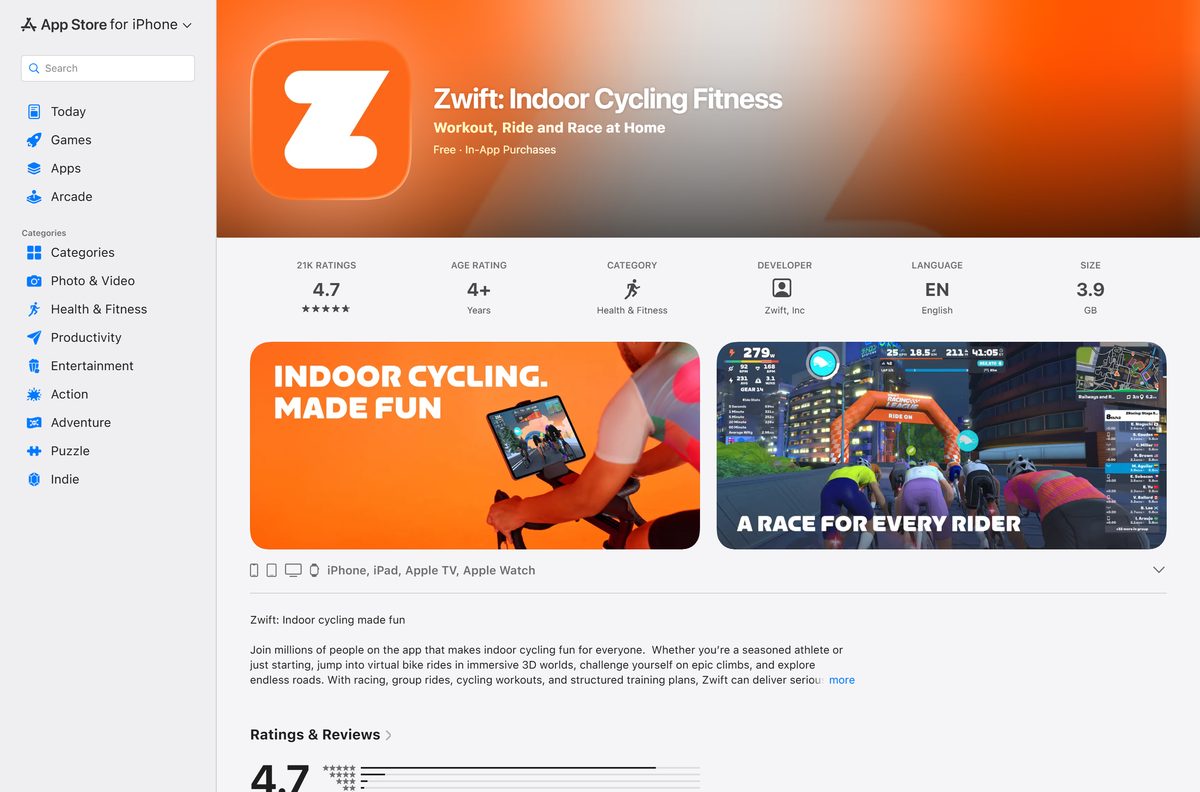
| iPhone or iPad on iOS 15.0 or later | Zwift: Indoor Cycling Fitness | 3.9 GB | Zwift on the App Store |
| Apple TV on tvOS 14 or later | Zwift from the Apple TV App Store | Shown on the Apple TV | Zwift on the App Store |
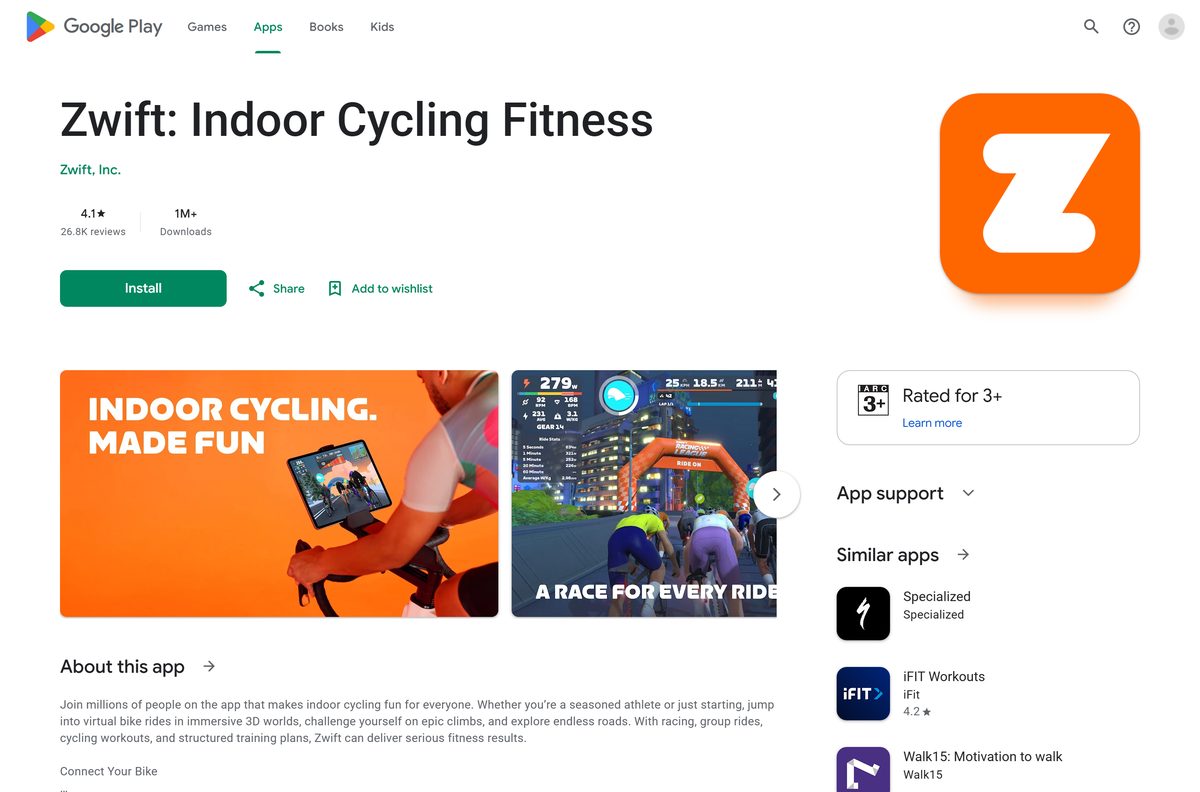
| Android 9.0 or higher | Zwift: Indoor Cycling Fitness | Shown by Google Play | Zwift on Google Play |
One membership covers every platform, so you can ride on a PC one day and on Apple TV the next.
Download Zwift from the official Zwift site
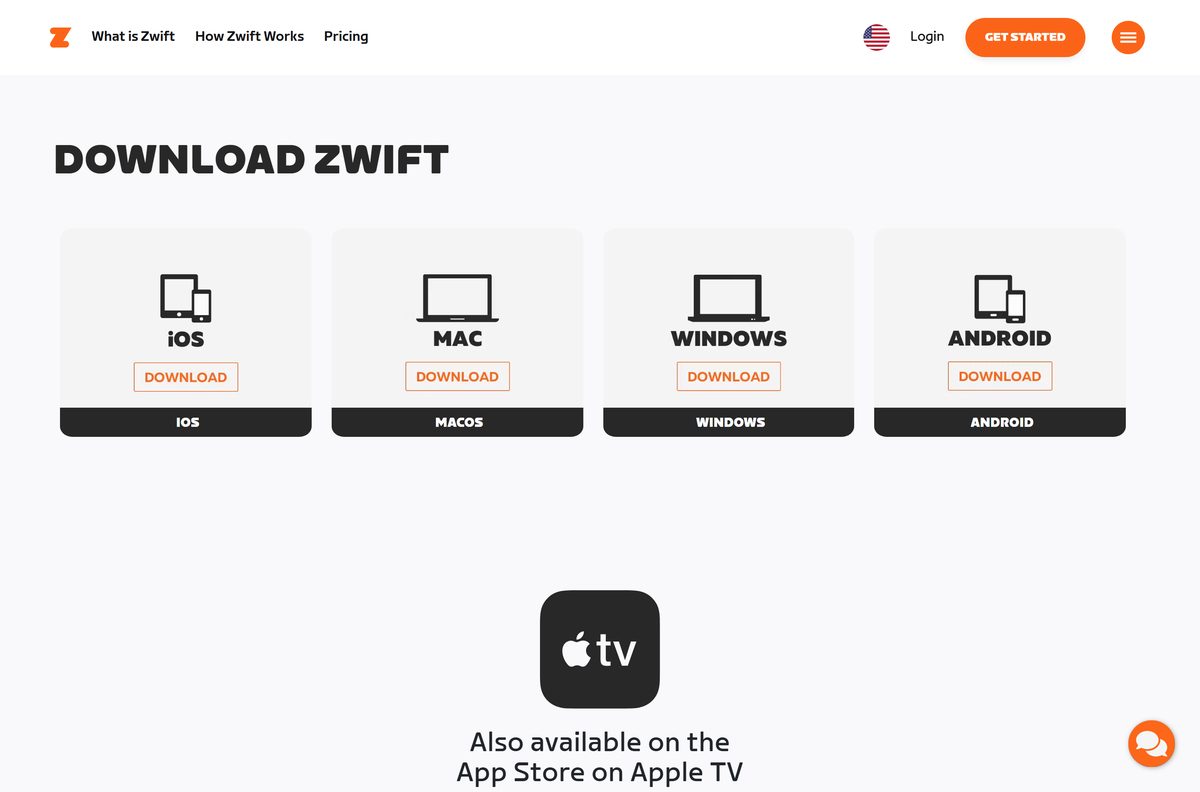
Every Zwift download starts at zwift.com/download. The Windows and Mac buttons fetch the setup file from cdn.zwift.com, Zwift’s own download server.
- Zwift download page (all platforms) — Windows, macOS, iOS, Android and Apple TV
- Zwift for Windows — 32.4 MB · ZwiftSetup.exe for Windows 10 and 11
- Zwift for macOS — 14.9 MB · ZwiftOSX.dmg for macOS 10.14.4 or later
- Zwift on the App Store — iPhone, iPad and Apple TV
- Zwift on Google Play — Android 9.0 or higher
The setup files carry no version number in their names. Each download installs the current Zwift release.
How to install Zwift on Windows 11 and 10
Setup downloads the game content after the small installer starts, so stay connected to the internet until it finishes.
- Open zwift.com/download and select Download under WINDOWS.
- Open File Explorer, go to Downloads and double-click ZwiftSetup.exe .
- Select Yes when Windows asks whether the app can make changes to your device.
- Follow the setup prompts and wait while Zwift downloads the game files.
- Open Zwift from the Start menu or the desktop shortcut.
- Log in with your Zwift account, or create one and start the 14-day free trial.
- Pair your smart trainer, smart bike or treadmill on the pairing screen.
If setup stops partway, run ZwiftSetup.exe again rather than copying files from another PC.
Which Zwift download should you use on a Mac?
Zwift ships a single Mac disk image. Check your macOS version under Apple menu > About This Mac first.
| Your Mac | Download | Size |
|---|---|---|
| macOS 10.14.4 or later | ZwiftOSX.dmg | 14.9 MB |
| macOS older than 10.14.4 | Update macOS first, or ride on iPhone, iPad or Apple TV instead | – |
Double-click ZwiftOSX.dmg in Downloads, then follow the installer. The game content downloads during setup, as on Windows.
How to install Zwift on iPhone, iPad, Apple TV and Android
The mobile and TV versions come from the official stores, not from a file on zwift.com.
- On iPhone or iPad, open Zwift on the App Store and tap Get. It needs iOS 15.0 or later and 3.9 GB of space.
- On Apple TV, open the App Store app, search for Zwift and select Get. It needs tvOS 14 or later.
- On Android, open Zwift on Google Play and tap Install. It needs Android 9.0 or higher.
- Open Zwift and log in with the same account you use on your PC or Mac.
Supported Apple devices include iPhone 6S or higher, iPad mini 4 or higher, iPad Air 2 or higher, iPad Pro and iPad 5th generation or higher.
Is Zwift free?
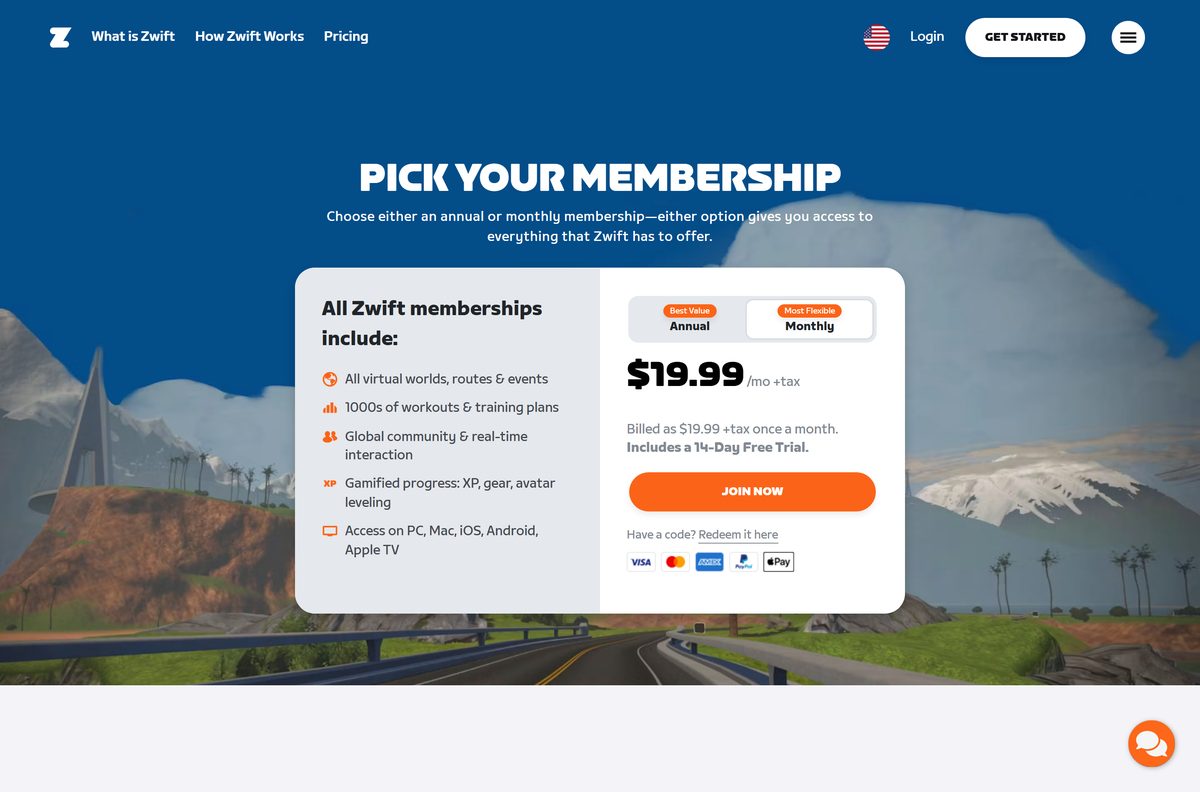
The Zwift app is free to download, but riding needs a paid membership. Start with the monthly plan if you want the 14-day free trial. In the US the monthly plan costs $19.99 a month plus tax and includes a 14-day free trial. Annual plans have no free trial, charge the full price at sign-up and renew yearly. First-time subscribers can cancel an annual plan within 30 days for a refund. Every plan includes all worlds, routes, events, workouts and training plans on PC, Mac, iOS, Android and Apple TV.
Check whether your device meets the Zwift system requirements
Zwift sets a minimum operating system for each platform. Match your device against the table before you download.
| Field | Value |
|---|---|
| Software | Zwift |
| Developer | Zwift, Inc. |
| Latest version | 1.122.0 on the App Store, released September 24, 2026 |
| License | Free download; paid membership with a 14-day free trial on the monthly plan |
| Windows | Windows 10 and above, including Windows 11 |
| Mac | macOS 10.14.4 and above |
| iPhone and iPad | iOS 15.0 or later |
| Apple TV | tvOS 14 and higher |
| Android | Android 9.0 or higher |
| File size | 32.4 MB Windows setup, 14.9 MB Mac setup, 3.9 GB iOS app |
| Offline installer | No; setup downloads the game content |
| Official download | zwift.com/download |
| Last verified | 2026-09-25 |
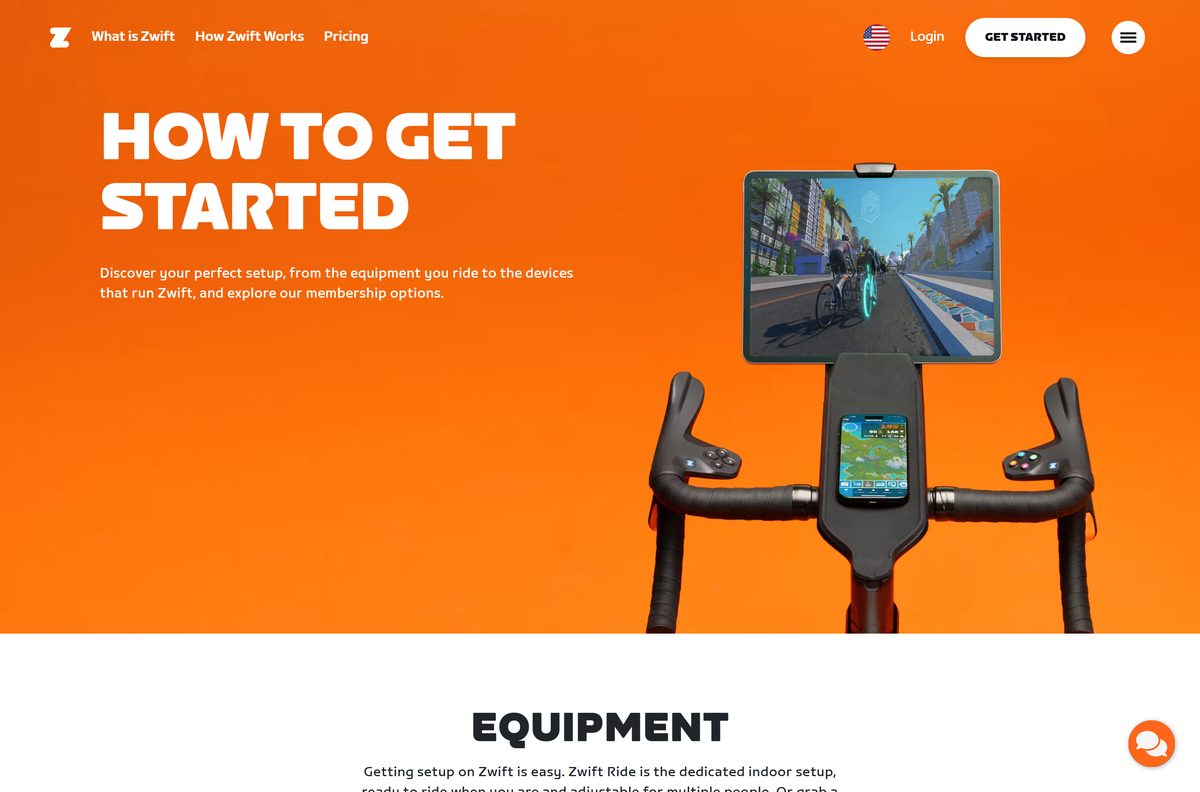
Zwift works with any Bluetooth or ANT+ smart trainer, so your computer or tablet also needs one of those connections.
Fix Zwift not installing or not finding your trainer
Most setup failures come from an unsupported operating system or a broken download. Find your symptom below.
Setup will not start or closes with an error
- Confirm the PC runs Windows 10 or later, or the Mac runs macOS 10.14.4 or later.
- Delete the old setup file and download a fresh copy from zwift.com/download.
- On Windows, right-click ZwiftSetup.exe and select Run as administrator.
Setup stalls while downloading
- Keep the computer online; the setup file fetches the game content during installation.
- Free up disk space, then run the setup file again.
Zwift does not find your trainer
- Check that the trainer is a Bluetooth or ANT+ smart trainer.
- Turn on Bluetooth on the computer or tablet, or plug in your ANT+ dongle.
- Close any other training app that is connected to the trainer, then open the pairing screen again.
How to uninstall Zwift
Removing the app does not cancel your membership. Cancel the membership separately in your Zwift account if you no longer want to pay.
- On Windows 11, open Settings > Apps > Installed apps.
- Find Zwift, select the … button and choose Uninstall.
- On Windows 10, open Settings > Apps > Apps & features, select Zwift and choose Uninstall.
- On a Mac, open Finder > Applications and drag Zwift to the Trash.
- On iPhone, iPad, Apple TV or Android, delete the app the same way as any other store app.
Which Zwift app to install on your phone
Zwift publishes two different mobile apps. The download page links both, and they do different jobs.
| App | What it does | Get it |
|---|---|---|
| Zwift: Indoor Cycling Fitness | Runs the full ride and run experience on iPhone, iPad or Apple TV | App Store |
| Zwift: Indoor Cycling Fitness | Same app for Android 9.0 or higher | Google Play |
| Zwift Companion | Keeps you connected to stats, friends, clubs and the community | Companion on the App Store |
| Zwift Companion | Same companion app on Android | Companion on Google Play |
Install Zwift Companion on your phone even when you ride on a PC or Mac; it does not replace the main app.
Frequently asked questions
Is Zwift free to download?
Yes. The Windows, Mac, iPhone, Android and Apple TV apps are free to download. Riding needs a membership, which costs $19.99 a month plus tax in the US after a 14-day free trial on the monthly plan.
Where is the official Zwift download page?
The official page is zwift.com/download. It has download buttons for Windows, macOS, iOS and Android, a link to the App Store for Apple TV, and a separate button for the Zwift Companion app.
How big is the Zwift download for PC?
ZwiftSetup.exe is 32.4 MB and the Mac disk image, ZwiftOSX.dmg, is 14.9 MB. Both are setup files, so the game content downloads during installation. The iOS app is 3.9 GB on the App Store.
Does Zwift work on Windows 11?
Yes. Zwift runs on Windows 10 and above, which includes Windows 11. The same ZwiftSetup.exe installer covers both versions.
Does Zwift have a free trial?
Yes. The monthly membership includes a 14-day free trial. Annual memberships have no free trial, but first-time subscribers can cancel an annual plan within 30 days for a refund.
Which macOS version does Zwift need?
Zwift needs macOS 10.14.4 or later on a Mac. Download ZwiftOSX.dmg from zwift.com/download/mac and open it to install.
Can I run Zwift on Apple TV?
Yes. Zwift runs on Apple TV with tvOS 14 or later. Install it from the App Store on the Apple TV itself; the same membership covers every device.
Is there an offline installer for Zwift?
No. The Windows and Mac downloads are small setup files that fetch the game content during installation, so keep the computer online until setup finishes.
What equipment do I need for Zwift?
Zwift works with any Bluetooth or ANT+ smart trainer, a smart bike such as Zwift Ride, or a smart treadmill or footpod for running.
What is the difference between Zwift and Zwift Companion?
Zwift is the app you ride or run in. Zwift Companion is a separate phone app for iOS and Android that keeps you connected to your stats, friends, clubs and the community.