The Linux Mint download is a free ISO image from linuxmint.com that you write to a USB stick and boot on your PC. From there you can try it live, install it next to Windows 11 or 10, or replace Windows entirely.
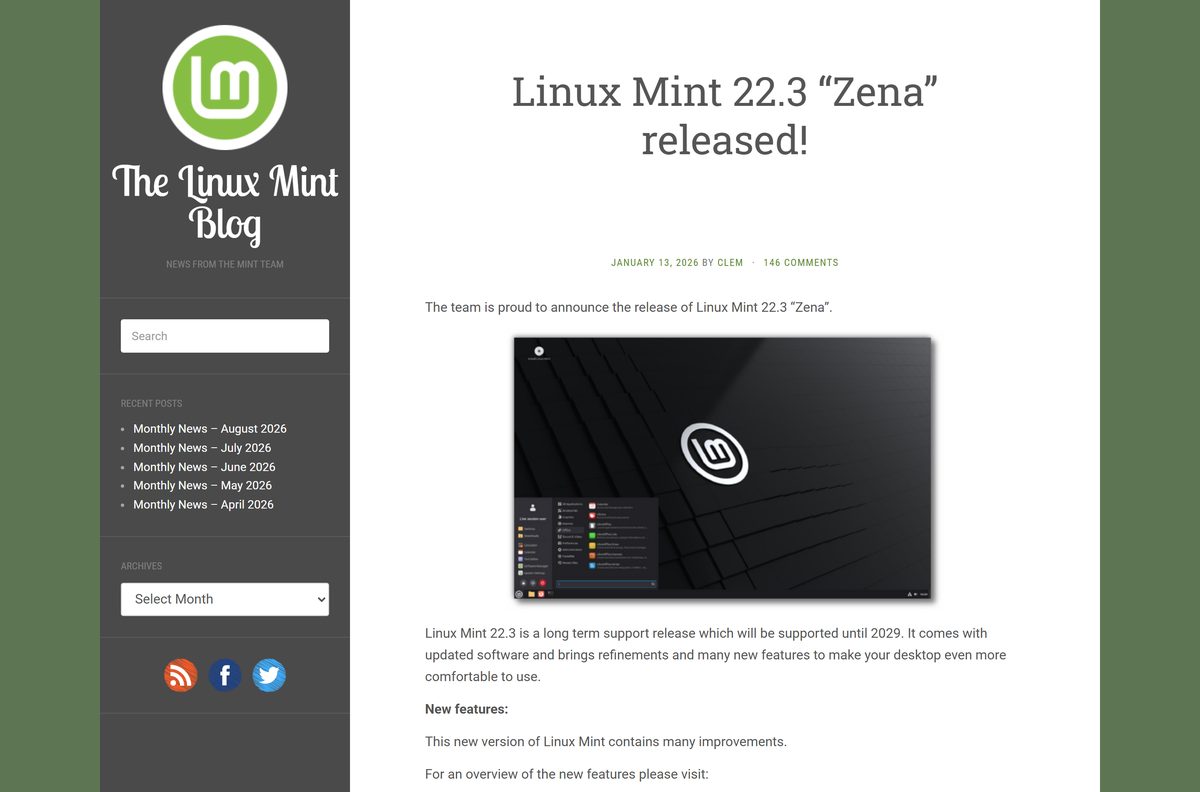
Linux Mint 22.3 “Zena” is the current release, a long term support version based on Ubuntu 24.04. It comes in three desktop editions, and every one of them is a 64-bit image.
This guide covers which edition to pick, the official links, checking the ISO, making a bootable USB with Rufus, installing, running it in VirtualBox, Macs, upgrades and fixes for boot problems.
Which Linux Mint edition should you download?
All three editions share the same base, apps and support period. Only the desktop changes, so pick by how your PC feels today.
| Your PC or preference | Download this | Size stated by Linux Mint |
|---|---|---|
| Most PCs from the last ten years, or you want the most features | Cinnamon Edition | 2.9GB |
| An older laptop with little RAM, or you want the lightest desktop | Xfce Edition | 2.8GB |
| You prefer a classic layout carried over from GNOME 2 | MATE Edition | 2.9GB |
| The regular ISO does not boot on a very new PC | HWE ISOs | Newer kernel, same editions |
Linux Mint calls Cinnamon its most popular edition. Xfce supports fewer features but is lighter on resources, and MATE is the continuation of the desktop Mint used from 2006 to 2011.
Download the Linux Mint ISO from the official site
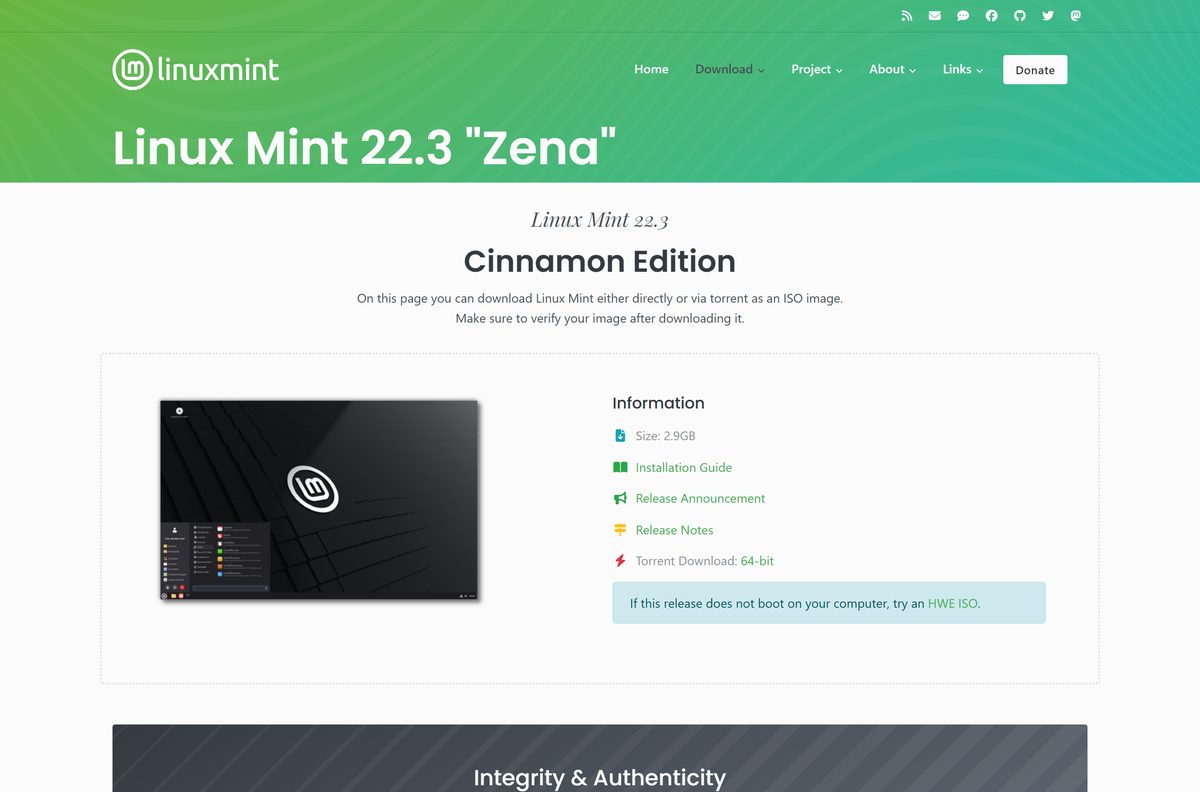
Each edition page lists mirrors by country and a torrent link. Pick a mirror in your own country for the fastest download.
- Linux Mint download page — all three editions, release notes and the installation guide
- Cinnamon Edition page — 2.9GB · file
linuxmint-22.3-cinnamon-64bit.iso - Xfce Edition page — 2.8GB · file
linuxmint-22.3-xfce-64bit.iso - MATE Edition page — 2.9GB · file
linuxmint-22.3-mate-64bit.iso - Release notes for Zena — known issues with graphics cards, VirtualBox and NTFS
Save sha256sum.txt and sha256sum.txt.gpg from the same edition page. You need them in the next step.
How to verify the Linux Mint ISO on Windows
Linux Mint warns that anyone can produce fake ISO images. A SHA256 check on Windows takes one PowerShell command.
- Right-click sha256sum.txt on the edition page and choose Save link as.
- Open Windows PowerShell from the Start menu.
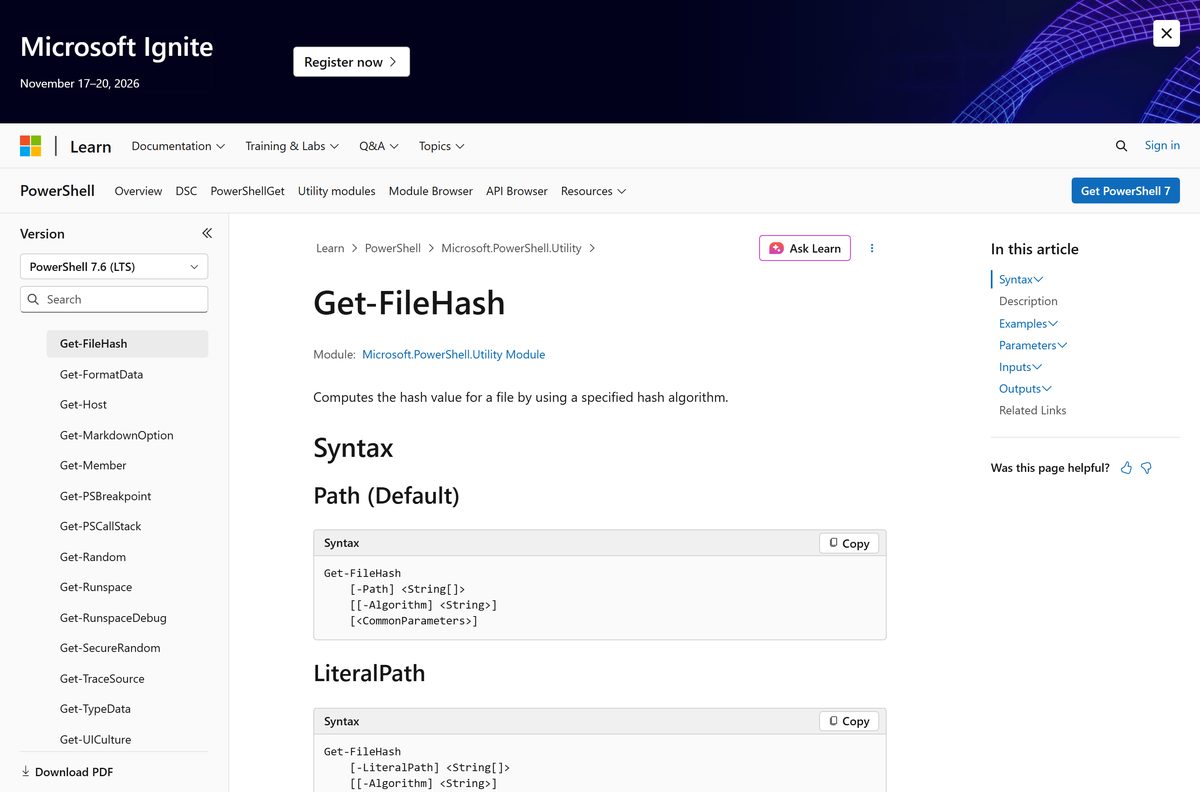
- Run cd $HOME\Downloads to move to your Downloads folder.
- Run Get-FileHash .\linuxmint-22.3-cinnamon-64bit.iso with your edition’s file name.
- Open sha256sum.txt in Notepad and find the line for the same file.
- Compare the two values. Letter case does not matter, every character must match.
- Delete the ISO and download it again from another mirror if the values differ.
Get-FileHash uses SHA256 by default, so no extra switch is needed. The sha256sum.txt.gpg file adds a signature check for the checksum list itself, which needs GPG installed.
How to make a bootable Linux Mint USB with Rufus and try it live
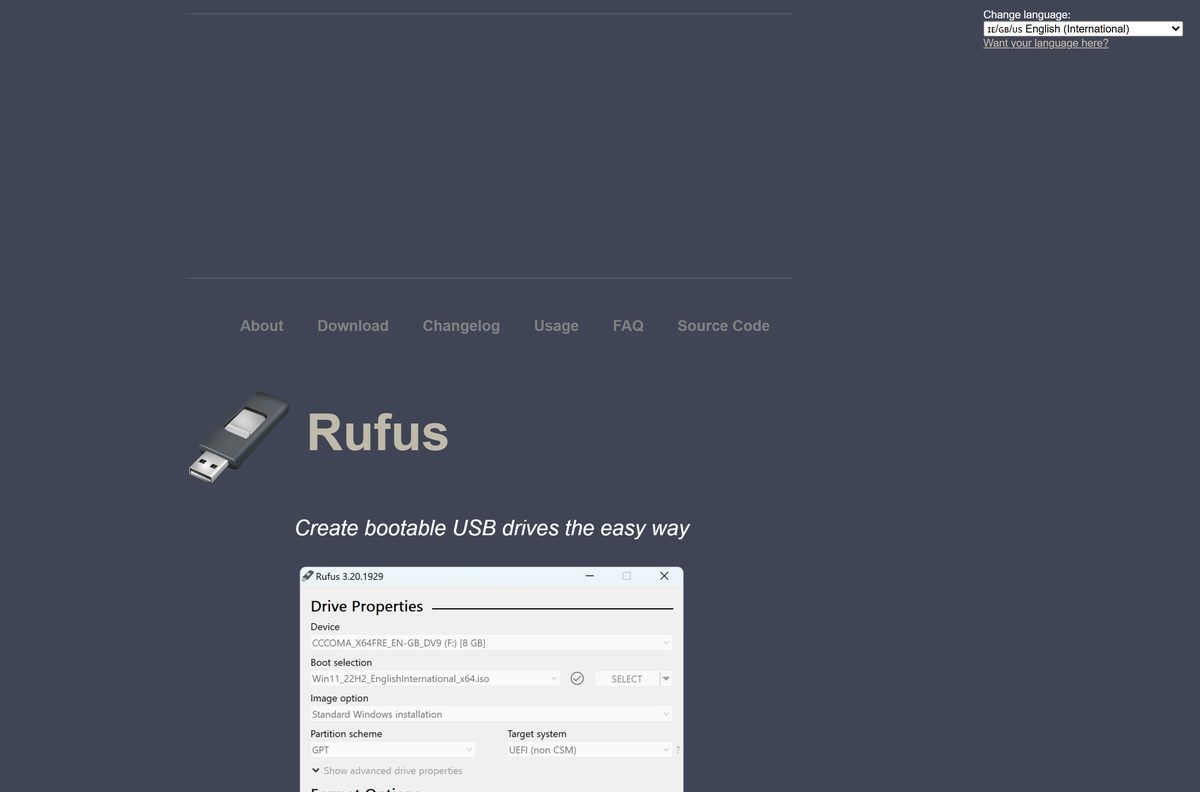
A live USB runs Linux Mint without touching your disk, so you can check Wi-Fi, sound and the screen first. Rufus lists Linux Mint among the ISOs it is known to work with.
- Plug in a USB stick of 8GB or larger. Rufus erases everything on it.
- Download Rufus from rufus.ie. The portable rufus-4.15p.exe runs without installing.
- Run Rufus and select Yes at the User Account Control prompt.
- Pick your stick under Device.
- Select SELECT and open the Linux Mint ISO you verified.
- Leave the other options at their defaults and select START.
- Accept the recommended write mode if Rufus asks, then confirm the erase warning.
- Wait until the progress bar finishes, then close Rufus.
- Restart the PC and open its boot menu to start from the USB stick.
Rufus needs Windows 8 or later and has x64, x86 and ARM64 builds. The boot menu key differs by PC maker, so check your manual if the usual keys do nothing.
How to install Linux Mint on a PC that runs Windows 11 or 10
You can keep Windows. Linux Mint then adds a menu at startup that asks which system to use. Back up your files before you change any disk.
- Boot the PC from the Linux Mint USB stick.
- Pick the default start entry. Choose Compatibility Mode instead if the screen stays black.
- Wait for the live desktop to load.
- Double-click Install Linux Mint on the desktop.
- Choose your language and keyboard layout.
- Pick the option that installs Linux Mint alongside Windows, or the one that erases the disk to replace it.
- Choose your time zone, then create your user name and password.
- Wait for the installer to finish, then restart when it asks.
- Remove the USB stick when prompted.
- Pick Linux Mint or Windows from the startup menu.
Erasing the disk removes Windows and every file on that drive. Choose it only when your data is backed up elsewhere.
Install Linux Mint in VirtualBox on Windows 11 or 10
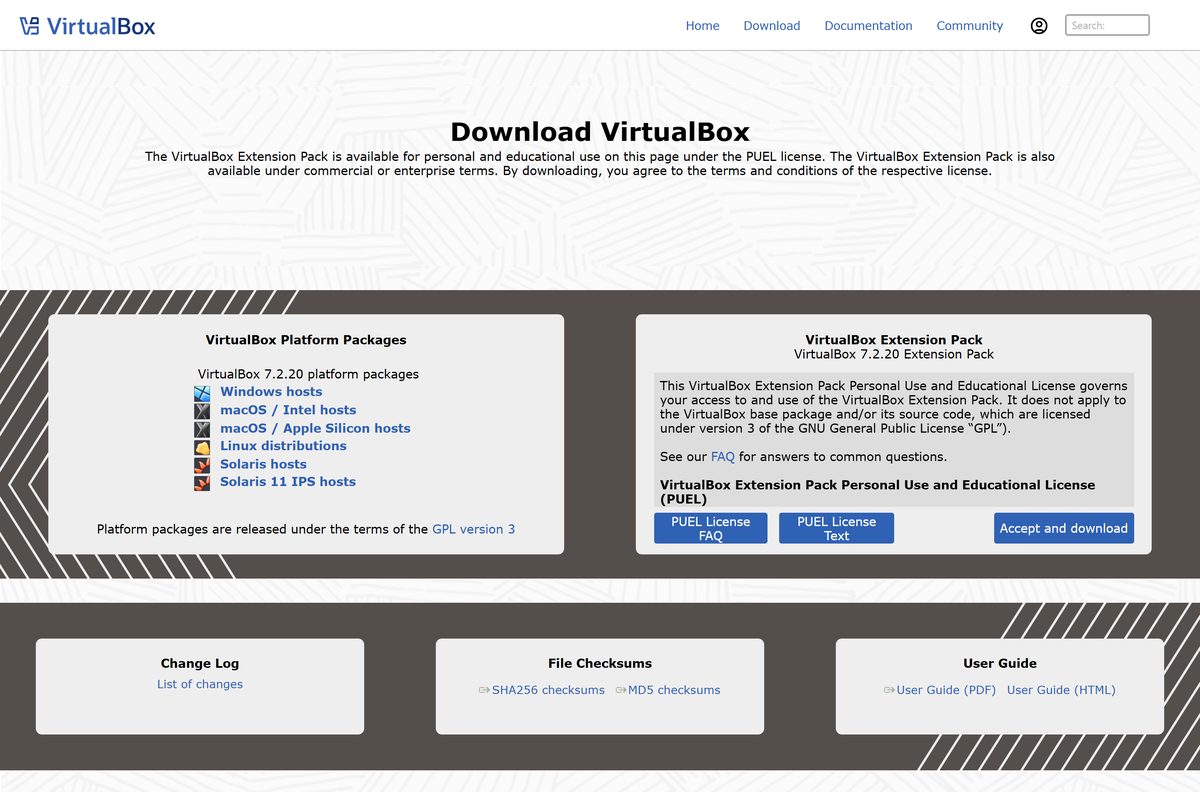
A virtual machine runs Linux Mint in a window while Windows stays untouched. Oracle VirtualBox is free and has a Windows host package.
- Download the Windows hosts package from the VirtualBox downloads page and install it.
- Open VirtualBox and select New.
- Name the machine and pick the Linux Mint ISO as the ISO image.
- Give it at least 4096 MB of memory and a 20GB or larger virtual disk.
- Open the machine’s Settings > Display before starting it.
- Set Graphics Controller to VMSVGA and video memory to 128 MB.
- Clear Enable 3D Acceleration and select OK.
- Start the machine and run the installer from the live desktop.
The display settings come from the Linux Mint release notes. With 3D acceleration on, WebKit and GTK4 apps can render incorrectly.
Can you run Linux Mint on a Mac?
Linux Mint publishes no macOS build. Its ISO images are 64-bit PC images, and the download page lists no ARM image.
| Your Mac | What to do | Where to get it |
|---|---|---|
| Intel Mac | Run the Cinnamon ISO in VirtualBox for macOS / Intel hosts | VirtualBox downloads |
| Apple silicon, M1 or newer | No Linux Mint ARM image exists. Use Ubuntu Desktop for ARM 64-bit in a virtual machine instead | Ubuntu Desktop download |
Open the Apple menu and select About This Mac. A Chip line means Apple silicon, and a Processor line naming Intel means an Intel Mac.
Is Linux Mint free?
Yes. Linux Mint is completely free of charge, and almost every component is open source. There is no paid edition, licence key or activation. The project runs on donations, which are optional. A site that charges for a Linux Mint download, a USB image or a “premium” edition is not an official source.
Should you install the regular ISO or an HWE ISO?
HWE stands for Hardware Enablement. These images carry a newer kernel for recent hardware.
Install the regular ISO, and switch to an HWE ISO only if the regular one does not work on your computer. The regular images ship kernel 6.14, while the HWE images offer kernel 6.17 or 7.0. Linux Mint notes that proprietary drivers and third-party modules can have limited support on newer kernels, so the regular ISO is the safer default.
How to upgrade an older Linux Mint 22 install
Users of Linux Mint 22, 22.1 and 22.2 can upgrade in place without reinstalling.
- Open Timeshift from the menu and create a system snapshot.
- Update any Cinnamon customizations through System Settings.
- Open Update Manager and select Refresh.
- Install any update to mintupdate or mint-upgrade-info.
- Select Edit > Upgrade to Linux Mint 22.3 Zena.
- Follow the prompts, and choose to replace configuration files when asked.
- Restart the computer when the upgrade finishes.
If the upgrade entry is missing, make sure mint-upgrade-info is version 1.3.0 or higher, then restart Update Manager.
Check the Linux Mint system requirements before you download
The requirements are modest. The recommended figures give a comfortable desktop.
| Field | Value |
|---|---|
| Software | Linux Mint “Zena” (Cinnamon, Xfce, MATE) |
| Developer | Linux Mint |
| Latest version | 22.3, long term support until April 2029 |
| Base | Ubuntu 24.04 |
| Licence | Free, almost entirely open source |
| Memory | 2GB RAM, 4GB recommended |
| Disk space | 20GB, 100GB recommended |
| Screen | 1024×768 resolution |
| Architecture | 64-bit PC only; no ARM or 32-bit image |
| Download size | Linux Mint lists 2.9GB for Cinnamon and MATE, 2.8GB for Xfce |
| Offline installer | Yes; the ISO is the full system image |
| Official source | linuxmint.com download page |
| Last verified | 2026-09-25 |
On Windows, press Ctrl + Shift + Esc and open Performance to read your installed memory and free disk space.
Fix Linux Mint not booting or installing
The USB stick does not boot at all
The regular kernel does not support your newer hardware.
- Open the HWE ISOs page on linuxmint.com.
- Download the HWE image for your edition.
- Verify it and write it to the stick with Rufus again.
- Boot from the stick and test the live session.
Black screen or garbled graphics after boot
The graphics driver does not start correctly on your card.
- Restart from the USB stick.
- Pick Compatibility Mode at the start menu.
- If that fails, add nomodeset to the boot options, which often helps NVIDIA cards.
- Run the installer from that session, then use the same boot option if the problem returns.
Problems on an old NVIDIA card that uses the 470 driver
The HWE kernel in this release has known issues with the 470 driver.
- Install Linux Mint 22.1 instead of the current release.
- Upgrade to the current release through Update Manager.
- Do not switch to the HWE kernel during or after the upgrade.
The desktop renders badly in VirtualBox
The virtual graphics settings do not match what Linux Mint expects.
- Shut down the virtual machine.
- Set Graphics Controller to VMSVGA with 128 MB video memory.
- Clear Enable 3D Acceleration, then start the machine again.
Windows NTFS drives do not mount
A regression in kernel 6.8 affects some NTFS volumes.
- Open the Disks utility in Linux Mint.
- Select the NTFS volume and run its repair option.
- Mount the drive again from the file manager.
Which Linux should you install instead of Linux Mint?
Both options below are free and install from a USB stick the same way.
| Option | Download size | Pick it for |
|---|---|---|
| Linux Mint Cinnamon | 2.9GB | A familiar Windows-style desktop, support until 2029 |
| Linux Mint Xfce | 2.8GB | Older PCs with 2GB to 4GB of RAM |
| Ubuntu 26.04.1 LTS | 5.9GB (Intel/AMD), 3.9GB (ARM) | Newer hardware, ARM PCs and Apple silicon virtual machines |
Pick Linux Mint if you are coming from Windows and want the lighter requirements. Ubuntu needs 6GB of RAM and 25GB of disk, but it is the one with an ARM 64-bit image.
Frequently asked questions
Is Linux Mint free to download?
Yes. Linux Mint is completely free of charge, and almost all of its components are open source. There is no paid edition or licence key. Download it only from linuxmint.com and the mirrors its edition pages list.
What is the official Linux Mint download page?
The official page is linuxmint.com/download.php. It links the Cinnamon, Xfce and MATE edition pages, each with country mirrors, a torrent link, the SHA256 checksum files and the release notes for the current version.
Does Linux Mint work on Windows 11 PCs?
Yes. Linux Mint installs on most 64-bit desktop and laptop PCs, including machines sold with Windows 11. You can keep Windows and pick either system from a menu at startup, or replace Windows completely.
How big is the Linux Mint download?
Linux Mint lists the Cinnamon and MATE ISO images at 2.9GB and the Xfce image at 2.8GB. Plan for a USB stick of 8GB or more and at least 20GB of free disk space for the installed system.
Is the Linux Mint ISO an offline installer?
Yes. Each ISO holds the complete operating system, so the live USB boots and installs from the stick itself. It is not a small web installer that fetches files during setup.
Can I install Linux Mint on a Mac?
Linux Mint ships no macOS build and no ARM image. An Intel Mac can run the 64-bit ISO in VirtualBox for Intel hosts. On Apple silicon, use an ARM 64-bit distribution such as Ubuntu Desktop in a virtual machine.
Does Linux Mint support ARM64 or 32-bit PCs?
No. The download page offers 64-bit PC images only, with no ARM64 or 32-bit version of any edition. Snapdragon Windows laptops and Apple silicon Macs need a different distribution with an ARM image.
Is Linux Mint safe to download?
Yes, from linuxmint.com and the mirrors its edition pages list. Check the ISO with Get-FileHash in PowerShell against the sha256sum.txt file from the same page. A mismatched value means the file is damaged or fake.
What is the latest Linux Mint version?
Linux Mint 22.3 “Zena” is the current release. It is a long term support version based on Ubuntu 24.04 and receives updates until April 2029. Older 22.x installs upgrade to it through Update Manager.
Can I keep Windows and install Linux Mint?
Yes. Choose the install option that places Linux Mint alongside Windows. A menu then asks which system to start each time the PC boots. Back up your files before resizing any partition.
Which Linux Mint edition is best for an old laptop?
Pick the Xfce edition. Linux Mint describes Xfce as lighter on resources than Cinnamon, and its ISO is the smallest at 2.8GB. The minimum for any edition is 2GB of RAM and 20GB of disk.
Why won’t Linux Mint boot from my USB stick?
The usual causes are a newer PC the regular kernel does not support, or a graphics card that fails at start. Try Compatibility Mode first, then an HWE ISO, and re-verify the image before writing it again.