The PUBG: Battlegrounds download for PC is free on Windows 11 and Windows 10 through Steam or the Epic Games Store. Add the game to your library, pick a drive with 40 GB free, and the full battle royale installs at no cost.
PUBG Corporation develops the game and KRAFTON, Inc. publishes it. The same free game also runs on PlayStation and Xbox, and an optional BATTLEGROUNDS PLUS upgrade adds Ranked Matches and custom matches.
This guide covers which store to use, the official links, install steps, PC requirements, Mac options and fixes for crashes and anti-cheat errors.
Which PUBG: Battlegrounds download do you need?
Each platform gets the game from its own store. Match your device to a row and use that link.
| Your device | Where to get it | Space it needs |
|---|---|---|
| Windows 11 or Windows 10 PC, 64-bit, with Steam or no launcher yet | PUBG: BATTLEGROUNDS on Steam | 40 GB minimum, 50 GB recommended |
| Windows PC that already runs the Epic Games Launcher | PUBG: BATTLEGROUNDS on the Epic Games Store | 40 GB minimum, 50 GB recommended |
| PlayStation | PlayStation Store listing | Shown on the console |
| Xbox | Microsoft Store listing for Xbox | Shown on the console |
| Mac | Steam platform list (Windows only) | No macOS build |
| iPhone or iPad | PUBG MOBILE on the App Store (a separate game) | Shown on the App Store |
The 40 GB figure is the storage PUBG lists for Windows, not a file you download on its own. Steam or Epic fetches the game, so there is no standalone installer.
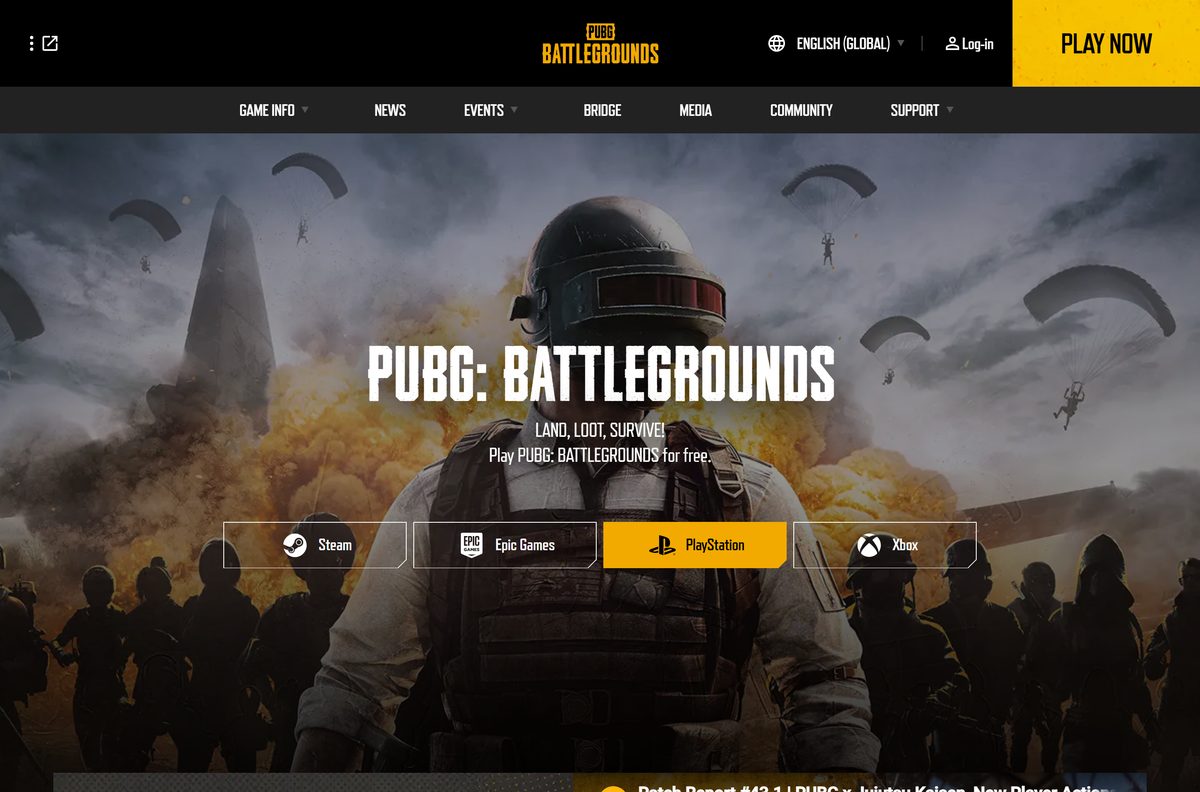
Download PUBG: Battlegrounds from the official stores
The PLAY NOW button on pubg.com links to these same store pages. Steam lists KRAFTON, Inc. as publisher.
- PUBG: BATTLEGROUNDS on Steam — Free-to-play, Windows only
- PUBG: BATTLEGROUNDS on the Epic Games Store — Free, linked from pubg.com
- PUBG: BATTLEGROUNDS official site — Patch notes, events and store links
- PUBG Support for the Steam version — Requirements, crash guides and tickets
- PUBG Epic Games Support — Help for the Epic version
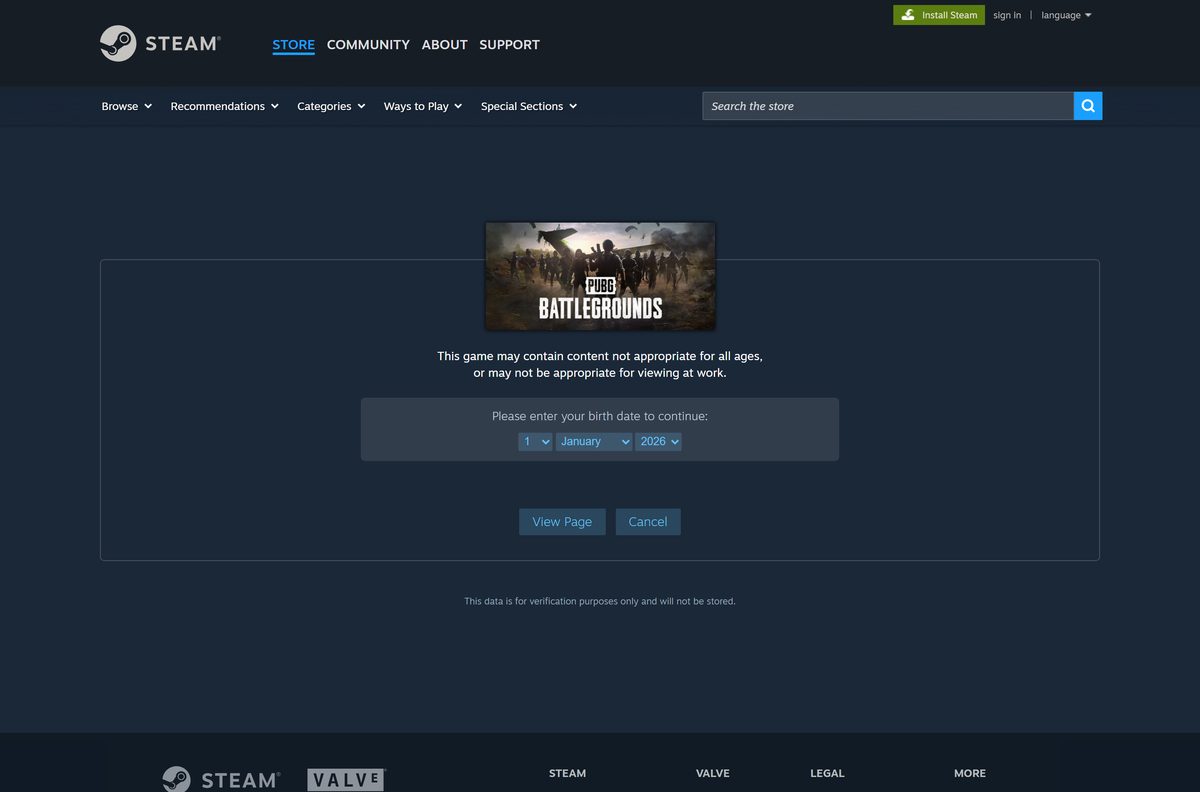
Steam rates the game ESRB T (Teen) and PEGI 16, and asks for your birth date before it opens the store page.
How to install PUBG: Battlegrounds on Windows 11 and 10 with Steam
Steam is the platform PUBG Support covers first. Install the Steam client, then follow these steps.
- Open Steam and sign in to your account.
- Open the PUBG: BATTLEGROUNDS store page and confirm your birth date if Steam asks.
- Select Play Game.
- Choose a drive with at least 40 GB free, or 50 GB for the recommended setup.
- Select Install and wait for the download to finish.
- Open your Library and select PUBG: BATTLEGROUNDS.
- Select Play to start the game.
Leave the launch options box empty. PUBG Support recommends removing old launch commands, because they can cause crashes.
Install PUBG: Battlegrounds from the Epic Games Store
Epic installs the same free game. Use it if the Epic Games Launcher is already on your PC.
- Open the Epic Games Launcher and sign in.
- Open the PUBG: BATTLEGROUNDS listing or search for it in the store.
- Select Get to add the free game to your library.
- Open your Library and select the game.
- Choose an install location with at least 40 GB free and confirm.
- Select Launch when the download completes.
Epic players use a separate help site, epicsupport.pubg.com, for tickets and troubleshooting.
Which way can you play PUBG: Battlegrounds on a Mac?
PUBG: Battlegrounds has no macOS version. Steam lists Windows as its only platform, and pubg.com links only to Steam, Epic Games, PlayStation and Xbox.
| Your situation | What to do | Link |
|---|---|---|
| Mac, plus a Windows 10 or 11 PC in the house | Install the free game on the PC through Steam or Epic | Steam store page |
| Mac, plus a PlayStation or Xbox | Download the free console version from that console’s store | pubg.com store links |
| Mac only | There is no native way to play; check the platform list before buying hardware | Steam platform list |
Is PUBG: Battlegrounds free, and what does BATTLEGROUNDS PLUS add?
The base game costs nothing. pubg.com states it plainly: play PUBG: BATTLEGROUNDS for free.
Yes. PUBG: Battlegrounds is free-to-play on Steam and Epic, and nobody legitimate charges for the base game. Steam lists the game as free. BATTLEGROUNDS PLUS is an optional upgrade bought in the game lobby. It unlocks Ranked Matches after Survival Mastery level 80, Custom Match creation, clan creation, a +100% Survival XP boost and Plus items.
Treat any site selling a PUBG setup file, a full-version key or an offline installer as a scam.
How to check the PUBG: Battlegrounds update and install the latest patch
The game is live-service. Update 43.1 went live on PC on September 10, 2026, after a maintenance window that ran from 00:00 to 08:30 UTC.
- Open the patch notes on pubg.com and read the newest entry.
- Close the game completely.
- Restart Steam or the Epic Games Launcher so it checks for the new build.
- Open your Library and select PUBG: BATTLEGROUNDS.
- Let the pending update finish before you select Play.
- Verify the game files if the game still reports an old version or error code 0xD00.
Check the PUBG: Battlegrounds PC system requirements before you download
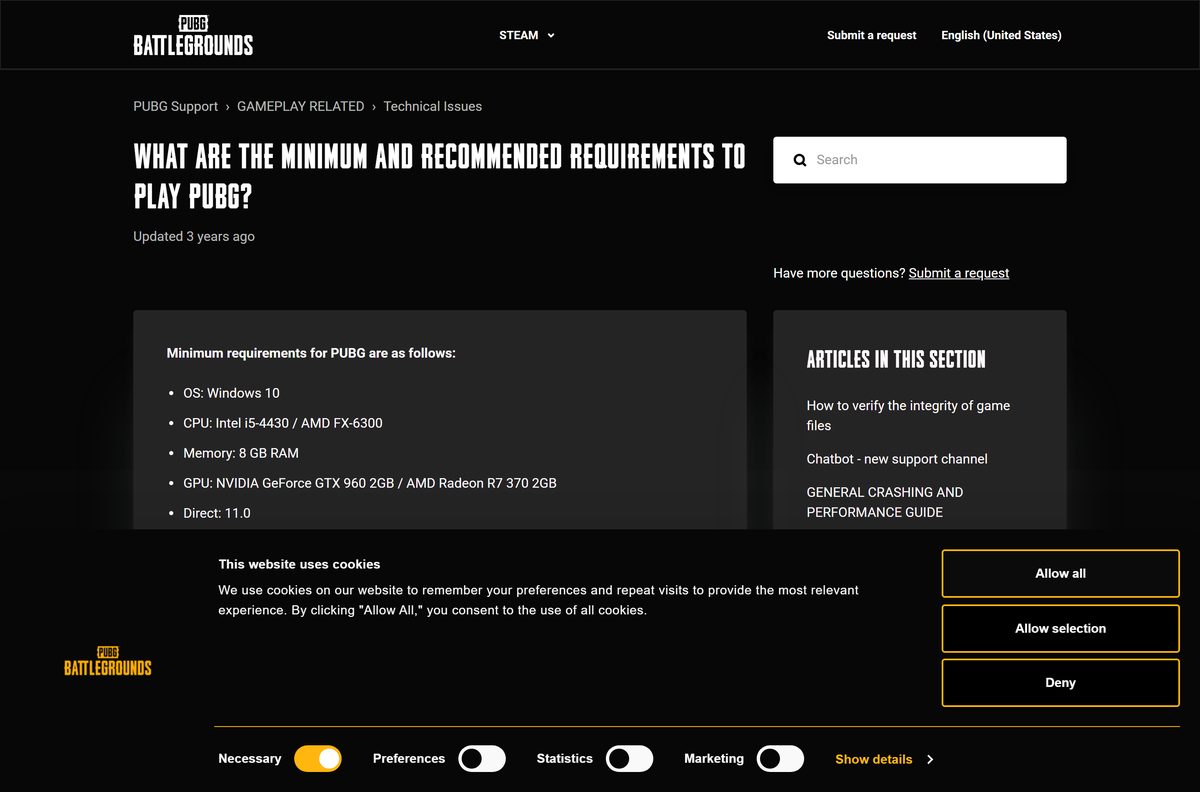
Steam and PUBG Support list the same hardware. PUBG says the recommended column runs the game at 144 fps in most situations.
| Field | Value |
|---|---|
| Game | PUBG: BATTLEGROUNDS |
| Developer | PUBG Corporation |
| Publisher | KRAFTON, Inc. |
| Latest version | Update 43.1 |
| Price | Free-to-play, optional BATTLEGROUNDS PLUS upgrade |
| Supported OS | 64-bit Windows 10 or later; no macOS or Linux version |
| Architecture | 64-bit (x64) only |
| Processor | Intel Core i5-4430 or AMD FX-6300 minimum; Intel Core i5-6600K or AMD Ryzen 5 1600 recommended |
| Memory | 8 GB RAM minimum, 16 GB recommended |
| Graphics | NVIDIA GeForce GTX 960 2GB or AMD Radeon R7 370 2GB minimum; GTX 1060 3GB or Radeon RX 580 4GB recommended |
| DirectX | Version 11 |
| Competitive spec | Intel Core i9-9900K or AMD Ryzen 7 3800X, 32 GB RAM, RTX 2060 Super or Radeon RX 5700 |
| Network | Broadband internet connection |
| Storage | 40 GB minimum, 50 GB recommended |
| Offline installer | No, Steam or Epic downloads the game |
| Official sources | Steam, Epic Games Store |
| Last verified | 2026-09-24 |
To check your own PC, open Settings, select System, then About. The Installed RAM and System type lines show your memory and whether Windows is 64-bit.
How to verify and repair the PUBG: Battlegrounds game files
There is no setup file to checksum, because the launcher downloads the game itself. Both launchers can instead check every installed file and replace damaged ones.
Verify in Steam
Steam compares your files with the current build and replaces missing or damaged ones.
- Restart your computer and launch Steam.
- Right-click PUBG: BATTLEGROUNDS in your Library, or select the gear icon on its Library page.
- Select Properties.
- Open the Installed Files tab and select Verify integrity of game files.
- Ignore a note that one or more files failed to verify; those are local settings files.
Verify in the Epic Games Launcher
Epic checks the install for corruption that stops the game from starting.
- Open your Library in the Epic Games Launcher.
- Select the three dots on the game, or right-click its icon.
- Select Manage.
- Select Verify and wait for the check to finish.
- Select Launch to start the game.
Fix PUBG: Battlegrounds crashing or not launching on Windows 11 or 10
Find the symptom that matches your screen and follow the fix under it.
The game crashes or stutters after launch
Old Steam launch options, outdated Windows or graphics drivers, or hardware overclocking.
- In your Steam Library, right-click the game and select Properties.
- Clear the Launch Options box completely.
- Press Windows key + R, type ms-settings:windowsupdate , select Check for updates and restart.
- Update your NVIDIA or AMD graphics driver from the chip maker’s site.
- Turn off any CPU, RAM or GPU overclock in your BIOS.
Anti-cheat error code such as 0x106, 0x300 or 0x501
An unsupported program or antivirus runs alongside the game.
- Close or disable programs unrelated to the game, including overlays and system monitors.
- Start the game again.
- For codes 0x200 to 0x222, run the Windows System File Checker to repair missing system files.
- For code 0xA00, install the latest DirectX and the Microsoft Visual C++ 2015 Redistributable.
Error code 0xD00
Your game is not on the current version.
- Restart Steam or the Epic Games Launcher.
- Let the pending update download.
- Verify the game files, then launch again.
Fullscreen crashes or black screens
Windows fullscreen optimization conflicts with the game.
- Open Steam\steamapps\common\PUBG\TslGame\Binaries\Win64 in File Explorer.
- Right-click TslGame.exe and select Properties.
- Open the Compatibility tab and check Disable fullscreen optimizations.
- Select Apply, then OK.
How to uninstall PUBG: Battlegrounds and remove leftover files
PUBG Support uses this clean removal before a reinstall. It clears the game, its local settings and the anti-cheat service.
- Right-click PUBG: BATTLEGROUNDS in your Steam Library and select Uninstall, then confirm with Delete.
- Press Windows key + R, type %localappdata% and press Enter.
- Delete the TslGame folder.
- Open Program Files (x86)\Common Files\BattlEye and delete BEService_pubg.exe.
- Open Program Files (x86)\Steam\steamapps\common and delete the PUBG folder if it remains.
- In Steam, open Settings, then Downloads, and select Clear Download Cache.
- Restart Steam.
Frequently asked questions
Is PUBG: Battlegrounds free to download on PC?
Yes. PUBG: Battlegrounds is free-to-play on Windows through Steam and the Epic Games Store. BATTLEGROUNDS PLUS is an optional in-game upgrade for Ranked Matches and custom matches, not a price for the game.
Where is the official PUBG: Battlegrounds download for PC?
Use the Steam store page or the Epic Games Store listing, both linked from the PLAY NOW button on pubg.com. PUBG Corporation develops the game and KRAFTON, Inc. publishes it.
Does PUBG: Battlegrounds work on Windows 11?
Steam lists 64-bit Windows 10 as the minimum, and Windows 11 is a 64-bit release above that minimum. Your graphics card still needs DirectX 11 and at least a GeForce GTX 960 or Radeon R7 370.
How big is the PUBG: Battlegrounds download on PC?
Plan for 40 GB of free storage at minimum and 50 GB for the recommended setup. Those are the storage figures Steam and PUBG Support list for Windows.
Is there a PUBG: Battlegrounds offline installer?
No. Steam or the Epic Games Launcher downloads the game over the internet, and KRAFTON offers no standalone setup file. A site offering a full offline setup is not an official source.
Can you download PUBG: Battlegrounds on a Mac?
No. Steam lists Windows as the only supported platform, and pubg.com offers no macOS build. Mac owners can play the free console version on PlayStation or Xbox instead.
Is PUBG: Battlegrounds 64-bit only?
Yes. Steam states the game requires a 64-bit processor and operating system. Check System type under Settings, System, About to confirm your PC runs 64-bit Windows.
Is it safe to download PUBG: Battlegrounds?
Yes, from Steam or the Epic Games Store. Both are linked from pubg.com. Avoid download sites offering a setup file, a cracked build or a paid key, and never share your Steam or Epic password.
What is the latest version of PUBG: Battlegrounds?
The current release is Update 43.1, which went live on PC on September 10, 2026. Restart Steam or the Epic Games Launcher to pull the newest build before you play.
Is PUBG: Battlegrounds the same as PUBG MOBILE?
No. PUBG MOBILE is a separate game for phones and tablets, published on the App Store by Tencent Mobile International Limited. Install it from its App Store listing, not from Steam or Epic.
Why won’t PUBG: Battlegrounds install or launch on my PC?
The usual causes are too little free space, damaged game files or a program blocking the anti-cheat. Free up 40 GB, verify the game files and close overlays and unsupported programs.