You can download Bitwarden as a native desktop app for Windows 11, Windows 10 and macOS, and the app itself costs nothing. Version 2026.9.0 is the current release for both platforms.
Bitwarden ships the Windows app through four channels: a standard installer, a portable executable, the Microsoft Store and package managers. The Mac app arrives as a universal disk image or through the Mac App Store.
This guide covers which file to take, installing on Windows and Mac, running it from a USB stick, what the free plan includes, and fixes for a setup that stalls.
Which Bitwarden download do you need for Windows?
Open Settings > System > About and read the System type line. It tells you whether your PC is x64 or ARM64 before you pick a file.
| Your situation | Take this | Size |
|---|---|---|
| Ordinary Windows 11 or Windows 10 PC, admin rights | Standard Installer (.exe) | 717 KB setup |
| No admin rights, or a USB stick you carry between PCs | Portable App (.exe) | 316.8 MB |
| You want Store-managed updates and sandboxing | Microsoft Store package | 181 MB (x64) |
| Windows on ARM, such as a Snapdragon laptop | Microsoft Store package (ARM64) | 178.2 MB |
| Scripted or repeatable setup | winget or Chocolatey package | Same build as the installer |
The standard installer is only 717 KB because it pulls the application files while it runs. Keep the PC online during setup, or take the portable build instead.
Check the Bitwarden system requirements and specifications
The desktop app is an Electron build, so the requirements are modest. The minimum Windows build below comes from the Store package manifest.
| Specification | Detail |
|---|---|
| Software | Bitwarden |
| Developer | Bitwarden Inc. |
| Latest version | 2026.9.0 |
| Licence / price | Free plan; Premium $1.65 a month, billed annually at $19.80 |
| Windows | Windows 10 build 14316 or later, and Windows 11 |
| Windows architecture | x64, ARM64 and x86 |
| macOS | macOS 12 or later |
| Mac architecture | Universal binary, Apple silicon and Intel |
| Windows download size | 717 KB setup, 316.8 MB portable, 181 MB Store package (x64) |
| Mac download size | 269.9 MB disk image, 182.6 MB App Store |
| Offline installer | Portable build, or the setup plus its matching release asset bundle |
| Official download source | bitwarden.com/download |
| Last verified | 2026-09-22 |
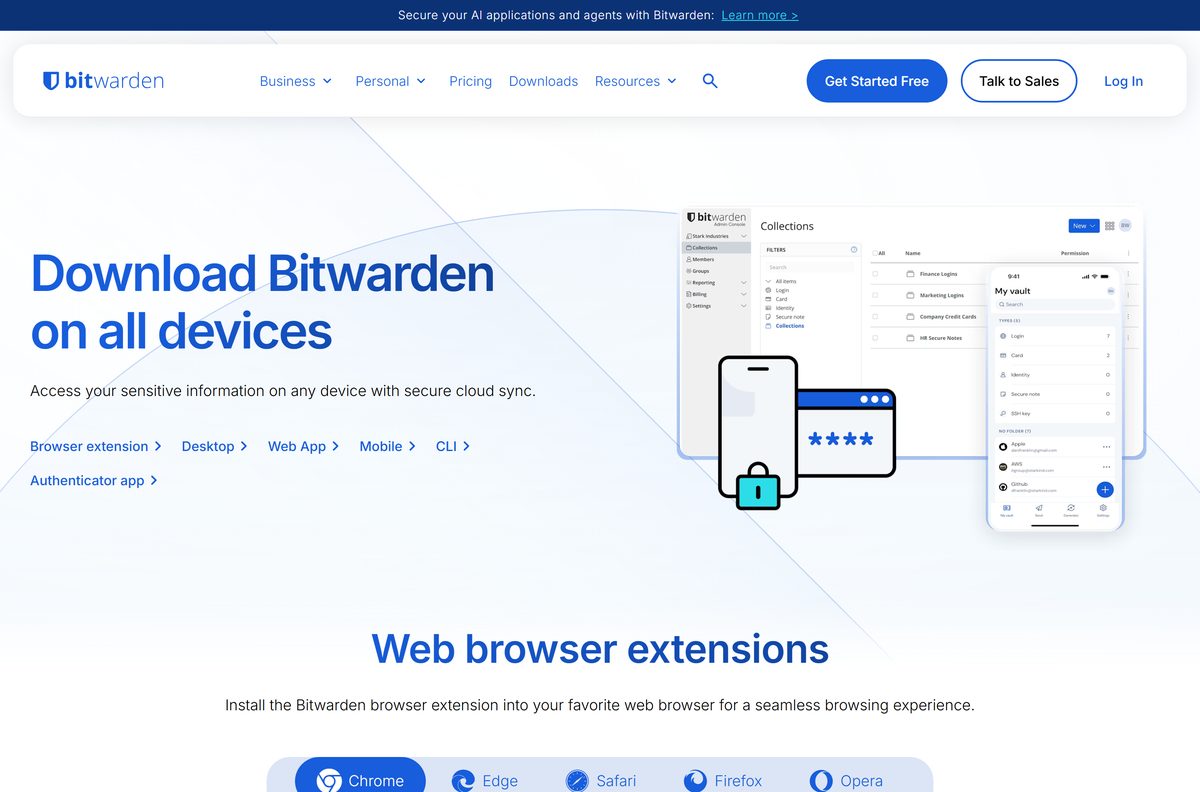
Download Bitwarden for Windows 11 and 10 from the official page
Every Windows build starts at the same page. The Windows tab lists three files, and each one installs the identical desktop app.
- Bitwarden-Installer-2026.9.0.exe — 717 KB · auto-updates itself
- Bitwarden-Portable-2026.9.0.exe — 316.8 MB · no auto-update
- Microsoft Store listing — 181 MB x64 · x64, ARM64 and x86 packages
- Bitwarden download hub — browser extensions, mobile apps and the CLI
Nothing else on the page is required. The browser extension is a separate install and syncs with the same account.
How to install Bitwarden on Windows 11 and 10
The setup has no options screen. It installs per user, so it does not ask for a destination folder.
- Open bitwarden.com/download and scroll to Desktop Applications.
- Select the Windows tab.
- Select Standard Installer and save Bitwarden-Installer-2026.9.0.exe .
- Run the saved file and approve the User Account Control prompt.
- Wait while setup fetches the application files.
- Start Bitwarden from the Start menu.
- Select Log in, enter your email address, then your master password.
- Complete two-step login if you have it switched on.
- Open Settings and turn on Unlock with Windows Hello.
Windows Hello unlock needs Windows Hello already set up on the PC, and on some machines the Microsoft Visual C++ Redistributable as well.
Install Bitwarden from the Microsoft Store or with winget
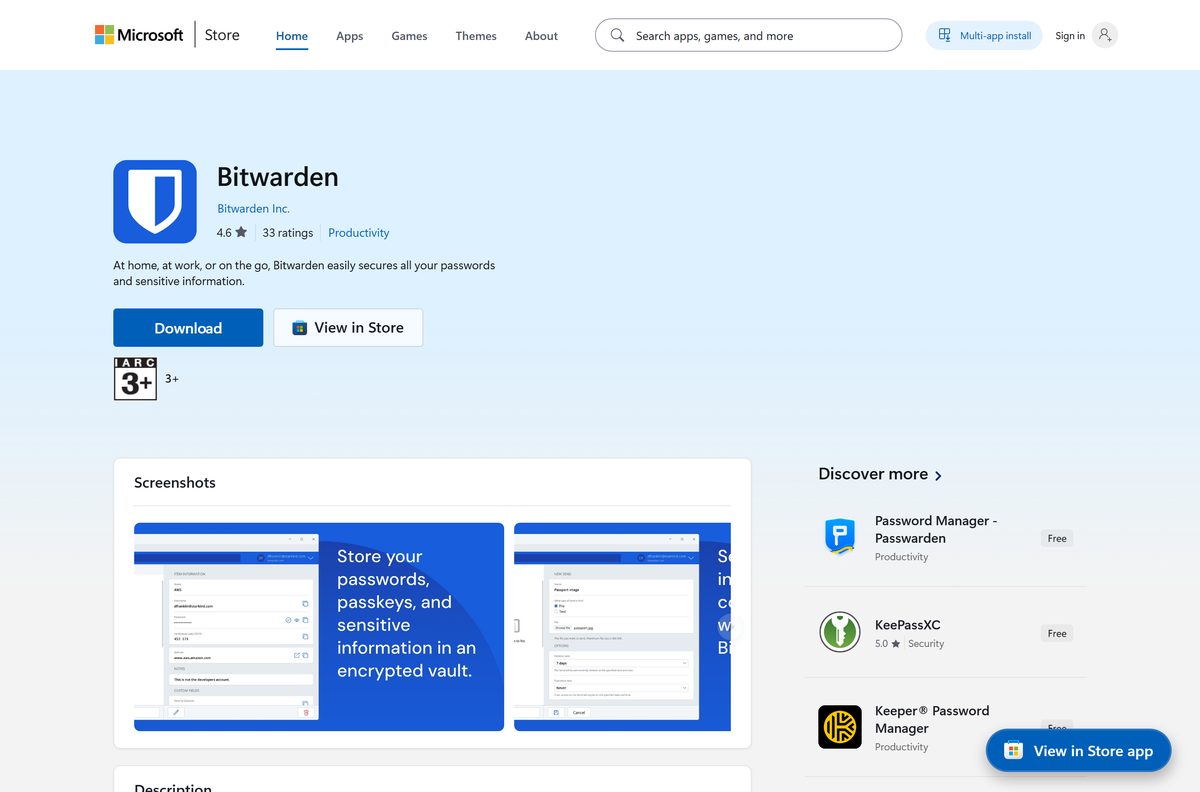
The Store package carries the same features as the installer, including Windows Hello unlock and browser integration. It updates through the Store rather than through the app.
- Open the Microsoft Store listing.
- Select Get, then Install when the Store app opens.
- Wait for the download, which is 181 MB on an x64 PC and 178.2 MB on ARM64.
- Select Open and sign in with your Bitwarden account.
- To script the install instead, open Windows Terminal and run winget install Bitwarden.Bitwarden .
- For a Chocolatey-managed fleet, run choco install bitwarden from an elevated prompt.
The Store package sits one release behind the direct download at the moment, on 2026.8.0 against 2026.9.0.
Run Bitwarden from a USB stick without installing it
The portable build is a single 316.8 MB executable. It needs no admin rights and writes no entry to Programs and Features.
- Open bitwarden.com/download and select the Windows tab.
- Select Portable App for Flash Drives.
- Save Bitwarden-Portable-2026.9.0.exe to the USB stick.
- Double-click the file on any Windows 11 or Windows 10 PC.
- Sign in with your email address and master password.
- Lock the vault and eject the drive when you finish.
The portable build never updates itself. Download the newer file and replace it whenever Bitwarden ships a release.
Which Bitwarden download do you need for your Mac?
One disk image covers every supported Mac. The file name ends in universal , so Apple silicon and Intel share the same build.
| Your Mac | Download | Size |
|---|---|---|
| Apple silicon, M1 through M4, on macOS 12 or later | Bitwarden-2026.9.0-universal.dmg | 269.9 MB |
| Intel Mac on macOS 12 or later | Bitwarden-2026.9.0-universal.dmg | 269.9 MB |
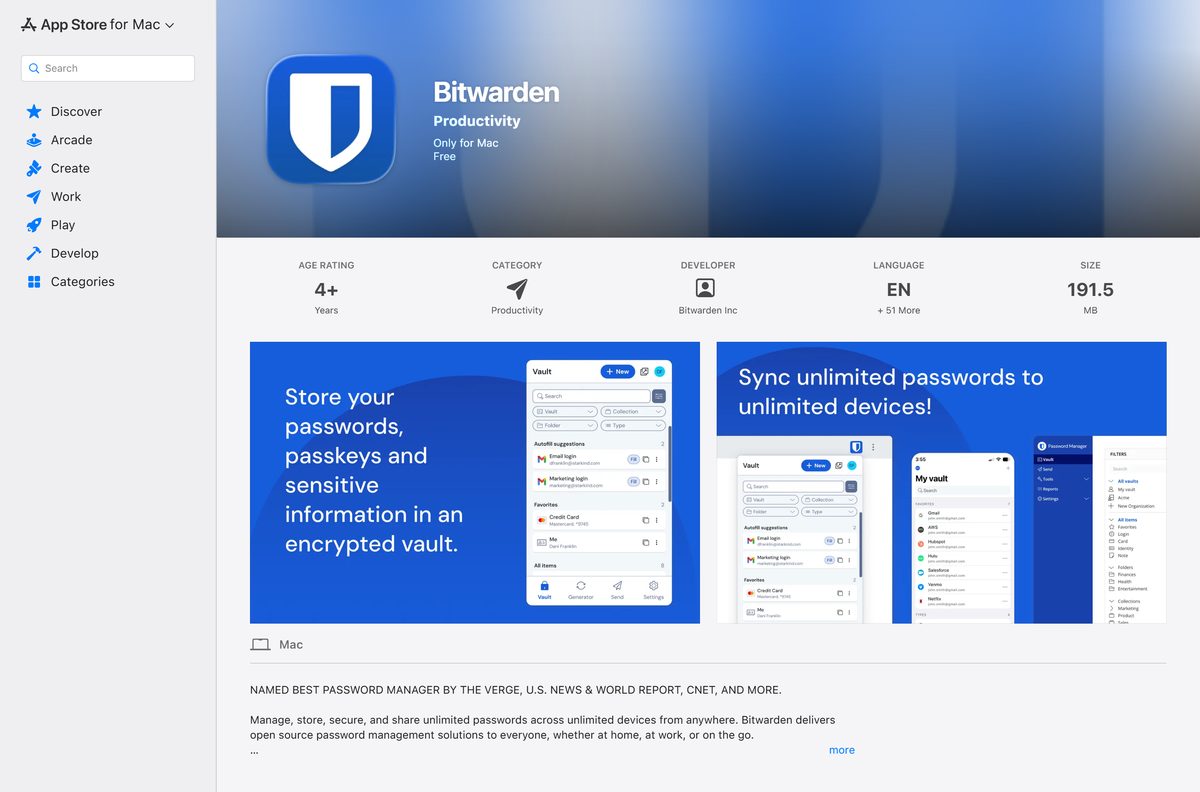
| You manage the Mac through the App Store | Mac App Store listing | 182.6 MB |
Mount the disk image, drag Bitwarden into Applications, then open Settings and turn on Unlock with Touch ID.
Is Bitwarden free?
The free plan stores an unlimited number of logins, notes, cards and identities, and reaches them from every device. It also includes the password generator, text-only Bitwarden Send and two-step login with a hardware key or an authenticator app.
Premium adds the built-in TOTP authenticator, 5 GB of encrypted file attachments, vault health reports, emergency access and encrypted export. Families covers six accounts at $3.99 a month, billed annually at $47.88.
Businesses pay per user: Teams is $4 a month and Enterprise is $6 a month, both billed annually. Premium on its own does not include credential sharing, which needs an organisation plan.
Start on the free plan. It carries no item limit and no device limit, so most people never need more. Move to Premium at $1.65 a month, billed annually at $19.80, only when you want the integrated authenticator, file attachments or emergency access.
Should you install Bitwarden from the installer or the Microsoft Store?
Bitwarden publishes a feature table for every channel. On Windows, the installer and the Store package both support auto-update, desktop biometrics, browser biometrics and startup on login. The portable build supports neither auto-update nor startup on login.
Take the Standard Installer on a personal PC. It ships the newest release first, updates itself, and integrates with the browser extension for biometric unlock. Choose the Store package when your organisation wants packaged apps, and the portable build only when you cannot install anything.
What Bitwarden can import from your old password manager
The desktop app imports directly. Select Import in the navigation menu, pick the destination from the Vault dropdown, choose your export type in the File format dropdown, select Choose File, then select Import data.
| Where your logins are now | Direct import |
|---|---|
| LastPass | Listed |
| 1Password | Listed |
| Keeper | Listed |
| Dashlane | Listed |
| KeePass | Listed |
| Password Safe | Listed |
| Chrome, Edge and other Chromium browsers | Listed |
| Firefox | Listed |
| macOS and Safari | Listed |
| Anything else that exports a file | Edit the export to match a supported format |
A password-protected .json export asks for its password during the import.
Fix Bitwarden not installing on Windows 11 or 10
Setup stalls on a PC with no internet access
The standard installer is 717 KB and fetches the application during setup.
- On a PC with internet, save the standard installer for the version you want.
- Save the matching release asset bundle named in Bitwarden’s offline usage guide.
- Copy both files to the offline PC and put them in the same folder.
- Run the installer from that folder.
- Expect no automatic updates afterwards, and repeat the process for each release.
Unlock with Windows Hello is greyed out
The option needs Windows Hello enrolled in Windows, and on some PCs the Microsoft Visual C++ Redistributable.
- Open Settings > Accounts > Sign-in options.
- Set up Facial recognition or Fingerprint recognition.
- Install the latest Microsoft Visual C++ Redistributable.
- Restart the desktop app.
- Open Settings and turn on Unlock with Windows Hello, then confirm with your face or finger.
The Store version is older than the one on the website
The Store package is on 2026.8.0 while the direct download is on 2026.9.0.
- Open the Microsoft Store and select Library.
- Select Get updates and let the queue finish.
- If the version still trails, right-click Bitwarden in the Start menu and select Uninstall.
- Install the Standard Installer from bitwarden.com/download.
- Sign in again; the vault downloads from your account.
The portable app keeps reporting an old version
The portable build has no auto-update channel.
- Close the running copy and lock the vault.
- Open bitwarden.com/download and select the Windows tab.
- Select Portable App for Flash Drives.
- Replace the old executable with the new one.
- Start it again and sign in.
How to uninstall Bitwarden from Windows and Mac
Removing the app leaves your account untouched, because the vault lives on the server.
- Open Settings > Apps > Installed apps on Windows 11, or Settings > Apps > Apps & features on Windows 10.
- Find Bitwarden, select the three-dot menu, then Uninstall.
- Confirm Uninstall in the prompt that follows.
- For the Store package, right-click Bitwarden in the Start menu and select Uninstall instead.
- For the portable build, delete the executable from the USB stick.
- On a Mac, open Applications in Finder and drag Bitwarden to the Bin.
- Remove the browser extension separately from your browser’s extensions page.
Delete the account itself from the web vault if you are leaving the service for good.
Frequently asked questions
Is Bitwarden free?
Yes. The free plan stores unlimited logins, notes, cards and identities and syncs them to every device you sign in on. Premium costs $1.65 a month, billed annually at $19.80, and adds the integrated authenticator, file attachments and emergency access.
Is Bitwarden free for personal use?
Yes. One person can use the free plan indefinitely with no item cap and no device cap. Paying moves you to Premium for extras such as vault health reports, or to Families at $3.99 a month for six accounts.
What is the official Bitwarden download page?
bitwarden.com/download is the only official source. It lists the Windows installer, the portable executable, the macOS disk image, Linux packages, browser extensions, mobile apps and the command line tool.
Does Bitwarden work on Windows 11?
Yes. The desktop app runs on Windows 11 and on Windows 10 from build 14316 onward. The same app is published for x64, ARM64 and x86 processors, so Snapdragon laptops are covered too.
How big is the Bitwarden download?
The Windows standard installer is 717 KB and pulls the rest during setup. The portable executable is 316.8 MB, the Microsoft Store package is 181 MB on x64, and the macOS disk image is 269.9 MB.
Is there a Bitwarden offline installer?
The portable executable is the simplest offline route, since it runs without installing. For a proper install with no internet, put the standard setup and its matching release asset bundle in the same folder before running it.
How do you download Bitwarden for Mac?
Open bitwarden.com/download, select the macOS tab and take Bitwarden-2026.9.0-universal.dmg, which is 269.9 MB. The Mac App Store listing is the alternative at 182.6 MB. Both need macOS 12 or later.
Does Bitwarden have a 64-bit and ARM64 version?
Yes. The Microsoft Store publishes x64, ARM64 and x86 packages, at 181 MB, 178.2 MB and 164.1 MB. The macOS build is a universal binary, so one file runs on both Apple silicon and Intel.
Is Bitwarden safe to download?
Take it from bitwarden.com, the Microsoft Store or the Mac App Store and the file is the vendor’s own build. Bitwarden is open source and encrypts the vault before it leaves your device.
What is the latest Bitwarden version?
The desktop app is on 2026.9.0 for Windows and macOS. The Microsoft Store package currently sits on 2026.8.0, so a Store install trails the direct download by one release.
Why will Bitwarden not install?
The usual cause is a blocked connection during setup, because the 717 KB installer downloads the app while it runs. Use the portable build, or place the matching release asset bundle beside the installer.
How do you uninstall Bitwarden?
Open Settings, then Apps, then Installed apps, find Bitwarden and select Uninstall. Store installs are removed from the Start menu context menu. The portable build is removed by deleting its executable.
Can you install Bitwarden with winget?
Yes. Run winget install Bitwarden.Bitwarden from Windows Terminal. Chocolatey users can run choco install bitwarden instead. Both pull the same desktop application that the website distributes.