The Final Fantasy XIV download for Windows 11 and Mac comes straight from Square Enix, and the free trial costs nothing to play. The Windows setup file is 27 MB and the Mac disc image is 2.38 GB.
This guide covers which file to take, installing on Windows and Mac, the Steam route, what the free trial leaves out, edition pricing, system requirements, install fixes and a clean uninstall.
Which Final Fantasy XIV download do you need?
One client covers the free trial and the paid game. What you buy decides how far the same install takes you.
| Your setup | Take this | Size |
|---|---|---|
| Windows 11 PC, new to the game | ffxivsetup.exe from the Windows page | 27.0 MB |
| Windows 11 PC, bought the game on Steam | Install from the Steam library | Steam handles the file |
| Mac with an Apple M1 chip or newer | FINAL_FANTASY_XIV_ONLINE_x64.dmg | 2.38 GB |
| Unsure whether the machine is fast enough | Minimum and recommended specs | 140 GB free needed |
Neither setup file holds the whole game. Square Enix asks for 140 GB of free space.
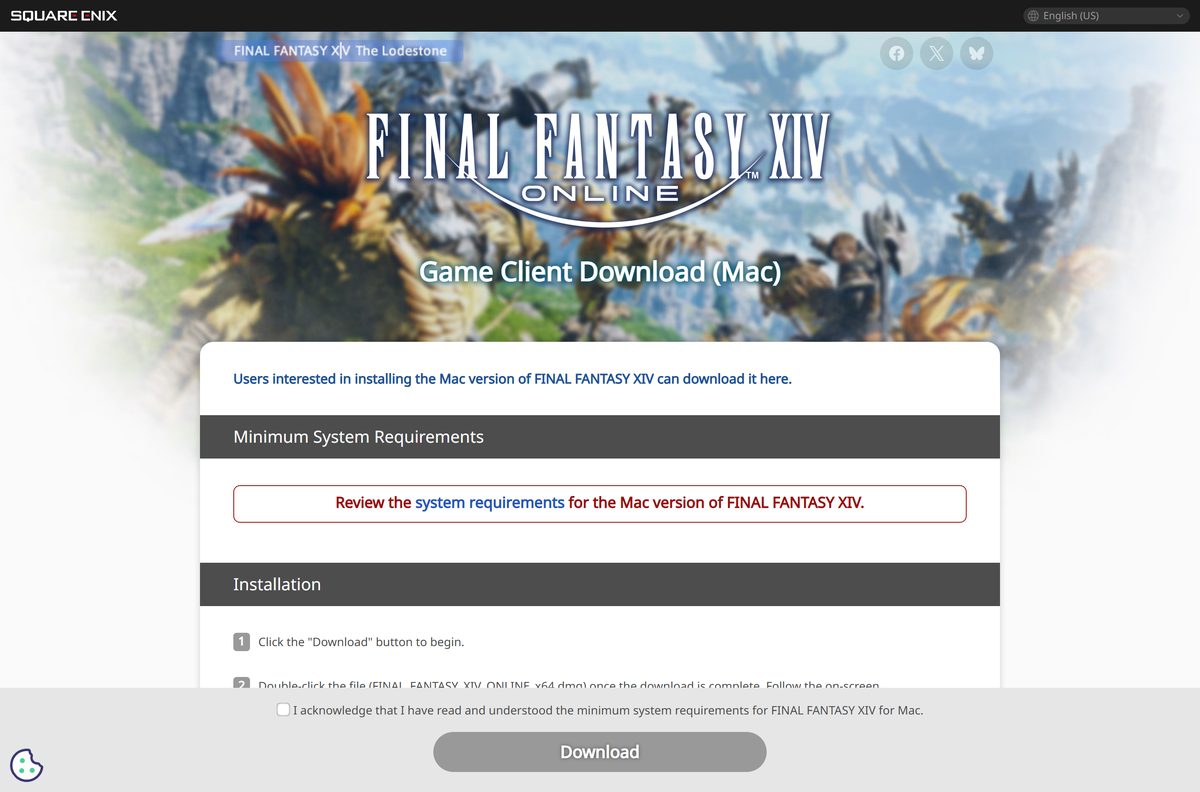
Download Final Fantasy XIV from the official Square Enix links
Every address below sits on a Square Enix domain or the game’s own Steam listing.
- Windows version download page — 27.0 MB · serves ffxivsetup.exe
- Mac version download page — 2.38 GB · serves FINAL_FANTASY_XIV_ONLINE_x64.dmg
- Free trial sign-up — level 80, no time limit, Square Enix account required
- Steam listing — $19.99 base game, launched from the Steam library
- Product and pricing page — editions, subscription tiers and the 30-day free play period
- System requirements — Windows, Mac and console specs
Patches arrive through the launcher, so you never fetch an update file by hand.
How to install Final Fantasy XIV on Windows 11
Keep the PC online throughout. The launcher downloads the game data after setup finishes.
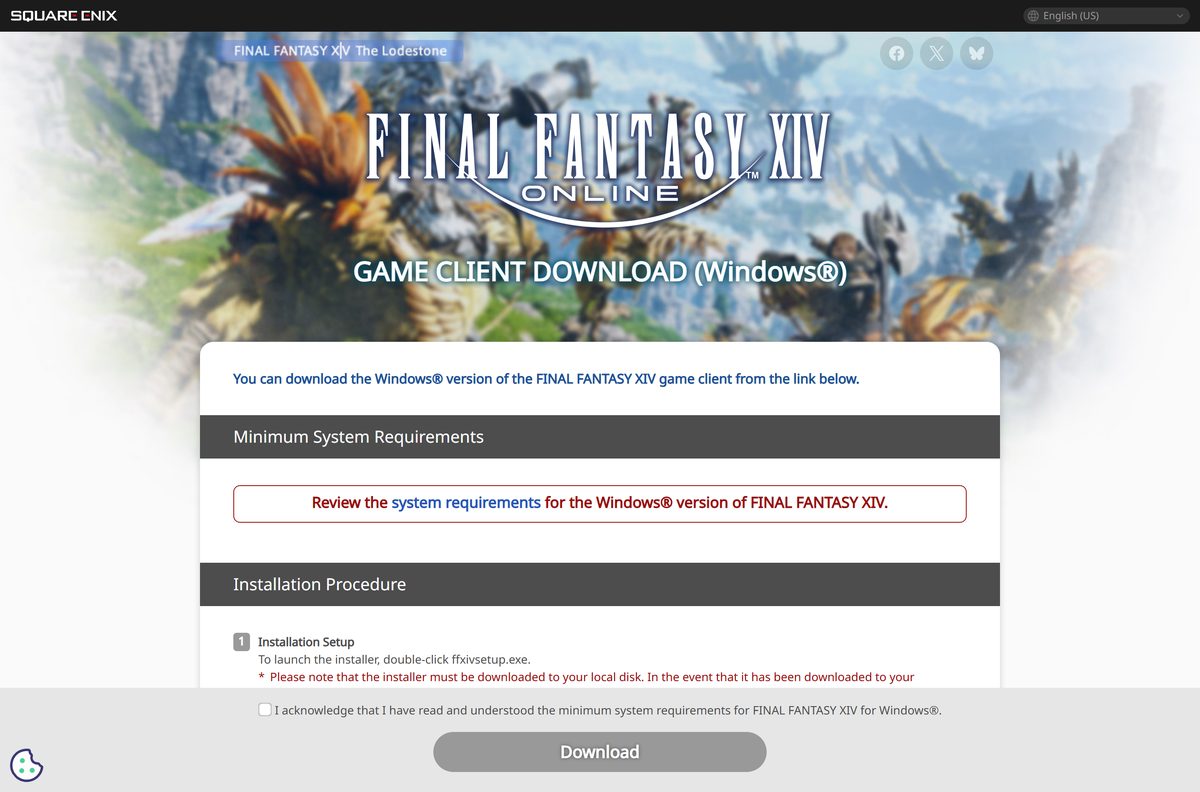
- Open the Windows version download page and read the Minimum System Requirements section.
- Confirm you have read those requirements, then select Download to save ffxivsetup.exe .
- Move the file to a local drive if the browser saved it to OneDrive. The installer will not launch from there.
- Right-click ffxivsetup.exe and choose Run as administrator.
- Pick your region and language on the first screen. It defaults to your Windows region.
- Read the note about background applications and antivirus software, then select Next.
- Choose the destination folder, or select Browse to pick another. The folder name must avoid double-byte characters.
- Select Next to copy the files, tick the desktop shortcut box, then select Finish.
- Open the launcher, sign in with your Square Enix account and let the patch download run to the end.
The launcher needs Microsoft Edge WebView2 installed. The game folder also cannot sit on a FAT32 drive.
How to install Final Fantasy XIV through Steam instead
Steam counts as its own platform on a Square Enix service account. Pick it before you buy, not after.
- Open the Steam listing and buy the $19.99 base game.
- Select Library, find the game and select Install.
- Choose a drive with at least 140 GB free, then confirm.
- Start the game from the Steam library. A Steam copy launched any other way reports no active subscription.
- Sign in with the Square Enix account you registered the Steam licence to.
- Let the launcher patch the client, then select Play.
Expansions have to be registered on the same platform as the base game. A Steam licence and a standalone Windows licence cannot share one service account.
Which Final Fantasy XIV download do you need for your Mac?
Open the Apple menu and select About This Mac to read your chip and macOS version, then match a row.
| Your Mac says | What to do | Where |
|---|---|---|
| Apple M1 on macOS Sonoma 14.5, Sequoia 15.3.1 or Tahoe 26.1 | Install Rosetta, open the disc image, drag the app into Applications | Mac download page |
| Mac mini (M2 Pro, 2023) or MacBook Pro (14-inch, 2023) or newer | Same 2.38 GB disc image, and this meets the recommended spec | Mac download page |
| An Intel processor | Below the listed minimum, so read the Mac spec column before you commit | Mac system requirements |
| A macOS release older than Sonoma 14.5 | Update macOS first, then download the client | Mac system requirements |
The Mac client is a 64-bit x64 build, which is why Apple silicon needs Rosetta. Square Enix asks for 140 GB free here too.
Is Final Fantasy XIV free?
The free trial is genuinely free and carries no time limit. Going past level 80 means buying the game and then subscribing. The trial covers A Realm Reborn, Heavensward, Stormblood and Shadowbringers with 18 jobs. Trial characters hold 300,000 gil at most and lose shout, yell and tell chat, the market board, trading, retainers, Free Companies and PvP. The Starter Edition is $19.99 and the Complete Edition $59.99, each with a 30-day free play period. Entry membership then costs $12.99 a month, and Standard membership runs $14.99 for 30 days, $13.99 for 90 days or $12.99 for 180 days.
Square Enix charges nothing for the client on any of its pages. A site that sells the installer, or wraps it in a setup program of its own, is not Square Enix.
Choose between the Starter Edition and the Complete Edition
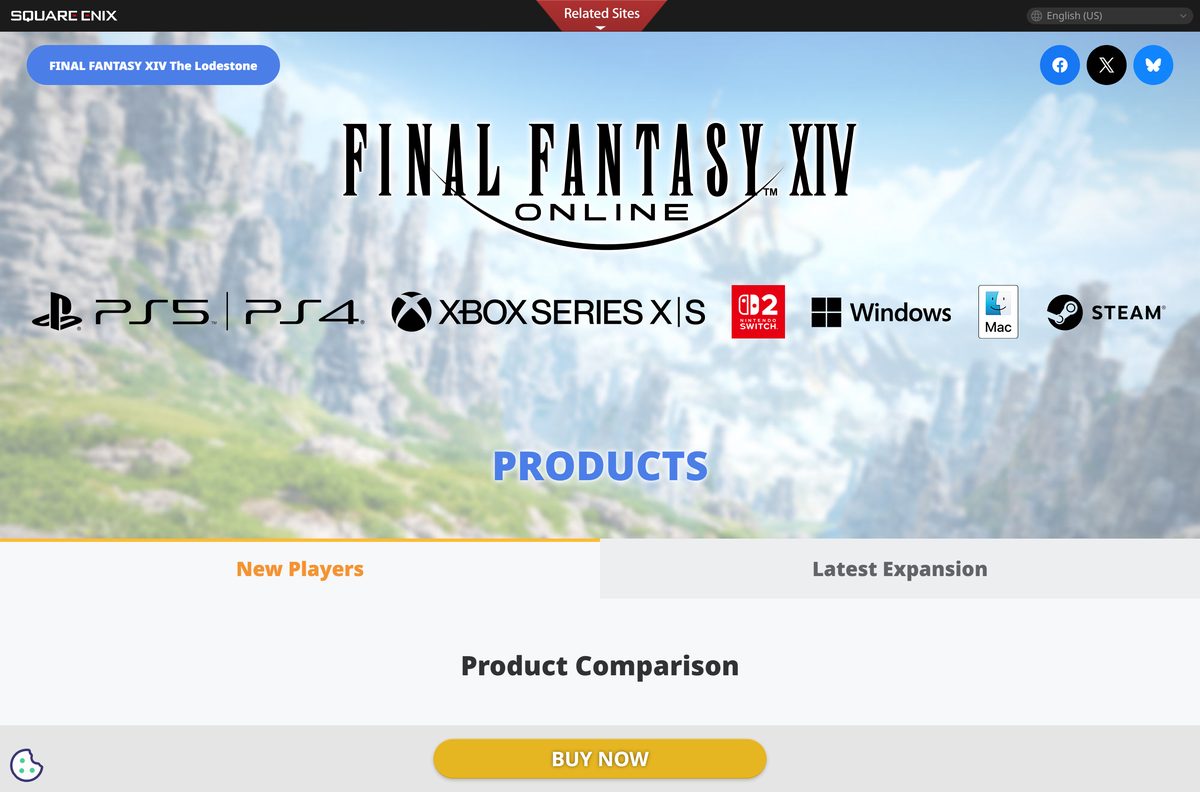
Take the Complete Edition at $59.99. It is one purchase, and it ends at level 100 with 22 jobs. The $19.99 Starter Edition stops at level 80 with 18 jobs, which is the same story the free trial already covers. The Complete Edition adds Endwalker and Dawntrail. Buying the Starter Edition and then the $39.99 Dawntrail Standard Edition reaches the same content for $59.98, one cent less, across two transactions and two registration codes.
The Complete Collector’s Edition is $139.99 and adds in-game items rather than content. Dawntrail on its own cannot be played without a base game licence.
Check the Final Fantasy XIV download details
| Field | Value |
|---|---|
| Game | FINAL FANTASY XIV Online |
| Developer | Square Enix |
| Latest version | Patch 7.56 |
| Price | Free trial to level 80; $19.99 Starter Edition, $59.99 Complete Edition, plus a subscription from $12.99 a month |
| Windows | Windows 11 64-bit |
| macOS | Sonoma 14.5, Sequoia 15.3.1 or Tahoe 26.1 |
| Windows setup file | ffxivsetup.exe, 27.0 MB |
| Mac disc image | FINAL_FANTASY_XIV_ONLINE_x64.dmg, 2.38 GB |
| Disk space | 140 GB or more, plus 2 GB on the My Documents drive |
| Architecture | 64-bit only; Apple silicon runs the x64 client through Rosetta |
| Offline installer | No; the launcher downloads and patches the game data |
| Official source | na.finalfantasyxiv.com |
| Last verified | 2026-09-22 |
Check your PC or Mac against the Final Fantasy XIV system requirements
Press Windows + R, type dxdiag and press Enter to read your processor, memory and graphics card. On a Mac, use About This Mac.
| Component | Windows minimum | Windows recommended | Mac minimum |
|---|---|---|---|
| Operating system | Windows 11 64-bit | Windows 11 64-bit | macOS Sonoma 14.5, Sequoia 15.3.1 or Tahoe 26.1 |
| Processor | Intel Core i5-8400 or higher | Intel Core i7-9700 or higher | Apple M1 or higher |
| Memory | 8 GB | 16 GB | 8 GB |
| Graphics | GeForce GTX 970 (4 GB) or Radeon RX 480 | GeForce RTX 2060 (6 GB) or Radeon RX 5600 XT | M1 or higher |
| Free space | 140 GB on a hard disk | 140 GB on an SSD | 140 GB |
| Resolution | 1280×720 | 1920×1080 | 1440×900 |
| DirectX | Version 11 | Version 11 | Not used |
| Internet | Broadband | Broadband | Broadband |
Windows 10 no longer appears in either column. Square Enix stopped guaranteeing it once Microsoft ended support on 14 October 2025, and it takes no technical support requests about that release.
Fix Final Fantasy XIV not installing on Windows 11
The installer stops or fails part way through
Square Enix names free space, account permissions and security software as the usual causes.
- Free up space until the install drive has at least 80 GB available.
- Install to the default folder rather than a custom path.
- Right-click ffxivsetup.exe and choose Run as administrator.
- Turn off security software and the firewall for the installer, or add the game as an exception.
- Close every other application, disable startup items in Task Manager, then restart and try again.
- Check the drive for errors and clear unused space. Skip defragmenting if it is an SSD.
The setup file will not start at all
- Move ffxivsetup.exe out of OneDrive and onto a local disk.
- Check that your Windows user name uses only single-byte letters and numbers.
- Create a new Windows account with a plain name if the current one uses other characters.
- Sign in with administrator rights, then run the file again.
The launcher opens blank or never loads
- Install Microsoft Edge WebView2, which the launcher requires.
- Update the graphics driver to the newest version the card maker offers.
- Move the game off any FAT32 drive, because that file system is unsupported.
- Restart the PC and open the launcher again.
A Steam copy reports no active subscription
- Close the standalone launcher.
- Open Steam, select Library and start the game from there.
- Check that every expansion is registered to the Steam platform, not the Windows PC platform.
- Register any remaining codes on the same platform as the base game.
How to uninstall Final Fantasy XIV
The uninstaller removes the client and leaves your settings folder behind, on both platforms.
- Press Windows + I, select Apps, then Installed apps.
- Find FINAL FANTASY XIV – A Realm Reborn in the list.
- Select the three-dot menu, choose Uninstall and confirm.
- Open C:\Users\[USER]\Documents\My Games\FINAL FANTASY XIV – A Realm Reborn and delete that folder.
- On a Mac, drag FINAL FANTASY XIV ONLINE out of Applications.
- Delete the FINAL FANTASY XIV – A Realm Reborn folder in Documents > My Games.
- Delete ~/Library/Application Support/FINAL FANTASY XIV ONLINE .
Save your layout first. Back Up Character Settings on the character selection screen stores hotbars, gear sets, macros and keybinds on the server.
Choose a console version if your PC cannot run it
Each platform registers its own licence, and expansions must match the platform of the base game.
| Platform | Minimum free space | What it needs | |
|---|---|---|---|
| Windows 11 PC | 140 GB | Standalone client or a Steam licence | |
| Mac, Apple M1 or newer | 140 GB | Rosetta installed | |
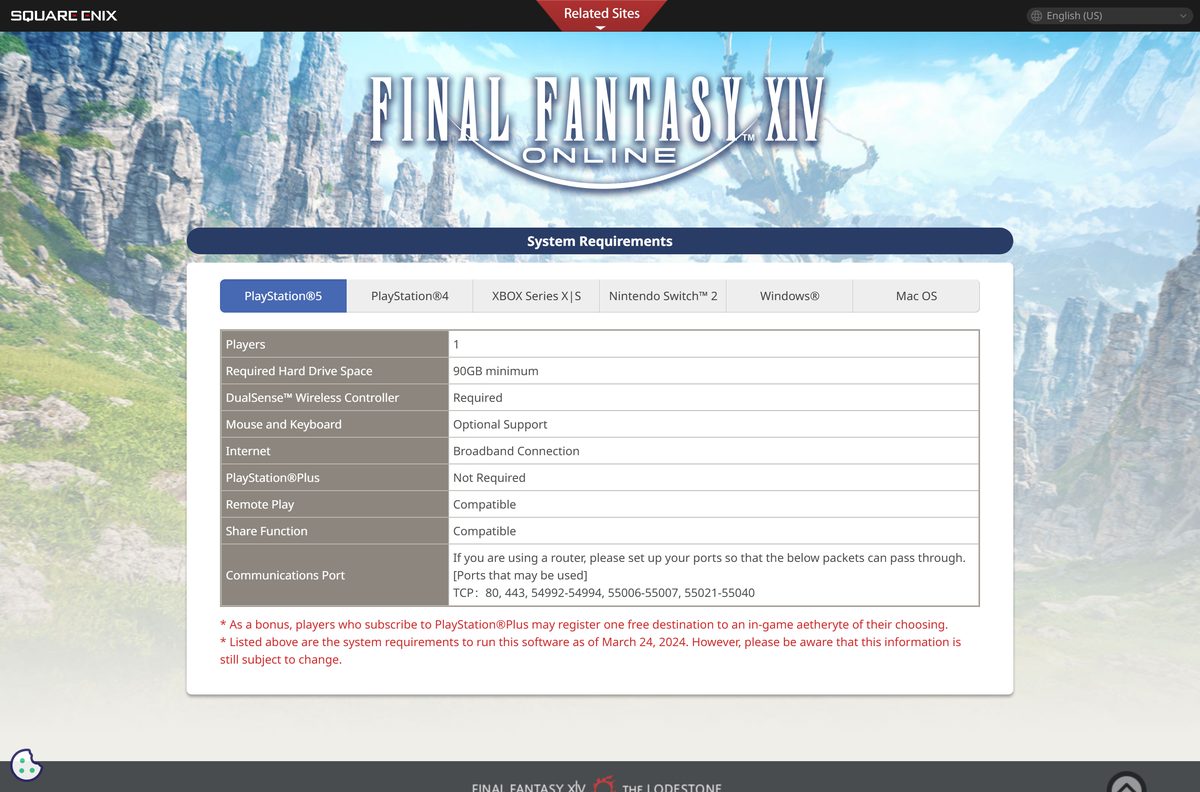
| PlayStation 5 | 90 GB | DualSense controller; PlayStation Plus not required | |
| PlayStation 4 | 100 GB | DualShock 4 controller | |
| Xbox Series X | S | 150 GB | Game Pass Essential, Premium or Ultimate, except for the free trial |
| Nintendo Switch 2 | 120 GB | Joy-Con 2 or the Pro Controller; Nintendo Switch Online not required |
Frequently asked questions
Is the Final Fantasy XIV download free?
Yes. The free trial costs nothing, has no time limit and reaches level 80 across four expansions. Going further needs the Starter Edition at $19.99 or the Complete Edition at $59.99, plus a subscription once the 30-day free play period ends.
Where is the official Final Fantasy XIV download page?
Square Enix serves the Windows client at na.finalfantasyxiv.com/windows/download and the Mac client at na.finalfantasyxiv.com/mac/download. The free trial sign-up sits on freetrial.finalfantasyxiv.com. Steam sells the same game, registered as a separate platform.
Does Final Fantasy XIV work on Windows 11?
Yes. Windows 11 64-bit is both the minimum and the recommended operating system. Square Enix stopped guaranteeing Windows 10 once Microsoft ended support for it on 14 October 2025, and no longer takes technical support requests about that release.
How big is the Final Fantasy XIV download?
The Windows setup file, ffxivsetup.exe, is 27 MB. The Mac disc image is 2.38 GB. Neither contains the whole game: Square Enix asks for 140 GB of free space on the drive you install to.
Is there a Final Fantasy XIV offline installer?
No. The Windows setup file only fetches the game data, and the launcher patches the client at every login. The Mac disc image is larger, but it still needs a broadband connection to patch and play.
Can you play Final Fantasy XIV on a Mac?
Yes. Square Enix ships a Mac client for macOS Sonoma 14.5, Sequoia 15.3.1 and Tahoe 26.1, on an Apple M1 chip or newer. It is a 64-bit x64 build, so Apple silicon Macs need Rosetta installed first.
Is Final Fantasy XIV 64-bit, and does it run on ARM?
The game is 64-bit only, and the Windows client needs a 64-bit processor and operating system. Square Enix publishes no ARM64 Windows build. On a Mac, the x64 client runs on Apple silicon through Rosetta.
Is the Final Fantasy XIV download safe?
Yes, from the Square Enix download pages, the free trial site or Steam. Square Enix never charges for the client, so treat any site that sells the installer, or wraps it in a setup program of its own, as unofficial.
What is the latest version of Final Fantasy XIV?
Patch 7.56 is the newest entry in the Lodestone patch note index, under the Dawntrail expansion. The launcher applies patches on its own, so a fresh install reaches the current version before you log in.
Why won’t Final Fantasy XIV install?
Free space, permissions and security software cause most failures. Confirm 80 GB is free, run the setup file as administrator from a local disk rather than OneDrive, add the game to your antivirus exceptions and close other applications.
What does the free trial leave out?
Trial characters hold 300,000 gil at most and cannot use shout, yell or tell chat, the market board, trading or retainers. Free Companies, PvP and creating linkshells are unavailable, and the limit is eight characters per physical data centre.
How much is a Final Fantasy XIV subscription?
Entry membership is $12.99 a month and allows eight characters per physical data centre. Standard membership costs $14.99 for 30 days, $13.99 for 90 days or $12.99 for 180 days, and raises that limit to 40 characters.
Can you use the Steam version with the standalone launcher?
No. A Steam copy has to be started from the Steam library, and the standalone launcher returns a no-active-subscription error. Steam and Windows PC count as separate platforms, and expansions must be registered on the same one.