You can download Samsung Smart Switch free for Windows 11, Windows 10 and macOS from Samsung’s own support page. The Windows setup is 44.2 MB and the Mac disk image is 41.9 MB.
Samsung ships the Windows desktop app two ways: a standalone installer from its download centre, and a Microsoft Store package built on a newer 5.0 code line. The Mac app comes only as a disk image.
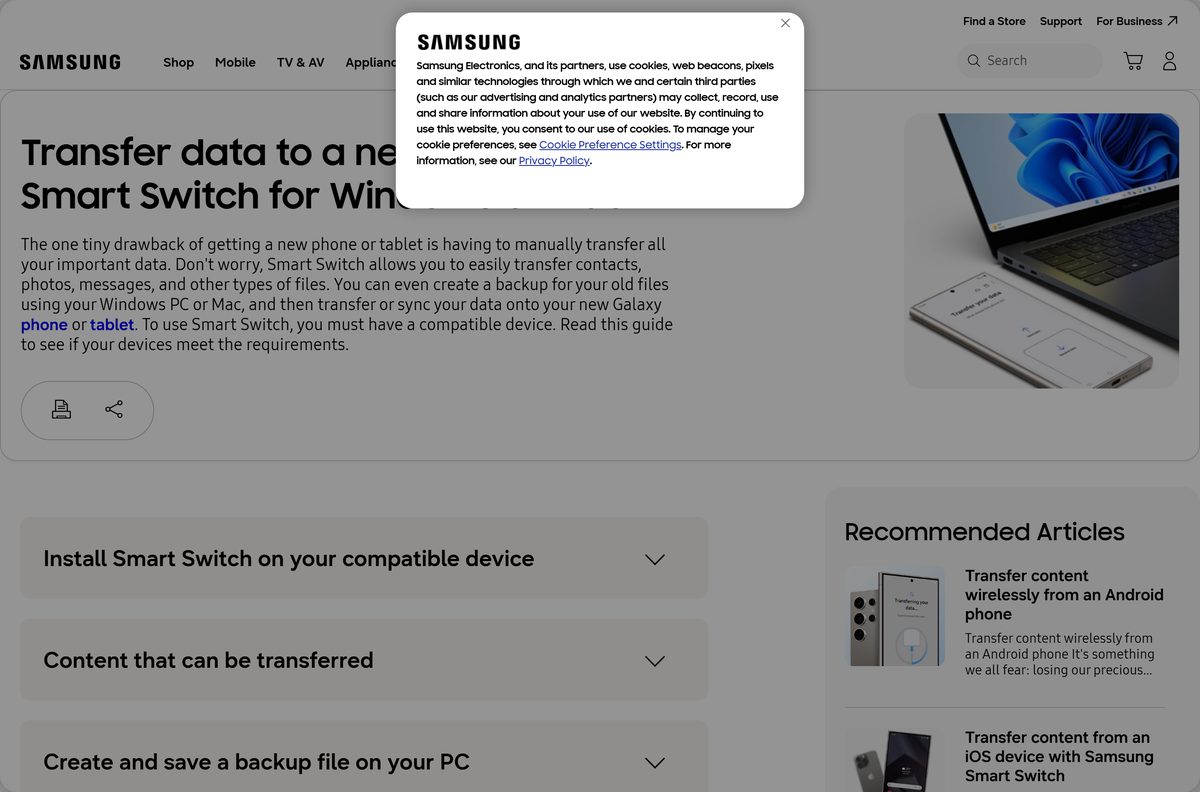
This guide covers which file to take, installing on Windows and Mac, backing up a Galaxy phone, and fixes for the connection and driver errors Samsung documents.
Which Samsung Smart Switch download do you need?
Both Windows builds move the same data. They differ in how they update and which Windows versions accept them.
| Your machine | Take this | Size |
|---|---|---|
| Windows 11 or Windows 10 build 19041 or later | Microsoft Store package | 136.3 MB |
| Windows 10 older than build 19041, or a PC with the Store disabled | Smart.Switch.PC_Setup.exe | 44.2 MB |
| A Mac on macOS X 10.9 or later | SmartSwitch4Mac_setup.dmg | 41.9 MB |
| Moving files between two Windows PCs, not from a phone | Galaxy Book Smart Switch | 149.1 MB |
| A Chromebook | No desktop build exists | Use the phone app instead |
Samsung names the Chromebook exclusion on its own transfer guide. Everything else on the list installs a full desktop client.
Check the Samsung Smart Switch system requirements
The desktop app is light. The Windows figure that catches people out is the Store package minimum build, which rules out early Windows 10 releases.
| Specification | Detail |
|---|---|
| Software | Samsung Smart Switch |
| Developer | Samsung Electronics Co. Ltd. |
| Latest version | 5.0.48.0 Store package, 4.3.24062.1 standalone installer |
| Licence / price | Free, no paid tier and no in-app purchases |
| Windows | Windows 10 or later; the Store package needs build 19041 or later |
| Windows architecture | x86 standalone installer, x64 Store package |
| macOS | macOS X 10.9 or later |
| Mac architecture | One installer, no separate Intel or Apple silicon build |
| Windows download size | 44.2 MB installer, 136.3 MB Store package |
| Mac download size | 41.9 MB disk image |
| Offline installer | Yes, both desktop setups are full standalone files |
| Phone requirement | Android 4.3 or later, or iOS 5 or later over cable |
| Official download source | Samsung support page |
| Last verified | 2026-09-22 |
Download Samsung Smart Switch from the official Samsung page
Samsung hosts both desktop setups on its own download centre. The two links below start the file directly, so nothing else needs clicking.
- Smart.Switch.PC_Setup.exe for Windows — 44.2 MB · version 4.3.24062.1
- SmartSwitch4Mac_setup.dmg for macOS — 41.9 MB · built July 2026
- Microsoft Store package for Windows 11 and 10 — 136.3 MB · version 5.0.48.0, x64 only
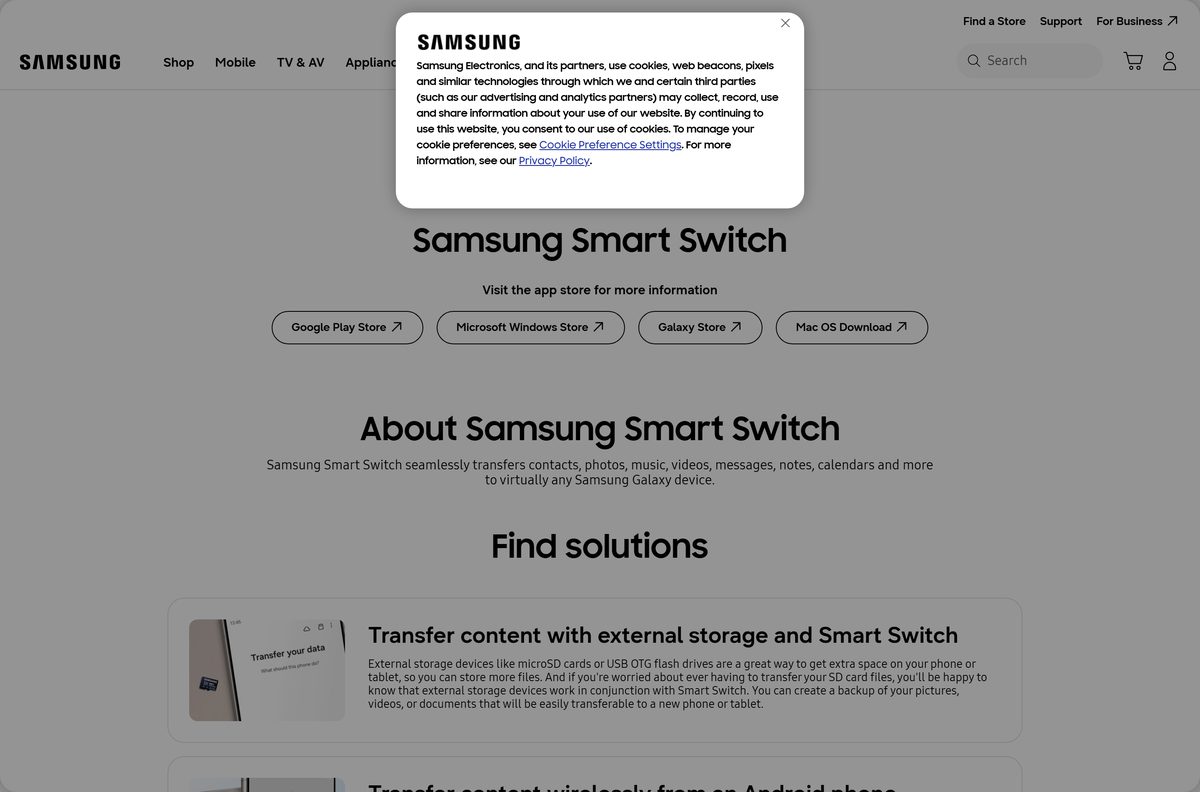
- Samsung support page listing every platform — also links the Android and Galaxy Store builds
Treat any other host as untrusted. Samsung publishes no mirror, and the desktop app is never sold.
How to install Samsung Smart Switch on Windows 11 and 10
The standalone installer is an InstallShield package and asks for elevation. Close any Galaxy phone tools before you start.
- Open the Samsung Smart Switch support page and select the Windows link.
- Save Smart.Switch.PC_Setup.exe to your Downloads folder.
- Double-click the file and select Yes at the User Account Control prompt.
- Accept the licence terms, then select Next to keep the default install folder.
- Wait while the installer copies the app and its USB drivers.
- Select Finish, then launch Smart Switch from the Start menu.
- Connect your Galaxy phone with a USB cable and tap Allow on the phone screen.
- Select Backup to copy the phone to the PC, or Restore to send data back.
Windows 10 stores backups in C:\Users\
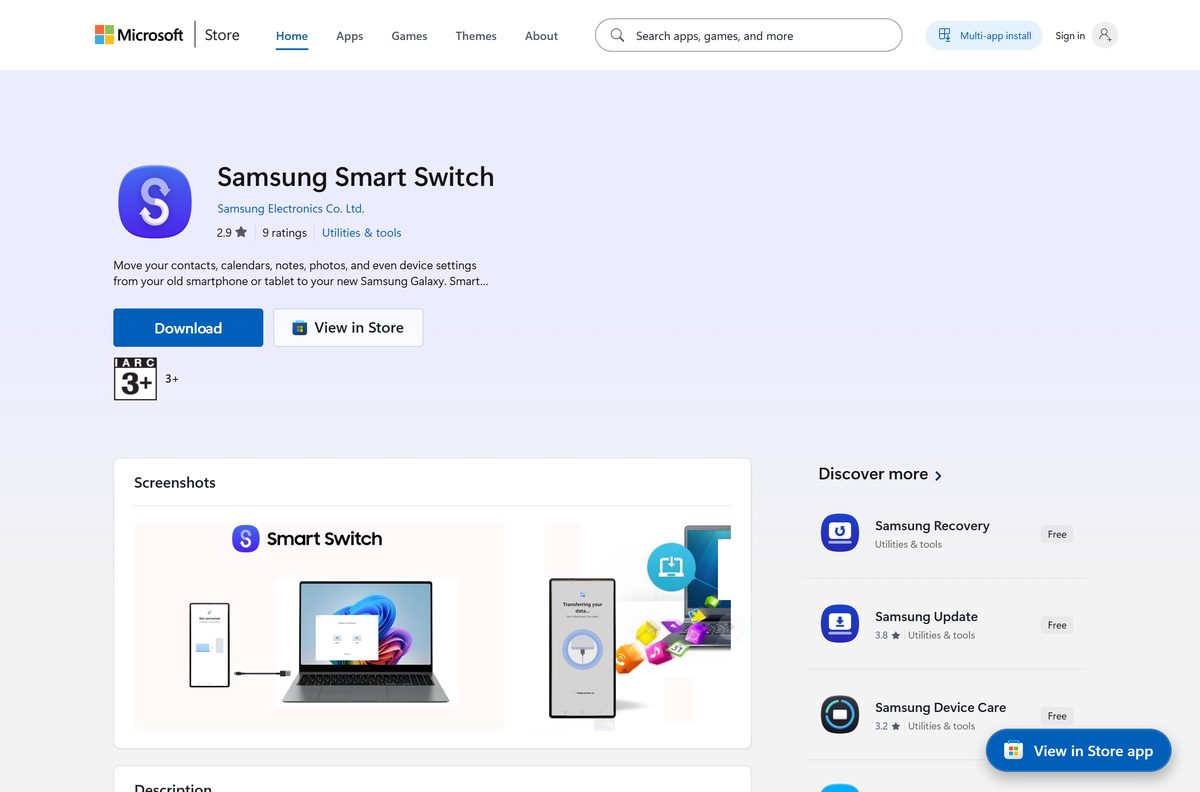
Install Samsung Smart Switch from the Microsoft Store or with winget
The Store route installs the 5.0 code line and updates itself with Windows. It needs Windows 10 build 19041 or a later release.
- Open the Microsoft Store listing in your browser.
- Select Get in Store app, then select Install in the Store window.
- Wait for the 136.3 MB package to download and register.
- Select Open, then connect your phone with a USB cable.
- For a scripted setup instead, open Terminal as administrator.
- Run winget install Samsung.SmartSwitch to fetch the 4.3.24062.1 standalone build.
- Add –silent to the command to suppress the installer interface.
The winget package points at the same Samsung executable, so it installs the standalone client rather than the Store one.
How to verify the Samsung Smart Switch installer
Samsung publishes no checksum file, but Microsoft records the SHA-256 of the Windows installer in the public winget package manifest.
- Open Terminal in the folder holding Smart.Switch.PC_Setup.exe.
- Run Get-FileHash .\Smart.Switch.PC_Setup.exe -Algorithm SHA256 .
- Compare the output with 9D4146D3D9B8E8C557CF9386DE7434D8574681D5D54A2970D14915BE6F9E67E6 .
- Delete the file and download again if the two strings differ.
- Right-click the file, select Properties, then open the Digital Signatures tab.
- Confirm the signer reads Samsung Electronics Co., Ltd. before you run it.
Which Samsung Smart Switch download do you need for your Mac?
Samsung ships one Mac file for every supported machine. Open the Apple menu and select About This Mac to read your macOS version.
| Your Mac | Download | Note |
|---|---|---|
| Apple silicon or Intel, macOS X 10.9 or later | SmartSwitch4Mac_setup.dmg | 41.9 MB, the only Mac build |
| macOS High Sierra 10.13 or later with a phone that will not connect | SmartSwitch4Mac_setup.dmg | Approve the Samsung system extension in Settings |
| A Mac that already has Android File Transfer installed | Remove the Google app first | Samsung states the two cannot coexist |
Open the disk image, drag Smart Switch to Applications, then launch it and allow the connection prompt.
Is Samsung Smart Switch free?
Samsung Smart Switch is free on Windows, Mac and Android. The Microsoft Store listing is priced at $0.00 with no in-app purchases, and Samsung charges nothing for the desktop setups. Any site asking for a licence key, a card number or a download token is not Samsung.
Should you install Samsung Smart Switch or Galaxy Book Smart Switch?
Two Samsung apps share the Smart Switch name on Windows, and they do different jobs.
Install Samsung Smart Switch for a phone or tablet, and Galaxy Book Smart Switch only for PC to PC. Galaxy Book Smart Switch moves files, settings and Store apps from an old PC to a new Samsung laptop, and Samsung states it cannot connect to a phone at all. It is 149.1 MB and runs on x64, x86 and ARM64.
How to check your Samsung Smart Switch version and update it
The two Windows builds update by different routes, so check which one you have before chasing an update.
- Launch Smart Switch and select the More menu at the top right.
- Select About Smart Switch to read the installed version string.
- A version starting 5.0 means the Microsoft Store package is installed.
- For that build, open Microsoft Store, select Library, then Get updates.
- A version starting 4.3 means the standalone installer is in use.
- Download the current setup from Samsung and run it over the old copy.
- Samsung states you do not need to uninstall the previous version first.
What Samsung Smart Switch can transfer and back up
The desktop app backs up a Galaxy device to the computer and restores it to a new one. The source phone decides how much of the list applies.
| Source | What moves | Requirement |
|---|---|---|
| Android phone or tablet | Contacts, schedule, messages, photos, videos, music, apps, call logs, alarms, documents | Android 4.3 or later |
| Encrypted Android backup | The same categories, decrypted on restore | Android 7.0 or later |
| iPhone or iPad over cable | Contacts, schedule, messages, notes, call history, bookmarks, photos, videos, documents, voice memos, Wi-Fi settings, alarms | iOS 5 or later |
| iPhone over Wi-Fi | The same categories without a cable | iOS 12 or later |
| Outlook on the PC | Contacts and calendar synchronised both ways | Windows only |
| Media files | mp3 and wma audio, mp4 and avi video, jpg and png images, pdf and doc files | Any supported device |
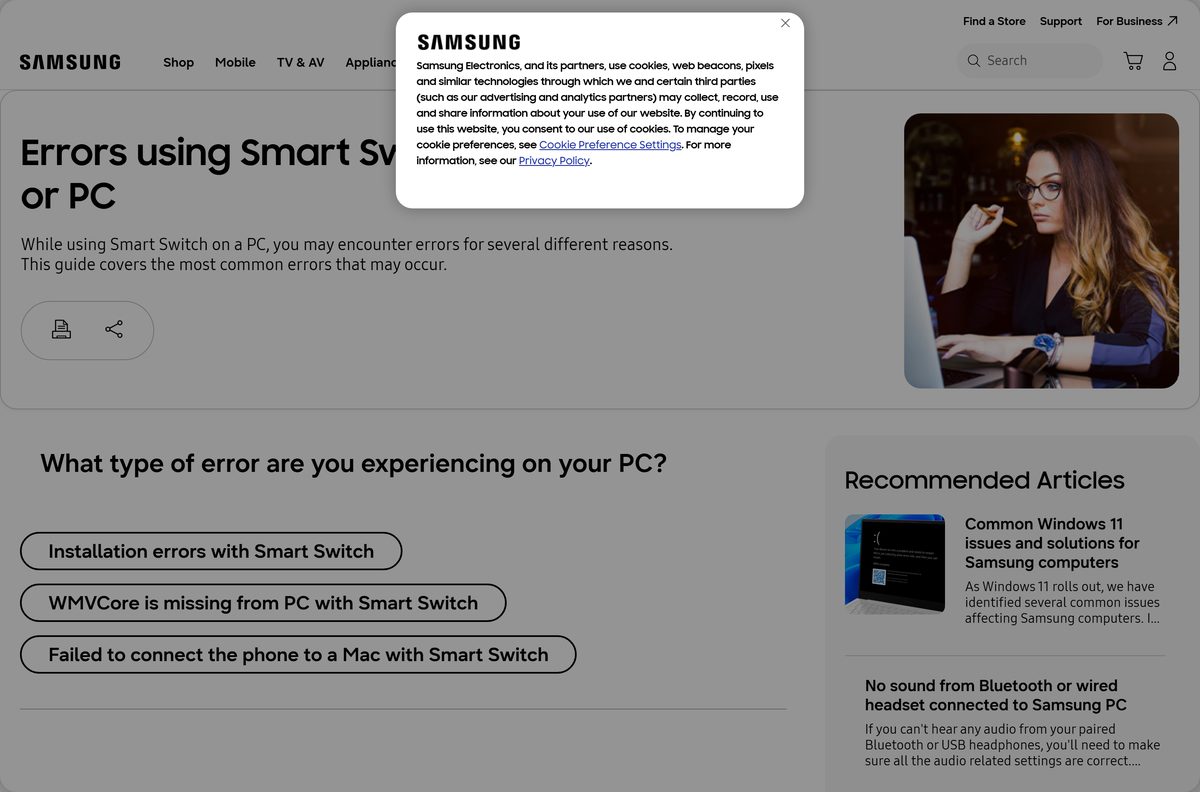
Fix Samsung Smart Switch not installing or not connecting
Samsung documents three desktop failures and gives a specific fix for each.
Setup fails with a side-by-side configuration error
The installer needs the Microsoft Visual C++ runtime, and a corrupt package triggers a message that the app will not run on this computer.
- Open the Visual C++ Redistributable download page on microsoft.com.
- Select your language, then download and run vcredist_x86.exe.
- Restart the PC once the runtime finishes installing.
- Download Smart.Switch.PC_Setup.exe again and run it.
The app reports that WMVCore.DLL is missing
Windows N and KN editions ship without the media components the app calls.
- Uninstall Samsung Smart Switch from Settings > Apps > Installed apps.
- Install the Media Feature Pack from the Microsoft optional features list.
- Reinstall Smart Switch and launch it once before connecting a phone.
- Contact Samsung Support if the error survives a clean reinstall.
Failed to connect the device, please reconnect the cable later
On Windows the USB driver is stale; on a Mac the system extension is blocked.
- Select the More menu in Smart Switch, then Reinstall device driver.
- Swap to a data-rated USB cable and use a port on the motherboard.
- On a Mac, open System Settings > Privacy & Security and allow the Samsung Electronics extension.
- Remove Android File Transfer from the Mac, because Samsung states it blocks the app.
- Unlock the phone and tap Allow on the USB access prompt.
How to uninstall Samsung Smart Switch from Windows and Mac
Removing the app leaves your backups in place. Delete the backup folder separately if you want the disk space back.
- On Windows, open Settings > Apps > Installed apps.
- Select the … menu beside Samsung Smart Switch, then Uninstall.
- Confirm the InstallShield prompt and wait for the USB drivers to be removed.
- On a Mac, open the Smart Switch folder in Applications.
- Run the bundled uninstaller, or mount SmartSwitch4Mac_setup.dmg and use its uninstall option.
- Delete Documents\Samsung\SmartSwitch to remove old phone backups.
Frequently asked questions
Is Samsung Smart Switch free?
Yes. Samsung charges nothing for the Windows and Mac desktop apps, and the Microsoft Store listing is priced at $0.00 with no in-app purchases. There is no paid edition, no trial period and no licence key to buy.
Where is the official Samsung Smart Switch download page?
Samsung publishes the desktop app on its support page at samsung.com, which links the Windows installer, the Mac disk image, the Google Play build and the Galaxy Store build. The Microsoft Store listing is the other official Windows source.
Does Samsung Smart Switch work on Windows 11?
Yes. Samsung states the app needs Windows 10 or later, so Windows 11 is supported. The Microsoft Store package additionally requires Windows 10 build 19041, which every Windows 11 release exceeds.
How big is the Samsung Smart Switch download?
The Windows installer is 44.2 MB and the Mac disk image is 41.9 MB. The Microsoft Store package is larger at 136.3 MB because it carries the unpacked application rather than a compressed setup.
Is there an offline installer for Samsung Smart Switch?
Yes. Both Smart.Switch.PC_Setup.exe and SmartSwitch4Mac_setup.dmg are complete standalone setups, not small downloaders. Copy either file to another machine and it installs without an internet connection.
Can you download Samsung Smart Switch for Mac?
Yes. Samsung ships SmartSwitch4Mac_setup.dmg for macOS X 10.9 or later, and the current build dates from July 2026. There is no Mac App Store listing, so take the disk image from Samsung.
Is Samsung Smart Switch 32-bit or 64-bit?
The standalone Windows installer is a 32-bit x86 package that runs on 64-bit Windows without any extra step. The Microsoft Store package is x64 only, so it will not install on a 32-bit or ARM64 PC.
Is Samsung Smart Switch safe to install?
Yes, when the file comes from Samsung or the Microsoft Store. The Windows installer is signed by Samsung Electronics Co., Ltd., and its SHA-256 hash is published in Microsoft’s public winget package repository.
What is the latest Samsung Smart Switch version?
The Microsoft Store package is 5.0.48.0 and the standalone Windows installer is 4.3.24062.1. The two code lines are maintained separately, so the numbers do not line up.
Why will Samsung Smart Switch not install on my PC?
The usual cause is a missing Microsoft Visual C++ runtime, which produces a side-by-side configuration error. Install vcredist_x86.exe from Microsoft, restart the PC, then run the Samsung setup again.
Why does Smart Switch fail to connect to my phone?
A stale USB driver is the common cause on Windows. Open the More menu and select Reinstall device driver, then use a data-rated cable and tap Allow on the phone.
Does Samsung Smart Switch run on a Chromebook?
No. Samsung states that Chromebooks are not compatible with the desktop app. Use the Smart Switch mobile app on both phones and transfer over a cable or Wi-Fi instead.
Where does Samsung Smart Switch save backups on a PC?
Windows 10 uses Documents\Samsung\SmartSwitch inside your user folder. Windows 11 stores them under AppData\Roaming\Samsung\SmartSwitchPCtoPC, and a Mac writes to Documents/Samsung/SmartSwitch/backup.
Can Samsung Smart Switch transfer from an iPhone?
Yes. Cable transfers need iOS 5 or later and Wi-Fi transfers need iOS 12 or later. The app moves contacts, messages, notes, call history, bookmarks, photos, videos and voice memos.