Google is working on a feature that lets Chrome open links in the Progressive Web Apps (PWAs) you have installed. With Chrome 76, when you click a link that belongs to an installed web app, Chrome can offer to open it in that app instead of a normal browser tab. The feature is already available to test in Chrome Canary under the name Intent Picker.
What it does
PWAs are websites you can install so they run in their own window, much like a regular desktop app. Until now, clicking a link to such a site still opened it in a Chrome tab, even when the app was installed. With the intent picker, Chrome checks whether an installed PWA can handle the link you clicked. If one can, Chrome asks whether you want to open the link in Chrome or in the app.
How to try it in Chrome Canary
- Install Chrome Canary and update it to the latest build.
- Type
chrome://flagsin the address bar and press Enter. - Search for Intent Picker and set the flag to Enabled.
- Relaunch the browser.
- Install a PWA, for example Twitter’s web app.
- Click a link to that site from elsewhere. Chrome now asks whether to open it with Chrome or with the app.
For now, Chrome doesn’t remember your choice, so the prompt appears every time you click such a link. A “remember my choice” option is the obvious next step before the feature reaches everyone.
Why it matters
Opening links in the right app is something phones have done for years, and it makes installed web apps feel much more like native ones. For sites like Twitter, a link from an email or chat could land straight in the app window you already use, instead of a stray browser tab.
Once you have a few web apps installed, you can see and manage them from Chrome’s apps page or through Windows like any other app. Our Task Manager guide shows how to spot web apps using memory in the background.
Today
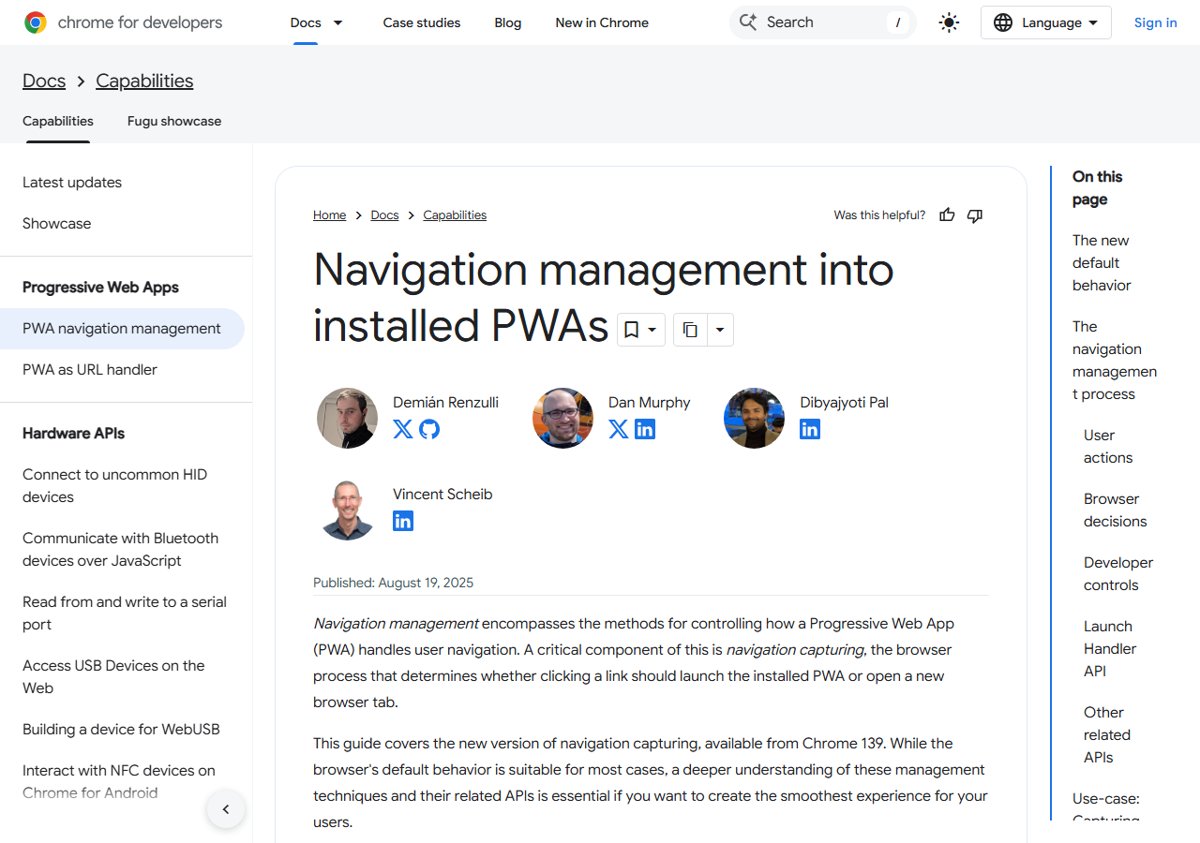
Link handling for PWAs has gone well beyond that first prompt. In Google’s current “navigation capturing” model, available from Chrome 139 on Windows, Mac and Linux, clicking a link inside an installed PWA’s scope opens it in the app by default. It falls back to a browser tab only if the app isn’t installed or you’ve opted out in the app’s settings. Developers control how the app window handles those links with the launch_handler manifest field, available since Chrome 110. To review which sites can do what in your browser, see our guide on managing site settings in Chrome.