You can download YouTube Music for PC and install it as a desktop app on Windows 11, Windows 10 and Mac in under a minute. It opens in its own window, gets a taskbar or Dock icon, and signs in with your Google account.
Chrome and Edge install the app straight from music.youtube.com. Safari on a Mac adds it to the Dock, and Google Play and the App Store carry the phone apps.
This guide covers which install fits your device, the official links, step-by-step setup in Chrome, Edge and Safari, what Premium adds, offline listening, fixes for common problems and clean removal.
Check YouTube Music system requirements before you install
The desktop app needs a current browser and a Google account. The phone apps list their own minimum versions in the stores.
| Field | Value |
|---|---|
| App | YouTube Music |
| Developer | Google LLC |
| Latest version | 9.36 for iPhone and iPad, released 9 September 2026. The desktop app is web-based and auto-updating |
| License / price | Free with ads. Premium is an optional paid membership |
| File size | 294.8 MB on the App Store. Nothing to download on Windows or macOS |
| Windows 11 and Windows 10 | Installed app through Google Chrome or Microsoft Edge |
| macOS | Chrome web app, or a Safari web app on macOS Sonoma 14 or later |
| Android | Android 8.0 or later |
| iPhone, iPad, Apple Watch | iOS 16.0, iPadOS 16.0, watchOS 9.0 or later |
| Architecture | Any processor the browser runs on: x64, ARM64 or Apple silicon |
| Offline installer | No |
| Official source | music.youtube.com |
| Last verified | 2026-09-13 |
Which YouTube Music download do you need?
Find your device in the left column. Every row ends at a Google, Microsoft or Apple page.
| Your device | What to install | Official source |
|---|---|---|
| Windows 11 or Windows 10 PC with Chrome | YouTube Music app installed from Chrome | Google’s install steps |
| Windows 11 or Windows 10 PC with Edge | YouTube Music app installed from Edge | Microsoft’s Edge apps help |
| Mac, Apple silicon or Intel | Chrome app, or Safari’s Add to Dock web app | Apple’s web app guide |
| Android phone or tablet | YouTube Music from Google Play | Google Play |
| iPhone, iPad or Apple Watch | YouTube Music from the App Store, 294.8 MB | App Store |
Download YouTube Music from the official links
Start from one of these addresses. The first one is the page every desktop install begins on.
- music.youtube.com — open in Chrome, Edge or Safari to install the desktop app
- YouTube Music on Google Play — Android 8.0 or later, published by Google LLC
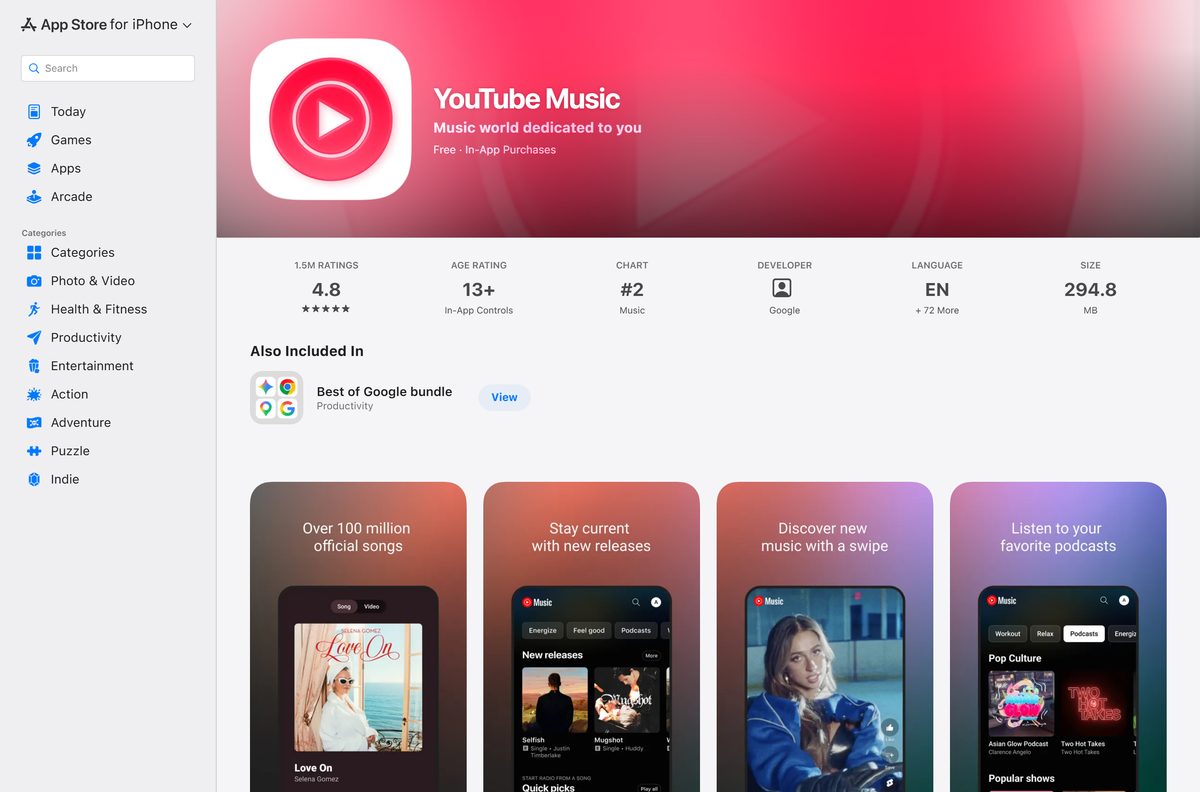
- YouTube Music on the App Store — 294.8 MB · iPhone, iPad and Apple Watch
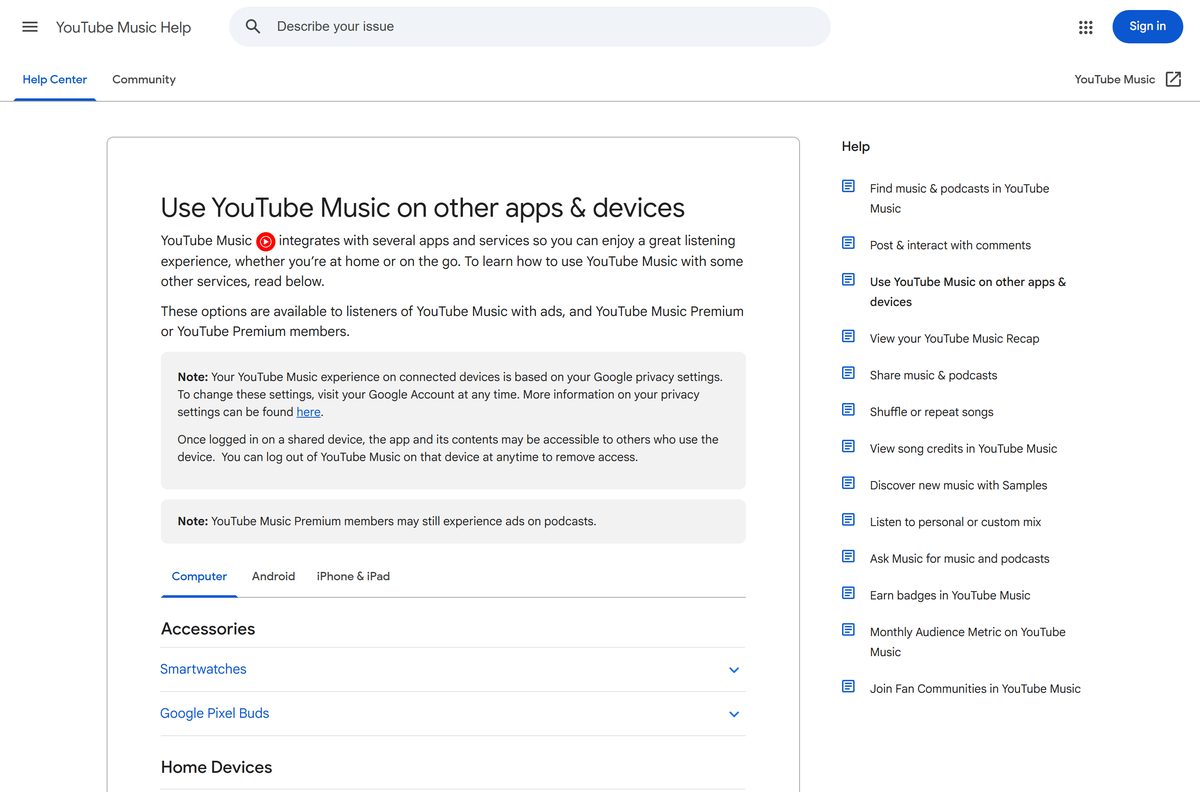
- Google’s computer setup page — the official Chrome install steps
A site offering a YouTube Music setup file for Windows is not distributing anything Google made. The desktop app always comes from music.youtube.com itself.
How to install YouTube Music on Windows 11 and 10 with Chrome
These are the steps Google publishes for Chrome. They work the same way on Windows 11, Windows 10 and macOS.
- Open Google Chrome and go to music.youtube.com.
- Sign in with the Google account that holds your library and playlists.
- Select More, the three dots at the top right of Chrome.
- Select Cast, save, and share.
- Select Install YouTube Music from the menu.
- Select Install in the confirmation dialog.
- Wait for YouTube Music to open in its own window.
- Right-click its taskbar icon and select Pin to taskbar to keep it there.
The app then appears in the Start menu like any other program.
Install YouTube Music as an app with Microsoft Edge
Edge ships with Windows 11 and Windows 10, so this route needs no extra browser.
- Open Microsoft Edge and go to music.youtube.com.
- Sign in to your Google account.
- Select Settings and more, the three dots at the top right.
- Select More tools, then Apps.
- Select Install this site as an app.
- Select Install to confirm.
- In the dialog that follows, tick Pin to Start if you want a Start menu tile.
- Tick Auto-start on device login if you want the app to open when you sign in to Windows.
- Open Settings and more in the app’s title bar and select Pin to taskbar.
Edge also shows an App available icon in the address bar on sites that can be installed. Selecting it and then Install does the same thing.
Which YouTube Music install should you use on a Mac?
A Mac has two routes, and both put YouTube Music in the Dock. Pick by the browser you already use.
| Your Mac | Install this way | Instructions |
|---|---|---|
| Chrome installed, any macOS version Chrome supports | Chrome: More > Cast, save, and share > Install YouTube Music | Google’s steps |
| Safari only, macOS Sonoma 14 or later | Safari: File > Add to Dock, then Add | Apple’s steps |
| Safari only, macOS Ventura or earlier | Install Chrome first, then use the Chrome route | Google Chrome |
| Apple silicon or Intel | Either route works; there is no chip-specific build | music.youtube.com |
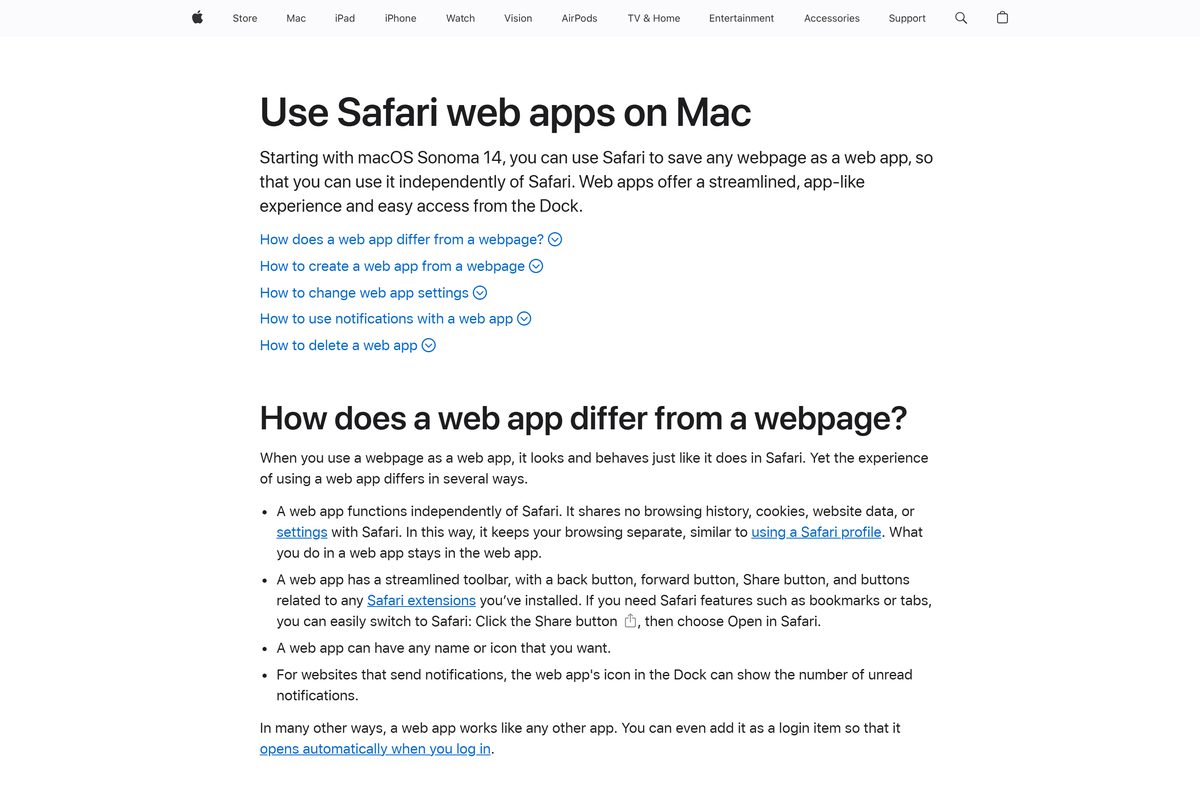
Safari saves the web app to the Applications folder inside your home folder. Open the app and choose Settings from its app menu to change the name, icon or title bar colour.
How to verify you installed the real YouTube Music
The genuine app always points back to Google. Check it in under a minute.
- Open the installed app on your PC.
- In an Edge app, select Settings and more in the title bar to open App info.
- Confirm the publisher line shows the domain music.youtube.com.
- On a phone, open the store listing and confirm the developer reads Google LLC.
- Delete any YouTube Music .exe, .msi or APK that a download site gave you, without running it.
- Sign in only on music.youtube.com or inside the store app, never on a page reached from an ad.
Is YouTube Music free to download and use?
The free tier plays songs, albums, playlists and music videos with ads, on a computer and a phone.
Premium removes ads from music, plays in the background on mobile, and unlocks downloads and Smart Downloads. It also keeps music playing on a cast speaker or TV after you close the desktop app.
Yes, the app and the free tier cost nothing on every platform. Pay only for Premium, and only through music.youtube.com, Google Play or the App Store. A paid “YouTube Music Pro” download from any other site is not a Google product.
Should you use the desktop app or the phone app for offline listening?
The desktop app has no .exe and no offline installer. It installs from music.youtube.com through the browser and needs an internet connection to play.
Offline listening is a Premium feature of the phone apps. Premium members download songs, videos and podcasts to an Android phone, iPhone or iPad, and reconnect at least once every 30 days to keep them.
Podcast downloads are the exception. They work on a phone without any membership.
Use the desktop app at your computer and the phone app for offline listening. Google documents music downloads for mobile devices only, so a laptop needs a connection while the phone keeps your downloads for the trip.
Check whether YouTube Music runs on your 64-bit, ARM64 or Apple silicon machine
There is no 32-bit, 64-bit or ARM64 choice to make on a computer. The app runs inside the browser, so it runs wherever that browser does.
| Machine | Works? | What to use |
|---|---|---|
| Windows 11 or 10, x64 | Yes | Chrome or Edge app |
| Windows 11 on ARM64, such as Snapdragon laptops | Yes | Edge app, or Chrome |
| Mac with Apple silicon | Yes | Chrome app, or Safari web app on Sonoma 14+ |
| Mac with Intel | Yes | Chrome app, or Safari web app on Sonoma 14+ |
| Chromebook | Yes | Chrome app |
| Windows PC with an Android APK | No | Windows Subsystem for Android left the Microsoft Store on 5 March 2025 |
Fix YouTube Music not installing or not working on Windows 11 or 10
Find the symptom that matches, then work through its fix in order.
Install YouTube Music does not appear in the Chrome menu
Chrome offers the install only on the YouTube Music site itself.
- Type music.youtube.com in the address bar rather than opening YouTube and switching to Music.
- Open More > Help > About Google Chrome and let Chrome update.
- Select Relaunch, return to the site, and open Cast, save, and share again.
Edge shows no Install this site as an app option
The option is under the Apps submenu, not on the main menu.
- Select Settings and more > More tools > Apps.
- Select Install this site as an app.
- Open edge://apps to check whether YouTube Music is already installed.
There is no Download button for songs on the PC
Music downloads are built for phones and tablets.
- Install YouTube Music on an Android phone, iPhone or iPad.
- Sign in with your Premium account.
- Open a playlist or album, select Menu, then Download.
Add to Dock is missing in Safari
Safari web apps need macOS Sonoma 14 or later.
- Open the Apple menu and select About This Mac to check your macOS version.
- Update macOS in System Settings > General > Software Update, or use the Chrome route instead.
Music stops when you close the desktop app
The app plays only while its window is open.
- Minimise the window instead of closing it.
- With Premium, cast to a speaker, smart display or TV, and playback continues after the app closes.
How to uninstall YouTube Music from Windows or Mac
Removing the app deletes the shortcut and window, not your library. Playlists stay in your Google account.
- Chrome: open the YouTube Music app window and select More at the top right.
- Chrome: select Uninstall YouTube Music, tick Also delete data from Chrome if you want, then select Remove.
- Edge: go to edge://apps and select Details on the YouTube Music card.
- Edge: select Uninstall, choose whether to clear app history and data, then select Uninstall again.
- Windows Settings: search Start for Add or remove programs, select YouTube Music and uninstall it there.
- Safari on Mac: open Finder, go to the Applications folder inside your home folder, and drag YouTube Music to the Trash.
Which other official YouTube Music option fits you?
Every option below is published by Google and uses the same account and library.
| Option | Best for | Link |
|---|---|---|
| Desktop app from Chrome or Edge | Listening at a Windows PC, Mac or Chromebook | music.youtube.com |
| Browser tab, no install | Shared or work PCs where you cannot install apps | music.youtube.com |
| Android app | Offline listening and background play on Android | Google Play |
| iPhone, iPad and Watch app | Offline listening on Apple devices | App Store |
| YouTube app on a TV or console | Music videos in the living room, since YouTube Music has no TV app | Premium device list |
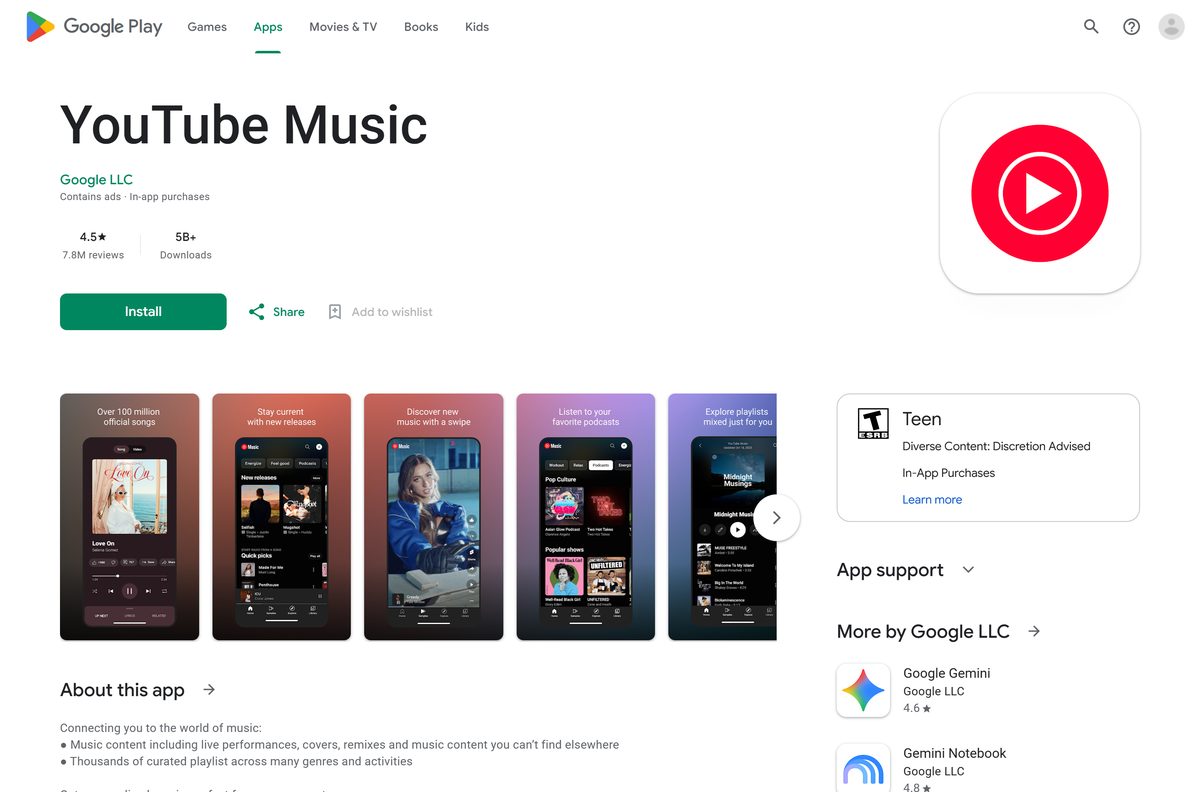
Other phone and media apps for PC include eufy Security and Arlo Secure.
Frequently asked questions
Is YouTube Music free to download?
Yes. The desktop app, the Android app and the iPhone app are free, and the free tier plays music with ads. YouTube Music Premium is an optional paid membership that removes ads and adds downloads.
Where is the official YouTube Music download?
On a computer, open music.youtube.com in Chrome or Edge and install it from the browser menu. On a phone, use Google Play or the App Store, where the developer is listed as Google LLC.
Does YouTube Music work on Windows 11?
Yes. Install it from Chrome with More, Cast, save, and share, then Install YouTube Music, or from Edge with More tools, Apps, Install this site as an app. It then gets a Start menu and taskbar entry.
How big is the YouTube Music download?
The App Store lists 294.8 MB for iPhone and iPad. On Windows and macOS the app installs from the browser, so there is no setup file and no download size to check.
Is there a YouTube Music offline installer for PC?
No. The desktop app installs through Chrome, Edge or Safari from music.youtube.com and needs an internet connection. Google publishes no standalone setup file for Windows or macOS.
Is there a YouTube Music app for Mac?
Yes, as a web app. Install it from Chrome, or use File, Add to Dock in Safari on macOS Sonoma 14 or later. The App Store copy is for iPhone, iPad and Apple Watch only.
Is there a 64-bit or ARM64 YouTube Music download?
There is no separate build to pick. The desktop app runs inside the browser, so it works on x64 and ARM64 Windows PCs and on Intel and Apple silicon Macs alike.
What is the latest YouTube Music version?
The App Store lists version 9.36 for iPhone and iPad, released 9 September 2026. The desktop app loads from music.youtube.com each time, so it is always current and has no version to update.
Can I listen to YouTube Music offline on a PC?
Not on a computer. Music downloads are a Premium feature of the Android, iPhone and iPad apps. Downloads stay available while the phone reconnects to the internet at least once every 30 days.
Is YouTube Music safe to download?
Yes, from music.youtube.com, Google Play or the App Store. A YouTube Music .exe, .msi or APK for Windows from any other site did not come from Google, so do not run it.
Why can’t I install YouTube Music on my PC?
Usually because the install option is on the YouTube Music site only. Open music.youtube.com directly, update Chrome or Edge, then look under Cast, save, and share in Chrome or More tools, Apps in Edge.
How do I uninstall YouTube Music on Windows 11?
In Chrome, open the app, select More, then Uninstall YouTube Music and Remove. In Edge, open edge://apps, select Details on the card, then Uninstall. Your playlists stay in your Google account.






