The Waze app download is free on iPhone and Android, and on a Windows 11, Windows 10 or Mac computer you can install Waze Live Map as an app from Chrome or Edge in about a minute.
Get the phone app from Google Play or the App Store, then plan drives on the big screen and push them to your phone with Save to app. The same phone app drives Waze on Apple CarPlay and Android Auto.
This guide covers which download fits each device, the official links, installing Live Map on a PC, the Mac route, updates, requirements and fixes for the most common Waze problems.
Which Waze app download do you need?
Match your device to a row and follow the link. Every route is free.
| Your device | What to get | Size |
|---|---|---|
| Android phone or tablet | Waze Navigation & Live Traffic on Google Play | Play states no size |
| iPhone or iPad | Waze Navigation & Live Traffic on the App Store | 234 MB |
| Car with Android Auto | The Android app, shown on the car display | Same as the phone app |
| Car with Apple CarPlay | The iPhone app, shown on the car display | Same as the phone app |
| Windows 11 or Windows 10 PC | Waze Live Map, installed as an app in Chrome or Edge | Nothing to download |
| Mac | Waze Live Map in Safari or Chrome | Nothing to download |
Turn-by-turn driving happens in the phone app. Live Map on a computer plans the route and sends it to the phone.
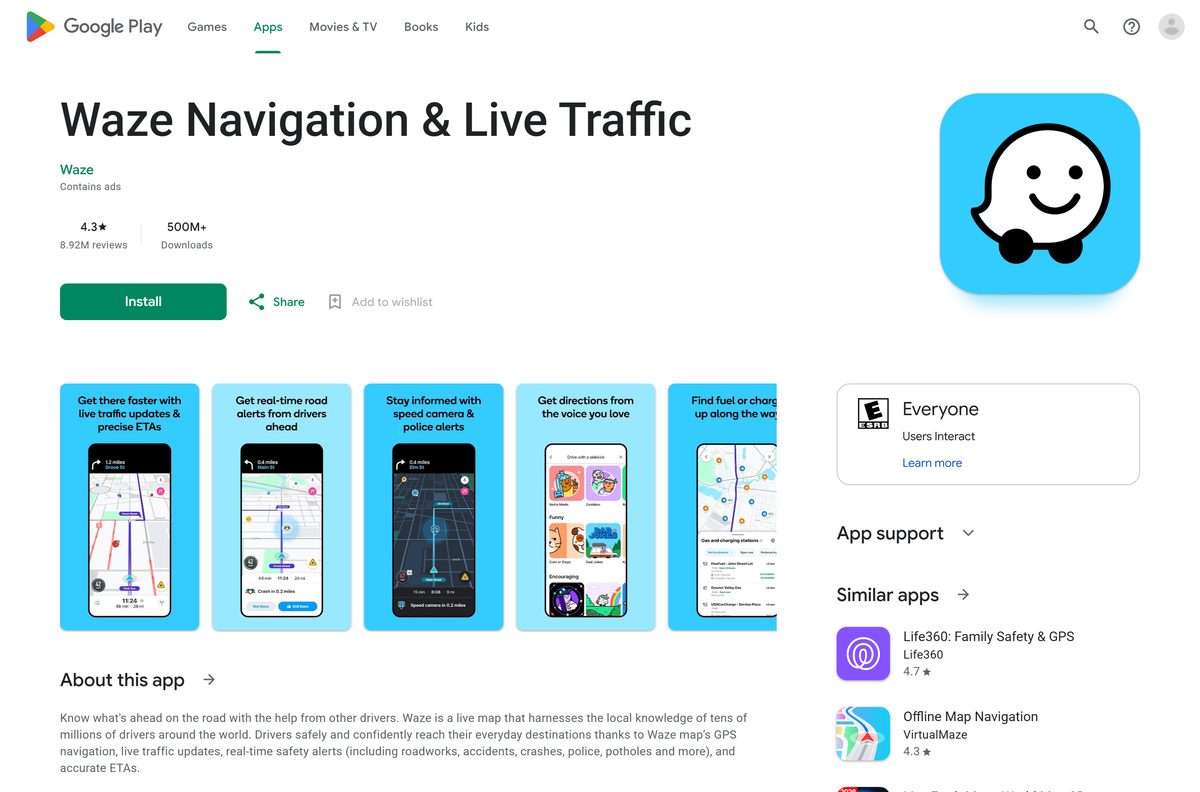
Download Waze from the official sources
Waze publishes its app in two stores and its map on one website. Start from one of these links.
- Waze on Google Play — developer Waze, updated 1 September 2026
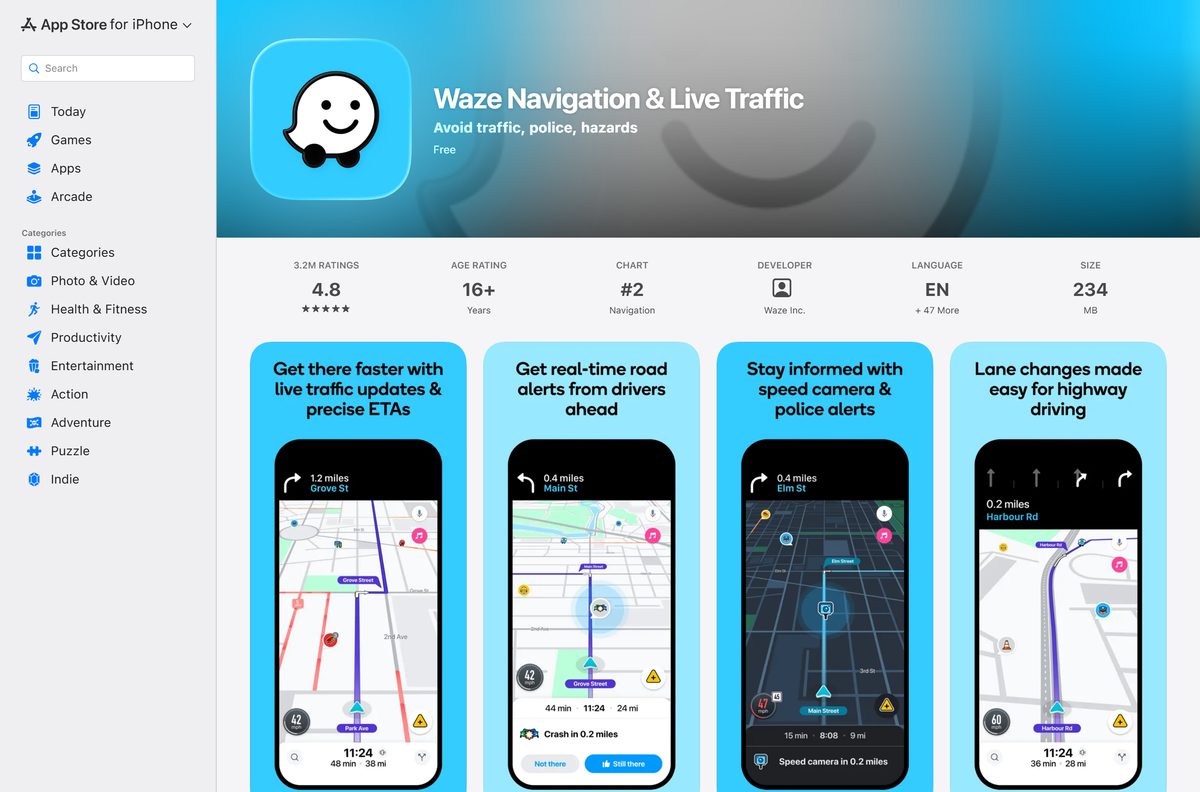
- Waze on the App Store — 234 MB · iOS 16 or later
- Waze Live Map — the web version for a computer, laptop or tablet
- Waze download page — Waze’s own page with the store buttons
- Google Chrome — installs Live Map as a desktop app
The Google Play listing also shows Car, Chromebook and Tablet tabs, so a Chromebook with Play installs the Android app directly.
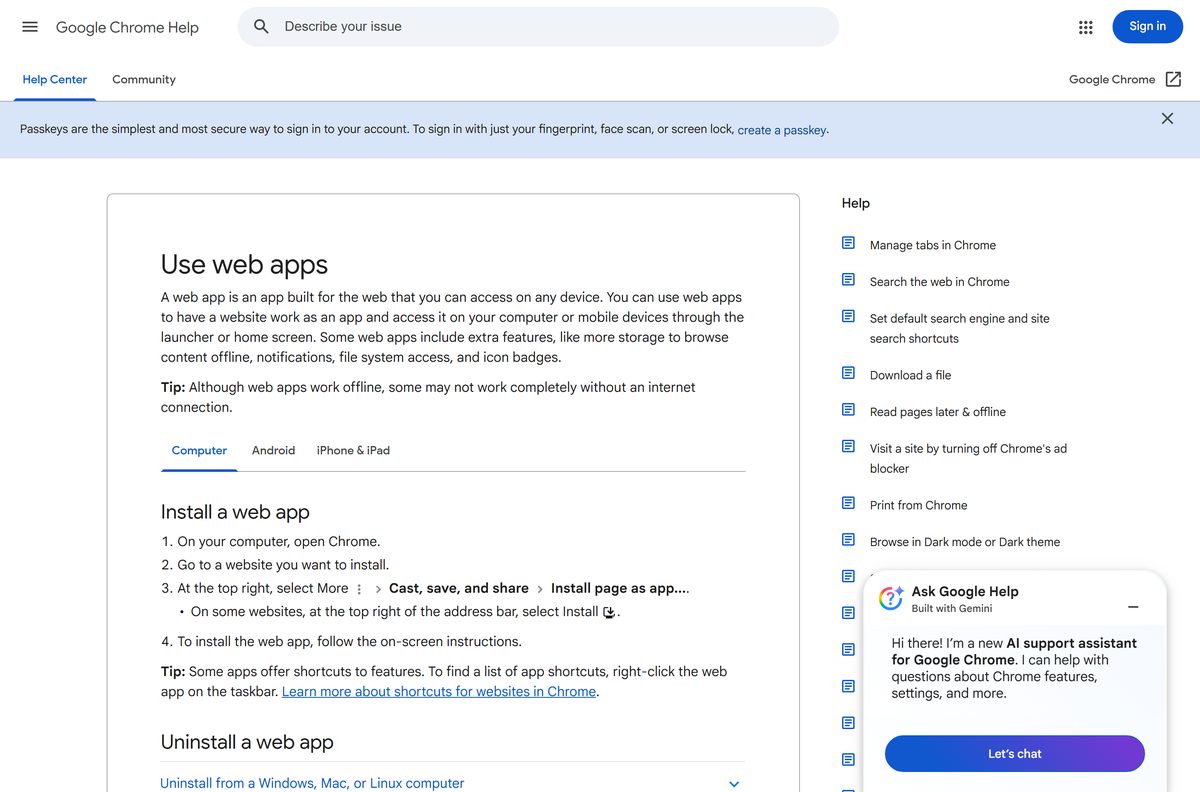
How to install Waze Live Map as an app on Windows 11 and 10
Chrome can install any website as a web app with its own window and taskbar icon. Live Map then opens without tabs or an address bar.
- Open Chrome and go to waze.com/live-map.
- Select Log in at the top right and scan the QR code with your phone’s camera.
- Confirm the sign-in on your phone.
- Select More, the three-dot button at the top right of Chrome.
- Select Cast, save, and share, then Install page as app.
- Keep the name or type Waze, then select Install.
- Right-click the new window’s taskbar icon and select Pin to taskbar.
- Open it from the Start menu and confirm the map loads in its own window.
Chrome lists the installed app at chrome://apps, where a right-click offers Create shortcut and Launch at startup.
Install Waze Live Map as an app in Microsoft Edge
Edge builds the same kind of windowed app, so you do not need Chrome on Windows 11 or 10.
- Open Microsoft Edge and go to waze.com/live-map.
- Select Settings and more, the three-dot button at the top right.
- Select More tools, then Apps, then Install this site as an app.
- Name the app Waze and select Install.
- Open edge://apps and select Open on the Waze card to launch it.
Searching the Microsoft Store or winget for Waze returns no Waze navigation package, so Edge or Chrome is the install route on Windows.
How to plan a Waze drive on your PC and send it to your phone
Live Map needs no install at all. Plan the trip on the computer, and the phone app picks it up.
- Turn on Time to leave notifications in the Waze app on your phone.
- Open Waze Live Map and select Log in.
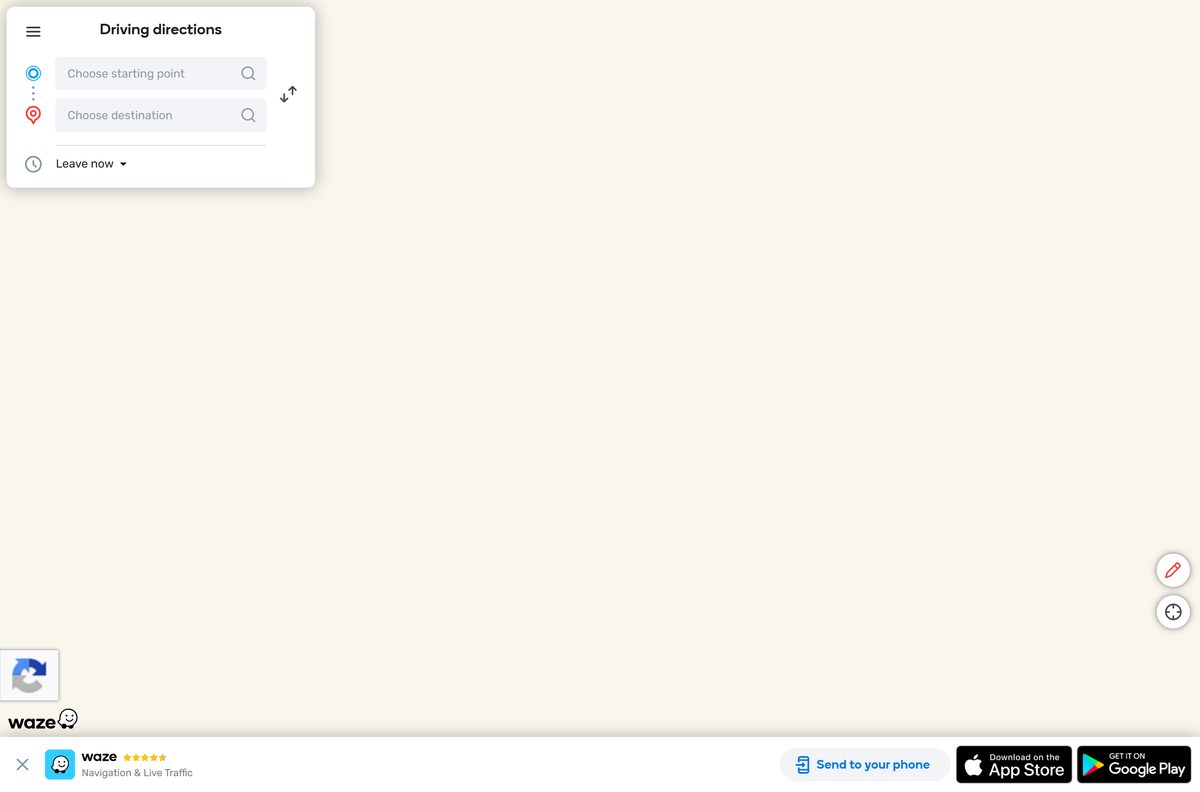
- Under Driving directions, enter the starting point and destination.
- Pick one of the up to three routes Waze suggests.
- Select Leave now and change it to Arrive at, then set the day and time.
- Select Save to app.
- Tap the notification on your phone when Waze says it is time to leave.
Keeping Leave now sends an instant notification instead. Tap it on the phone to start navigating.
Which Waze download do you need for your Mac?
Pick the row that matches what you want to do on the Mac.
| What you want | What to use | Where it comes from |
|---|---|---|
| Check traffic and plan a drive | Waze Live Map in Safari or Chrome | Waze |
| Waze in a window of its own | Install page as app in Chrome for Mac | |
| Navigate while driving | Waze on the App Store for iPhone | Apple App Store |
| Waze on the car screen | Waze on Apple CarPlay | Waze Help |
The App Store listing covers iPhone, iPad and iPod touch and names no Mac, so the Mac route is the browser. Chrome for Mac needs macOS 13 Ventura or later.
Is the Waze app free?
Yes. Waze is free to download and use for everyone over 16. The App Store lists it as Free, and Google Play installs it at no cost. Phone and carrier data rates still apply, because Waze streams live traffic while you drive. The Android listing carries a Contains ads label. Waze sells no desktop edition, so any site charging for a Waze PC installer is selling a file Waze does not make.
Check data use on an iPhone under Settings > Mobile Data, then scroll to Waze.
How to check your Waze version and update it
The phone app updates through its store. Live Map on a computer loads the current version every time.
- On Android, open Google Play, tap your profile picture, then Manage apps & device.
- Tap Updates available, find Waze and tap Update.
- On iPhone, open the App Store and tap your profile picture at the top right.
- Scroll to the pending updates and tap Update next to Waze.
- On a PC or Mac, update the browser through Help > About Google Chrome.
The App Store lists 5.23.0.1, released on 31 August 2026. Google Play shows the Android app as updated on 1 September 2026 and publishes no version string.
Check the Waze system requirements
The phone needs GPS and a cellular connection. On a computer, the browser sets the floor.
| Field | Value |
|---|---|
| Developer | Waze Mobile (App Store seller: Waze Inc.) |
| Latest version | 5.23.0.1 on iPhone and iPad, 31 August 2026 |
| Price | Free, data rates apply |
| Android | Android 10 and above |
| iPhone and iPad | iOS 16 and above |
| Hardware | GPS and GSM, 3G, 4G or 5G connectivity |
| In the car | Apple CarPlay and Android Auto through the phone |
| iPhone app size | 234 MB |
| Android app size | Not stated on Google Play |
| Windows and Mac | Waze Live Map in a browser, no desktop installer |
| Architecture | No desktop build; Live Map uses the browser’s build |
| Offline installer | None |
| Official source | waze.com, Google Play, App Store |
| Last verified | 2026-09-13 |
Chrome runs on Windows 10 or later with an Intel processor, and on Windows 11 and up with ARM, which covers Live Map on 64-bit and ARM64 PCs.
How to check a Waze download is genuine
Waze ships through the App Store and Google Play only. Any .exe, .msi or .dmg labelled Waze comes from somebody else.
- On Google Play, confirm the name under the title reads Waze.
- On the App Store, confirm the listing is Waze Navigation & Live Traffic from Waze Inc.
- On a computer, read the address bar before signing in. Live Map runs at waze.com/live-map.
- Right-click any Windows file claiming to be Waze, open Properties, then Digital Signatures, and delete it if the tab is missing or names another publisher.
Fix Waze not working, not talking or not signing in
Waze voice directions play on the phone, not the car
The Play sound to phone speaker setting overrides Bluetooth.
- Open Waze and tap Settings.
- Tap Voice and sound.
- Turn off Play sound to phone speaker.
- Reconnect the phone to the car’s Bluetooth and start a drive.
The Live Map QR code will not scan
The phone camera needs Android 10 or iOS 16 to read the code, and glare stops it.
- Update the phone to Android 10 or iOS 16 or later.
- Search the phone’s settings for QR and turn QR scanning on.
- Turn up the computer screen’s brightness and clean the camera lens.
- Hold the phone upright near the code, then move it back slowly.
- Select Sign in with Google instead if the code still fails.
A drive planned on Live Map is missing from the app
Live Map was not signed in to the same Waze account when you saved.
- Select Log in at the top right of Live Map.
- Sign in with the account the phone app uses.
- Select Save to app again.
Waze finds no route or shows no traffic
Waze needs an active data connection for every feature.
- Turn mobile data on for Waze in the phone’s settings.
- Confirm location access is allowed for Waze.
- Close Waze fully and open it again once the signal returns.
How to uninstall Waze from a phone or PC
Removing the app leaves the Waze account in place. Sign in again later and saved places come back.
- On Android, open Google Play, search for Waze, open the listing and tap Uninstall.
- On iPhone, touch and hold the Waze icon, tap Remove App, then Delete App.
- In the Chrome app window, select More, then Uninstall Waze, then Remove.
- Tick Also delete data from Chrome first to clear the saved sign-in.
- In Edge, open edge://apps, select Details on the Waze card, then Uninstall.
Which navigation app should you use instead of Waze?
Pick another app when you are not behind the wheel. Waze is built for private cars, motorcycles and taxis.
| App | Publisher | Cost | Best for |
|---|---|---|---|
| Google Maps | Free | Routes for driving, walking and cycling, on the web and on phones | |
| Apple Maps | Apple | Included with Apple devices | Transit, cycling and CarPlay directions on Apple hardware |
| Waze Live Map | Waze | Free | Checking Waze traffic and planning drives on a computer |
Waze does not support navigating in lanes dedicated to public transportation, bicycles or trucks.
Other phone and media apps for PC include Shutterfly and Southwest Airlines.
Frequently asked questions
Is the Waze app free?
Yes. Waze is free to download and use for everyone over 16 on iPhone and Android. Phone and carrier data rates still apply, and the Android listing notes that the app contains ads.
What is the official Waze app download page?
Waze links its stores from waze.com/apps. The Android app is on Google Play under the developer Waze, and the iPhone app is Waze Navigation & Live Traffic on the App Store.
Can I use Waze on Windows 11 or Windows 10?
Yes, through Waze Live Map at waze.com/live-map in Chrome or Edge. Install the page as an app for its own window, then send planned drives to the phone app.
What is the Waze download size?
The iPhone and iPad app is 234 MB on the App Store. Google Play publishes no size for the Android app, and Live Map on a computer downloads nothing.
Is there a Waze offline installer?
No. Waze installs only from the App Store and Google Play, and the app needs an active data connection for all features, including routing and live traffic.
Is there a Waze app for Mac?
No. The App Store listing covers iPhone, iPad and iPod touch and names no Mac. Open Waze Live Map in Safari or Chrome, or install it as an app from Chrome.
Is Waze 64-bit or ARM64 on a PC?
Neither. Waze has no desktop build, so Live Map uses the browser’s architecture. Chrome runs on Windows 10 or later with Intel and Windows 11 or later with ARM.
Is it safe to download Waze from other sites?
No. Waze distributes its app only through Google Play and the App Store. A Waze file offered for Windows or macOS is not from Waze, so delete it and use Live Map.
What is the latest version of Waze?
The App Store lists Waze 5.23.0.1 for iPhone and iPad, released on 31 August 2026. Google Play shows the Android app updated on 1 September 2026 without a version string.
Why won’t Waze install on my phone?
Waze needs iOS 16 or later, or Android 10 or later, on a device with GPS and cellular connectivity. Update the phone’s software, then install again from the store.
Does Waze work offline?
No. Waze was built around a live data connection, and every feature needs one on the phone. The live connection feeds Waze its real-time traffic information and routing.
Can I use Waze on a tablet?
Yes. The App Store app supports iPad, and Google Play lists a Tablet tab. The tablet still needs GPS and cellular connectivity for Waze to work correctly.
Does Waze work with Apple CarPlay and Android Auto?
Yes. Connect the phone to the car by USB or wirelessly and tap Waze on the car display. The CarPlay version is a limited version of the mobile app.






