The Viber download for Windows 11, Windows 10 and Mac is free, and it comes straight from Rakuten Viber at viber.com. Viber 28.8.0.0 is the current Windows build.
Viber for Desktop is tied to a phone. Setup finishes when you scan a QR code on screen with the Viber app on your phone, so an active mobile account has to exist first.
Below are the official files and their sizes, install steps for Windows and Mac, the Microsoft Store route, Linux builds, system requirements, setup fixes and clean removal.
Which Viber download do you need?
One download page carries every desktop build, including four old Mac images for machines Apple stopped updating. Match your computer to a row.
| Your machine | File to get | Size |
|---|---|---|
| Windows 11, Windows 10 64-bit, or Windows 11 on ARM | ViberSetup.exe (64-bit) | 2.6 MB |
| Windows 32-bit, or Windows 8 and lower | ViberSetup.exe (32-bit) | 106.2 MB |
| Mac on macOS 11 Big Sur or later | Viber.dmg | 2.0 MB |
| Mac on macOS 10.14 Mojave | Viber.dmg (10.14) | 179.5 MB |
| Mac on macOS 10.13 High Sierra | Viber.dmg (10.13) | 147.6 MB |
| Mac on macOS 10.12 Sierra | Viber.dmg (10.12) | 124.4 MB |
| Mac on macOS 10.11 El Capitan | Viber.dmg (10.11) | 109.1 MB |
| Ubuntu and other Debian-based Linux | viber.deb | 125.1 MB |
| Fedora | viber.rpm | 139.0 MB |
| iPhone or iPad | Rakuten Viber Messenger on the App Store | 423 MB |
Support officially starts at macOS 11 Big Sur. The four older disk images stay on the page for Macs that cannot reach that release.
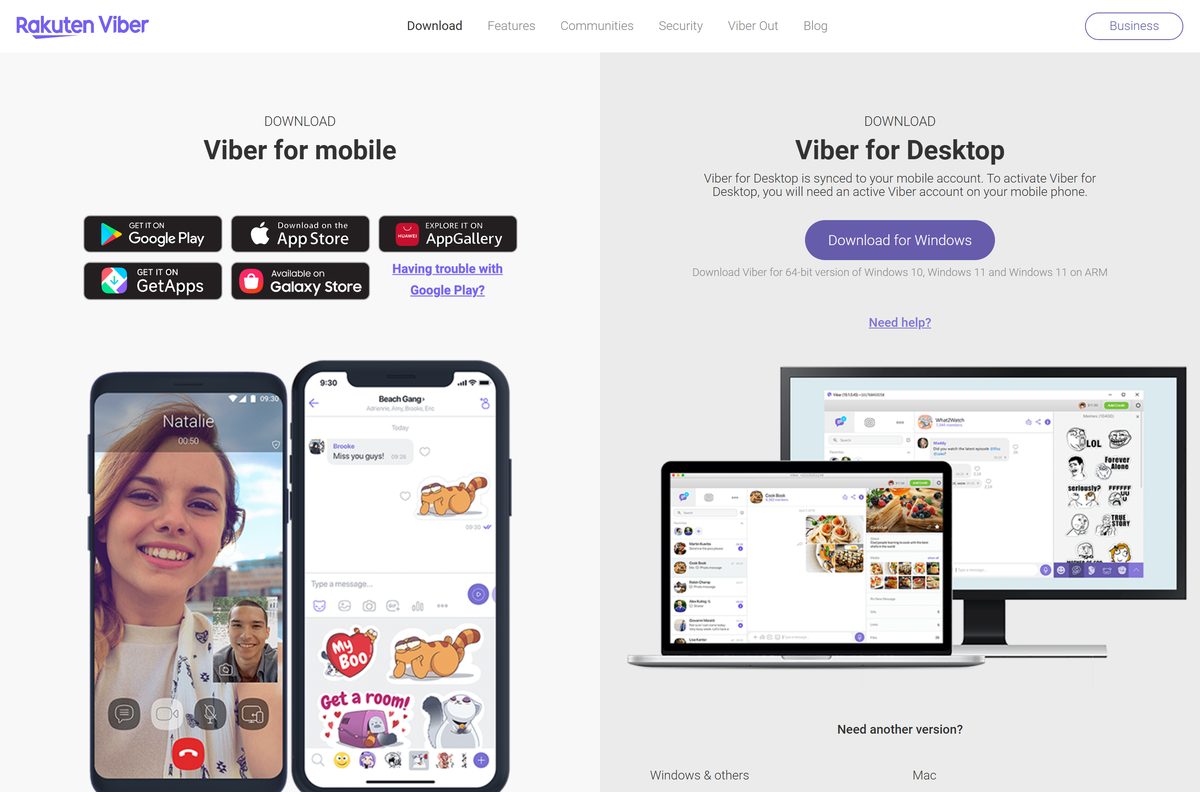
Download Viber for Windows 11 and 10 from the official page
Every link below points at Rakuten Viber’s own servers or at a first-party store listing. Nothing routes through a mirror.
- Rakuten Viber for desktop (official download page) — carries the live links for Windows, Mac and Linux
- Windows 64-bit setup — 2.6 MB · covers Windows 10 64-bit, Windows 11 and Windows 11 on ARM
- Windows 32-bit setup — 106.2 MB · also the build for Windows 8 and lower
- Mac disk image — 2.0 MB · macOS 11 Big Sur and above
- Viber on the Microsoft Store — publisher Viber Media S.A R.L., free, version 28.8.0.0
- Rakuten Viber Messenger for iPhone and iPad — 423 MB · version 28.9.2, needs iOS 15.2 or later
The 64-bit setup is 2.6 MB and the current Mac image is 2.0 MB, so both fetch the app itself during installation. Keep the connection up until the wizard finishes.
Desktop activation needs an active Viber account on a phone. Install the phone app first if you do not have one.
How to install Viber on Windows 11 and 10
The Windows setup runs from your downloads folder and ends at a QR code screen. Have your phone in reach before you start.
- Open viber.com/en/download and select Download for Windows.
- Select the file in your browser’s download list once it finishes.
- Select Yes at the User Account Control prompt.
- Select Install and leave the wizard alone until it finishes.
- Select Yes if Windows asks you to confirm that the file comes from a reliable source.
- Wait for the QR code to appear in the Viber window.
- Open Viber on your phone, tap More, then tap the QR icon.
- Scan the code on your screen, select Approve on the phone, then tap Sync.
No QR code screen usually means the firewall is holding the connection. The fixes section below covers the ports.
An error saying the file cannot be opened or run on your PC is the cue to take the 32-bit setup instead.
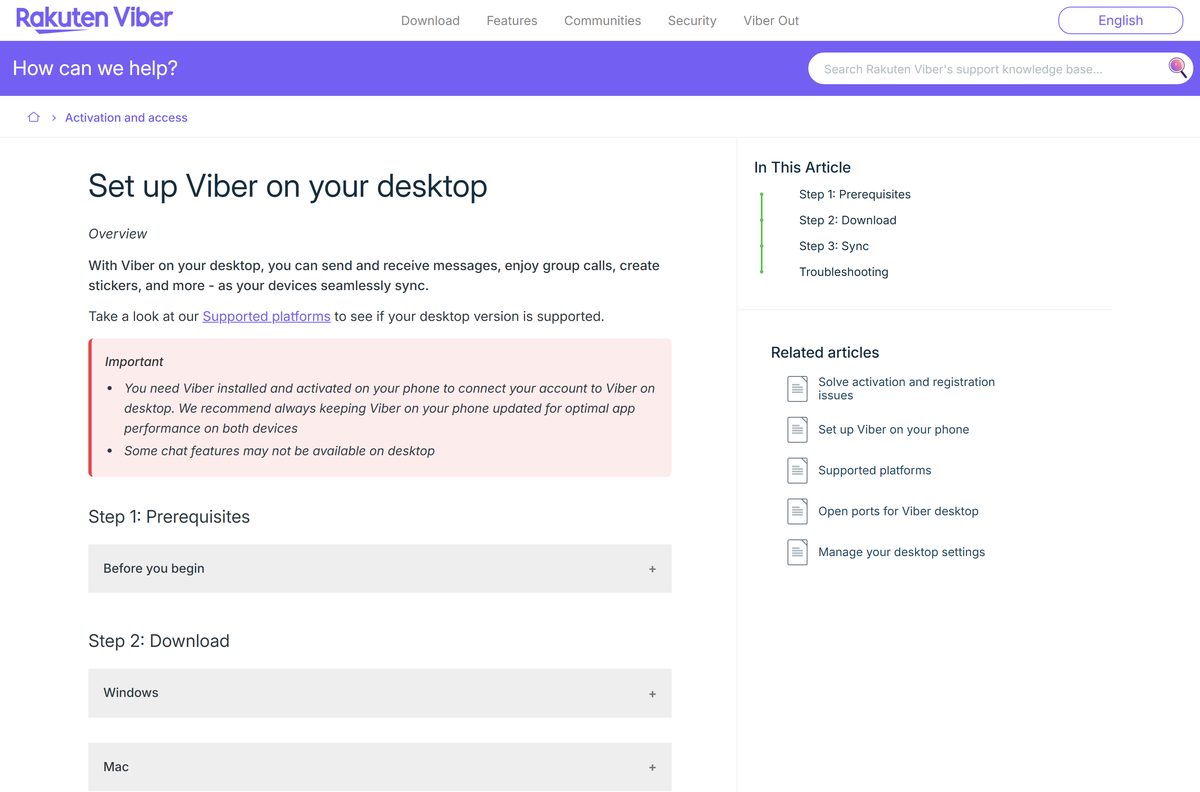
Install Viber from the Microsoft Store or with winget
The Microsoft Store listing is published by Viber Media S.A R.L. and hands over the same x64 package, so nothing about the app changes.
- Open the Viber listing on the Microsoft Store.
- Select Get, then Install, and approve the User Account Control prompt.
- For a command-line install, open Terminal and run winget install –id XPFM5P5KDWF0JP –source msstore instead.
- Launch Viber from the Start menu once the install reports success.
- Scan the QR code with the Viber app on your phone and tap Sync.
The Store package is version 28.8.0.0, x64, installed for the whole machine, so every account on the PC gets it.
Windows lists it in Apps as Viber from Viber Media S.a.r.l, which is also the name to look for when removing it.
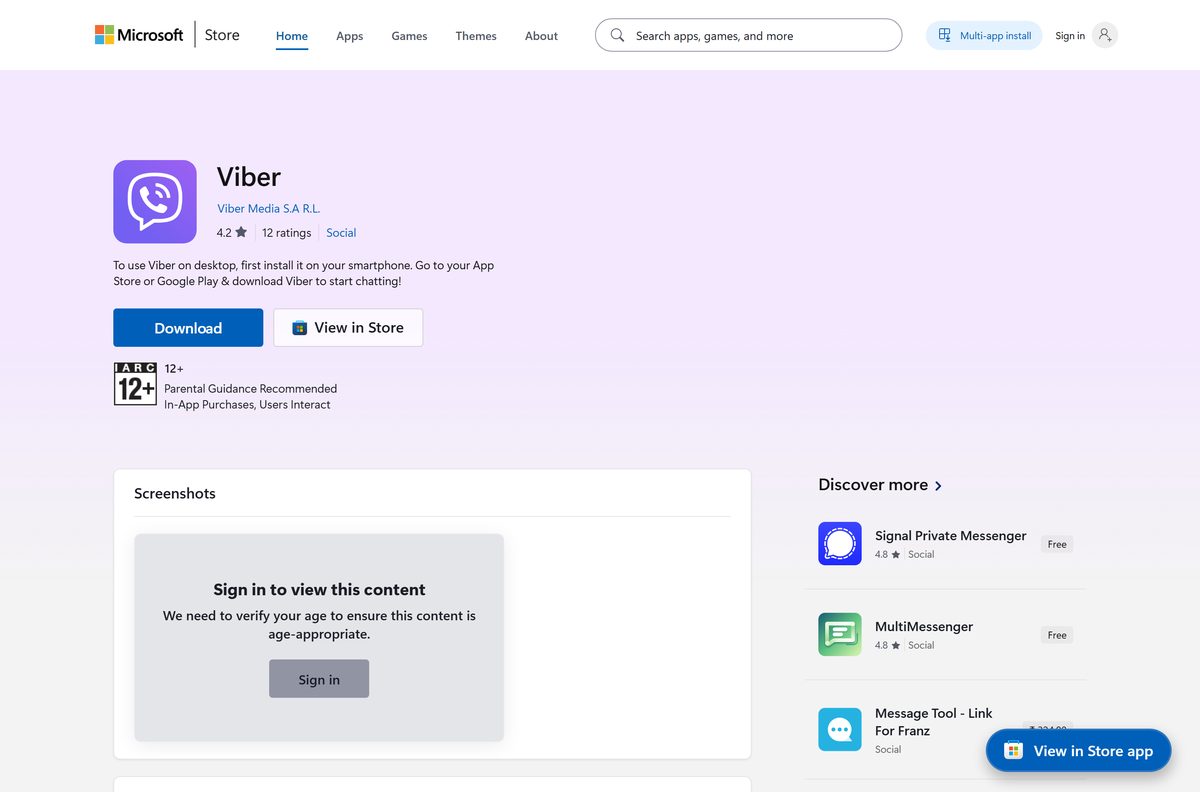
Which Viber download do you need for your Mac?
Open the Apple menu and select About This Mac to read your macOS version, then match it to a row.
| Your macOS | File to get | Size |
|---|---|---|
| macOS 11 Big Sur or later | Viber.dmg | 2.0 MB |
| macOS 10.14 Mojave | Viber.dmg (10.14) | 179.5 MB |
| macOS 10.13 High Sierra | Viber.dmg (10.13) | 147.6 MB |
| macOS 10.12 Sierra | Viber.dmg (10.12) | 124.4 MB |
| macOS 10.11 El Capitan | Viber.dmg (10.11) | 109.1 MB |
Open the disk image, drag the Viber icon into the Applications folder, then double-click Rakuten Viber there.
Select Open if macOS asks you to confirm the source, then scan the QR code with your phone.
Run Viber on Linux without installing a package
Ubuntu and Fedora get proper packages, but the AppImage runs from wherever you put it and touches no package manager.
- Open viber.com/en/download and expand Need another version?.
- Select Download Viber for Linux AppImage, which is 190.4 MB.
- Open a terminal in the folder holding the file.
- Run chmod +x viber.AppImage to mark it executable.
- Run ./viber.AppImage to start Viber.
- Scan the QR code with the Viber app on your phone and tap Sync.
Rakuten Viber states that regular updates and support are limited on Linux, so treat the desktop build as the primary one.
The packaged alternatives are viber.deb at 125.1 MB for Ubuntu and viber.rpm at 139.0 MB for Fedora.
Is Viber free?
Two paid products sit next to the free app, and neither one gates the download.
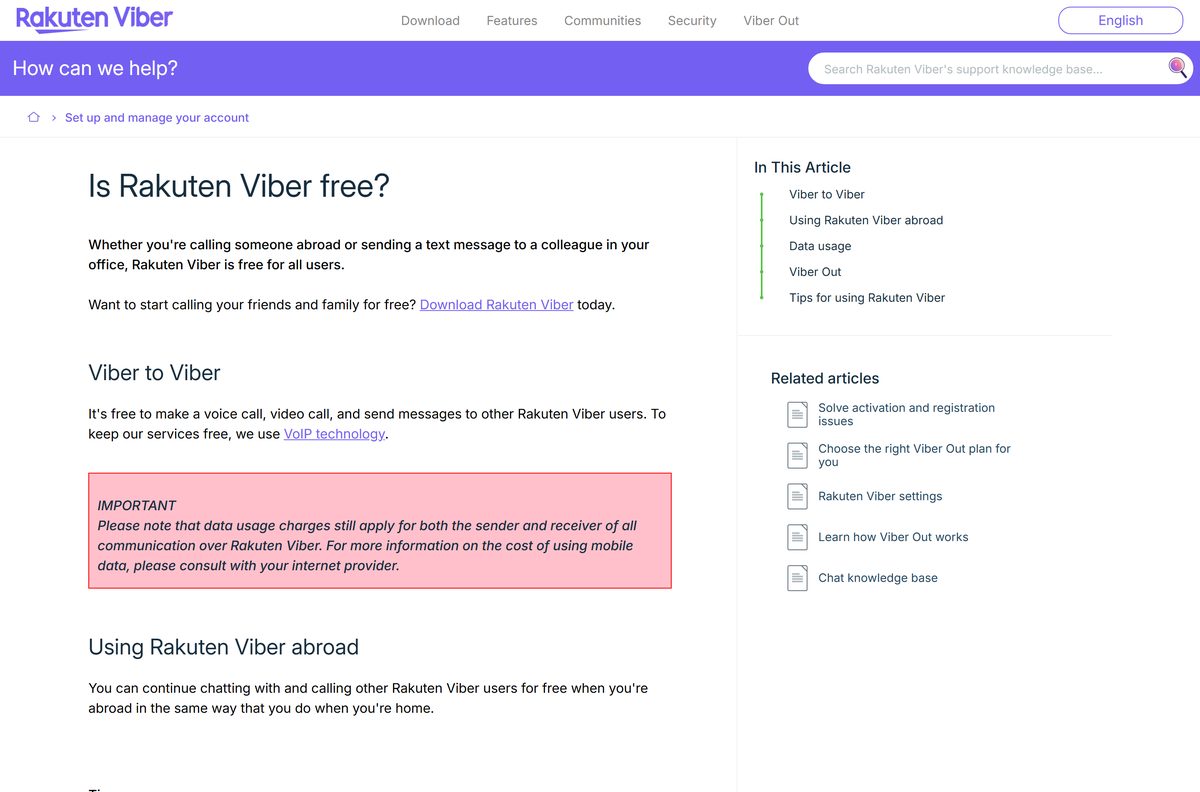
Viber is free to download and free to use for messages, voice calls and video calls between Viber users, on desktop and on phones alike. Viber Out is the paid part: it dials ordinary landline and mobile numbers, and the rate depends on the destination and the plan. Viber Plus is an optional monthly subscription that you can buy inside the desktop app through Stripe, in US dollars or euros, with a 14-day free trial for eligible accounts and one trial per person. Your own internet or mobile provider still bills you for the data either way. Nobody sells a licence key for Viber, so a page asking for payment before the download is not Rakuten Viber’s.
A Viber Plus subscription bought on a phone has to be cancelled through Google Play or the App Store, not from the desktop app.
Should you install the 64-bit or 32-bit Viber setup?
Take the 64-bit setup unless Windows refuses to run it. The 64-bit build is the one the download page offers first, and it covers Windows 10 64-bit version 1607 or newer, Windows 11, and Windows 11 on ARM. The 32-bit build exists for older hardware and for Windows 8 and lower, and it is also the fallback when the downloaded file will not open or run on your PC. The 32-bit file is 106.2 MB against 2.6 MB, because it carries the app rather than fetching it.
There is no native ARM64 desktop build. Windows 11 on ARM runs the x64 package.
How to check your Viber version and update it
The version string hides in the profile menu rather than in an About box.
- Open Viber on your desktop.
- Click your profile picture next to the Search field.
- Read the version at the bottom of the menu that opens.
- Compare it with 28.8.0.0, the Windows build listed in Microsoft’s store catalog.
- Open viber.com/en/download and select the setup for your platform if yours is older.
- Run the file and follow the wizard, then scan the QR code again if the app asks you to.
Installed from the Microsoft Store, the app updates through the Store’s own Library page instead.
What are the Viber system requirements?
The hardware bar is low. The real requirement is the phone account, because the desktop app will not activate without one.
| Item | Detail |
|---|---|
| Software | Viber (Rakuten Viber for desktop) |
| Developer | Viber Media S.à r.l. (Rakuten Group) |
| Latest version | 28.8.0.0 on Windows; 28.9.2 on iPhone and iPad |
| License | Free; Viber Out and Viber Plus are paid extras |
| File size | 2.6 MB Windows 64-bit, 106.2 MB Windows 32-bit, 2.0 MB Mac |
| Supported OS | Windows 10 64-bit (1607 or newer) and Windows 11; macOS 11 Big Sur and above |
| Architecture | x64, including Windows 11 on ARM; separate 32-bit build for older PCs |
| Linux | Ubuntu and Fedora, 64-bit, with limited updates and support |
| Account needed | An active Viber account on a phone, paired by QR code |
| Network ports | TCP and UDP 80, 443, 4244, 5242, 5243 and 7985 |
| Offline installer | No for the 64-bit Windows and current Mac builds; yes for the 32-bit Windows build |
| Official download source | Rakuten Viber (viber.com) |
| Last verified | 2026-09-22 |
Phones need Android 6 or above, or iOS 15.2 or above on an iPhone 6s or newer.
Fix Viber not installing on Windows 11 or 10
Four failures account for most of the reports, and each has its own cause.
Setup will not run on Windows 10
Windows 10 versions 1507 and 1511 cannot install the desktop app. The minimum is version 1607.
- Press Windows + R, type winver and select OK.
- Read the version number in the dialog.
- Open Settings, Windows Update and install every pending update if it reads 1507 or 1511.
- Restart the PC, then run the setup again.
The downloaded file cannot be opened or run on your PC
The 64-bit package does not match the machine.
- Delete the file you downloaded.
- Open viber.com/en/download and expand Need another version?.
- Select Download Viber for Windows 32-bit, which is 106.2 MB.
- Run that file instead.
An EVR.dll was not found error appears
The Windows media components the app relies on are absent, which happens on N and KN editions.
- Open Settings, then Apps, then Optional features.
- Select View features and search for Media Feature Pack.
- Install it and restart the PC.
- Download Viber again and rerun the setup.
No QR code screen after the install finishes
The firewall is blocking the ports the desktop app connects on.
- Open Control Panel, search for firewall and select Windows Defender Firewall.
- Select Advanced Settings, then Inbound Rules, then New Rule.
- Choose Port and select Next.
- Select TCP, type 5242, 4244, 5243, 7985, 80, 443 in Specific local ports and select Next.
- Select Allow the connection, keep every profile ticked, and name the rule Rakuten Viber.
- Repeat the whole sequence with UDP selected.
The QR scanner will not read the code
The phone camera is the weak link, not the desktop app.
- Scan the code with the default Camera app on the phone.
- Try the front camera and the back camera in turn.
- Install any other QR scanning app and read the code with that.
- Return to Viber on the phone and tap Sync once the code is accepted.
Rakuten Viber recommends keeping the phone app current, since the desktop app mirrors what the phone holds.
How to uninstall Viber from Windows or Mac
Deactivate before you remove anything. A deactivation logs the computer out of the account, which matters most on a shared PC.
- Open Viber and click your profile picture next to the Search field.
- Select Settings, then Privacy and security.
- Select Deactivate, then select Deactivate again to confirm.
- On Windows, open Control Panel, select Programs, then Uninstall a program.
- Double-click Rakuten Viber and select Remove.
- On a Mac, open Finder, select Applications, right-click Rakuten Viber and select Move to trash.
- Empty the Trash to finish the removal.
Removing the desktop app deletes all of its data, including the media download folders, and leaves the phone app untouched.
Left the computer behind? Open Viber on the phone, tap More, Settings, Account, Desktop and tablets, pick the machine and tap Deactivate.
Cancel a Viber Plus subscription before deactivating, because deactivation does not cancel it.
Should you use something else instead of Viber?
Stay with Viber if the people you talk to are on Viber, because the desktop app costs nothing and mirrors the phone. The one hard limit is the phone requirement: no active mobile account means no desktop activation, so a PC-only or tablet-only setup is impossible. If that rules it out, Telegram and WhatsApp both publish free Mac desktop apps on the Mac App Store, at versions 12.10 and 26.37.73. Neither carries your Viber chat history across, so the switch costs you the archive.
For calls to landlines and mobile numbers, the paid Viber Out service is the in-house answer rather than a separate app.
Frequently asked questions
Is Viber free to download?
Yes. The desktop app is free on Windows, Mac and Linux, and messages, voice calls and video calls between Viber users cost nothing. Viber Out calls to ordinary phone numbers are paid, and Viber Plus is an optional monthly subscription.
Where is the official Viber download page?
Rakuten Viber publishes every desktop build at viber.com/en/download. The Microsoft Store also lists the app under publisher Viber Media S.A R.L. Files offered anywhere else are not Rakuten Viber’s.
Does Viber work on Windows 11?
Yes. The 64-bit setup covers Windows 11, Windows 11 on ARM and Windows 10 64-bit at version 1607 or newer. Windows 8 and lower need the separate 32-bit build from the same page.
How big is the Viber download?
The 64-bit Windows setup is 2.6 MB and the current Mac disk image is 2.0 MB, because both fetch the app during installation. The 32-bit Windows build is 106.2 MB and carries everything itself.
Is there an offline installer for Viber?
Not for the 64-bit Windows build or the current Mac image, which both need a live connection while they install. The 106.2 MB 32-bit Windows setup and the older Mac disk images do contain the application.
Is Viber available for Mac?
Yes. The current disk image covers macOS 11 Big Sur and later. Four older images remain on the download page for macOS 10.11 El Capitan through 10.14 Mojave, sized from 109.1 MB to 179.5 MB.
Is Viber 32-bit or 64-bit?
Both. The 64-bit build is the default and also serves Windows 11 on ARM through emulation. A 32-bit build is published for older PCs and for Windows 8 and lower. There is no native ARM64 desktop build.
Can you use Viber on a PC without a phone?
No. Viber for Desktop is synced to a mobile account, so an active Viber account on a phone is required. Activation finishes by scanning a QR code on the computer with the phone app.
What is the latest Viber version?
Microsoft’s store catalog lists the Windows desktop package as version 28.8.0.0, installed for the whole machine. The iPhone and iPad app is at version 28.9.2 and needs iOS 15.2 or later.
Is the Viber installer safe?
The setup files linked from viber.com and the Microsoft Store listing are the genuine ones. Windows asks you to confirm that the file comes from a reliable source during setup; select Yes and leave your antivirus running.
Why will Viber not install on my PC?
The common causes are a Windows 10 build older than version 1607, a 64-bit package on a machine that cannot run it, and a missing Media Feature Pack that triggers an EVR.dll error. Each has a fix in the section above.
Does Viber run on Linux?
Yes. The download page carries a 125.1 MB .deb for Ubuntu, a 139.0 MB .rpm for Fedora and a 190.4 MB AppImage. Rakuten Viber states that updates and support are limited on Linux.






