The SteelSeries download for Windows 11 and Windows 10 is SteelSeries GG, a free app from steelseries.com that sets up your SteelSeries gear. Mac owners get the same app as a .pkg installer from the same page.
GG bundles four tools in one install: Engine for device lighting and macros, Sonar for audio, Moments for game clips and 3D Aim Trainer. One download covers every SteelSeries mouse, keyboard and headset on the machine.
This guide covers the right file for your computer, installing on Windows and Mac, updating GG, fixing startup errors and removing it cleanly.
Which SteelSeries GG download do you need?
Match your computer to the file. SteelSeries publishes one GG installer for Windows and one for Mac on the same page.
| Your computer | File to download | Note |
|---|---|---|
| Windows 11 or Windows 10, 64-bit | SteelSeriesGG119.0.0Setup.exe | Full app: Engine, Sonar, Moments, 3D Aim Trainer |
| Mac with an Intel chip | SteelSeriesGG108.3.0.pkg | Engine and Prism with some limits |
| Mac with an M1, M2, M3, M4 or M5 chip | SteelSeriesGG108.3.0.pkg | Not fully supported by SteelSeries |
| Older SteelSeries device that GG does not detect | SteelSeries legacy downloads | Engine 3, Engine 2 and firmware tools |
| Chromebook, phone or tablet | SteelSeries reinstall guide | Not supported |
Not sure which Windows you have? Press Windows + R, type winver and press Enter.
Check the SteelSeries GG system requirements
GG itself is light, but the full app with Sonar needs a mid-range PC. These are the minimums SteelSeries lists.
| Field | Value |
|---|---|
| Software | SteelSeries GG |
| Developer | SteelSeries |
| Latest version | 119.0.0 on Windows, 108.3.0 on Mac |
| Licence | Free, with some features for SteelSeries device owners |
| Supported Windows | Windows 10 RS5 or newer, including Windows 11 |
| Supported macOS | Mac build with limited features and no new feature updates |
| Architecture | 64-bit Windows; Intel Mac, with Apple silicon not fully supported |
| Processor | Intel Core i5-2xxx or newer, or AMD FX-4xxx or newer |
| Memory | 8 GB RAM |
| Disk space | 700 MB |
| Network | Broadband internet connection |
| Official download source | steelseries.com/gg |
| Last verified | 2026-09-19 |
Sonar has its own floor: Windows 10 RS4 or newer, 64-bit. Check yours under Settings > System > About on the System type line.
Download SteelSeries GG from the official site
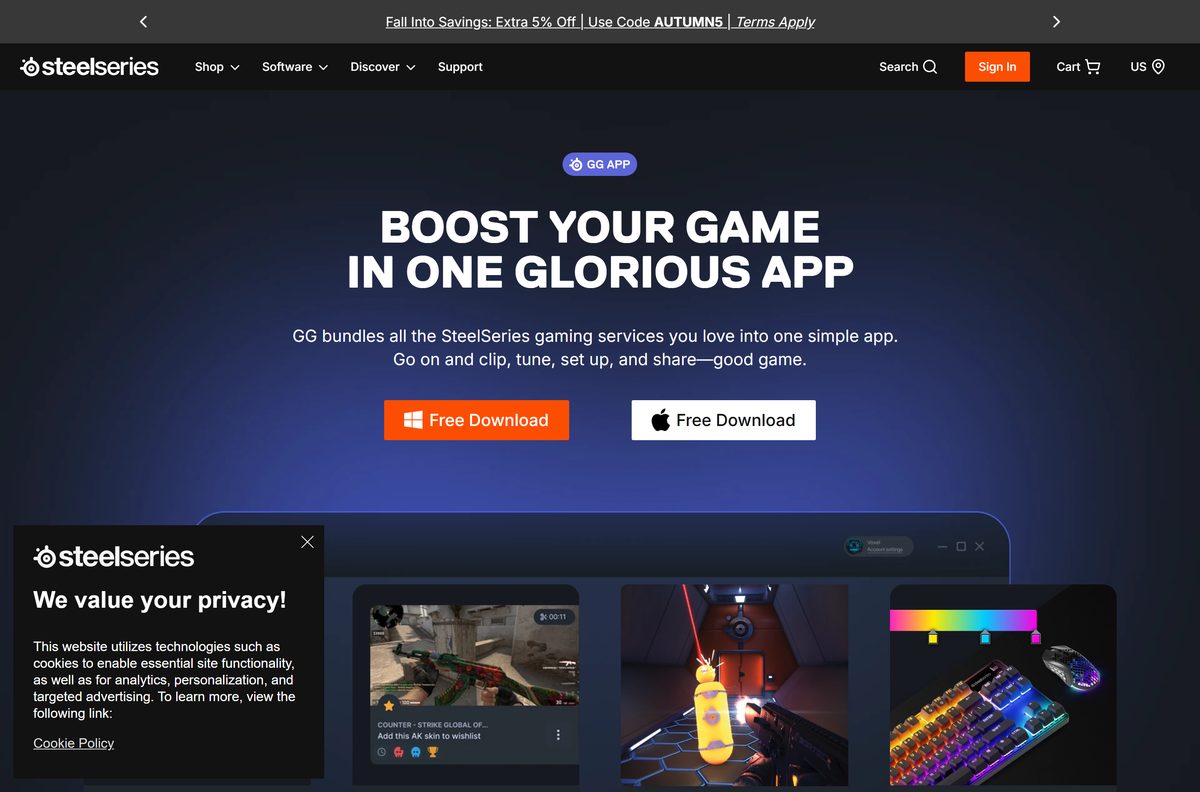
Both buttons on the GG page read Free Download. The links below are the same targets those buttons use.
- SteelSeries GG product page — Free Download buttons for Windows and Mac
- SteelSeries GG for Windows 11 and 10 — SteelSeriesGG119.0.0Setup.exe
- SteelSeries GG for Mac — SteelSeriesGG108.3.0.pkg
- Legacy SteelSeries software — Engine 3, Engine 2 and firmware tools for older devices
The download does not work on a Chromebook or a phone. Open the page on the PC or Mac that will run GG.
How to install SteelSeries GG on Windows 11 and 10
Plug your SteelSeries devices in before you start, so GG detects them on first launch.
- Open steelseries.com/gg and click Free Download.
- Pick the PC option when asked to choose between PC and Mac.
- Open your Downloads folder and double-click SteelSeriesGG119.0.0Setup.exe.
- Select Yes at the User Account Control prompt.
- Follow the setup prompts and wait for the installation to finish.
- Open SteelSeries GG from the Start menu if it does not launch on its own.
- Click Log In / Register in the upper-left corner to sign in or create an account.
- Open Engine from the left-hand menu to set up your connected devices.
An account is optional for basic device settings. Sonar, Moments, 3D Aim Trainer and Giveaways need one.
Which SteelSeries GG download do you need for your Mac?
Open the Apple menu > About This Mac and read the Chip or Processor line. That decides how well GG runs.
| Your Mac says | What to do | Result |
|---|---|---|
| Intel processor | Download SteelSeriesGG108.3.0.pkg | Engine, Prism, QuickSet and Game Giveaways |
| Apple M1, M2, M3, M4 or M5 | Download SteelSeriesGG108.3.0.pkg | Runs, but some Engine features do not work fully |
| You need Sonar, Moments or 3D Aim Trainer | Download GG for Windows | Those tools are Windows-only |
| GG will not launch after install | SteelSeries Mac install guide | Allow it in Privacy & Security |
To install, open the downloaded package and follow the prompts, agreeing to the licence. GG launches when setup completes. If macOS blocks it, go to System Settings > Privacy & Security and click Open Anyway.
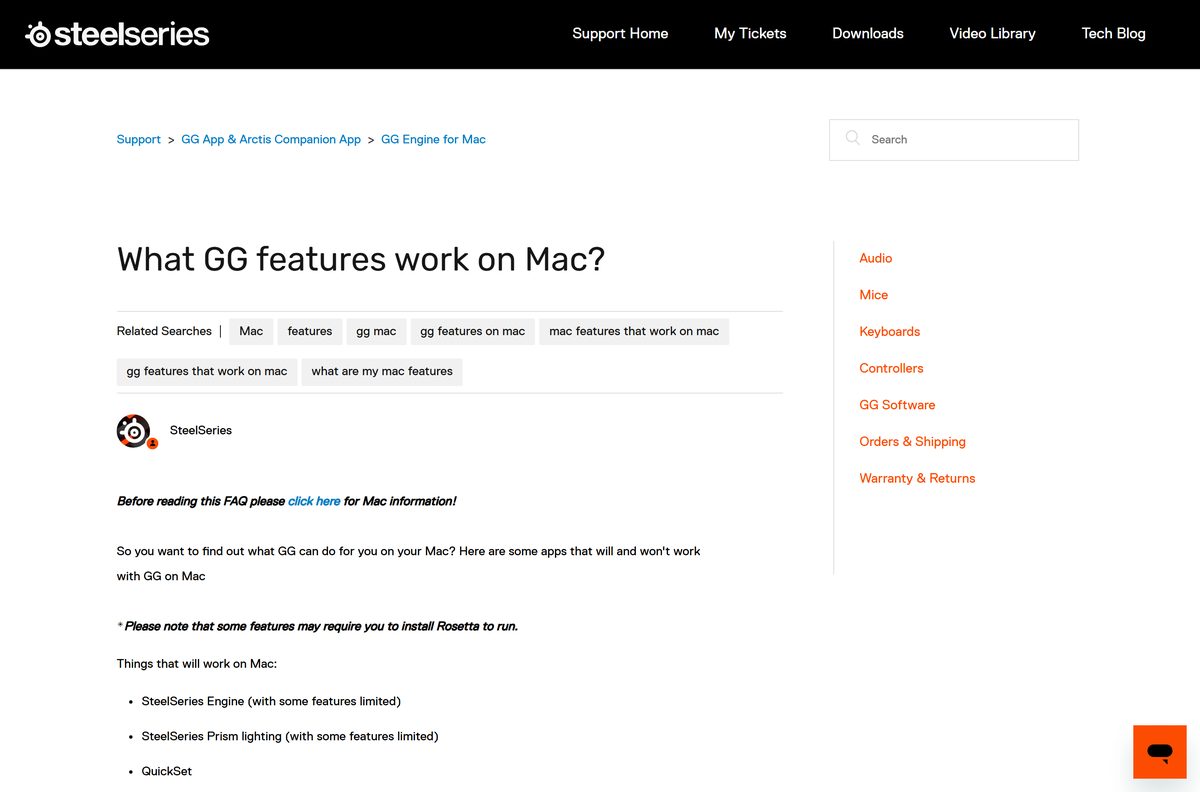
SteelSeries has stopped adding features to GG on macOS. Your installed copy keeps working, and SteelSeries still ships critical bug, security and firmware fixes when needed. Some features need Rosetta.
Is SteelSeries GG free?
The installer comes straight from steelseries.com with no licence key or checkout.
Yes, SteelSeries GG is free to download and use, including Sonar, Moments and 3D Aim Trainer. SteelSeries sells the hardware, not the app. Some features only unlock when a SteelSeries device is connected, and the account-based tools need a free sign-up.
Treat any site that charges for GG or offers a “premium” build as a scam. The official app costs nothing.
Should you install SteelSeries GG or legacy Engine 3?
Search results still offer the old SteelSeries Engine. It is now the Engine tab inside GG for current devices.
Install SteelSeries GG. Use Engine 3 only for an older device that GG does not detect. GG carries Engine for current gear plus Sonar, Moments and 3D Aim Trainer. SteelSeries keeps Engine 3 on its legacy page for older products, where it runs on Windows 7 or newer and macOS 10.10 or newer.
Get Engine 3, Engine 2 and the old firmware tools from the SteelSeries legacy downloads page.
How to check your SteelSeries GG version and update it
GG checks for its own updates from the Settings screen.
- Open SteelSeries GG.
- Click Settings in the left-hand navigation.
- Open About to see your installed version.
- Click Check for Updates and install any update that appears.
- Open Settings > General to turn the early release opt-in on or off.
Early release builds bring new features first. If one misbehaves, disable the opt-in to return to the regular release.
What SteelSeries GG can do on Windows and Mac
The Mac build is a subset of the Windows app. Check the table before you pick a platform for a specific tool.
| Tool | What it does | Windows | Mac |
|---|---|---|---|
| Engine | Lighting, macros and settings for SteelSeries gear | Yes | Yes, some features limited |
| Prism | Lighting sync across devices | Yes | Yes, some features limited |
| Sonar | Game audio tuning, chat mix and mic noise reduction | Yes | No |
| Moments | Game clipping and sharing | Yes | No |
| 3D Aim Trainer | Aim practice for FPS games | Yes | No |
| QuickSet | Preset device settings | Yes | Yes |
| Game Giveaways | Free game and gear giveaways | Yes | Yes |
Sonar only runs on Windows 10 or newer. Open it from the left-hand menu in GG after you sign in, then pick a playback device for each audio channel.
Fix SteelSeries GG not installing or opening on Windows
Find the symptom that matches, then work through its fix in order.
GG shows in Task Manager but never opens
A VPN client installed on the PC blocks GG from starting.
- Uninstall the VPN software completely.
- Reinstall GG from steelseries.com/gg.
- Open GG and confirm it launches.
- Reinstall the VPN only if you need it, knowing the problem can return.
GG still fails after a normal reinstall
Leftover files from an earlier install break the new one.
- Uninstall SteelSeries GG from Add or Remove Programs.
- Restart the PC.
- Delete any old GG installer files from your Downloads folder.
- Download the latest GG from steelseries.com and install it.
- Right-click SteelSeries GG and select Run as administrator.
Sonar shows error code 15, 16, 17, 18 or 19
An interrupted update left Sonar files missing or outdated.
- Download the latest GG installer from steelseries.com.
- Run it over your existing installation without uninstalling first.
- Open Sonar and confirm your presets are still there.
Installing over the top keeps your Sonar presets. A clean reinstall removes more, so use it only when the first fixes fail.
How to uninstall SteelSeries GG
Back up your Moments clips first. A full uninstall deletes the Moments folder where they live.
- Copy your Moments clips to a folder outside GG.
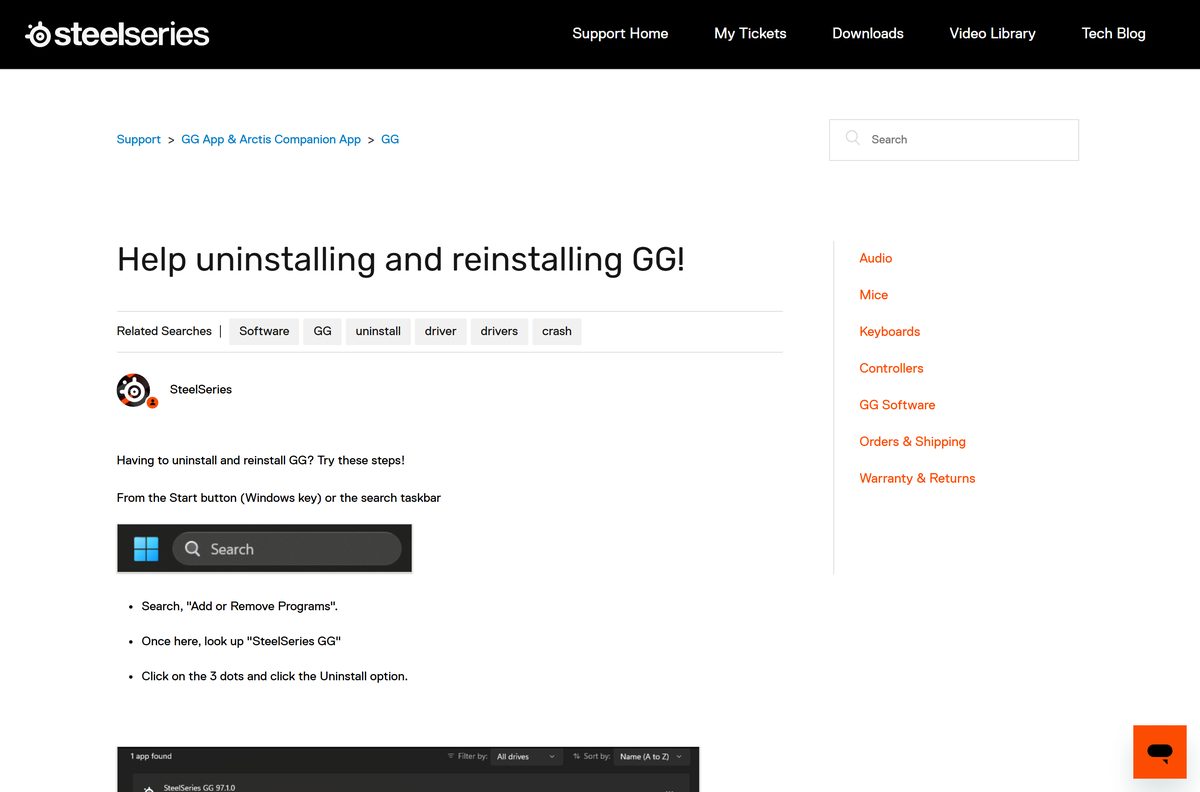
- Press the Windows key and search for Add or Remove Programs.
- Find SteelSeries GG in the list.
- Click the three dots next to it and select Uninstall.
- Confirm the prompts and wait for removal to finish.
- Restart the PC before you reinstall GG.
Some mouse features stop working once GG is gone, because GG applies them while it runs.
On a Mac, quit GG, open Finder > Applications and drag SteelSeries GG to the Trash, then empty it. The SteelSeries Mac uninstall guide also covers the Spotlight method.
Frequently asked questions
Is SteelSeries GG free?
Yes. SteelSeries GG is free to download and use on Windows and Mac. Some features are exclusive to owners of SteelSeries devices, and a free SteelSeries account unlocks Sonar, Moments, 3D Aim Trainer and Giveaways.
Where is the official SteelSeries GG download?
The official page is steelseries.com/gg. Its Free Download buttons point to steelseries.com/gg/downloads/gg/latest/windows for PCs and steelseries.com/gg/downloads/gg/latest/darwin for Macs. Any other site offering GG is a third-party copy.
Does SteelSeries GG work on Windows 11?
Yes. SteelSeries lists Windows 10 RS5 or newer as the requirement for GG, and Windows 11 falls inside that range. The same setup file installs on Windows 10 and Windows 11.
How big is the SteelSeries GG download?
SteelSeries does not state the installer size on the GG page. Plan for 700 MB of free disk space and 8 GB of RAM, which are the figures in the official GG requirements.
Is there a SteelSeries GG offline installer?
No separate offline package is listed. The GG page offers one Windows setup file, and SteelSeries lists a broadband internet connection as a requirement for running GG.
Is there a SteelSeries GG version for Mac?
Yes. The Mac download is SteelSeriesGG108.3.0.pkg from steelseries.com/gg. Engine and Prism work with some limits, while Sonar, Moments and 3D Aim Trainer are Windows-only. The macOS build gets no new features.
Is SteelSeries GG 64-bit, and does it run on ARM?
Use 64-bit Windows 10 or Windows 11. Sonar requires 64-bit Windows 10 RS4 or newer. On Mac, SteelSeries says Apple silicon models with M1 to M5 chips are not fully supported.
Is SteelSeries GG safe to download?
Yes, when it comes from steelseries.com. Download only through the Free Download buttons on steelseries.com/gg. Avoid download portals that repackage GG or charge for it, because the official app is free.
What is the latest version of SteelSeries GG?
The Windows download is SteelSeries GG 119.0.0, and the Mac download is 108.3.0. Open Settings > About inside GG to see your installed version, then click Check for Updates.
Why is SteelSeries GG not installing or opening?
A VPN client is the most common cause SteelSeries names. Remove the VPN, uninstall GG, restart, delete old installer files, then reinstall the latest GG and run it as administrator.
Is SteelSeries Sonar free?
Yes. Sonar is part of the free GG app on Windows. Install GG, sign in or create a SteelSeries account, then open Sonar from the left-hand menu and run the onboarding.
Does uninstalling SteelSeries GG delete my Moments clips?
Yes. A full uninstall removes the Moments folder that holds your clips. Updating GG keeps them. Copy the clips to another folder before you uninstall, then copy them back after reinstalling.
Where can I get the old SteelSeries Engine?
SteelSeries keeps Engine 3, Engine 2 and older tools on its legacy downloads support page for older devices. Engine 3 runs on Windows 7 or newer and macOS 10.10 or newer.