How to Set or Remove Microsoft Edge as Default Browser
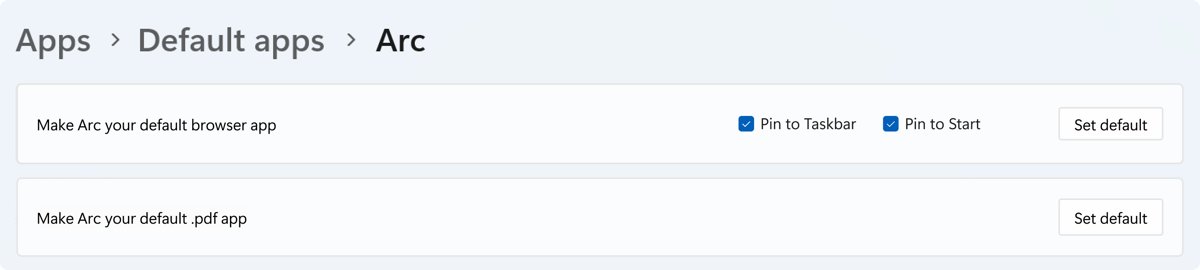
Set or remove Microsoft Edge as default browser in Windows 11 and 10 from Settings > Apps > Default apps. Plus Mac, iPhone, Android, PDFs and links that open Edge.
2,174 articles
Set or remove Microsoft Edge as default browser in Windows 11 and 10 from Settings > Apps > Default apps. Plus Mac, iPhone, Android, PDFs and links that open Edge.
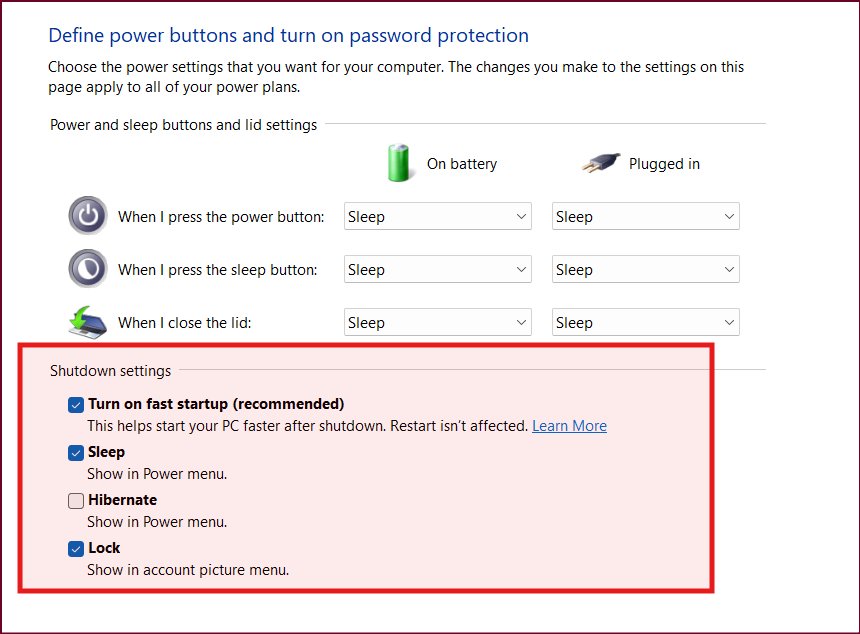
Customize Windows 11 power button settings in Control Panel: set the power button, sleep button and lid to Sleep, Hibernate or Shut down, and add Hibernate to Start.
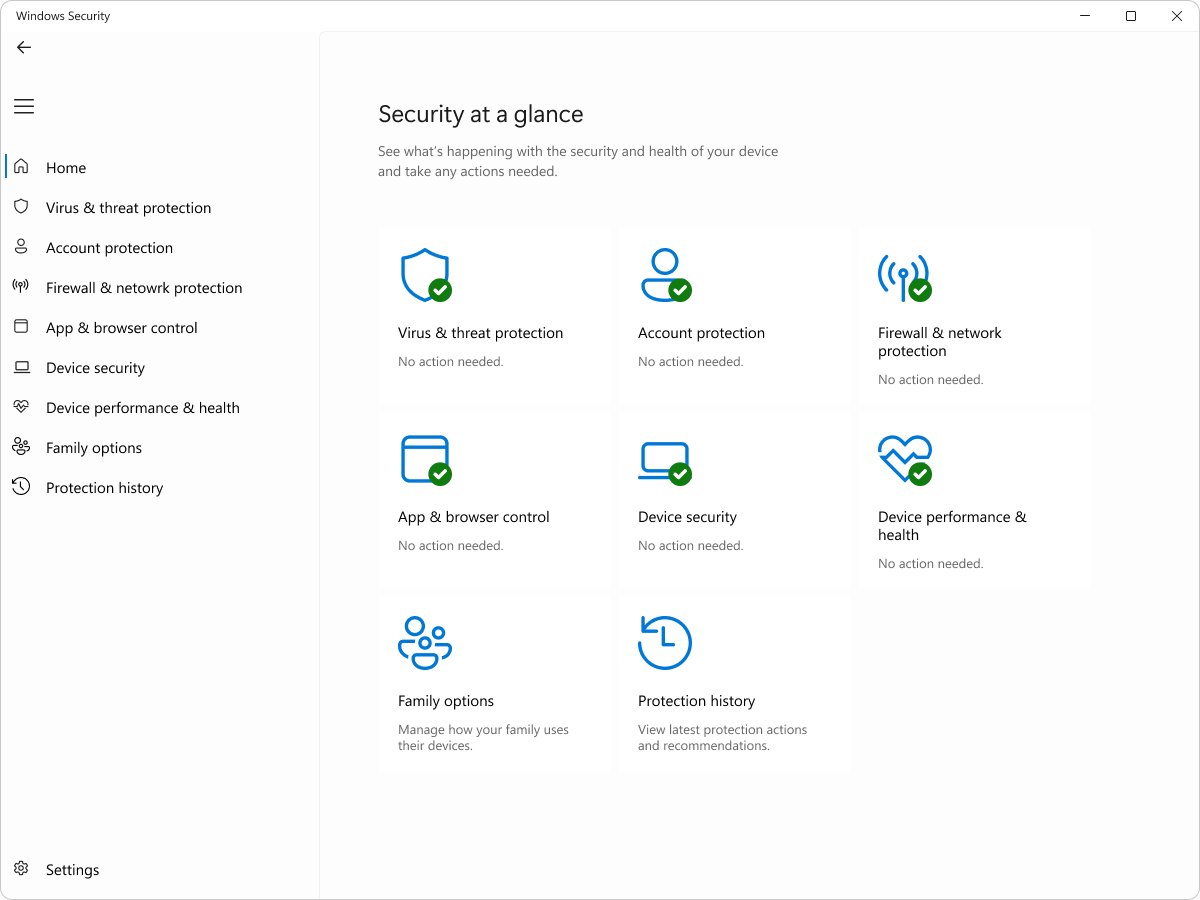
Uninstall McAfee on Windows 11, Windows 10 and Mac: Start menu, Control Panel, the MCPR removal tool, WebAdvisor cleanup, and how Defender takes over after.
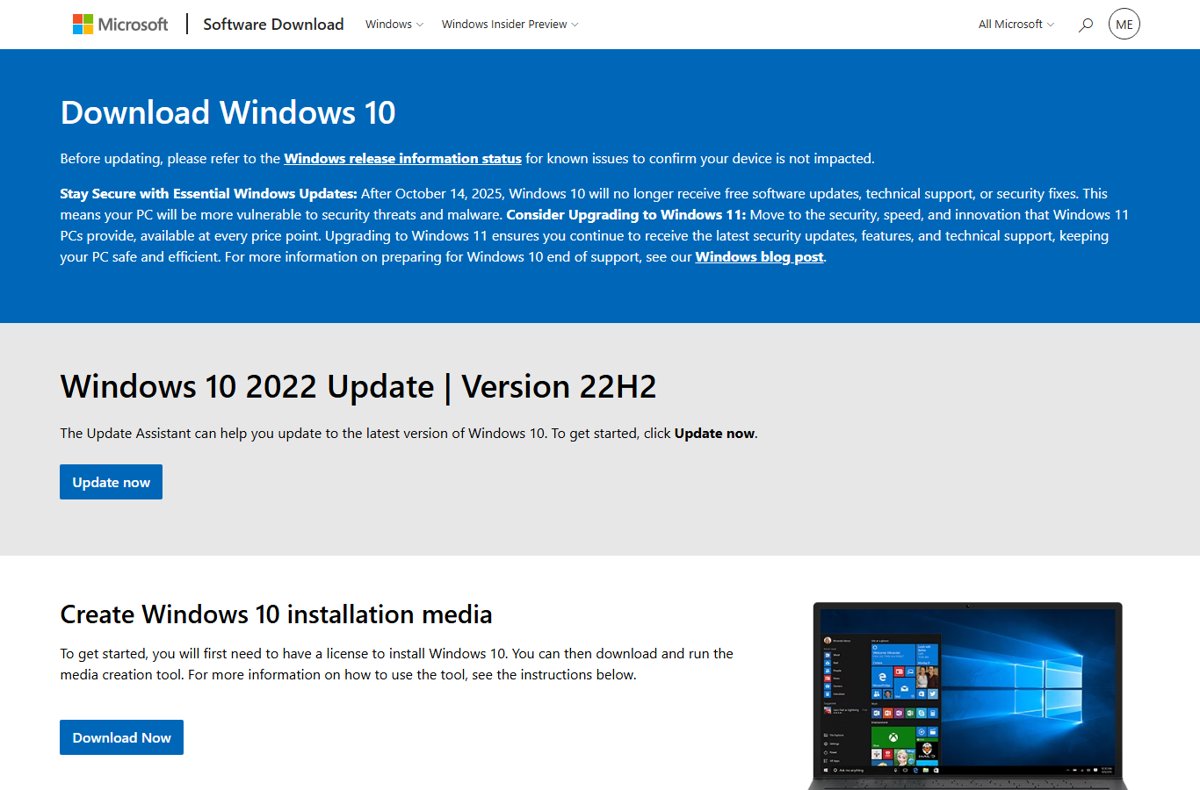
How to update to Windows 10 with Microsoft’s Media Creation Tool, why Windows 10 is out of support since October 2025, and how to move to Windows 11 instead.
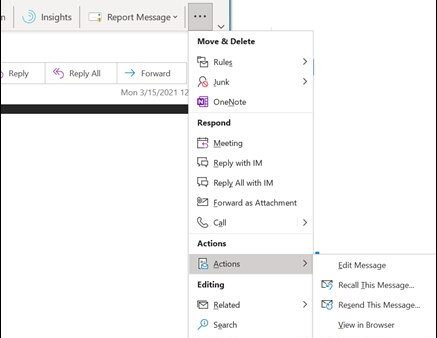
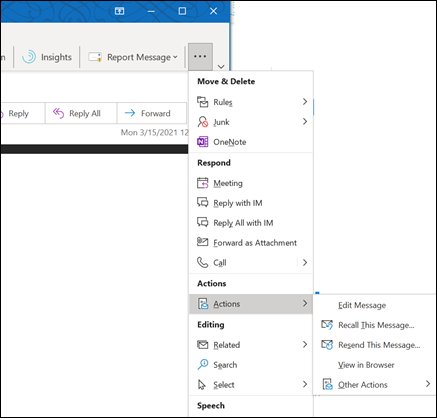
Recall an email in Outlook only when you and the recipient share one Microsoft 365 organization. Steps for classic and new Outlook, Undo send, and the recall report.
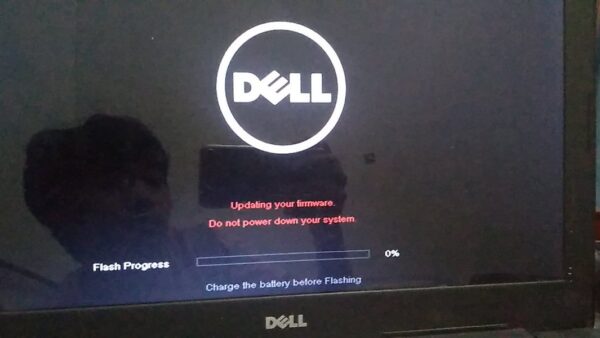
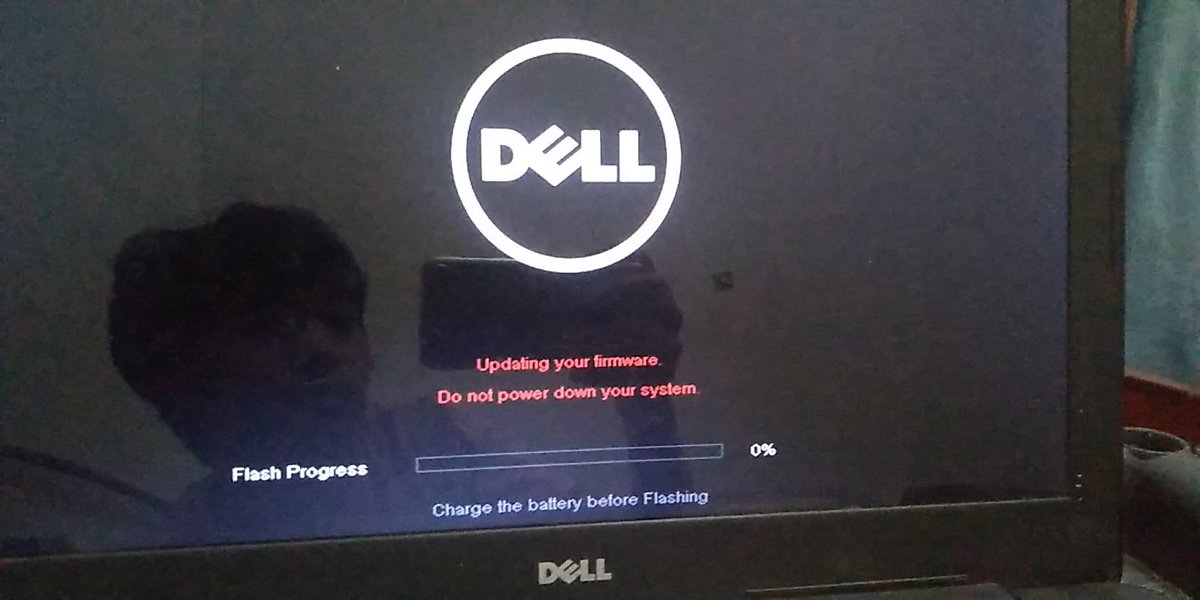
Update BIOS on a Dell laptop or desktop with SupportAssist, Dell Command | Update or the F12 USB menu. Dell’s power and BitLocker rules, plus recovery steps.
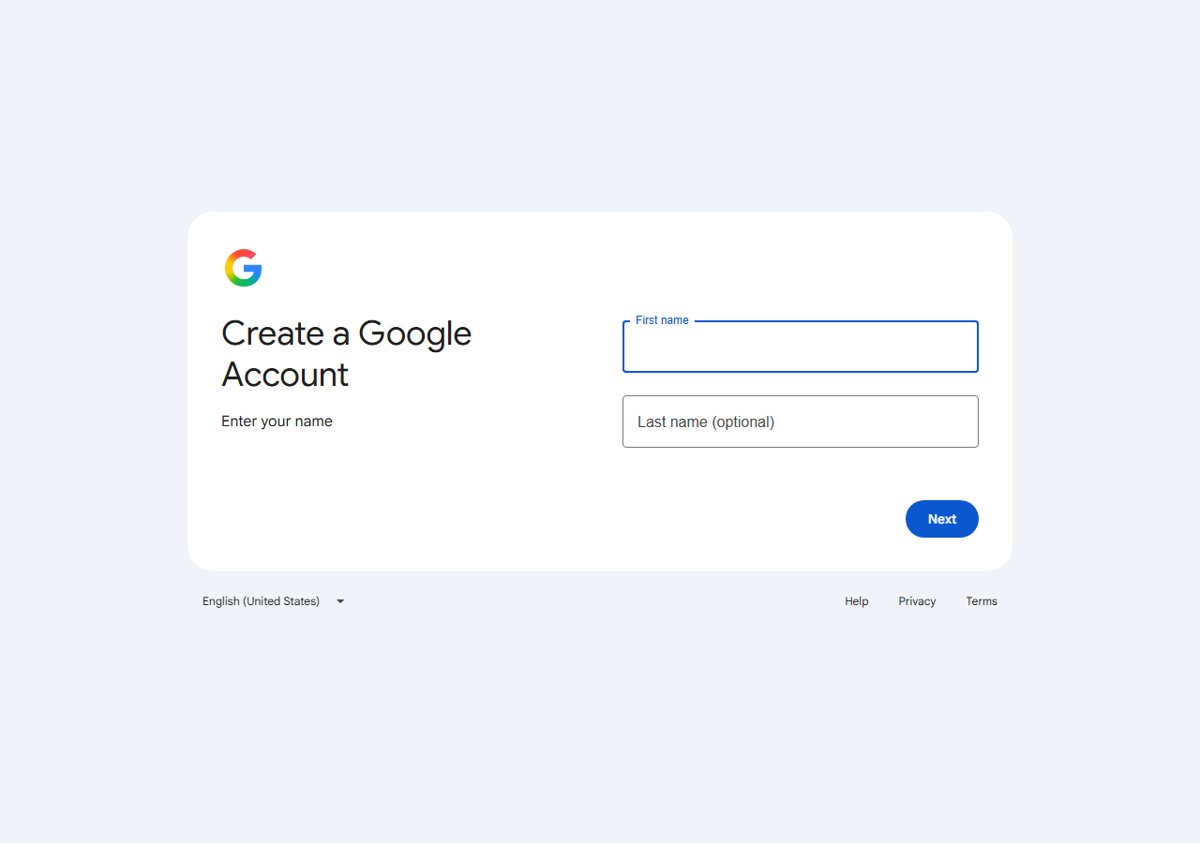
Create a Google Account at accounts.google.com/signup in a few steps. Gmail or your existing email, Android, iPhone, a child’s account, business use and fixes.
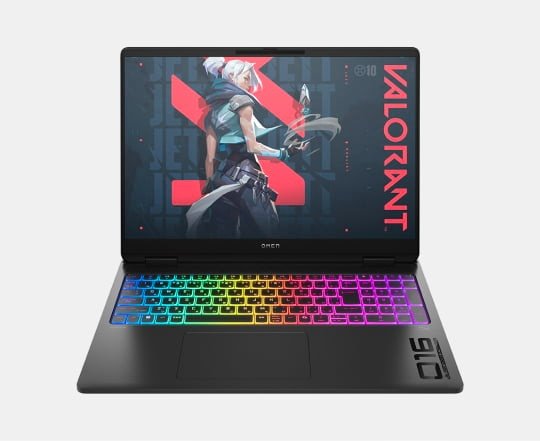
Enable a backlit keyboard by pressing Fn with the key that shows a light icon. Key combinations for Dell, HP, Lenovo, ASUS, Mac and Surface, plus fixes.
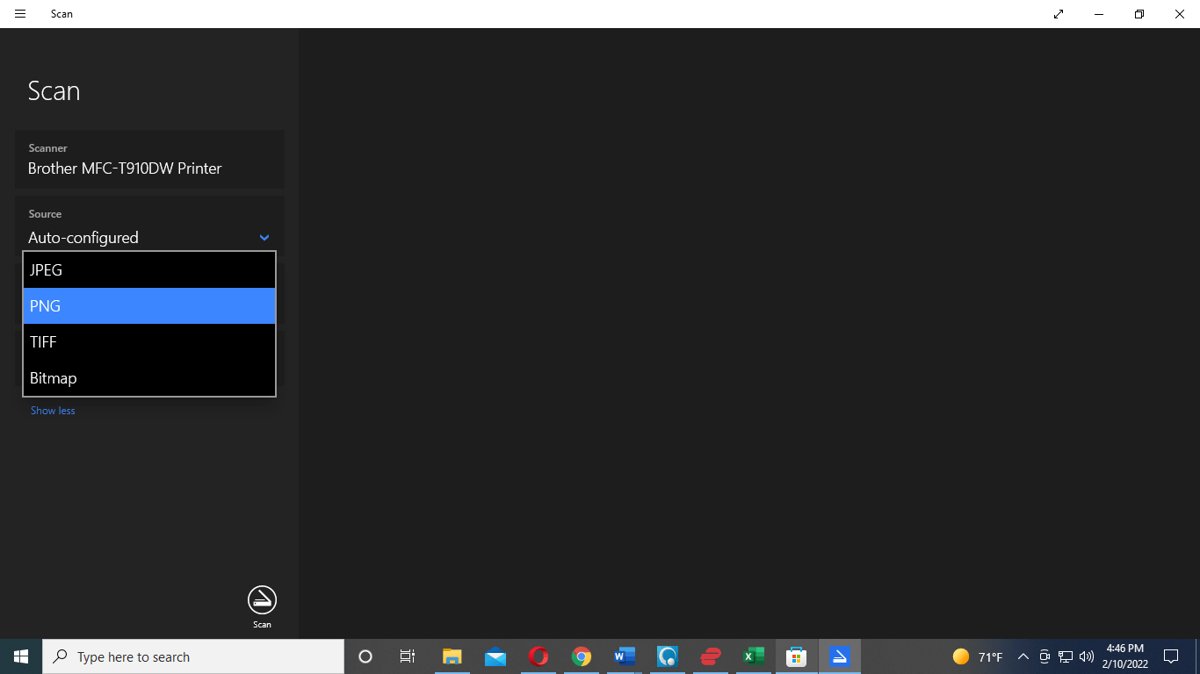
Scan a document with the Windows Scan app in Windows 11 and 10: add the scanner, pick JPEG, PNG or TIFF, find scans in Pictures\Scans, and fix a missing scanner.
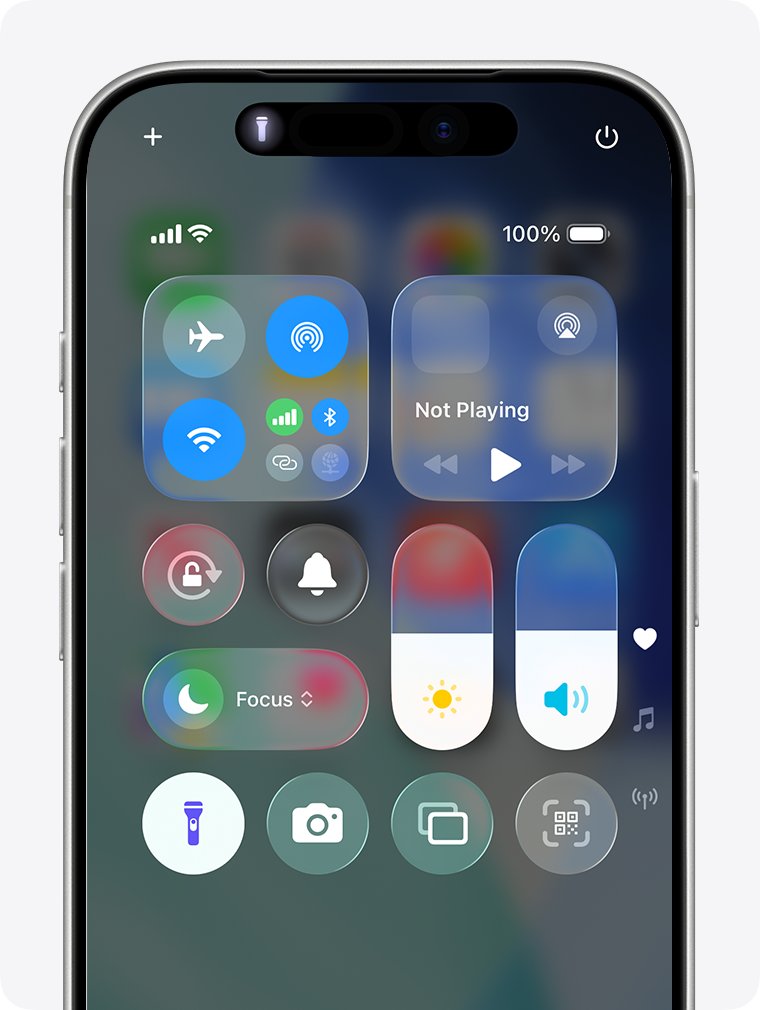
Turn your phone’s flashlight on and off from Control Center on iPhone or Quick Settings on Android, plus Siri, the Action button, Gemini and quick fixes.


Download NVIDIA Control Panel free from the Microsoft Store on Windows 10 and 11. It needs an NVIDIA DCH driver. Plus the NVIDIA app route and fixes when it fails.
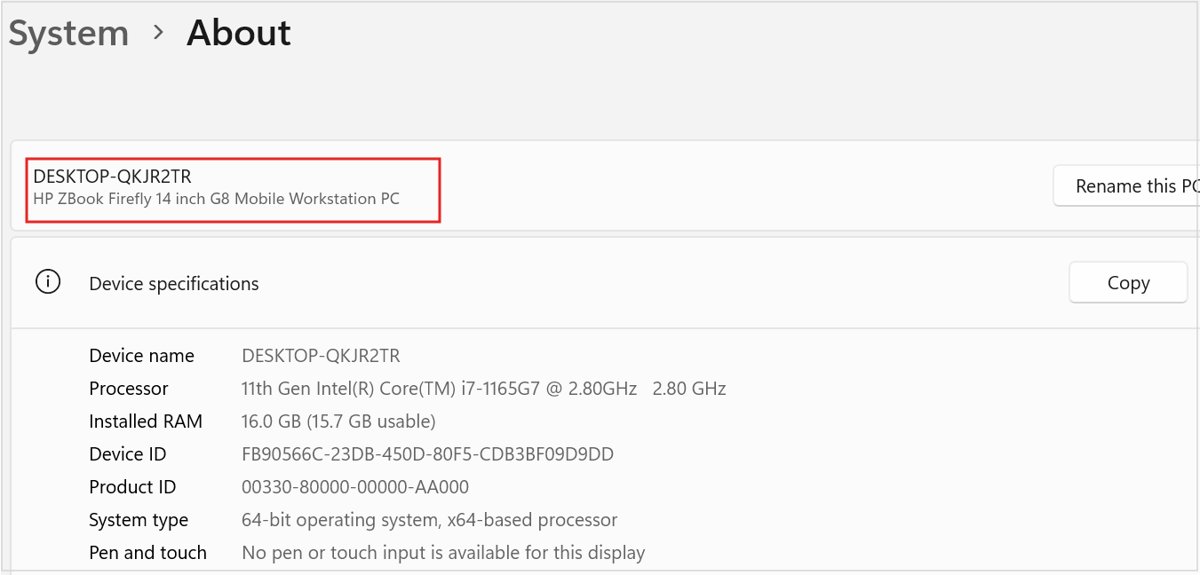
Find advanced system settings in Windows 11 under Settings > System > About, or press Win + R and run SystemPropertiesAdvanced. Every route, tab, and fix.