Techdows

Windows how-to guides, fixes and software downloads

  • Home
  • Settings and hardware

    • Printers
    • Sound and microphone
    • Wi-Fi and network
    • Bluetooth
    • Display and monitors
    • Drivers
    • Keyboard shortcuts and symbols

    Using Windows

    • File Explorer
    • Storage and disk space
    • Taskbar, Start and desktop
    • Apps and default programs
    • Accounts and sign-in
    • Copilot in Windows
    • Command Prompt and PowerShell

    Updates and fixes

    • Windows Update
    • Windows 11 26H2
    • Error codes and BSOD
    • Boot, BIOS and recovery
    • Security and Defender
    • Task Manager and performance
    • DLL and runtime errors

    Popular fixes

    • Get help in Windows 11
    • Connect a wireless printer
    • Re-pair Bluetooth earbuds for stereo sound
    • Cancel a stuck print job
    • Change default programs

    All Windows guides →

  • Browse by type

    • Web browsers
    • Office and productivity apps
    • PC games and launchers
    • Phone and media apps
    • Developer tools
    • Creative apps
    • CAD software
    • System utilities and drivers

    Popular downloads

    • GTA V for PC
    • YouTube app for PC
    • Google Meet for PC
    • Cisco Packet Tracer
    • TikTok for PC

    Windows tools

    • PC Health Check app
    • HEVC Video Extension
    • DirectX 12
    • Cinebench R23

    All download guides →

  • Browser guides

    • Microsoft Edge
    • Google Chrome
    • Firefox
    • Web browsers for PC

    Microsoft Edge

    • Fix WebView2 using too much memory
    • Internet Explorer mode in Edge
    • Manage Edge favorites
    • Set or remove Edge as default

    Chrome and Firefox

    • Make Chrome the default browser
    • Restore closed tabs
    • Change the default web browser

    All browser guides →

  • Office guides

    • Outlook
    • Excel
    • Word and PowerPoint
    • OneDrive
    • Install Microsoft 365

    Meetings and other tools

    • Teams, Zoom and Google Meet
    • Google Docs and Sheets
    • PDF tools

    Office apps

    • Office product key
    • Office Deployment Tool
    • What is OneDrive?
    • Turn off OneDrive in Windows 11

    Outlook and Teams

    • Outlook inbox view changed
    • Schedule an email in Outlook
    • Outlook dark mode
    • Teams breakout rooms

    All Office and productivity guides →

  • PHP security

    • PHP2Shell patch download
    • PHP critical RCE security update
    • CVE-2026-109618 fix
    • CVE-2026-109619 explained
    • Mitigations if you can't update

    Update PHP

    • Update PHP to the latest version
    • Check your PHP version
    • Update PHP on Ubuntu and Debian
    • Restart PHP-FPM

    Hosting and local servers

    • Update PHP in XAMPP
    • Change PHP version in cPanel
    • Update PHP in Laragon and WampServer
    • Update PHP Docker images
    • WordPress PHP version check

    PHP downloads

    • PHP 8.5.12 download
    • PHP 8.4.27 download
    • PHP 8.3.36 and 8.2.35 download
    • Download PHP for Windows

    PHP2Shell by platform

    • PHP 8.3 fix on Ubuntu 24.04
    • PHP 8.1 fix on Ubuntu 22.04
    • PHP 8.2 and 8.4 fix on Debian
    • Update PHP on IIS
    • Cloudflare PHP2Shell WAF rule

    All PHP guides →

  • Sections

    • Gaming
    • Apple
    • Android
    • Apps and services
    • Developer and IT

    Apple

    • iPhone tips and fixes
    • Reset and restore iPhone
    • iPad
    • Mac and macOS
    • Apple Account and iCloud
    • Apple devices on Windows

    Apps, Android and gaming

    • Gmail and Google account
    • YouTube
    • Social media accounts
    • Streaming TV
    • Android and Samsung Galaxy
    • PC gaming and Xbox
    • Roblox and Minecraft on PC

    Developer and IT

    • WSL and developer setup
    • Virtual machines
    • Group Policy and Intune
    • Windows Server
    • Website error codes
  • News
Home›Google Chrome

Google Chrome

694 articles

Google Chrome guides and news from Techdows: new features in each Chrome release, flags and settings worth knowing, extension recommendations, and solutions to frequent Chrome issues on Windows and Mac. Kept current with Chrome’s rapid update cycle.

Google Chrome
Chrome desktop RSS Feed Reader built in

Chrome for desktop gets built-in RSS Feed Reader to follow sites

August 24, 2022 by Venkat Eswarlu 1 Comment
Chrome desktop RSS Feed Reader built in

After android, Google is integrating RSS feature into Chrome on desktop for users to subscribe to sites and follow updates.

Posted in: Google Chrome, News
Google Chrome
Chrome Password Manager to gain biometric authentication settings Windows Mac

Chrome on Mac to allow Touch ID to access Passwords

August 9, 2022 by Venkat Eswarlu Leave a Comment
Chrome Password Manager to gain biometric authentication settings Windows Mac

Soon, Chrome will allow users on Mac to authenticate w/ a Touch ID (biometric) to access saved passwords

Posted in: Google Chrome, News
Google Chrome

Finally, Chrome can now Translate Selected Text

July 28, 2022 by Venkat Eswarlu 3 Comments

Google is adding “Translate” option to right click menu for selected text in Chrome browser on desktop. Here is how to use it.

Posted in: Google Chrome, News
Google Chrome
Chrome side panel appearing on left side

Chrome now allows moving Side Panel to left from right

July 20, 2022 by Venkat Eswarlu 1 Comment
Chrome side panel appearing on left side

Don’t want the Side Panel on right side of screen? Google Chrome can now also show it on left side.as well.

Posted in: Google Chrome, News
Android
Chrome android all Closed tabs and tab groups available for restore

Chrome on Android now lets you restore all Closed tabs at once

July 20, 2022 by Venkat Eswarlu Leave a Comment
Chrome android all Closed tabs and tab groups available for restore

Google Chrome for Android allows users to restore all closed tabs or tab groups in bulk with a single tap.

Posted in: Android, Google Chrome, News
Google Chrome
Enable new PWA install dialog Chrome desktop

Chrome brings detailed PWA install Prompts to desktop

July 14, 2022 by Venkat Eswarlu 2 Comments
Enable new PWA install dialog Chrome desktop

Google Chrome on desktop to display description and screenshot for PWA install dialog, here is how you can enable the new rich install UI.

Posted in: Google Chrome, News
Google Chrome
Search Chrome history @history

Chrome lets you search through bookmarks, tabs and history from address bar

July 9, 2022 by Venkat Eswarlu Leave a Comment
Search Chrome history @history

Google Chrome is making it easier to find your bookmarks, history and tabs from address bar with a new feature.

Posted in: Google Chrome, News
Google Chrome
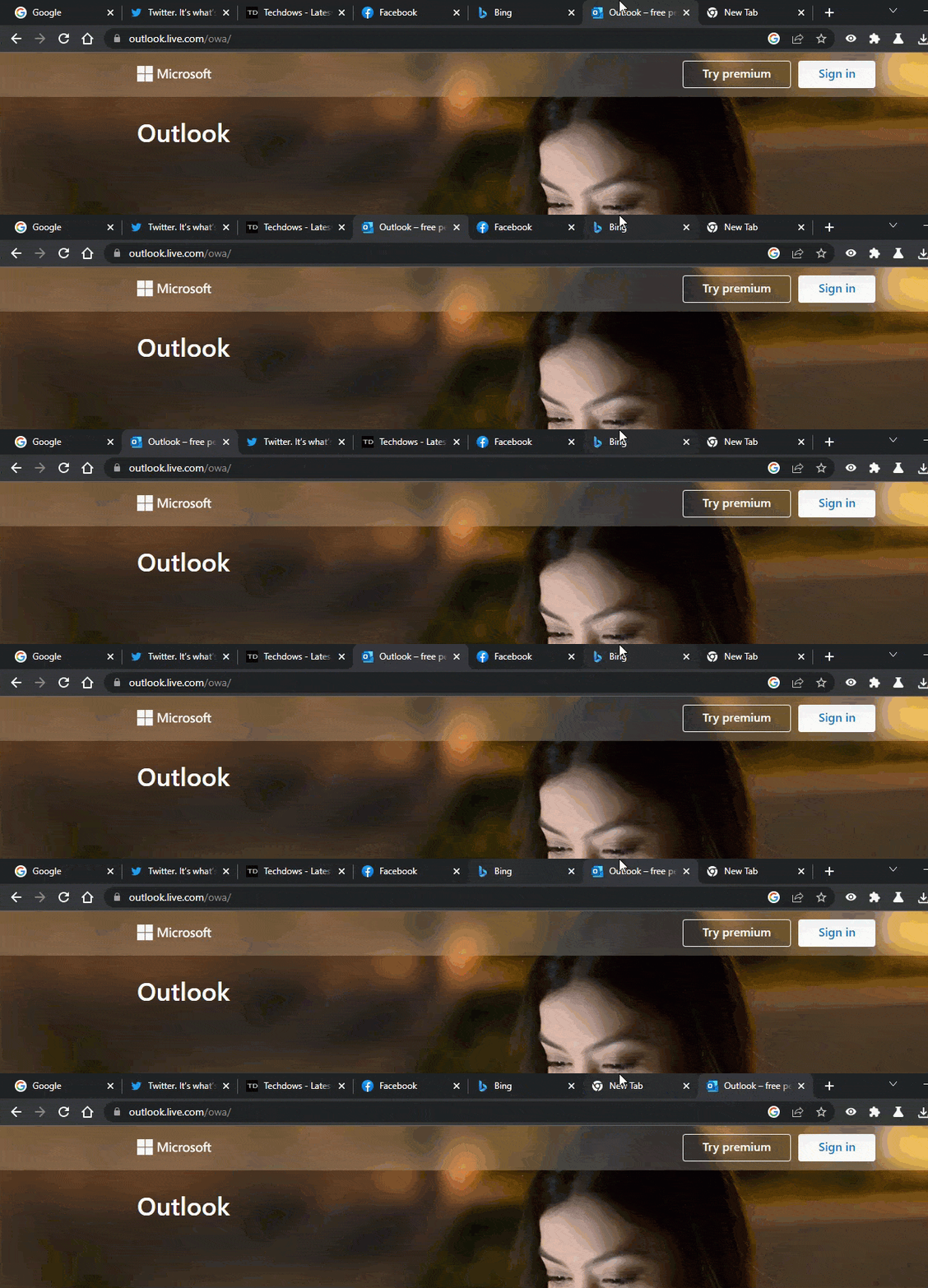
Chrome Password Manager to gain biometric authentication settings Windows Mac

Chrome adding Biometric authentication for Passwords to Windows and Mac

July 8, 2022 by Venkat Eswarlu Leave a Comment
Chrome Password Manager to gain biometric authentication settings Windows Mac

Soon, Chrome will allow users on Windows & Mac to authenticate w/ a fingerprint scanner (biometric) rather than typing a password when accessing Passwords.
Posted in: Google Chrome, News
Google Chrome
Reordering tabs Chrome keyboard shortcuts Windows Mac

Chrome and Edge let you reorder tabs w/ Keyboard shortcuts in a cool way

April 30, 2022 by Venkat Eswarlu Leave a Comment
Reordering tabs Chrome keyboard shortcuts Windows Mac

Finally, Google Chrome (and Microsoft Edge) on Windows/Mac allows reordering tabs using keyboard shortcuts after Linux without needing any extension.

Posted in: Google Chrome, Microsoft Edge, News
Android
Chrome Actions Android

Google Chrome on Android gets Actions, how to enable

April 26, 2022 by Venkat Eswarlu Leave a Comment
Chrome Actions Android

Google launches Chrome Actions in Chrome for Android. The feature allows users to get things done faster from address bar. Here is how to enable and use t.

Posted in: Android, Google Chrome, News
Google Chrome

Chrome puts Google Search results in Side Panel on Windows

March 13, 2022 by Venkat Eswarlu 2 Comments

Google Chrome on Windows can now show Google search results in a Side Panel. Here is how you can enable and get Side Search experience .

Posted in: Google Chrome, News
Google Chrome
Chrome 99 uninstall PWAs from Windows Settings or Control Panel

Chrome 99 lets you Uninstall Web Apps from Windows Settings and remove default Search engines

March 2, 2022 by Venkat Eswarlu 2 Comments
Chrome 99 uninstall PWAs from Windows Settings or Control Panel

Google has released Chrome 99 with the ability to remove Default Search Engines and uninstall Progressive Web Apps from Windows Settings or Control Panel.

Posted in: Google Chrome, News
« Previous 1 … 4 5 6 … 58 Next »

More from Techdows

Rearrange iPhone apps from computer - iPhone home screen next to a Mac keyboard
How to rearrange iPhone apps from your computer with iPhone Mirroring
How to · 5 hours ago
Steam Workshop mods - PC game menu on a monitor beside a desktop speaker
Steam Workshop: Create, share, and discover mods
How to · 5 hours ago
Apple Music hi-res lossless on a hi-fi - stereo receiver and speaker
Apple Music for audiophiles: how to stream Hi-Res Lossless to a hi-fi streamer or DAC
How to · 5 hours ago
Microsoft Authenticator QR code - QR code on a device screen
Microsoft Authenticator QR code: how to get, scan & set up
How to · 4 hours ago
iPhone 7 Plus speakers - speaker grille and Lightning port on an iPhone
Where are the speakers in the iPhone 7 Plus?
How to · 4 hours ago
Weather widget on iPhone Lock Screen - iPhone showing the Weather app
Weather widget showing a blank icon on iPhone Lock Screen? How to fix it
How to · 4 hours ago
Change signature in Outlook - hands typing on a laptop
How to change signature in Outlook (2026 method)
How to · 4 hours ago
Apple Mobile Device USB driver - iPhone Lightning cable connector
How to install Apple Mobile Device USB driver on Windows 11 for seamless iPhone connectivity
How to · 3 hours ago

© 2009–2026 Techdows · About · Contact · Privacy Policy

Copyright © 2026 Techdows.

Techdows WordPress Theme by Techdows