To cancel a Fubo subscription, sign in at fubo.tv, open My Account > Subscription, expand your plan, select Cancel, then choose CANCEL SUBSCRIPTION on the discount offer.
This guide covers the website and Roku routes, free trials, refunds, what happens to your recordings, and fixes when the cancel option is missing or charges continue.
How to cancel a Fubo subscription
Use these steps if you signed up on the Fubo website. Fubo says you must finish every step, or the subscription stays active.
- Go to fubo.tv in a web browser and sign in with your Fubo email and password.
- Select any profile on the Who's Watching? screen.
- Click the settings icon, then select My Account from the drop-down menu.
- Select Subscription on the My Account screen.
- Click your plan to expand it, scroll to the bottom and select Cancel.
- If a discount offer appears, select CANCEL SUBSCRIPTION to continue, or REDEEM OFFER to stay.
- Click OK on the confirmation page.
The discount screen is not the end of the process. Your subscription is only canceled once the confirmation page appears.
How to cancel a Fubo subscription on Roku
A subscription you started on Roku's website or a Roku device is billed by Roku, so you cancel it with Roku, not on fubo.tv. To cancel on the Roku device itself, follow these steps.
- Press Home on your Roku remote.
- Highlight the Fubo app in the channel grid with the directional pad.
- Press the Star button to open the options menu.
- Select Manage subscription to see your renewal date.
- Select Cancel subscription, then select Cancel subscription again to confirm.
- Note the date your access ends, then select Done.
To cancel online instead, open the subscriptions page at my.roku.com, click Unsubscribe next to your Fubo plan and select Yes, Unsubscribe. The page shows RENEW until the current service period ends.
Cancel Fubo via mobile app
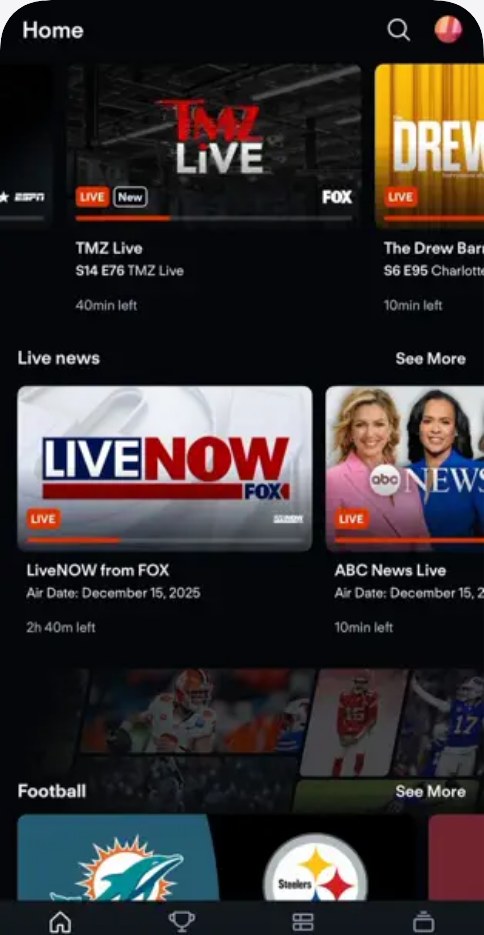
Fubo does not offer a cancel button inside its iPhone, Android or Apple TV app. Fubo says subscription changes must be made in a web browser at fubo.tv, so use your phone's browser instead.
- Open Safari, Chrome or another browser on your phone.
- Go to fubo.tv/account and sign in with your Fubo email and password.
- Choose a profile, then open My Account and select Subscription.
- Expand your plan and select Cancel.
- Select CANCEL SUBSCRIPTION on the offer screen and tap OK on the confirmation.
Deleting the Fubo app from your phone or TV does not cancel the subscription.
Cancel Fubo via customer support
Contact Fubo if you can't sign in or the website flow keeps failing. Live chat and phone support run from 10:00 AM to 10:00 PM ET, seven days a week, and holiday hours may vary.
- Open the Fubo Help Center at support.fubo.tv.
- Click the chat icon in the lower-right corner of the page.
- Type that you want to cancel your subscription, or select a billing topic.
- Ask to speak with a Fubo customer support agent if the virtual assistant can't finish it.
- Or call Fubo on 844-441-3826 during support hours.
The virtual assistant and online support requests are available 24/7, and an agent replies to a request by email.
How to cancel a Fubo free trial
Cancel before the trial ends to avoid the first charge, because a trial converts to a paid plan automatically. Cancelling a trial you started on the website ends your access immediately, and unused trial days are lost.
- Sign in at fubo.tv/account and check how many trial days remain.
- Open My Account > Subscription and expand your plan.
- Select Cancel, then CANCEL SUBSCRIPTION.
- Click OK on the confirmation page.
- For a trial started on Roku, cancel through Roku instead; that trial ends when the trial period ends.
Free trials are for new customers only, so you won't get a second trial if you return later.
Overview of Fubo TV
| Item | Details |
|---|---|
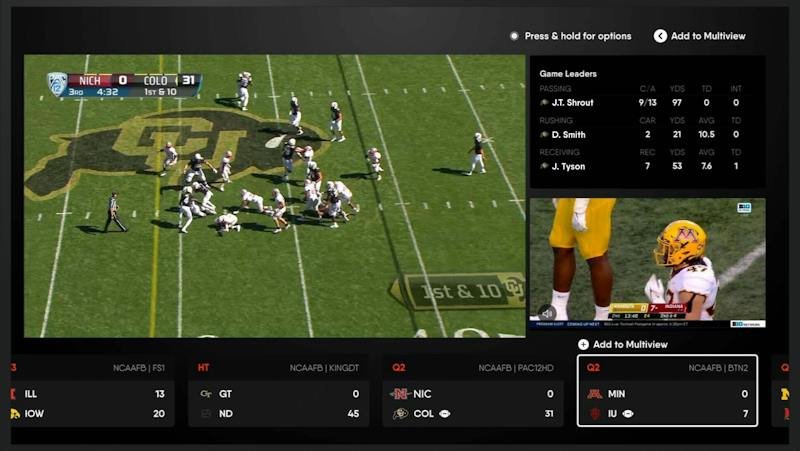
| What it is | A live TV streaming service focused on sports, with news and entertainment channels |
| Owner | FuboTV Inc., which also owns Hulu + Live TV and Molotov |
| Billing | Monthly renewal until you cancel, billed by Fubo or by Roku |
| Where you manage it | fubo.tv/account in a web browser, or Roku for Roku-billed accounts |
| After you leave | Former subscribers can use Fubo Free, a set of ad-supported channels |
Understanding Fubo TV subscription plans
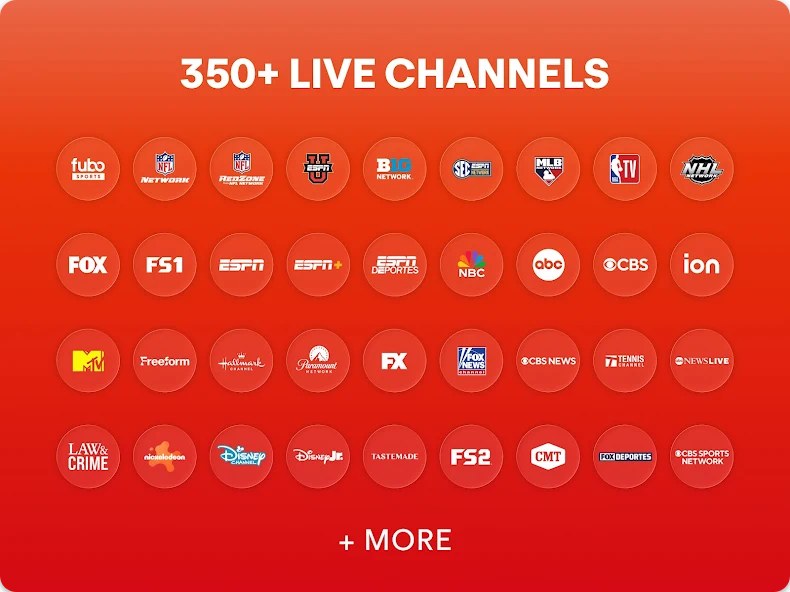
Your plan sets what you lose when you cancel. All English plans include unlimited Cloud DVR and unlimited screens, but every recording is deleted when the subscription expires.
| Plan | What Fubo lists for it |
|---|---|
| Pro | Base plan, unlimited DVR and screens, regional MLB, NHL and NBA games in select markets |
| Core (select markets) | Base plan, unlimited DVR and screens, regional games depending on location |
| Elite | Base plan plus 4K, Fubo Extra and News Plus |
| Ultra (select markets) | Same features as Elite |
| Sports + News (select markets) | Sports service with ESPN Unlimited included |
| Latino | Spanish-language base plan with unlimited DVR |
Different Fubo plans and pricing
Fubo doesn't publish one fixed price list in its Help Center; the cost depends on your plan, your location and the add-ons you pay for. Check fubo.tv/account for your exact monthly charge before you decide.
| Change | What it does to your bill |
|---|---|
| Downgrade to a cheaper plan | Takes effect immediately with a prorated credit on your next bill |
| Upgrade to a pricier plan | Takes effect immediately with a prorated charge for the rest of the cycle |
| Remove an add-on | Stops at the start of your next bill cycle; no further charge |
| Add an add-on | Prorated charge now, full add-on price on later bills |
| Cancel | No more charges after the current billing period; no refund for it |
Features and benefits of cancelling your Fubo TV subscription
| What you get by cancelling | Detail |
|---|---|
| No more monthly charges | Billing stops once the current period ends |
| Paid time is kept | You watch everything until the billing period you paid for runs out |
| No cancellation fee on most plans | Only promotional offers with a commitment period may carry an early cancellation fee |
| Free channels afterward | Fubo Free gives former subscribers over 170 ad-supported channels on supported devices |
| Easy return | You can reactivate from fubo.tv/account whenever you want |
Reasons for cancelling Fubo TV subscription
Not every reason needs a full cancellation. Match your reason to the cheapest fix before you leave.
| Your reason | Better move | Why |
|---|---|---|
| The bill is too high | Downgrade the plan or remove add-ons | A downgrade gives a prorated credit right away |
| Sports season is over | Cancel now | Fubo has no pause, and you keep access until the period ends |
| Only testing the service | Cancel the free trial before it ends | The trial converts to paid automatically |
| Moving house | Update your ZIP Code when you reactivate | Plans and local channels depend on location |
| Leaving for good | Cancel and use Fubo Free | Free ad-supported channels stay available to former subscribers |
Preparation before cancelling your Fubo TV subscription
- Sign in at fubo.tv/subscription and check whether it says Roku Subscription.
- Note your next billing date on the subscription page, so you cancel before it.
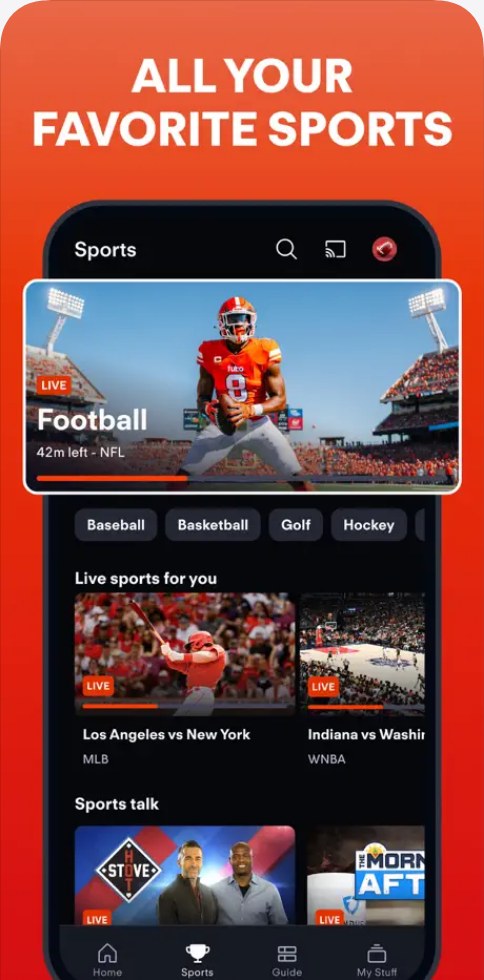
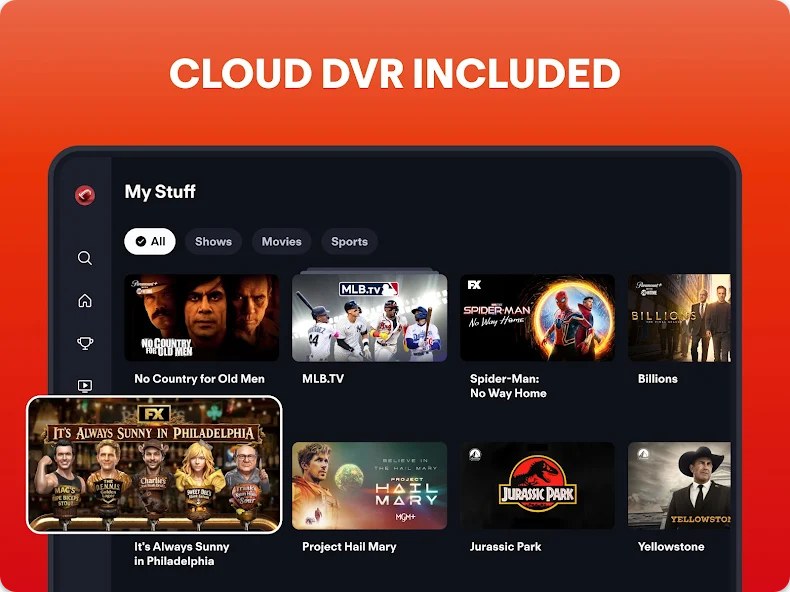
- Watch or write down any Cloud DVR recordings you want, because they are deleted when the subscription expires.
- Check whether your plan came from a promotion with a commitment period.
- Use a web browser on a computer or phone, since the Fubo app has no cancel option.
Gathering Fubo account information
| Information | Why you need it |
|---|---|
| Fubo email and password | Every cancel route starts by signing in at fubo.tv |
| Who bills you | Fubo-billed accounts cancel on fubo.tv; Roku-billed accounts cancel with Roku |
| Roku account sign-in | Needed for my.roku.com if Roku bills you |
| Other email addresses | A second Fubo account under another email can keep charging you |
| Last payment date | Shows which billing period you have already paid for |
Reviewing the cancellation policy for Fubo TV
| Situation | Fubo's policy |
|---|---|
| Paid monthly plan | Renews monthly; cancellation takes effect after the current billing cycle |
| Free trial from the website or Fubo Sales Team | Cancelling ends access immediately |
| Free trial through Roku | The subscription ends when the trial ends |
| Refunds | None for prepaid or partial months of service |
| Cancellation fees | None on most plans; commitment promotions may charge an early cancellation fee |
Tips for canceling a Fubo subscription
| Tip | Why it matters |
|---|---|
| Cancel a few days before your billing date | A charge taken before you cancel covers the whole period and isn't refunded |
| Read the offer screen carefully | Choosing REDEEM OFFER keeps the subscription with a discount |
| Wait for the confirmation page | Leaving before it appears leaves the plan active |
| Check every email you have used | Old accounts under another address keep billing |
| Review your other subscriptions too | You can cancel your Hulu subscription or end a Netflix plan from each service's own account page the same day |
Additional tips for the Fubo cancel steps
| Step in the website flow | What to know |
|---|---|
| Log into your Fubo TV account | Use the email and password for the account that is billed |
| Access account settings | Any profile on the Who's Watching? screen can open My Account |
| Navigate to subscription management | Subscription sits on the My Account screen; click the plan to expand it |
| Initiate cancellation | Cancel is at the bottom of the expanded plan |
| Confirm cancellation | Select CANCEL SUBSCRIPTION, not REDEEM OFFER |
| Verify cancellation and save confirmation | Take a screenshot of the confirmation page before you click OK |
How to check if your Fubo subscription is canceled
Signing in to check does not reactivate anything, as long as you make no changes.
- Sign in at fubo.tv and open My Account > Subscription.
- If the page shows the date access ends at the end of the billing cycle, the subscription is set to cancel.
- If the page offers options to reactivate, or a welcome back message, the subscription is already canceled.
- Make no changes and sign out.
- For Roku billing, check that my.roku.com shows RENEW next to Fubo instead of an active renewal.
What to expect after cancelling your Fubo TV subscription
| Item | What happens |
|---|---|
| Live channels | Available until the paid billing period ends |
| Cloud DVR recordings | Available until the subscription expires, then deleted automatically |
| Add-ons | End with the subscription |
| Your account | Stays in place, so you can sign in and reactivate later |
| Free content | Fubo Free opens to former subscribers on supported devices, not Roku or Samsung TVs |
Billing and refund policy for Fubo TV
Don't expect a refund for the current month, so cancel before your next billing date. Fubo does not refund prepaid or partial months of service. If you were billed before you cancelled, that charge covers the full period and you keep watching until it ends.
Fubo billing dates and access
| When you cancel | Access and billing |
|---|---|
| Mid-cycle on a paid plan | Access continues to the end of the cycle; no further charge |
| After the renewal charge went through | That charge stands, and access runs to the end of the new period |
| During a website free trial | Access ends right away and no charge is taken |
| On Roku billing | Roku shows how long you keep access when you cancel |
Important tips for Fubo billing
| Tip | Reason |
|---|---|
| Remove add-ons rather than cancel if you only want a lower bill | Removing an add-on stops its charge from the next cycle |
| Check for a commitment promotion | Leaving early may trigger an early cancellation fee |
| Use the Roku account for Roku billing | Change Plan and Manage Add-Ons don't appear on fubo.tv for Roku-billed accounts |
| Keep the confirmation | It helps if a charge appears later and you contact support |
Fubo access duration post-cancellation
A cancelled paid plan keeps full access until the current billing period ends. A cancelled free trial expires immediately.
- Sign in at fubo.tv and open your account information page.
- Read the expiry date shown for your subscription.
- After that date, sign in again and choose Go to free content instead to use Fubo Free.
- Look for a lock icon on programming, which means it needs a paid plan.
Troubleshooting common Fubo cancellation issues
Unable to locate the cancel option
Your subscription is billed through Roku, or you are looking in the Fubo app instead of a browser.
- Sign in at fubo.tv/subscription in a web browser.
- If it says Roku Subscription, cancel on your Roku device or at my.roku.com.
- If it is a Fubo subscription, click the plan to expand it and scroll to the bottom for Cancel.
Cancellation button not responding
The flow stops at the discount offer or before the confirmation page, so the cancellation never completes.
- Start again from My Account > Subscription.
- On the offer screen, select CANCEL SUBSCRIPTION.
- Wait for the confirmation page and click OK.
- If it still fails, use live chat or call 844-441-3826.
Billing or payment issues
You were billed before cancelling, have a second account, or Roku bills you.
- Check your last payment date in account settings; a charge before cancellation covers that full period.
- Search your inboxes for Fubo emails sent to another address and cancel that account too.
- If Roku bills you, cancel with Roku, check its confirmation and contact Roku support about any later charge.
- Contact Fubo Support if charges continue after the period ends.
Still charged after cancelling Fubo
The cancellation was not finished, so the plan renewed.
- Sign in and check whether the subscription page shows an end date or reactivation options.
- If it shows neither, repeat the cancel steps until the confirmation page appears.
- Contact Fubo Support with the charge date.
Final tips for leaving Fubo
| Tip | Why |
|---|---|
| Don't delete the account details | You need the same email and password to reactivate or use Fubo Free |
| Reactivate before expiry if you change your mind | You keep your billing date, add-ons, favorites and Cloud DVR recordings |
| Expect no new free trial later | Returning customers are billed at reactivation |
| Sign out without changes when you check status | Viewing the page doesn't restart billing |
Tips for managing your Fubo TV subscription
Changing your plan or add-ons can cut the bill without losing Fubo. These changes work only in a web browser at fubo.tv.
- Sign in at fubo.tv, pick a profile, click the settings icon and select My Account.
- Select Subscription, then select Change Plan next to My Plan.
- Choose the plan you want and confirm with Yes, I'm Sure if Fubo removes included add-ons.
- To drop an add-on instead, select Manage Add-Ons next to My Add-Ons and click the checkmark.
- Select Check Out, review the changes, then select Update Subscription.
Pausing Fubo instead of cancelling
Cancel instead; Fubo has no pause option. Fubo does not let you pause or suspend a subscription. Cancelling keeps your access until the end of the period you paid for, and you can reactivate whenever you are ready to return.
Alternative viewing options after Fubo
| Option | What you get |
|---|---|
| Fubo Free | Over 170 free, ad-supported live and on-demand channels for former subscribers |
| A cheaper Fubo plan | Keep Fubo with fewer channels and a prorated credit |
| Fewer add-ons | Keep your plan and drop extras from the next cycle |
| Hulu + Live TV | Another live TV service owned by FuboTV Inc., focused on entertainment |
Fubo Free does not include local channels or regional sports, and it isn't available on Roku or Samsung TVs.
How to restart a Fubo subscription after canceling
- If your plan is still set to cancel, sign in, open My Account > Subscription & Billing and select Reactivate in the reminder at the top.
- If the subscription has already ended, go to fubo.tv/account and sign in with your previous email and password.
- On the Welcome Back page, review the plan and select Reactivate Subscription.
- Select Change to pick another plan, or Enter Credit Card to use a new card.
- For Roku billing, reactivate at my.roku.com or on your Roku device.
Reactivating after the subscription ends bills you immediately for the full plan, and that date becomes your new billing date.
Fubo subscription cancellation FAQ
Can I cancel my Fubo subscription at any time?
Yes. Fubo plans renew monthly, and you can cancel whenever you want from fubo.tv/account. Most plans have no cancellation fee, but a promotional offer with a commitment period may charge an early cancellation fee if you leave before it ends.
How do I cancel a subscription on the Fubo app?
You can't cancel inside the Fubo app. Open a web browser on your phone or computer, sign in at fubo.tv, go to My Account, then Subscription, expand your plan and select Cancel. Roku-billed plans are cancelled through Roku instead.
How do I cancel a Fubo subscription online?
Sign in at fubo.tv, choose a profile, click the settings icon and select My Account. Select Subscription, expand your plan, select Cancel, then choose CANCEL SUBSCRIPTION on the discount offer and click OK on the confirmation page.
Will I receive a refund if I cancel my Fubo subscription?
No. Fubo does not provide refunds for prepaid or partial months of service. When you cancel a paid plan, you keep watching until the current billing period ends, and no further charges are taken after that.
What happens to my recordings if I cancel my subscription?
Your Cloud DVR recordings stay available until the subscription expires, then Fubo deletes them automatically. They don't carry over to Fubo Free. Reactivating before the expiry date keeps your recordings.
Can I restart my Fubo subscription after canceling?
Yes. Sign in at fubo.tv/account and select Reactivate Subscription on the Welcome Back page. You won't get another free trial, and Fubo bills you immediately for the full plan, with that date becoming your new billing date.
How do I cancel Fubo on Apple TV?
Cancel it at fubo.tv/account in a web browser. Fubo's Apple TV help directs account changes, including cancelling and resubscribing, to that web page. If you originally subscribed through Roku, make the change in your Roku account instead.
How do I cancel Fubo without logging in?
Contact Fubo Support by live chat from the Help Center or by phone on 844-441-3826, from 10:00 AM to 10:00 PM ET every day. Roku-billed subscriptions can also be cancelled from your Roku device or my.roku.com.