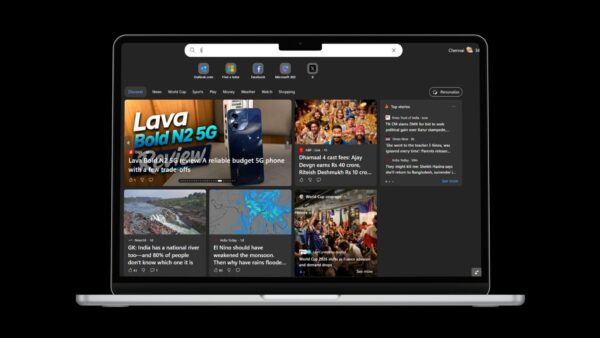
The new Chromium-based Microsoft Edge now lets you customize the new tab page from the browser’s Settings. Until this change, the only place to pick how a new tab looks was the welcome screen you see the first time you open Edge after installing it, or the gear on the new tab page itself. The latest Canary build adds a dedicated New tab page section to Settings, behind an experimental flag.
What the new tab page offers
When Microsoft opened its Edge preview channels in April 2019, it explained that the new tab experience is powered by Microsoft News and comes in three themes:
- Inspirational, with vivid Bing images as the background.
- Focused, a clean page that helps you get straight to work.
- Informational, which puts news content front and centre.
These are the same choices Edge offers during first-run setup. The new Settings section simply gives you a permanent place to come back and change your mind.
How to enable new tab page customization in Settings
The option was spotted in Edge Canary version 76.0.183.0. To try it:
- Update Edge Canary to 76.0.183.0 or newer.
- Type
edge://flagsin the address bar and press Enter. - Search for Enable using the Edge local NTP and set it to Enabled.
- Click Restart to relaunch the browser.
- Open Settings and go to New tab page.
- Choose the new tab layout and content you want there.
Canary builds are updated daily and Dev builds weekly, so features like this one usually show up in Canary first and reach the other channels later. As with any flag, it may change or disappear before the feature ships.
Why it matters
Edge has been gaining the settings people expect from a modern browser one build at a time. Putting new tab options in Settings, next to the startup and home page options, makes them easier to find than a small gear on the page itself, and it is closer to how Chrome and Firefox organise the same controls.
Today
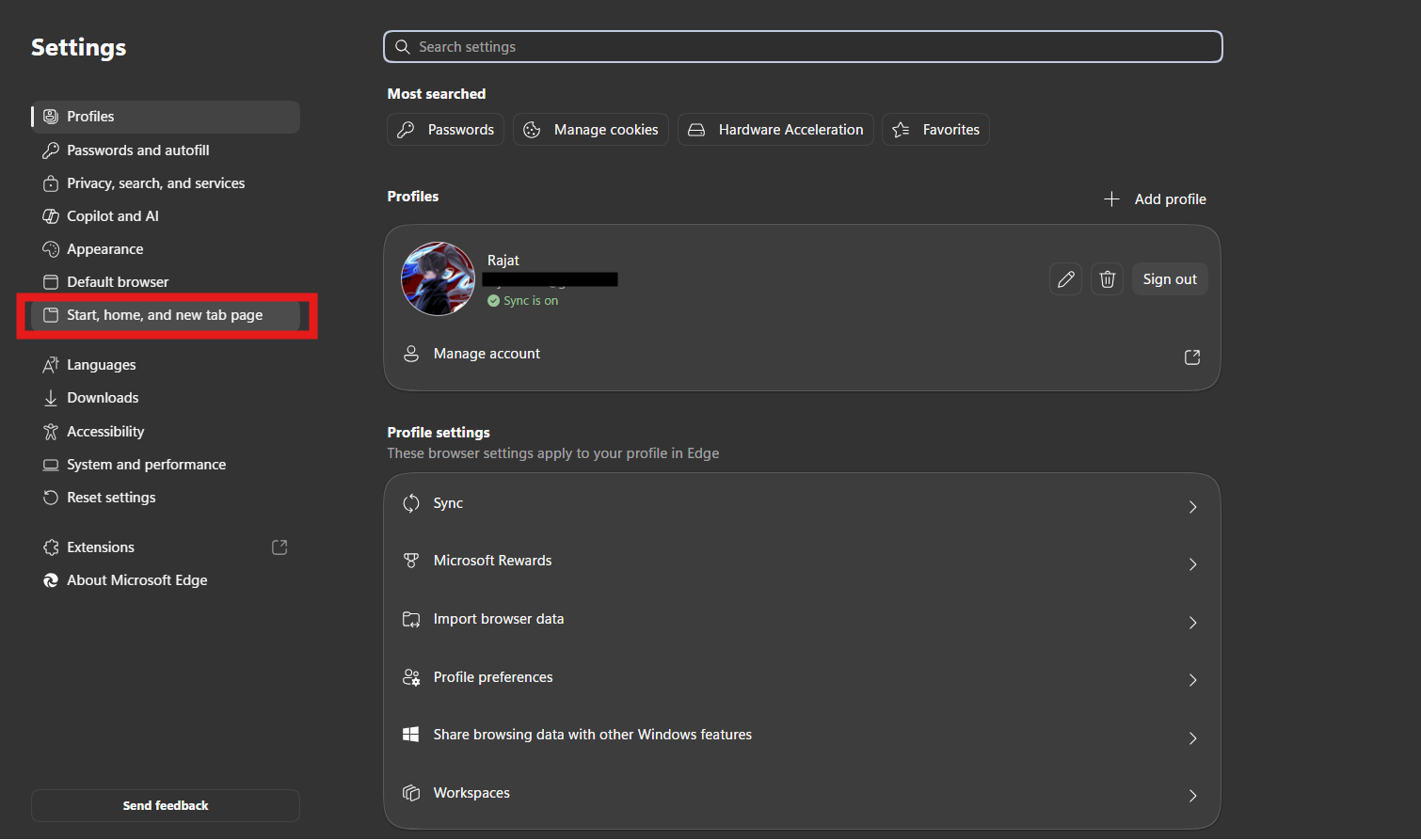
No flag is needed any more. In current versions of Edge, Microsoft says you can select Settings in the top-right corner of a new tab to change its content and page layout. The broader options sit under Settings and more > Settings > Start, home, and new tab page, where you also choose which page opens when you start Edge. Our Microsoft Edge guide covers the rest of the browser’s settings, and if a site keeps changing your pages, check its permissions the same way as in our guide on managing site settings.