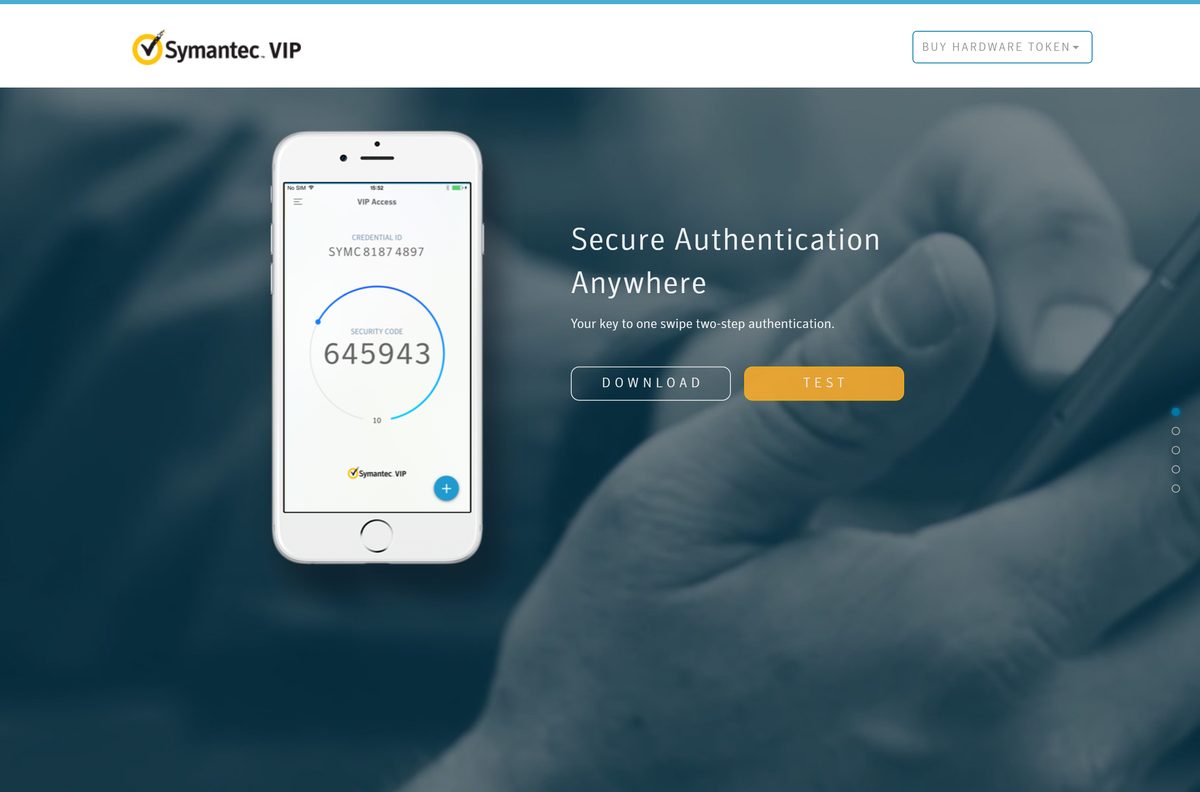
Your Symantec VIP Access download is free from Broadcom’s vip.symantec.com, with a desktop app for Windows 11, Windows 10 and Mac and a mobile app for iPhone and Android. Install it, and it shows a Credential ID and a fresh six-digit security code for your bank, broker or work sign-in.
Below: which build to pick, install steps for each platform, updates, fixes for codes that stop working, and clean removal.
Which Symantec VIP Access download do you need?
Install VIP Access on the device you keep with you when you sign in. A phone suits most people, because it also handles push approvals. The desktop app suits a PC you always log in from.
| Your device | What to install | Where to get it |
|---|---|---|
| Windows 11 or Windows 10 PC | VIP Access Desktop for Windows (VIPAccessSetup.exe) | Download for Windows |
| Mac with macOS 10.12 Sierra or later | VIP Access for Mac (DMG) | Download for Mac |
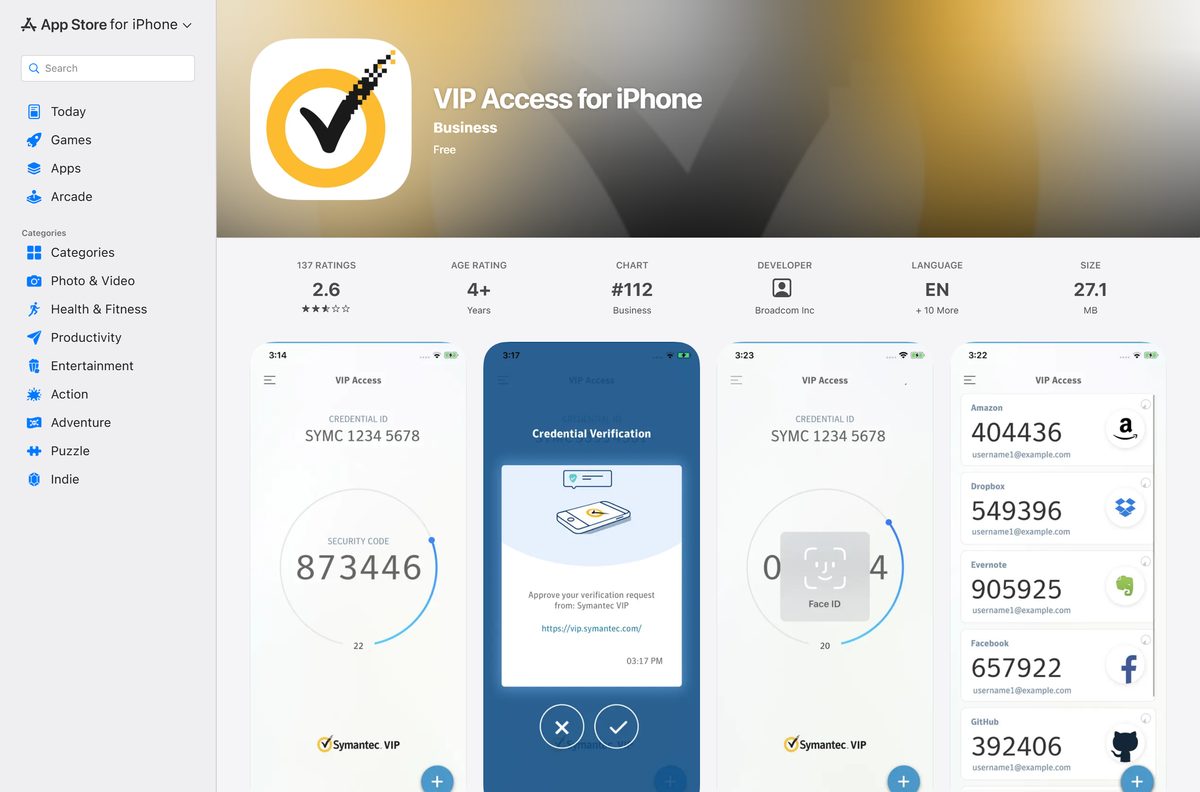
| iPhone, iPad or Apple Watch | VIP Access for iPhone (27.1 MB) | VIP Access on the App Store |
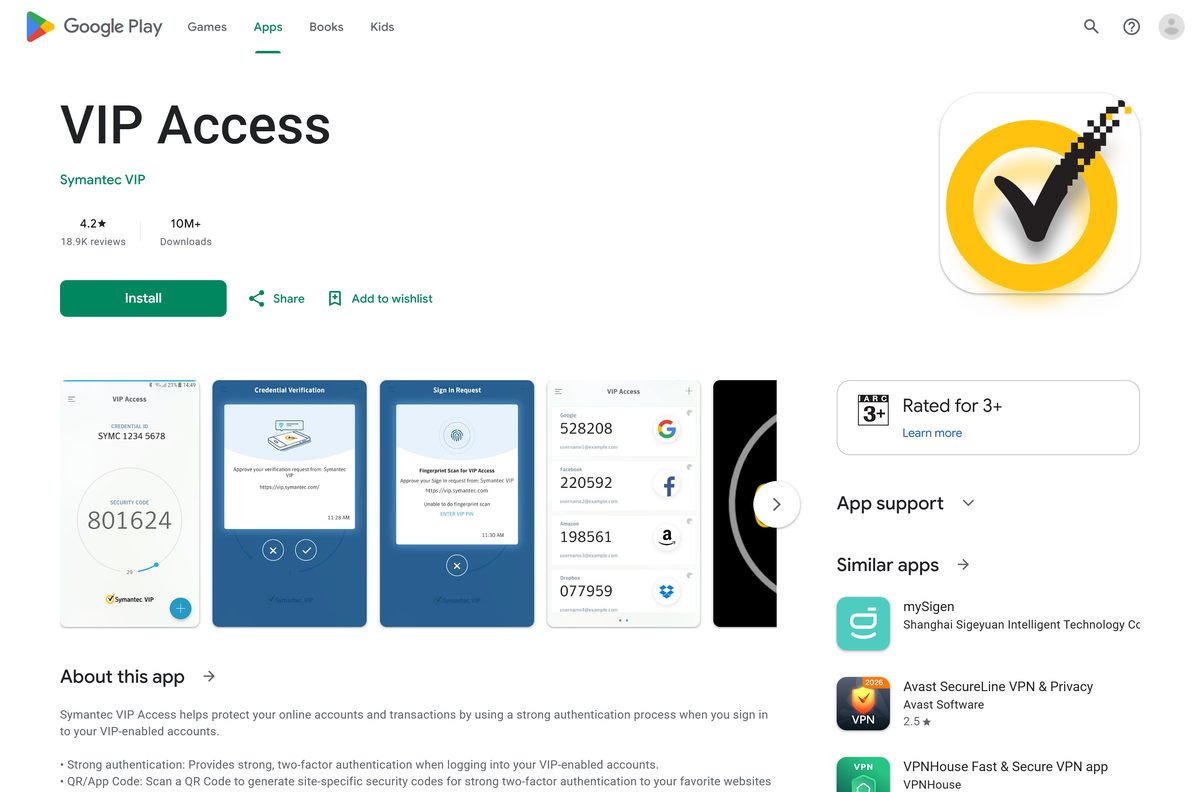
| Android phone or Wear OS watch | VIP Access for Android | VIP Access on Google Play |
Each install creates its own Credential ID. Register the ID of the device you actually plan to use.
Download Symantec VIP Access for Windows 11 and Windows 10
Broadcom publishes the desktop app on vip.symantec.com. The current Windows release notes cover VIP Access Desktop 2.2.7.
- VIP Access download page — select DOWNLOAD to see every platform
- VIPAccessSetup.exe for Windows — full setup file, no web installer
- VIP Access for Mac — DMG disk image
- VIP Access release notes — Broadcom’s list of desktop and Android releases
The setup file runs without an internet connection, so you can copy it to a PC that is offline.
How to install Symantec VIP Access on Windows 11 and 10
Run the installer on the Windows desktop, not in S mode or a remote app session. Broadcom qualifies VIP Access for native desktop mode only.
- Open vip.symantec.com and select DOWNLOAD.
- Choose the Windows download to save VIPAccessSetup.exe .
- Double-click VIPAccessSetup.exe in your Downloads folder.
- Select Yes at the User Account Control prompt.
- Follow the setup prompts and select Finish.
- Open VIP Access from the Start menu.
- Copy the Credential ID shown in the app.
- Paste the Credential ID into the security settings of the site or employer portal that asked for it.
- Enter the current Security Code when the site asks, before it changes.
VIP Access starts with Windows, so the code window is one click away at every sign-in.
Install Symantec VIP Access on iPhone or Android
The mobile app adds push approvals and Face ID, Touch ID or fingerprint checks, and it still generates codes with no signal.
- Open VIP Access on the App Store or VIP Access on Google Play.
- Confirm the developer shows Broadcom Inc on the App Store or Symantec VIP on Google Play.
- Tap Get or Install.
- Open VIP Access and allow notifications, so push approvals reach you.
- Copy the Credential ID and register it with your bank, broker or employer.
- To add a site such as Google or Amazon, scan its two-step verification QR code in the app.
Moving to a new phone? Generate a QR code in the old app to migrate the credential instead of registering from scratch.
Which Symantec VIP Access download do you need for your Mac?
Broadcom qualifies VIP Access for Mac on macOS Sierra 10.12 and later, on Apple M1 and M2 Macs.
| Your Mac | What to do | Link |
|---|---|---|
| Any Mac on macOS 10.12 or later | Download the DMG, open it and drag VIP Access to Applications | Download for Mac |
| macOS blocks it as from an unidentified developer | Control-click the package and select Open to allow it once | Apple: Safely open apps on your Mac |
| You want codes on your wrist or phone instead | Install the iPhone app, which also runs on Apple Watch | VIP Access on the App Store |
To start it later, open Applications > VIP Access and double-click VIP Access.
Is Symantec VIP Access free?
Yes. VIP Access is free to download and use on Windows, Mac, iPhone and Android. The App Store and Google Play list it as free, and vip.symantec.com charges nothing for the desktop app. Organisations pay Broadcom for the VIP service behind it, not you. The only paid item on vip.symantec.com is an optional hardware token. Treat any site that sells a VIP Access licence or key as a scam.
How to check your Symantec VIP Access version and update it
- Open VIP Access on the PC or Mac.
- Go to VIP Access > Settings.
- Turn on the option that lets VIP Access automatically download and install updates.
- On iPhone, open the App Store, tap your profile picture and select Update next to VIP Access.
- On Android, open Google Play, tap your profile icon, select Manage apps & device and update VIP Access.
Updating keeps the same Credential ID, so you do not need to re-register with your sites.
Check the Symantec VIP Access system requirements
| Field | Value |
|---|---|
| Software | Symantec VIP Access |
| Developer | Broadcom Inc. |
| Latest version | Desktop 2.2.7 (Windows), 1.0.8 (Mac), 5.2.0 (iPhone) |
| License | Free |
| Windows | Windows 11 and Windows 10, native desktop mode only |
| Mac | macOS Sierra 10.12 or later, qualified on M1 and M2 |
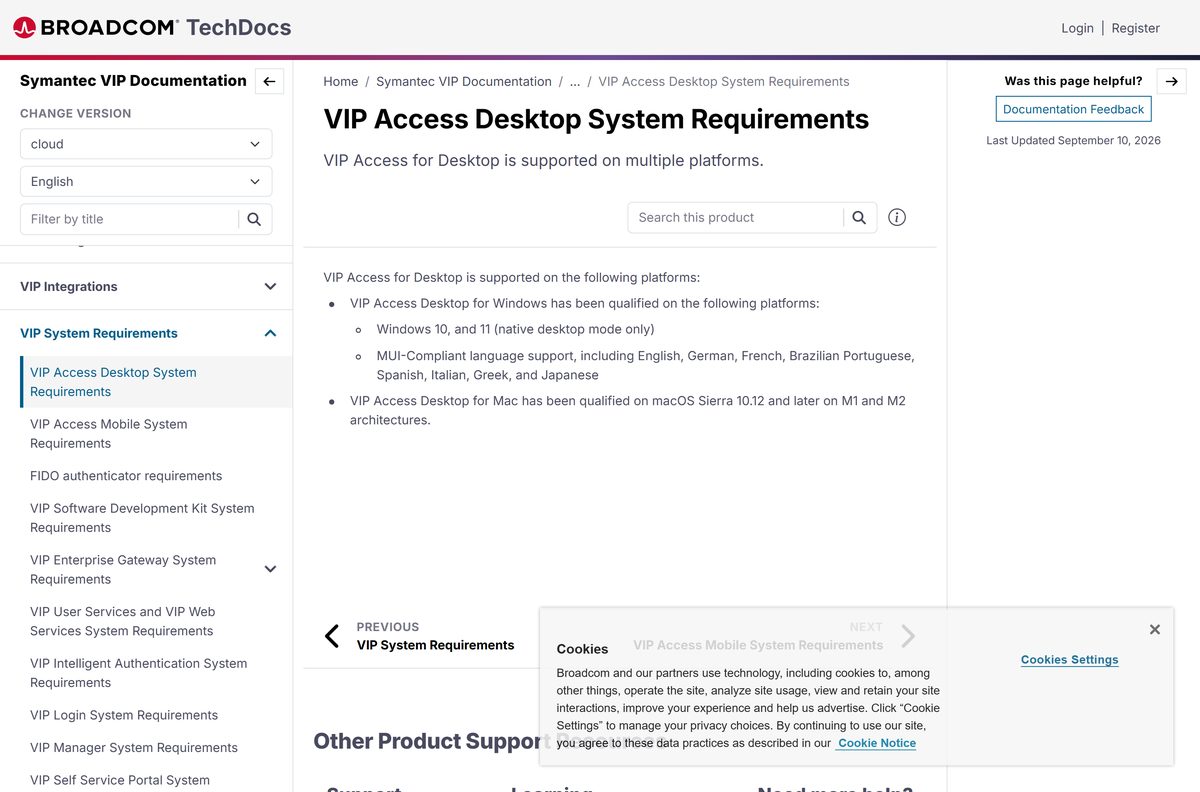
| iPhone and iPad | iOS 15 to 26 on iPhone, iOS 12 to 26 on iPad; App Store download 27.1 MB |
| Watches | Apple Watch on watchOS 9, 10, 11 or 26; Wear OS 4.0 |
| Android | Android 13, 14, 15 or 16 |
| Languages | English, German, French, Brazilian Portuguese, Spanish, Italian, Greek, Japanese |
| Offline installer | Yes (VIPAccessSetup.exe) |
| Official source | vip.symantec.com |
| Last verified | 2026-09-25 |
Broadcom keeps the desktop list on its VIP Access Desktop System Requirements page.
Fix Symantec VIP Access codes not working or the app not installing
The organisation that registered your credential is your first line of support. It can unlock your account and reset the credential.
The security code is rejected
The device clock has drifted, so VIP Access is out of sync with the time server.
- Set the date, time and time zone on the device to update automatically.
- Close VIP Access completely and open it again.
- Enter a fresh code right after it changes.
- If the site has locked you out after repeated failures, ask its support team to unlock your account.
macOS says the app is from an unidentified developer
Gatekeeper blocks the package on first launch.
- Control-click the VIP Access package in Finder.
- Select Open, then select Open again to allow it.
- Or open System Settings > Privacy & Security and select Open Anyway.
VIP Access asks to turn on Accessibility on a Mac
Upgrades from VIP Access 1.0.4/2.0.3 or older need the Accessibility permission to finish.
- Click Turn on Accessibility in the prompt.
- Unlock the Privacy settings with your Mac password.
- Tick the box beside VIP Access, then lock the settings again.
The site does not recognise your Credential ID
The ID belongs to a different install, or it was typed with a mistake.
- Copy the Credential ID straight from the app rather than retyping it.
- Register the ID from the device you are using now.
- Remove old, unused credentials from the site’s security settings.
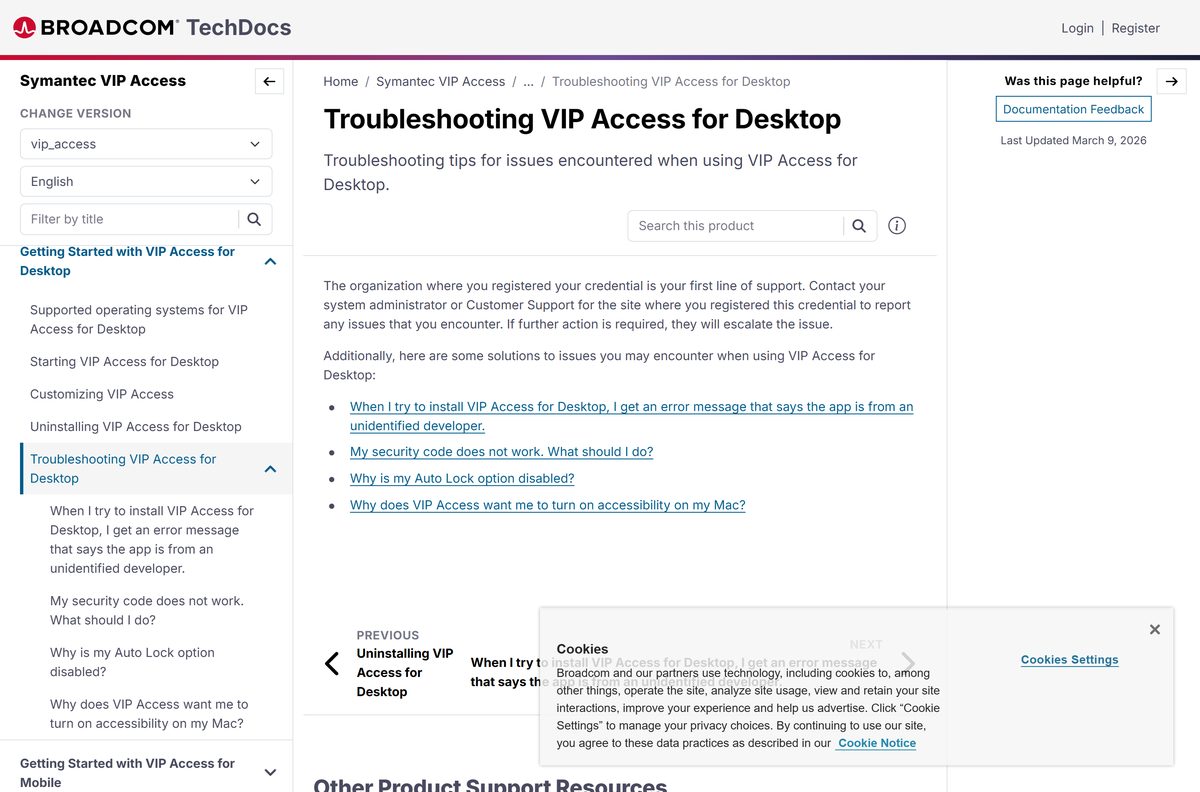
Broadcom lists more fixes on its VIP Access for Desktop troubleshooting page.
How to uninstall Symantec VIP Access
Removing the app deletes its credential. Register a new credential with every site that uses VIP first, or you can lock yourself out.
- Sign in to each site that uses your VIP credential and add a replacement credential.
- On Windows, open Settings > Apps > Installed apps.
- Select the … menu next to VIP Access and choose Uninstall.
- On a Mac, quit VIP Access, open Applications and drag the VIP Access folder to the Trash.
- On a phone, delete VIP Access the same way you remove any other app.
Microsoft and Apple document the standard steps: uninstall apps on Windows and uninstall apps on Mac.
Choose a Symantec VIP Access alternative
An alternative works only where the site accepts it. Banks and employers that issue VIP credentials usually require VIP Access itself.
| Option | Best for | Link |
|---|---|---|
| Microsoft Authenticator | Microsoft accounts and sites with standard QR-code two-step verification | Google Play |
| Google Authenticator | Google accounts and other sites with standard six-digit codes | Google Play |
| VIP hardware token | VIP sites where you cannot install apps | vip.symantec.com |
Keep VIP Access if your bank or employer gave you a VIP credential. Use a standard authenticator for everything else.
Frequently asked questions
Is Symantec VIP Access free?
Yes. VIP Access is free on Windows, Mac, iPhone and Android. The organisation that uses VIP pays Broadcom for the service, so you never buy a licence. The only paid item Broadcom offers users is an optional hardware token.
Where is the official Symantec VIP Access download?
The official download is on vip.symantec.com, Broadcom’s VIP site. Select DOWNLOAD there for the Windows or Mac app. The mobile app comes from the App Store as VIP Access for iPhone and from Google Play as VIP Access.
Does Symantec VIP Access work on Windows 11?
Yes. Broadcom qualifies VIP Access Desktop for Windows 10 and Windows 11 in native desktop mode. Run the installer on the normal Windows desktop rather than inside a remote app session.
How big is the Symantec VIP Access download?
Broadcom does not publish a size for the Windows or Mac setup file on its download page. The iPhone app is 27.1 MB on the App Store, and Google Play installs the Android app directly on the phone.
Is there an offline installer for Symantec VIP Access?
Yes. VIPAccessSetup.exe is a complete setup file rather than a web installer, so it installs without an internet connection. You still need a connection when you register the Credential ID with a site.
Is Symantec VIP Access available for Mac?
Yes. VIP Access for Mac runs on macOS Sierra 10.12 and later and is qualified on Apple M1 and M2 Macs. Download the DMG from vip.symantec.com and drag the app to Applications.
Does Symantec VIP Access support 64-bit Windows and ARM Macs?
Broadcom ships one Windows setup file and qualifies it on Windows 10 and 11. It does not list separate 32-bit, 64-bit or ARM64 packages. The Mac app is qualified on Apple silicon M1 and M2 Macs.
Is Symantec VIP Access safe?
Yes, when you get it from vip.symantec.com, the App Store or Google Play. Broadcom publishes the app, and the credential cannot be cloned. Never install a copy from a download portal, because a fake authenticator can steal your codes.
What is the latest version of Symantec VIP Access?
Broadcom’s newest release notes cover VIP Access Desktop 2.2.7 for Windows and VIP Access for Mac 1.0.8. The iPhone app is at version 5.2.0 on the App Store.
Why won’t my Symantec VIP Access code work?
A rejected code usually means the device clock is wrong. Set the date and time to update automatically, then reopen VIP Access. If the site locked your account after failed attempts, ask its support team to unlock it.
Can I move Symantec VIP Access to a new phone?
Yes. The mobile app can generate a QR code that migrates your VIP Access credential to a new device, even across iPhone and Android. Otherwise, install the app on the new phone and register its new Credential ID with each site.
What is a VIP Access Credential ID?
The Credential ID is the unique identifier VIP Access shows for your install. You give it to a bank, broker or employer once, and that site then accepts the security codes or push approvals from your copy of the app.